
Scientific Poster PowerPoint Templates
Free scientific poster PowerPoint templates in every size conferences actually hang — A0, A1, 36 x 48 in, and 46 x 46 in square, portrait and landscape. Unbranded academic layouts with the print type scale already set.
Reviewed by SciFig TeamUpdated
Scientific poster templates by size
All of the scientific poster PowerPoint templates below are the same files at different board sizes, so start from the size your conference specified — A0 is the default at most European meetings, 36 x 48 in across North America, and a few societies hang 46 x 46 in square boards. Each size opens its own page with all three layouts, all six colors, and the print type scale already applied, so the only thing left is your content. If the acceptance email did not state a size, the size chart further down lists the regional defaults.
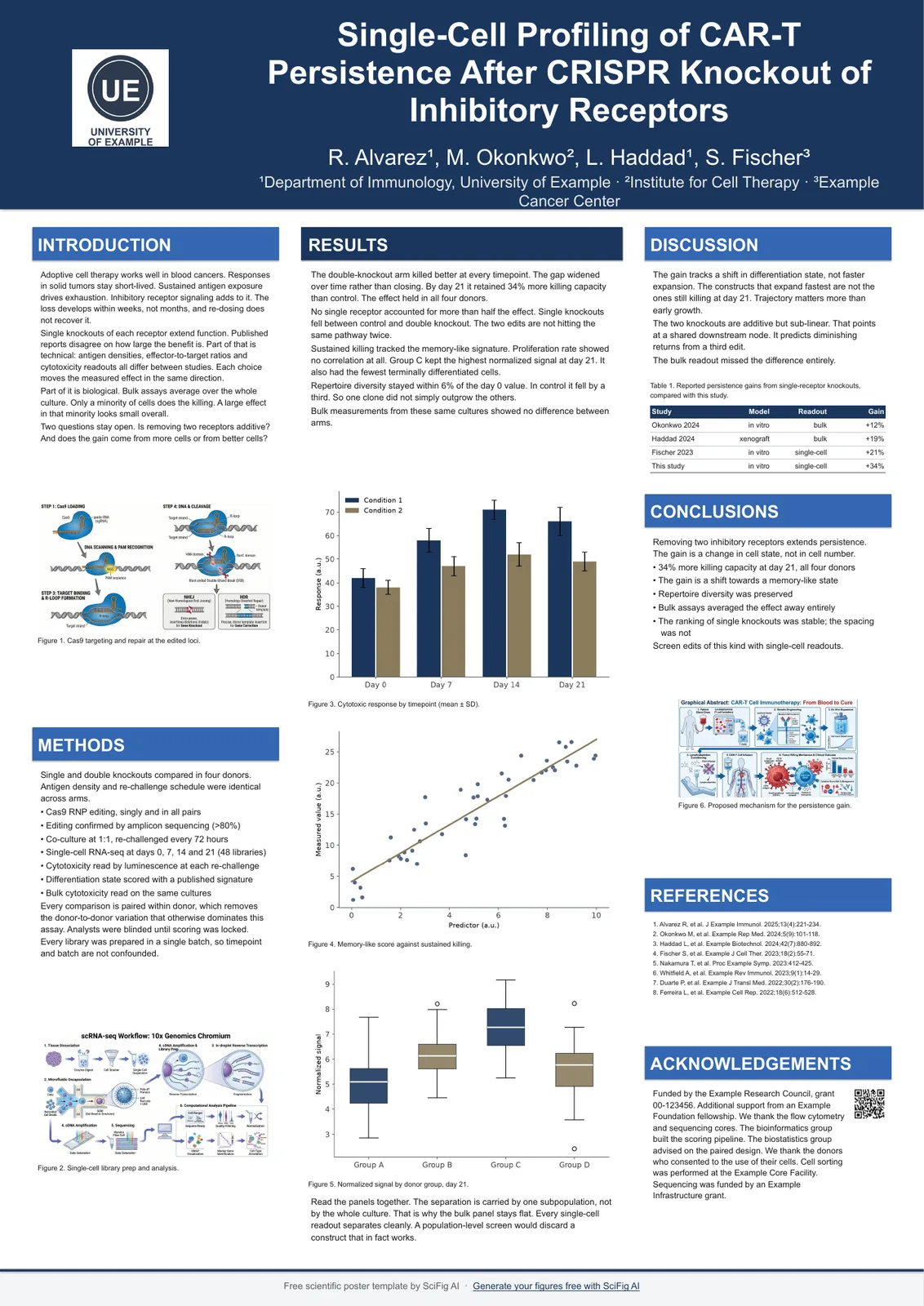 Scientific A0 Poster Template6 files · A0 portrait & landscape · 841 x 1189 mmView layouts & download →
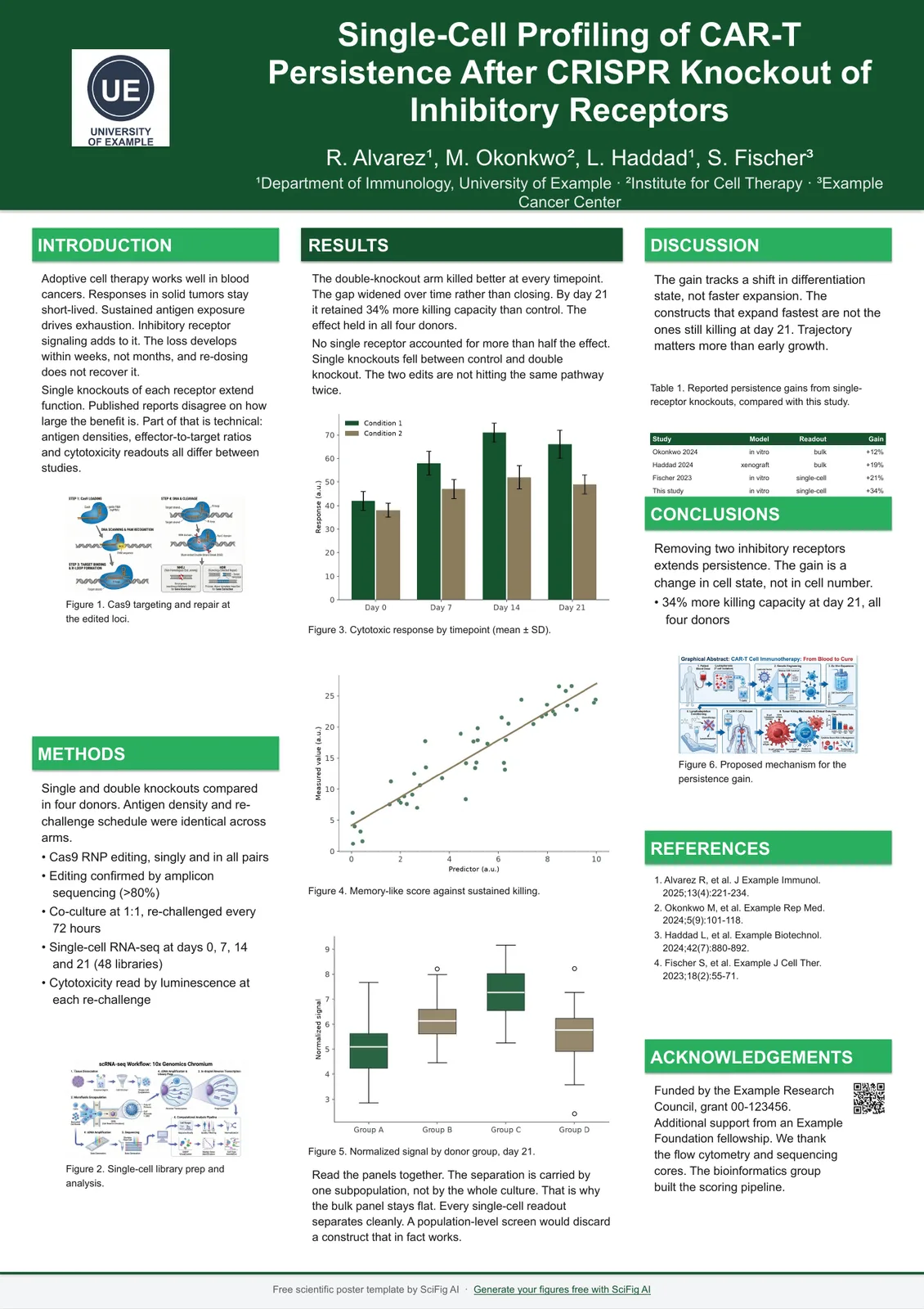 Scientific A1 Poster Template6 files · A1 portrait & landscape · 594 x 841 mmView layouts & download →
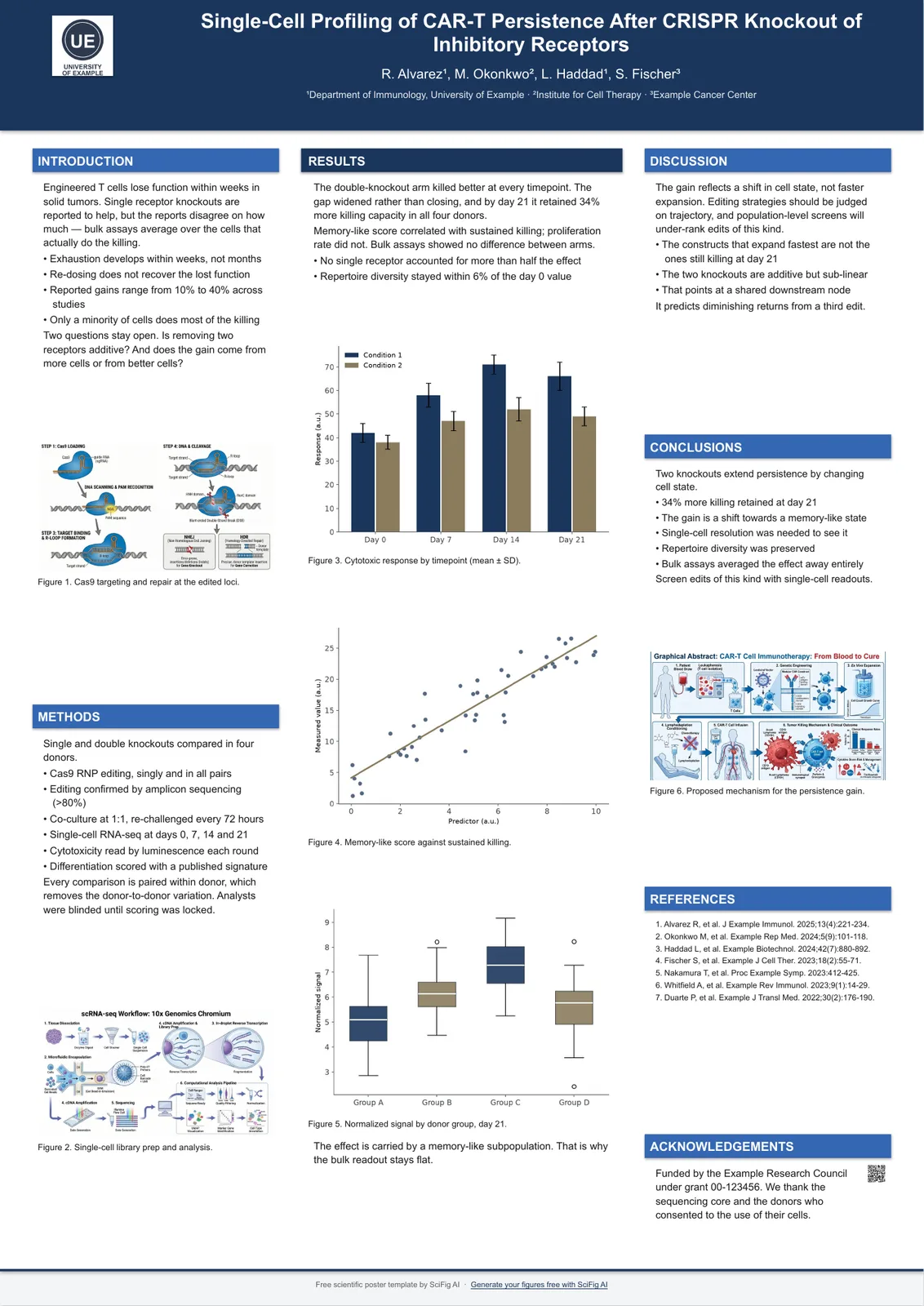 A2 Academic Poster Template6 files · A2 portrait & landscape · 420 x 594 mmView layouts & download →
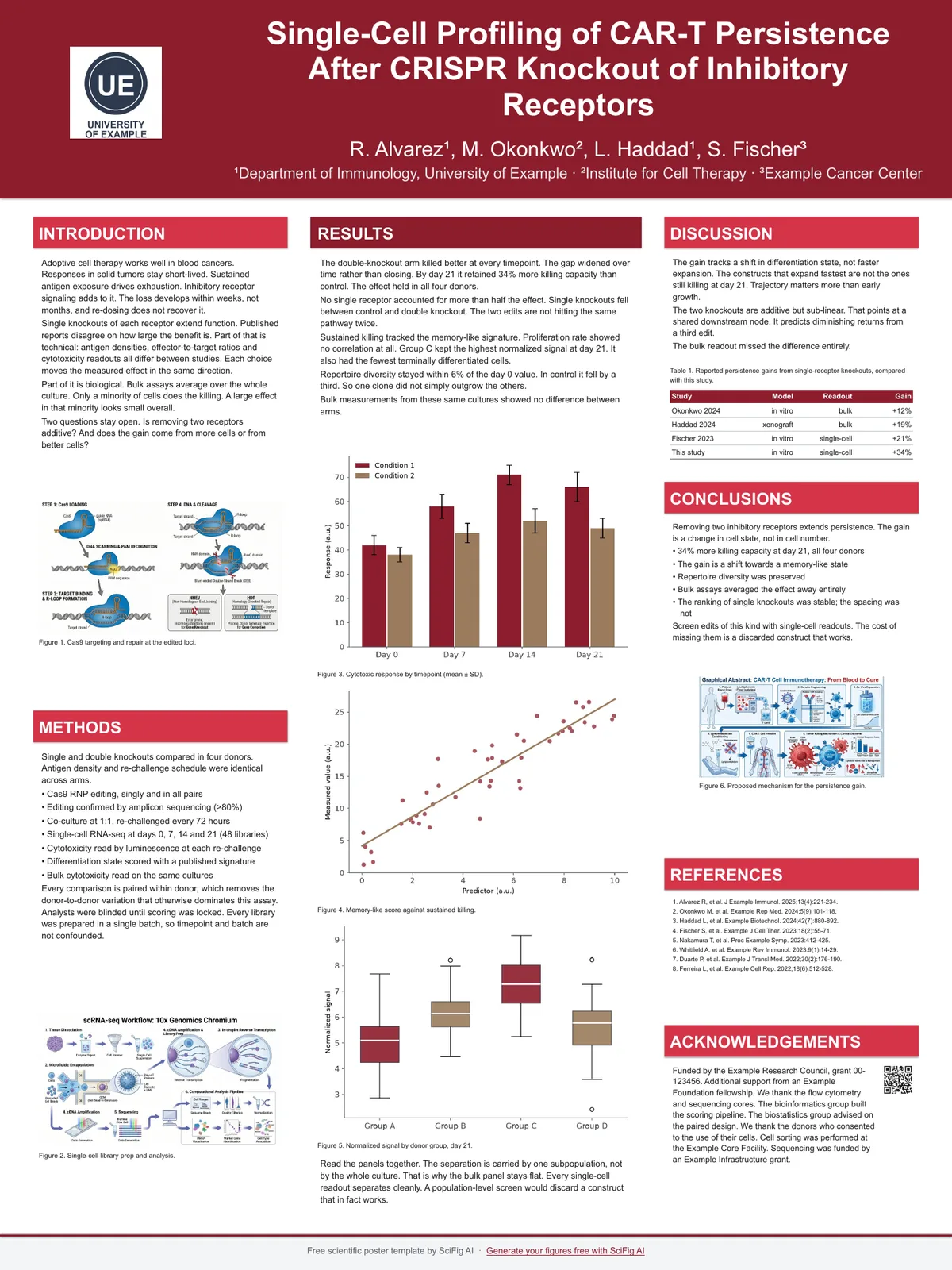 Scientific 36x48 Poster Template6 files · 36x48 portrait & 48x36 landscape · the North American standardView layouts & download →
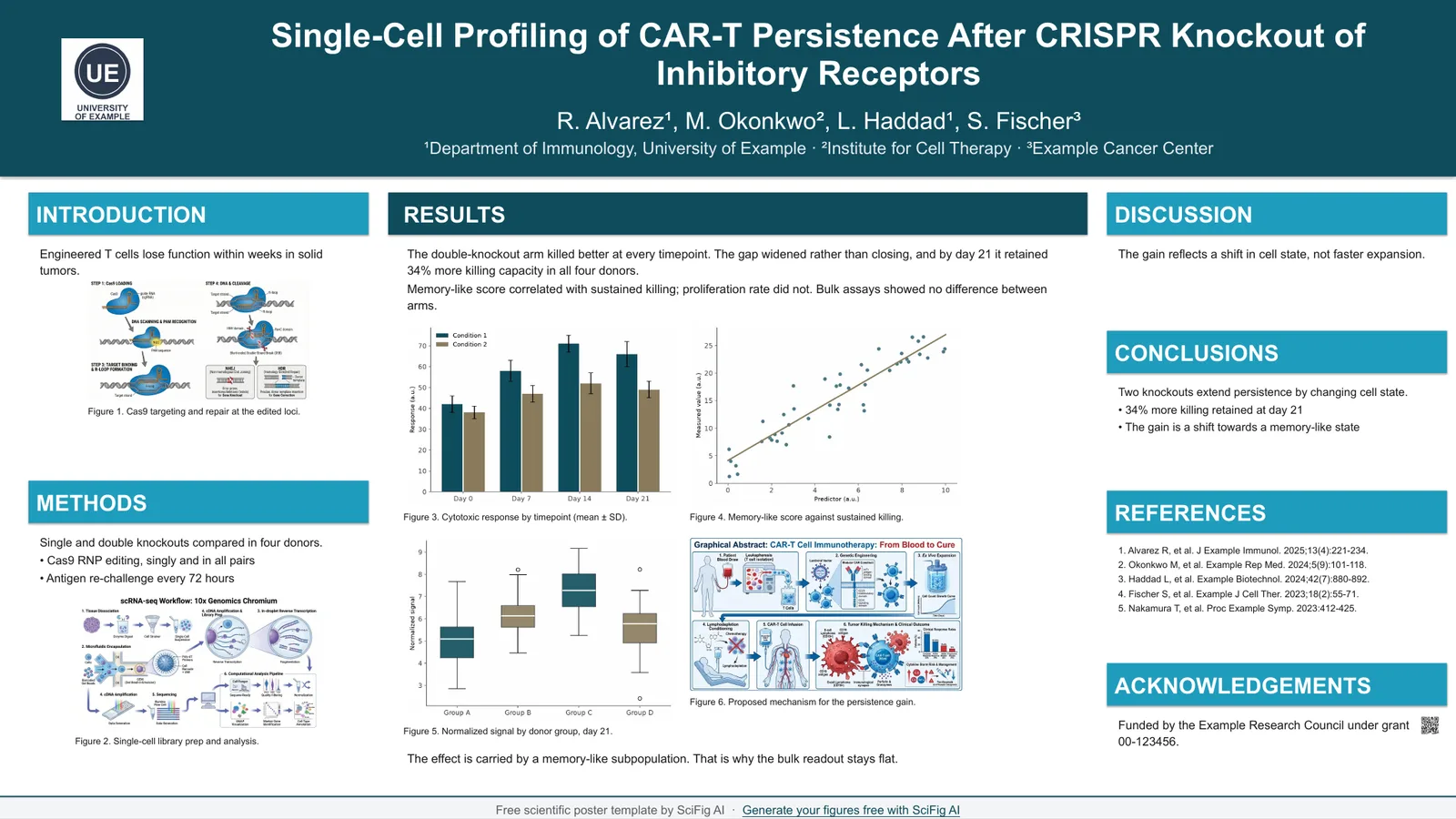 Scientific E-Poster Template3 shapes · 16:9 screen canvas plus A0 single pageView layouts & download →
Poster templates by orientation, conference type and design
Four ways in that are not a paper size: pick by which way the board hangs, by the kind of conference you are presenting at, or by the two things people ask about once the size is settled — which colors survive printing, and how to put a working QR code on the board.
- Scientific Poster Template Portrait Sizes12 files · Portrait at A0, A1, A2 and 36 x 48 inOpen the guide →
- Scientific Poster Template Landscape Sizes12 files · Landscape at A0, A1, A2 and 48 x 36 inOpen the guide →
- Scientific Conference Poster Template8 files · every board size in one place, including 46 x 46 in squareOpen the guide →
- Scientific Poster Color SchemesSix academic color schemes with hex values, plus how to change themOpen the guide →
- QR Code for a Scientific PosterFree in-browser QR generator, plus size and placement rulesOpen the guide →
Scientific poster sizes at a glance
Pick the size your conference asks for, then the orientation. Portrait is listed first because it is what most conferences hang.
| Size | Inches | Millimeters | Where it is used |
|---|---|---|---|
| A0 portrait | 33.11 x 46.81 | 841 x 1189 | The default across European conferences |
| A0 landscape | 46.81 x 33.11 | 1189 x 841 | European boards hung wide |
| A1 portrait | 23.39 x 33.11 | 594 x 841 | Smaller halls and departmental days |
| A1 landscape | 33.11 x 23.39 | 841 x 594 | Half-height boards |
| A2 portrait | 16.54 x 23.39 | 420 x 594 | Departmental poster days and corridor displays |
| A2 landscape | 23.39 x 16.54 | 594 x 420 | Small boards hung wide |
| 36 x 48 in portrait | 36 x 48 | 914 x 1219 | The North American standard |
| 48 x 36 in landscape | 48 x 36 | 1219 x 914 | North American boards hung wide |
| 46 x 46 in square | 46 x 46 | 1168 x 1168 | AVS, MRS, AIChE and Keystone square boards |
Poster templates by orientation
If you know which way the board hangs but not which paper size it is, start here — each page puts all four print sizes for that orientation side by side.
How to make a scientific poster from a template
Pick a poster template by size, layout and color, download it, then fill in the sections it already has.
Download a scientific poster template in the size your meeting hangs, in the layout and color you want — Classic, Four Column or Spotlight, each in six colors — and the board arrives already sized and typed for print. Write your study into the sections that are there: Introduction, Methods, Results, Discussion, Conclusions, References and Acknowledgements. Then fill the six image placeholders.
Text first
every gray prompt is a hint, not content. Click it and start typing; it disappears on its own and never prints.
Then the figures
six image placeholders are already sized and placed. A printed board is read from two meters away, and a figure carries further than a paragraph: it is what people remember, photograph and pass on. Need a graphical abstract, an infographic or a mechanism diagram you do not have yet? Describe it to the Scientific Figure Generator and drop the result straight into the box.
Before you fill anything in, give ten minutes to the examples. 18 scientific poster examples shows what the good ones share, and it is all subtractive: one hero figure, 300–800 words, color that means something.
Download a poster template
Every file opens in PowerPoint, Keynote, or Google Slides, and each one is a single ready-to-print layout — nothing to delete before you start. Listed here are the nine print sizes in all three layouts — Classic, Four column and Spotlight — with all six color schemes on every card. The three e-poster files ship in the Classic layout only. Open a size below for the walkthrough of that size.
A0 portrait — Classic
A0 · 841 x 1189 mm · 33.11 x 46.81 in
three columns arranged 1.2 : 1.6 : 1.2
6 colors, same layout. Click any one to download the PowerPoint template or open it in Google Slides.
- Navy — A0 portrait poster template
- Forest — A0 portrait poster template
- Crimson — A0 portrait poster template
- Teal — A0 portrait poster template
- Plum — A0 portrait poster template
- Graphite — A0 portrait poster template
See all six color schemes — and how to swap in your lab or university colors →
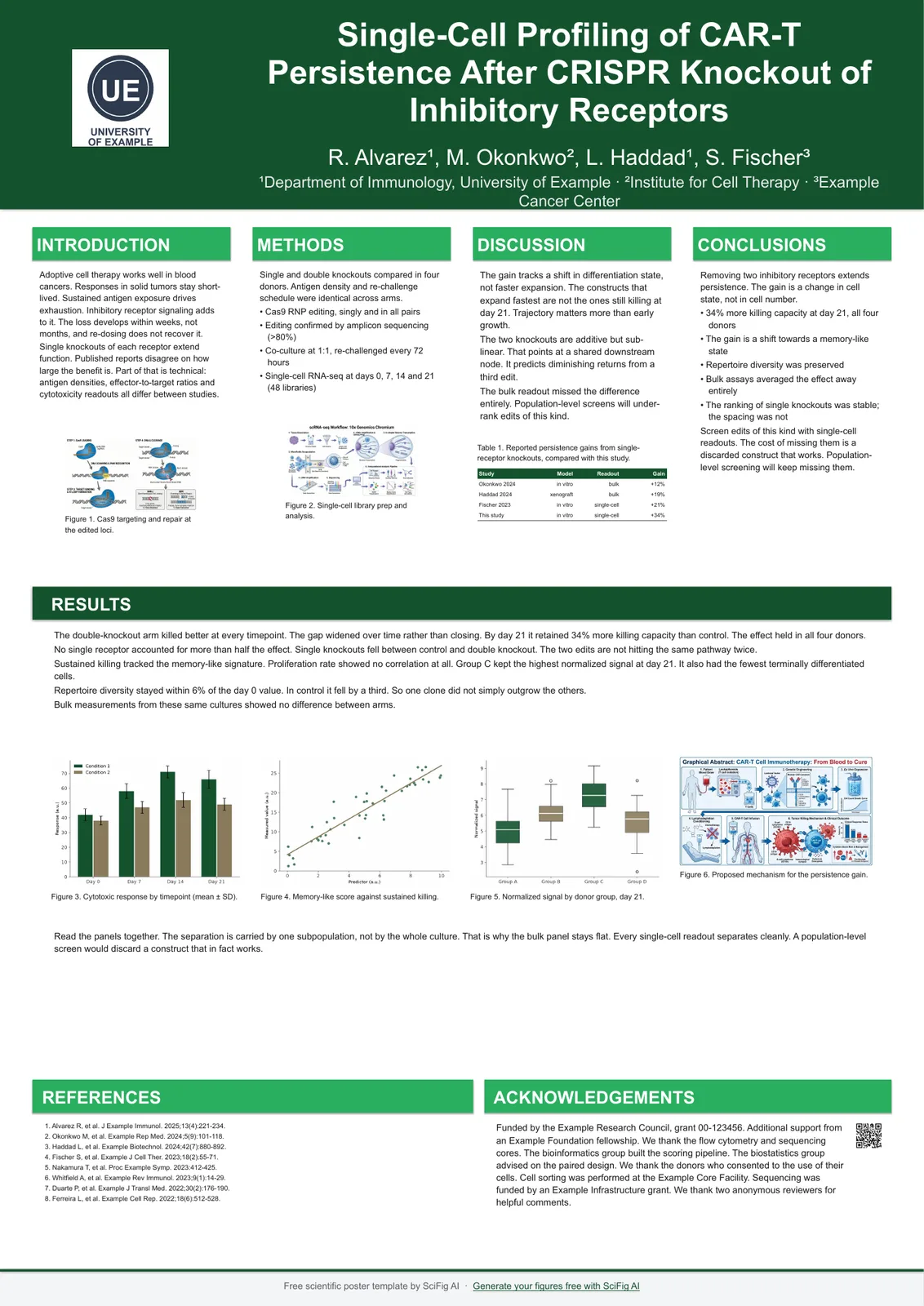
A0 portrait — Four column
A0 · 841 x 1189 mm · 33.11 x 46.81 in
four even columns
6 colors, same layout. Click any one to download the PowerPoint template or open it in Google Slides.
- Navy — A0 portrait poster template
- Forest — A0 portrait poster template
- Crimson — A0 portrait poster template
- Teal — A0 portrait poster template
- Plum — A0 portrait poster template
- Graphite — A0 portrait poster template
See all six color schemes — and how to swap in your lab or university colors →
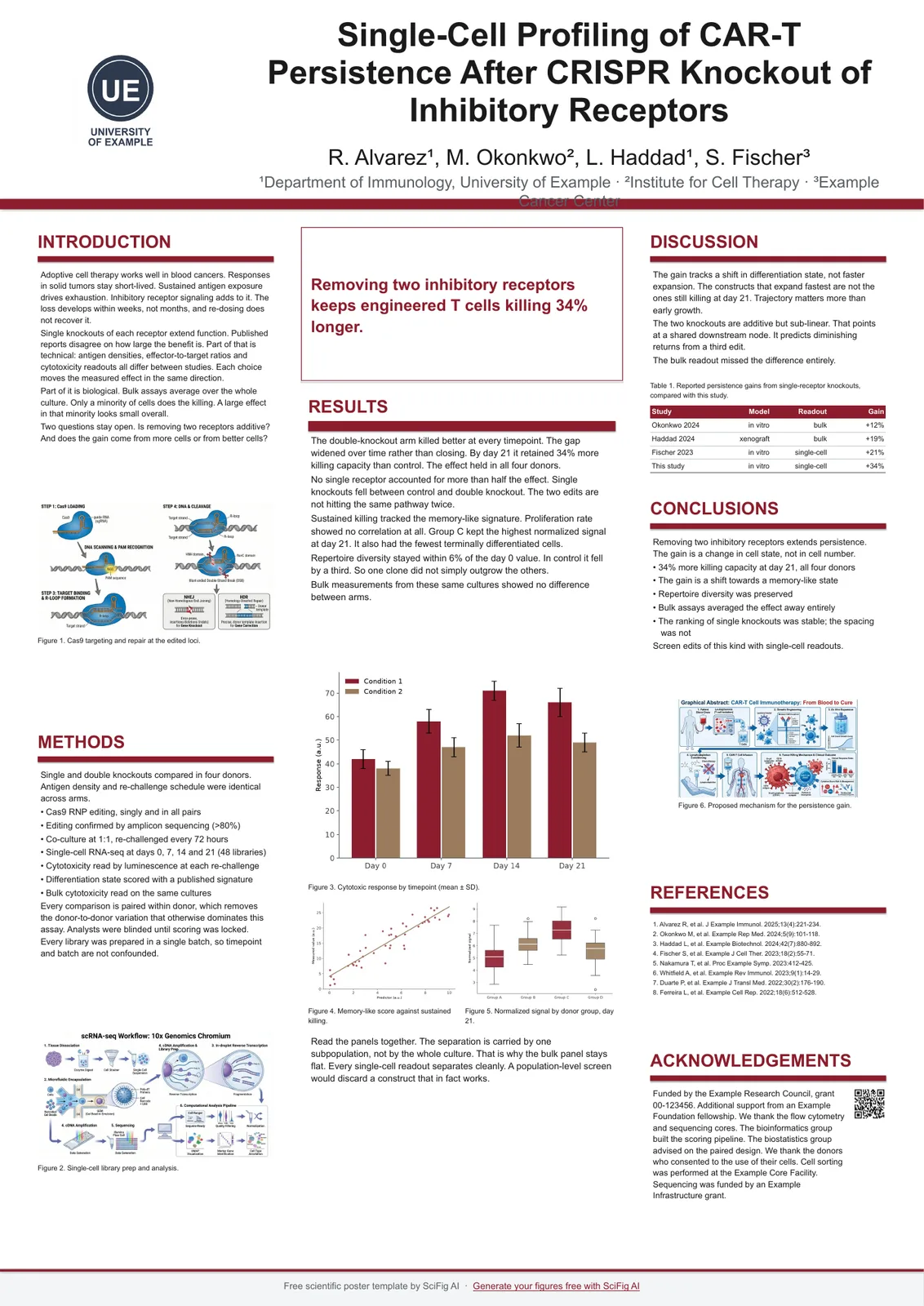
A0 portrait — Spotlight
A0 · 841 x 1189 mm · 33.11 x 46.81 in
central finding panel with supporting columns
6 colors, same layout. Click any one to download the PowerPoint template or open it in Google Slides.
- Navy — A0 portrait poster template
- Forest — A0 portrait poster template
- Crimson — A0 portrait poster template
- Teal — A0 portrait poster template
- Plum — A0 portrait poster template
- Graphite — A0 portrait poster template
See all six color schemes — and how to swap in your lab or university colors →
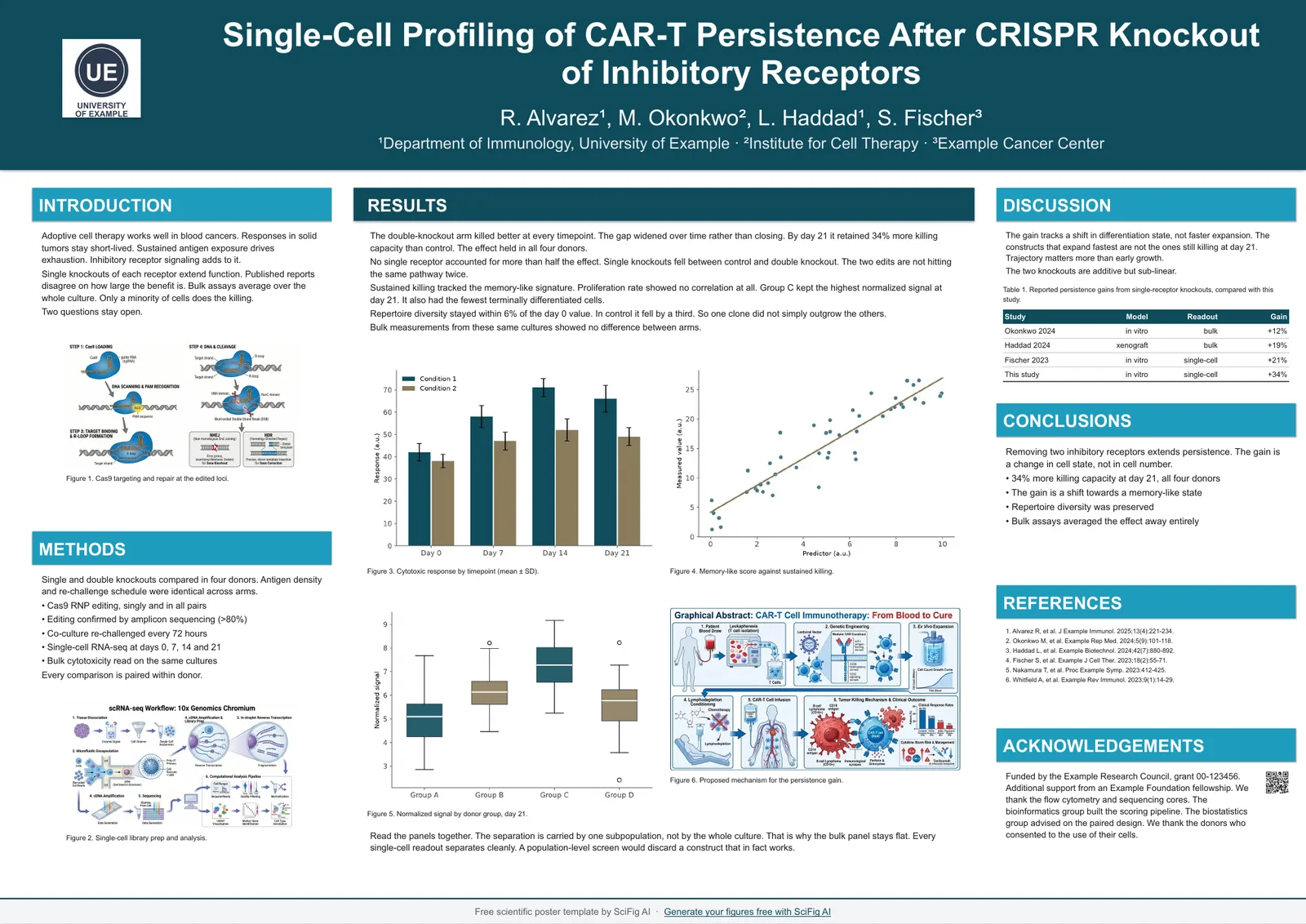
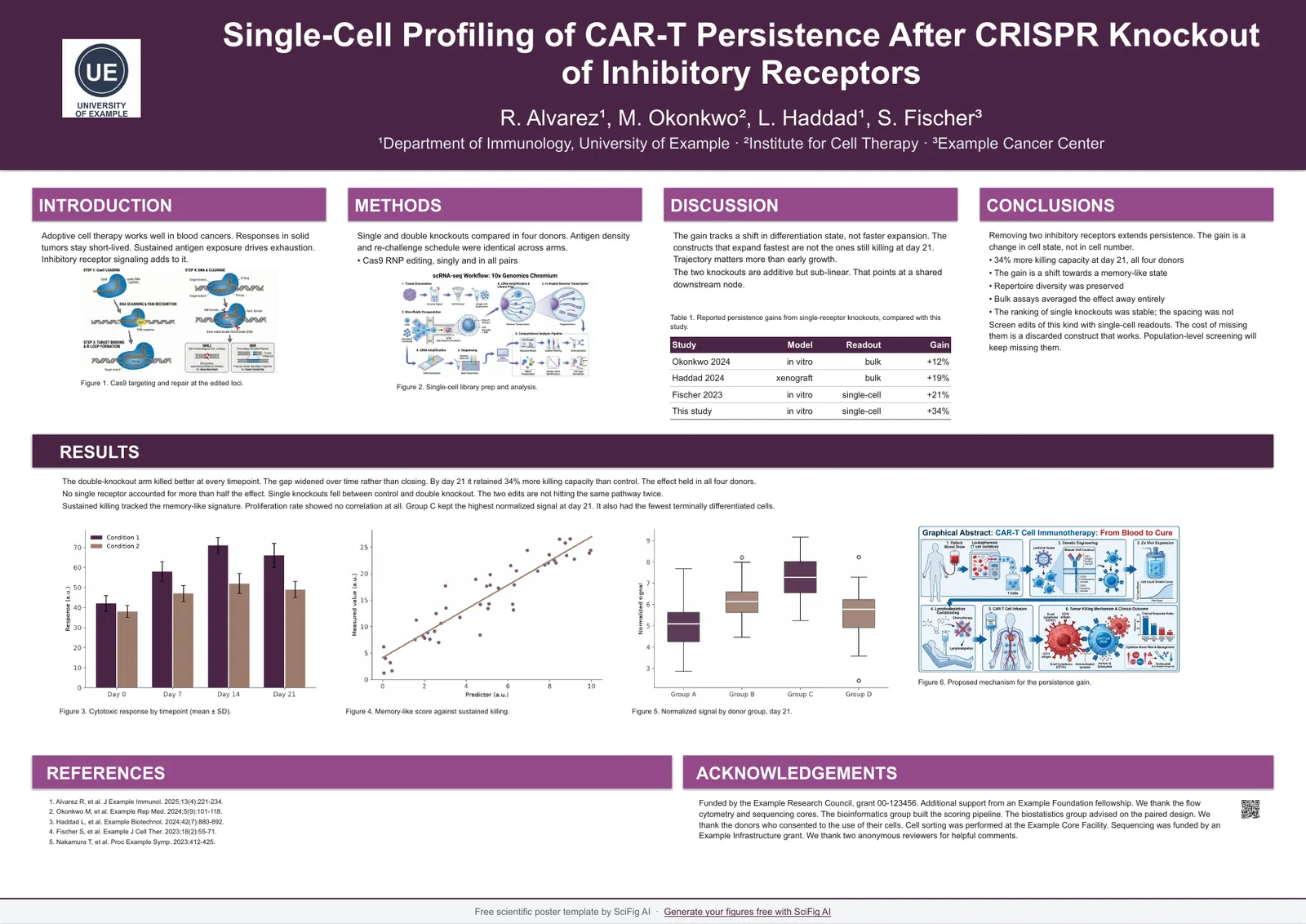
A0 landscape — Classic
A0 · 1189 x 841 mm · 46.81 x 33.11 in
four-column grid arranged 1 : 2 : 1
6 colors, same layout. Click any one to download the PowerPoint template or open it in Google Slides.
- Navy — A0 landscape poster template
- Forest — A0 landscape poster template
- Crimson — A0 landscape poster template
- Teal — A0 landscape poster template
- Plum — A0 landscape poster template
- Graphite — A0 landscape poster template
See all six color schemes — and how to swap in your lab or university colors →
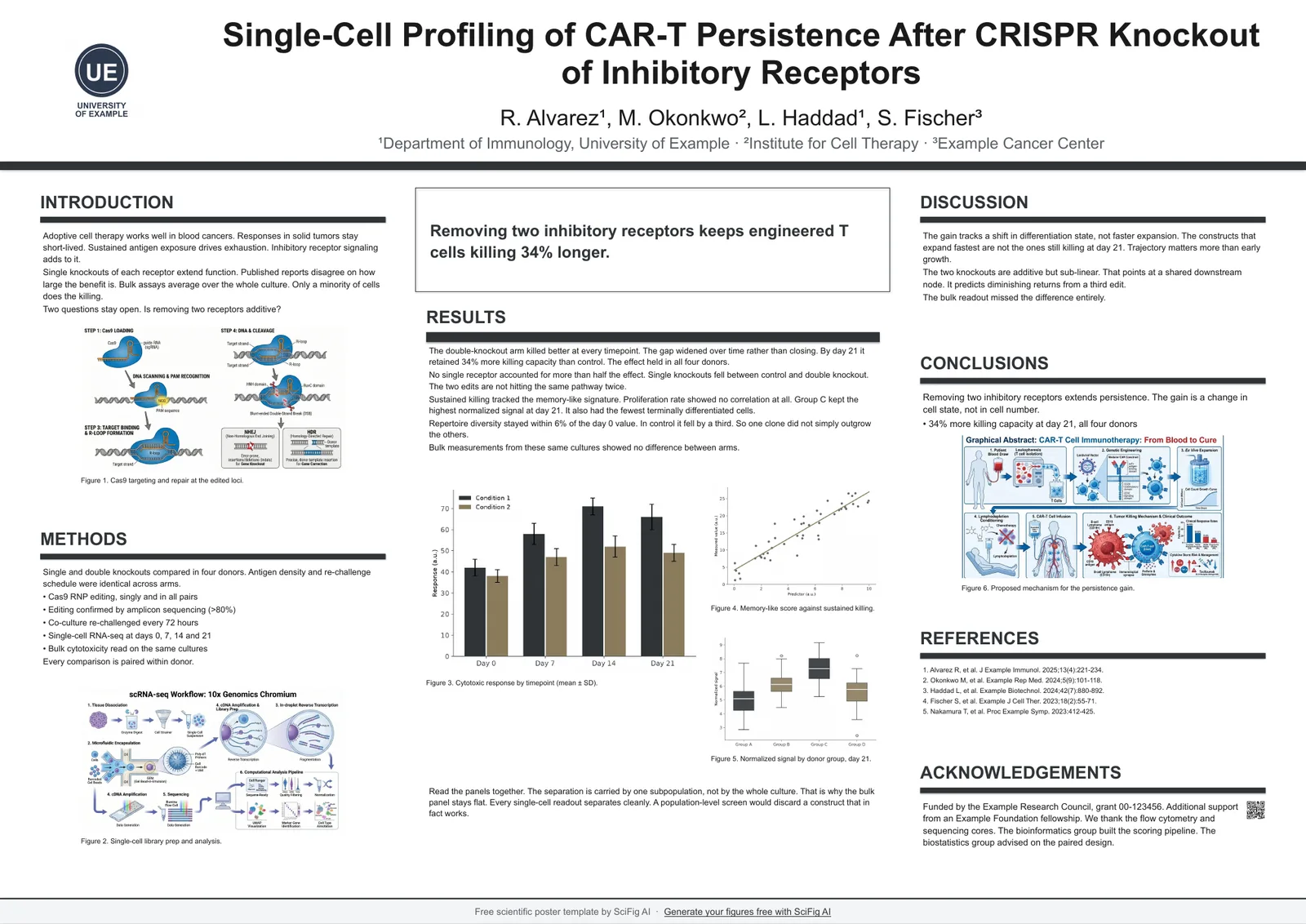
A0 landscape — Four column
A0 · 1189 x 841 mm · 46.81 x 33.11 in
four even columns
6 colors, same layout. Click any one to download the PowerPoint template or open it in Google Slides.
- Navy — A0 landscape poster template
- Forest — A0 landscape poster template
- Crimson — A0 landscape poster template
- Teal — A0 landscape poster template
- Plum — A0 landscape poster template
- Graphite — A0 landscape poster template
See all six color schemes — and how to swap in your lab or university colors →
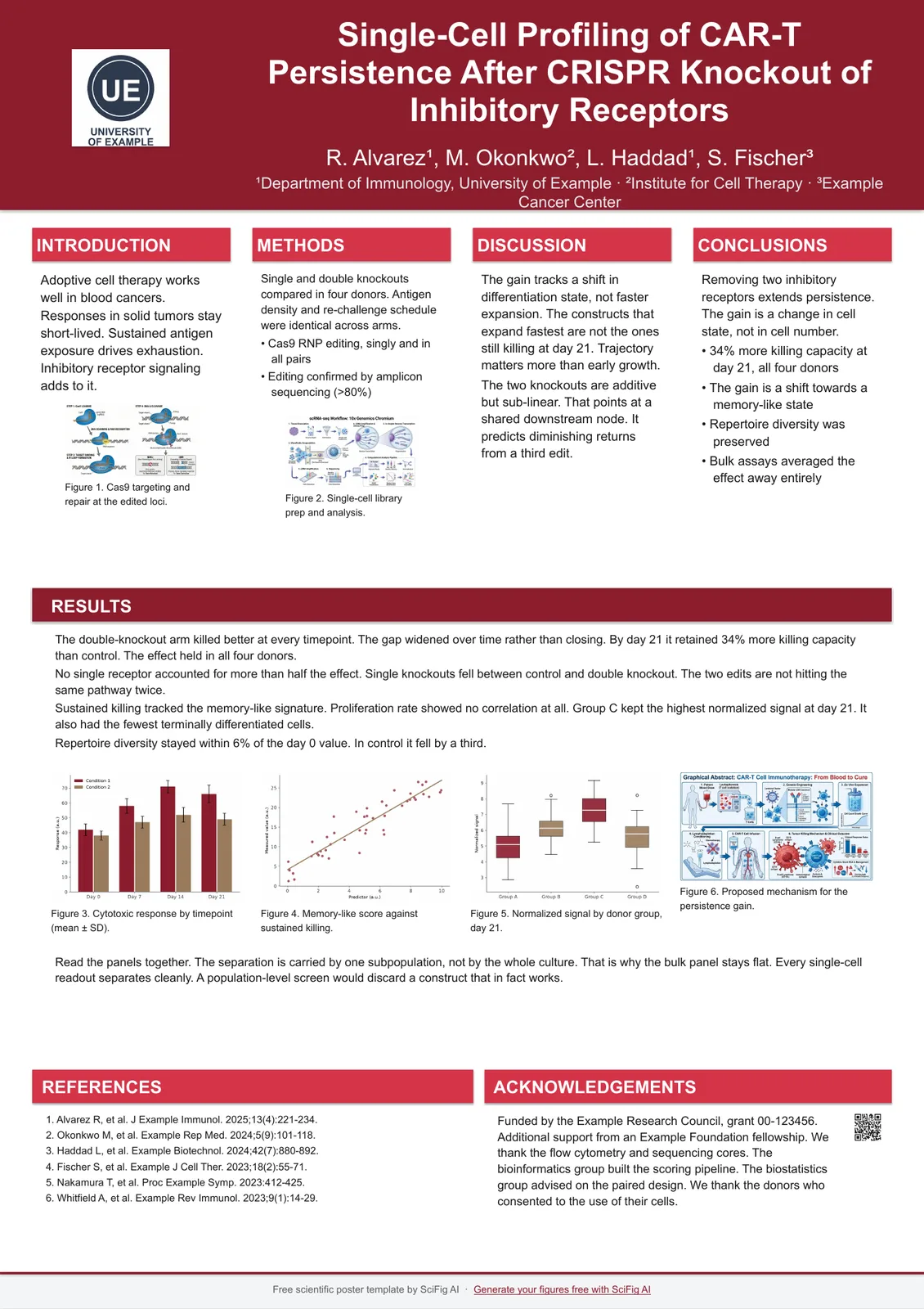
A0 landscape — Spotlight
A0 · 1189 x 841 mm · 46.81 x 33.11 in
central finding panel with supporting columns
6 colors, same layout. Click any one to download the PowerPoint template or open it in Google Slides.
- Navy — A0 landscape poster template
- Forest — A0 landscape poster template
- Crimson — A0 landscape poster template
- Teal — A0 landscape poster template
- Plum — A0 landscape poster template
- Graphite — A0 landscape poster template
See all six color schemes — and how to swap in your lab or university colors →
A1 portrait — Classic
A1 · 594 x 841 mm · 23.39 x 33.11 in
three columns arranged 1.2 : 1.6 : 1.2
6 colors, same layout. Click any one to download the PowerPoint template or open it in Google Slides.
- Navy — A1 portrait poster template
- Forest — A1 portrait poster template
- Crimson — A1 portrait poster template
- Teal — A1 portrait poster template
- Plum — A1 portrait poster template
- Graphite — A1 portrait poster template
See all six color schemes — and how to swap in your lab or university colors →
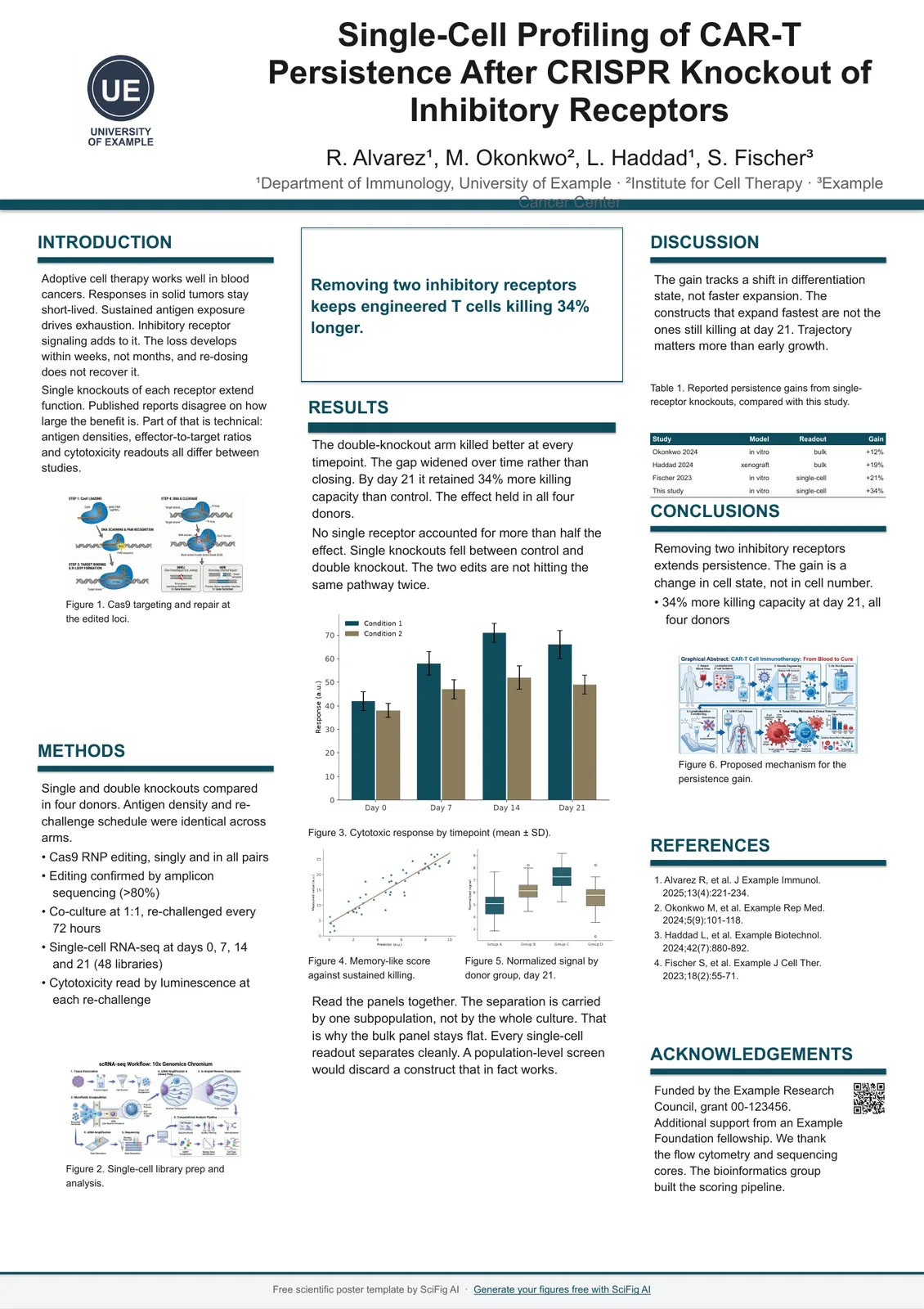
A1 portrait — Four column
A1 · 594 x 841 mm · 23.39 x 33.11 in
four even columns
6 colors, same layout. Click any one to download the PowerPoint template or open it in Google Slides.
- Navy — A1 portrait poster template
- Forest — A1 portrait poster template
- Crimson — A1 portrait poster template
- Teal — A1 portrait poster template
- Plum — A1 portrait poster template
- Graphite — A1 portrait poster template
See all six color schemes — and how to swap in your lab or university colors →
A1 portrait — Spotlight
A1 · 594 x 841 mm · 23.39 x 33.11 in
central finding panel with supporting columns
6 colors, same layout. Click any one to download the PowerPoint template or open it in Google Slides.
- Navy — A1 portrait poster template
- Forest — A1 portrait poster template
- Crimson — A1 portrait poster template
- Teal — A1 portrait poster template
- Plum — A1 portrait poster template
- Graphite — A1 portrait poster template
See all six color schemes — and how to swap in your lab or university colors →
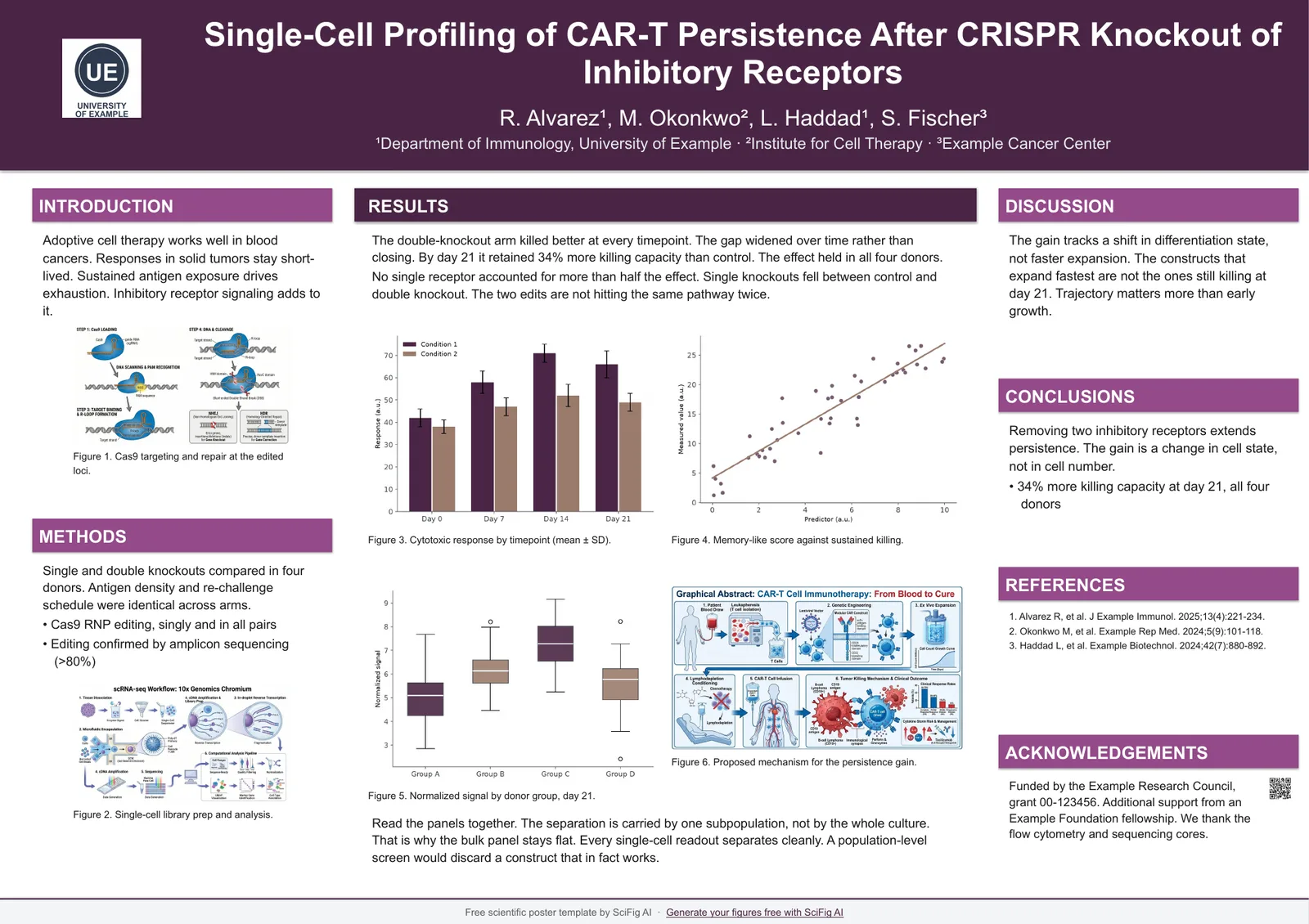
A1 landscape — Classic
A1 · 841 x 594 mm · 33.11 x 23.39 in
four-column grid arranged 1 : 2 : 1
6 colors, same layout. Click any one to download the PowerPoint template or open it in Google Slides.
- Navy — A1 landscape poster template
- Forest — A1 landscape poster template
- Crimson — A1 landscape poster template
- Teal — A1 landscape poster template
- Plum — A1 landscape poster template
- Graphite — A1 landscape poster template
See all six color schemes — and how to swap in your lab or university colors →
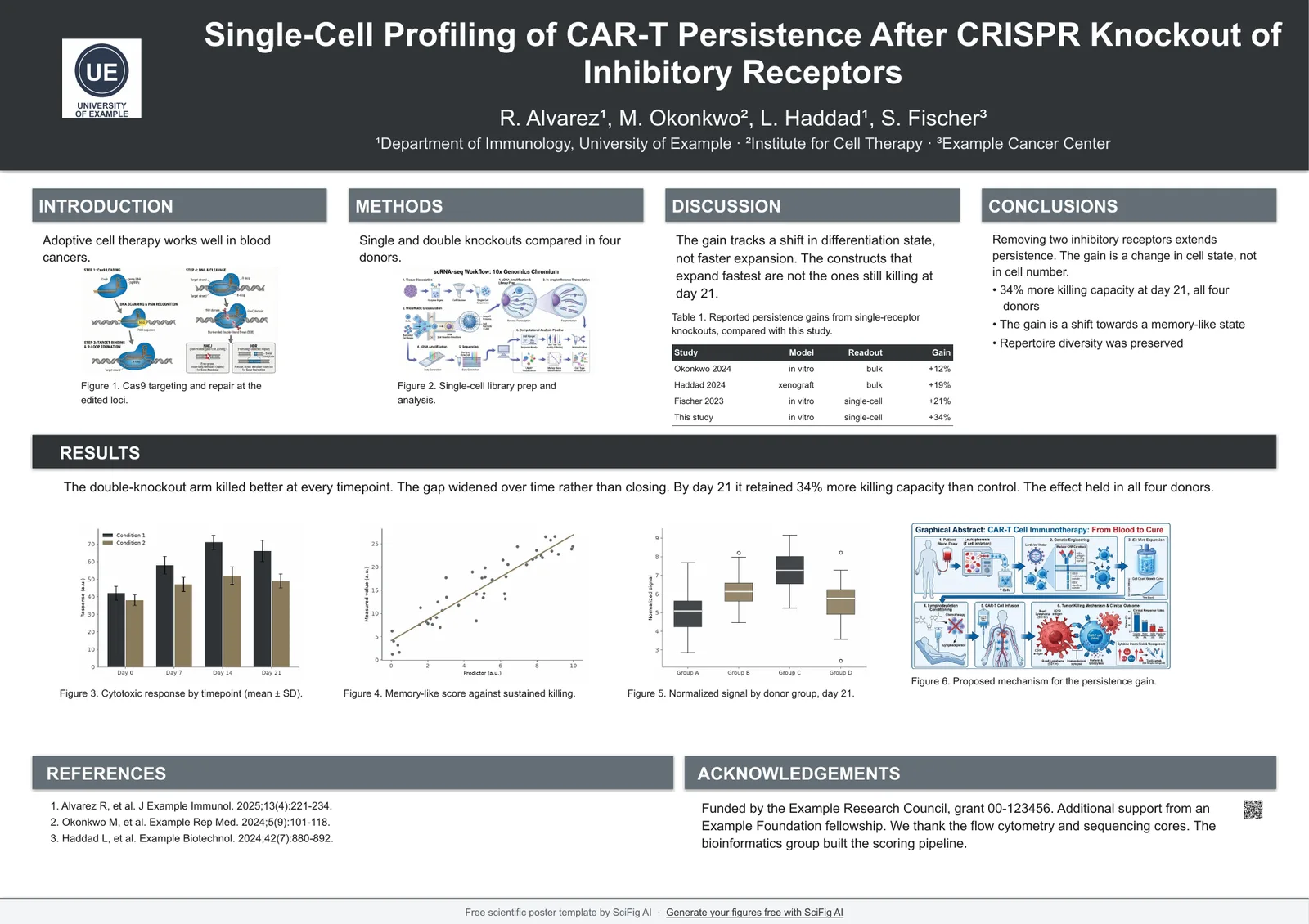
A1 landscape — Four column
A1 · 841 x 594 mm · 33.11 x 23.39 in
four even columns
6 colors, same layout. Click any one to download the PowerPoint template or open it in Google Slides.
- Navy — A1 landscape poster template
- Forest — A1 landscape poster template
- Crimson — A1 landscape poster template
- Teal — A1 landscape poster template
- Plum — A1 landscape poster template
- Graphite — A1 landscape poster template
See all six color schemes — and how to swap in your lab or university colors →
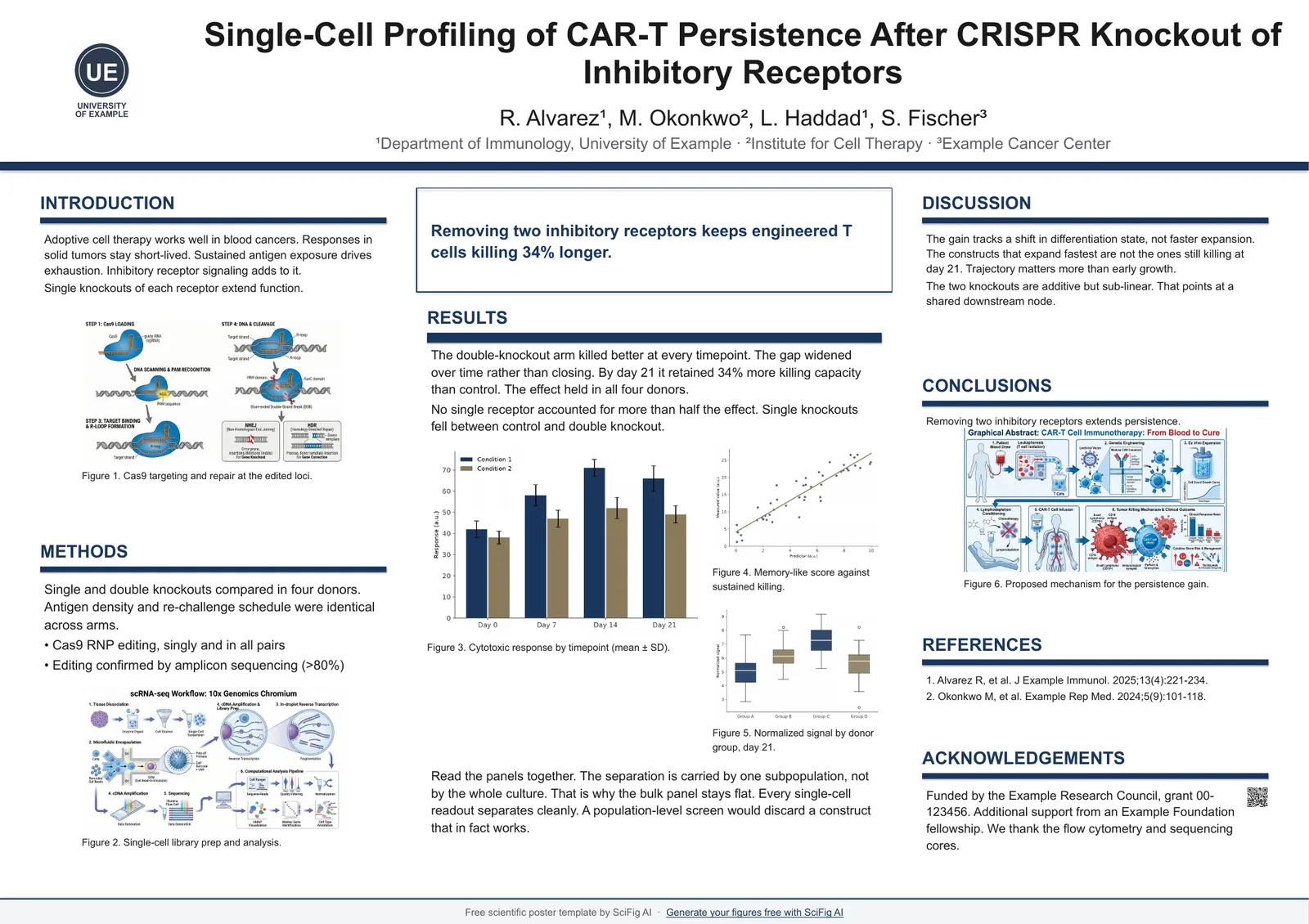
A1 landscape — Spotlight
A1 · 841 x 594 mm · 33.11 x 23.39 in
central finding panel with supporting columns
6 colors, same layout. Click any one to download the PowerPoint template or open it in Google Slides.
- Navy — A1 landscape poster template
- Forest — A1 landscape poster template
- Crimson — A1 landscape poster template
- Teal — A1 landscape poster template
- Plum — A1 landscape poster template
- Graphite — A1 landscape poster template
See all six color schemes — and how to swap in your lab or university colors →
A2 portrait — Classic
A2 · 420 x 594 mm · 16.54 x 23.39 in
three columns arranged 1.2 : 1.6 : 1.2
6 colors, same layout. Click any one to download the PowerPoint template or open it in Google Slides.
- Navy — A2 portrait poster template
- Forest — A2 portrait poster template
- Crimson — A2 portrait poster template
- Teal — A2 portrait poster template
- Plum — A2 portrait poster template
- Graphite — A2 portrait poster template
See all six color schemes — and how to swap in your lab or university colors →
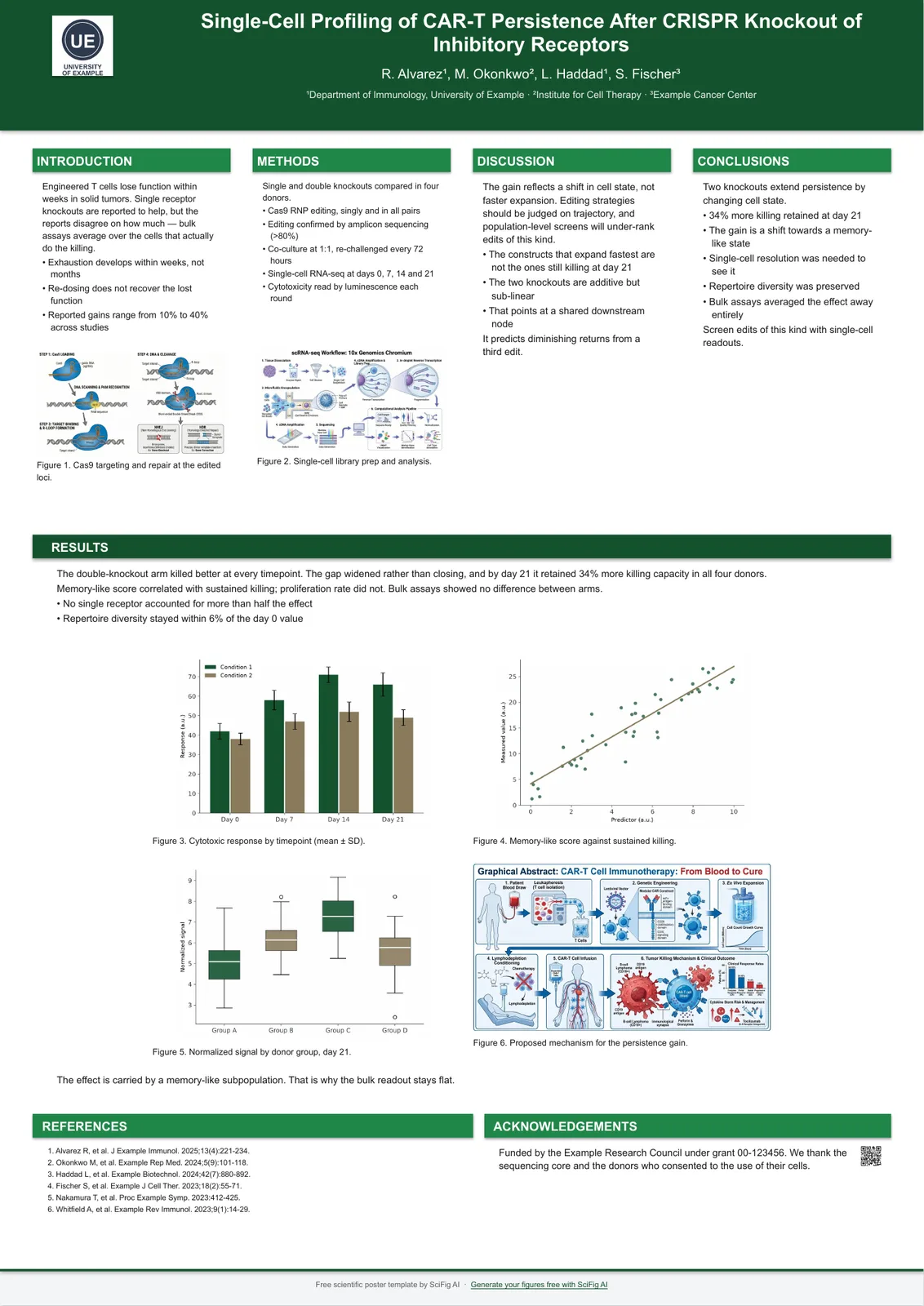
A2 portrait — Four column
A2 · 420 x 594 mm · 16.54 x 23.39 in
four even columns
6 colors, same layout. Click any one to download the PowerPoint template or open it in Google Slides.
- Navy — A2 portrait poster template
- Forest — A2 portrait poster template
- Crimson — A2 portrait poster template
- Teal — A2 portrait poster template
- Plum — A2 portrait poster template
- Graphite — A2 portrait poster template
See all six color schemes — and how to swap in your lab or university colors →
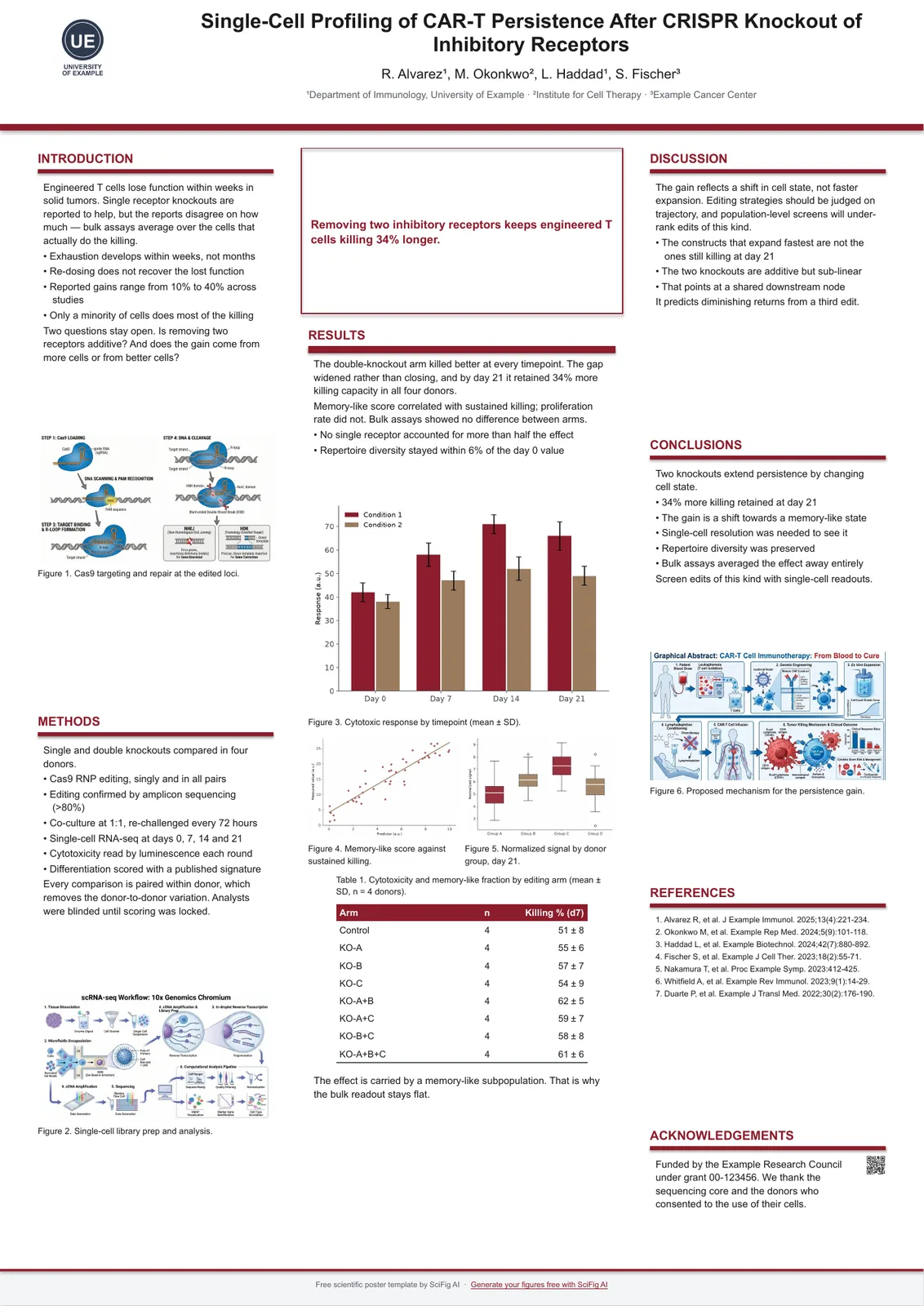
A2 portrait — Spotlight
A2 · 420 x 594 mm · 16.54 x 23.39 in
central finding panel with supporting columns
6 colors, same layout. Click any one to download the PowerPoint template or open it in Google Slides.
- Navy — A2 portrait poster template
- Forest — A2 portrait poster template
- Crimson — A2 portrait poster template
- Teal — A2 portrait poster template
- Plum — A2 portrait poster template
- Graphite — A2 portrait poster template
See all six color schemes — and how to swap in your lab or university colors →
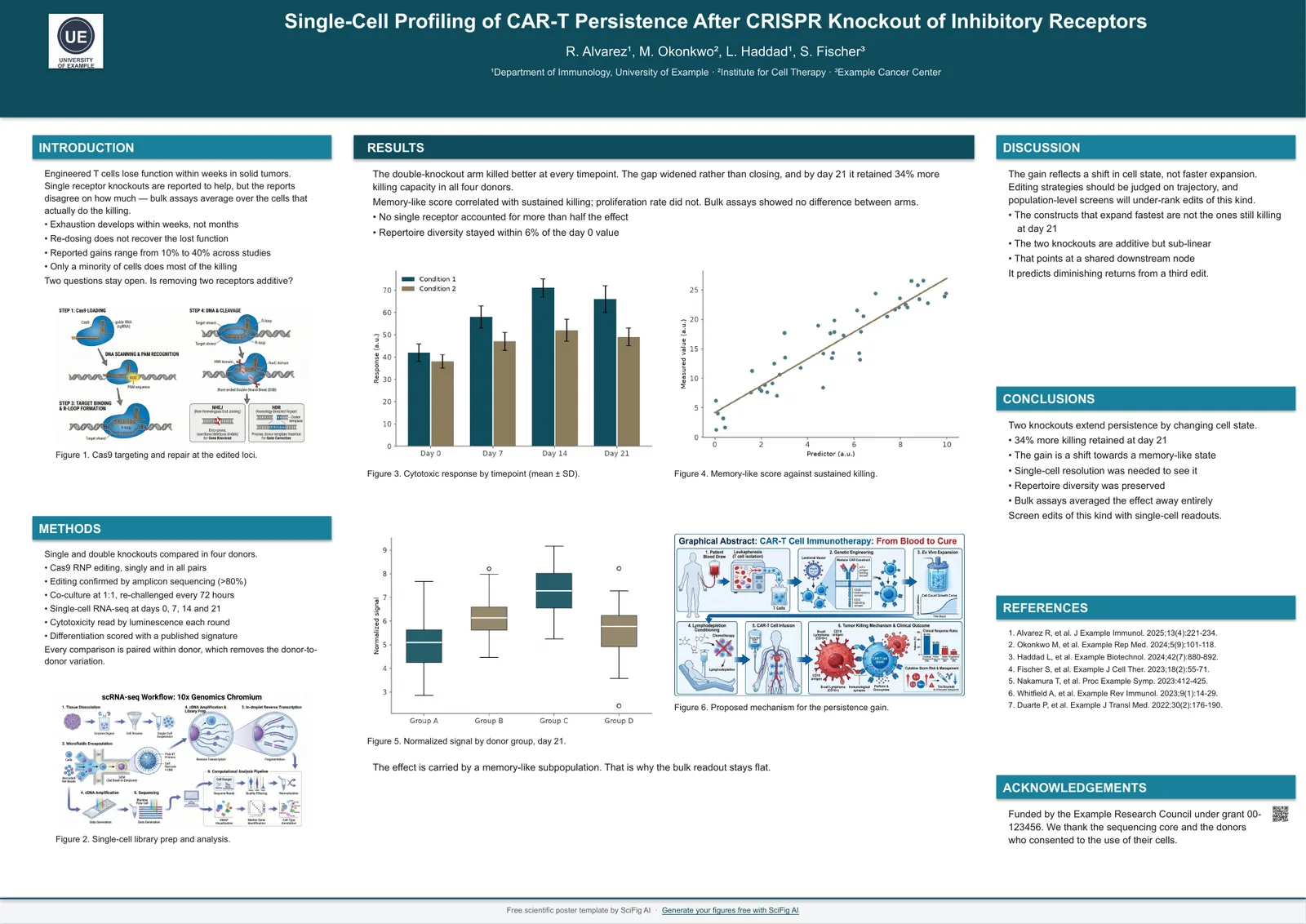
A2 landscape — Classic
A2 · 594 x 420 mm · 23.39 x 16.54 in
four-column grid arranged 1 : 2 : 1
6 colors, same layout. Click any one to download the PowerPoint template or open it in Google Slides.
- Navy — A2 landscape poster template
- Forest — A2 landscape poster template
- Crimson — A2 landscape poster template
- Teal — A2 landscape poster template
- Plum — A2 landscape poster template
- Graphite — A2 landscape poster template
See all six color schemes — and how to swap in your lab or university colors →
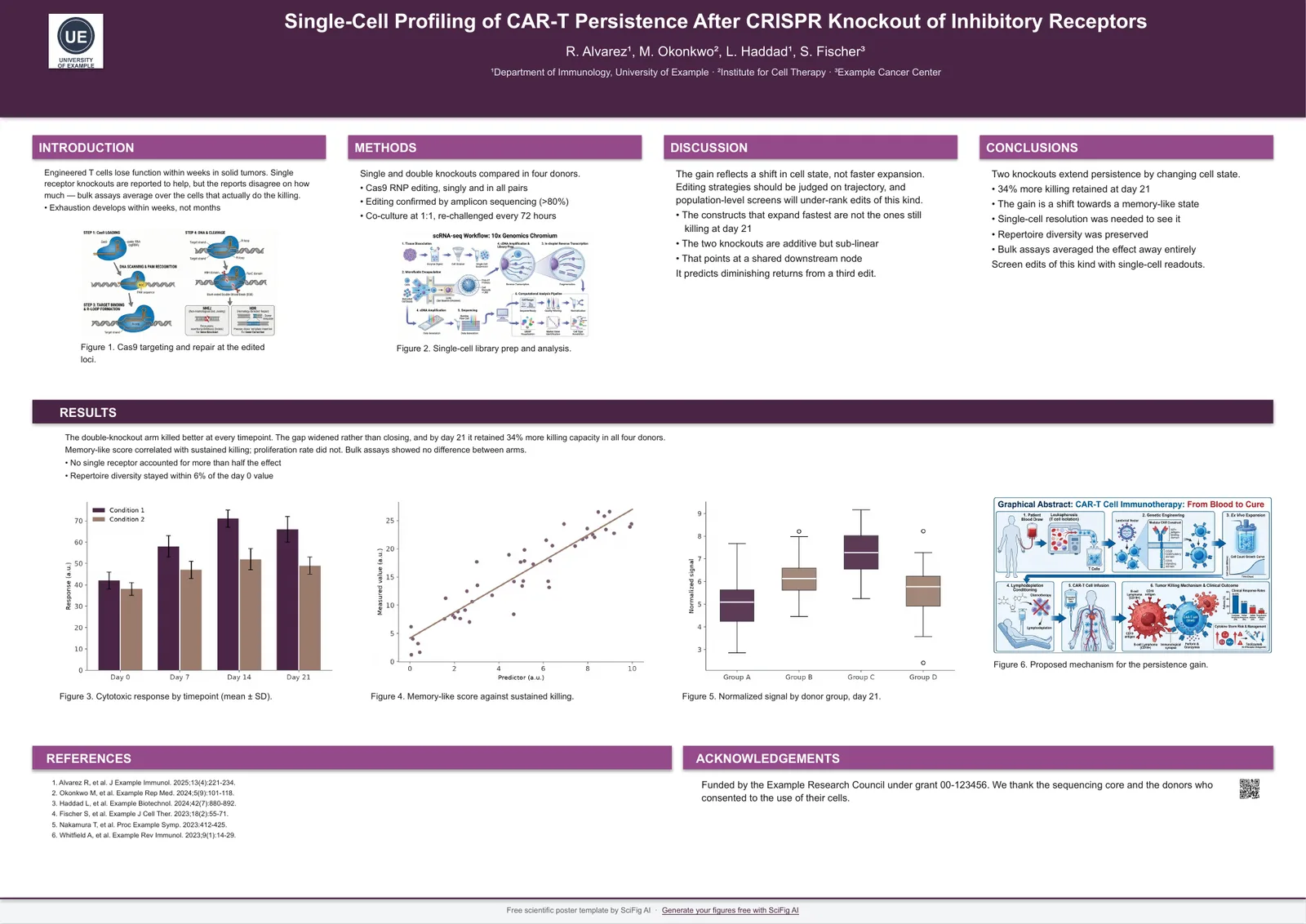
A2 landscape — Four column
A2 · 594 x 420 mm · 23.39 x 16.54 in
four even columns
6 colors, same layout. Click any one to download the PowerPoint template or open it in Google Slides.
- Navy — A2 landscape poster template
- Forest — A2 landscape poster template
- Crimson — A2 landscape poster template
- Teal — A2 landscape poster template
- Plum — A2 landscape poster template
- Graphite — A2 landscape poster template
See all six color schemes — and how to swap in your lab or university colors →
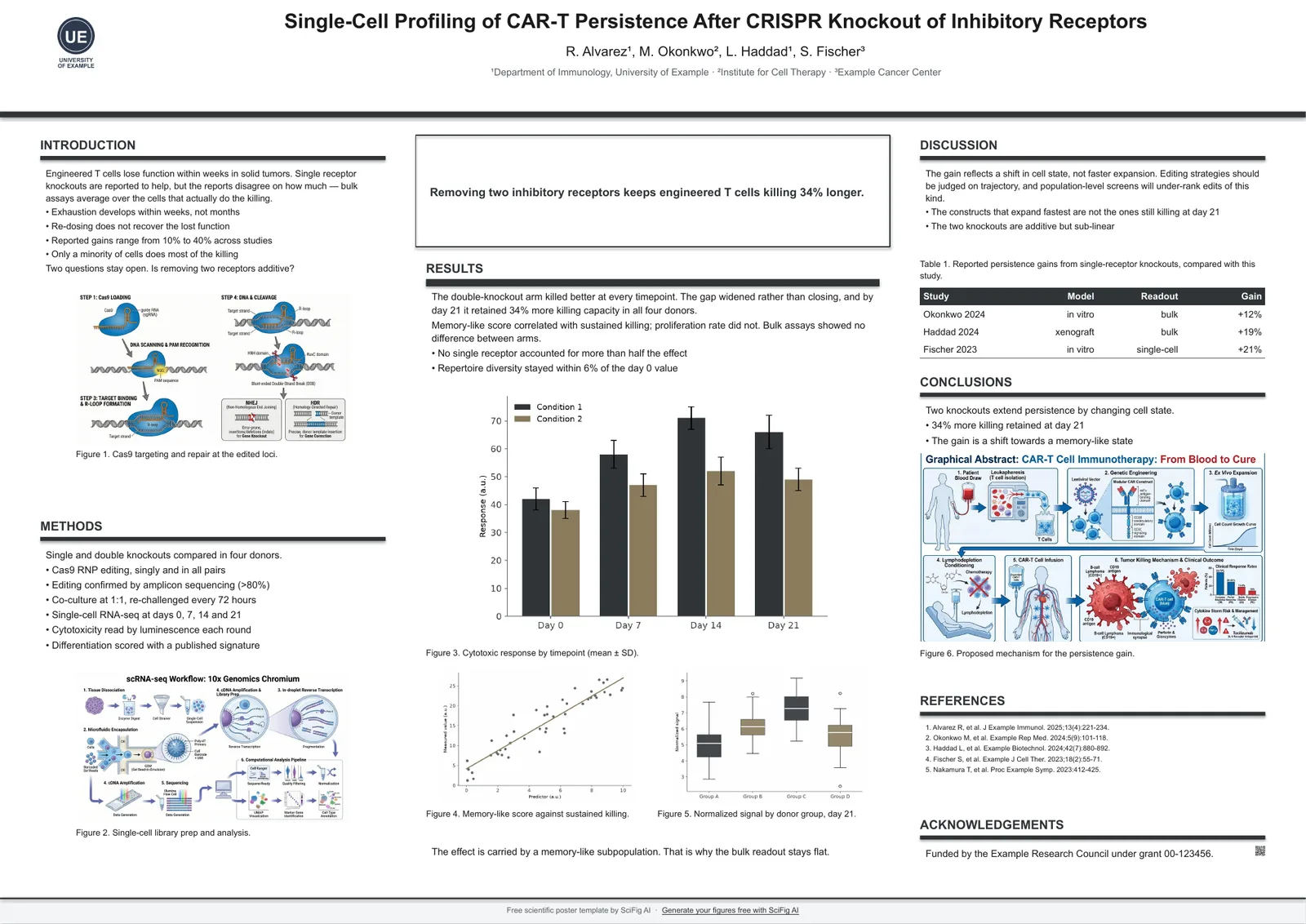
A2 landscape — Spotlight
A2 · 594 x 420 mm · 23.39 x 16.54 in
central finding panel with supporting columns
6 colors, same layout. Click any one to download the PowerPoint template or open it in Google Slides.
- Navy — A2 landscape poster template
- Forest — A2 landscape poster template
- Crimson — A2 landscape poster template
- Teal — A2 landscape poster template
- Plum — A2 landscape poster template
- Graphite — A2 landscape poster template
See all six color schemes — and how to swap in your lab or university colors →
36 x 48 in portrait — Classic
36 x 48 in · 914 x 1219 mm
three columns arranged 1.2 : 1.6 : 1.2
6 colors, same layout. Click any one to download the PowerPoint template or open it in Google Slides.
- Navy — 36 x 48 in portrait poster template
- Forest — 36 x 48 in portrait poster template
- Crimson — 36 x 48 in portrait poster template
- Teal — 36 x 48 in portrait poster template
- Plum — 36 x 48 in portrait poster template
- Graphite — 36 x 48 in portrait poster template
See all six color schemes — and how to swap in your lab or university colors →
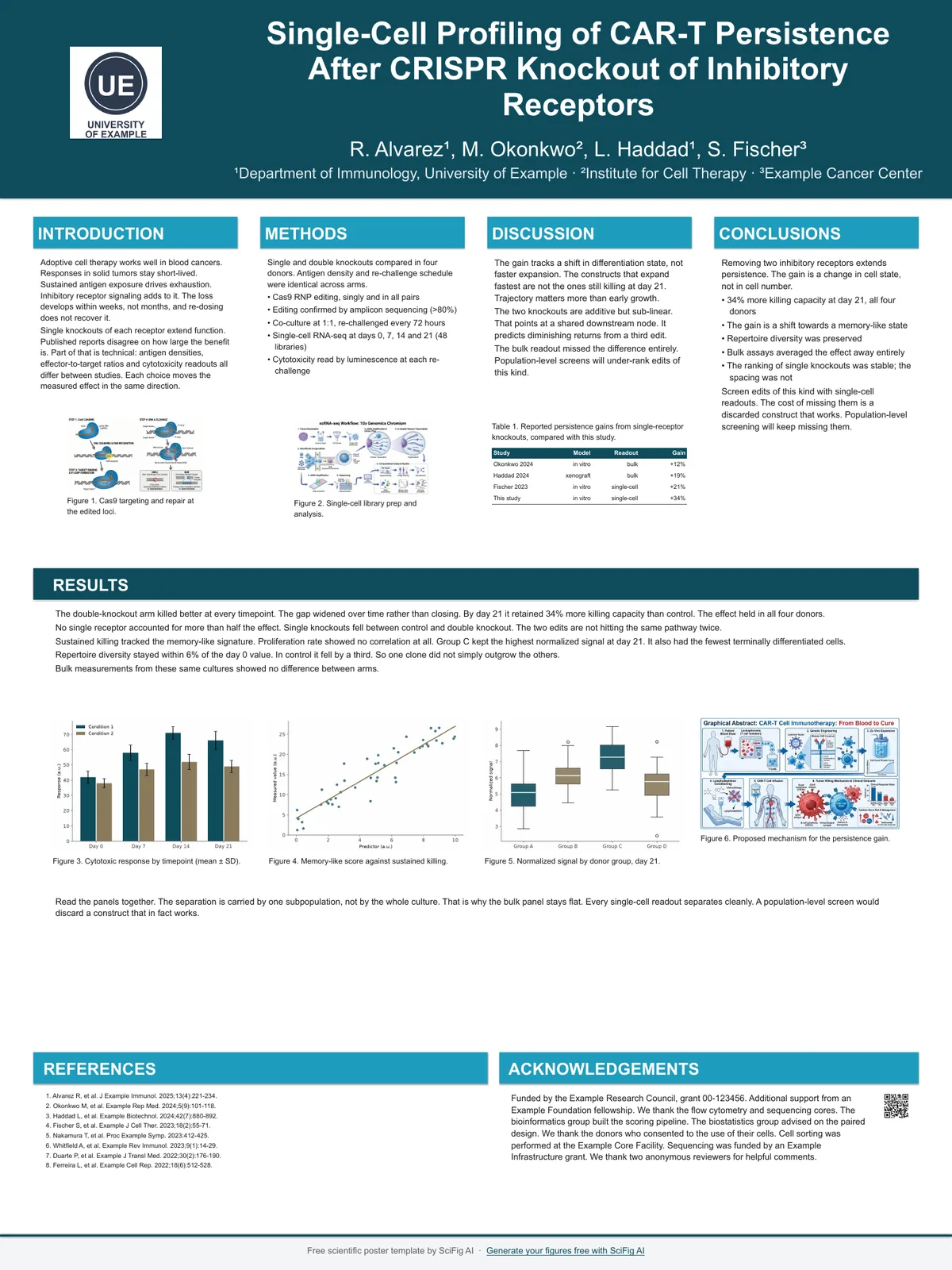
36 x 48 in portrait — Four column
36 x 48 in · 914 x 1219 mm
four even columns
6 colors, same layout. Click any one to download the PowerPoint template or open it in Google Slides.
- Navy — 36 x 48 in portrait poster template
- Forest — 36 x 48 in portrait poster template
- Crimson — 36 x 48 in portrait poster template
- Teal — 36 x 48 in portrait poster template
- Plum — 36 x 48 in portrait poster template
- Graphite — 36 x 48 in portrait poster template
See all six color schemes — and how to swap in your lab or university colors →
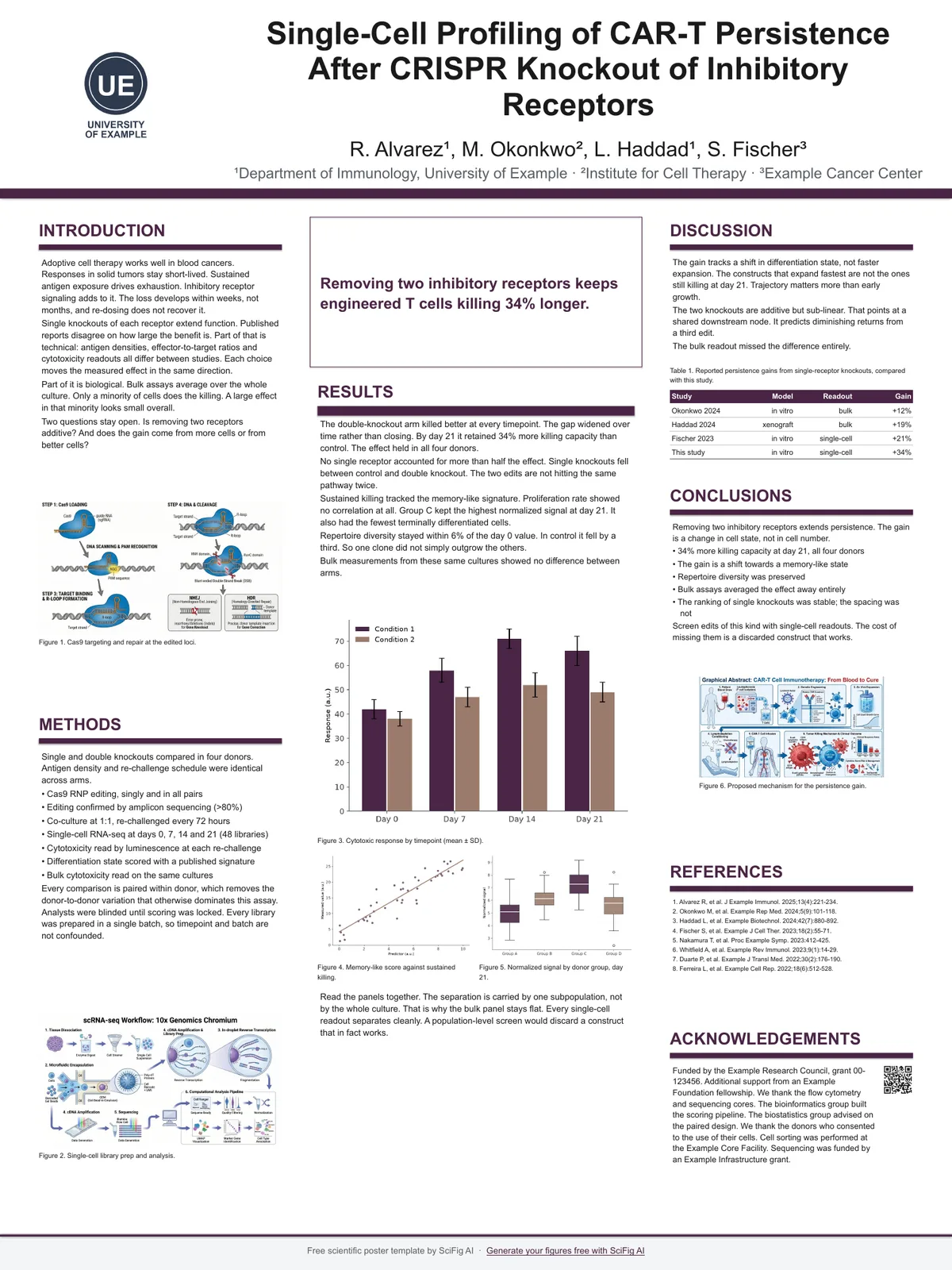
36 x 48 in portrait — Spotlight
36 x 48 in · 914 x 1219 mm
central finding panel with supporting columns
6 colors, same layout. Click any one to download the PowerPoint template or open it in Google Slides.
- Navy — 36 x 48 in portrait poster template
- Forest — 36 x 48 in portrait poster template
- Crimson — 36 x 48 in portrait poster template
- Teal — 36 x 48 in portrait poster template
- Plum — 36 x 48 in portrait poster template
- Graphite — 36 x 48 in portrait poster template
See all six color schemes — and how to swap in your lab or university colors →
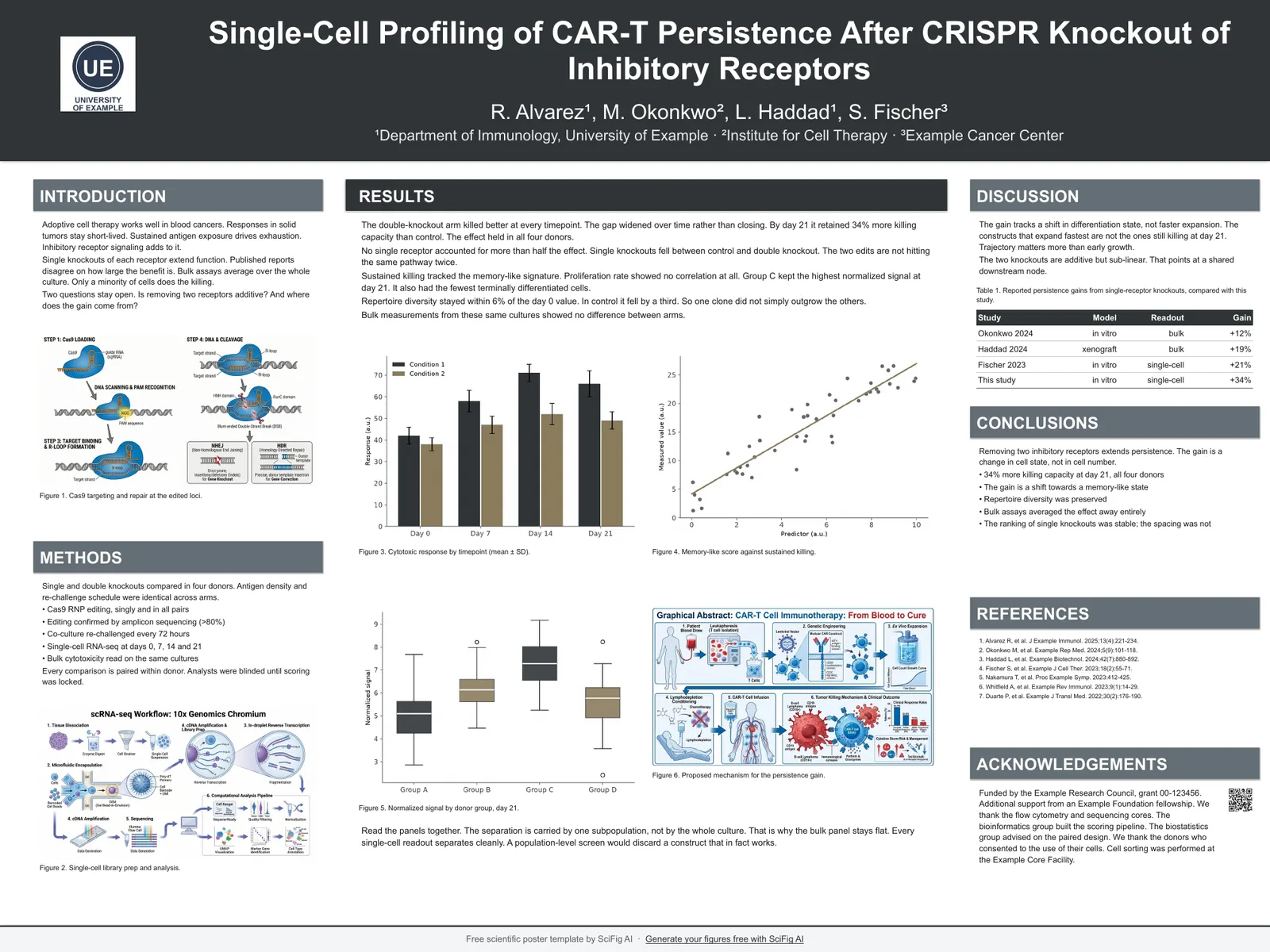
48 x 36 in landscape — Classic
48 x 36 in · 1219 x 914 mm
four-column grid arranged 1 : 2 : 1
6 colors, same layout. Click any one to download the PowerPoint template or open it in Google Slides.
- Navy — 48 x 36 in landscape poster template
- Forest — 48 x 36 in landscape poster template
- Crimson — 48 x 36 in landscape poster template
- Teal — 48 x 36 in landscape poster template
- Plum — 48 x 36 in landscape poster template
- Graphite — 48 x 36 in landscape poster template
See all six color schemes — and how to swap in your lab or university colors →
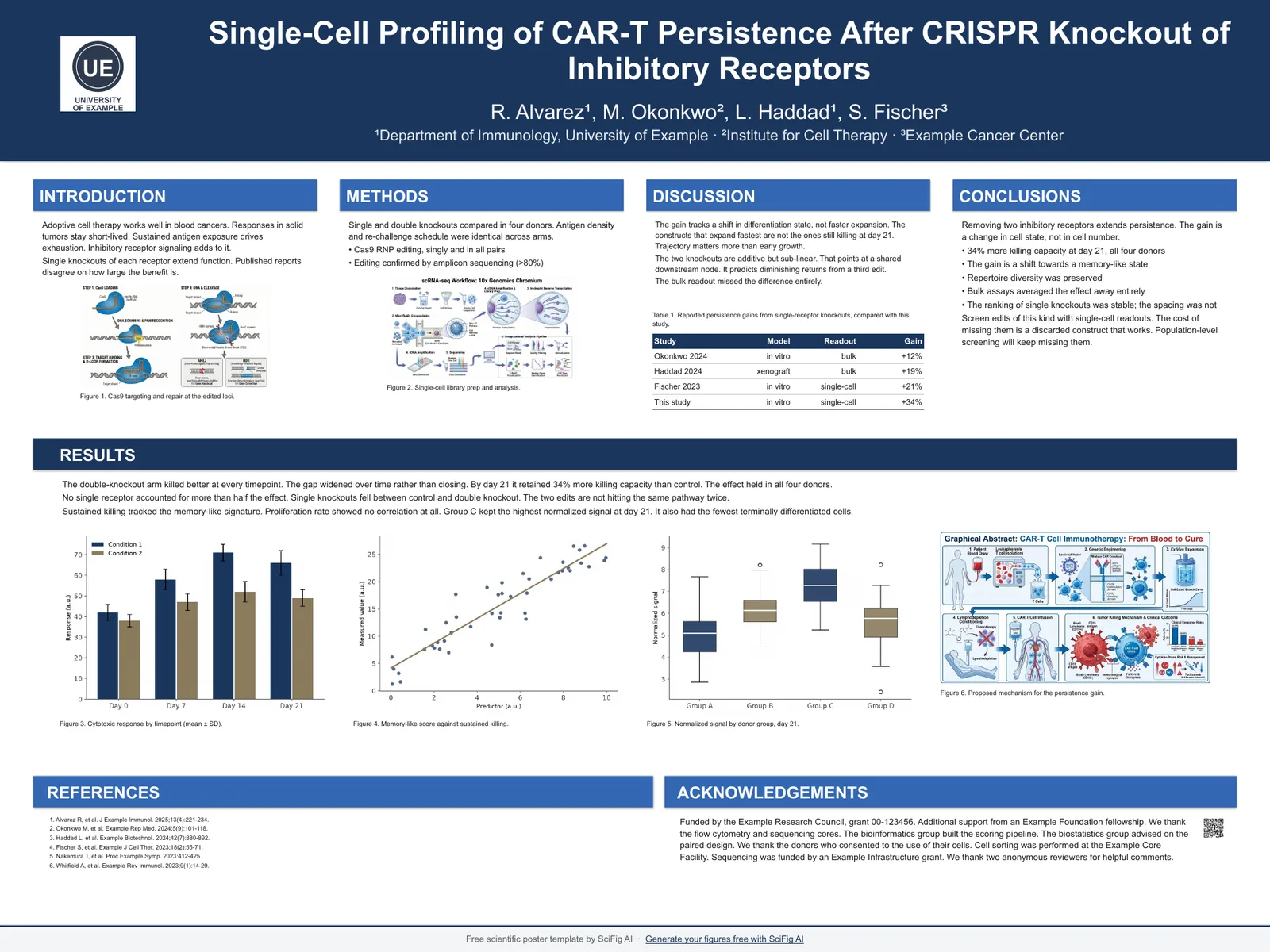
48 x 36 in landscape — Four column
48 x 36 in · 1219 x 914 mm
four even columns
6 colors, same layout. Click any one to download the PowerPoint template or open it in Google Slides.
- Navy — 48 x 36 in landscape poster template
- Forest — 48 x 36 in landscape poster template
- Crimson — 48 x 36 in landscape poster template
- Teal — 48 x 36 in landscape poster template
- Plum — 48 x 36 in landscape poster template
- Graphite — 48 x 36 in landscape poster template
See all six color schemes — and how to swap in your lab or university colors →
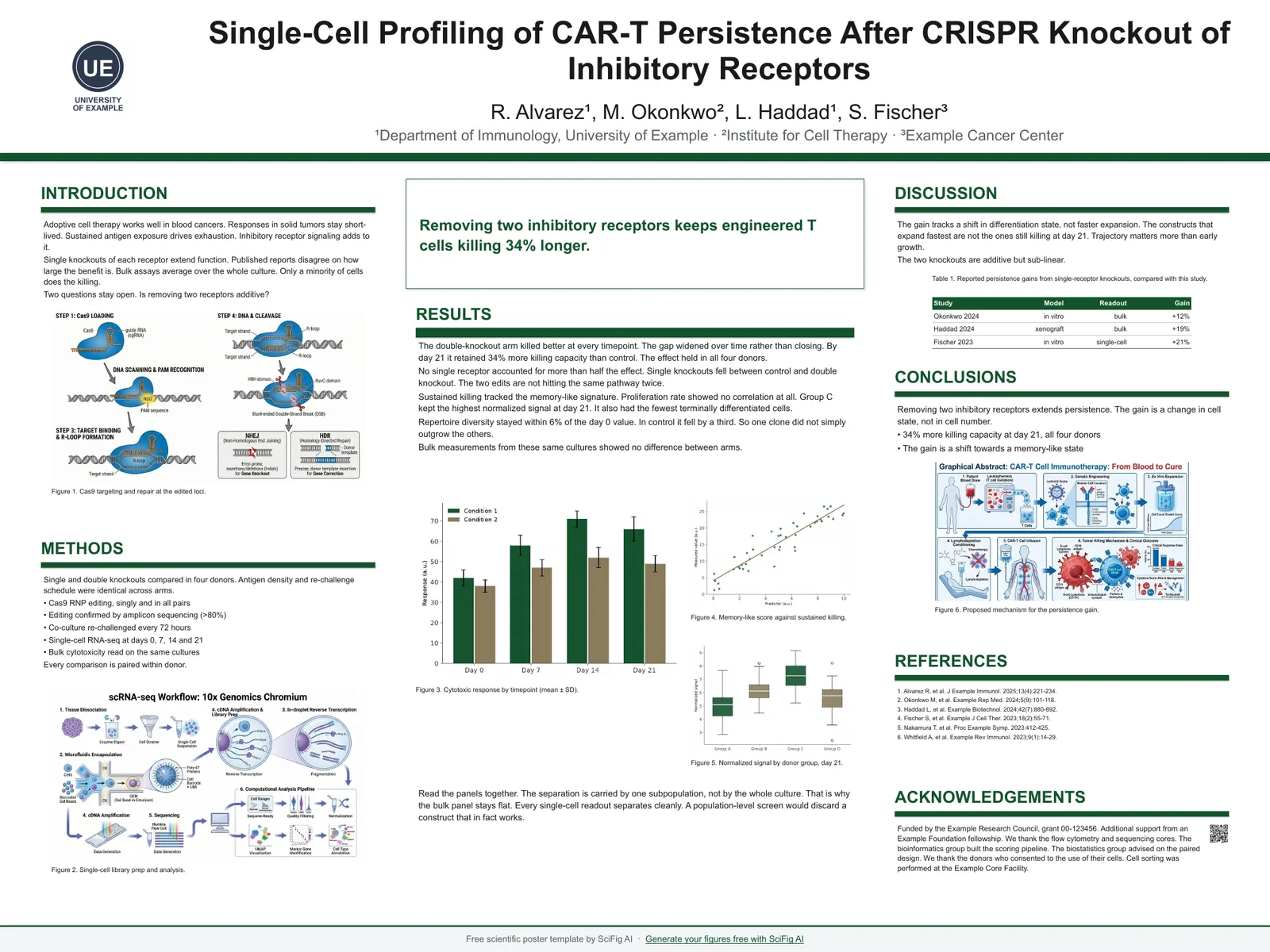
48 x 36 in landscape — Spotlight
48 x 36 in · 1219 x 914 mm
central finding panel with supporting columns
6 colors, same layout. Click any one to download the PowerPoint template or open it in Google Slides.
- Navy — 48 x 36 in landscape poster template
- Forest — 48 x 36 in landscape poster template
- Crimson — 48 x 36 in landscape poster template
- Teal — 48 x 36 in landscape poster template
- Plum — 48 x 36 in landscape poster template
- Graphite — 48 x 36 in landscape poster template
See all six color schemes — and how to swap in your lab or university colors →
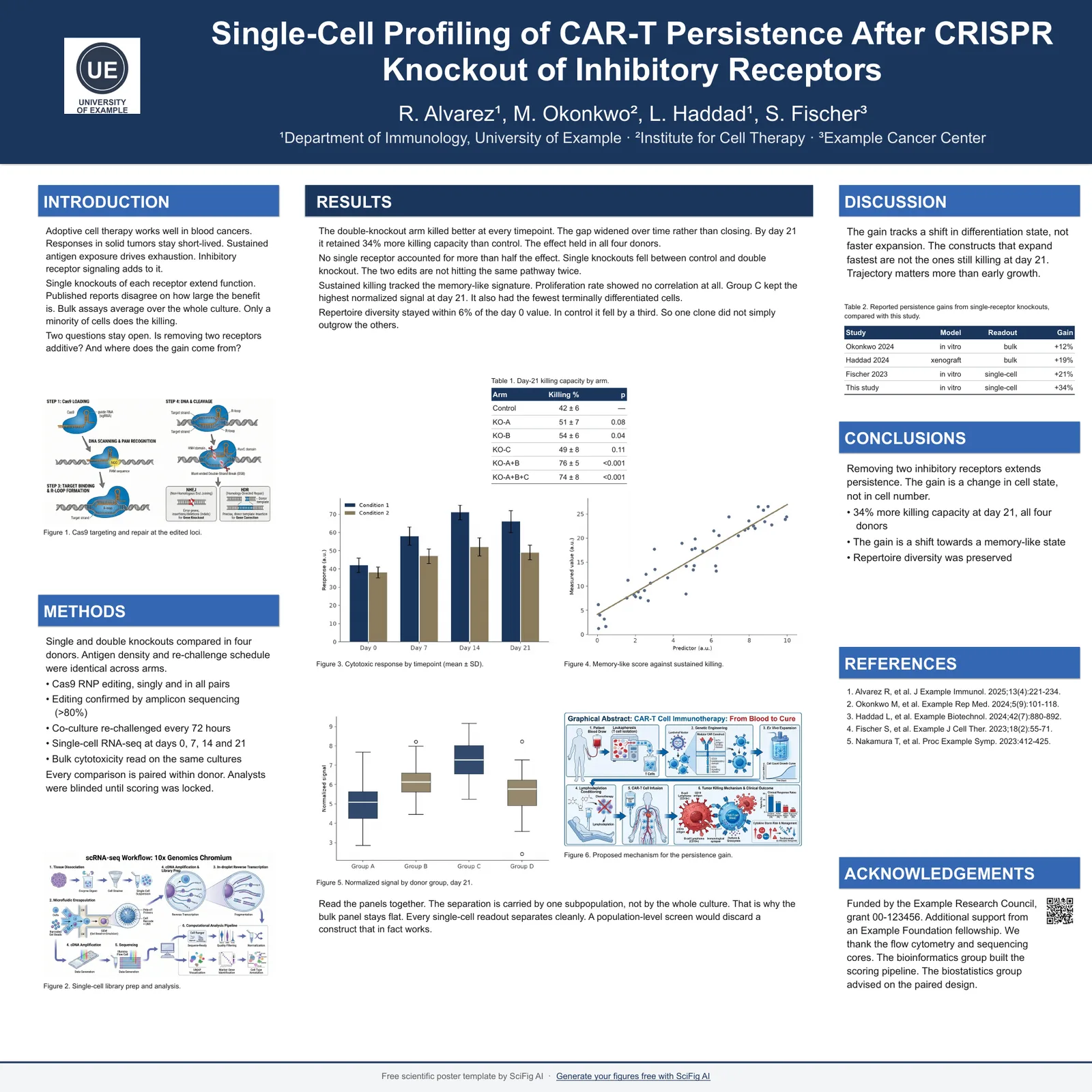
46 x 46 in square — Classic
46 x 46 in · 1168 x 1168 mm
four-column grid arranged 1 : 2 : 1
6 colors, same layout. Click any one to download the PowerPoint template or open it in Google Slides.
- Navy — 46 x 46 in square poster template
- Forest — 46 x 46 in square poster template
- Crimson — 46 x 46 in square poster template
- Teal — 46 x 46 in square poster template
- Plum — 46 x 46 in square poster template
- Graphite — 46 x 46 in square poster template
See all six color schemes — and how to swap in your lab or university colors →
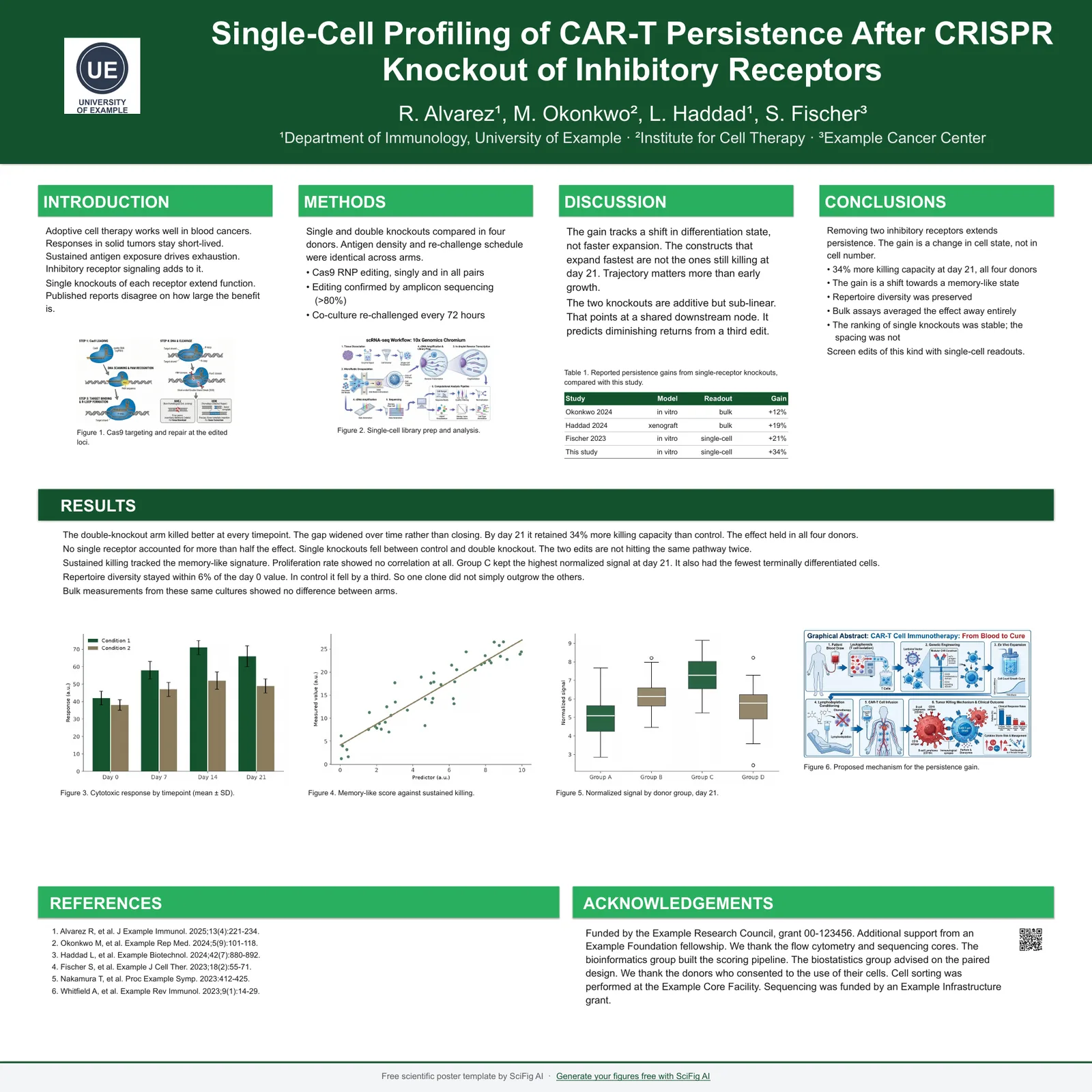
46 x 46 in square — Four column
46 x 46 in · 1168 x 1168 mm
four even columns
6 colors, same layout. Click any one to download the PowerPoint template or open it in Google Slides.
- Navy — 46 x 46 in square poster template
- Forest — 46 x 46 in square poster template
- Crimson — 46 x 46 in square poster template
- Teal — 46 x 46 in square poster template
- Plum — 46 x 46 in square poster template
- Graphite — 46 x 46 in square poster template
See all six color schemes — and how to swap in your lab or university colors →
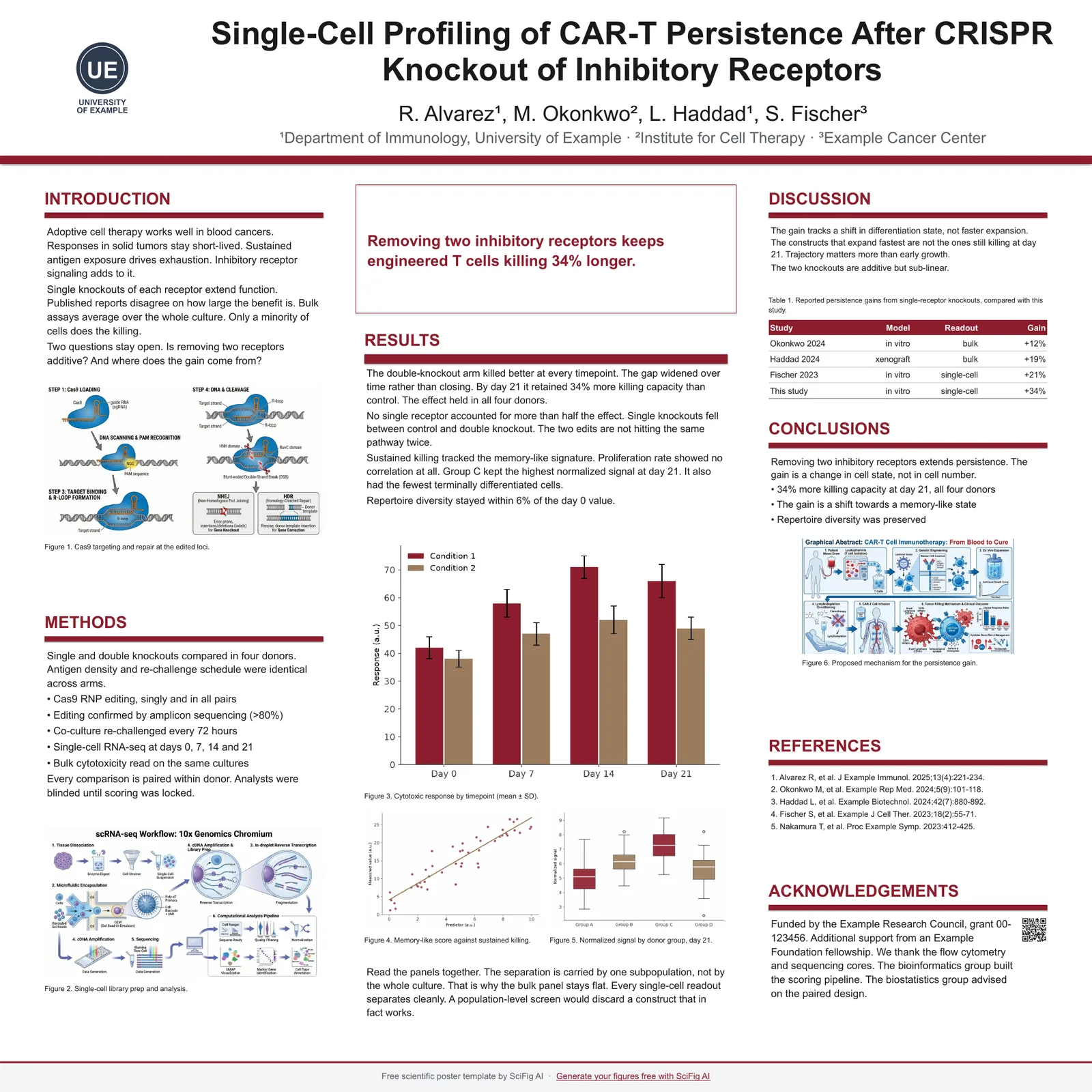
46 x 46 in square — Spotlight
46 x 46 in · 1168 x 1168 mm
central finding panel with supporting columns
6 colors, same layout. Click any one to download the PowerPoint template or open it in Google Slides.
- Navy — 46 x 46 in square poster template
- Forest — 46 x 46 in square poster template
- Crimson — 46 x 46 in square poster template
- Teal — 46 x 46 in square poster template
- Plum — 46 x 46 in square poster template
- Graphite — 46 x 46 in square poster template
See all six color schemes — and how to swap in your lab or university colors →
16:9 screen e-poster — Classic
40 x 22.5 in · exports 7680 x 4320 at 192 dpi
four-column grid arranged 1 : 2 : 1
6 colors, same layout. Click any one to download the PowerPoint template or open it in Google Slides.
- Navy — 16:9 e-poster template
- Forest — 16:9 e-poster template
- Crimson — 16:9 e-poster template
- Teal — 16:9 e-poster template
- Plum — 16:9 e-poster template
- Graphite — 16:9 e-poster template
See all six color schemes — and how to swap in your lab or university colors →
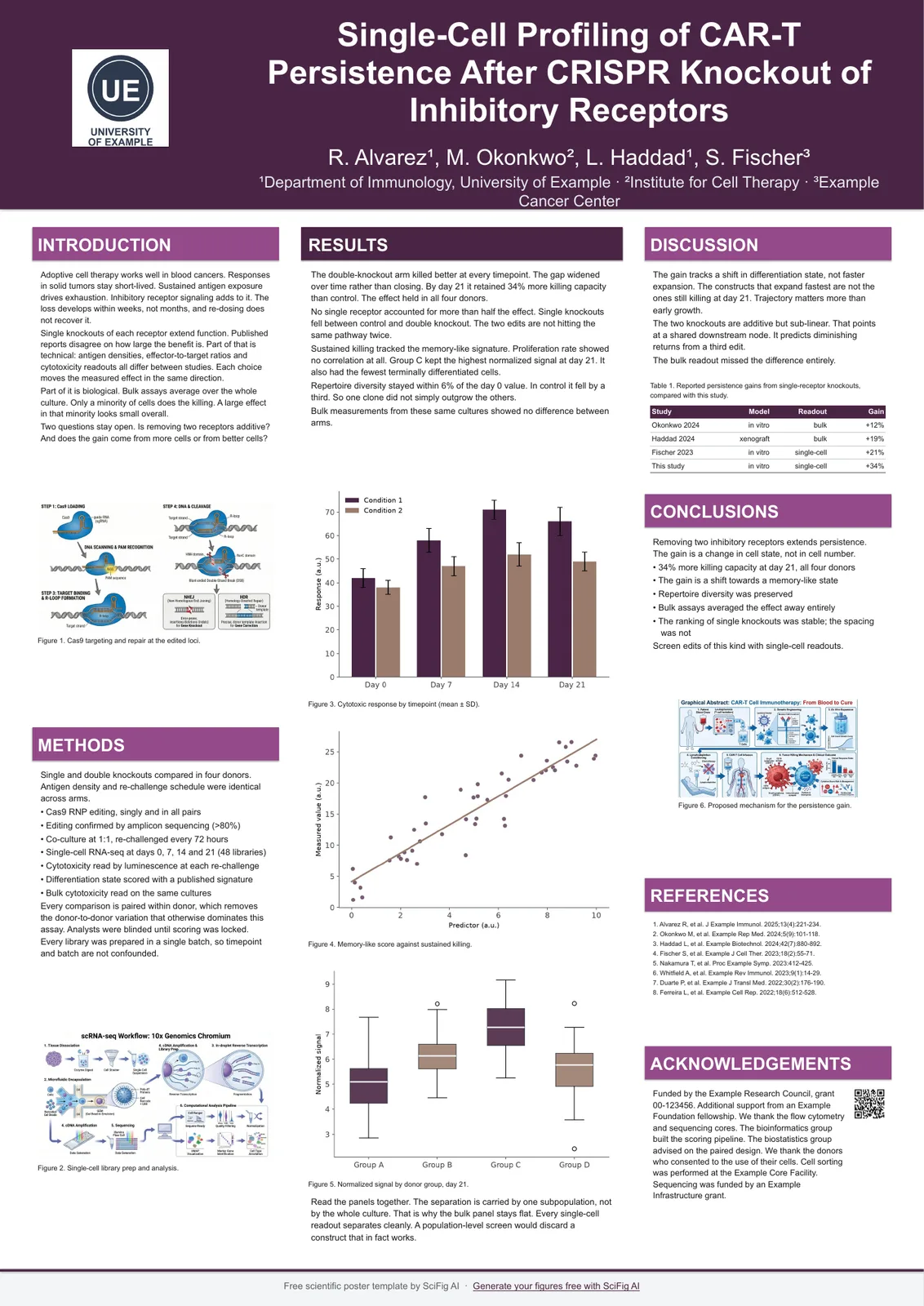
A0 portrait single page — Classic
A0 · 841 x 1189 mm
three columns arranged 1.2 : 1.6 : 1.2
6 colors, same layout. Click any one to download the PowerPoint template or open it in Google Slides.
- Navy — A0 portrait e-poster template
- Forest — A0 portrait e-poster template
- Crimson — A0 portrait e-poster template
- Teal — A0 portrait e-poster template
- Plum — A0 portrait e-poster template
- Graphite — A0 portrait e-poster template
See all six color schemes — and how to swap in your lab or university colors →
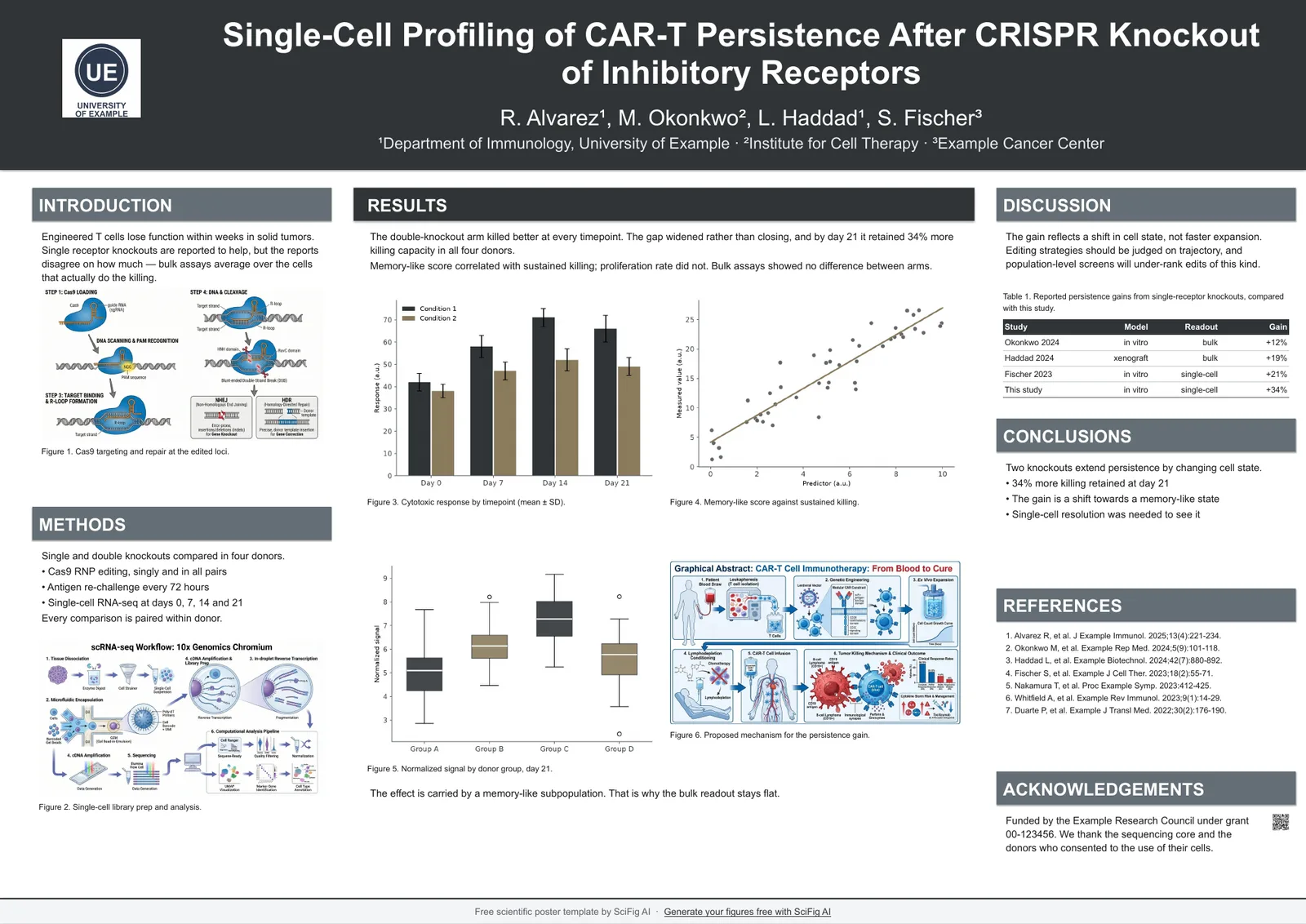
A0 landscape single page — Classic
A0 · 1189 x 841 mm
four-column grid arranged 1 : 2 : 1
6 colors, same layout. Click any one to download the PowerPoint template or open it in Google Slides.
- Navy — A0 landscape e-poster template
- Forest — A0 landscape e-poster template
- Crimson — A0 landscape e-poster template
- Teal — A0 landscape e-poster template
- Plum — A0 landscape e-poster template
- Graphite — A0 landscape e-poster template
See all six color schemes — and how to swap in your lab or university colors →
Three design families, six colors
Each template is one .pptx with a single layout already applied. Classic gives RESULTS the widest column, Four column runs even columns for text-heavy work, and Spotlight puts one central finding in the middle in the #betterposter style. Every layout comes in navy, forest, crimson, teal, plum and graphite.
Classic
narrow / wide / narrow on tall boards and 1 : 2 : 1 on wide ones, with RESULTS given the widest column. This is the default and suits most studies.
Four column
four even columns across the board, the densest option when you are carrying a lot of text.
Spotlight
one large central finding with the supporting detail moved to the sides, in the #betterposter style.
Square 46 x 46 in boards
Four conferences we track hang square boards — AVS, MRS, AIChE, and Keystone — and three of them publish no template at all. An A0 portrait or 48x36 landscape file will not fit a square board without redoing the whole layout, so the square size ships as its own file.
How to make a portrait poster in PowerPoint
PowerPoint has no poster mode. You set the canvas size once, and everything else is ordinary slide editing. If you would rather not set the canvas at all, the portrait templates above already have it set for every print size.
- Design > Slide Size > Custom Slide Size, then type the width and height in inches or centimeters.
- For a portrait poster, put the smaller number in Width and the larger in Height — that single step is what people mean by making PowerPoint portrait.
- Choose Ensure Fit when prompted, so existing content is scaled rather than cropped.
- Keep body text at or above the size in the type scale for your board — text that reads fine on screen is unreadable at two meters.
- Export to PDF before sending to a printer. PowerPoint files re-flow if the printer lacks your fonts.
Templates by research type
The layout does not change with study type, but the section names do. Rename the headings in whichever file you download.
Case report
Presentation, Investigations, Management, Outcome, Discussion.
Systematic review
Question, Search strategy, PRISMA flow, Synthesis, Limitations.
Case study
Context, Intervention, Observations, Interpretation.
Literature review
Scope, Themes, Evidence map, Gaps.
Qualitative research
Setting, Participants, Analysis, Themes, Quotes.
Science fair and student posters
School science fair boards are usually trifold cardboard, not a single printed sheet, so a conference poster file will not mount directly. The layouts here still work as the printed panels you glue onto a trifold.
- ISEF and most regional fairs specify a trifold display board rather than a poster size.
- Print the three columns of the 3-column layout as three separate panels sized to your board.
- Final year project and capstone posters usually follow the conference sizes above — use A1 or 36x48 in.
About the #betterposter format
The #betterposter or Poster 2.0 format puts one large take-home sentence in the middle with supporting detail at the edges. The 1-2-1 layout in every file is a conservative version of that idea: a large central figure with a single conclusion, without giving up the sections reviewers look for.
A2 and A3 posters
A2 (420 x 594 mm) now has its own templates — six files, portrait and landscape, with a type scale recomputed for a board read from close up rather than scaled down from A1. A3 (297 x 420 mm) has no dedicated file: it is the same proportions as the rest of the A series, so open the A2 file, change the canvas size, and step the type scale down once more.
Do you have LaTeX poster templates?
No — these are PowerPoint files. If you work in LaTeX, beamerposter and tikzposter are the established packages and both handle A0 natively. The size chart above still applies: set the same physical dimensions and keep the same type scale.
Frequently Asked Questions
Common questions about Scientific Poster PowerPoint Templates.

Ready to publish
Scientific figures. Edit anything. Publish today.
Start for freeFree to start · No credit card required · Built for researchers