
Free Radar Chart Generator
Create professional radar charts for multi-dimensional data comparison — describe your axes and values, generate an online radar chart, and export for papers or presentations.
Start with up to 150 free credits|No credit card required
Get up to 250 free credits on day one when you join through an invite.
Updated
Free Radar Chart Generator— templates & examples
Everything you need to build your radar chart
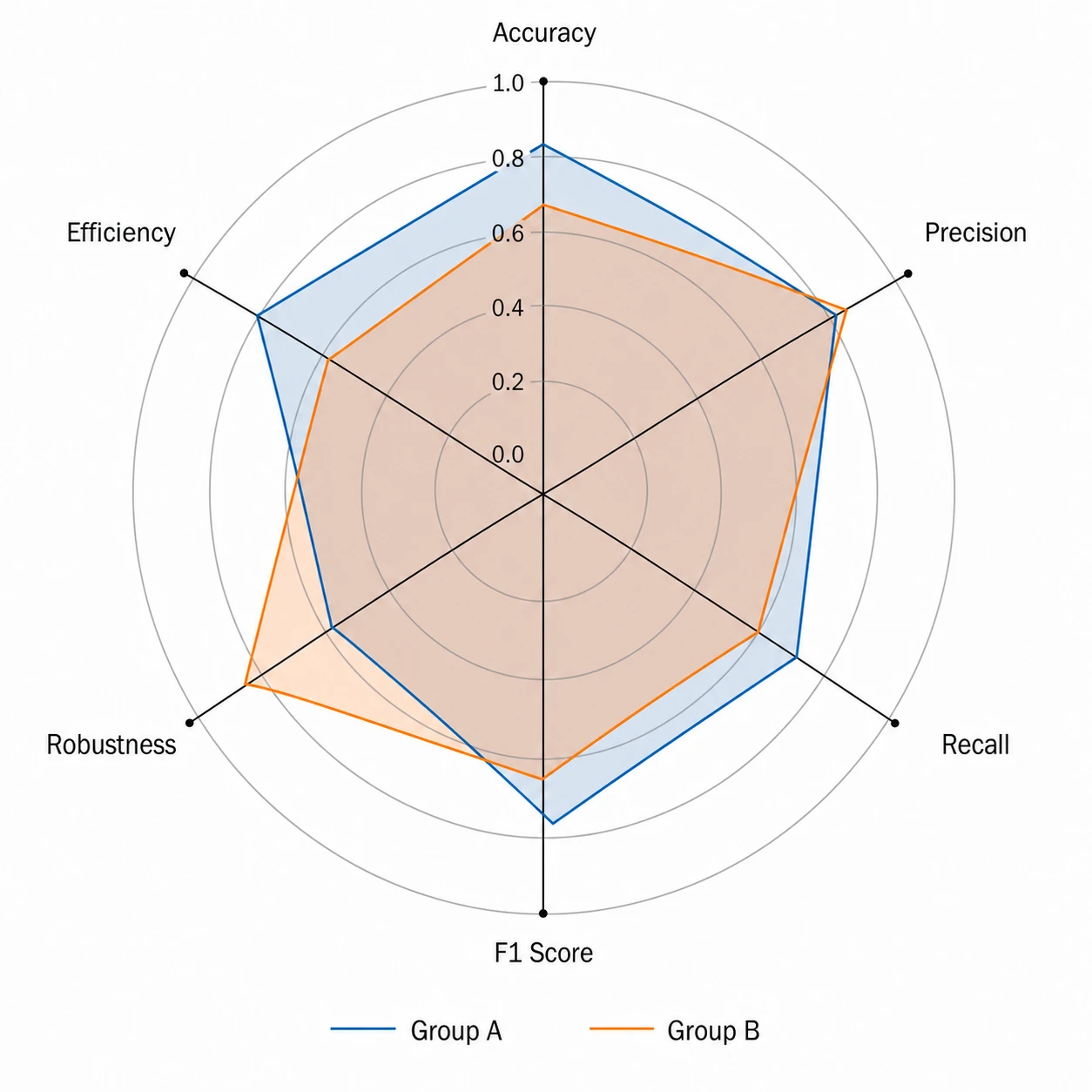
Plot multi-dimensional data on any number of axes
A clear radar chart generator should handle four to eight axes without cluttering labels or distorting the polygon. Upload your group values to SciFig DataChart and describe the variables and axis ranges, and SciFig produces an online radar chart with precisely spaced axes, clean tick marks, and distinct colors for each group — the standard your reviewers expect for ability radar chart figures in peer-reviewed work.
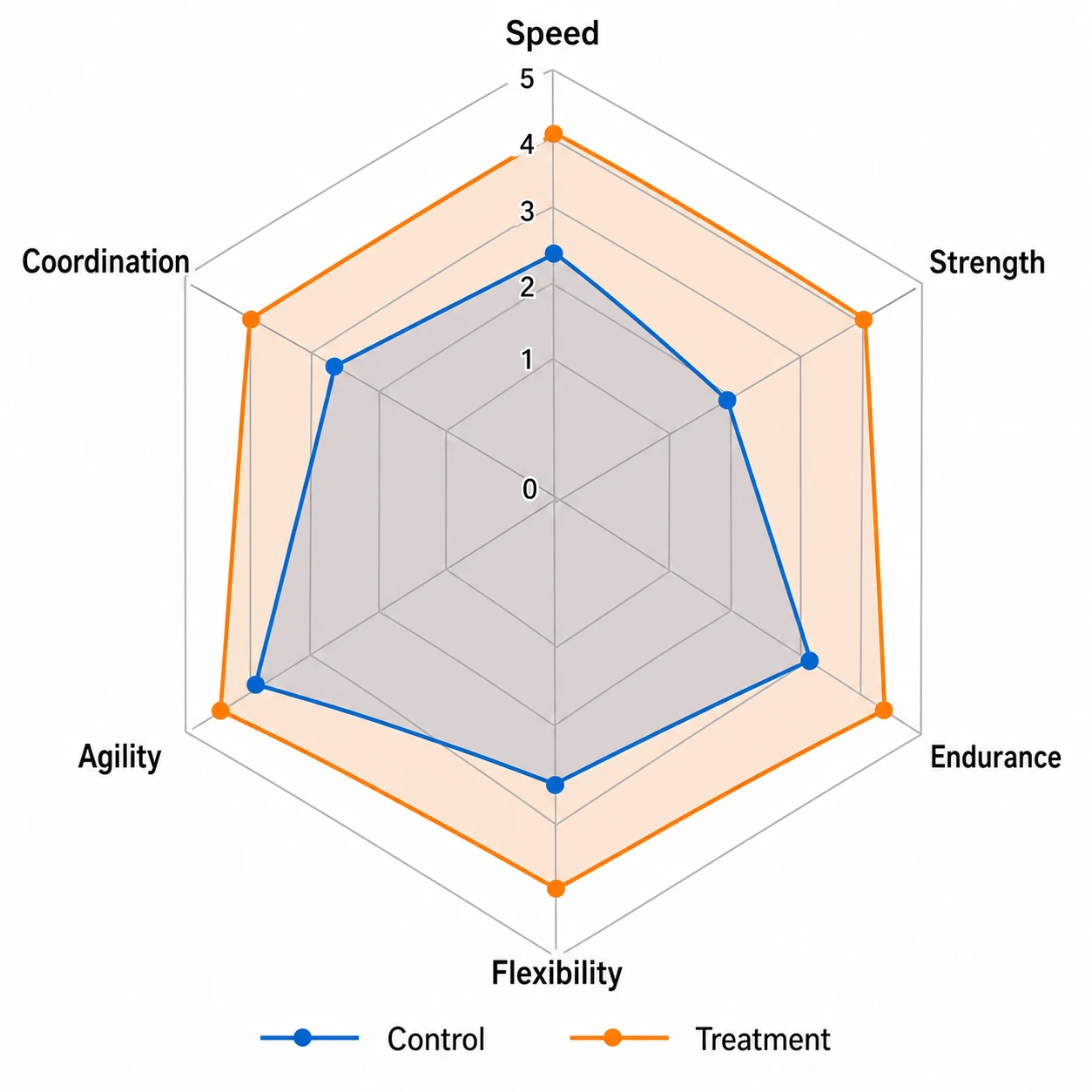
Compare groups with overlaid radar chart polygons
Multi-group radar charts let readers compare ability profiles or performance benchmarks at a glance. SciFig's radar chart generator overlays two or more polygons on the same axes with a crisp legend, uses accessible fill transparency so overlaps remain legible, and keeps axis labels readable at journal print sizes. Export as a radar chart example your colleagues can replicate.
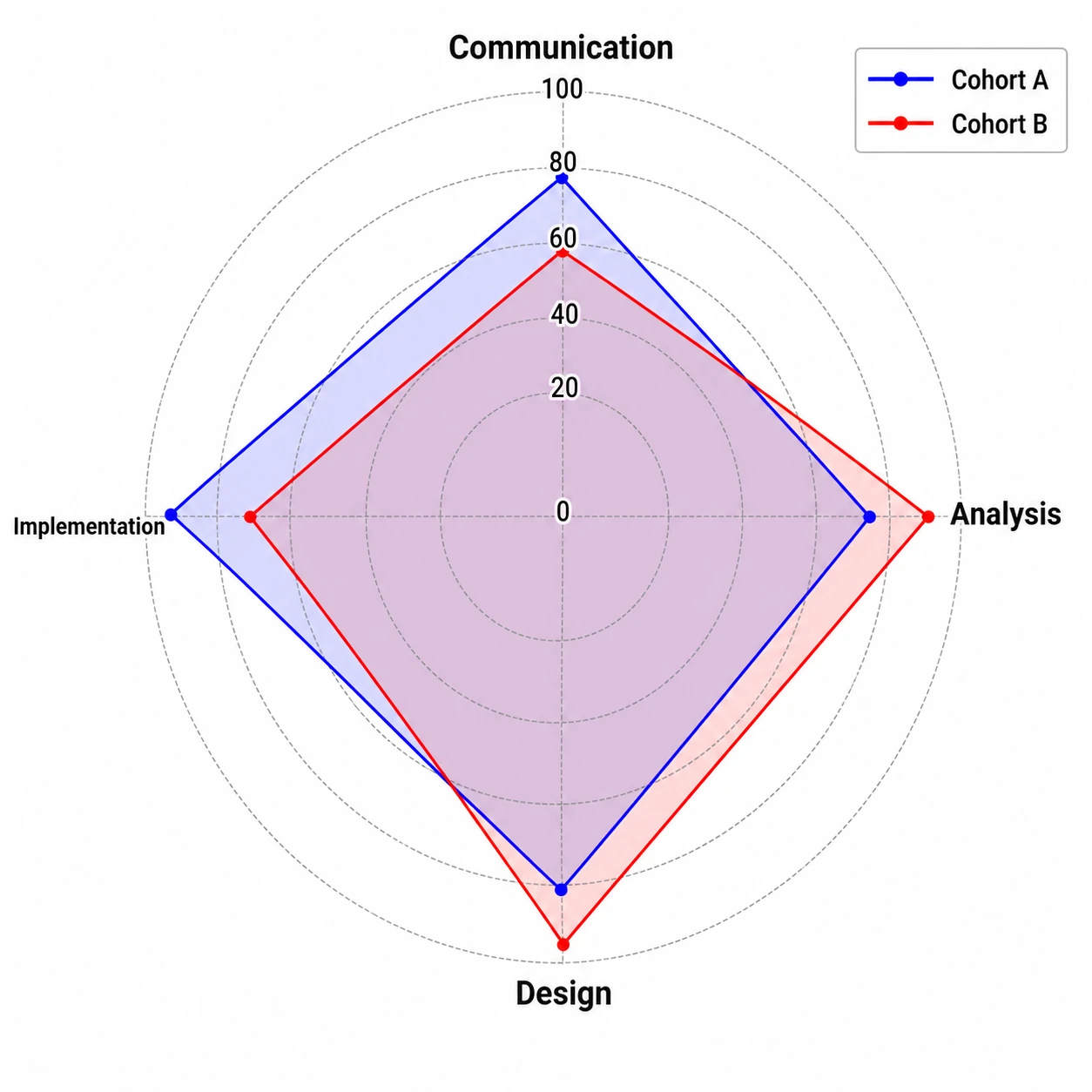
Publication-ready export for any radar chart use case
Whether you need a simple online radar chart for a conference poster or a detailed ability radar chart for a dissertation chapter, SciFig outputs a fully editable figure at the resolution and aspect ratio you need. Relabel axes, adjust the color palette, and re-export without rebuilding from scratch.
What is a radar chart?
A radar chart — also called a spider web chart or ability radar chart — displays multivariate data on axes radiating from a central point, forming a polygon that reveals strengths and weaknesses across five or more dimensions. Researchers use radar charts to compare skill profiles or visualize composite scores. Upload the values for each group and measured dimension. Choose the column mappings in SciFig DataChart (data-driven charts) and generate the plot from your table.
Why researchers use a radar chart
- Shows strengths and weaknesses across multiple dimensions simultaneously
- Allows direct visual comparison of two or more groups on the same axes
- Compact format ideal for ability radar charts in psychology and education research
- Readers grasp overall balance and outlier axes faster than with bar charts
- Widely accepted by journals in sports science, clinical psychology, and product evaluation
- Scales from simple four-axis radar chart examples to complex eight-axis profiles
Key components of a radar chart
- Axes — radiating spokes from center, one per variable, equally spaced angularly
- Scale rings — concentric circles marking equal intervals along every axis
- Data polygon — a closed shape connecting each axis value for one group
- Group overlays — additional polygons with distinct colors or fills for comparison
- Axis labels — short descriptive names placed at the outer tip of each spoke
- Legend — identifies each group when two or more polygons are plotted
Where radar charts are used in research
- Cognitive and neuropsychological ability radar chart profiles across participant groups
- Sports science performance benchmarks comparing athletes across fitness dimensions
- Product usability evaluations scoring multiple design criteria per prototype
- Educational assessment comparing competency scores across curriculum domains
- Clinical outcome studies displaying multi-symptom severity profiles before and after treatment
- Survey research summarizing multi-item scale means for distinct respondent clusters
How to make a radar chart
Upload your table
Upload a CSV or Excel file with the measurements and column names needed for your chart.
Set up the chart and analysis
Choose a chart type, then set the column mapping, units, filters and statistical options; SciFig DataChart plots every value from your table.
Download your results
Export the chart and analysis files, or convert the result to SVG for editing in SciFig Vector Canvas.
Free Radar Chart Generator — Frequently Asked Questions
Common questions about Free Radar Chart Generator.
More tools

Circuit Diagram Maker
Draw electronic circuit schematics

Free Body Diagram Generator
Show forces acting on an object

Graphical Abstract Maker
Summarize your study in one panel
SciFig
Free AI Scientific Figure Generator for Illustrations, Images, Charts and Flowcharts
Models
Default to GPT Image 2 for journal papers; switch to Nano Banana Pro for slides and posters; pick Nano Banana 2.1 for routine figure work
Tutorials
Seven short walkthroughs of the AI scientific figure generator
Blog
Tutorials, tool comparisons, and publication tips for researchers.
Inspiration
Explore publication-ready illustrations, charts and flowcharts. Copy a prompt or open any template as the starting point for your own figure.
Pricing
View pricing

Ready to publish?
Make your own radar chart in minutes.
Start for freeFree to start · No credit card required · Built for researchers