
Free Reference Image AI for Scientific Figures
Use reference image AI to draw a new scientific figure in the style of an image you have the right to use. Describe your own content; SciFig borrows the look, not the subject.
Start with up to 150 free credits|No credit card required
Get up to 350 free credits on day one when you join through an invite.
Updated
Free Reference Image AI for Scientific Figures— templates & examples
Everything you need to restyle a scientific figure from a reference
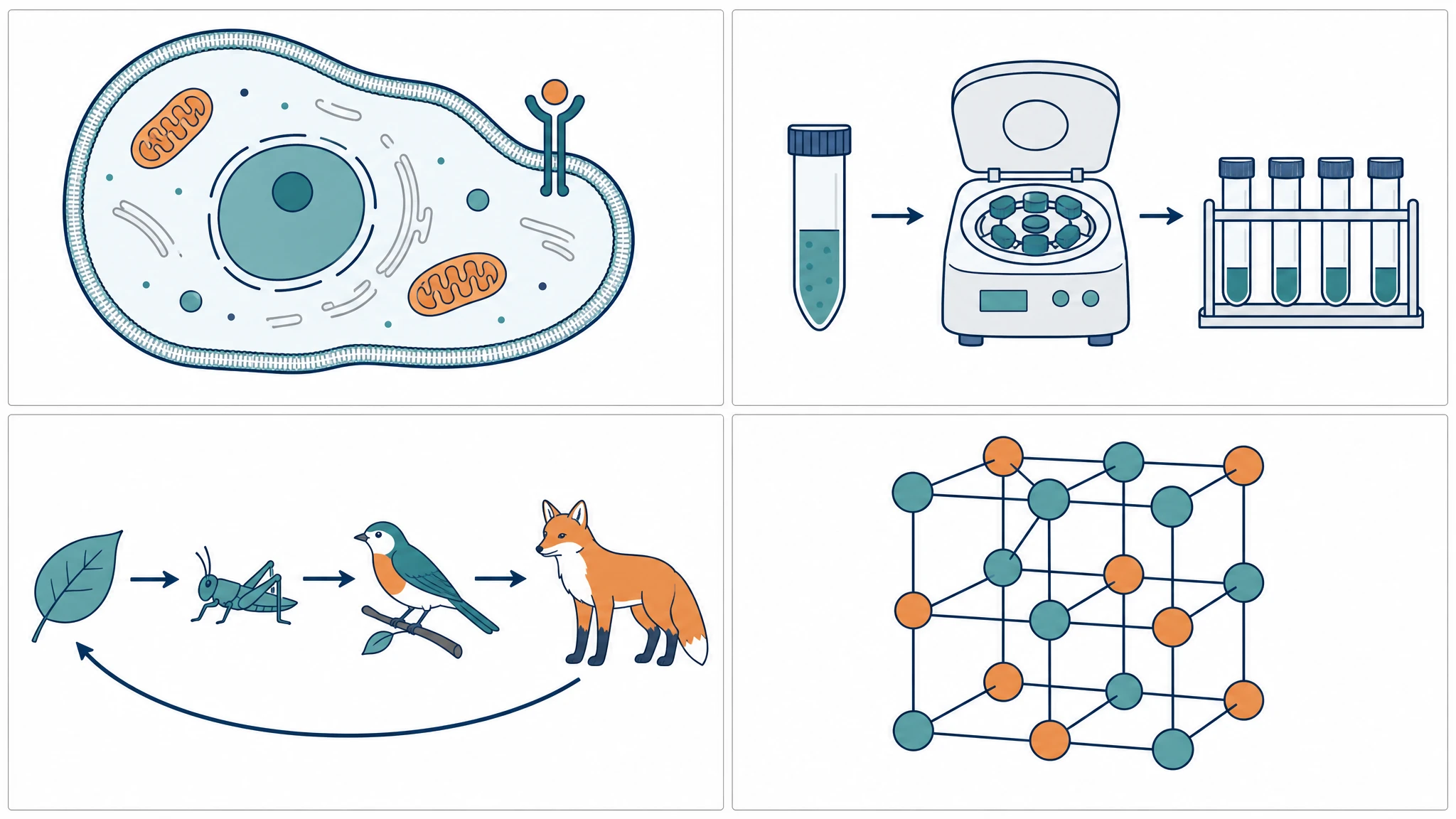
Give every figure in a project one visual language
Upload one of your finished figures as the reference and describe the next one you need. The reference image AI reuses its palette, stroke weight, and illustration style, so a methods schematic, a mechanism, and a graphical summary can look like they belong to the same paper. The subject of each new scientific figure still comes from your own description.
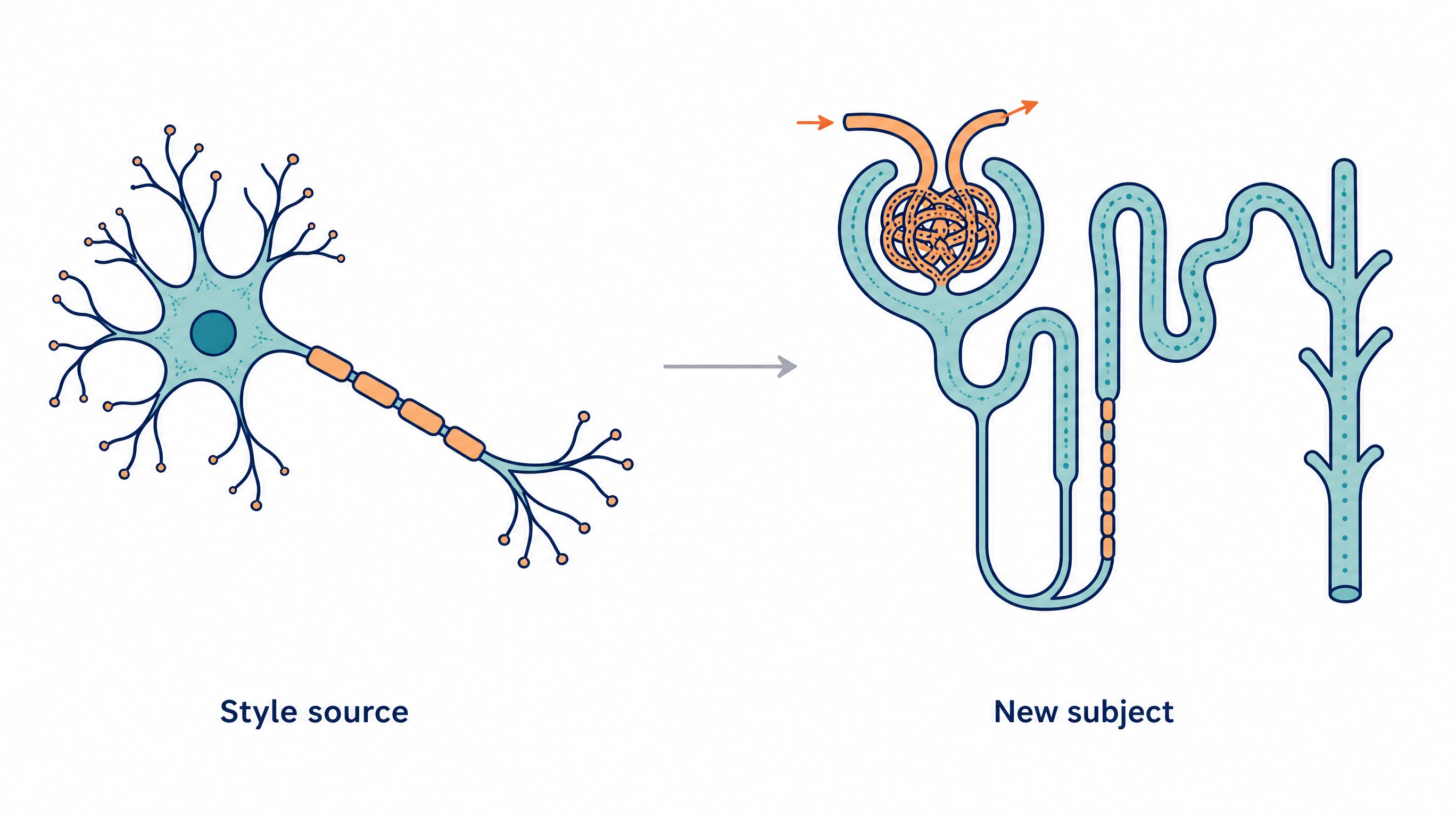
Borrow the style, not the subject
When researchers want to recreate figure from image references, they usually mean a look, not someone else's content. SciFig sends your upload as a style source only and asks the model to draw the subject you describe. As a reference image AI generator, it works best when your description names every element and label you expect to see.
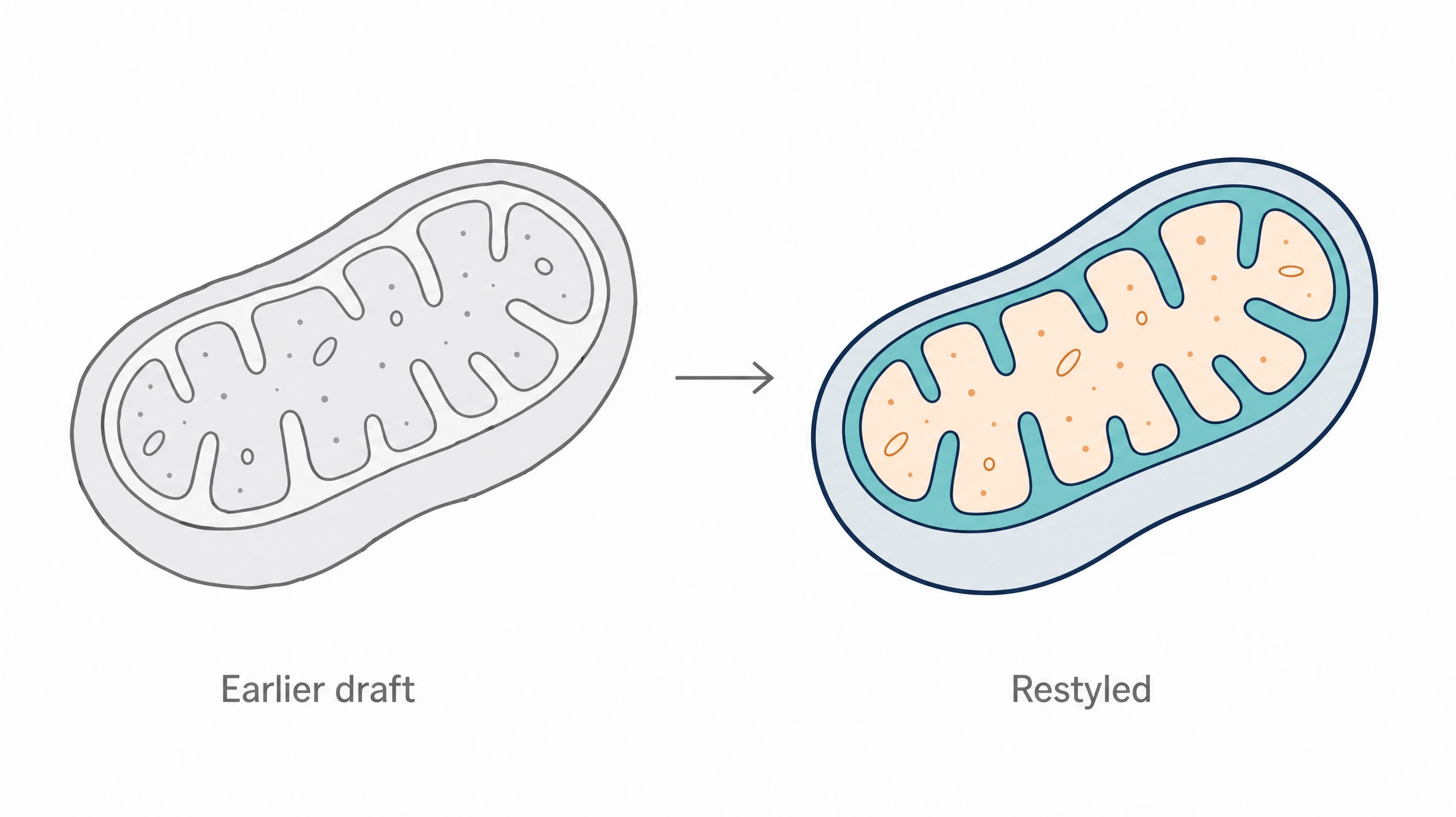
Refresh your own earlier drafts
If you want to recreate a scientific figure you drew yourself in a cleaner or more consistent style, describe its content in words and use a figure you like as the reference. Every label in the new version stays editable in SciFig AI Illustration (AI scientific illustration), and you can convert it to editable SVG before export.
What is a scientific figure?
A scientific figure is a drawn visual, such as a pathway, mechanism, or workflow schematic, that explains research. With reference image AI, you upload one image as a style source and describe the content you need. SciFig asks the model to reuse the palette, line weight, and illustration language while taking the subject only from your description. The result opens in SciFig AI Illustration (AI scientific illustration), where every label can be edited and the figure converted to editable SVG.
Why draw a scientific figure from a reference image?
- Keep palette, line weight, and shading consistent across every scientific figure in one paper
- Match new panels to figures your lab has already approved
- Spend your description on scientific content instead of visual styling
- Carry one visual language from a manuscript into slides and a poster
- Recreate scientific figure panels in a consistent style when earlier ones were made by different people
- Reuse a style you own without copying the subject of any other image
Key components of a reference-guided scientific figure
- Reference image — one PNG, JPG, or WebP file you have the right to use, up to 20 MB
- Style attributes — palette, line weight, level of detail, shading, and typography
- Content description — every element, label, and relationship the new figure must show
- Exclusions — a plain statement that the reference's subject and labels should not appear
- Editing pass — labels and elements adjusted in SciFig AI Illustration or as editable SVG
- Attribution — a source credit wherever the figure is adapted from published work
Where reference-guided scientific figures help
- Adding a new mechanism panel that matches a manuscript's existing figures
- Building a methods schematic in the same style as a companion experimental workflow diagram
- Preparing a graphical abstract that shares the look of the main figures
- Aligning lecture or seminar slides with a course's established illustration style
- Refreshing a lab's older schematics so a poster reads as one set
- Recreate figure from image files you drew yourself when the editable source was lost
How to make a scientific figure
Describe your scientific figure
Tell SciFig what to draw in plain language — no design tools required.
Generate with SciFig
Get a clean, publication-ready figure that matches your description in seconds.
Edit & export
Vectorize it into editable SVG, relabel everything, and export for your paper, poster, or slides.
Free Reference Image AI for Scientific Figures — Frequently Asked Questions
Common questions about Free Reference Image AI for Scientific Figures.
More tools

Circuit Diagram Maker
Draw electronic circuit schematics

Free Body Diagram Generator
Show forces acting on an object

Graphical Abstract Maker
Summarize your study in one panel
SciFig
Free AI Scientific Figure Generator for Illustrations, Images, Charts and Flowcharts
Models
Default to GPT Image 2 for journal papers; switch to Nano Banana Pro for slides and posters; pick Nano Banana 2.1 for routine figure work
Tutorials
Seven short walkthroughs of the AI scientific figure generator
Blog
Tutorials, tool comparisons, and publication tips for researchers.
Inspiration
Explore publication-ready illustrations, charts and flowcharts. Copy a prompt or open any template as the starting point for your own figure.
Pricing
View pricing

Ready to publish?
Make your own scientific figure in minutes.
Start for freeFree to start · No credit card required · Built for researchers