
Free Tree Diagram Generator
Create professional tree diagrams showing hierarchical structures, probability branches, and parent-child relationships with SciFig's AI tree diagram maker.
Start with up to 150 free credits|No credit card required
Get up to 250 free credits on day one when you join through an invite.
Updated
Free Tree Diagram Generator— templates & examples
Everything you need to create a publication-ready tree diagram
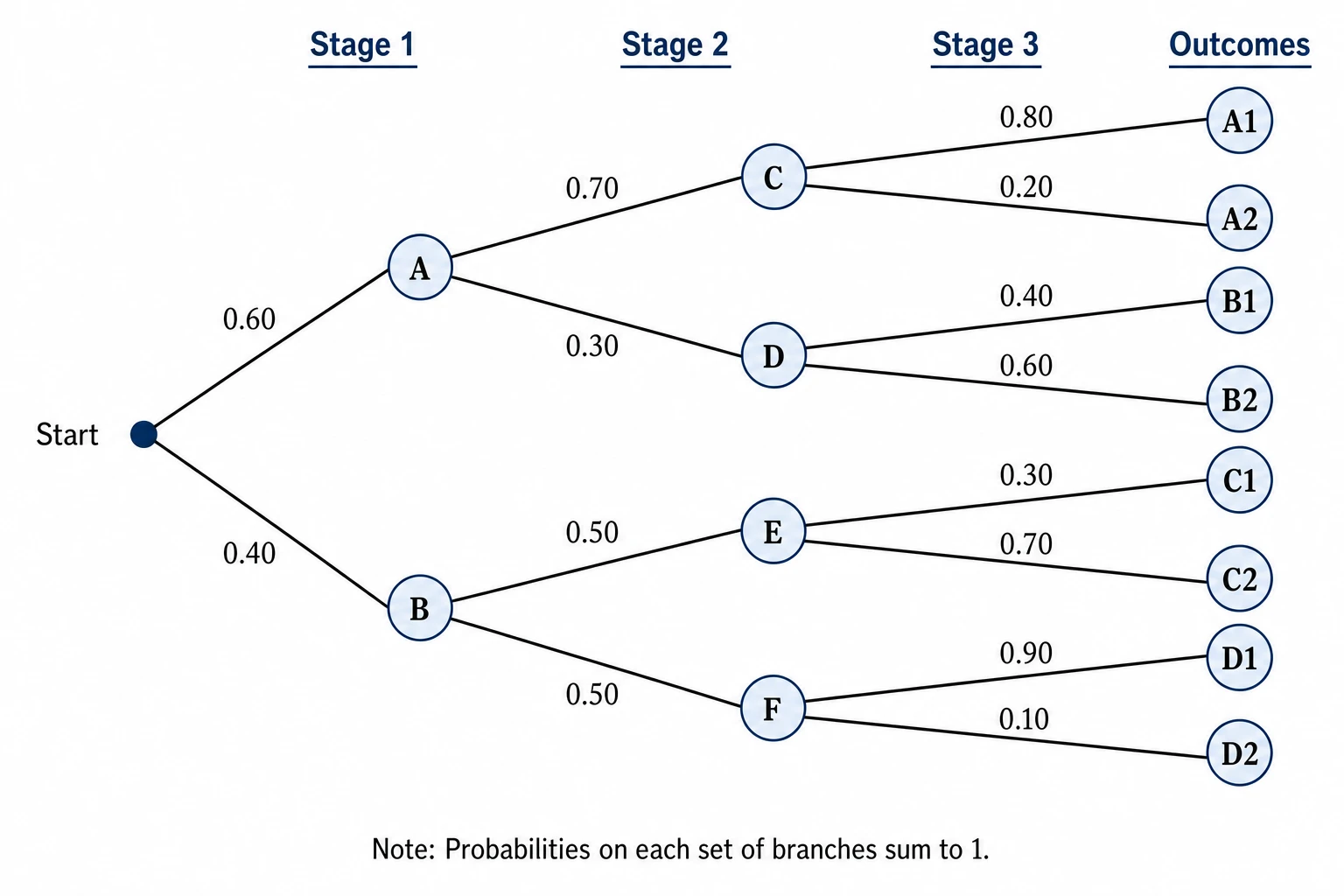
Hierarchical structures and probability trees from plain language
Describe your hierarchy, taxonomy, or probability tree in natural language — list the root, branch labels, child nodes, and any probabilities — and SciFig's tree diagram maker renders a clean, level-aligned tree graph automatically. Whether you need a two-level classification, a five-stage probability tree diagram, or a deep nested hierarchy, the figure emerges with correct parent-child spacing and labeled edges suitable for any research paper or report.
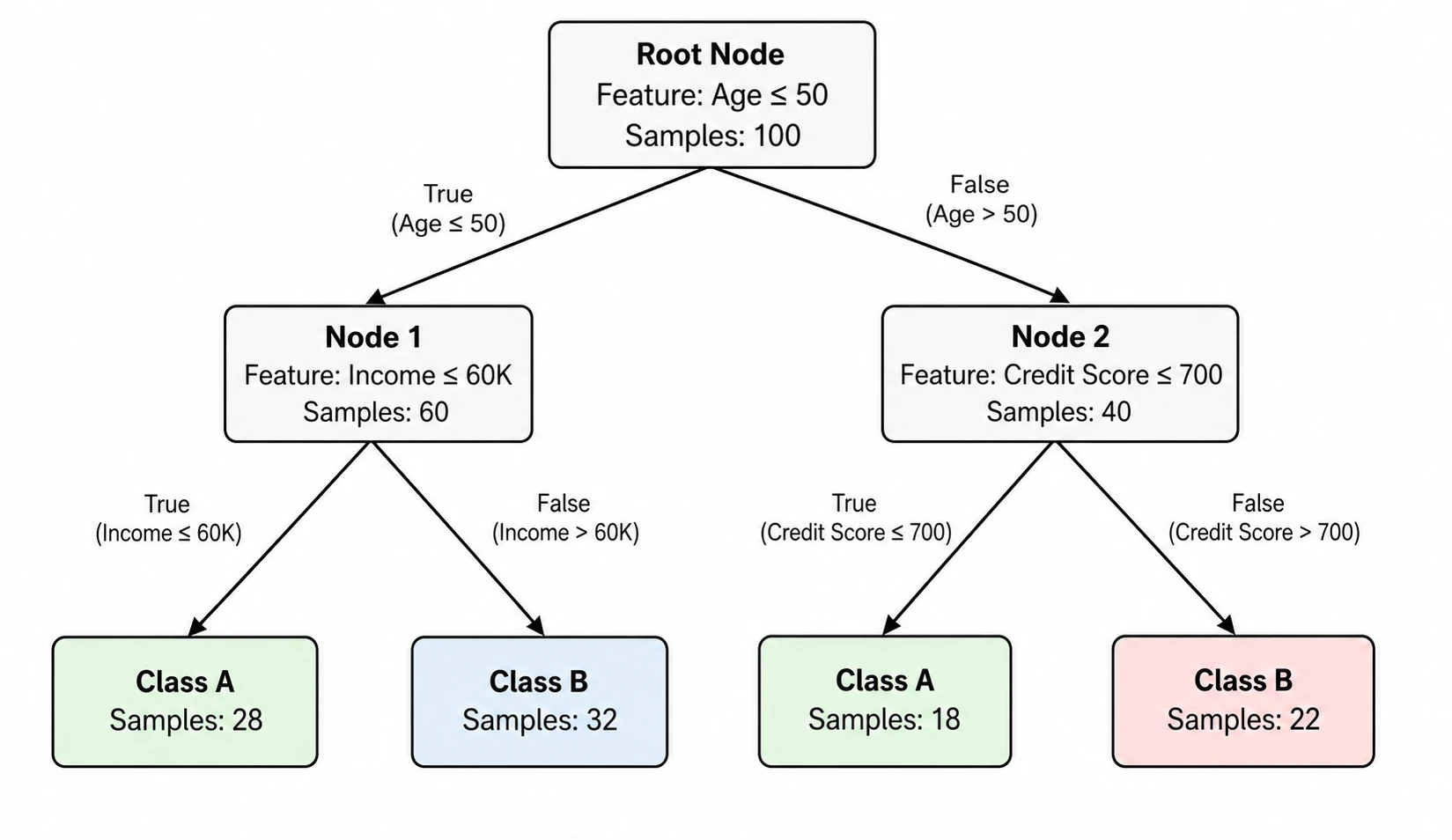
Full editing and flexible layout support
Every tree diagram generated by SciFig's tree diagram creator stays fully editable. Rename nodes, adjust branch labels, rebalance the tree layout, or add probability values after generation. The create tree diagram online workflow is designed for iteration — refine the structure as your analysis develops and export a final figure that meets the visual standards of journals in statistics, biology, linguistics, or computer science.
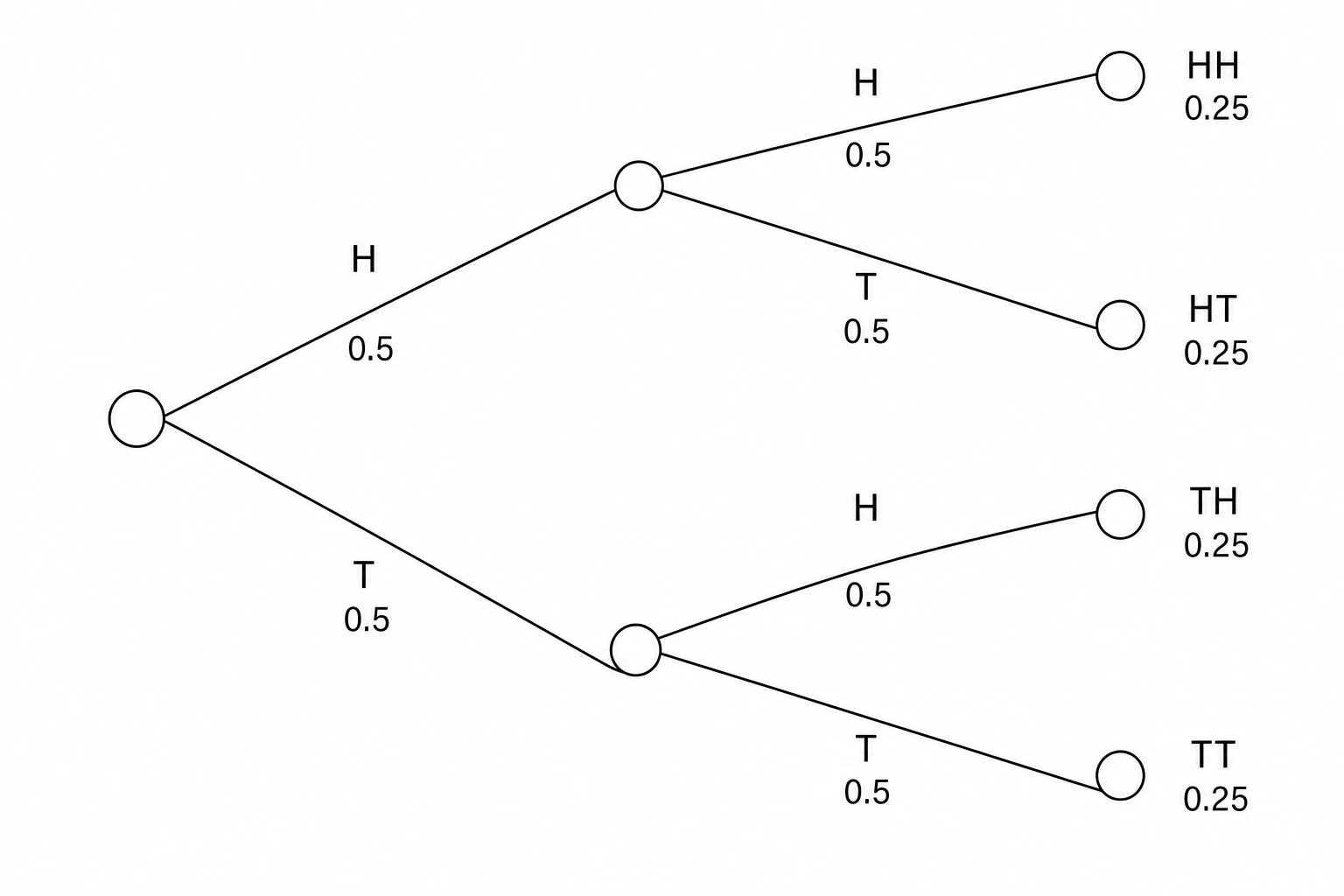
Built for research figures across disciplines
From probability trees in a statistics methods section to phylogenetic diagrams in a biology paper to decision tree visualizations in a machine learning study, SciFig's tree graph maker produces figures at publication quality. Export high-resolution tree diagrams for Springer, Wiley, Nature, or IEEE publications, or embed them in presentations and thesis chapters — with white backgrounds and clear node-label contrast throughout.
What is a tree diagram?
A tree diagram expands from a root node through labeled branches to leaf nodes, representing hierarchical relationships, sequential decisions, or probability outcomes, and is used across probability theory, biology, computer science, and organizational research. With SciFig's tree diagram maker you describe your hierarchy or probability tree in plain language and create a labeled tree graph you can edit and export for any academic publication or research report.
Why tree diagrams are essential research figures
- Communicate hierarchical relationships and classification levels in a single readable image
- Required in probability and statistics methods sections to enumerate sequential outcomes
- Essential for biology taxonomy, phylogenetics, and evolutionary lineage figures
- Show decision paths and branching logic in machine learning and algorithmic papers
- Make complex nested structures immediately navigable for reviewers and readers
- Serve as the standard structural figure in linguistics, computer science, and organizational research
Key elements of a tree diagram
- Root node — the top-level starting point of the hierarchy, drawn at the top or left of the figure
- Internal nodes — intermediate categories or decision points connected to both parent and child branches
- Leaf nodes — terminal endpoints with no children, representing final outcomes, categories, or taxa
- Branches — labeled edges connecting parent to child nodes, often carrying probability values or relationship names
- Levels — horizontal or vertical tiers that indicate depth in the hierarchy from root to leaves
- Labels — node names and branch annotations that give the tree diagram its semantic meaning
Where tree diagrams appear in research
- Probability and statistics papers enumerating outcomes of sequential or conditional events
- Biology and ecology publications showing taxonomic classification and phylogenetic trees
- Computational linguistics papers depicting parse trees and syntactic derivation structures
- Machine learning papers visualizing decision tree models and classification hierarchies
- Computer science algorithm papers illustrating recursive data structures and search trees
- Organizational and social science research mapping institutional hierarchies and typologies
How to make a tree diagram
Describe the structure
Describe the steps, groups, and connections, or start from a suitable SciFig FlowChart template.
Generate the diagram
SciFig FlowChart creates a native SVG diagram — edit any label, connection or count directly.
Edit and export
Edit SVG elements and export SVG, PNG, JPG or PPTX. PPTX includes the diagram visual and editable text where supported.
Free Tree Diagram Generator — Frequently Asked Questions
Common questions about Free Tree Diagram Generator.
More tools

Circuit Diagram Maker
Draw electronic circuit schematics

Free Body Diagram Generator
Show forces acting on an object

Graphical Abstract Maker
Summarize your study in one panel
SciFig
Free AI Scientific Figure Generator for Illustrations, Images, Charts and Flowcharts
Models
Default to GPT Image 2 for journal papers; switch to Nano Banana Pro for slides and posters; pick Nano Banana 2.1 for routine figure work
Tutorials
Seven short walkthroughs of the AI scientific figure generator
Blog
Tutorials, tool comparisons, and publication tips for researchers.
Inspiration
Explore publication-ready illustrations, charts and flowcharts. Copy a prompt or open any template as the starting point for your own figure.
Pricing
View pricing

Ready to publish?
Make your own tree diagram in minutes.
Start for freeFree to start · No credit card required · Built for researchers