
Free AI Figure Enhancer for Scientific Illustrations
Upload a schematic you already made and describe the fixes. The figure enhancer unifies colors, clears clutter, and renders a cleaner version you can keep editing.
Start with up to 150 free credits|No credit card required
Get up to 350 free credits on day one when you join through an invite.
Updated
Free AI Figure Enhancer for Scientific Illustrations— templates & examples
Refine an existing figure without starting from scratch
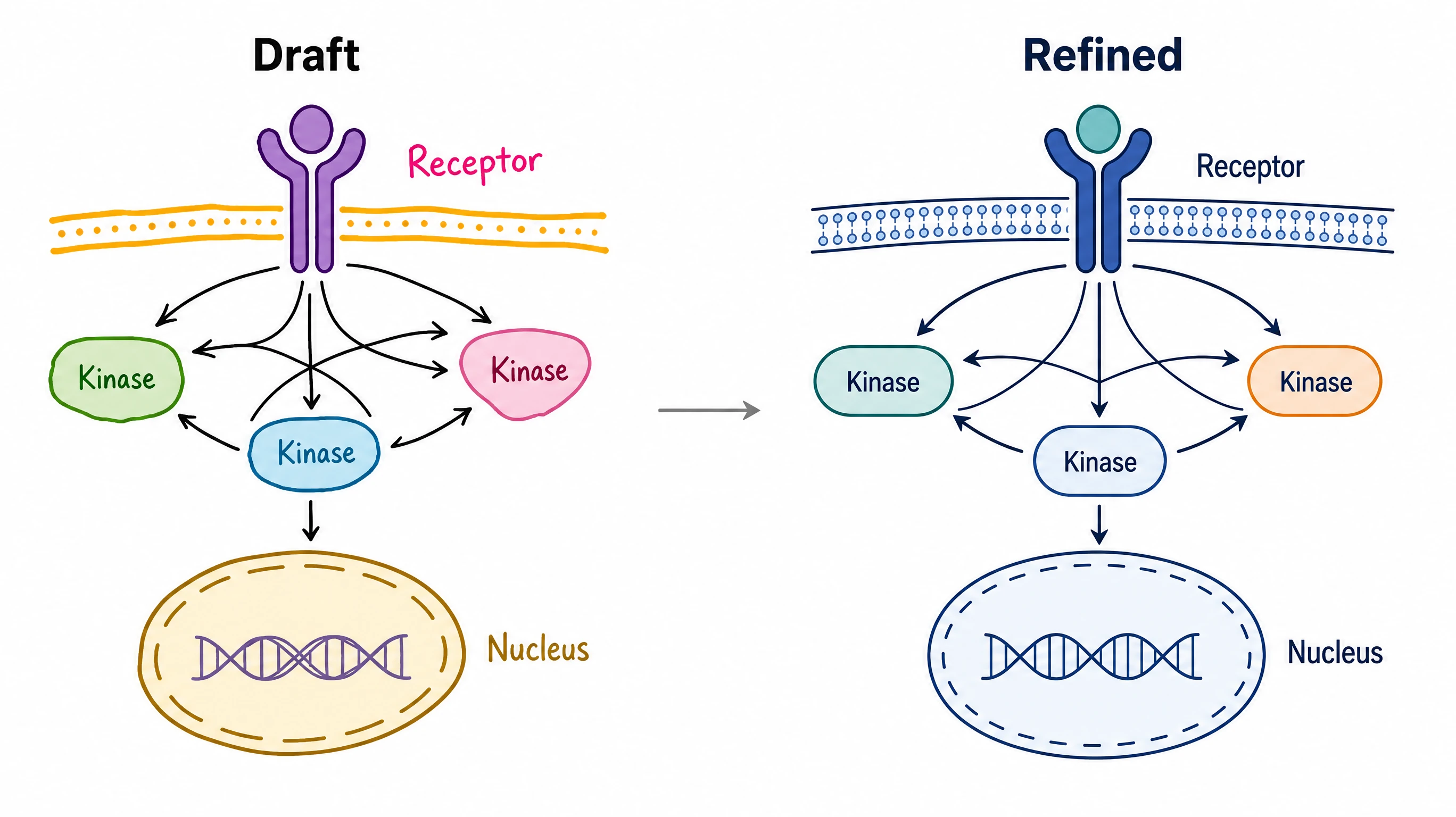
Give an existing illustration one consistent style
Upload a schematic assembled from several sources and ask the figure enhancer to apply one palette, one line weight, and one label font. As a figure quality enhancer, SciFig recreates the whole illustration so mismatched icons and clashing colors read as a single, coherent figure.
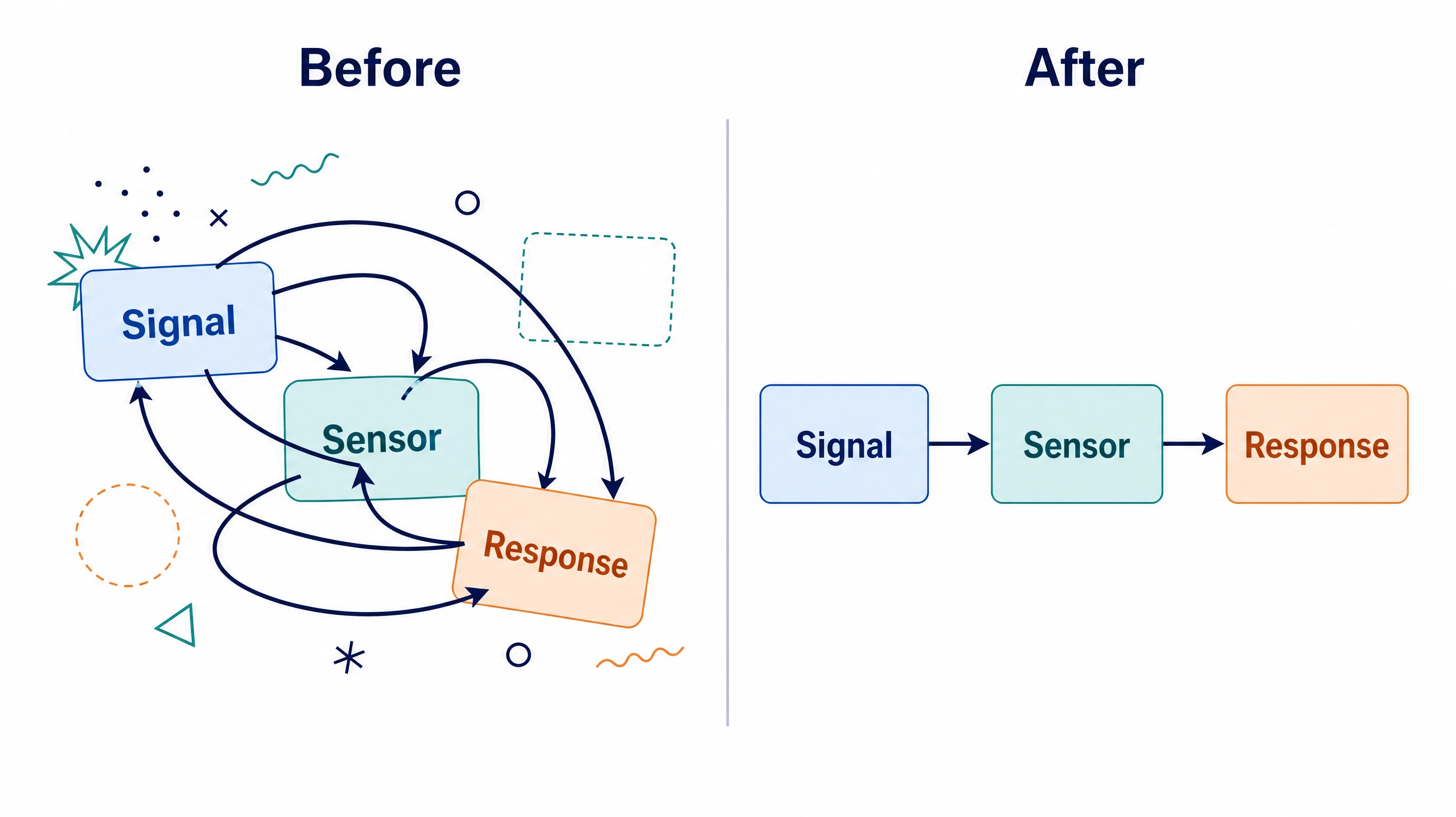
Clear clutter and tighten the layout
Describe what distracts readers: overlapping arrows, crowded text, uneven spacing, or decorative effects. SciFig lets you improve figure quality online by rebuilding a cleaner arrangement from your instructions. Keep the scientific content fixed in your prompt so that cleanup changes presentation, not meaning.
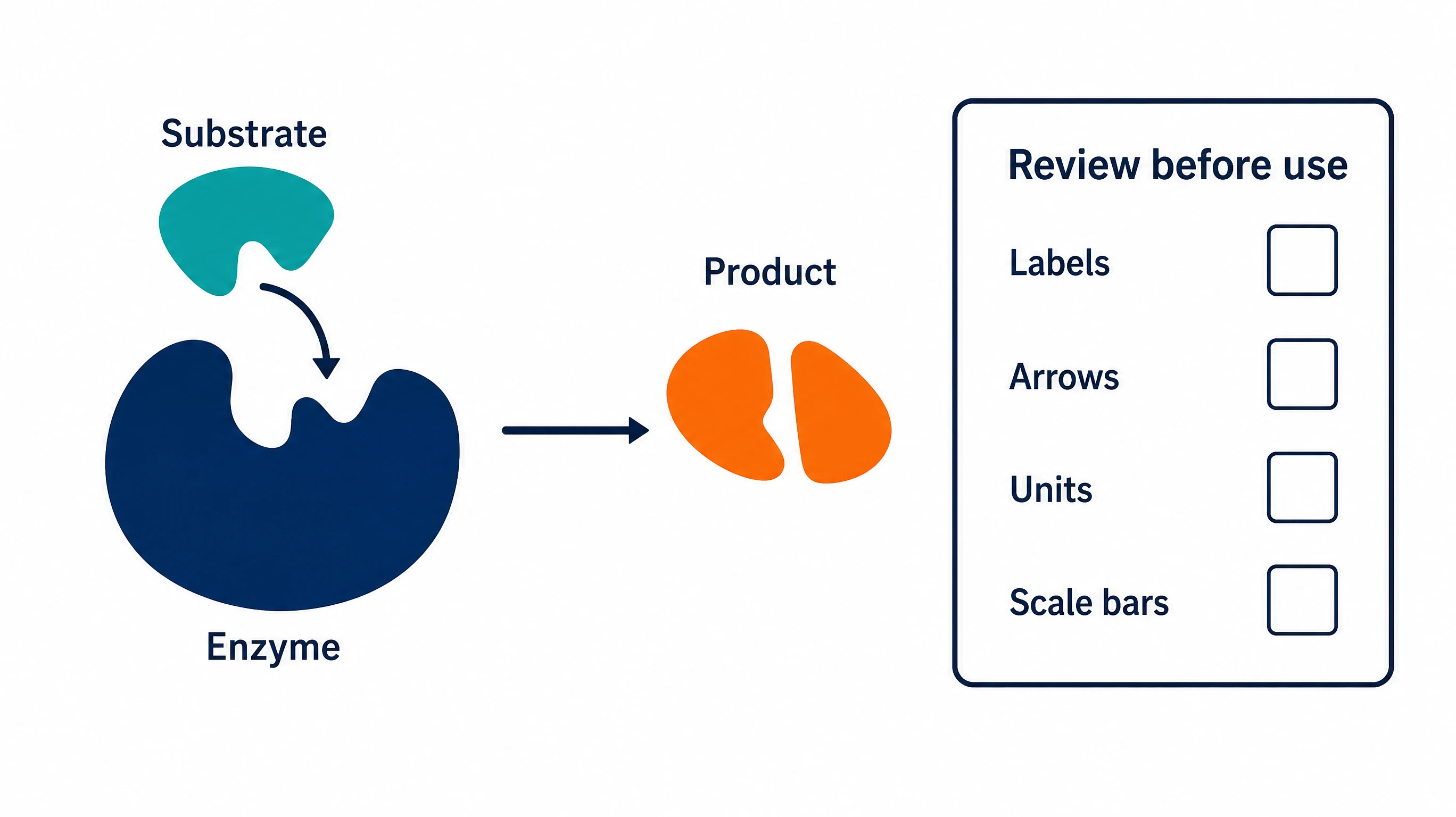
Fine-tune every label before you export
An enhanced figure is a new rendering, and every label and number in it stays editable. Use Region Redraw and text edits in SciFig AI Illustration (AI scientific illustration) to fine-tune any detail, upscale to 2K or 4K if needed, then convert the figure to editable SVG and export SVG, PNG, JPG or PPTX.
What is a figure?
A figure enhancer improves the clarity of an existing scientific illustration, such as a pathway schematic or graphical abstract. SciFig uses the uploaded figure as the reference for its panels, components, labels, colors and layout, and generates an enhanced version with denoising, sharper edges and clearer labels. After enhancement, edit text, colors or selected regions in SciFig AI Illustration (AI scientific illustration), or convert the figure to editable SVG.
Why use a figure enhancer?
- Give a figure built from mixed sources one consistent visual style
- Keep the structure of an existing schematic instead of recreating it by hand
- Remove clutter that hides the main message of a diagram
- Match colors and fonts across the panels of a paper or slide deck
- Enhance figure quality online in a browser, without desktop design software
- Turn a rough illustration into a cleaner version to share with coauthors
Key components of an enhancement request
- Source file: the existing illustration, uploaded as PNG, JPG, or WebP up to 20 MB
- Instructions: plain-language changes, such as unify colors or simplify icons
- Fixed content: labels, values, and relationships the new version must keep unchanged
- Model and style: chosen before generation from six image models, including GPT Image 2
- Follow-up edits: text edits and Region Redraw (powered by Nano Banana Pro) in SciFig AI Illustration, or editable SVG via Edit in Canvas
- Optional upscale: 2K or 4K for a finished result
Where enhanced figures help
- Refreshing an older mechanism schematic for a new manuscript
- Unifying the style of a graphical abstract assembled from several drafts
- Cleaning a conceptual diagram before a conference poster or talk
- Preparing a teaching illustration with clearer labels and spacing
- Polishing a methods overview drawn quickly for a lab meeting
- Pairing a refined schematic with an experimental workflow diagram
How to make a figure
Describe your figure
Tell SciFig what to draw in plain language — no design tools required.
Generate with SciFig
Get a clean, publication-ready figure that matches your description in seconds.
Edit & export
Vectorize it into editable SVG, relabel everything, and export for your paper, poster, or slides.
Free AI Figure Enhancer for Scientific Illustrations — Frequently Asked Questions
Common questions about Free AI Figure Enhancer for Scientific Illustrations.
More tools

Circuit Diagram Maker
Draw electronic circuit schematics

Free Body Diagram Generator
Show forces acting on an object

Graphical Abstract Maker
Summarize your study in one panel
SciFig
Free AI Scientific Figure Generator for Illustrations, Images, Charts and Flowcharts
Models
Default to GPT Image 2 for journal papers; switch to Nano Banana Pro for slides and posters; pick Nano Banana 2.1 for routine figure work
Tutorials
Seven short walkthroughs of the AI scientific figure generator
Blog
Tutorials, tool comparisons, and publication tips for researchers.
Inspiration
Explore publication-ready illustrations, charts and flowcharts. Copy a prompt or open any template as the starting point for your own figure.
Pricing
View pricing

Ready to publish?
Make your own figure in minutes.
Start for freeFree to start · No credit card required · Built for researchers