
Free PRISMA Flow Diagram Generator
Create a clean, publication-ready PRISMA flow diagram with identification, screening, eligibility, and included stages, exact record counts, and exclusion reasons.
Start with up to 150 free credits|No credit card required
Get up to 250 free credits on day one when you join through an invite.
Updated
Free PRISMA Flow Diagram Generator— templates & examples
Everything you need to build your PRISMA flow diagram
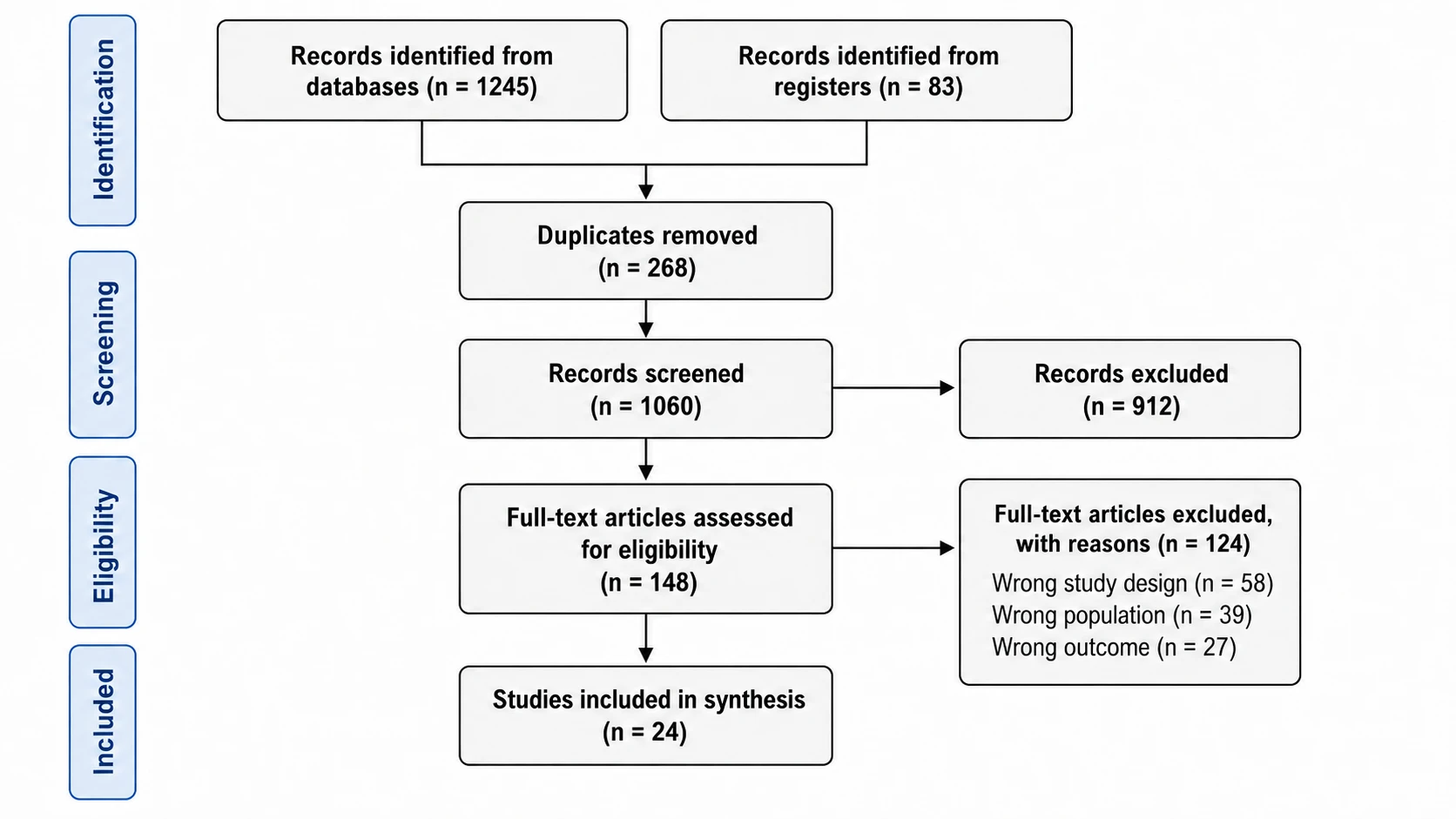
Four-stage PRISMA 2020 layout with record counts
A PRISMA flow diagram makes the identification, screening, eligibility assessment, and final inclusion process visible, with counts at each transition. SciFig’s PRISMA 2020 flow diagram generator creates a systematic review flow diagram from the search sources and screening numbers you provide. PRISMA 2020 groups database and register searches in one branch and offers templates with a separate other-methods branch when needed. Specify the structure that matches your review and distinguish records from reports and studies; SciFig FlowChart keeps every box and count editable, so you can match the exact PRISMA 2020 template your review uses.
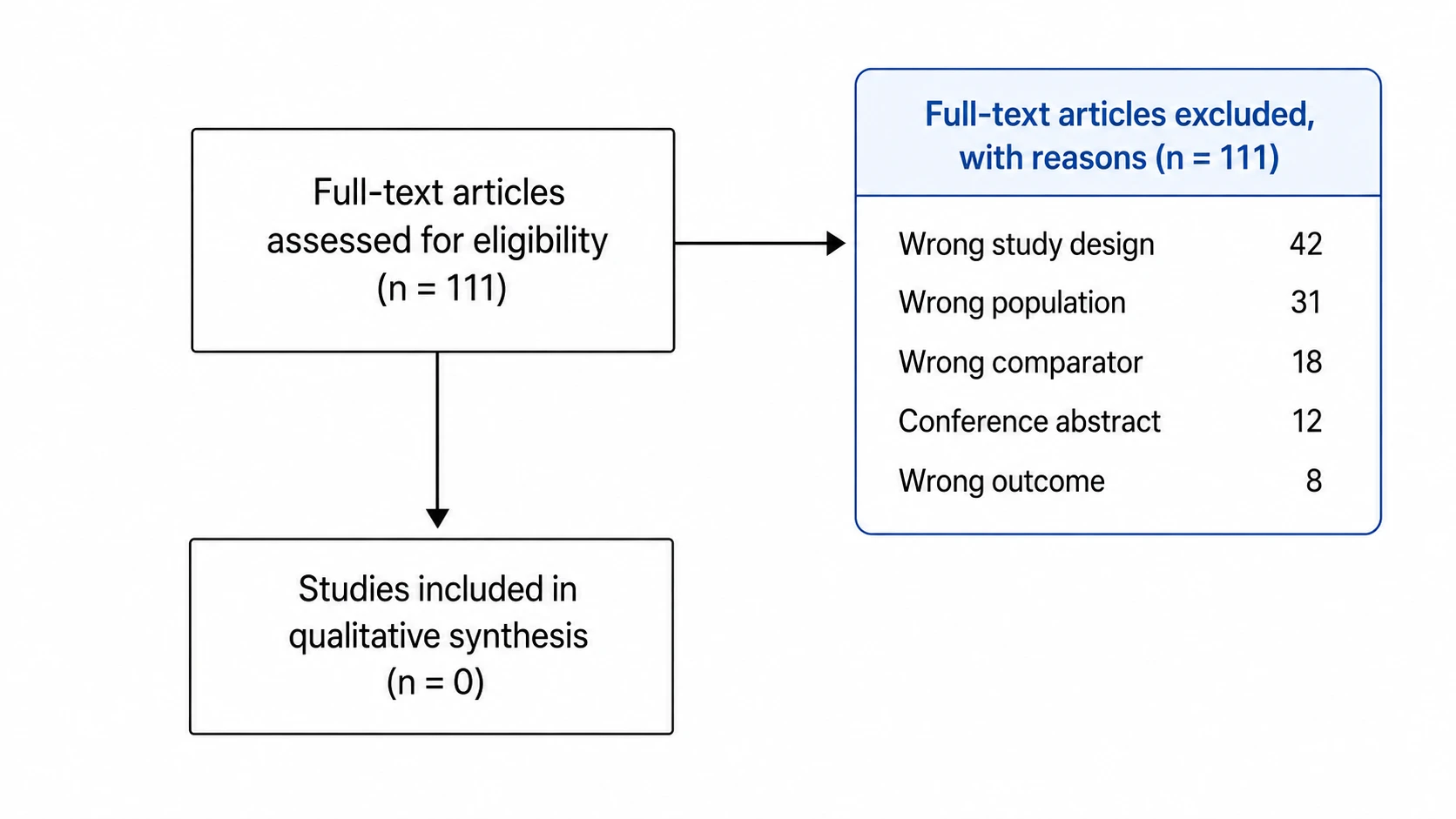
Exclusion reasons and side boxes in one step
Clear side boxes help reviewers follow why records or reports left the selection process. List the assessed-report exclusion reasons and counts in plain language, such as wrong study design or wrong population. Record reports not retrieved separately. SciFig’s PRISMA diagram maker turns your description into labeled boxes and arrows, and you can move or edit any of them to match your screening log and target journal requirements.
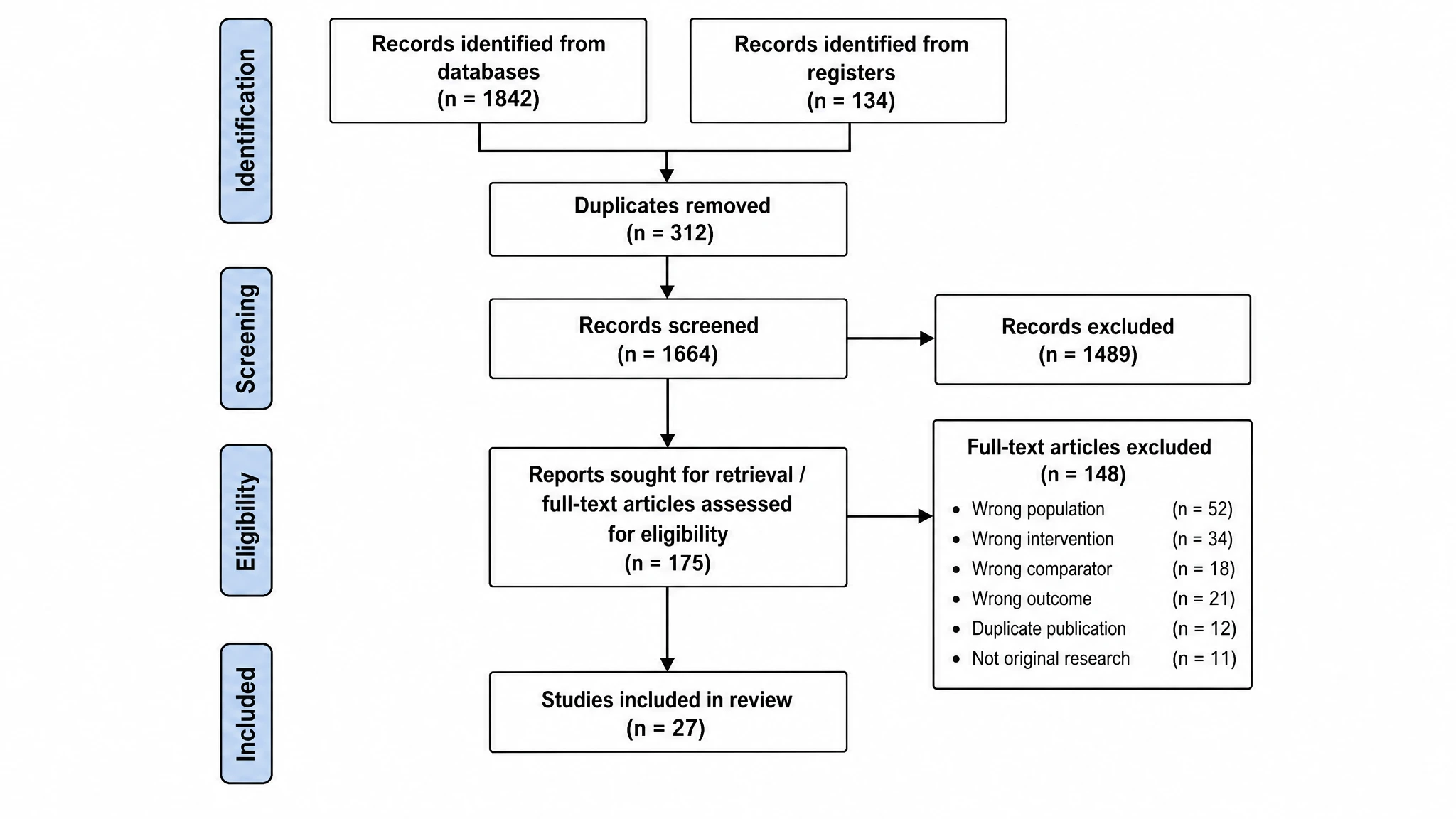
Export a publication-ready figure for any journal
Once your PRISMA flow chart builder output is ready, export a high-resolution image in the format your target journal requires. Relabel any box, adjust font size, recolor borders, and resize for a two-column or full-page layout. SciFig saves your diagram so you can update record counts as your search is updated and regenerate a clean PRISMA flow diagram for each submission revision.
What is a PRISMA flow diagram?
A PRISMA flow diagram is the standardized flowchart used in systematic reviews and meta-analyses to document how studies were identified, screened, assessed for eligibility, and included. Following PRISMA 2020 guidelines, it traces records from database and register searches through deduplication and full-text screening, with exact counts and exclusion reasons at each stage. SciFig's PRISMA flow diagram generator turns your screening numbers into an editable, journal-ready diagram.
Why every systematic review needs a PRISMA flow diagram
- Recommended by PRISMA 2020 checklist item 16a for transparent reporting of study selection
- Allows readers and peer reviewers to audit the search and selection process at a glance
- Makes study selection transparent for readers and reviewers
- Helps prepare the study-selection figure requested by many journals; verify the target journal requirements
- Provides a traceable record of how many studies were identified, screened, and excluded at each stage
- Supports replication and future updates by documenting every decision point in the review
Key components of a PRISMA 2020 flow diagram
- Identification — records from databases and registers, with other methods shown separately where applicable, and records removed before screening
- Screening — number of records screened after deduplication and number excluded at title-and-abstract review
- Retrieval and eligibility — reports sought, reports not retrieved, reports assessed, and counts for each reason assessed reports were excluded
- Included — number of studies included in the review and number of reports describing those studies
- Directional arrows — downward flow between stages showing progression from identification to final inclusion
- Record-count labels — numeric values in every box so readers can trace attrition across the entire selection process
Where PRISMA flow diagrams are used
- Systematic reviews and meta-analyses submitted to peer-reviewed journals
- Cochrane Reviews and Campbell Collaboration reviews
- Scoping reviews following the PRISMA-ScR extension
- Rapid reviews, umbrella reviews, and network meta-analyses
- Thesis and dissertation chapters presenting a systematic literature search
- Grant applications and health technology assessment reports requiring evidence synthesis documentation
How to make a PRISMA flow diagram
Describe the structure
Describe the steps, groups, and connections, or start from a suitable SciFig FlowChart template.
Generate the diagram
SciFig FlowChart creates a native SVG diagram — edit any label, connection or count directly.
Edit and export
Edit SVG elements and export SVG, PNG, JPG or PPTX. PPTX includes the diagram visual and editable text where supported.
Free PRISMA Flow Diagram Generator — Frequently Asked Questions
Common questions about Free PRISMA Flow Diagram Generator.
More tools
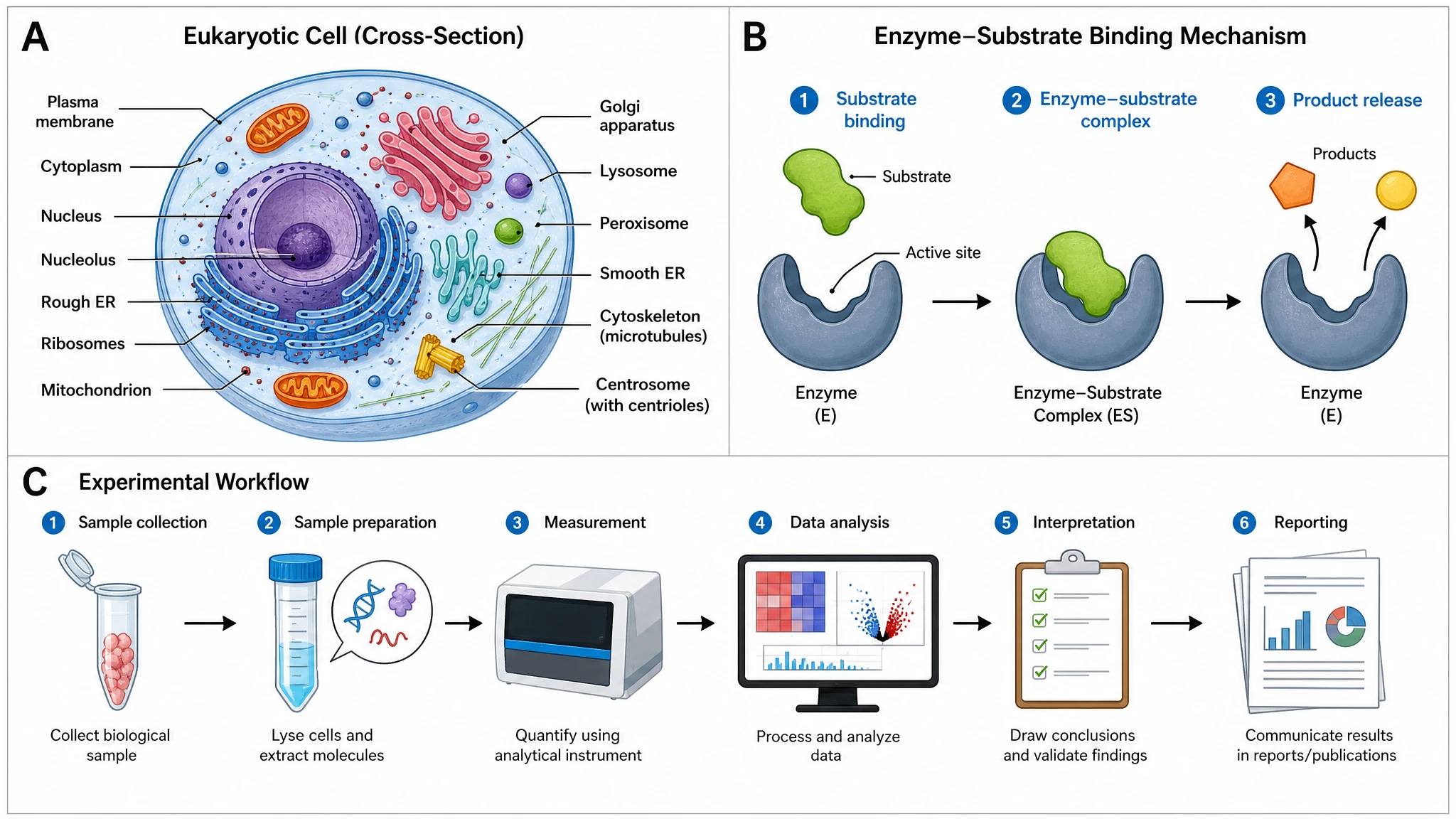
AI Scientific Image Generator
Generate research figures from text
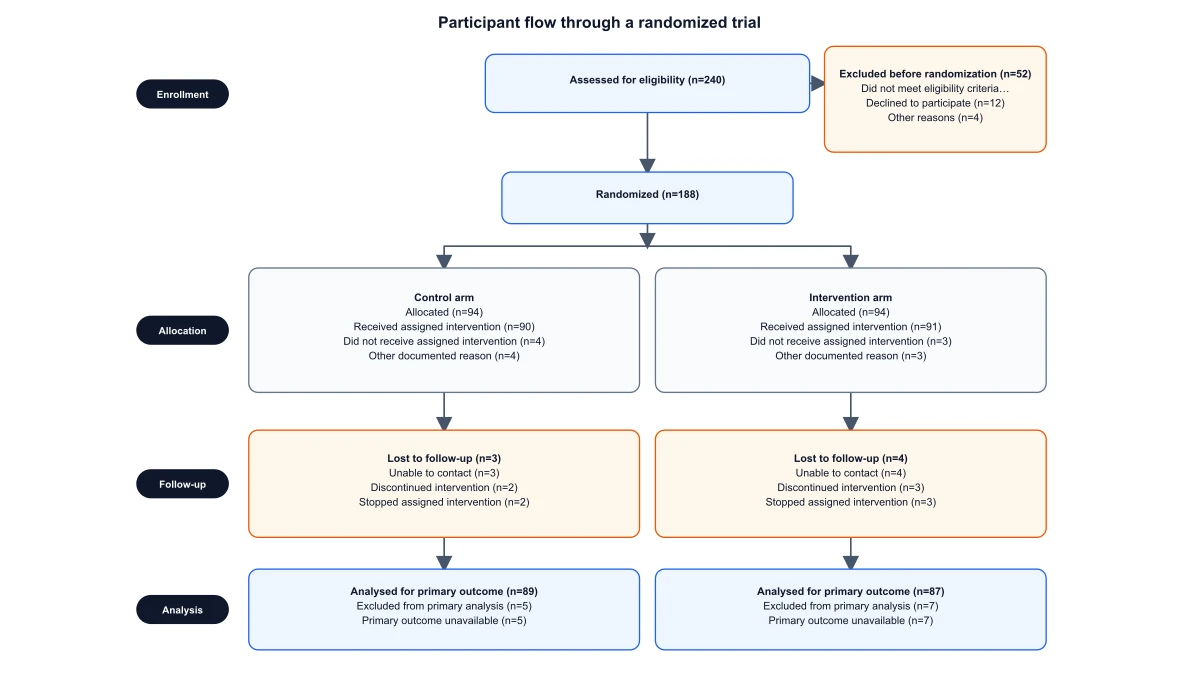
CONSORT Flow Diagram Generator
Draft and export randomized-trial participant flow

Circuit Diagram Maker
Draw electronic circuit schematics
SciFig
Free AI Scientific Figure Generator for Illustrations, Images, Charts and Flowcharts
Models
Default to GPT Image 2 for journal papers; switch to Nano Banana Pro for slides and posters; pick Nano Banana 2.1 for routine figure work
Tutorials
Seven short walkthroughs of the AI scientific figure generator
Blog
Tutorials, tool comparisons, and publication tips for researchers.
Inspiration
Explore publication-ready illustrations, charts and flowcharts. Copy a prompt or open any template as the starting point for your own figure.
Pricing
View pricing

Ready to publish?
Make your own PRISMA flow diagram in minutes.
Start for freeFree to start · No credit card required · Built for researchers