
Free Spider Chart Maker
Create professional spider charts and spider web graphs for multi-dimensional research comparison — describe your axes, generate a clean spider diagram, and export for papers.
Start with up to 150 free credits|No credit card required
Get up to 250 free credits on day one when you join through an invite.
Updated
Free Spider Chart Maker— templates & examples
Everything you need to build your spider chart
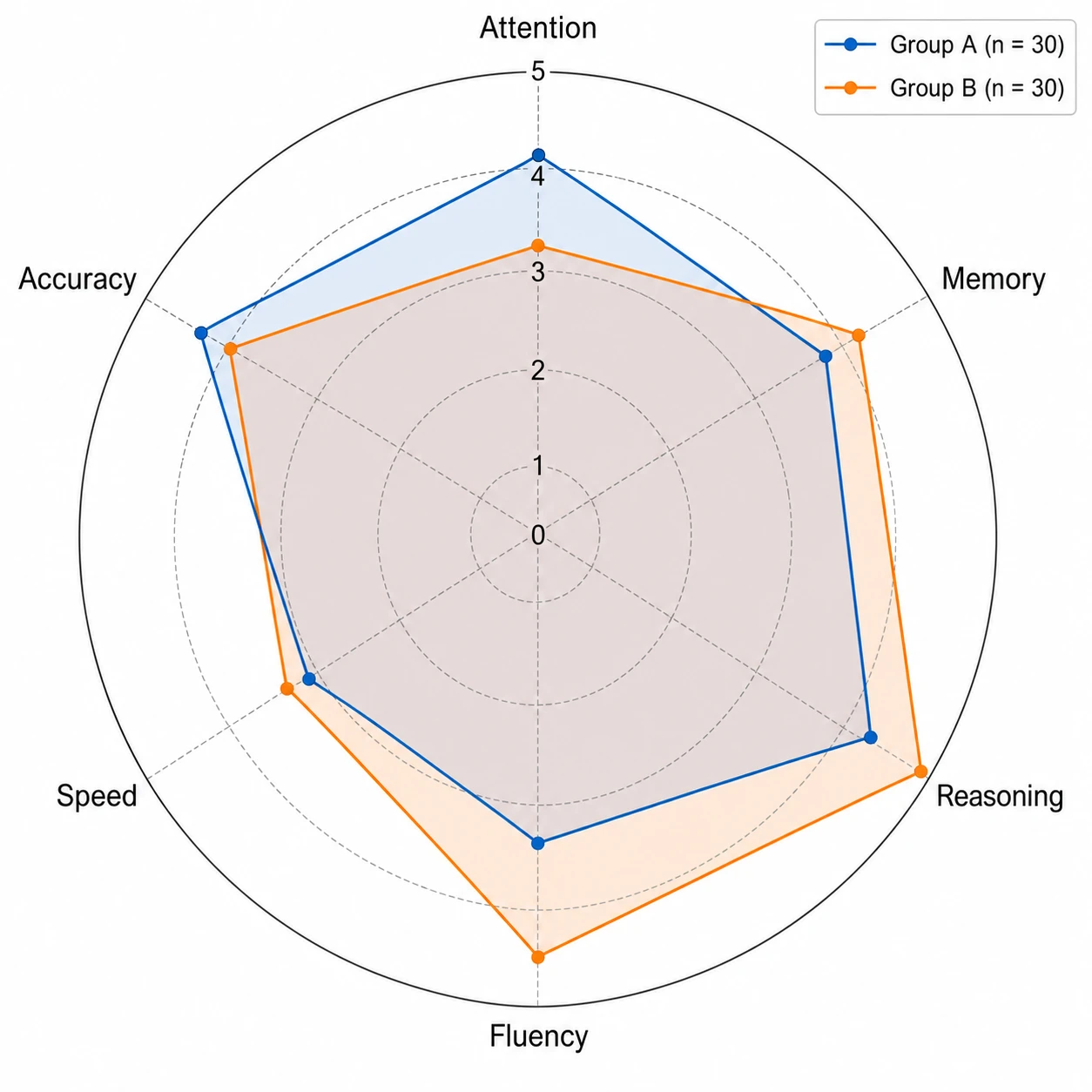
Generate a spider web graph from plain-language descriptions
A good spider chart maker should eliminate manual axis setup and polygon drawing. Upload your group values to SciFig DataChart and describe the attribute names and scale, and SciFig renders a spider web graph with correctly spaced spokes, scale rings, and labeled axes — the standard spider diagram layout that journals expect, produced in seconds without spreadsheet software.
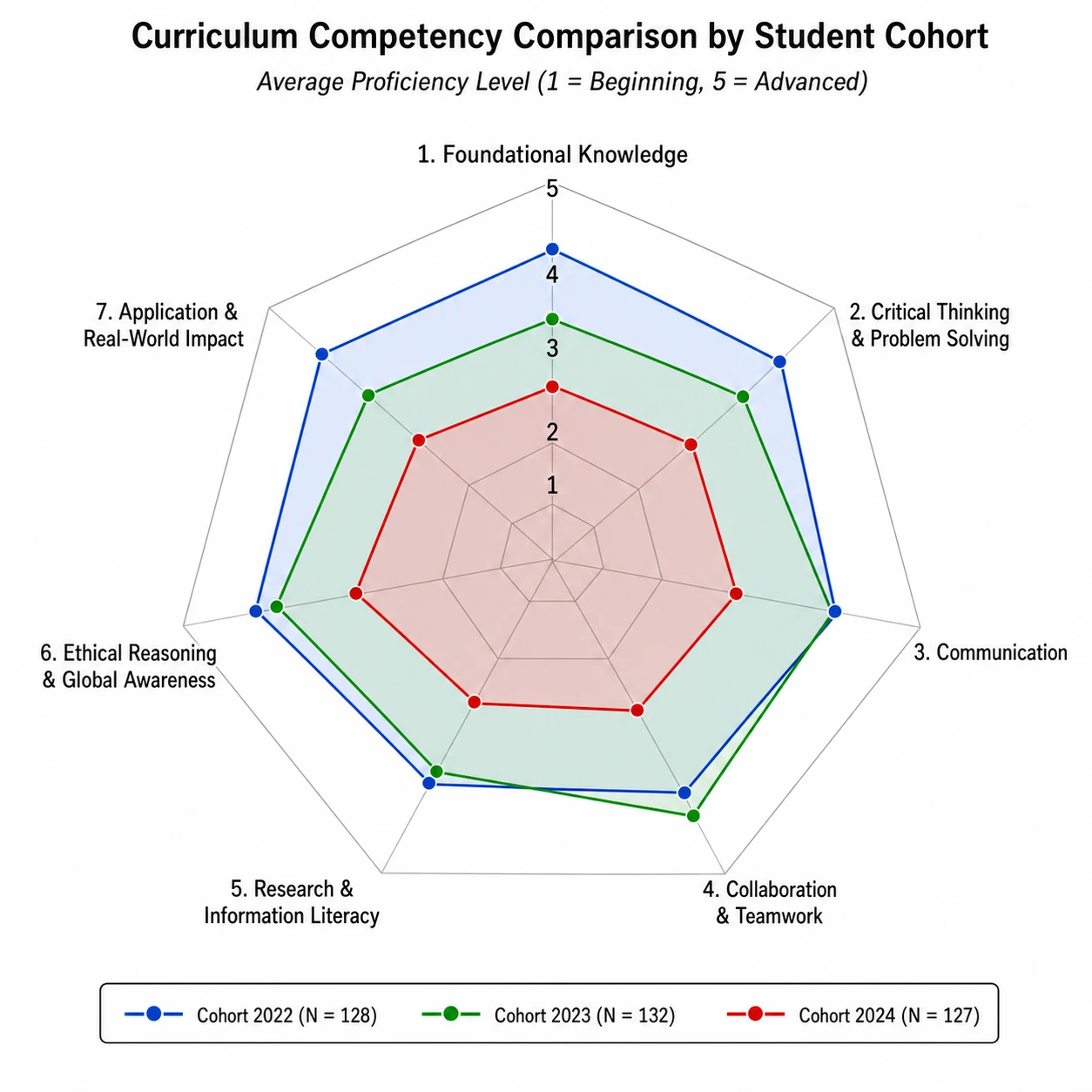
Compare multiple profiles on one spider diagram
Multi-group spider charts are the most common research use case. SciFig's spider chart maker overlays polygons for each group on the same spider web graph, assigns distinct accessible colors, and uses semi-transparent fills so overlapping regions remain clear. The result is a publication-ready spider diagram that makes attribute-level differences immediately visible.
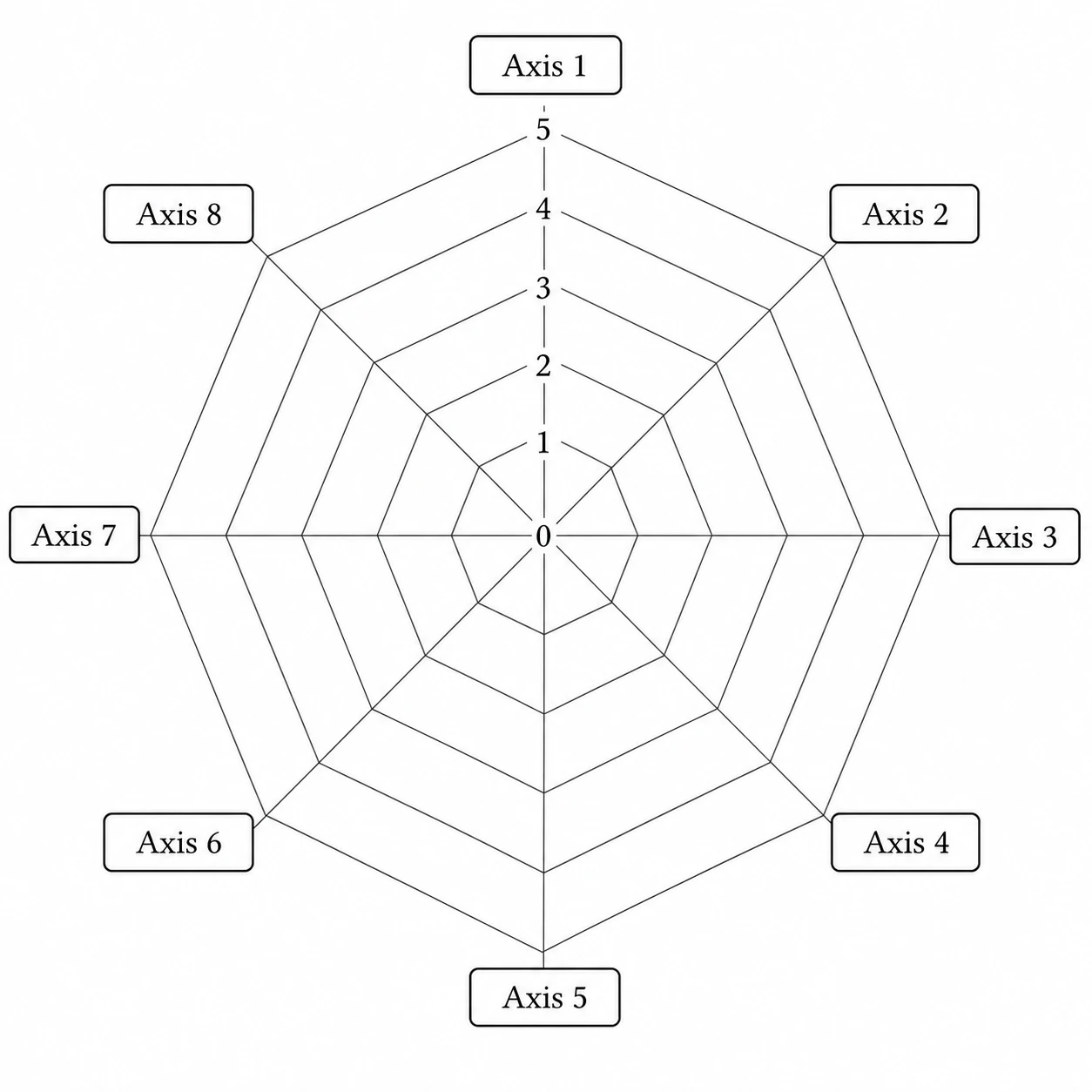
Export and edit your spider chart for any venue
SciFig styles your spider web graph for your target journal, conference poster, or thesis format and outputs a fully editable spider chart at any resolution — relabel axes, adjust colors, resize the spider diagram, and export without rebuilding. Perfect for iterative manuscript revision.
What is a spider chart?
A spider chart — also known as a spider web graph or spider diagram — visualizes multivariate data by plotting values along axes from a central hub, forming a polygon that reveals the overall attribute profile of each entity. Researchers use spider charts to compare participants, products, or groups across five or more dimensions. Upload the values for each group and measured dimension. Choose the column mappings in SciFig DataChart (data-driven charts) and generate the plot from your table.
Why researchers use a spider chart maker
- Reveals the overall shape of a multi-attribute profile in a single glance
- Allows direct visual comparison of groups on every dimension simultaneously
- Spider web graph format is accepted by journals across psychology, medicine, and education
- More compact than a separate bar chart for each attribute
- Highlights which attributes drive between-group differences in a spider diagram
- Scales from four-axis spider charts to eight-axis spider web graphs without redesign
Key components of a spider chart
- Spokes — radial lines from center hub, one per attribute, evenly spaced
- Scale rings — concentric circles at equal scale intervals along all spokes
- Data polygon — a closed shape connecting each spoke's plotted value for one entity
- Group fills — distinct colors or line styles for each overlay polygon
- Spoke labels — attribute names at the outer tip of each spoke in the spider web graph
- Legend — identifies each group when the spider diagram shows multiple overlays
Where spider charts are used in research
- Psychology: ability and personality profiles displayed as spider diagrams for participant groups
- Sports science: athlete performance benchmarks comparing fitness attributes on a spider web graph
- Education: student competency assessments across curriculum domains using spider charts
- Product research: multi-attribute comparison of prototype designs on a spider chart maker output
- Clinical studies: symptom severity profiles before and after intervention shown as spider diagrams
- Organizational research: team capability radar using a spider web graph for workforce planning
How to make a spider chart
Upload your table
Upload a CSV or Excel file with the measurements and column names needed for your chart.
Set up the chart and analysis
Choose a chart type, then set the column mapping, units, filters and statistical options; SciFig DataChart plots every value from your table.
Download your results
Export the chart and analysis files, or convert the result to SVG for editing in SciFig Vector Canvas.
Free Spider Chart Maker — Frequently Asked Questions
Common questions about Free Spider Chart Maker.
More tools

Circuit Diagram Maker
Draw electronic circuit schematics

Free Body Diagram Generator
Show forces acting on an object

Graphical Abstract Maker
Summarize your study in one panel
SciFig
Free AI Scientific Figure Generator for Illustrations, Images, Charts and Flowcharts
Models
Default to GPT Image 2 for journal papers; switch to Nano Banana Pro for slides and posters; pick Nano Banana 2.1 for routine figure work
Tutorials
Seven short walkthroughs of the AI scientific figure generator
Blog
Tutorials, tool comparisons, and publication tips for researchers.
Inspiration
Explore publication-ready illustrations, charts and flowcharts. Copy a prompt or open any template as the starting point for your own figure.
Pricing
View pricing

Ready to publish?
Make your own spider chart in minutes.
Start for freeFree to start · No credit card required · Built for researchers