SciFig

Free Synthesis Matrix Generator

Compare sources across themes, with editable inputs and reusable exports. Keep citations beside your notes.

Describe what you need in the box above.

Start with up to 150 free credits|No credit card required

Get up to 350 free credits on day one when you join through an invite.

3 figure engines · 500+ templatesEvery label editable · 60+ color schemesEditable PPTX · Layered SVG · 8K PNG / JPG

Synthesis matrix editor

Compare sources across themes. Add citations and notes, then save the entire matrix or export it.

Synthesis matrix editor
Source
Preview

Free Synthesis Matrix Generator— templates & examples

Updated

Synthesis matrix

Free Synthesis Matrix Generator

Compare sources across themes, keep citations with notes and export a reusable table.

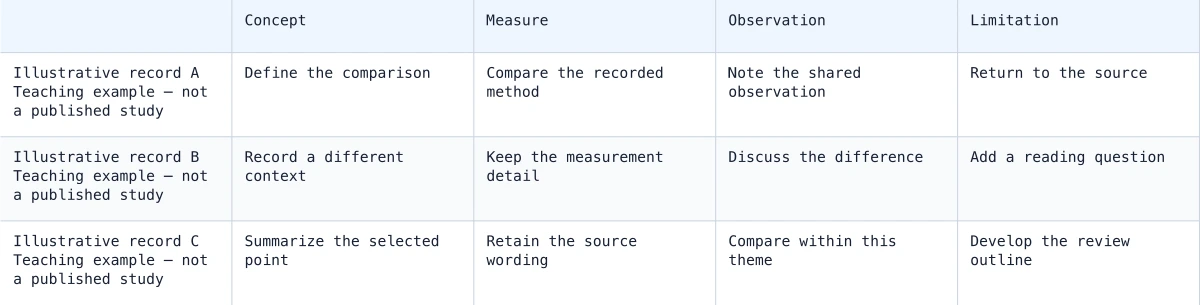
SciFig’s synthesis matrix generator lets you organize a literature review as a source-by-theme matrix. Add a row for each source, keep its citation, DOI or URL beside it, and write comparison notes in the theme columns. The table helps you see which sources discuss the same ideas and where your reading notes leave gaps. You can add or remove rows and themes, save the entire matrix as JSON, exchange it through CSV and export an SVG or PNG for a report or discussion.

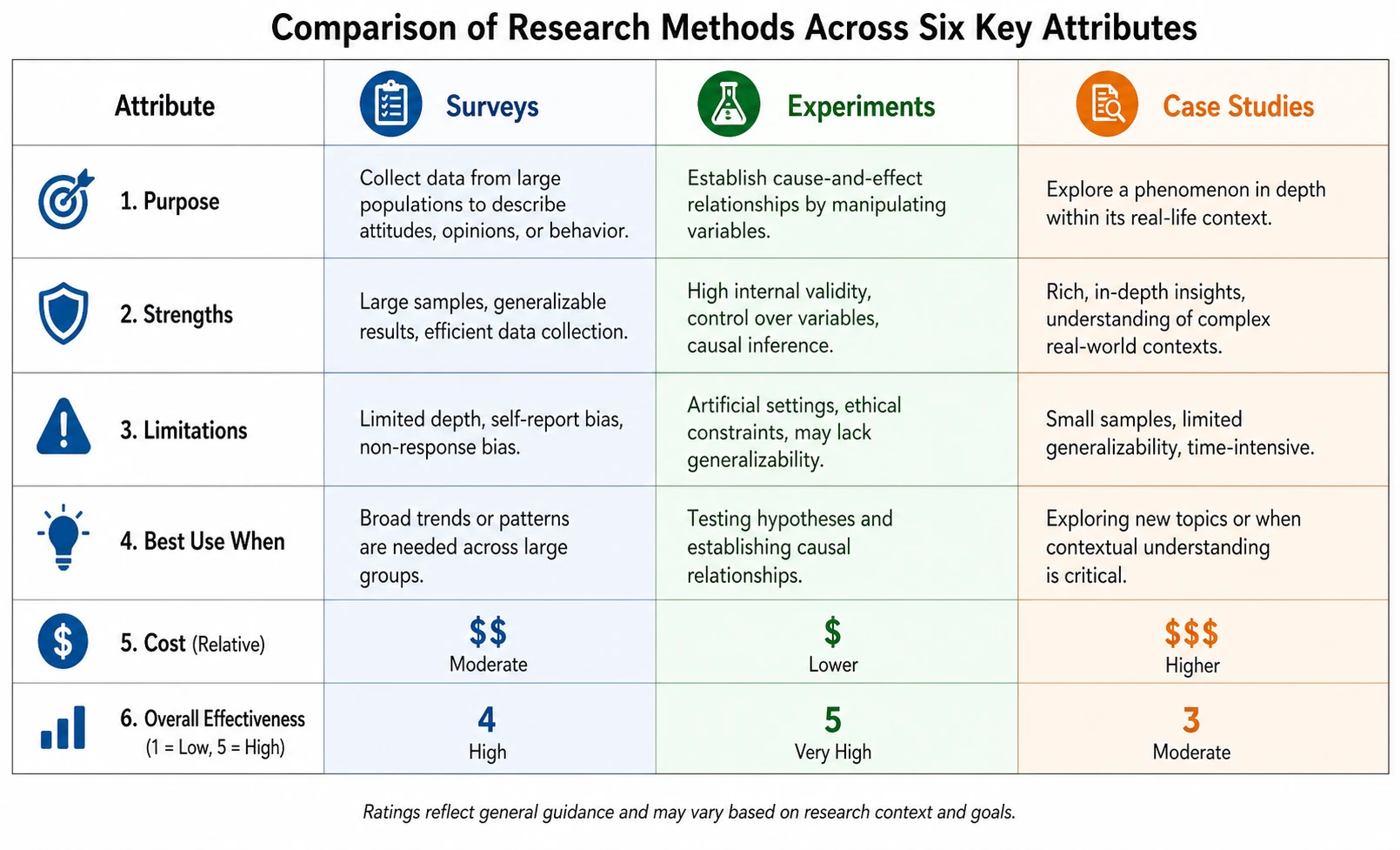
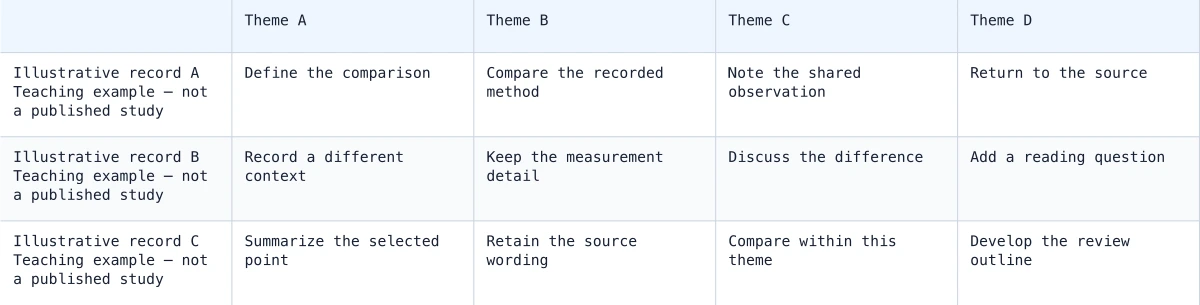
Illustrative synthesis matrix comparing three study records across four themes
  • Compare sources across themes
  • Keep citations beside your notes
  • Edit and restore the complete matrix
  • Export SVG, PNG and CSV

Synthesis Matrix Features

Use SciFig to organize a literature review as a source-by-theme matrix.

Compare ideas across sources

With SciFig’s synthesis matrix generator, a source-by-theme table keeps related findings in the same column instead of separating them into one summary per paper. Add the themes that answer your review question, then record each source’s contribution in its row. SciFig keeps those relationships visible as you expand the table, helping you distinguish shared findings, different interpretations and empty notes that need another reading.

  • Add sources as rows
  • Compare themes as columns
  • Keep each note in its own cell
Try this in SciFig

Keep citations connected to the comparison

Store an author-year reference, DOI or source URL next to the row label. The citation stays with the notes when you save or export the matrix, so collaborators can reconnect a comparison with the source you recorded. You control the source details and cell text, making the matrix useful for both published literature and other materials in your own review.

  • Label each source
  • Record citation details
  • Retain references in CSV and JSON
Try this in SciFig

Organize themes or compare methods

With SciFig’s synthesis matrix generator, choose columns for the question you are investigating: concepts, outcomes, study methods or limitations. Add and remove columns as the review develops. Row and column identities are retained during editing, so notes stay attached to the same source and theme. Longer notes wrap in the exported matrix rather than disappearing outside the visible editing area.

  • Edit source and theme labels
  • Add or remove rows and columns
  • Keep long notes in the full export
Try this in SciFig

Move between the matrix and your writing

Save JSON to reopen all sources, themes and notes. Use CSV when exchanging the matrix with a spreadsheet, or export SVG and PNG for a report or meeting. SciFig exports the complete table, allowing the matrix to remain the reference behind your thematic outline while the written synthesis develops in your document.

  • Save and restore the full table
  • Exchange quoted multiline CSV
  • Export the complete matrix
Try this in SciFig

How to Create a Synthesis Matrix

Work from your own inputs and keep the exported figure with its saved source settings.

  1. Add sources and reference details

    Name each source row and enter the author-year citation, DOI or URL you want to keep with it. Begin with the materials already selected for your review question.

  2. Choose comparison themes

    Rename the columns to match the ideas, methods or outcomes you want to compare. Add a theme when a new comparison becomes relevant and remove columns you no longer need.

  3. Write source-specific notes

    Enter a finding, method or observation at each source-theme intersection. Compare the notes down a column to develop a thematic outline and identify where more reading would be useful.

  4. Save and share the complete matrix

    Save JSON for the next editing session. Export CSV for a spreadsheet or SVG and PNG for a report. The export includes the full matrix, including notes outside the current scroll position.

Synthesis Matrix for Research and Teaching

Use the table or graph where its structure answers a specific question in your work.

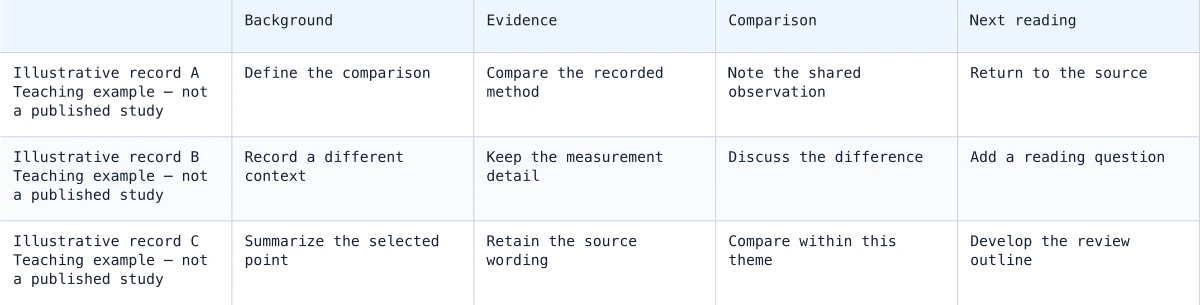
Illustrative synthesis matrix comparing three study records across four themes

Plan a thematic literature review

Place sources in rows and review themes in columns. Reading down one theme brings related notes together, helping you plan sections around ideas rather than write an isolated summary for each paper.

Explore this example
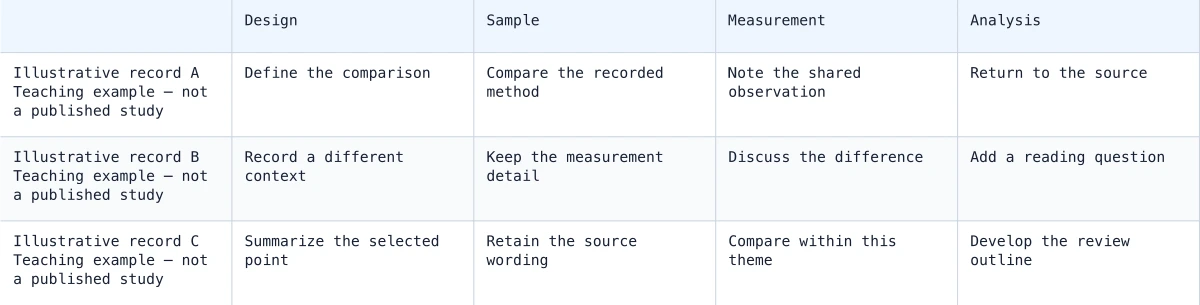
Example matrix comparing study design, sample, measurement and analysis

Compare study methods

Use columns for design, sample, measurement and analysis. Record the methods reported by each source, then compare the rows when discussing how methodological differences relate to the findings.

Explore this example
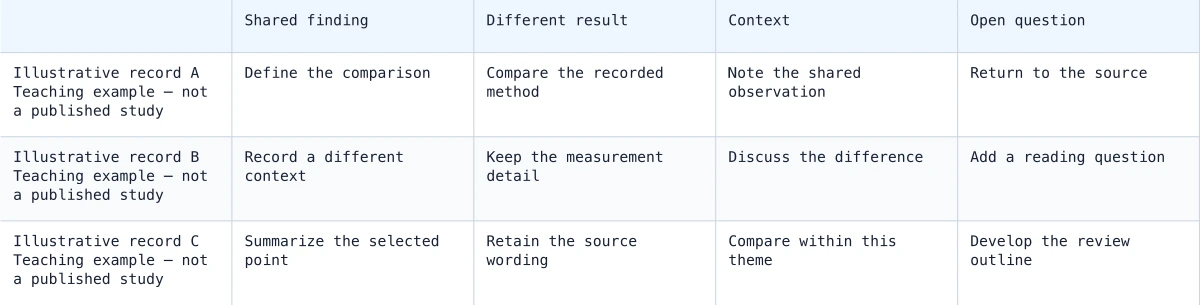
Example source-theme matrix with notes on shared and conflicting findings

Prepare a research meeting

Bring a concise matrix of sources and themes to a supervision or lab meeting. Citations remain beside the notes, while the exported table gives everyone the same comparison structure to discuss.

Explore this example
Example matrix keeping source citation details beside theme-specific notes

Organize a thesis chapter

Keep a matrix behind the chapter outline as reading progresses. Add rows for newly selected papers and preserve existing notes when the theme labels change or another comparison column is added.

Explore this example
Example matrix organized around a literature review outline

Track conflicting findings

Use a shared column to record what each source says about one question. Contradictory notes remain visible side by side, making it easier to return to the relevant citations during writing.

Explore this example
Illustrative synthesis matrix comparing three study records across four themes

Connect evidence with research figures

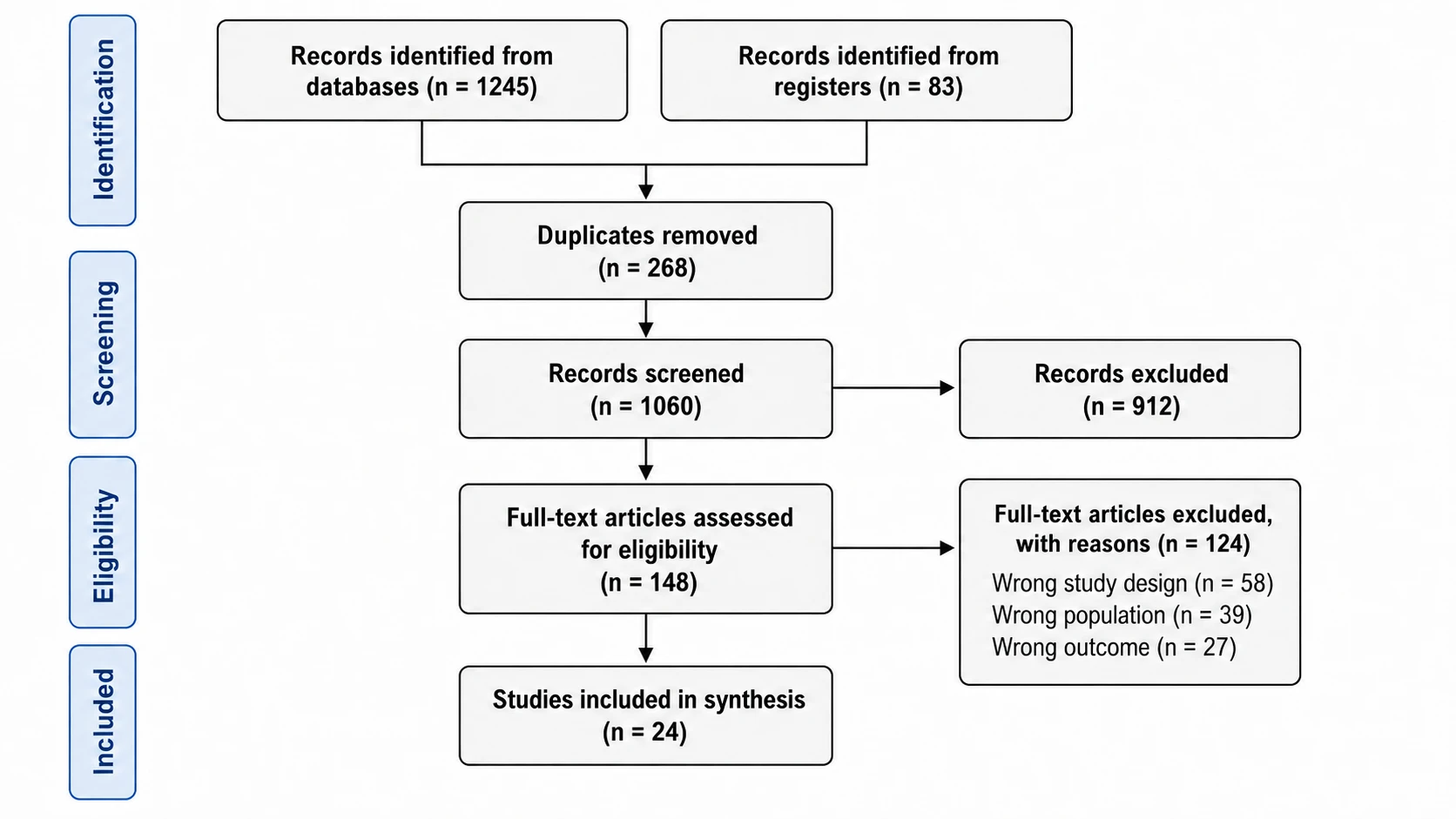
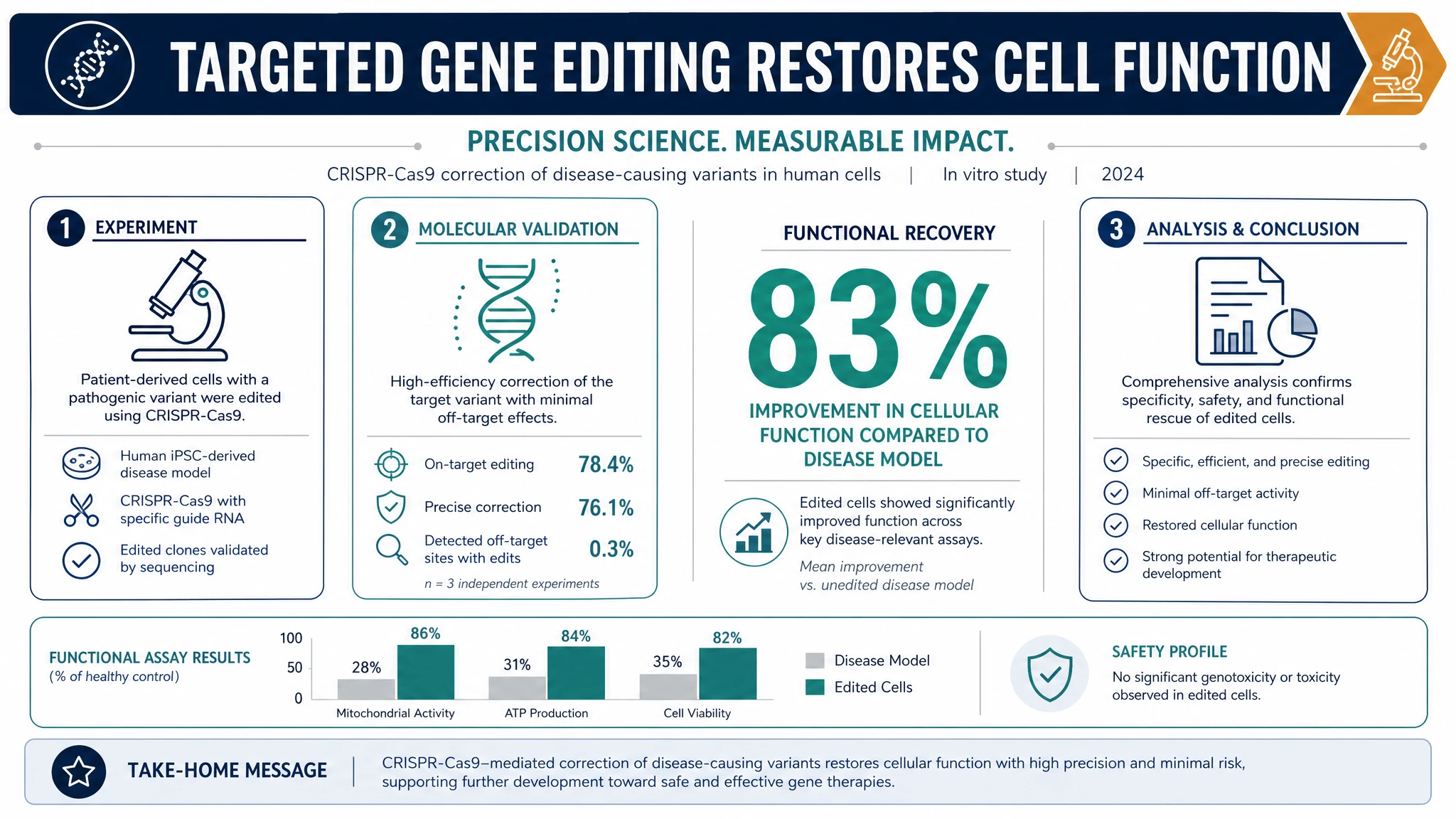
Pair the matrix with a PRISMA diagram for study selection or a forest plot for suitable quantitative results. SciFig provides editable diagrams and DataChart charts alongside the literature-organizing table.

Explore this example
How Researchers Use SciFig
My reading notes were organized by paper, which made recurring ideas difficult to compare. I moved them into the synthesis matrix generator and gave each theme its own column. Keeping the citation beside the row helped me return to the right source when I started writing sections around the shared themes.
Maya Ellis

Education doctoral researcher, University of York

Free tools

A tool for every scientific figure

110 focused generators for the scientific figure you need — each opens in the right workspace with a matching example.

Synthesis Matrix Questions

1.

2.

3.

4.

5.

6.

Call to action background

Create with SciFig

Make your synthesis matrix

Open the tool

Free to start · No credit card required · Built for researchers