SciFig

Free Electron Configuration Diagram Generator

Choose an atom and see its electrons in orbital boxes or shells. Download a clear diagram for your chemistry notes, worksheet or presentation.

Describe what you need in the box above.

Start with up to 150 free credits|No credit card required

Get up to 350 free credits on day one when you join through an invite.

3 figure engines · 500+ templatesEvery label editable · 60+ color schemesEditable PPTX · Layered SVG · 8K PNG / JPG

Create an electron configuration diagram

Choose an atomic number to see the ground-state orbital diagram or electron shells of a neutral atom. Download the figure or save its settings.

Choose a neutral atom from hydrogen (1) through krypton (36). Chromium and copper use their observed ground-state configurations.

Diagram view

Electron configuration: C · 1s2 2s2 2p2

Free Electron Configuration Diagram Generator— templates & examples

Updated

Atomic electron diagrams

Free Electron Configuration Diagram Generator

Show electron occupancy, switch between orbital and shell views, and keep a diagram you can reopen.

SciFig’s electron configuration diagram generator turns an atomic number into a ground-state diagram for a neutral atom. Use orbital boxes to see the electrons and their spin arrows, or switch to shells to see the electron count in each principal energy level. Choose an element from hydrogen through krypton, add a title and download SVG or PNG. Save the settings when you want to reopen the same element and view later.

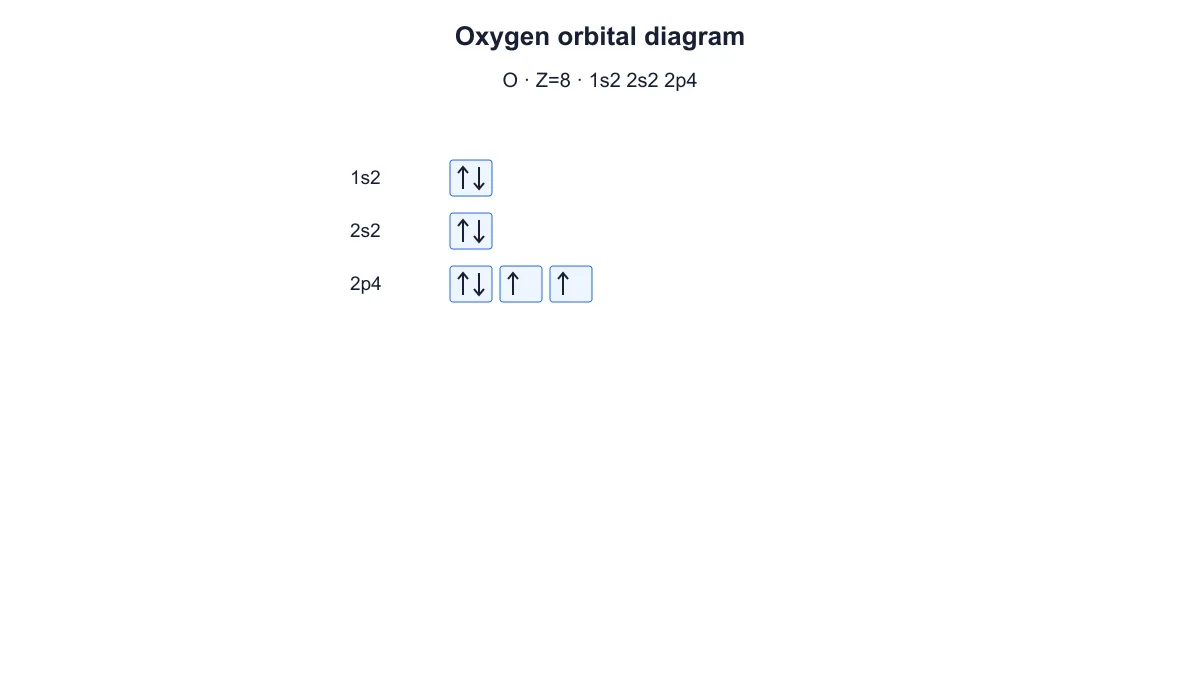
Oxygen orbital diagram with paired 1s and 2s electrons and four electrons in the three 2p boxes
  • Choose a neutral atom from hydrogen through krypton
  • Show orbital boxes and electron spin arrows
  • Switch to electron shells from the same configuration
  • Download SVG, PNG and saved settings

Electron Configuration Diagram Features

Connect an atom’s electron count with its orbital occupancy and shell arrangement.

Choose an element by atomic number

Enter a whole atomic number to generate the neutral atom’s ground-state electron configuration. SciFig’s electron configuration diagram generator covers hydrogen through krypton, so you can prepare examples from the first four periods up to atomic number thirty-six. The element symbol and configuration update with the diagram when the labels are visible.

  • Select atomic numbers one through thirty-six
  • Keep the neutral electron count equal to the atomic number
  • Use a title that matches your lesson or document
Try this in SciFig

Read orbital boxes and spin arrows

Use the orbital view to show occupied s, p and d subshells as rows of boxes. In the electron configuration orbital diagram, each arrow represents one electron, and two arrows in the same box point in opposite directions. Equal-energy orbitals receive one electron each before pairing, making the pattern visible when you explain Hund’s rule and the Pauli exclusion principle.

  • See one box per orbital
  • Show opposite spins for paired electrons
  • Recognize unpaired electrons before pairing
Try this in SciFig

Compare orbital occupancy with shells

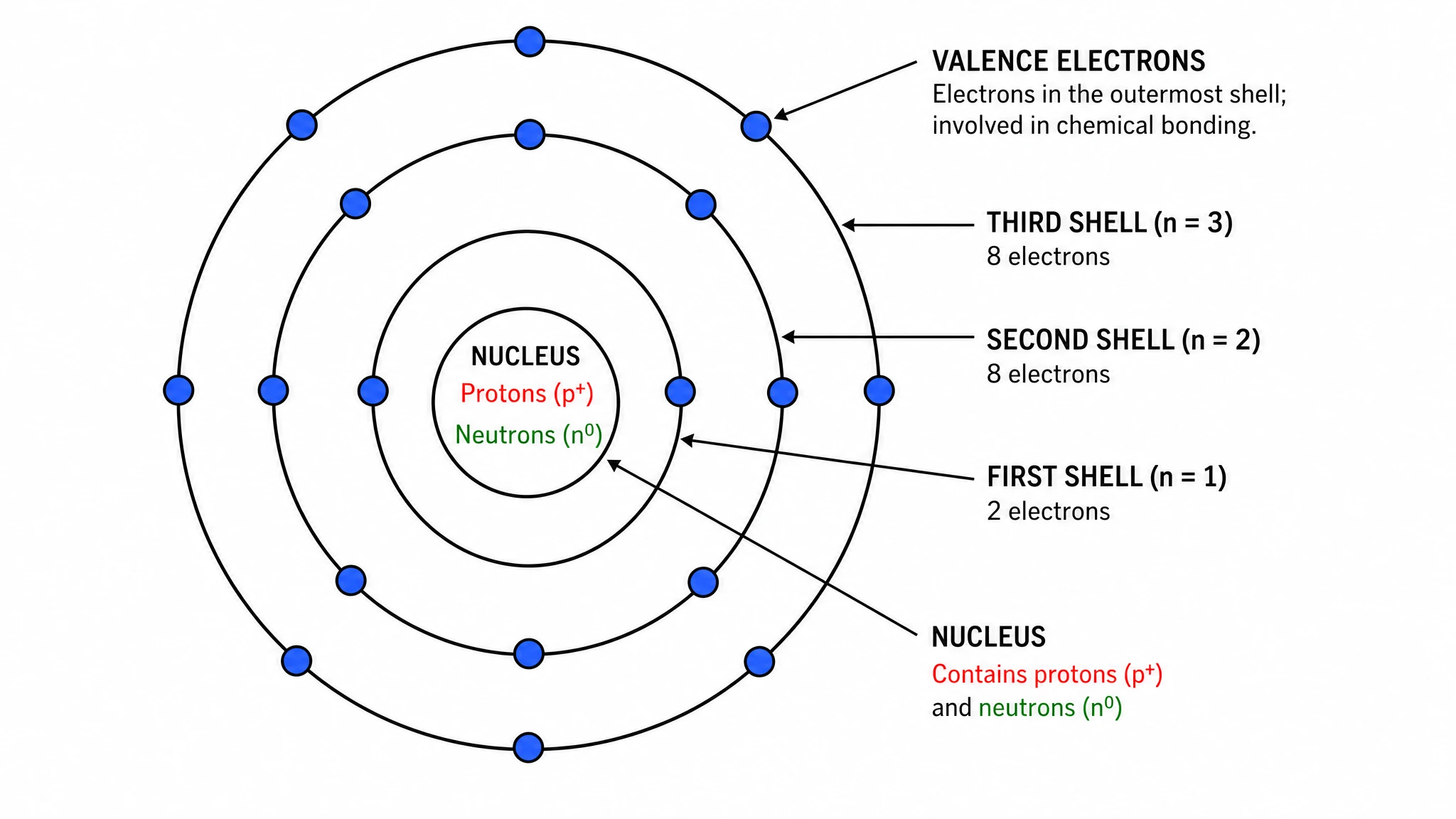
Switch from orbital boxes to the shell view without changing the selected atom. The shell diagram groups the same electrons by principal energy level and shows them around the element symbol. Use the labeled shell counts to introduce the overall arrangement, then return to orbitals when your explanation needs subshells and individual spin arrows.

  • Keep the same selected atom in both views
  • Group electrons by principal shell
  • Move between shell counts and subshell occupancy
Try this in SciFig

Download figures and retain the settings

Export the diagram as SVG for further vector editing or PNG for a document or slide. Save the JSON settings to keep the atomic number, title, view and label choice together. Chromium and copper use their observed ground-state occupancies, so those examples remain available when you reopen the saved diagram for a lesson about configuration exceptions.

  • Export SVG or PNG
  • Save and reopen the selected diagram
  • Include chromium and copper ground-state examples
Try this in SciFig

How to Generate an Electron Configuration Diagram

Select an atom, choose a view and prepare the diagram for your material.

  1. Enter the atomic number

    Choose a whole atomic number from one to thirty-six. The tool uses the neutral atom’s ground-state electron count. Start with a familiar element such as oxygen or sodium when introducing the connection between atomic number and electron arrangement.

  2. Choose orbital boxes or shells

    Use orbital boxes for subshell occupancy and spin arrows. Switch to shells when you want the total electrons in each principal energy level. The selected element stays the same, so you can prepare both views for a related explanation.

  3. Set the title and label choice

    Add a short title for the element or lesson topic. Keep the configuration and diagram labels visible for a reference figure, or hide that text when it is not needed. The electrons and orbital arrows remain in the diagram when labels are hidden.

  4. Download and save the figure

    Export SVG or PNG for your notes, handout or presentation. Save the JSON settings alongside the material to reopen the same atomic number, view, title and label choice. Update those settings when you prepare another version.

Electron Configuration Diagrams for Chemistry

Prepare atomic electron diagrams for lessons, study materials and explanations.

Oxygen orbital diagram with paired 1s and 2s electrons and four electrons in the three 2p boxes

Explain orbital filling in a lesson

Use oxygen’s orbital box diagram to introduce the occupancy of the 1s, 2s and 2p subshells. SciFig’s electron configuration diagram generator shows paired and unpaired arrows so you can connect the visual pattern with Hund’s rule in your explanation.

Explore this example
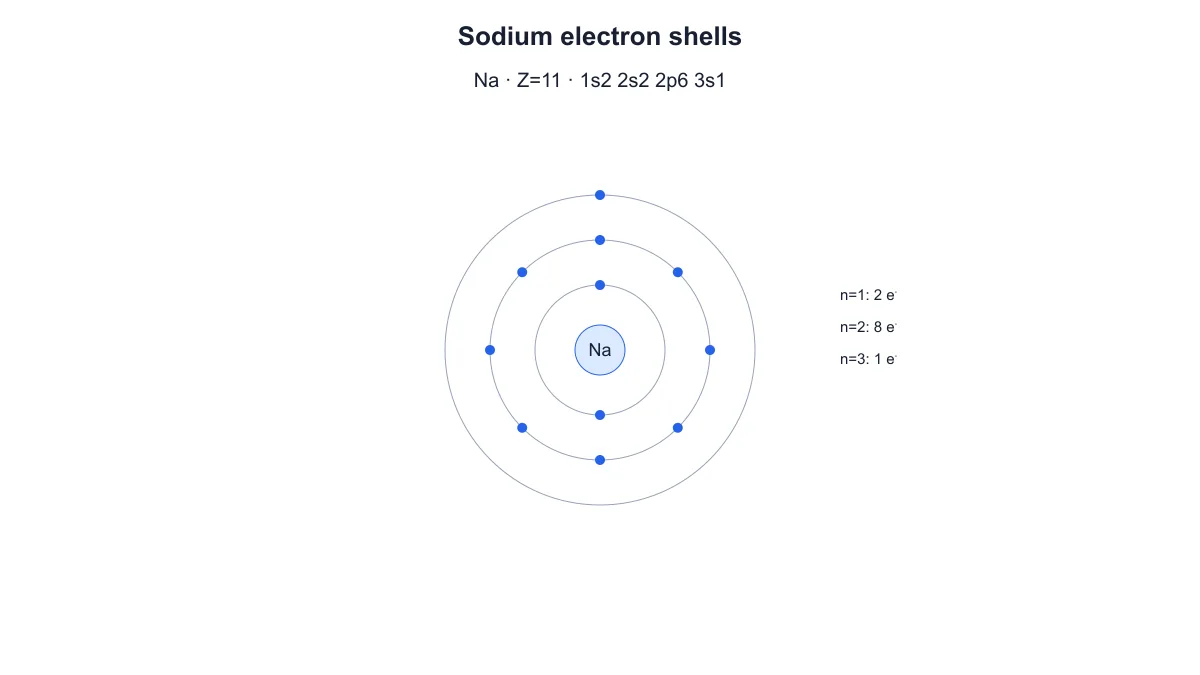
Sodium shell diagram showing eleven electrons distributed two, eight and one across three principal shells

Introduce principal electron shells

Prepare a sodium shell diagram to show how its eleven electrons are grouped into principal energy levels. Use the same element in orbital view for the next part of the lesson. For a figure centered on an atomic nucleus and shell model, explore SciFig’s Bohr model maker.

Explore this example

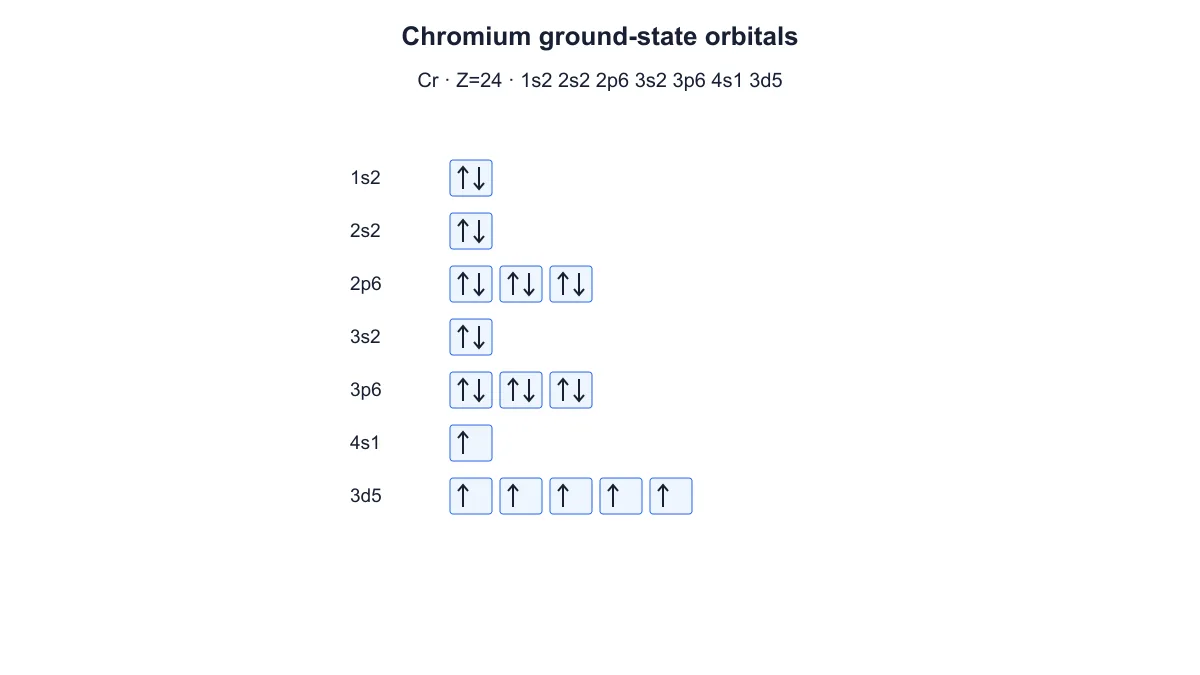
Chromium orbital diagram with one 4s electron and five unpaired 3d electrons

Discuss chromium’s ground-state exception

Create chromium’s orbital diagram when discussing why a simple filling-order shortcut does not describe every observed configuration. The figure shows one electron in 4s and five in 3d. Place the exported diagram beside your explanation of chromium’s ground state.

Explore this example
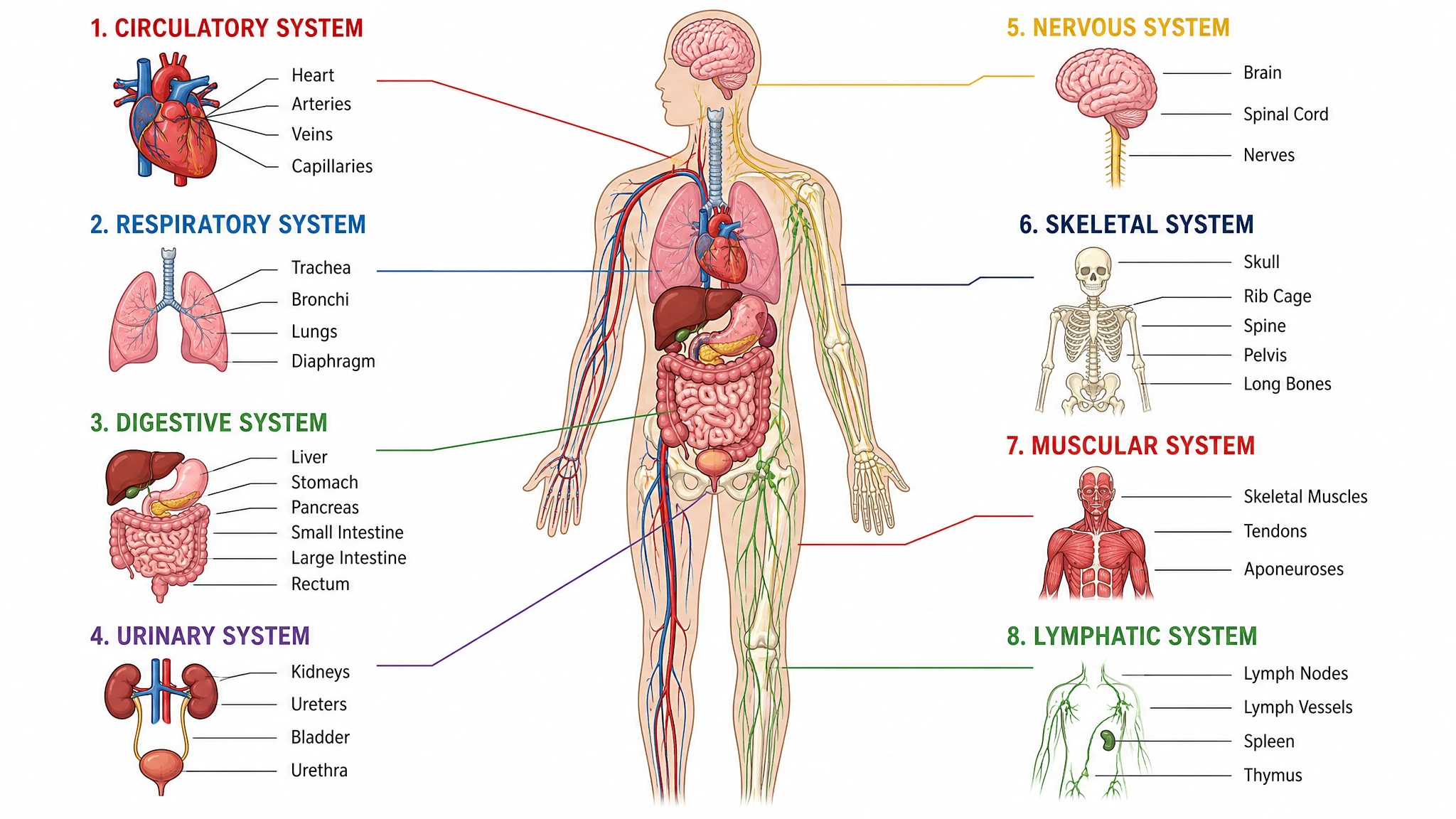
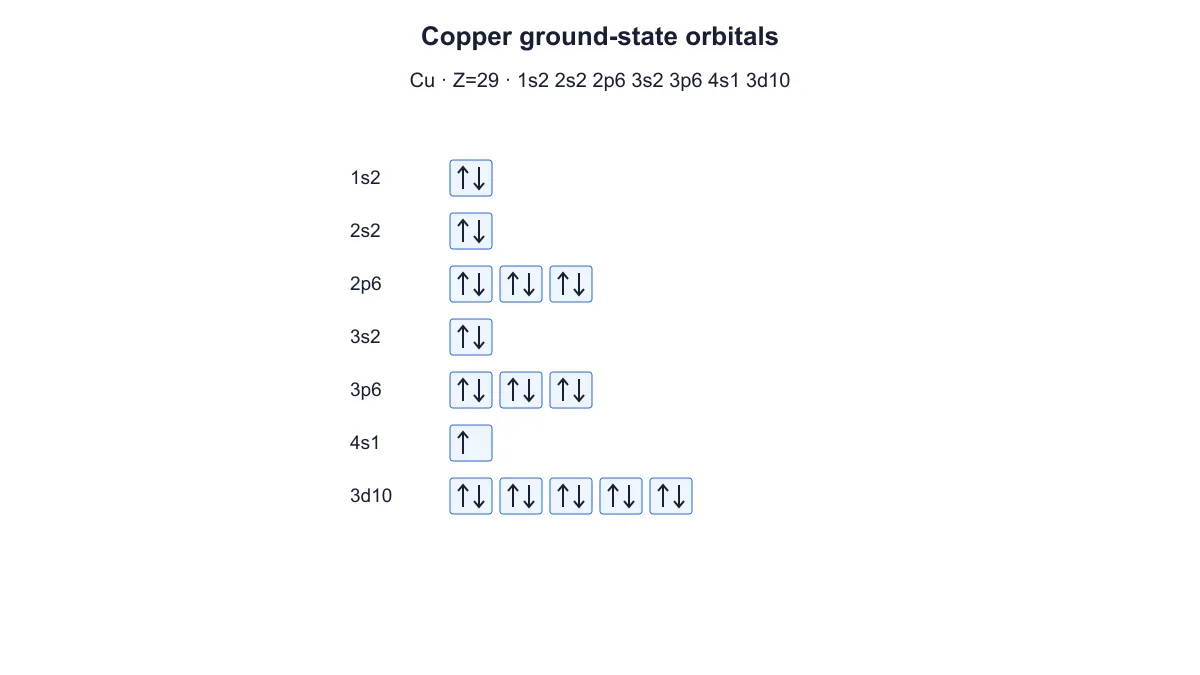
Copper orbital diagram with one 4s electron and a filled 3d subshell of ten electrons

Show copper’s filled d subshell

Use the copper example to show the observed 3d¹⁰ 4s¹ configuration. The electron configuration diagram maker keeps the arrows and displayed configuration together. Download the figure for a handout comparing a filled d subshell with other atomic configurations.

Explore this example
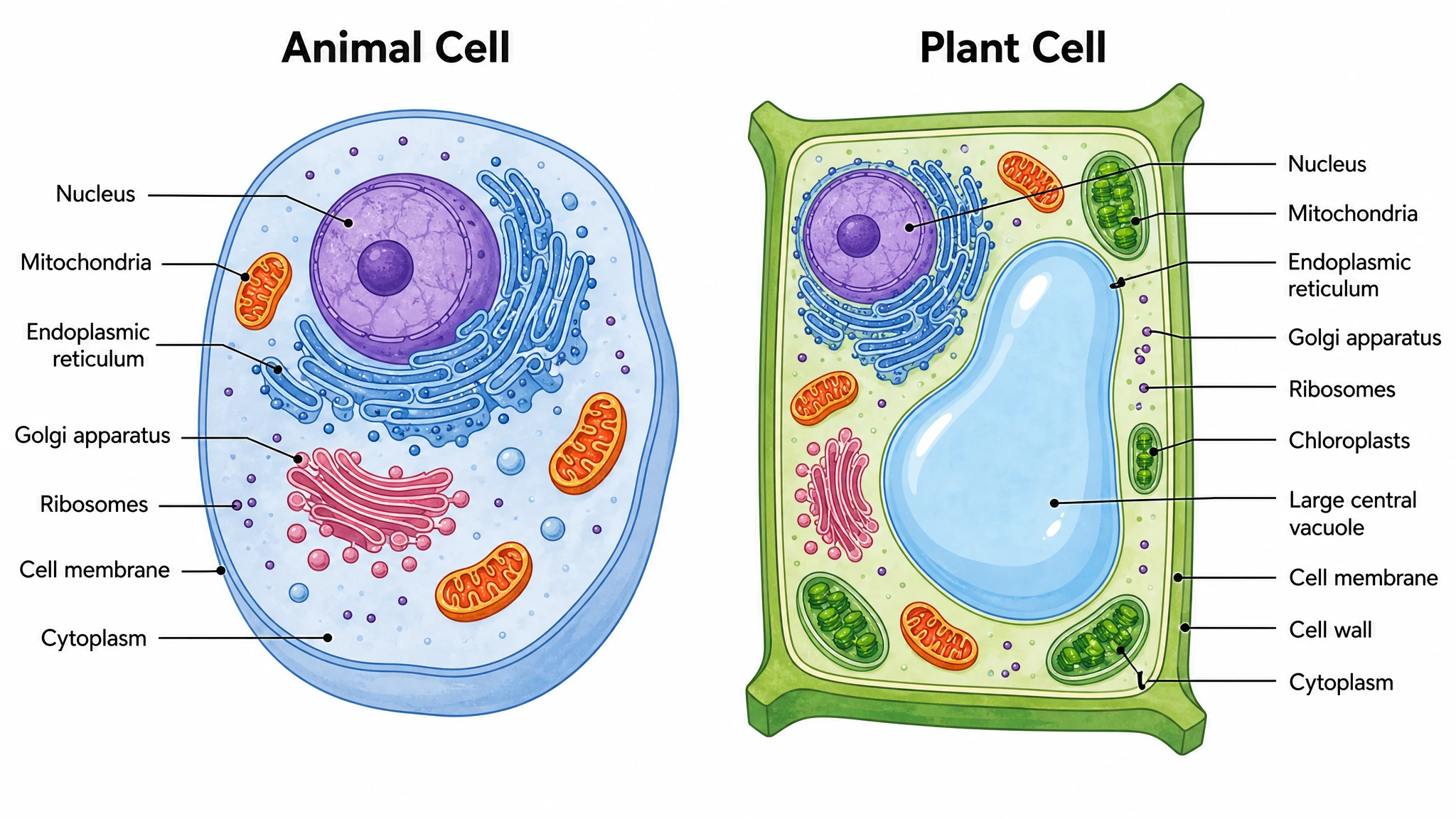
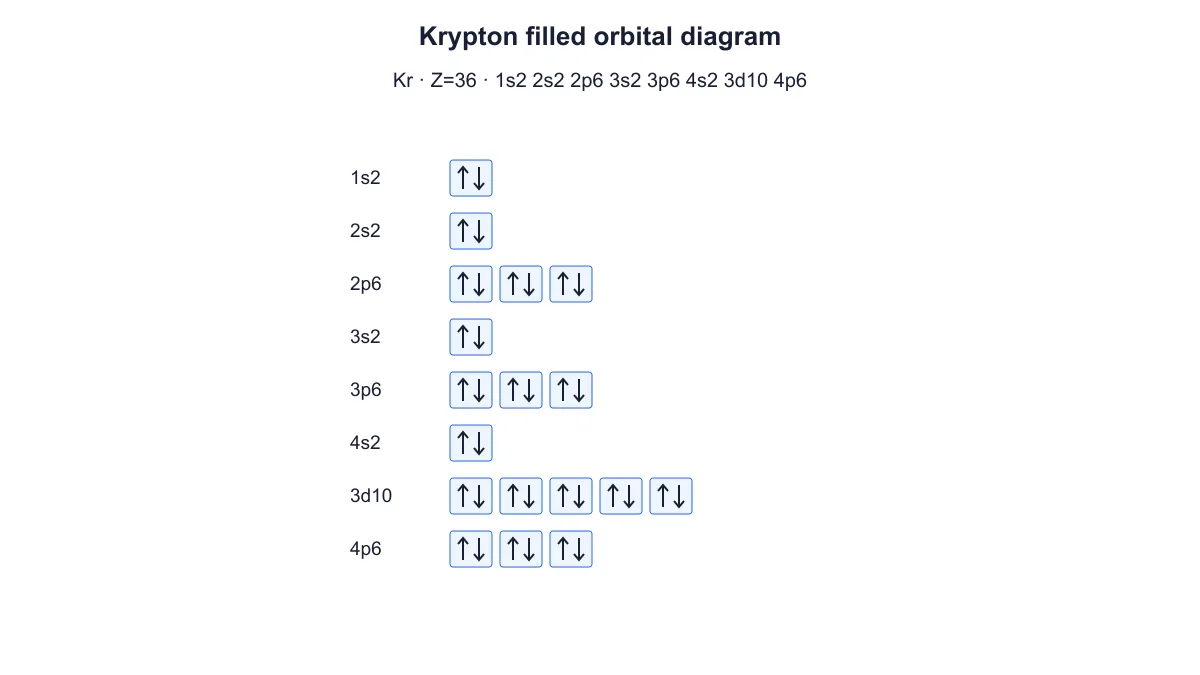
Krypton orbital diagram with thirty-six electrons and filled 4p orbital boxes

Compare elements in study notes

Generate separate diagrams for the elements you want to compare, then place the exported files together in your notes. Choose the same view and label settings for a consistent comparison. Save each element’s settings when you want to revisit the examples later.

Explore this example
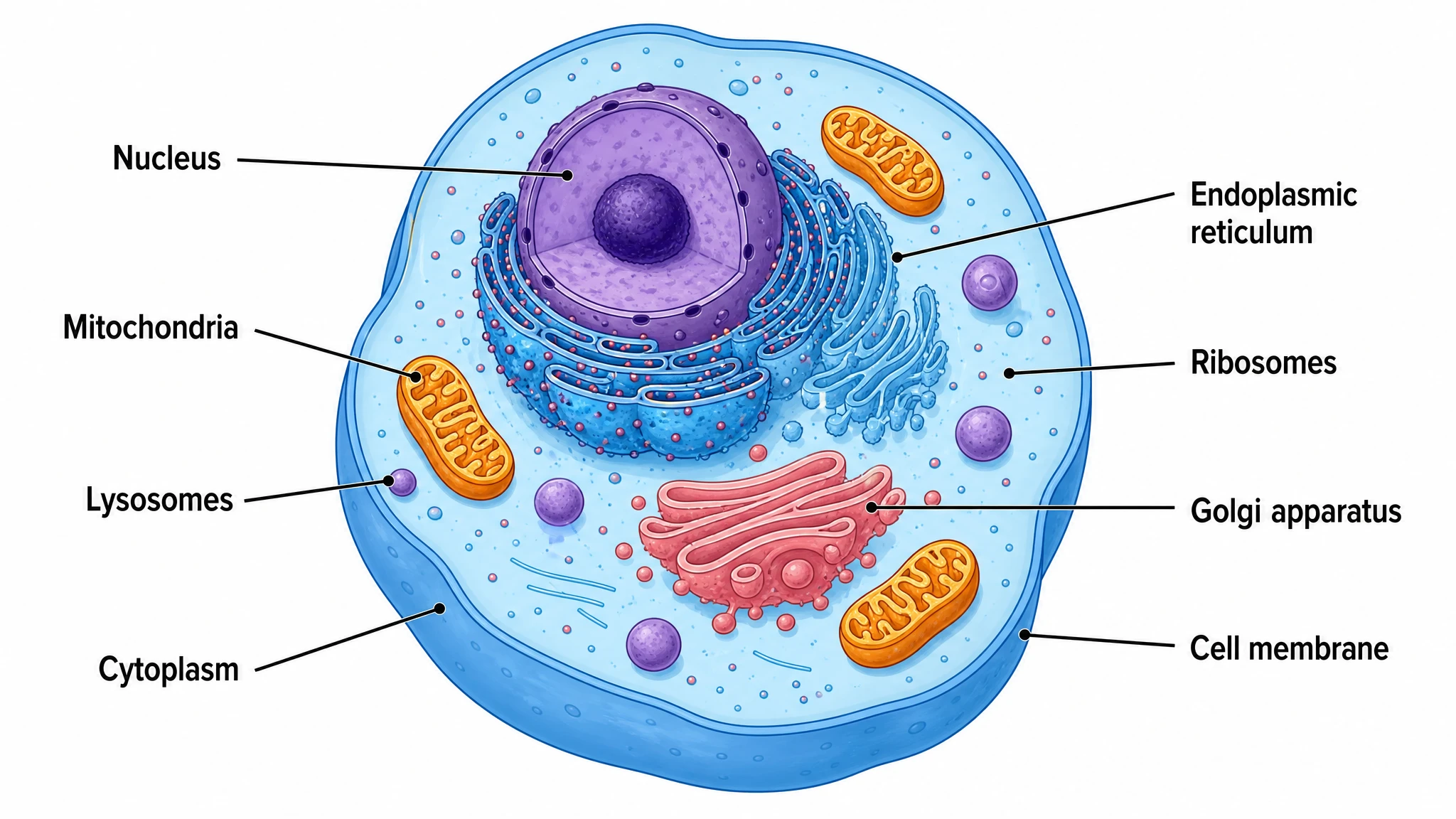
Oxygen orbital diagram with paired 1s and 2s electrons and four electrons in the three 2p boxes

Prepare a chemistry presentation

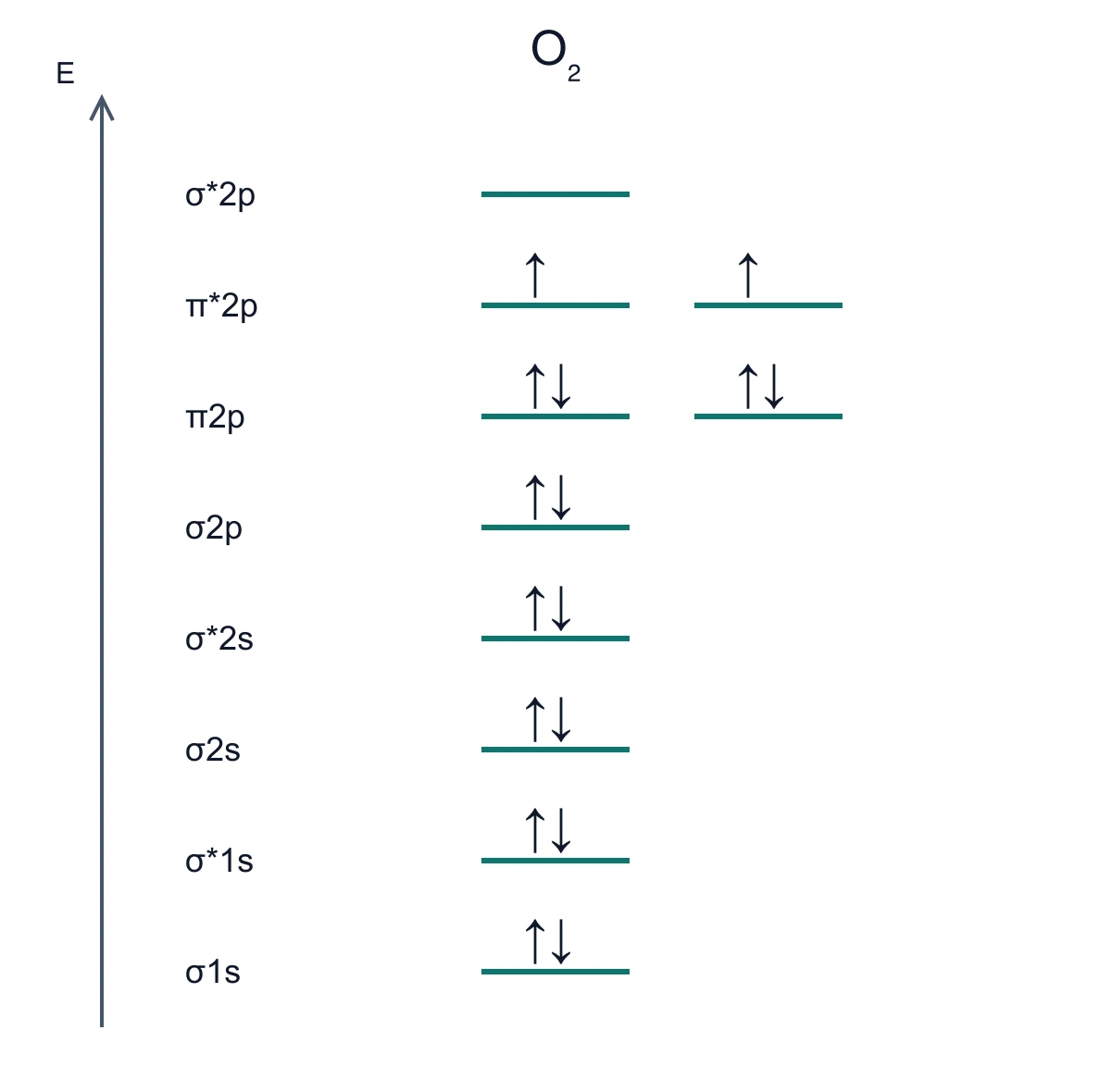
Give each diagram a topic-specific title and export PNG for slides or SVG for further vector editing. Keep the settings with the presentation files so you can change an element or view later. For bonding and antibonding orbitals in molecules, use SciFig’s molecular orbital diagram tool.

Explore this example
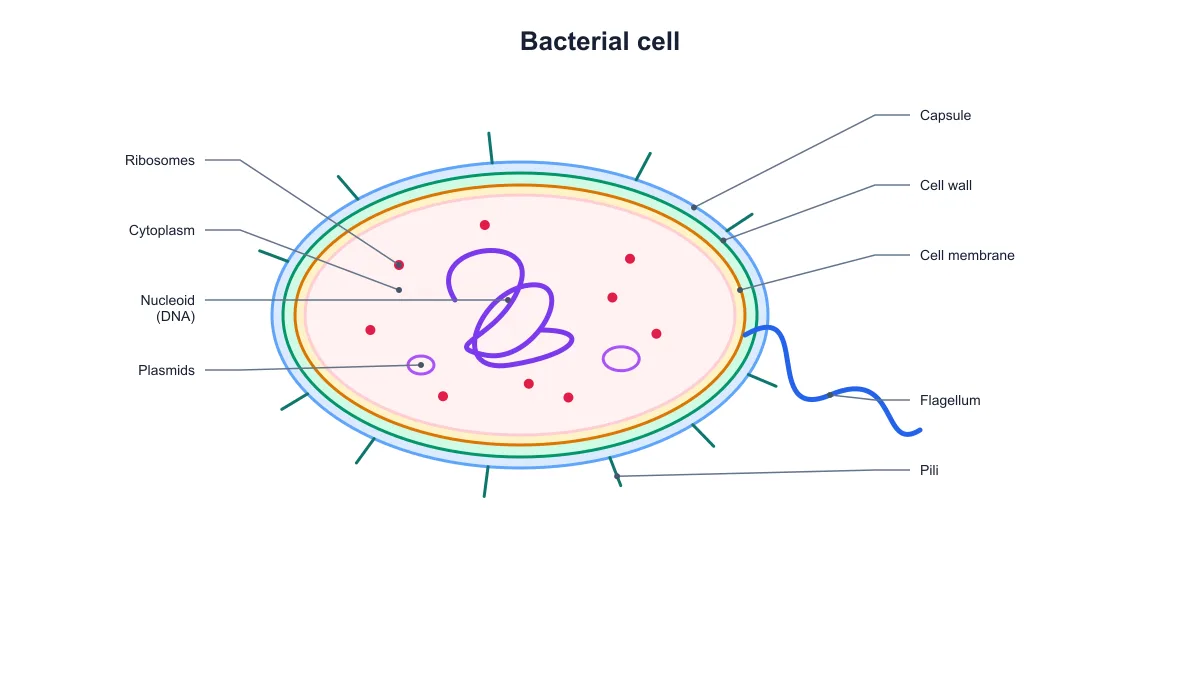
How Researchers Use SciFig

I needed an oxygen example for a tutorial about paired and unpaired electrons. The electron configuration diagram generator gave me orbital boxes with arrows that I could place beside the written configuration. I downloaded the figure and kept its settings with the handout so I could reopen the same example later.
Lucy B.

Chemistry teaching assistant, University of Manchester

Free tools
A tool for every scientific figure
110 focused generators for the scientific figure you need — each opens in the right workspace with a matching example.

Electron Configuration Diagram Questions

1.

2.

3.

4.

5.

6.

Call to action background

Atomic electron diagrams

Create an electron configuration diagram

Create an electron diagram

Free to start · No credit card required · Built for researchers