
Free AI Infographic Generator
Turn your data, figures, and key stats into a clean, publication-ready science infographic — combine sections, icons, and charts into one cohesive visual with SciFig.
Start with up to 150 free credits|No credit card required
Get up to 250 free credits on day one when you join through an invite.
Updated
Free AI Infographic Generator— templates & examples
Everything you need to generate your science infographic
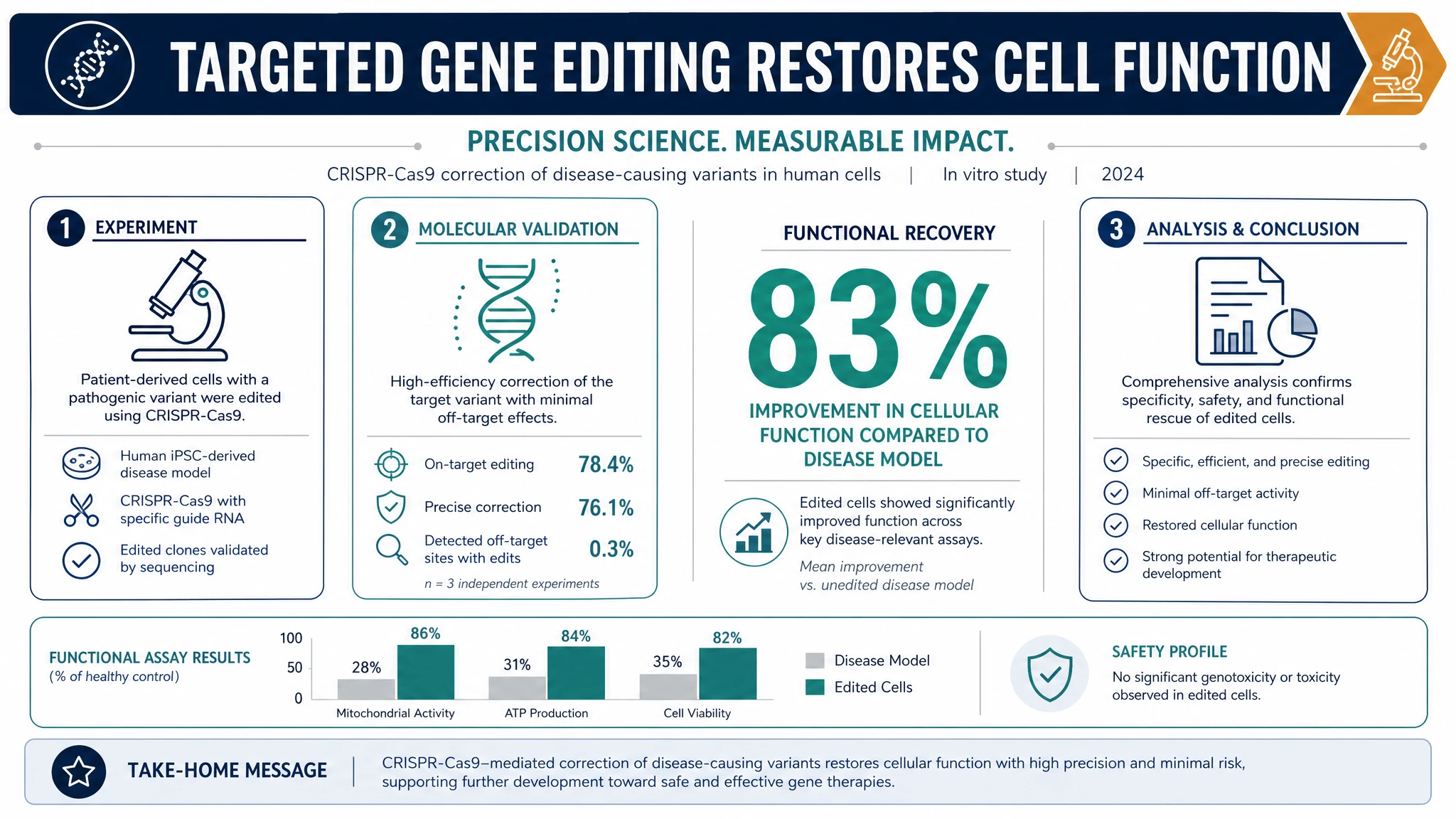
Built for science communication, not marketing
Most infographic tools are designed for marketing decks, so their templates and icons feel out of place in research. SciFig's AI infographic generator is tuned for science communication: it produces clean, modern scientific infographics with restrained color palettes, accurate data visualization, and a layout that prioritizes one clear message. Because the underlying scientific infographic AI follows research conventions rather than ad layouts, the result looks like a graphical abstract or research infographic a journal would accept, not a flashy promotional graphic.
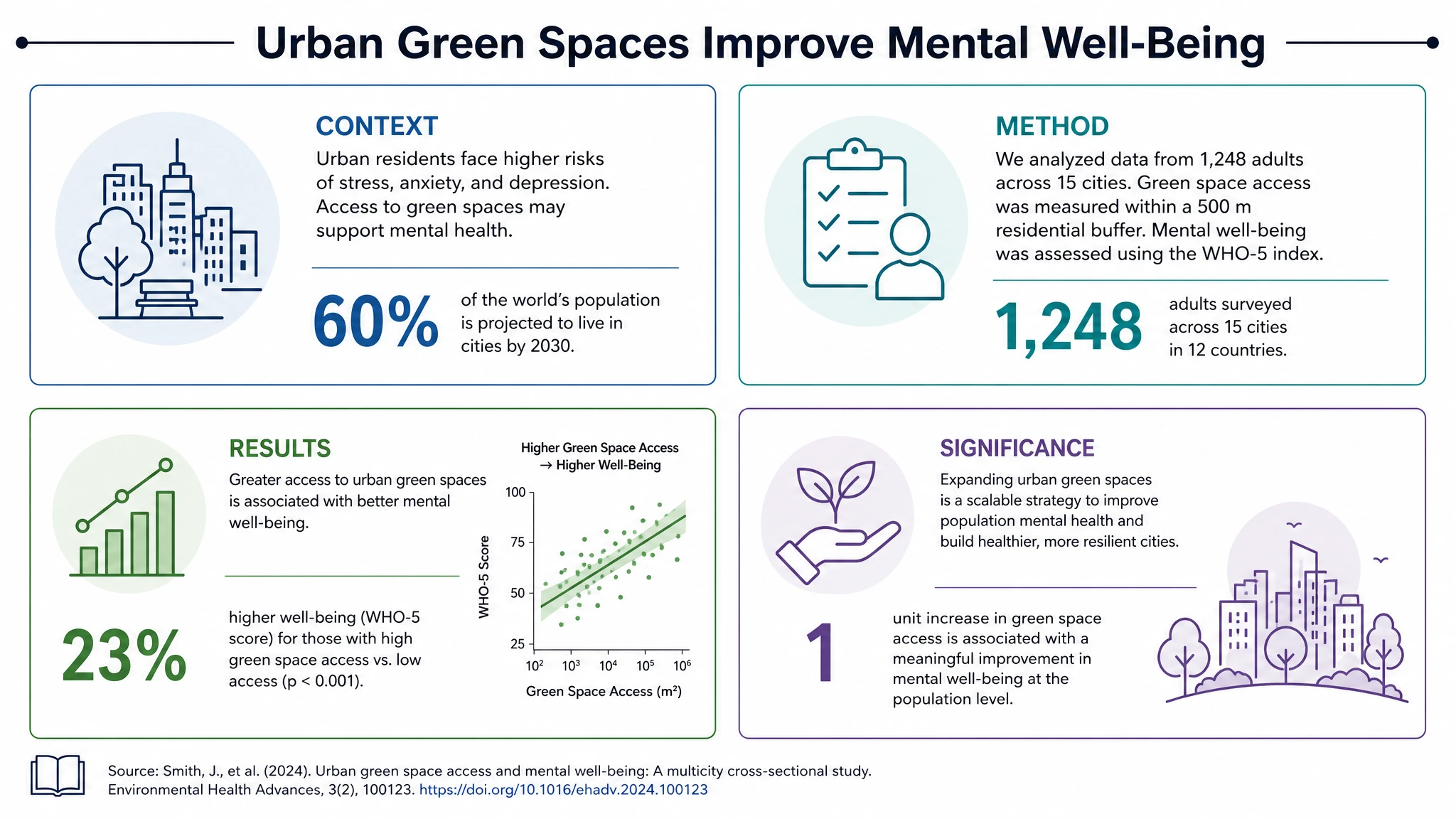
Combine figures, stats, and icons in one layout
A good infographic weaves together several elements — a process diagram, a key statistic, a labeled icon, a short caption — into one cohesive visual. SciFig's science infographic generator assembles all of these for you, balancing each section so the data visualization reads cleanly at any size. Drop in your headline numbers and the AI arranges single-stat callouts, simple charts, and consistent icons into a structured, publication-ready research infographic — the same layout work that takes hours to align by hand in a general-purpose infographic maker.
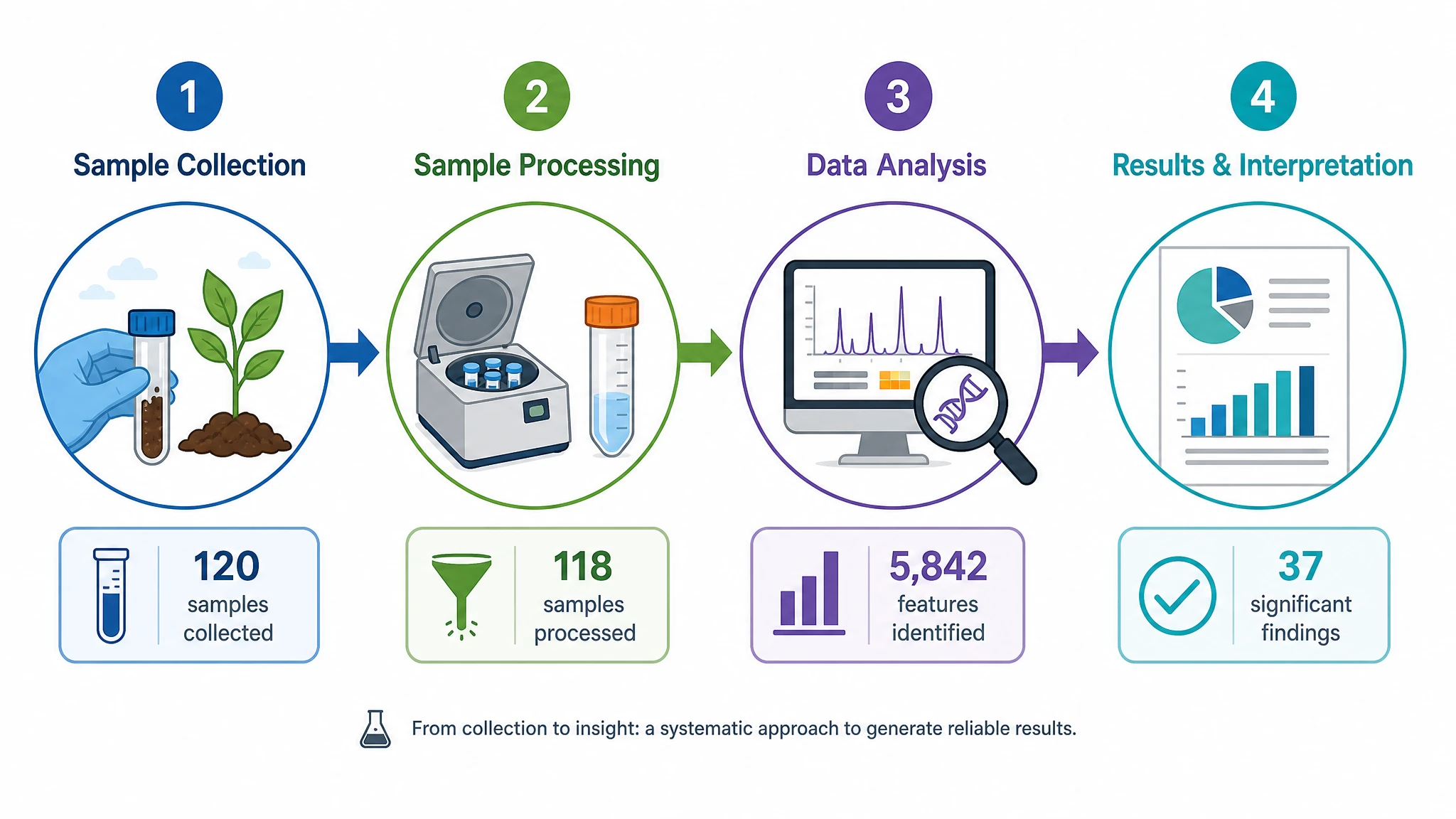
Fully editable and free to start
Generate an infographic with the research infographic generator, then refine everything: relabel sections, swap icons, adjust any statistic, and recolor the palette to match your slides or journal style. You can start for free and explore layouts before committing, then export a high-resolution infographic for papers, posters, or social media. This editable, infographic generator free workflow saves hours compared to building each scientific infographic by hand in vector software.
What is an infographic?
An infographic is a single visual that combines figures, statistics, icons, and short text into an organized, easy-to-scan layout. In science, infographics distill complex methods or results into a graphical abstract that reviewers, students, and the public grasp at a glance. SciFig's AI infographic generator builds these for you: describe your topic, key findings, and the sections you need, and the AI assembles a structured, modern scientific infographic ready to refine and export.
Why a clear science infographic matters
- Infographics distill complex methods and results into a single graphic readers grasp at a glance
- Graphical abstracts increase the reach and citation potential of research papers
- A clean scientific infographic communicates findings to non-specialist audiences without losing accuracy
- Consistent icons and restrained data visualization signal scientific rigor rather than marketing gloss
- Editable infographics let labs update stats and labels as results evolve without rebuilding from scratch
- Well-structured research infographics improve comprehension and retention compared to dense text or tables
Key elements of a scientific infographic
- Headline message — one clear takeaway that orients the entire infographic
- Sections — context, method, results, and significance arranged in a logical reading order
- Statistics — single-stat callouts and simple charts that make headline numbers stand out
- Icons — consistent, meaningful symbols that label each section without clutter
- Data visualization — bar, donut, or flow visuals that turn numbers into a clear comparison
- Layout — a balanced grid with visual hierarchy that stays legible at small sizes
- Caption and labels — concise, editable text that names each element precisely
Where science infographics are used
- Graphical abstracts that summarize a paper for journals and indexing services
- Conference posters and poster panels that present a study at a glance
- Lecture slides and teaching materials that explain methods or results visually
- Grant proposals and reports that need a clear, professional research infographic
- Science communication on social media, blogs, and institutional websites
- Press releases and outreach materials translating findings for general audiences
How to make an infographic
Describe your infographic
Tell SciFig what to draw in plain language — no design tools required.
Generate with SciFig
Get a clean, publication-ready figure that matches your description in seconds.
Edit & export
Vectorize it into editable SVG, relabel everything, and export for your paper, poster, or slides.
Free AI Infographic Generator — Frequently Asked Questions
Common questions about Free AI Infographic Generator.
More tools

Circuit Diagram Maker
Draw electronic circuit schematics

Free Body Diagram Generator
Show forces acting on an object

Graphical Abstract Maker
Summarize your study in one panel
SciFig
Free AI Scientific Figure Generator for Illustrations, Images, Charts and Flowcharts
Models
Default to GPT Image 2 for journal papers; switch to Nano Banana Pro for slides and posters; pick Nano Banana 2.1 for routine figure work
Tutorials
Seven short walkthroughs of the AI scientific figure generator
Blog
Tutorials, tool comparisons, and publication tips for researchers.
Inspiration
Explore publication-ready illustrations, charts and flowcharts. Copy a prompt or open any template as the starting point for your own figure.
Pricing
View pricing

Ready to publish?
Make your own infographic in minutes.
Start for freeFree to start · No credit card required · Built for researchers