
Editable 96-Well Plate
Build an editable 96-well plate diagram for assays, controls, and sample layouts — a clean 8x12 microplate map you can relabel and export in minutes.
Start with up to 100 free credits|No credit card required
Get up to 300 free credits on day one when you join through an invite.
Reviewed by SciFig TeamUpdated
Editable 96-Well Plate— templates & examples
Everything you need to build your editable 96-well plate
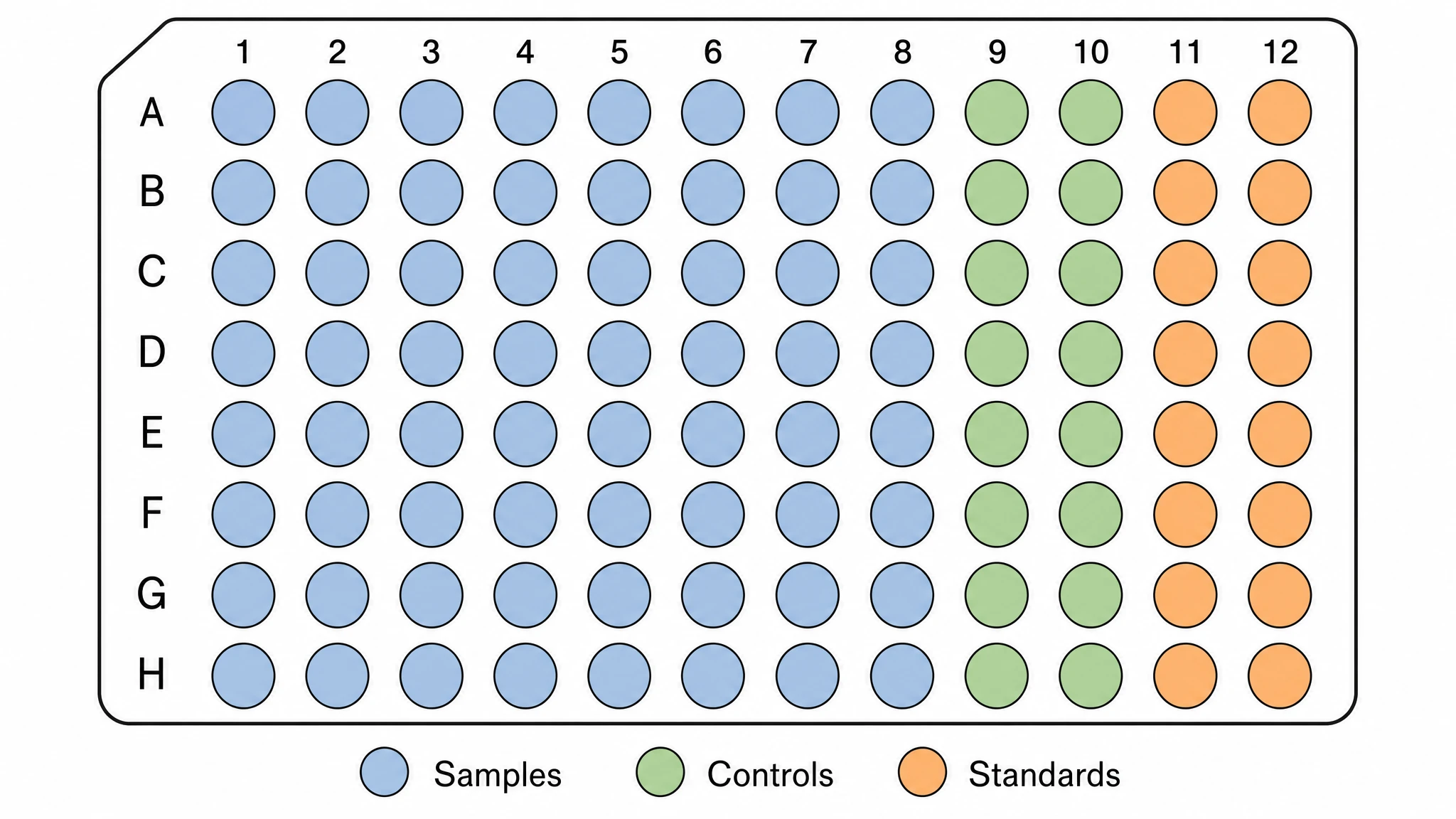
Generate a clean 8x12 plate map in seconds
Describe your assay setup and SciFig generates an editable 96 well plate laid out as a standard 8x12 microplate. The editable 96 well plate includes row-column coordinates, grouped wells, and a clean visual structure for planning or reporting experiments.
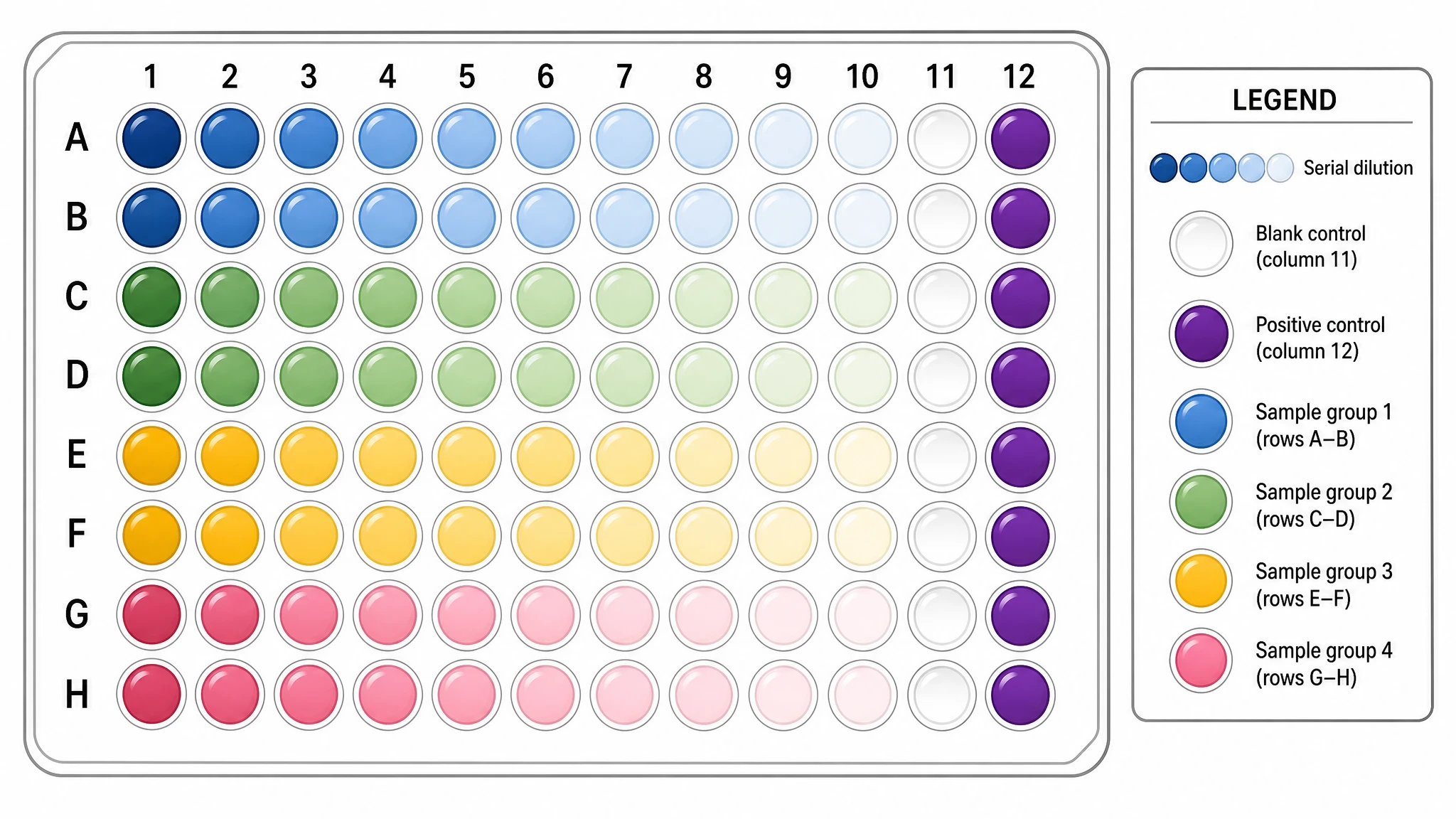
Relabel wells, controls, and experimental conditions
A useful editable 96 well plate template must stay editable after generation. You can update sample IDs, recolor treatment groups, and revise control positions as the assay design evolves, without rebuilding the 96 well plate diagram from scratch.
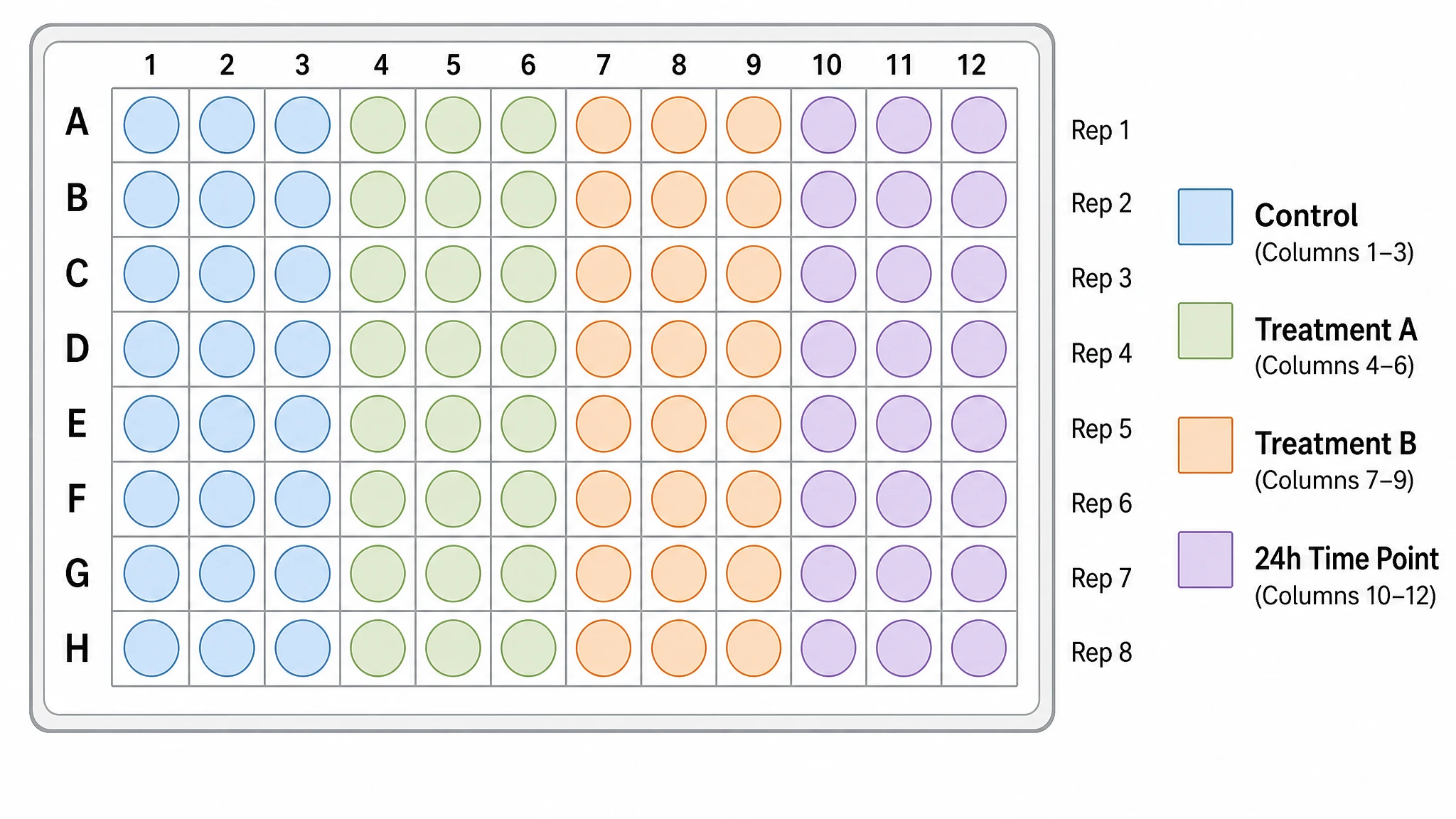
Use the same figure for setup, analysis, and presentation
The same editable 96 well plate can begin as a blank planning template, become a completed well plate map, and then be exported into protocols, reports, or slide decks. That continuity is what makes it useful in real lab workflows.
What is a 96 well plate?
An editable 96 well plate is a labeled microplate map used to plan assay layouts, sample positions, controls, and replicates across a standard 8x12 grid. Researchers use an editable 96 well plate to document what belongs in each well before and after an experiment. With SciFig you generate an editable 96 well plate template in seconds, then relabel wells, groups, and conditions before export.
Why an editable 96-well plate matters
- A clean 96-well plate diagram reduces setup mistakes before an assay starts
- Microplate layouts make controls, standards, and replicates easier to verify at a glance
- Editable plate maps save time when assay conditions change late in the workflow
- A documented 96 well plate layout improves reproducibility in protocols and lab records
- Well-addressed plate figures help teams communicate assay structure clearly
Key components of a 96-well plate template
- 8x12 well grid with rows A to H and columns 1 to 12
- Unique coordinate labels for every well
- Color-coded groups for controls, samples, or treatments
- Legend for condition mapping
- Optional header space for experiment name and date
Where editable 96-well plate diagrams are used
- ELISA setup and readout planning
- PCR and qPCR sample mapping
- High-throughput screening layouts
- Dilution-series and standard-curve design
- Bench worksheets, methods figures, and slides
How to make a 96 well plate
Describe your 96 well plate
Tell SciFig what to draw in plain language — no design tools required.
Generate with SciFig
Get a clean, publication-ready figure that matches your description in seconds.
Edit & export
Vectorize it into editable SVG, relabel everything, and export for your paper, poster, or slides.
Editable 96-Well Plate — Frequently Asked Questions
Common questions about Editable 96-Well Plate.
More tools

Circuit Diagram Maker
Generate accurate circuit diagrams with labeled schematic symbols for research papers, lab reports, and technical publications.

Free Body Diagram Generator
Create accurate, publication-ready free body diagrams with labeled force vectors for weight, normal force, friction, and tension in seconds.

Graphical Abstract Maker
Generate a publication-ready graphical abstract — a single-panel visual summary that captures your study's methods, key finding, and result with clear icons and flow arrows.
Home
Free AI Scientific Figure Generator for Illustrations, Images, Charts and Flowcharts
Text-to-Figure
Describe a figure in words and generate it with AI
Models
Default to GPT Image 2 for journal papers; switch to Nano Banana Pro for slides and posters; pick Nano Banana 2 for routine figure work
Tutorials
Seven short walkthroughs of the AI scientific figure generator
Blog
Tutorials, tool comparisons, and publication tips for researchers.
Inspiration
Explore publication-ready illustrations, charts and flowcharts. Copy a prompt or open any template as the starting point for your own figure.

Ready to publish?
Make your own 96 well plate in minutes.
Start for freeFree to start · No credit card required · Built for researchers