
Use Case Diagram Generator
Create clear use case diagrams with actors, system boundaries, and include and extend relationships using SciFig's AI use case diagram generator.
Figure prompt
Describe the figure you want to create
Not sure where to start? Use Example.
Start with 100 free credits|No credit card required
Get up to 300 free credits on day one when you join through an invite.
Reviewed by SciFig TeamUpdated
Use Case Diagram Generator— templates & examples
Everything you need to generate a publication-ready use case diagram
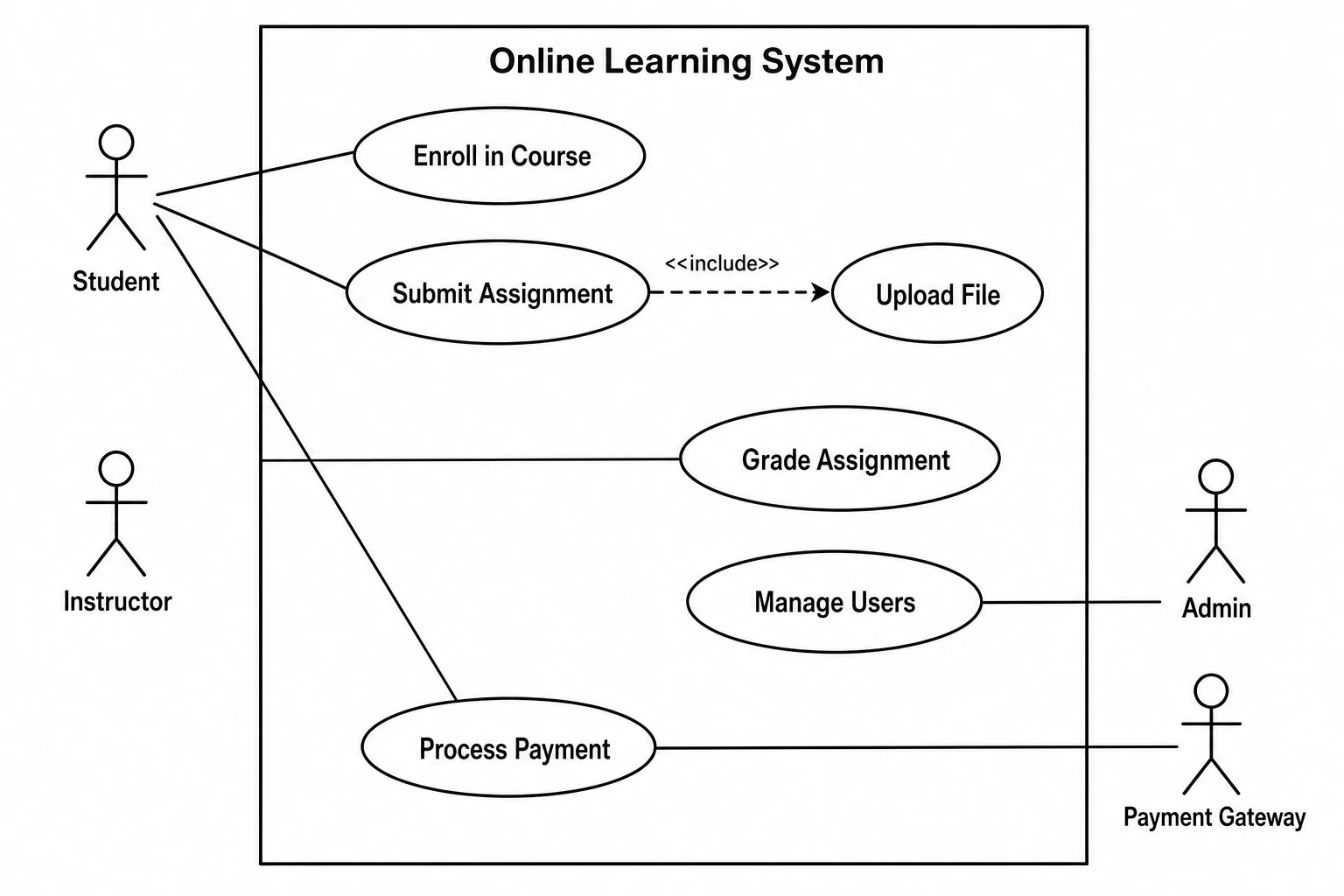
Actors, use cases, and relationships from plain language
Describe your system's actors, the use cases they participate in, and any include or extend relationships in natural language, and SciFig's use case diagram generator AI renders a complete UML use case diagram with stick-figure or box actors outside the system boundary, labeled ellipse use cases inside, and correctly styled relationship lines and stereotype arrows. The use case diagram online output meets the UML notation standards that software engineering and information systems journals require.
Include, extend, and generalization relationships
SciFig's use case diagram maker AI supports all UML use case relationships — actor-to-use-case associations, <<include>> dependencies, <<extend>> extensions, and actor generalization. Describe the relationships in plain language and the generator applies the correct dashed stereotype arrows and notation. Every use case diagram stays fully editable after generation — rename use cases, add actors, restructure the boundary, and export a final figure for your thesis or paper.
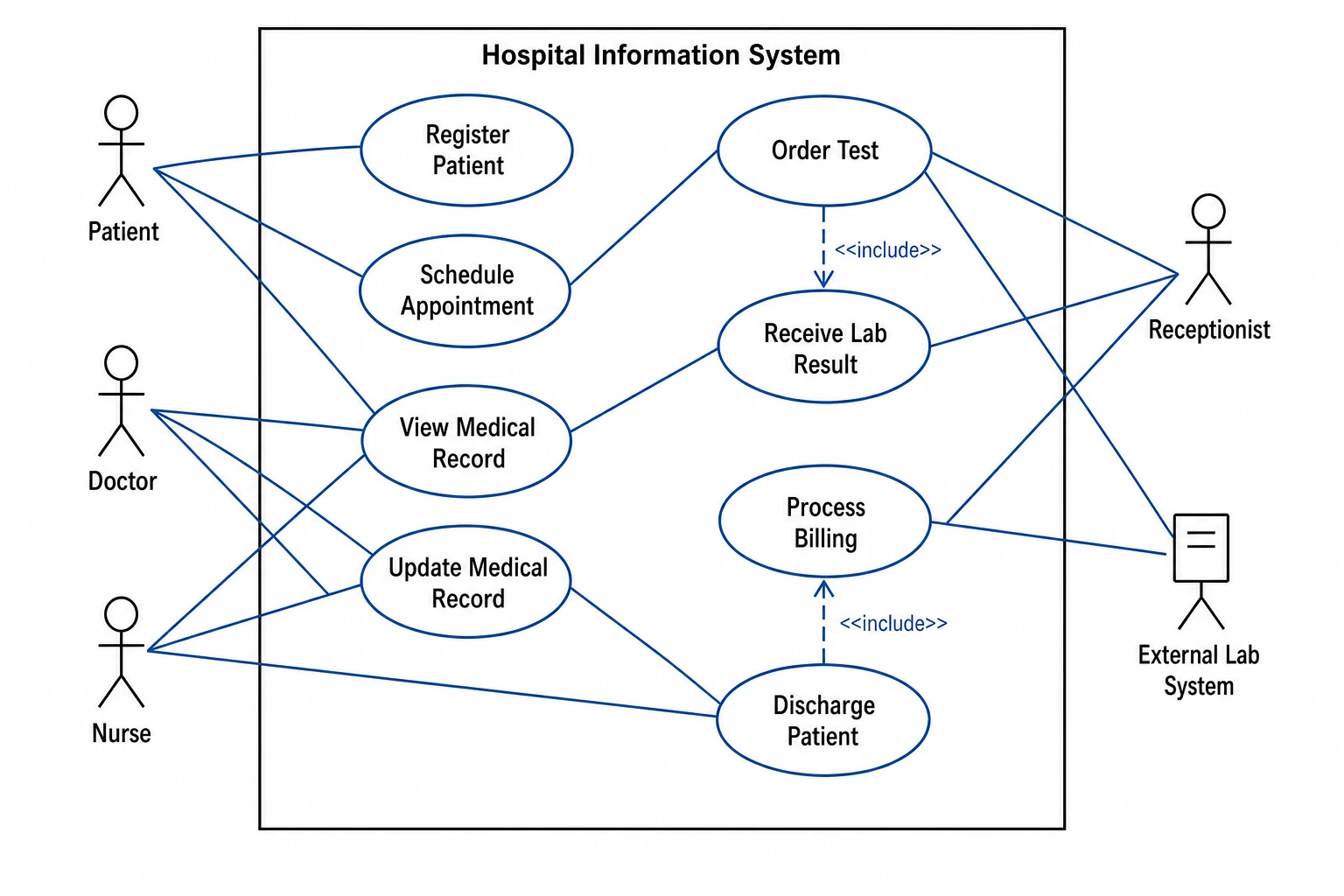
Built for software engineering and systems research
Whether you need a use case diagram for a clinical information system in a health informatics paper, a learning management system in an educational technology thesis, or a microservice platform in a distributed systems study, SciFig's use case diagram generator produces figures at the visual quality that IEEE, ACM, and Springer reviewers expect. Export high-resolution use case diagrams for journal articles, conference papers, or technical reports without any manual formatting.
What is an use case diagram?
A use case diagram is a UML behavioral diagram that shows interactions between external actors and the use cases a system supports, with actors outside a system boundary rectangle and use cases as labeled ellipses inside, connected by association, include, and extend relationships. With SciFig's use case diagram generator you describe your actors and use cases in plain language and receive a clean, labeled use case diagram online you can edit and export for software engineering research papers.
Why use case diagrams matter in research documentation
- Communicate the functional scope of a system at a glance to reviewers and readers unfamiliar with the code
- Required in requirements and design sections of software engineering and information systems papers
- Map user goals directly to system functions, making the value proposition of the system immediately clear
- Identify all actors — users, roles, and external systems — and their interactions with the system
- Provide a high-level requirements model that complements lower-level sequence and state diagrams
- Serve as the entry-point figure for system architecture documentation in theses and technical reports
Key elements of a use case diagram
- Actors — stick figures or labeled boxes outside the system boundary representing users, roles, or external systems that interact with the system
- System boundary — a labeled rectangle enclosing all use cases that belong to the system under design
- Use cases — labeled ellipses inside the system boundary representing discrete system functions or user goals
- Association lines — solid lines between actors and the use cases they participate in
- Include relationships — dashed arrows labeled <<include>> from a base use case to an always-invoked use case
- Extend relationships — dashed arrows labeled <<extend>> from an optional extension use case to the base use case it conditionally augments
Where use case diagrams appear in research and documentation
- Software engineering papers documenting system requirements, scope, and actor interactions
- Information systems research describing the functional design of web, mobile, or enterprise applications
- Healthcare IT papers modeling clinical information system user roles and supported workflows
- Educational technology research documenting learning management system actor-use case models
- Human-computer interaction papers mapping user goals and tasks to system functions
- Distributed systems and microservices papers illustrating system boundary and external actor integrations
How to make an use case diagram
Describe your use case diagram
Tell SciFig what to draw in plain language — no design tools required.
Generate with SciFig
Get a clean, publication-ready figure that matches your description in seconds.
Edit & export
Vectorize it into editable SVG, relabel everything, and export for your paper, poster, or slides.
Use Case Diagram Generator — Frequently Asked Questions
Common questions about Use Case Diagram Generator.
More tools

Circuit Diagram Maker
Generate accurate circuit diagrams with labeled schematic symbols for research papers, lab reports, and technical publications.

Free Body Diagram Generator
Create accurate, publication-ready free body diagrams with labeled force vectors for weight, normal force, friction, and tension in seconds.

Graphical Abstract Maker
Generate a publication-ready graphical abstract — a single-panel visual summary that captures your study's methods, key finding, and result with clear icons and flow arrows.
Home
Free AI Scientific Figure Generator and Figure Maker — Create Research Figures, Images, Illustrations and Diagrams
Text-to-Figure
Generate a figure from a plain-language description
Models
Default to GPT Image 2 for journal papers; switch to Nano Banana Pro for slides and posters; pick Nano Banana 2 for routine figure work
Tutorials
Seven short walkthroughs of the AI scientific figure generator
Blog
Tutorials, tool comparisons, and publication tips for researchers.
Inspiration
Explore publication-ready scientific figure examples, copy the prompts, and use them as starting points for your own work.

Ready to publish?
Make your own use case diagram in minutes.
Start for freeFree to start · No credit card required · Built for researchers