SciFig

Free Workflow Diagram Generator from Text

Turn a list of steps into a clear workflow. Add decisions and labeled connections, update the text, and download a diagram for your document or presentation.

Describe what you need in the box above.

Start with up to 150 free credits|No credit card required

Get up to 350 free credits on day one when you join through an invite.

3 figure engines · 500+ templatesEvery label editable · 60+ color schemesEditable PPTX · Layered SVG · 8K PNG / JPG

Turn text steps into a workflow

Write one step per line or use explicit nodes and connections for decisions and return paths. Edit the text to update the diagram.

Simple sequence: write one step per line. Branches: define a node as step: Task, check?: Decision, or done!: End. Add connections as step -> check | Label. Use 2–12 nodes and 1–20 connections. Node labels allow 48 characters; connection labels allow 24. Each node must be connected.

Free Workflow Diagram Generator from Text— templates & examples

Updated

Text to workflow diagrams

Free Workflow Diagram Generator from Text

Make text steps, decisions and handoffs easy to follow in a diagram you can revise and download.

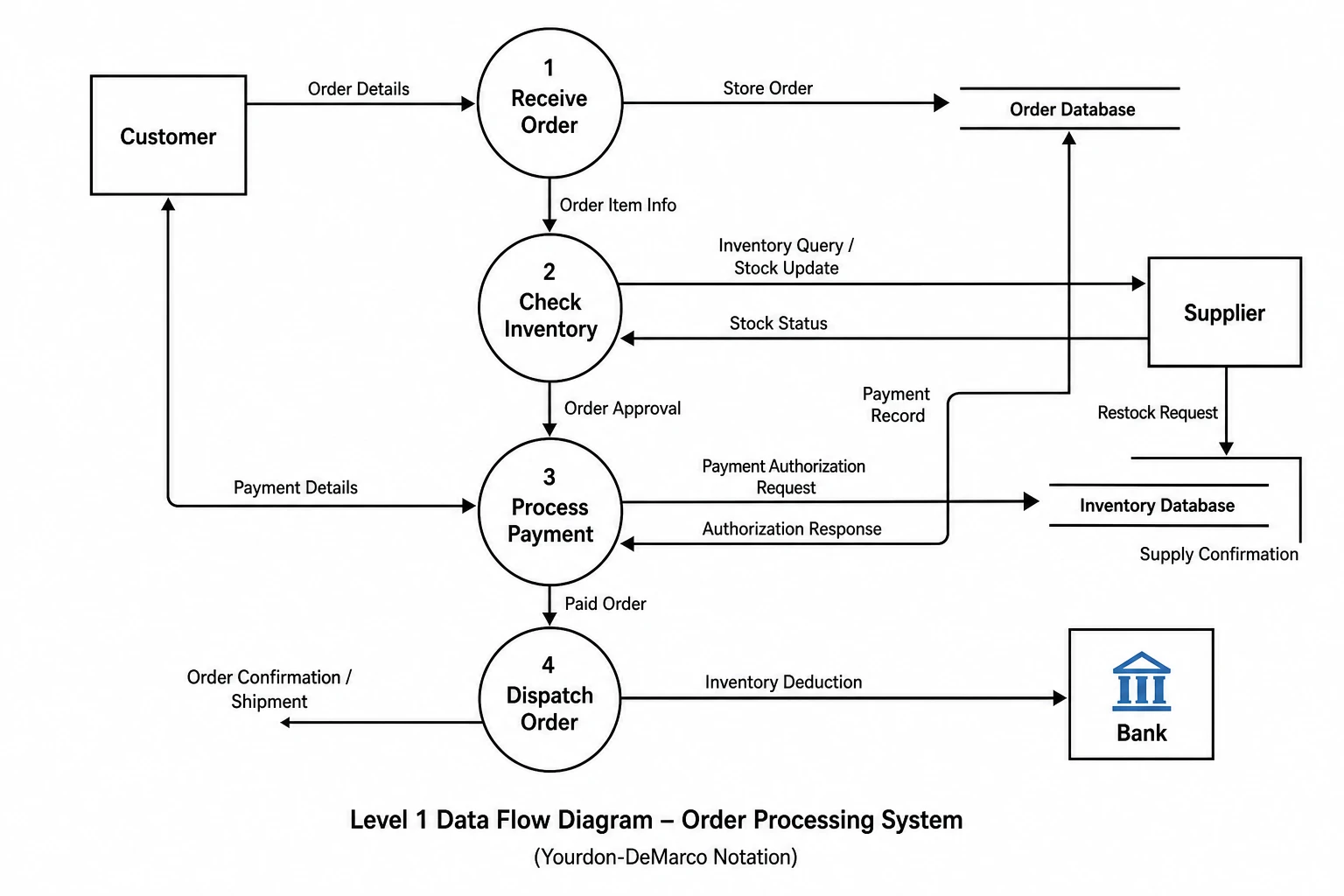
SciFig’s workflow diagram generator from text turns a list of steps into a connected diagram. Start with one task per line, or define named steps and connections when the process includes decisions, alternative outcomes or a return to an earlier task. Edit the words and connections to update the preview, then download SVG or PNG for your materials. Save the settings when you want to reopen the same workflow later.

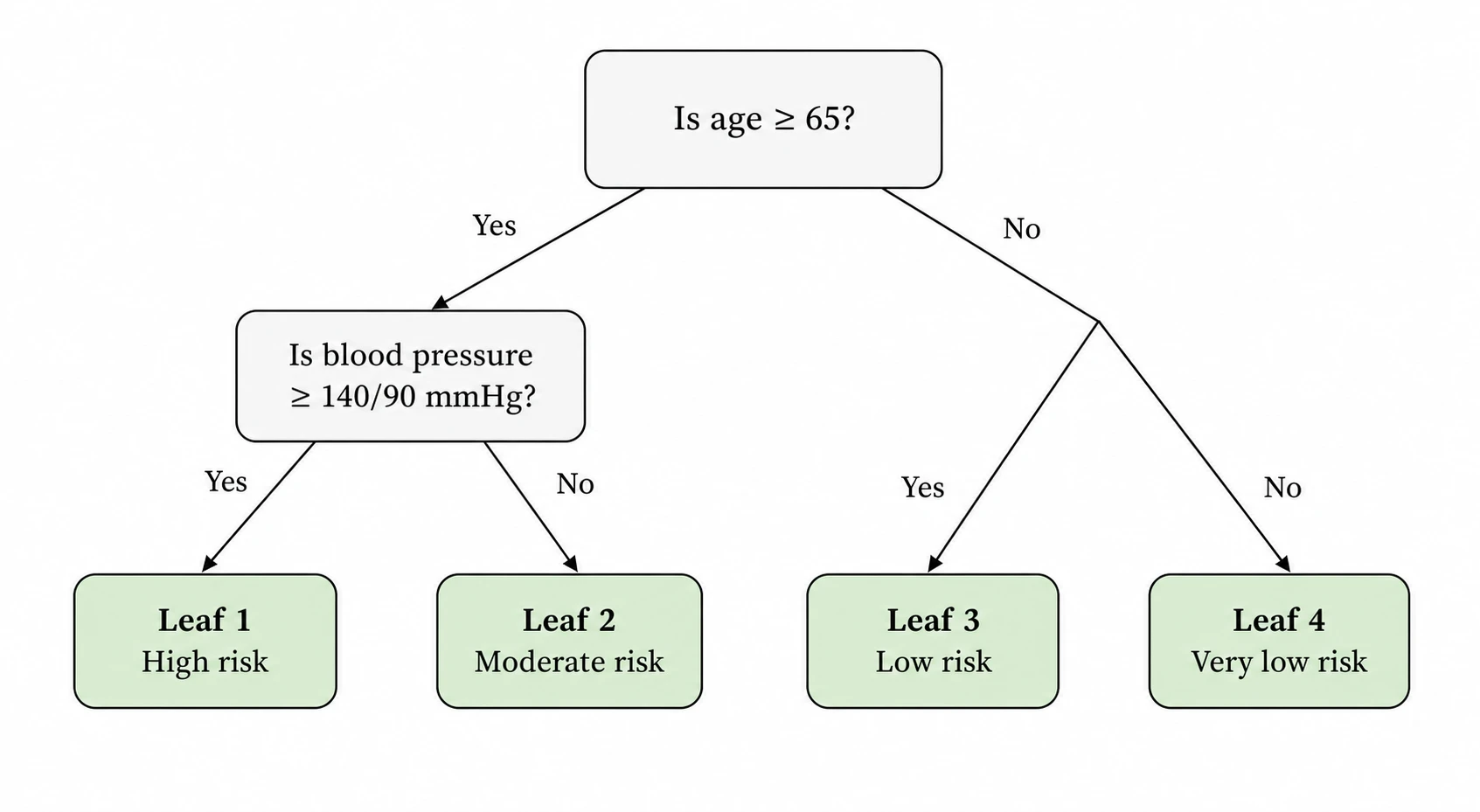
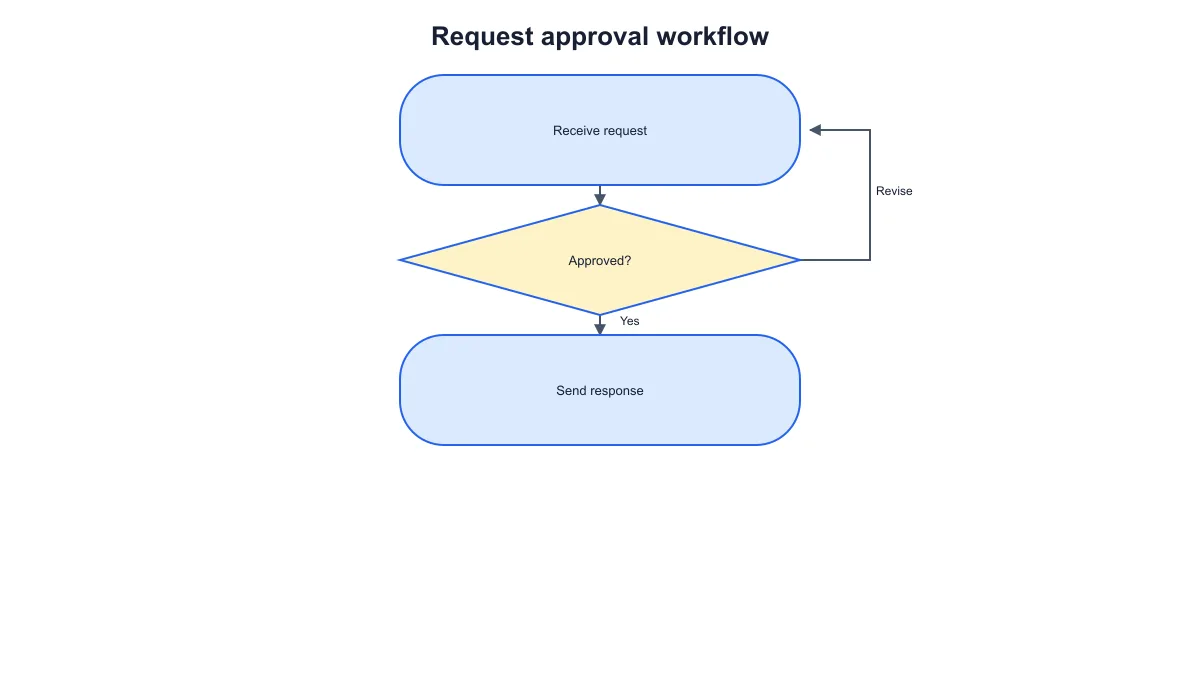
Request approval workflow with an approval decision, a response outcome and a labeled revision return path
  • Turn line-by-line steps into a workflow
  • Add decisions and labeled return paths
  • Revise the text and title
  • Download SVG, PNG and saved settings

Workflow Diagram Generator Features

Start with the process you have written and turn it into a diagram with clear tasks and connections.

Turn a list of steps into a workflow

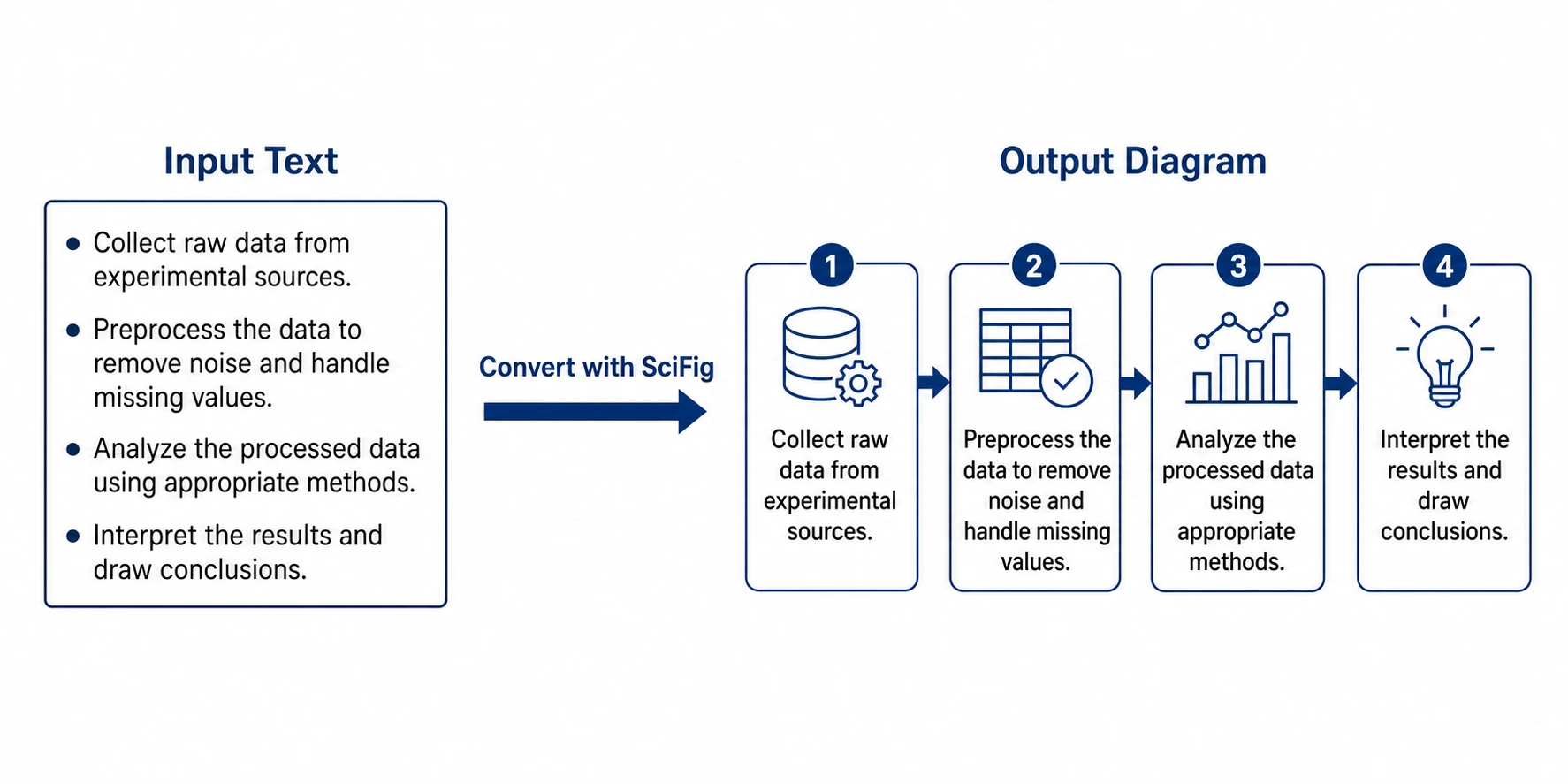
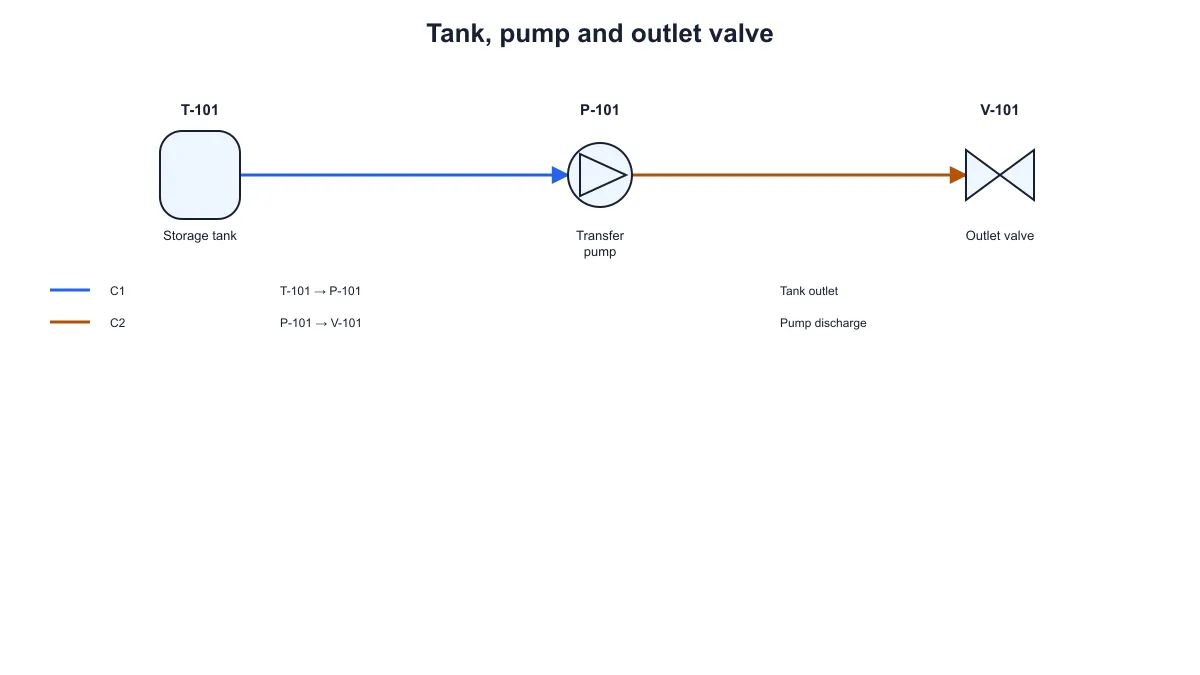
Paste a short list with one task per line. SciFig’s workflow diagram generator from text places those tasks in order and connects each one to the next. The first and last steps use rounded shapes, while the middle tasks use process boxes. Change a line to rename a task, or reorder the lines when the sequence changes.

  • Start with line-by-line text
  • Keep the written order
  • Rename tasks by editing the text
Try this in SciFig

Show decisions and alternative paths

Use named nodes and explicit connections when a workflow branches. Mark a question as a decision, label its outgoing paths and connect a revision step back to an earlier task. SciFig draws the defined relationships so the reader can follow each outcome. Load the decision example to see the node and connection syntax before adapting it to your process.

  • Add decision diamonds
  • Label the possible outcomes
  • Connect a return or revision path
Try this in SciFig

Explain tasks and team handoffs

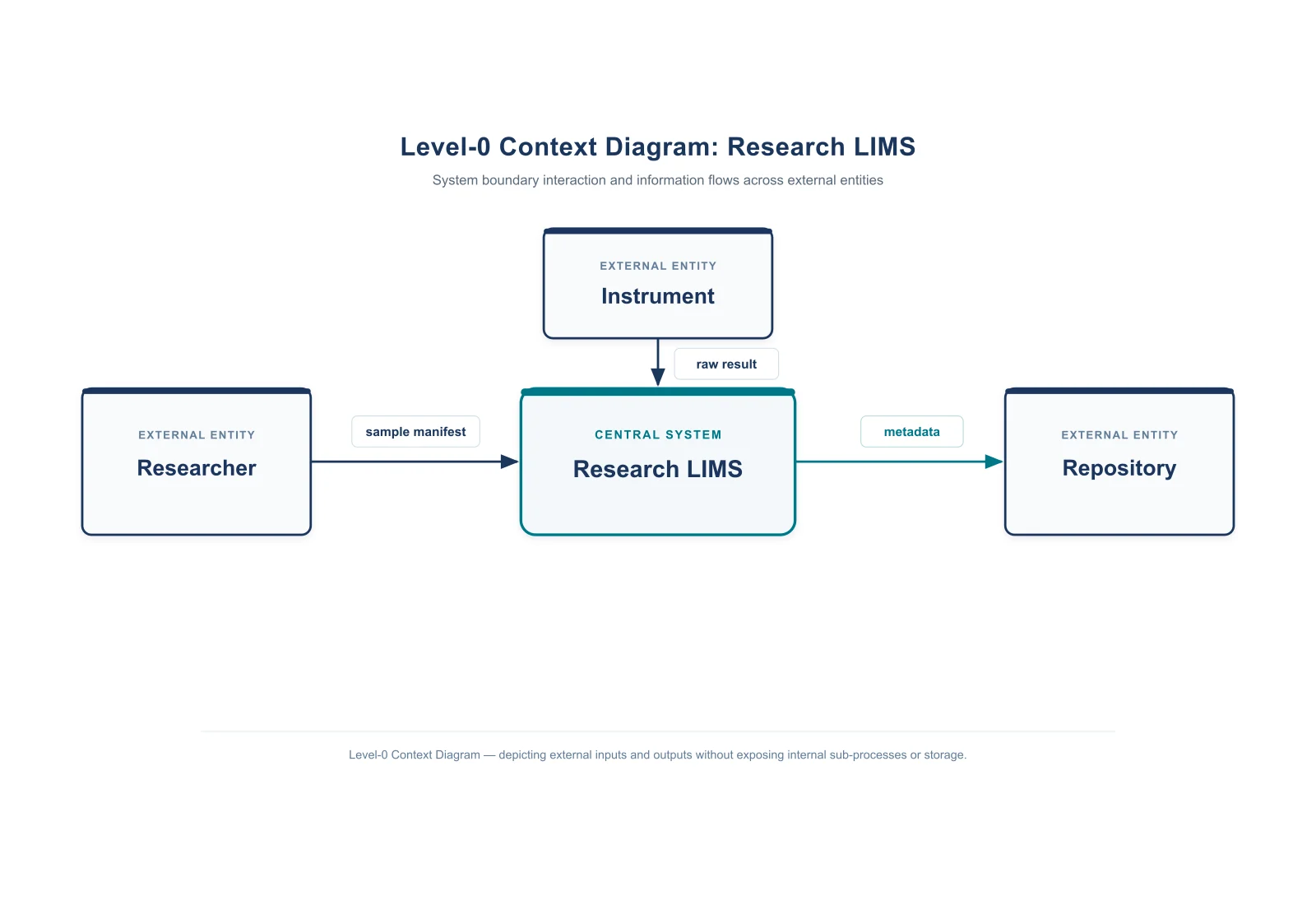
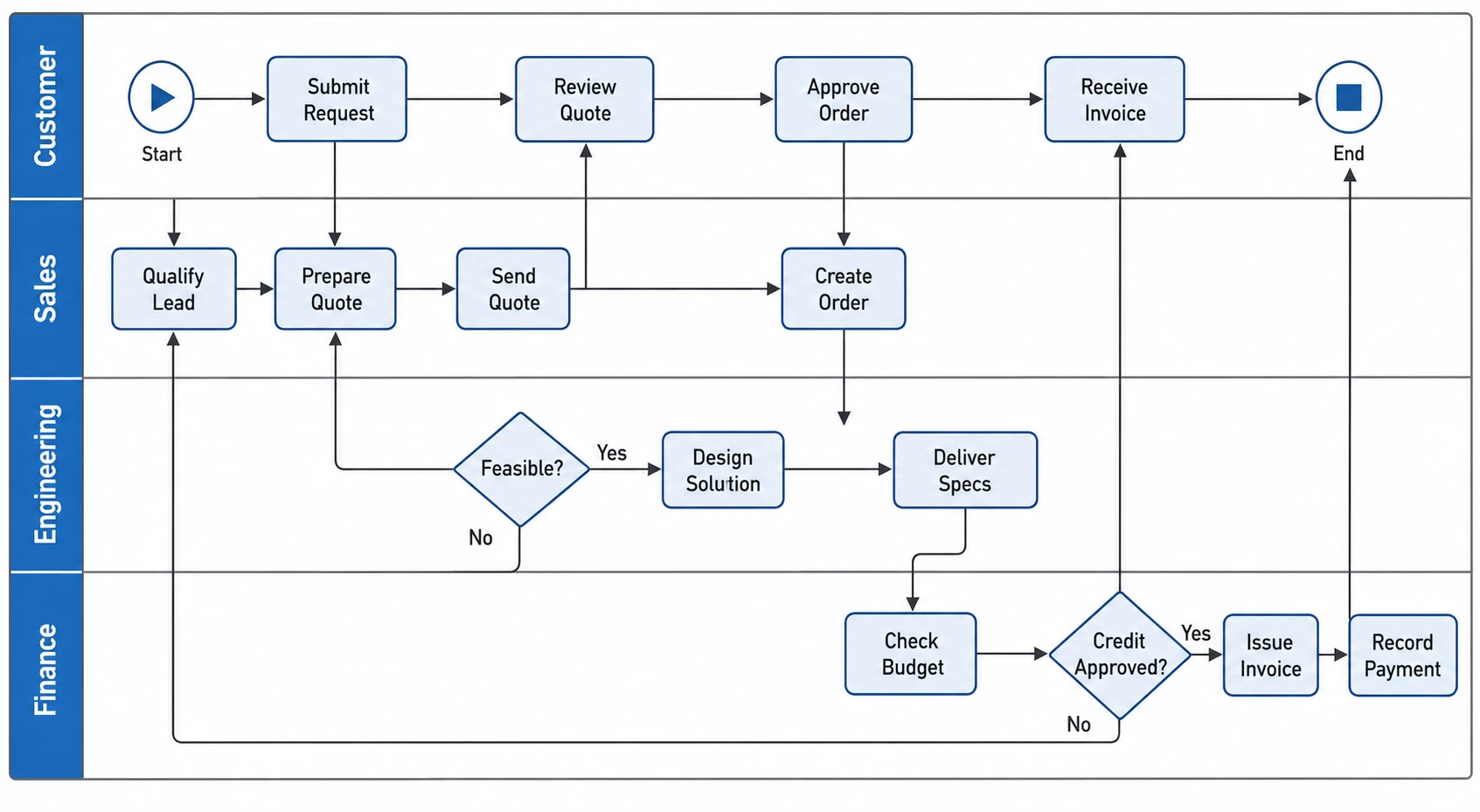
Include a role in a task label when the handoff matters: for example, a coordinator receives a request and a reviewer checks the details. Give the diagram a title that names the process. The workflow diagram maker keeps the tasks and connections together as you edit them, helping you prepare a consistent explanation for a report, training guide or presentation.

  • Name the responsible role in a task
  • Set a process-specific title
  • Keep handoffs visible in the sequence
Try this in SciFig

Download the diagram and save its text

Export SVG for further vector editing or PNG for a document or slide. Save JSON settings to keep the title and workflow text together, then reopen the file when you need to revise the same process. SciFig FlowChart (flowcharts) also turns fuller process descriptions into editable diagrams when you want to continue developing the workflow.

  • Download SVG or PNG
  • Save the title and source steps
  • Reopen the same workflow for changes
Try this in SciFig

How to Make a Workflow Diagram from Text

Write the tasks, connect the decisions and download the workflow you need.

  1. Write the main process steps

    Enter one short task per line to create a simple sequence. Start where the process begins and finish with its outcome. Include the role or team in a task label when that responsibility helps the reader follow the handoff.

  2. Add the decisions and connections

    Load the decision example for a branching workflow. Define each task with a unique ID, use a question node for a decision and write connections between the IDs. Add short labels such as Approved or Revise to explain alternative paths.

  3. Update the text and title

    Edit the task labels, connections and diagram title to match your process. The preview follows the written relationships. Keep the simple sequence for a linear workflow or use explicit connections when a step returns to an earlier task.

  4. Download and save your workflow

    Export SVG or PNG for your document, guide or presentation. Save the JSON settings beside that material so you can reopen the same title and workflow text when the process changes or you prepare another version.

Workflow Diagrams for Processes and Handoffs

Explain how work moves from one task to the next in documents, teaching and team communication.

Request approval workflow with an approval decision, a response outcome and a labeled revision return path

Explain a request approval process

Show how a request reaches a decision and what happens after approval or revision. The workflow diagram generator from text lets you keep the question and its outcomes connected to the tasks. Export the diagram for an internal guide or a presentation about how the process works.

Explore this example
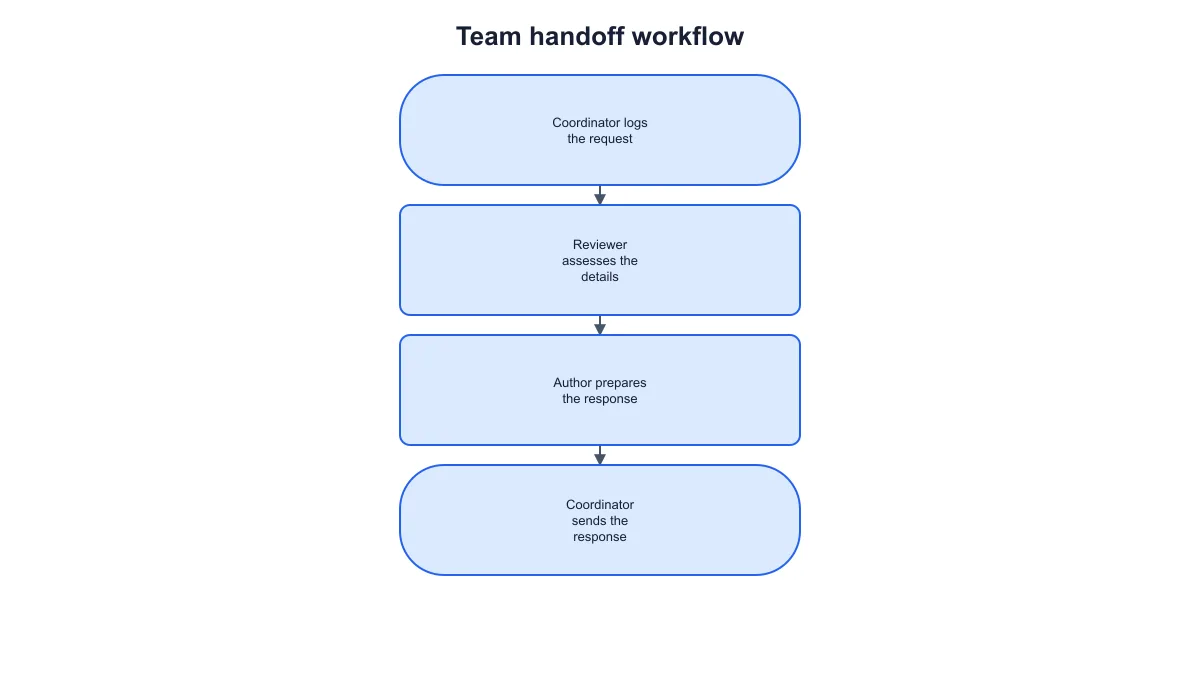
Team handoff workflow showing coordinator, reviewer and author tasks in a connected sequence

Document a team handoff

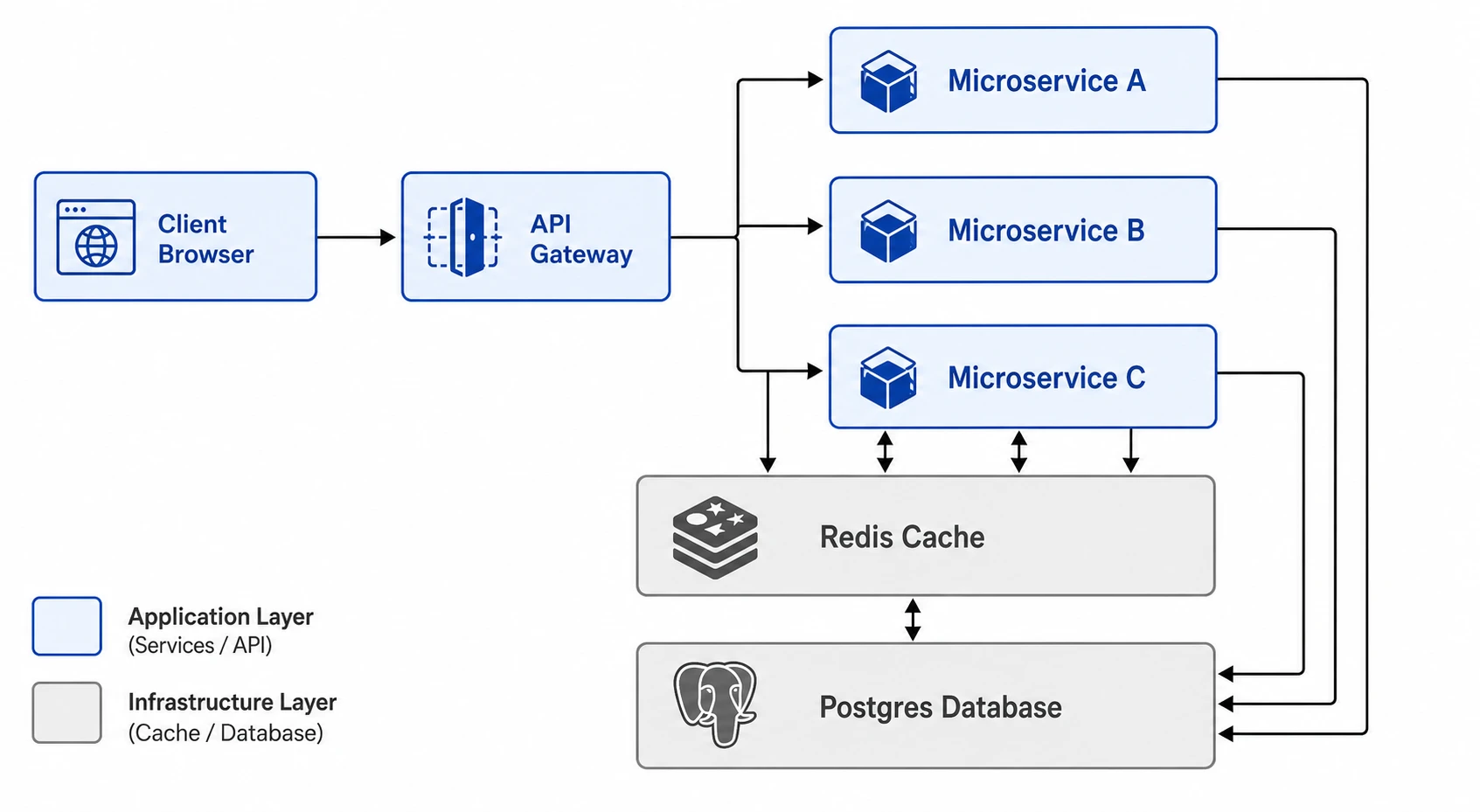
Put the responsible role into each step label to show who receives, reviews and responds to a task. A workflow diagram made from text is easy to revise when the handoff changes. Keep the saved settings with the team document for the next update.

Explore this example
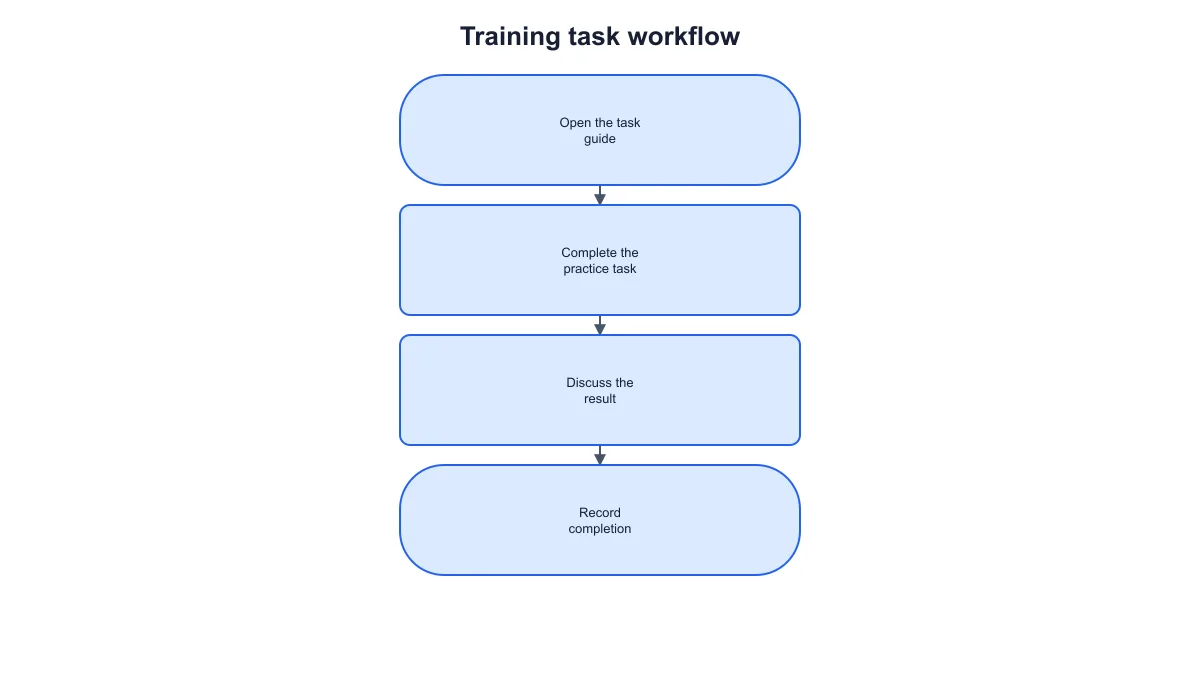
Training workflow connecting a task guide, practice task, discussion and completion record

Prepare a process training guide

Turn a short training procedure into a visual sequence for a handout or slide. Use action-focused task names and a clear starting and ending point. The workflow diagram maker helps learners follow the order while the accompanying text explains what to do at each stage.

Explore this example
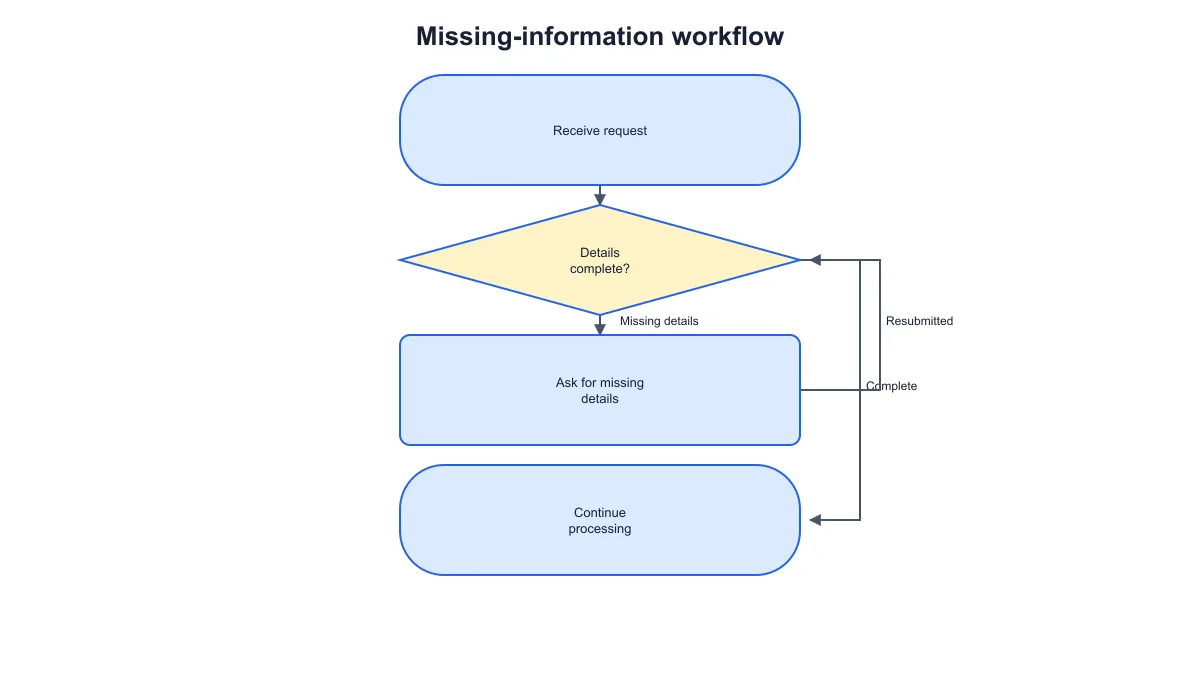
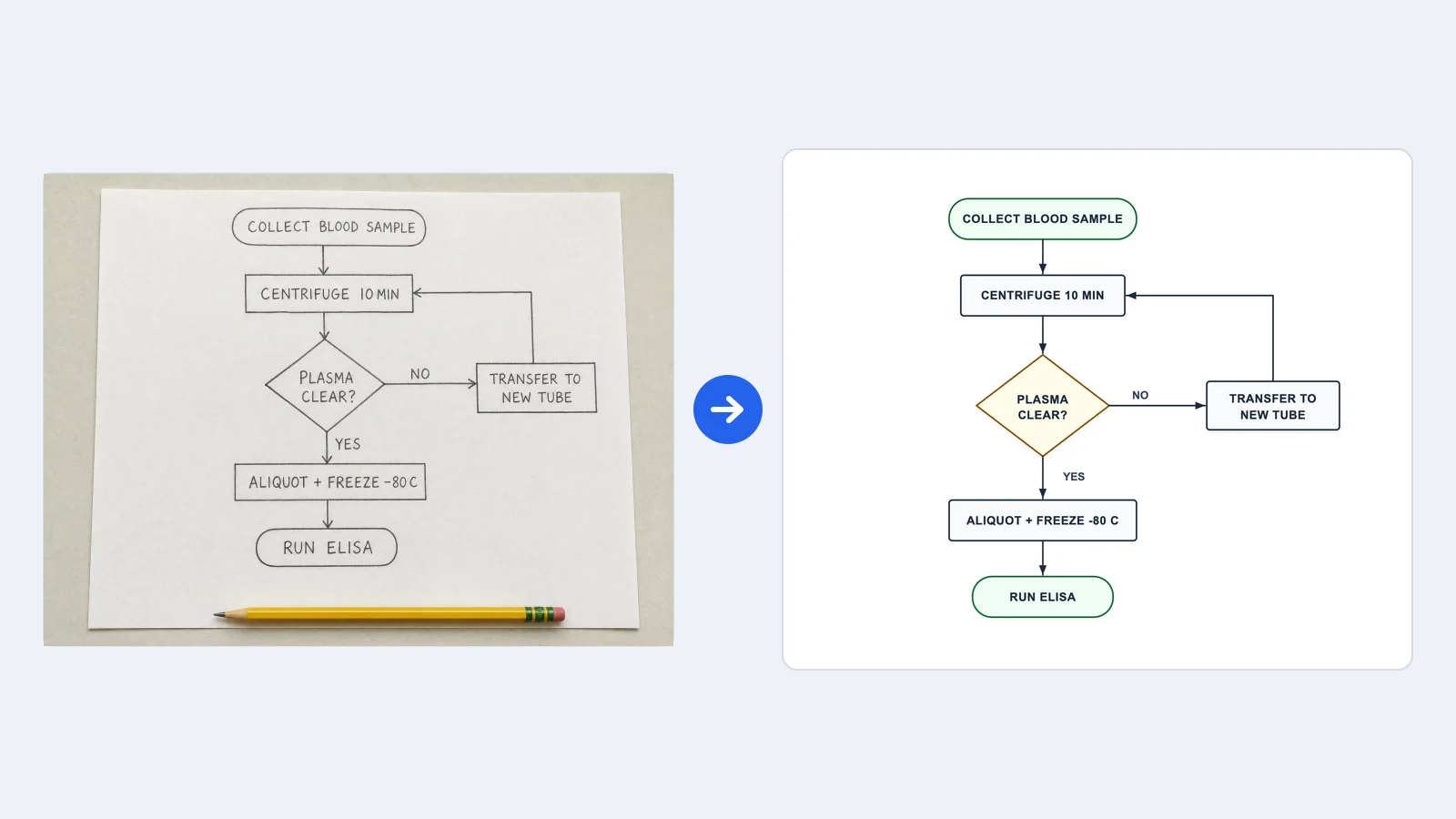
Missing-information workflow with a details-complete decision and a resubmission path back to the check

Show an exception or rework path

Add a decision about whether the required information is complete, then connect the missing-information path back to the decision. The workflow diagram generator from text preserves that return connection in the exported figure. Use the diagram when explaining how a process handles revisions and resubmissions.

Explore this example
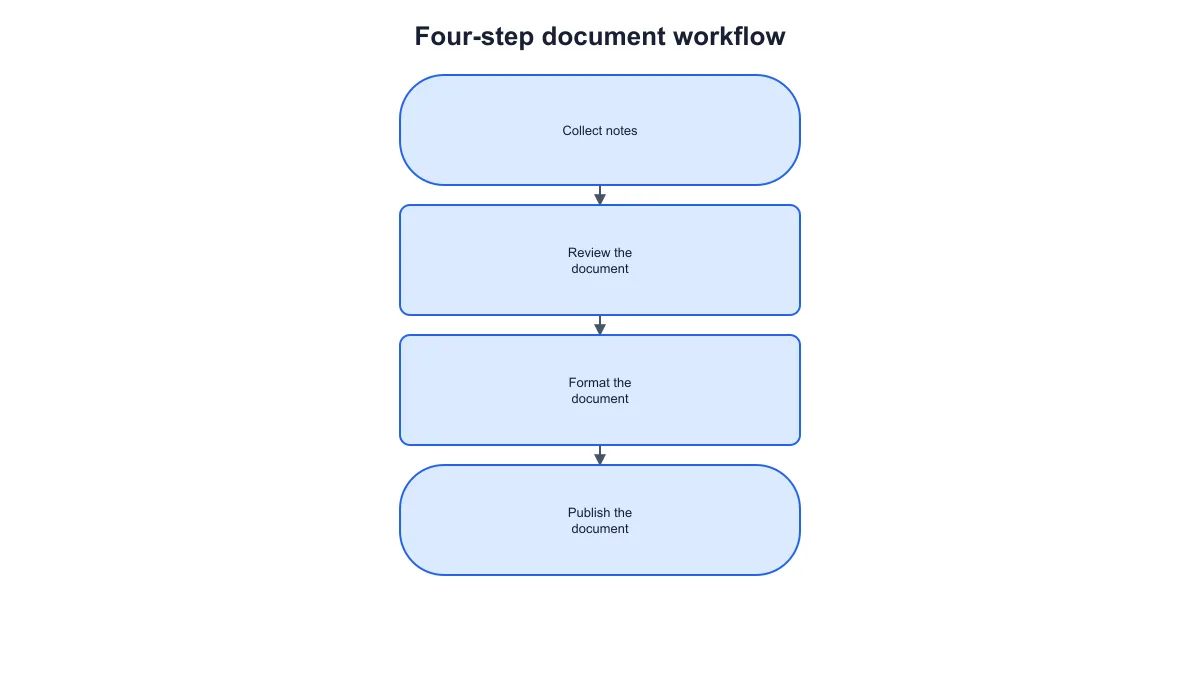
Four connected document workflow steps from collecting notes through review and formatting to publication

Plan a document preparation process

Map the path from collected notes through review and formatting to publication. Each task remains a line you can edit when the process changes. Download an SVG or PNG workflow diagram to place beside the schedule, responsibilities or checklist in your project document.

Explore this example
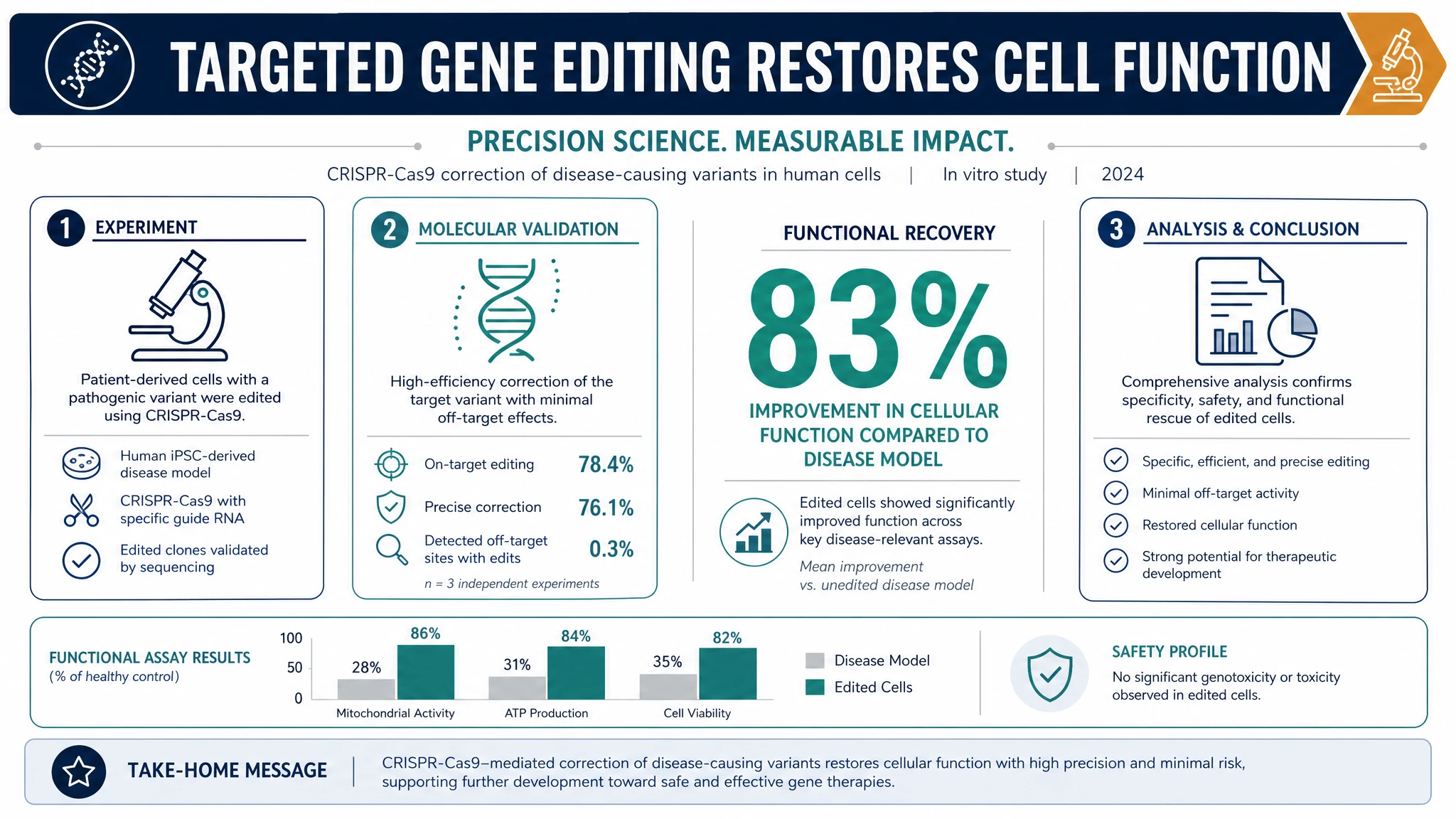
Four connected document workflow steps from collecting notes through review and formatting to publication

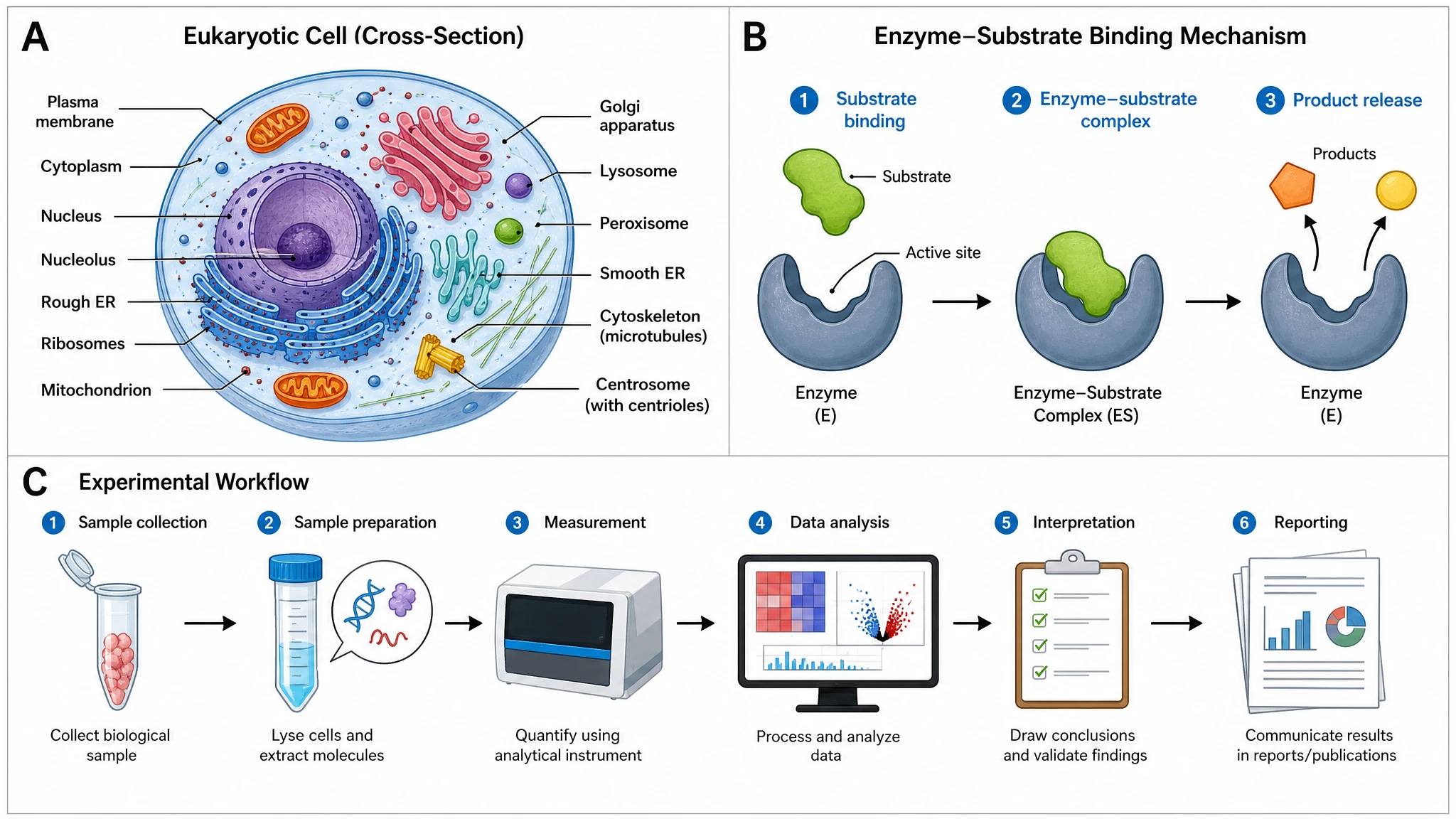
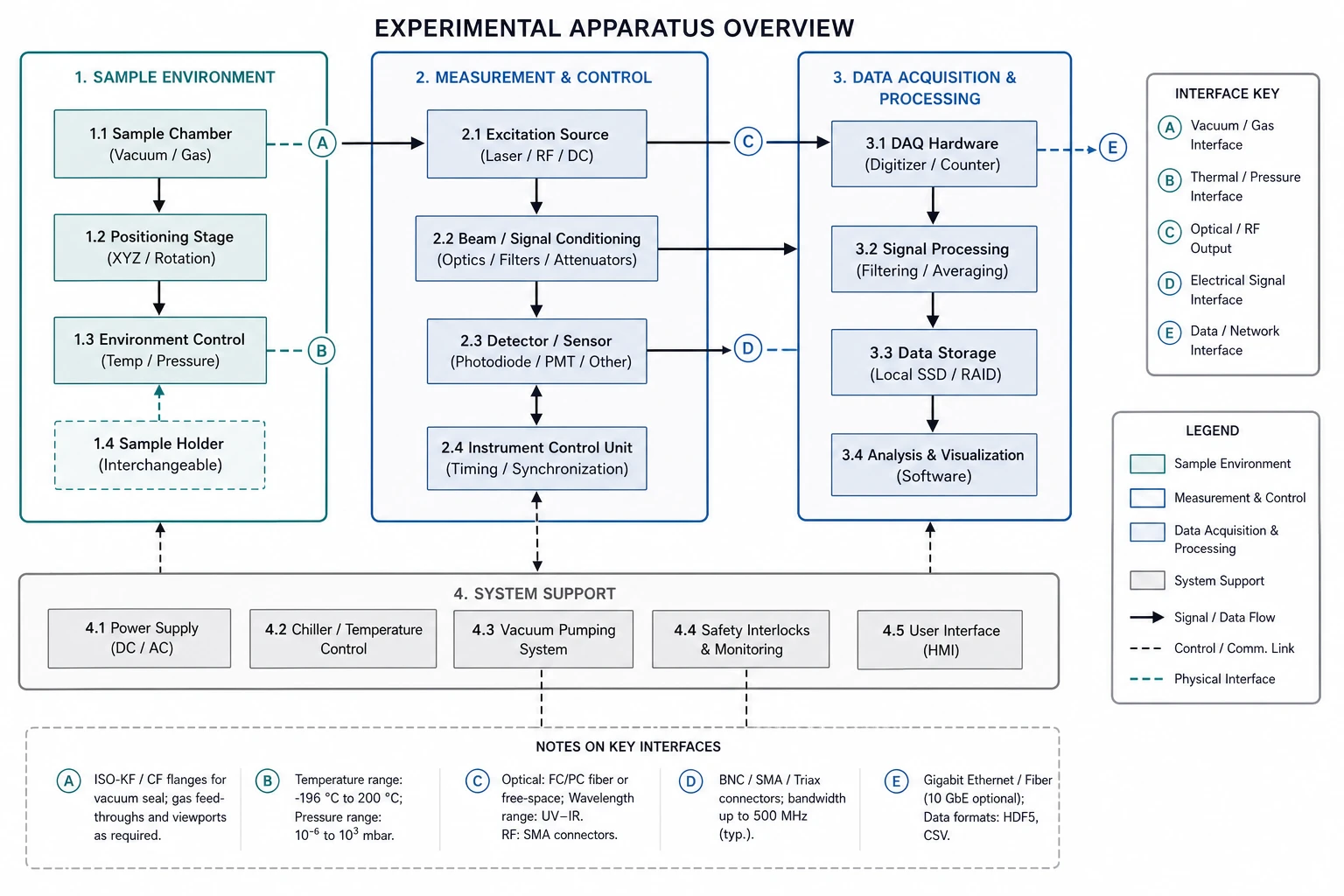
Introduce an experimental workflow

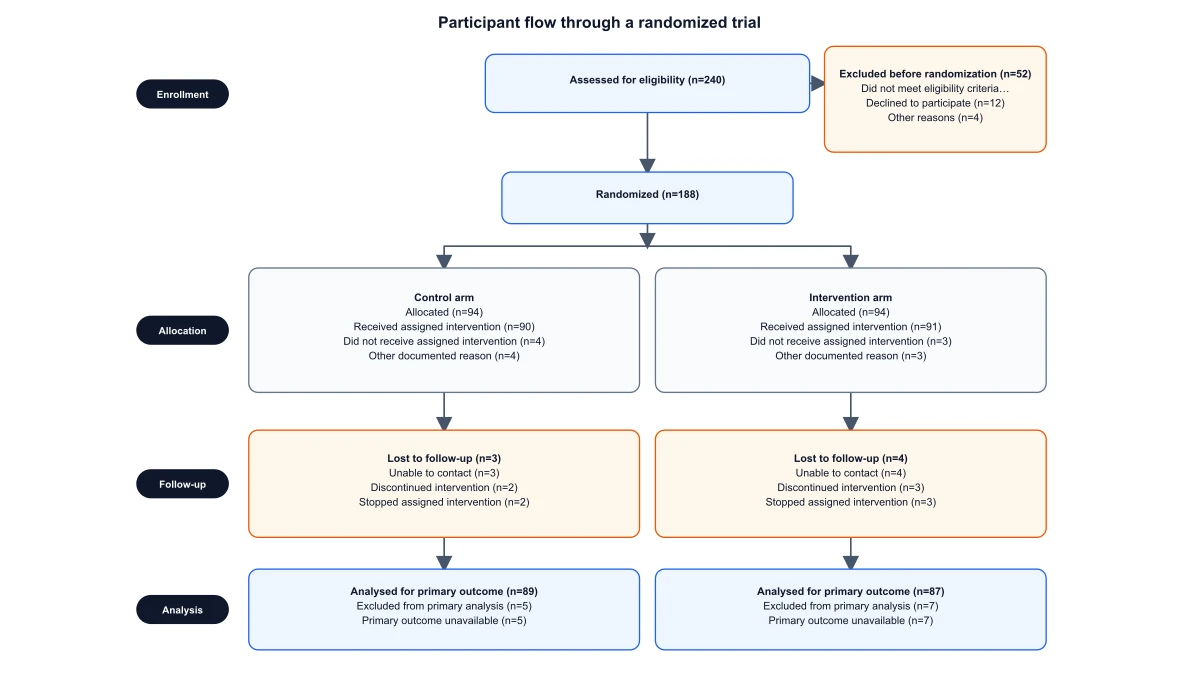
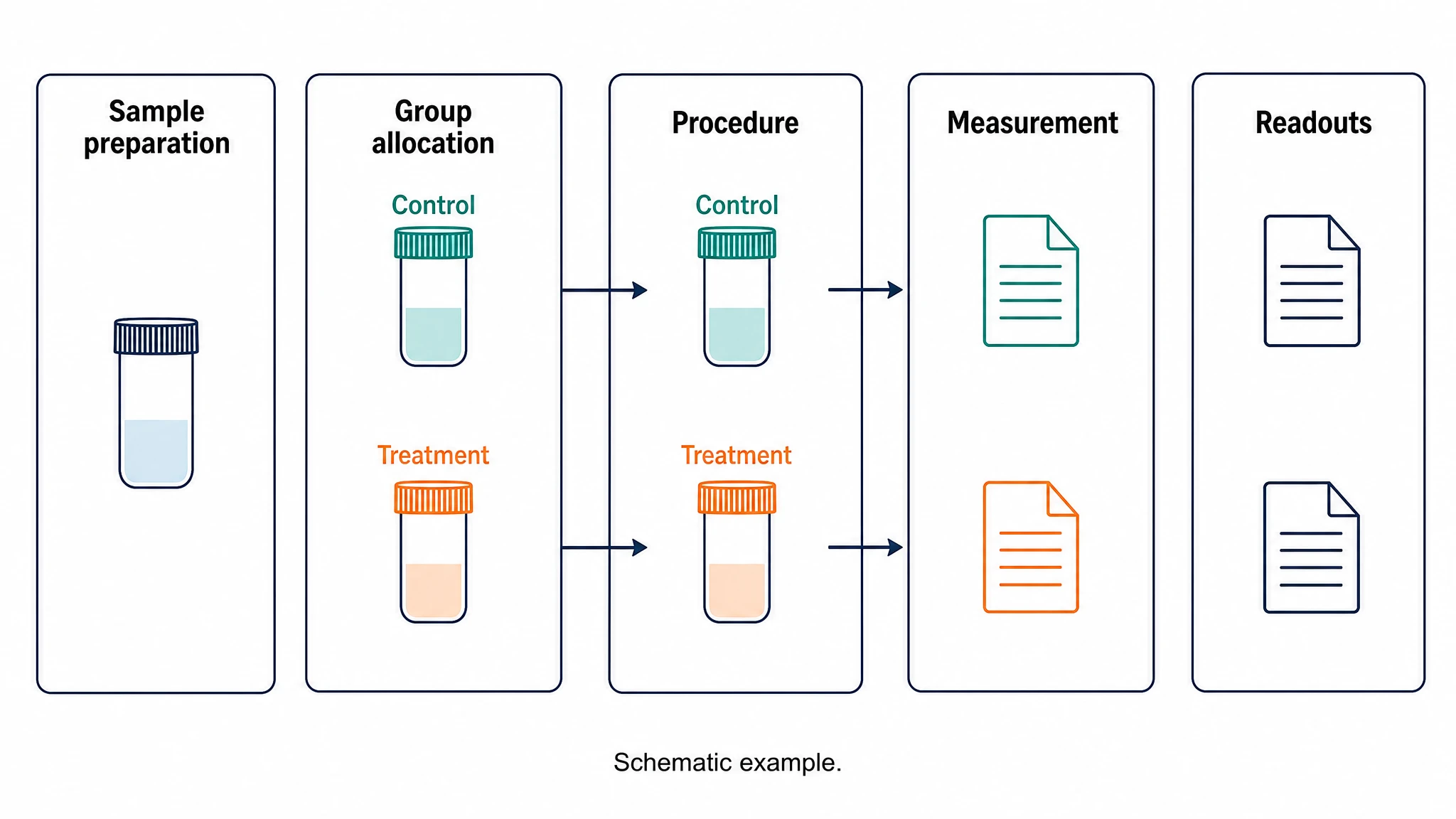
Use a short process diagram to explain the overall order before adding experiment-specific detail. For a figure focused on sample preparation, experimental stages and research methods, continue to SciFig’s experimental workflow diagram tool. Keep the general process and the detailed experiment connected in your presentation.

Explore this example
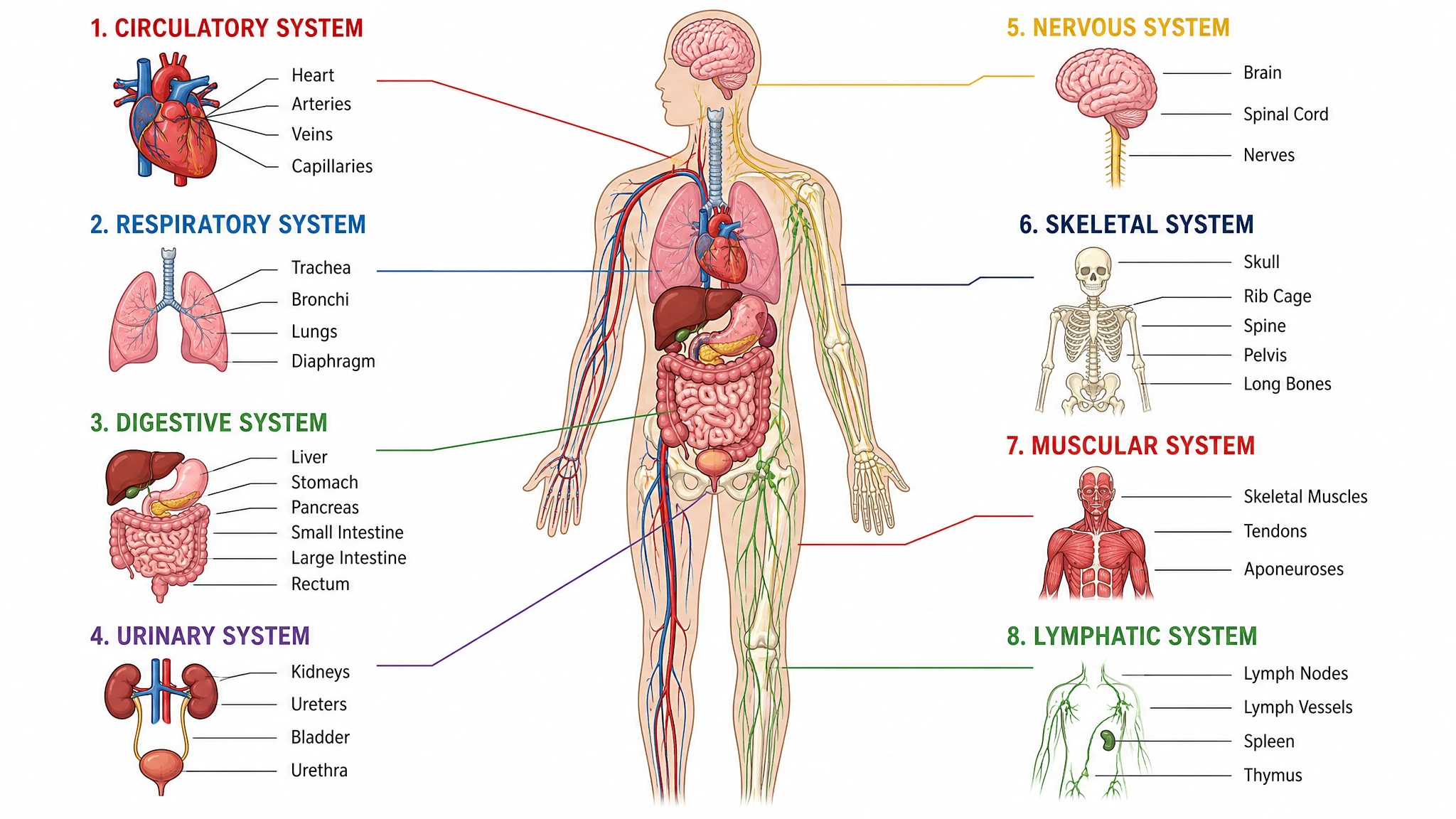
How Researchers Use SciFig
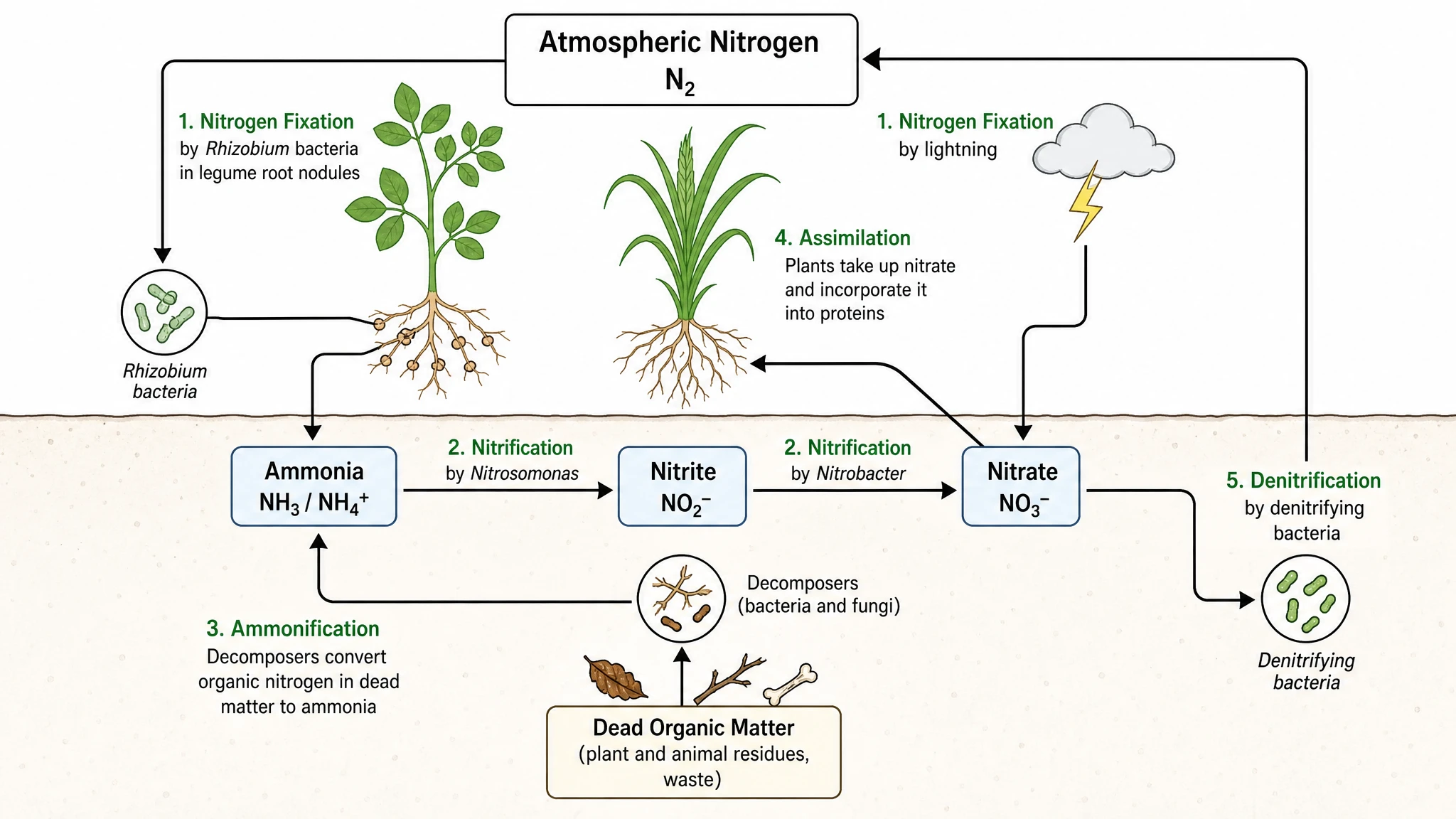
Our request guide needed a diagram that showed the approval decision and the path for incomplete information. I used the workflow diagram generator from text to write those connections explicitly. The exported SVG fitted into the guide, and the saved settings stayed with the document for the next process update.
Grace H.

Research operations coordinator, University of York

Free tools

A tool for every scientific figure

110 focused generators for the scientific figure you need — each opens in the right workspace with a matching example.

Workflow Diagram Questions

1.

2.

3.

4.

5.

6.

Call to action background

Text to workflow diagrams

Turn your process steps into a workflow

Create a workflow diagram

Free to start · No credit card required · Built for researchers