
Free Venn Diagram Generator
Build clear venn diagrams online — two-set, three-circle, or multi-set — with accurately overlapping circles and labeled intersection regions for research and teaching.
Start with up to 150 free credits|No credit card required
Get up to 250 free credits on day one when you join through an invite.
Exact set counts
Compare two or three sets with exact region counts and item lists. Circle areas are schematic.
One item per line. Whitespace is trimmed; Unicode-equivalent and repeated items are combined.
| Region | Count | Items |
|---|---|---|
| A ∪ B | 4 | a, b, c, d |
| A ∩ B | 2 | b, c |
| Region | Count | Items |
|---|---|---|
| A ∖ B | 1 | a |
| B ∖ A | 1 | d |
| A ∩ B | 2 | b, c |
Updated
Free Venn Diagram Generator— templates & examples
Everything you need to generate your venn diagram
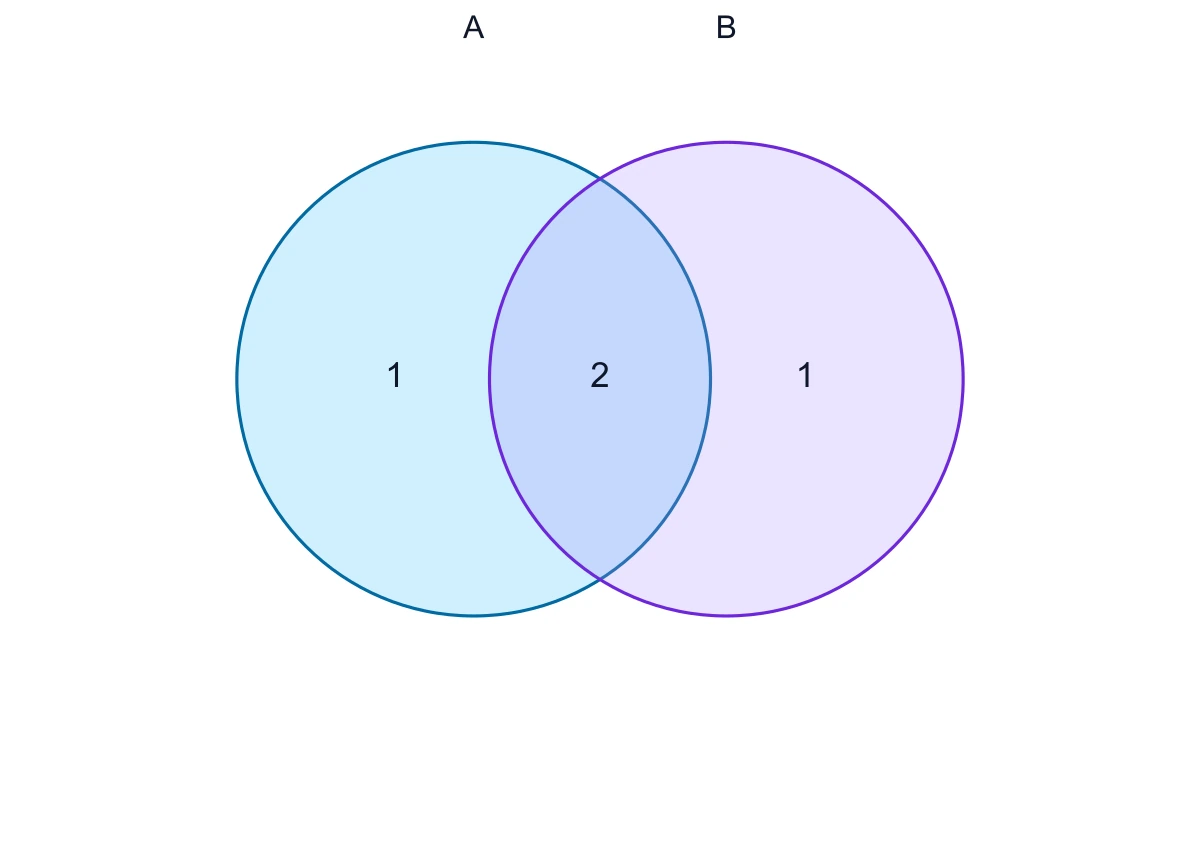
Two, three, or multi-set layouts
Whether you need a simple two set venn diagram for an A-versus-B comparison or a 3 circle venn diagram with seven distinct regions, SciFig's venn diagram generator builds each layout with labeled overlapping circles. Add more sets for complex comparisons and the tool uses a schematic circle layout. Switch between two-set and three-set arrangements from the same description without realigning a single circle by hand.
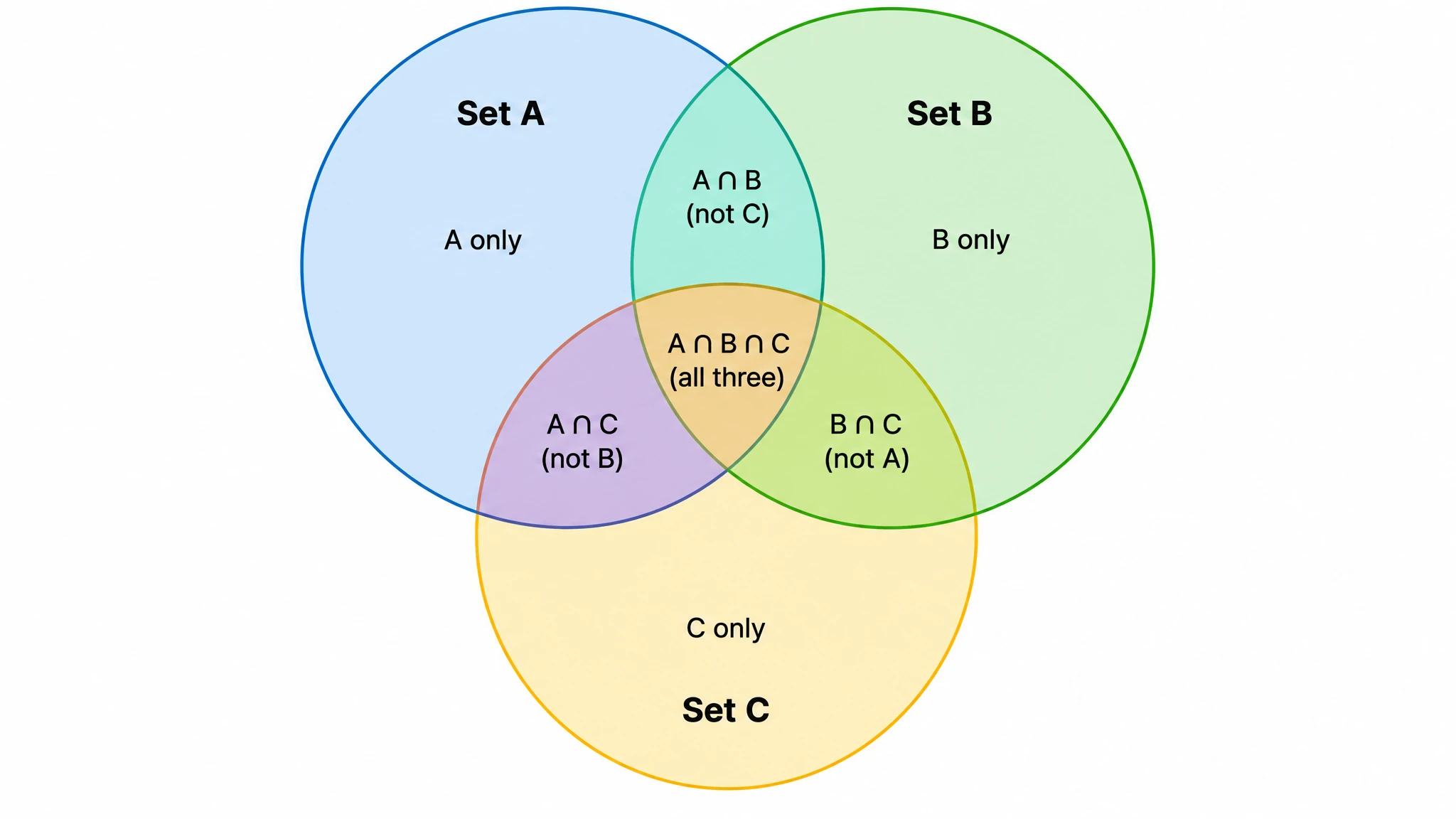
Labeled regions, publication-ready style
The exact-counting tool uses fixed set labels A, B and C, with computed counts in each region. Read the numbers to compare shared and exclusive elements; the circle areas are schematic rather than proportional. For a conceptual diagram with custom wording, use the original AI input above the counting tool.
Blank templates and instant export
Generate a blank venn diagram template with empty overlapping circles for worksheets and brainstorming, or a fully labeled figure for publication — both from the same prompt. As a free venn diagram maker for routine diagrams, SciFig lets you adjust colors, relabel regions, and download high-resolution images ready to print or embed. Create a venn diagram online and have it slide-ready in under a minute.
What is a Venn diagram?
A venn diagram represents set relationships with overlapping circles. SciFig’s venn diagram generator supports AI illustrations and a separate exact-counting mode. Enter items in the fixed A, B and optional C lists to see shared and exclusive region counts, the union and intersections. The exact mode supports two or three sets, with schematic circle areas that are not proportional to counts; save JSON settings or export SVG and PNG.
Why an accurate venn diagram matters
- Overlapping circles communicate set relationships far faster than tables or prose descriptions
- Exact region counts show how many elements the sets share; circle areas are not proportional to counts
- Labeled venn diagrams are standard figures in research papers comparing groups, methods, or datasets
- A two-set venn diagram makes direct A-versus-B comparisons instantly legible for any audience
- A 3 circle venn diagram reveals pairwise and triple overlaps that text alone cannot convey clearly
- Editable diagrams let researchers update labels and colors as analyses and datasets evolve
Key parts of a venn diagram
- Circles (sets) — each closed circle represents one set or group being compared
- Intersection — the overlapping region where elements shared between sets are placed
- Labels — text identifying each set and each overlapping region for clear reading
- Exclusive regions — the non-overlapping parts of each circle holding elements unique to that set
- Universal set — the surrounding boundary or frame defining the full collection of elements
- Pairwise overlaps — in a 3 circle venn diagram, the three regions where exactly two sets cross
- Triple intersection — the central region of a three-set diagram shared by all three sets
Where venn diagrams are used
- Research papers comparing overlapping gene sets, samples, or experimental conditions
- Statistics and set theory teaching covering unions, intersections, and complements
- Biology and bioinformatics figures showing shared markers across groups
- Survey and market analysis comparing audience segments and shared respondents
- Lecture slides, worksheets, and exam materials in math and science courses
- Grant proposals and presentations requiring clear group-comparison figures
- Brainstorming and decision-making sessions mapping shared versus unique criteria
How to make a Venn diagram
Describe your Venn diagram
Tell SciFig what to draw in plain language — no design tools required.
Generate with SciFig
Get a clean, publication-ready figure that matches your description in seconds.
Edit & export
Vectorize it into editable SVG, relabel everything, and export for your paper, poster, or slides.
Free Venn Diagram Generator — Frequently Asked Questions
Common questions about Free Venn Diagram Generator.
More tools

Circuit Diagram Maker
Draw electronic circuit schematics

Free Body Diagram Generator
Show forces acting on an object

Graphical Abstract Maker
Summarize your study in one panel
SciFig
Free AI Scientific Figure Generator for Illustrations, Images, Charts and Flowcharts
Models
Default to GPT Image 2 for journal papers; switch to Nano Banana Pro for slides and posters; pick Nano Banana 2.1 for routine figure work
Tutorials
Seven short walkthroughs of the AI scientific figure generator
Blog
Tutorials, tool comparisons, and publication tips for researchers.
Inspiration
Explore publication-ready illustrations, charts and flowcharts. Copy a prompt or open any template as the starting point for your own figure.
Pricing
View pricing

Ready to publish?
Make your own Venn diagram in minutes.
Start for freeFree to start · No credit card required · Built for researchers