
Free Network Diagram Generator
Create accurate network topology diagrams showing nodes, routers, switches, and links arranged in star, ring, mesh, bus, or tree layouts — ready for papers and technical reports.
Start with up to 150 free credits|No credit card required
Get up to 250 free credits on day one when you join through an invite.
Updated
Free Network Diagram Generator— templates & examples
Everything you need to build your network topology diagram
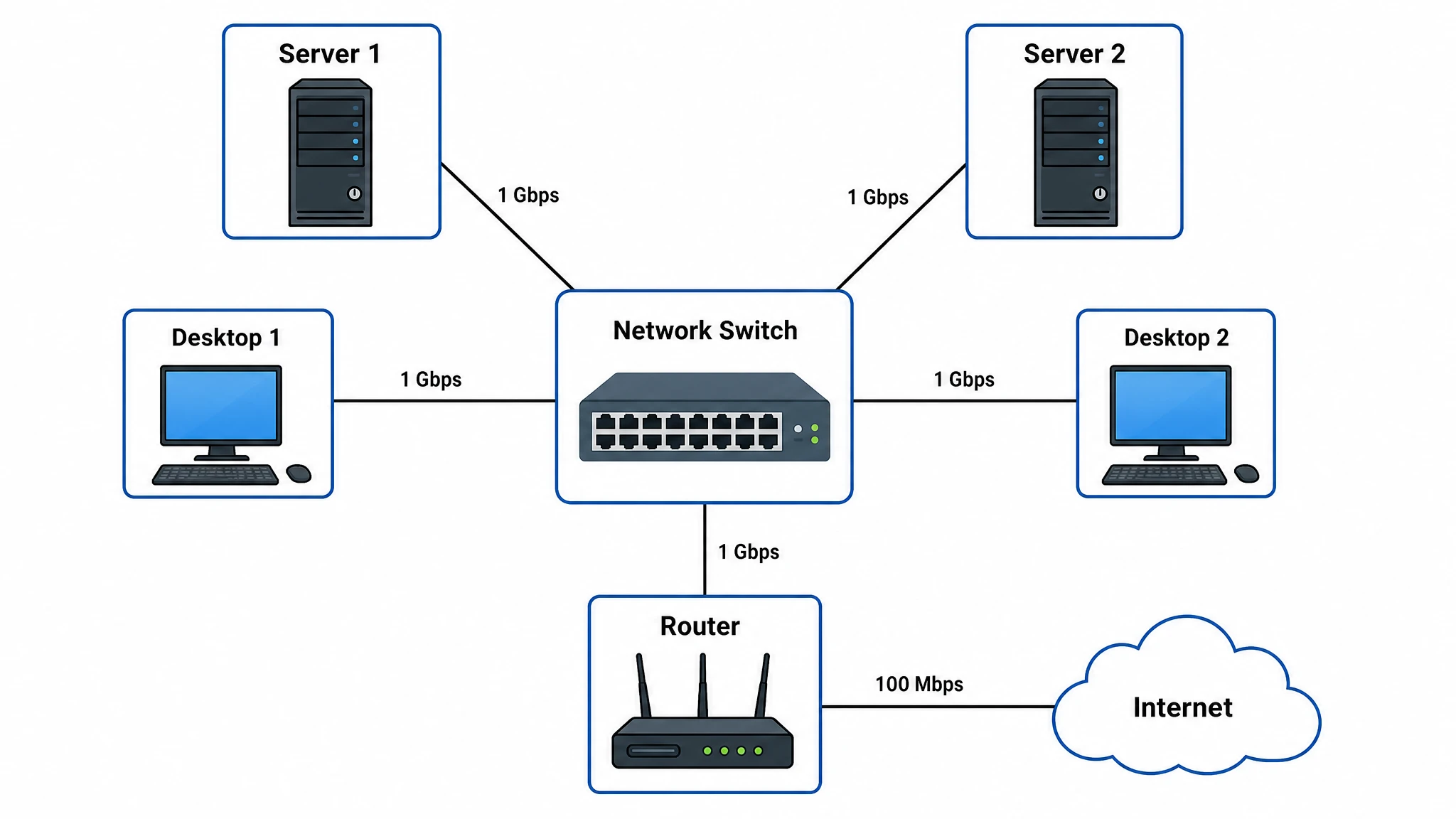
Generate any topology in seconds
Star, ring, mesh, bus, or tree — describe the topology type and the devices involved, and SciFig's network diagram generator renders a correctly structured layout with labeled nodes and links. Routers, switches, servers, and end devices are placed according to network topology conventions, so the resulting figure is both accurate and immediately readable by engineers and researchers.
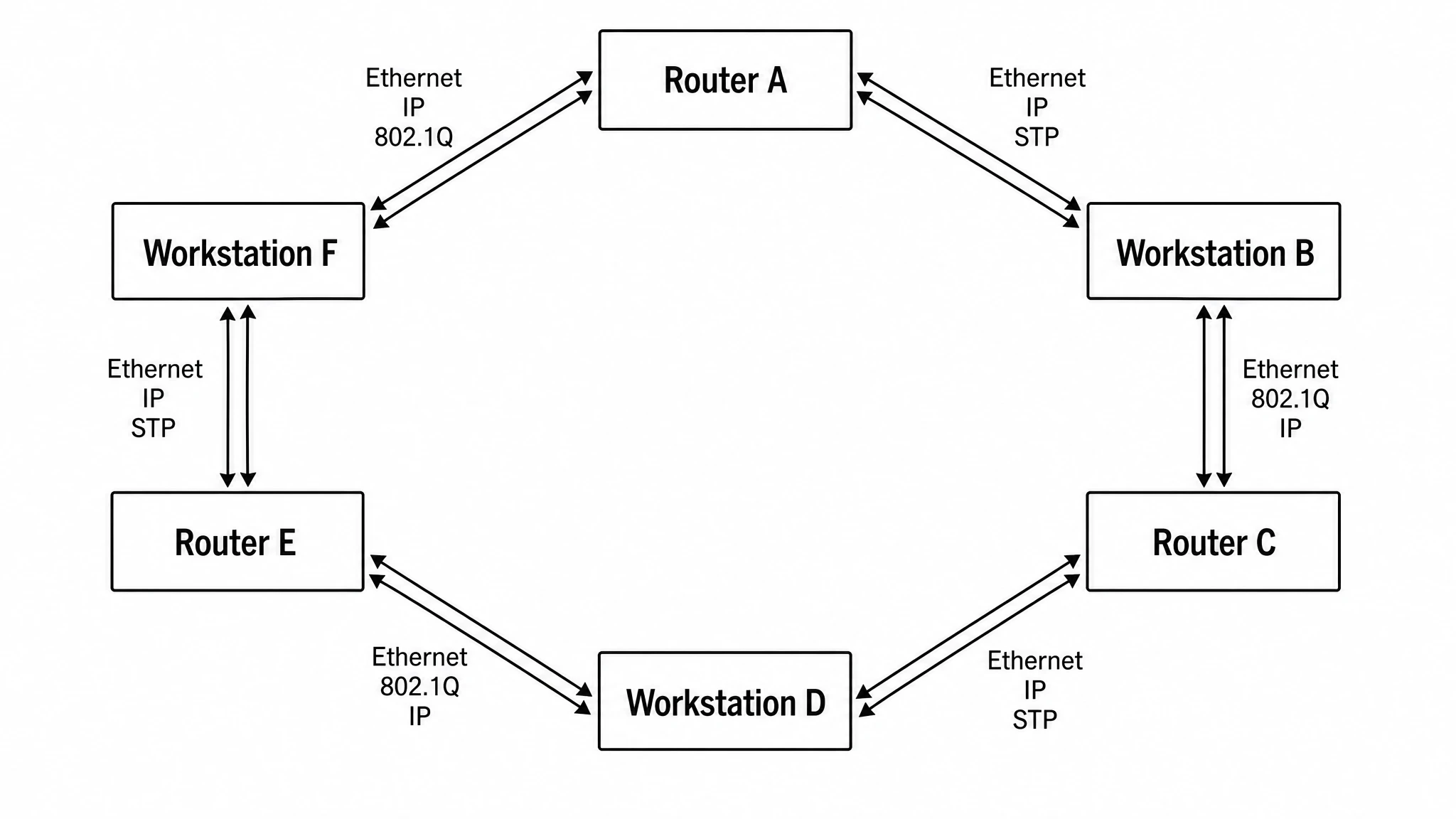
Label every node and link precisely
A useful network diagram maker must handle the labeling complexity of real networks. SciFig lets you specify IP address ranges, device names, interface labels, and connection types on each link. Whether you are drawing a simple three-node star topology for a course assignment or a multi-tier enterprise network with core, distribution, and access layers, every element can be annotated without cluttering the figure.
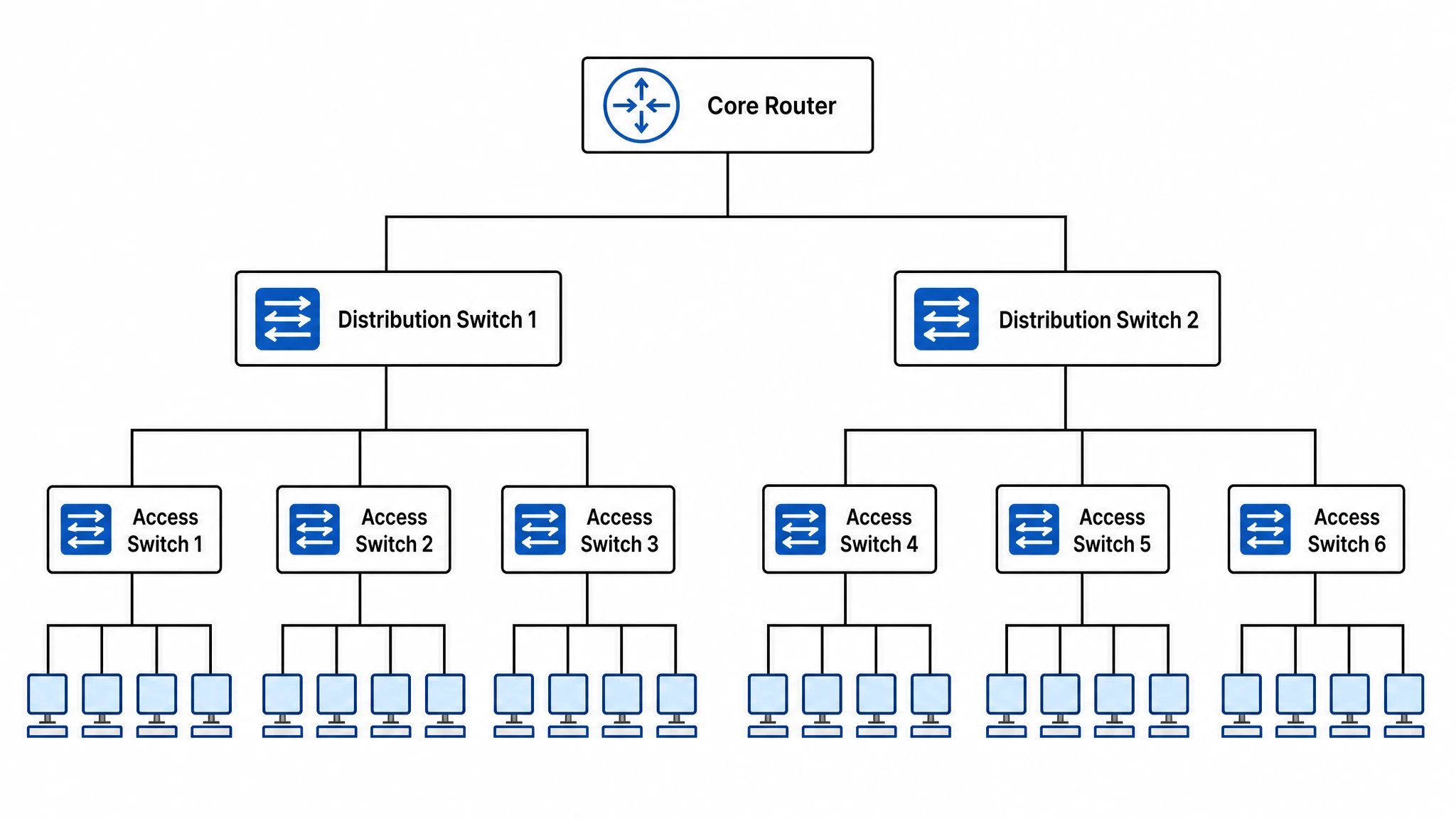
Export publication-ready network diagrams
Produce high-resolution network topology diagrams for IEEE, ACM, or Springer journals, thesis chapters, conference slides, or technical white papers. As a network map maker, SciFig outputs clean figures with consistent line weights, scalable device symbols, and white backgrounds optimized for print and digital publication. Use this network map maker to revisit and update your diagram as your network design evolves.
What is a network diagram?
A network diagram maps how nodes — routers, switches, servers, and computers — connect via links in a defined topology. Star, ring, mesh, bus, and tree topologies each offer different trade-offs in redundancy and scalability. SciFig's network diagram generator turns a plain-language description into a labeled, publication-ready network topology diagram in seconds. Edit device names, annotate links, and export for research papers, theses, or technical documentation.
Why network topology diagrams matter
- Communicate network architecture clearly to engineers, reviewers, and stakeholders
- Identify single points of failure by visualizing how nodes and links are arranged
- Support academic papers, theses, and technical reports with standardized figures
- Guide network design decisions by comparing star, ring, mesh, bus, and tree topologies
- Document existing infrastructure for audits, troubleshooting, and capacity planning
- Illustrate theoretical network models in computer science and telecommunications research
Key components of a network diagram
- Nodes — routers, switches, servers, hubs, firewalls, and end-user computers or IoT devices
- Links — physical or logical connections between nodes representing cables or wireless channels
- Topology layout — star, ring, mesh, bus, or tree arrangement that defines network structure
- Routers — direct traffic between different network segments or to the internet (WAN gateway)
- Switches — connect multiple devices within the same network segment at Layer 2
- Labels and annotations — device names, IP ranges, interface IDs, and bandwidth values on links
Where network diagrams are used
- Computer science and telecommunications academic papers and textbooks
- IEEE, ACM, and Springer journal figures illustrating proposed network architectures
- Thesis and dissertation chapters describing experimental or simulation network setups
- Enterprise IT documentation for LAN, WAN, and data-center infrastructure
- Grant proposals describing the network infrastructure supporting research experiments
- Course materials and lecture slides for networking and distributed-systems courses
How to make a network diagram
Describe the structure
Describe the steps, groups, and connections, or start from a suitable SciFig FlowChart template.
Generate the diagram
SciFig FlowChart creates a native SVG diagram — edit any label, connection or count directly.
Edit and export
Edit SVG elements and export SVG, PNG, JPG or PPTX. PPTX includes the diagram visual and editable text where supported.
Free Network Diagram Generator — Frequently Asked Questions
Common questions about Free Network Diagram Generator.
More tools

Circuit Diagram Maker
Draw electronic circuit schematics

Free Body Diagram Generator
Show forces acting on an object

Graphical Abstract Maker
Summarize your study in one panel
SciFig
Free AI Scientific Figure Generator for Illustrations, Images, Charts and Flowcharts
Models
Default to GPT Image 2 for journal papers; switch to Nano Banana Pro for slides and posters; pick Nano Banana 2.1 for routine figure work
Tutorials
Seven short walkthroughs of the AI scientific figure generator
Blog
Tutorials, tool comparisons, and publication tips for researchers.
Inspiration
Explore publication-ready illustrations, charts and flowcharts. Copy a prompt or open any template as the starting point for your own figure.
Pricing
View pricing

Ready to publish?
Make your own network diagram in minutes.
Start for freeFree to start · No credit card required · Built for researchers