
Free Text to Diagram Generator
Describe your diagram in plain language and let AI build it — flowcharts, structural diagrams, labeled nodes, and scientific schematics generated from text in seconds.
Start with up to 150 free credits|No credit card required
Get up to 250 free credits on day one when you join through an invite.
Updated
Free Text to Diagram Generator— templates & examples
Everything you need to turn text into a diagram
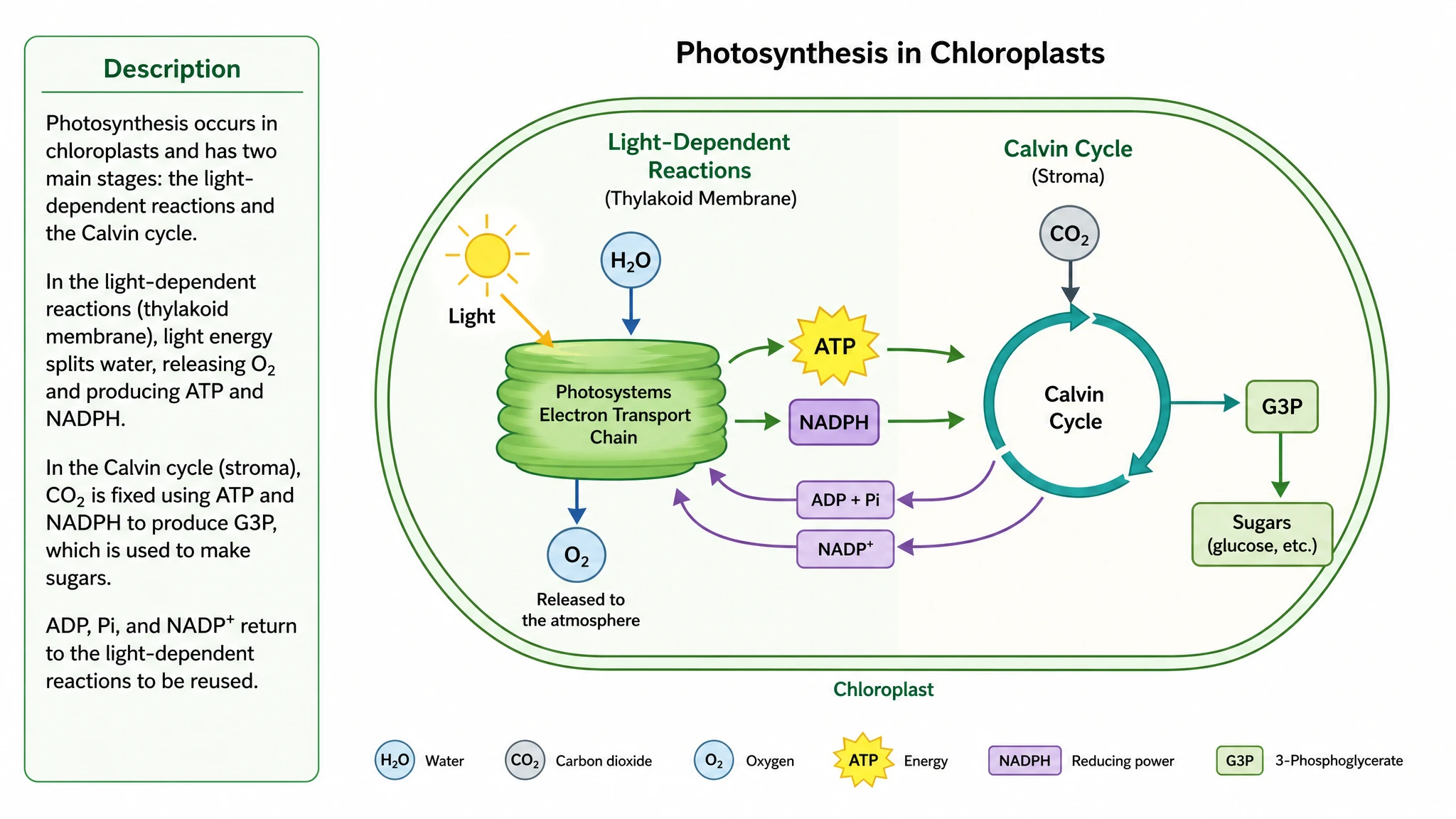
Plain-language prompt to finished figure
Describe the diagram you have in mind — the components, the steps, and how they connect — and SciFig's text to diagram generator builds it for you. There is no shape library to learn and no connectors to drag: the AI parses your description into labeled nodes and arrows and lays them out cleanly. Whether you need a flowchart, a structural diagram, or a process schematic, you get a complete draft from a single text prompt in seconds.
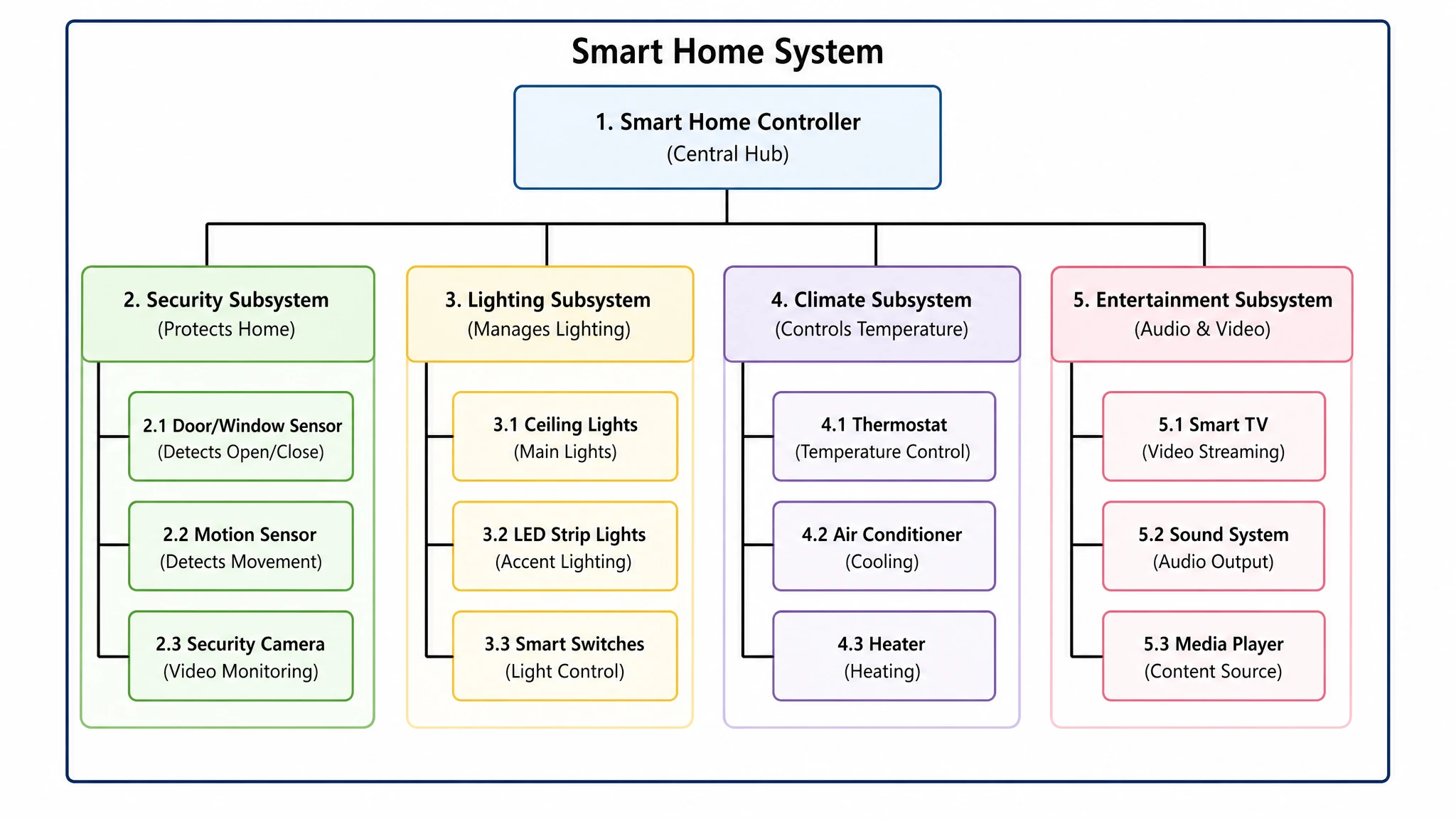
Built for structural and scientific diagrams
Generic diagramming tools draw plain boxes; SciFig is tuned to produce a structural diagram from text that follows scientific and technical conventions. The AI understands hierarchy, sequence, and grouping, so a mechanism, system architecture, or labeled scientific schematic comes out reading as publication-ready. Every structural diagram from text uses consistent node styles, leader lines, and labels suitable for papers, slides, and reports.
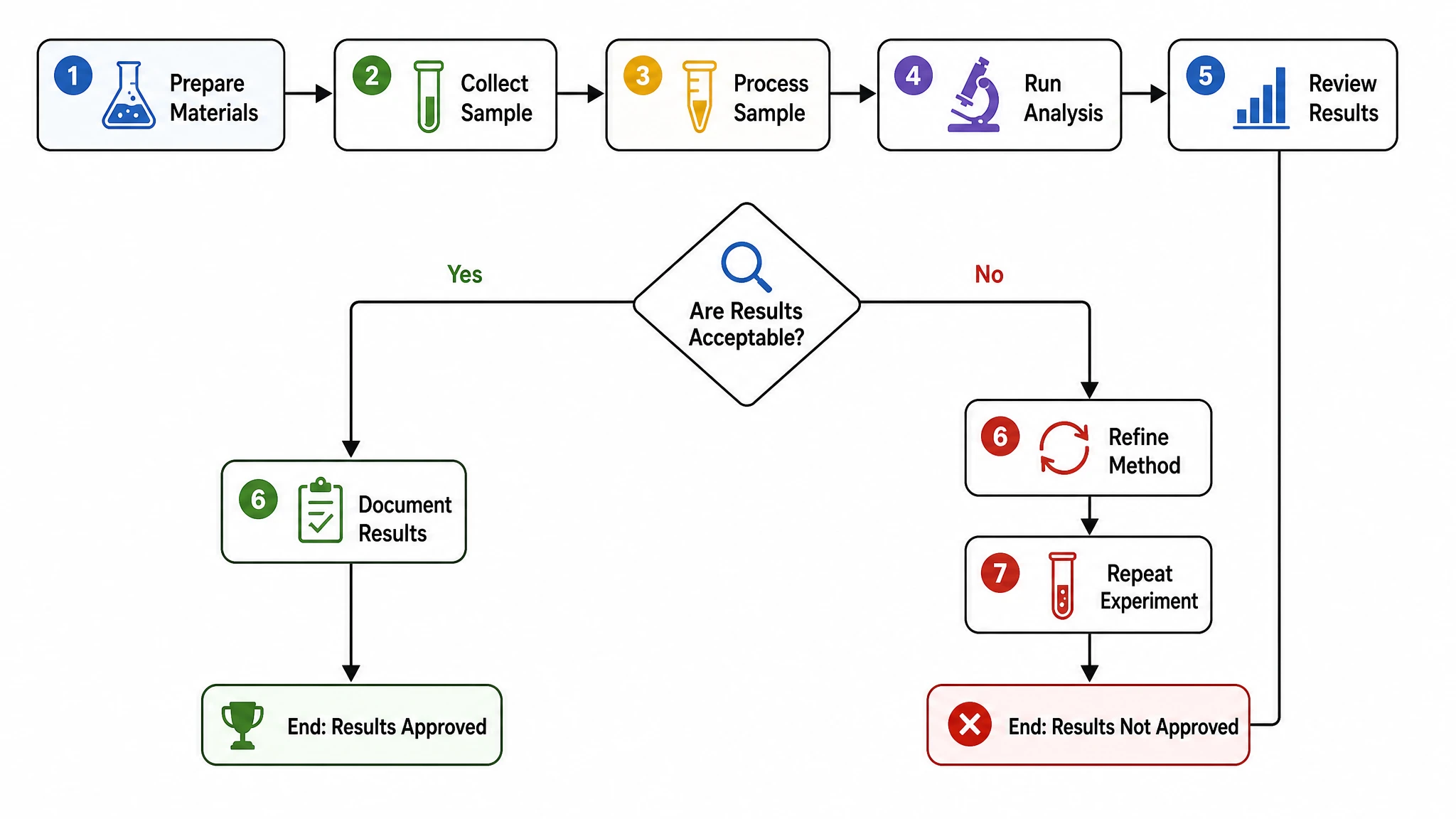
Fully editable — try it free
Try the text to diagram AI free to see how the engine structures your nodes and connections, then refine everything by hand. Rename any node, reroute a connection, change the layout from a flowchart to a radial concept map, or adjust colors and spacing. When the diagram is right, export it as a high-resolution image ready for a manuscript, a presentation, or a worksheet — all from your original text description.
What is a diagram?
A text to diagram generator turns a written description into a structured visual figure — a flowchart, structural diagram, process schematic, or concept map — without manual drawing. You type what to show and the AI lays out labeled nodes, arrows, and groupings into a clean diagram. SciFig's text to diagram generator is tuned for scientific figures, so the structural diagram it produces reads as publication-ready. Generate a draft from a prompt, then relabel nodes and export.
Why generate a diagram from text
- A text to diagram generator removes hours of manual shape-dragging and connector routing
- Describing a structure in plain language is faster than learning a diagramming tool's UI
- An AI diagram from text keeps node styling and spacing consistent across every figure
- Structural diagrams clarify relationships that paragraphs of text obscure for readers
- Generating from a prompt makes it trivial to iterate — change the text, regenerate the figure
- Editable output means you keep full control while skipping the tedious first draft
What a generated diagram is made of
- Labeled nodes — boxes, circles, or icons representing each entity in your description
- Connectors — arrows and lines that encode flow, dependency, or hierarchy between nodes
- Flowchart steps — sequential blocks for processes, decisions, and outcomes
- Structural groupings — nested containers that show how parts belong to a larger whole
- Leader lines and callouts — text labels attached cleanly to the elements they describe
- Layout logic — sequential, radial, or hierarchical arrangement chosen to fit the diagram type
- Scientific schematic styling — conventions that make technical figures read as publication-ready
Where a text to diagram generator is used
- Research papers and review articles needing mechanism or system schematics
- Lecture slides and course materials explaining processes step by step
- Technical documentation that turns written specs into structural diagrams
- Grant proposals and reports requiring clear scientific figures fast
- Whiteboard-to-figure workflows where rough notes become labeled diagrams
- Concept maps and flowcharts for study guides, exams, and tutorials
How to make a diagram
Describe the structure
Describe the steps, groups, and connections, or start from a suitable SciFig FlowChart template.
Generate the diagram
SciFig FlowChart creates a native SVG diagram — edit any label, connection or count directly.
Edit and export
Edit SVG elements and export SVG, PNG, JPG or PPTX. PPTX includes the diagram visual and editable text where supported.
Free Text to Diagram Generator — Frequently Asked Questions
Common questions about Free Text to Diagram Generator.
More tools

Circuit Diagram Maker
Draw electronic circuit schematics

Free Body Diagram Generator
Show forces acting on an object

Graphical Abstract Maker
Summarize your study in one panel
SciFig
Free AI Scientific Figure Generator for Illustrations, Images, Charts and Flowcharts
Models
Default to GPT Image 2 for journal papers; switch to Nano Banana Pro for slides and posters; pick Nano Banana 2.1 for routine figure work
Tutorials
Seven short walkthroughs of the AI scientific figure generator
Blog
Tutorials, tool comparisons, and publication tips for researchers.
Inspiration
Explore publication-ready illustrations, charts and flowcharts. Copy a prompt or open any template as the starting point for your own figure.
Pricing
View pricing

Ready to publish?
Make your own diagram in minutes.
Start for freeFree to start · No credit card required · Built for researchers