
Blueprint Maker
Generate precise architecture blueprints and system layout diagrams from a plain-language description — editable and export-ready for publications, reports, and presentations.
Figure prompt
Describe the figure you want to create
Not sure where to start? Use Example.
Start with 100 free credits|No credit card required
Get up to 300 free credits on day one when you join through an invite.
Reviewed by SciFig TeamUpdated
Blueprint Maker— templates & examples
Everything you need to design your blueprint
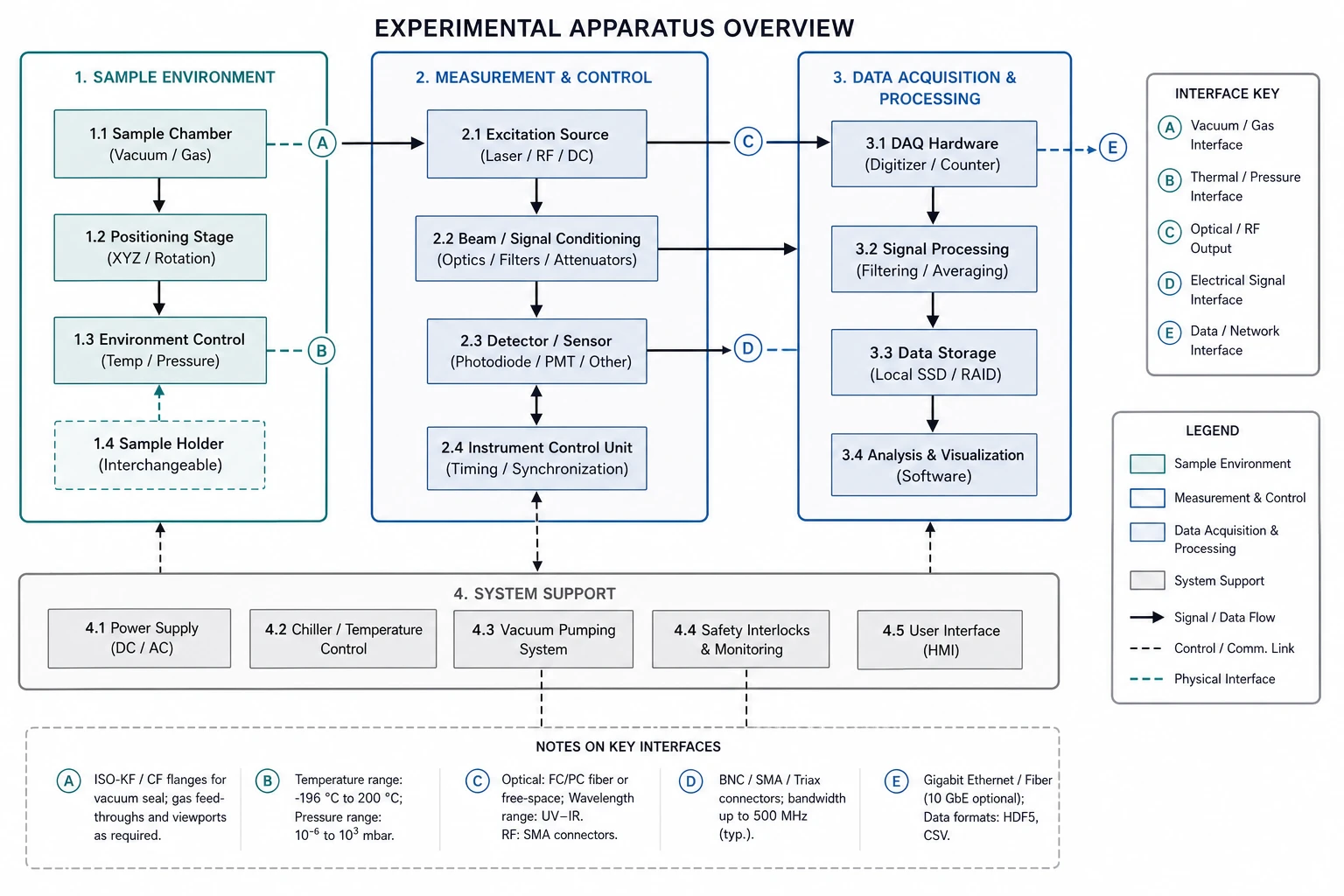
Describe your architecture and generate a blueprint instantly
Write a plain-language description of your system — components, layout, and connections — and SciFig's AI blueprint maker converts it into a labeled schematic diagram in seconds. There is no drawing required: the tool handles spatial arrangement, connector routing, and labeling so you can focus on the accuracy of your architecture blueprint, not its formatting.
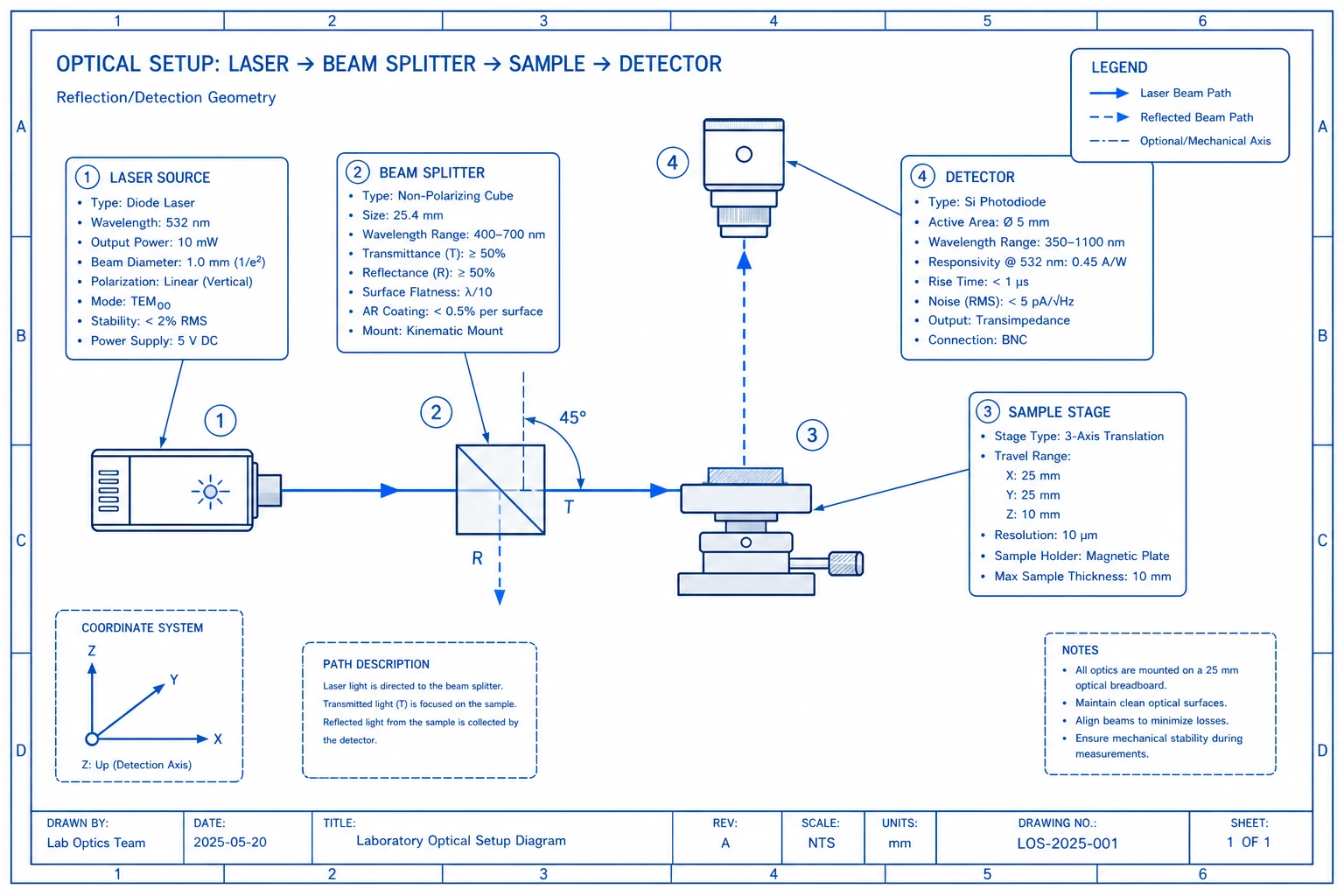
Edit every component, connector, and label
Every blueprint generated by SciFig is fully editable. Reposition components, rename subsystems, change connector styles from solid to dashed, add annotations, and adjust the spatial layout until the architecture blueprint matches your exact design. Export when you are satisfied — ready for a paper, report, or presentation.
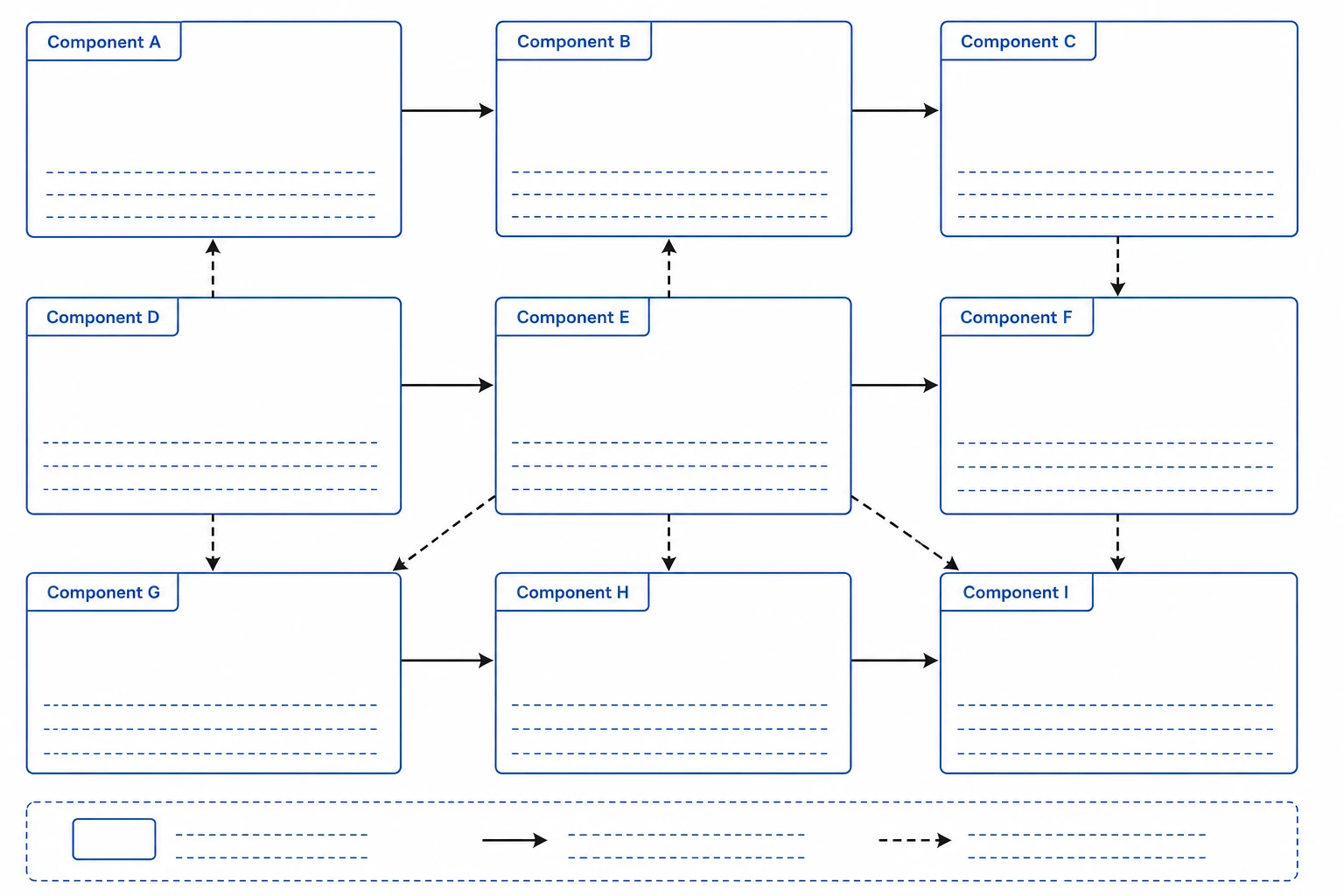
Create architecture blueprints for free, at any scale
Whether you need a simple two-component schematic or a complex multi-subsystem architecture blueprint, SciFig scales to your design. Start from a blank prompt or a template for common layouts — experimental apparatus, software architecture, network topology, or facility plan — and generate a clean diagram without any design software.
What is a blueprint?
A blueprint is a detailed schematic showing the layout, components, and structure of a system or device, communicating how parts connect and where they are positioned in experimental apparatus, software architectures, or facility designs. Blueprint diagrams appear in methods sections, grant proposals, and technical reports. With SciFig's blueprint maker you describe your system and receive a labeled, publication-ready schematic with components, connectors, and annotations.
Why precise blueprints matter in research
- Communicates experimental apparatus and system design to reviewers and collaborators
- Required in methods sections and supplementary materials for reproducibility
- Supports grant applications that must describe facility or equipment layouts
- Reduces ambiguity in multi-site collaborations by providing a shared visual reference
- Speeds up onboarding when new lab members need to understand equipment setups
- Creates a permanent record of system architecture for future maintenance and iteration
Key components of a blueprint diagram
- Component boxes — labeled shapes representing subsystems, devices, or spaces
- Directional connectors — lines or arrows showing flow, signal paths, or spatial adjacency
- Annotations — notes or callouts that describe specifications or operating conditions
- Boundary boxes — containers that group related components into subsystems
- Legend — a key defining symbols, line types, and abbreviations used in the blueprint
- Scale or dimension indicators — references for spatial or proportional accuracy
Where blueprints are used in science and engineering
- Experimental apparatus schematics in physics, chemistry, and materials science papers
- Software and computational system architecture diagrams for methods documentation
- Biomedical device design blueprints for regulatory submissions and publications
- Facility and cleanroom layout blueprints for infrastructure grant proposals
- Data pipeline and workflow architecture blueprints for computational research
- Equipment manuals and technical reports for lab instruments and custom devices
How to make a blueprint
Describe your blueprint
Tell SciFig what to draw in plain language — no design tools required.
Generate with SciFig
Get a clean, publication-ready figure that matches your description in seconds.
Edit & export
Vectorize it into editable SVG, relabel everything, and export for your paper, poster, or slides.
Blueprint Maker — Frequently Asked Questions
Common questions about Blueprint Maker.
More tools

Circuit Diagram Maker
Generate accurate circuit diagrams with labeled schematic symbols for research papers, lab reports, and technical publications.

Free Body Diagram Generator
Create accurate, publication-ready free body diagrams with labeled force vectors for weight, normal force, friction, and tension in seconds.

Graphical Abstract Maker
Generate a publication-ready graphical abstract — a single-panel visual summary that captures your study's methods, key finding, and result with clear icons and flow arrows.
Home
Free AI Scientific Figure Generator and Figure Maker — Create Research Figures, Images, Illustrations and Diagrams
Text-to-Figure
Generate a figure from a plain-language description
Models
Default to GPT Image 2 for journal papers; switch to Nano Banana Pro for slides and posters; pick Nano Banana 2 for routine figure work
Tutorials
Seven short walkthroughs of the AI scientific figure generator
Blog
Tutorials, tool comparisons, and publication tips for researchers.
Inspiration
Explore publication-ready scientific figure examples, copy the prompts, and use them as starting points for your own work.

Ready to publish?
Make your own blueprint in minutes.
Start for freeFree to start · No credit card required · Built for researchers