
Plan a plate standard curve
Calculate a dilution series, then carry the concentrations into an editable 96-well plate layout for standards, blanks and replicates.
Explore this exampleFree Serial Dilution Calculator — Volumes & Diagram
Keep concentrations and transfer volumes consistent from the preparation table to the dilution diagram.
Start with up to 150 free credits|No credit card required
Get up to 250 free credits on day one when you join through an invite.
Free Serial Dilution Calculator — Volumes & Diagram— templates & examples
Updated
Free scientific tools
Keep concentrations and transfer volumes consistent from the preparation table to the dilution diagram.
A serial dilution calculator applies a repeated dilution factor to a starting concentration. SciFig calculates each tube’s concentration, cumulative factor, transfer volume, diluent volume and remaining volume, with a corresponding tube diagram. Enter the concentration, factor, step count and freshly mixed volume in consistent units. Review the result table and tube figure, then download the calculation as CSV, export the diagram or save the inputs as JSON.
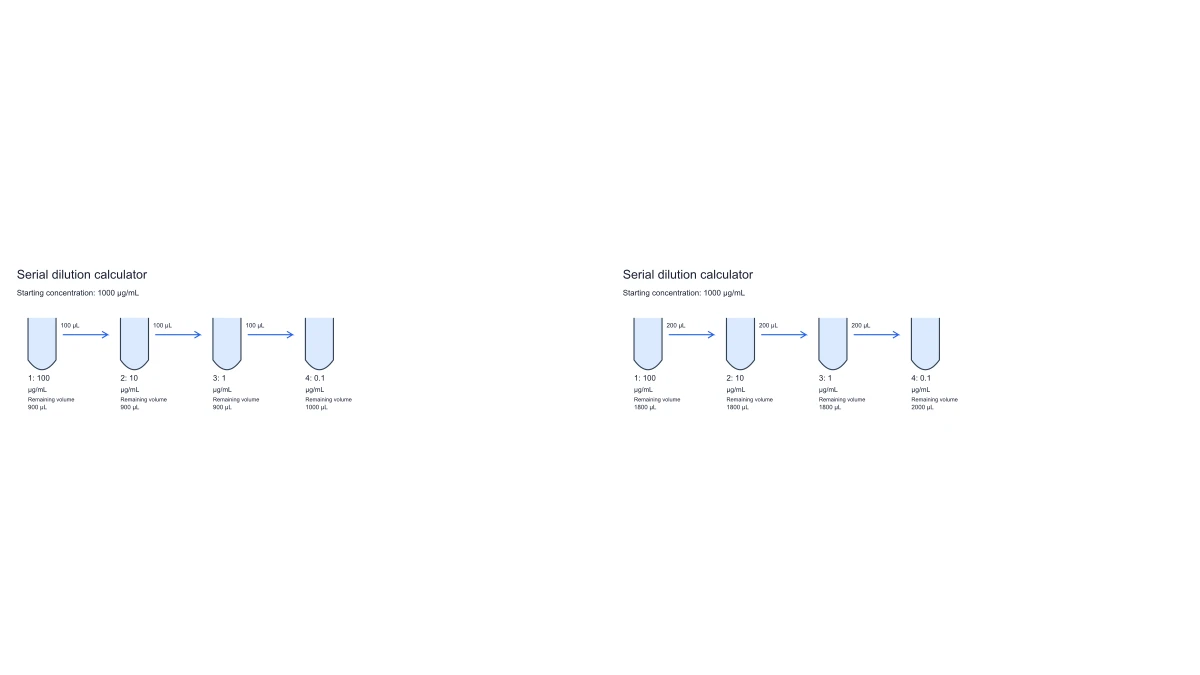
Separate the per-step factor, cumulative dilution and remaining tube volume in a shared calculation.
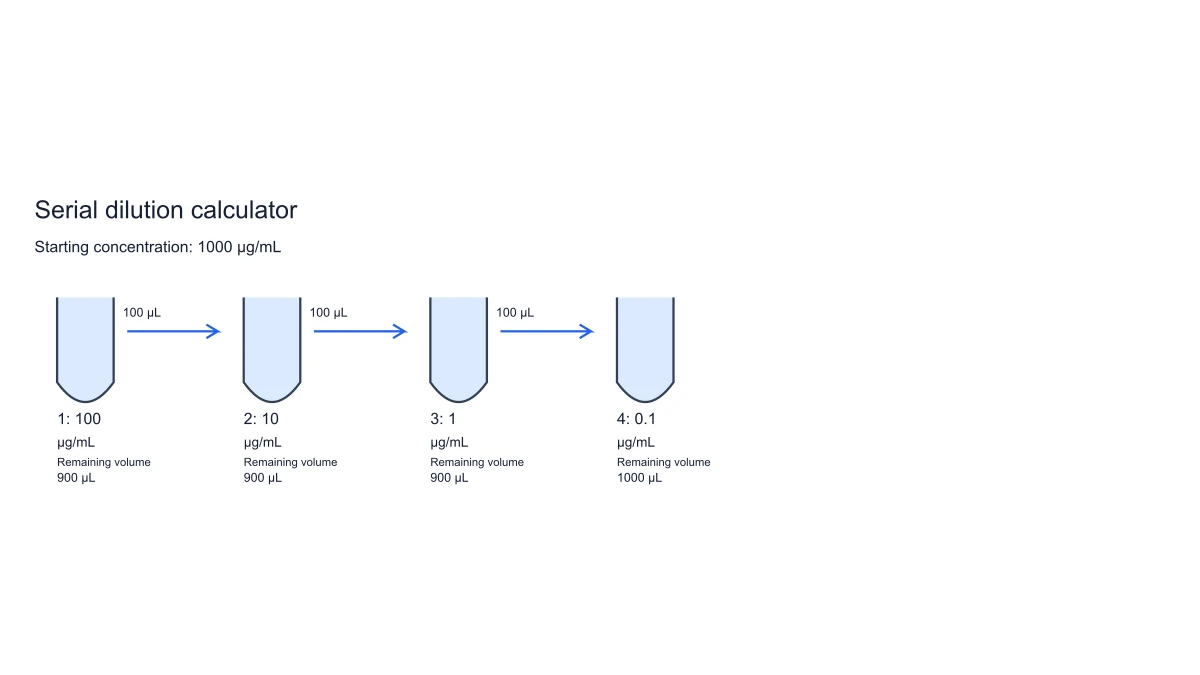
Enter the starting concentration, per-step dilution factor and number of steps. Each concentration is divided by the factor again at the next step. The table also reports the cumulative factor, making the difference between one dilution step and the entire series visible. The serial dilution diagram displays each tube alongside its calculated concentration and volume.
Set the volume immediately after mixing each tube. The transfer is that volume divided by the dilution factor; fresh diluent makes up the difference. Every calculation keeps the selected concentration unit and one volume unit, so a display change does not imply a mass-to-molar conversion.
The table distinguishes freshly prepared volume from the volume remaining after an aliquot leaves for the next tube. Intermediate tubes retain less than their freshly mixed volume. The final tube retains its full prepared volume because the plan does not include an onward transfer from that tube.
SVG and PNG show the dilution sequence with concentrations and transfer labels. CSV retains the calculated table values; JSON saves the inputs and units for a reproducible plan. The diagram and downloads use the same valid calculation as the table.
Enter concentration, factor, steps and mixed volume, then review the table and export the plan.
Enter the concentration and keep the appropriate unit for the series. Select a finite dilution factor greater than one and between one and 24 steps.
Enter the volume immediately after mixing each tube and choose µL or mL. The transfer and fresh diluent amounts are calculated in that same volume unit.
Read the per-tube and cumulative dilution results. Distinguish the freshly mixed volume from the amount left after transferring an aliquot to the next tube.
Export the table as CSV or the tube figure as SVG or PNG. Save project JSON to restore the inputs and units for a subsequent calculation.
Use the same valid values in a preparation protocol, a teaching example and a downloadable tube figure.
Calculate a dilution series, then carry the concentrations into an editable 96-well plate layout for standards, blanks and replicates.
Explore this example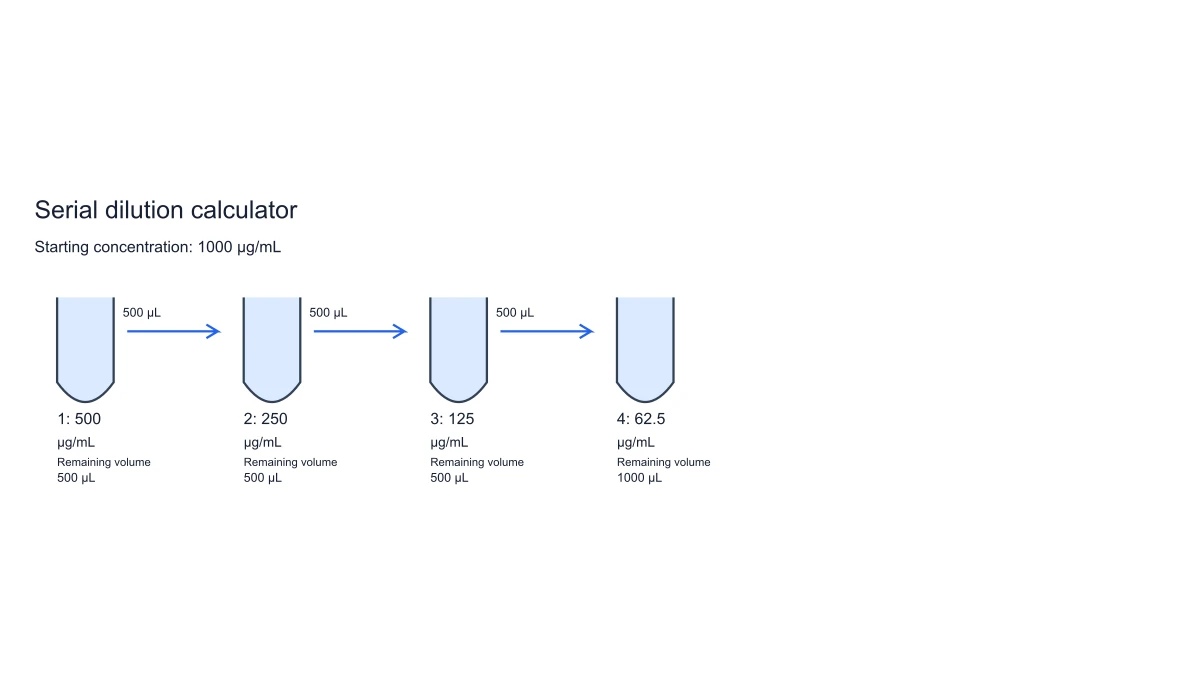
Keep the calculated tube series alongside a labeled lab setup diagram when preparing a protocol or methods figure.
Explore this example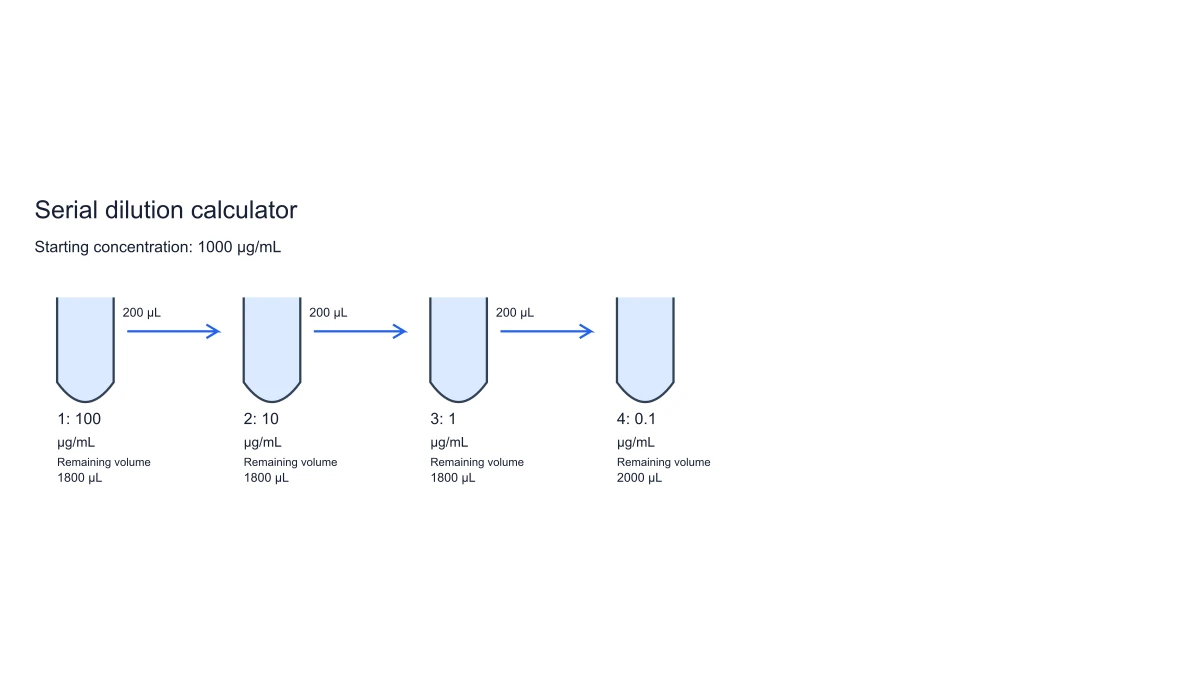
Compare the freshly mixed volume with the remaining-volume column. Intermediate tubes have already supplied an aliquot to the next tube; the last tube has not.
Explore this example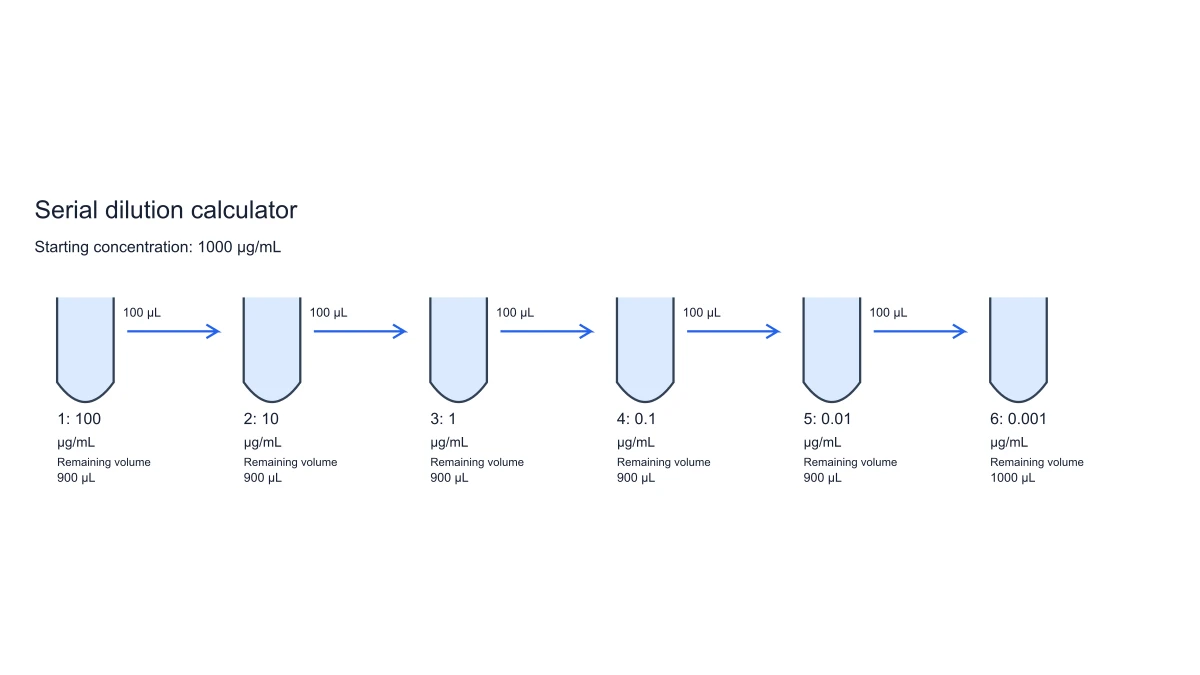
Export the tube diagram beside the preparation table. Labels show concentrations and onward transfer amounts from the same calculation.
Explore this exampleCompare the factor used at one step with the cumulative factors across the series. The values show why repeated tenfold dilutions produce factors of 10, 100 and 1000.
Explore this exampleSave input values and units as JSON and export the full table as CSV. Reopen the plan when adapting the number of steps or prepared volume.
Explore this exampleThe serial dilution calculator example begins at 1000 µg/mL with four tenfold steps and 1000 µL prepared per tube. The concentrations are 100, 10, 1 and 0.1 µg/mL. I kept the table beside the tube figure so those values and the transfer labels describe the same calculation.
SciFig · Tenfold series
Figure preparation · SciFig
Free tools
A tool for every scientific figure
150 focused generators for the scientific figure you need — each opens in the right workspace with a matching example.
Illustrations, structures and concept diagrams
83 tools Chemistry Structure Generator
 Graphical Abstract Maker
 Free Body Diagram Generator
 Circuit Diagram Maker
 AI Scientific Image Generator
 Editable 96-Well Plate
 Lewis Dot Structure Generator
 DNA Structure Diagram Generator
 Wiring Diagram Maker
 P&ID Diagram Generator
 Scientific Poster Generator
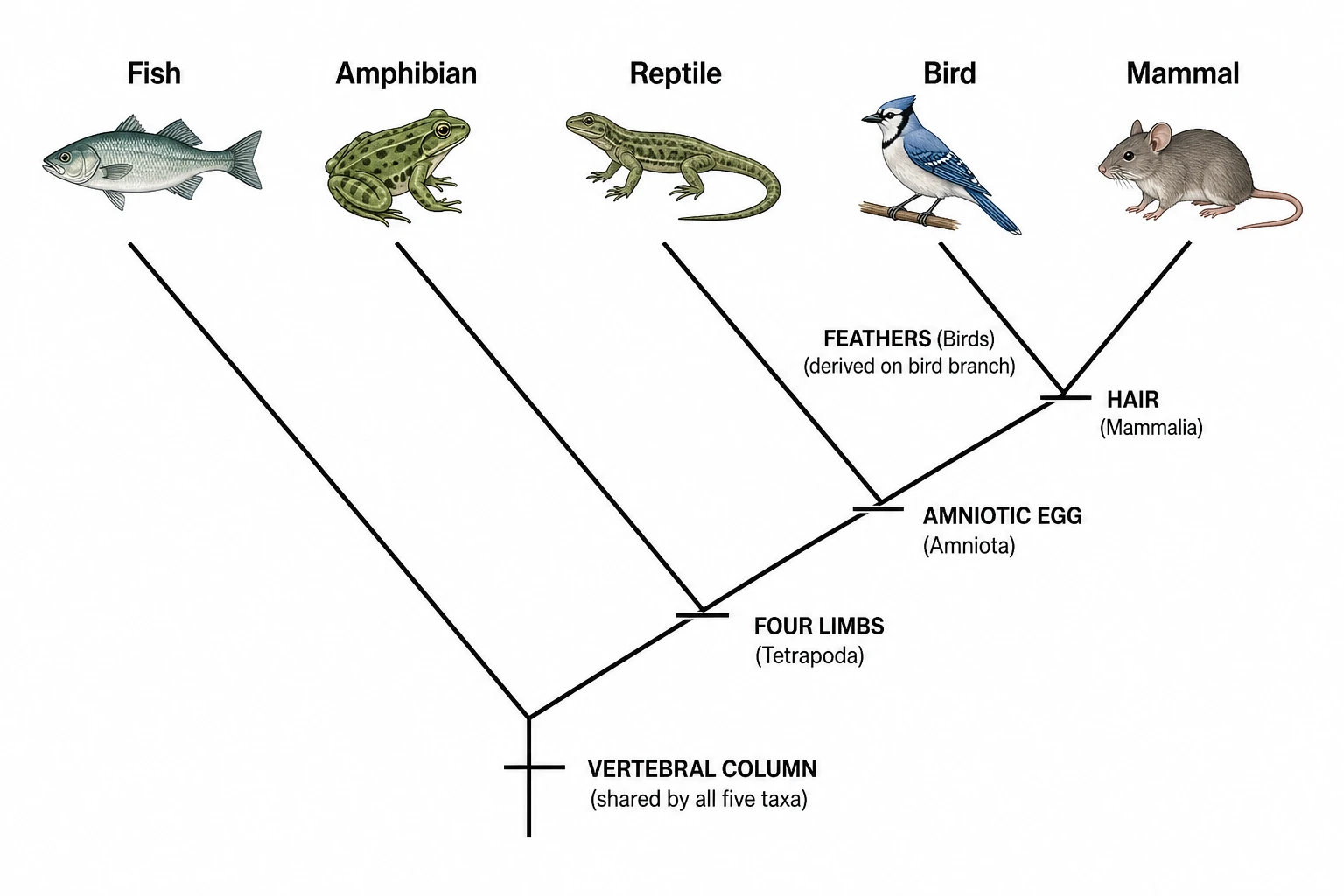 Cladogram Maker
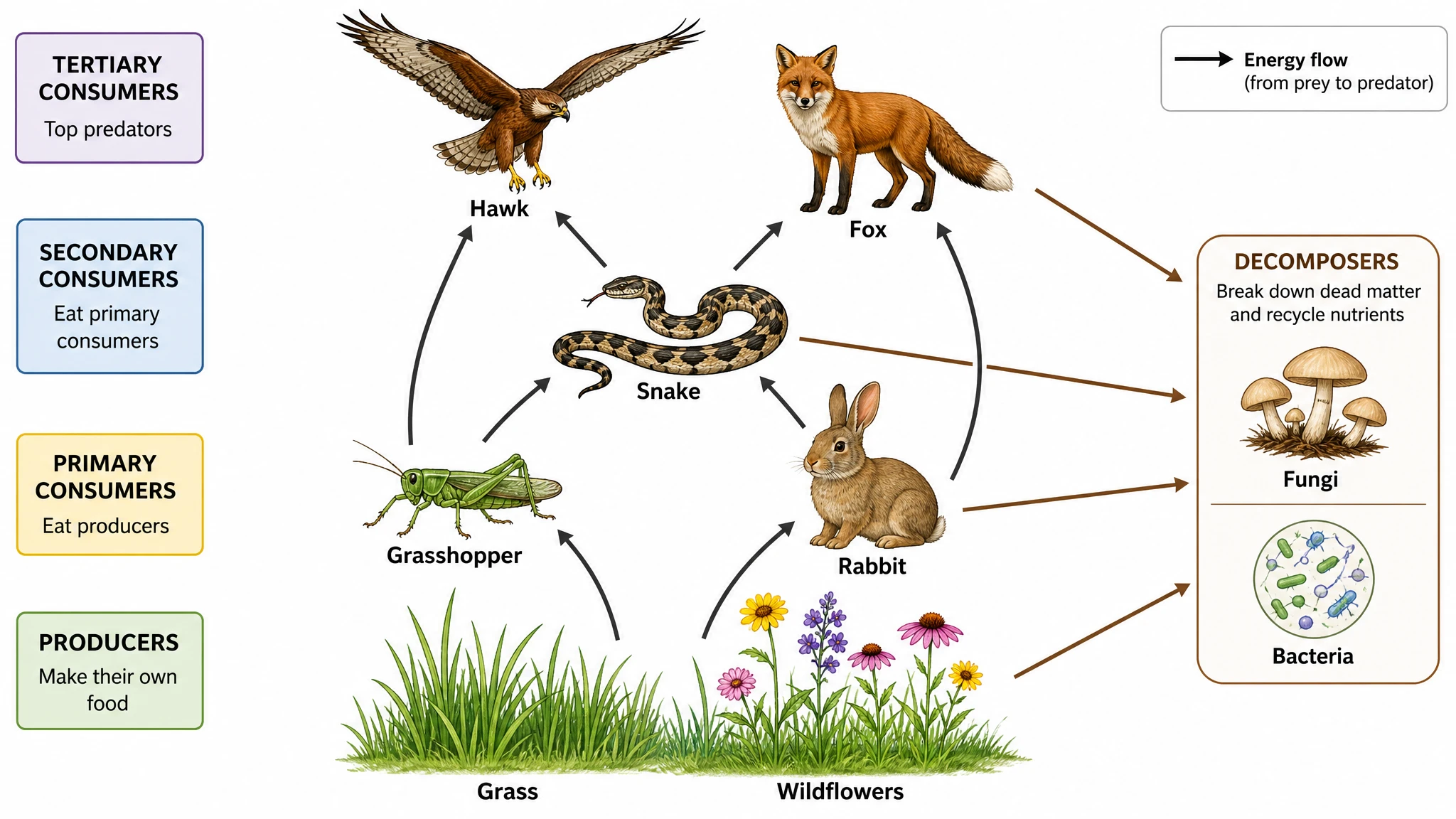 Food Web Maker
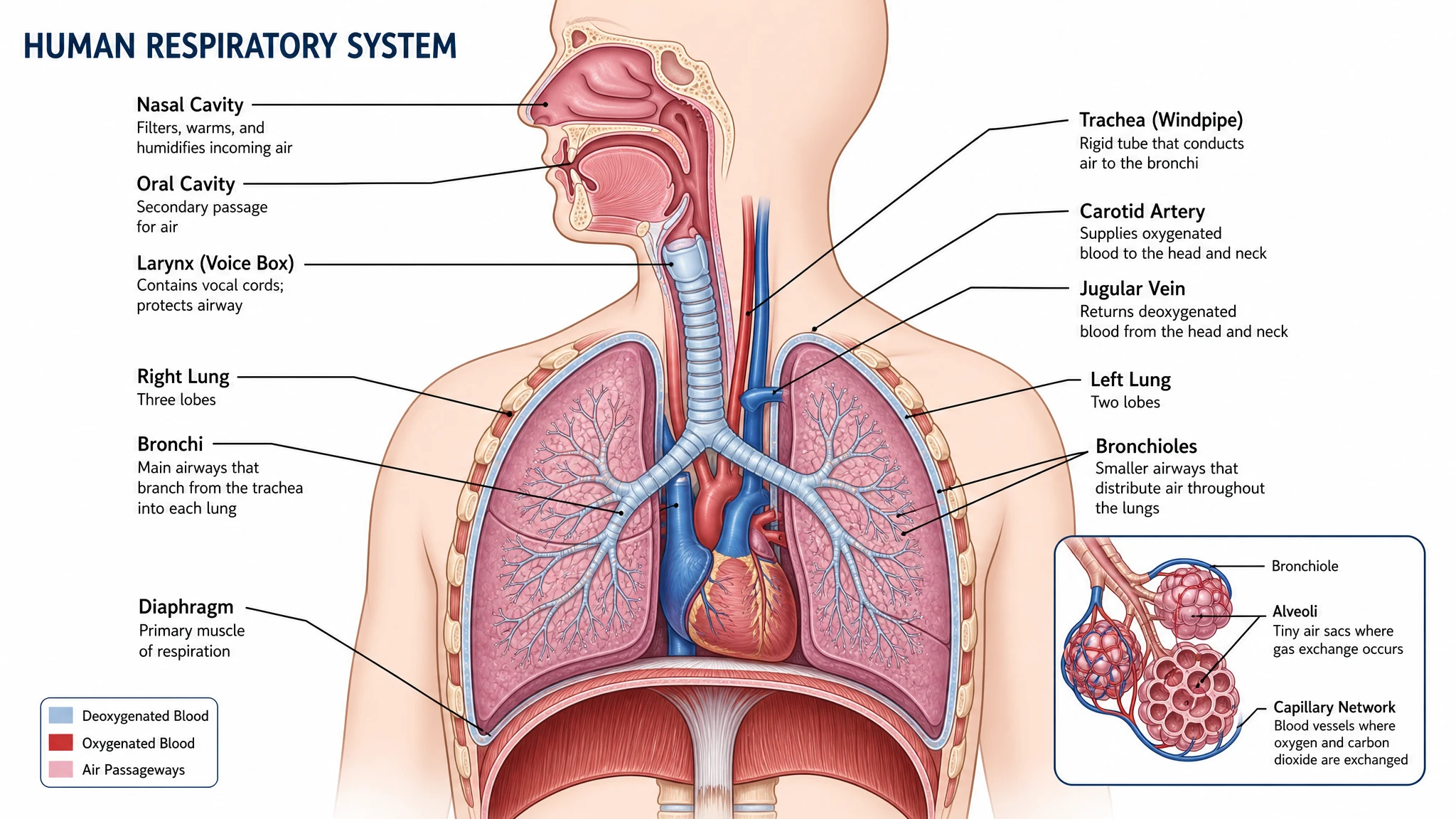 Medical Illustration Generator
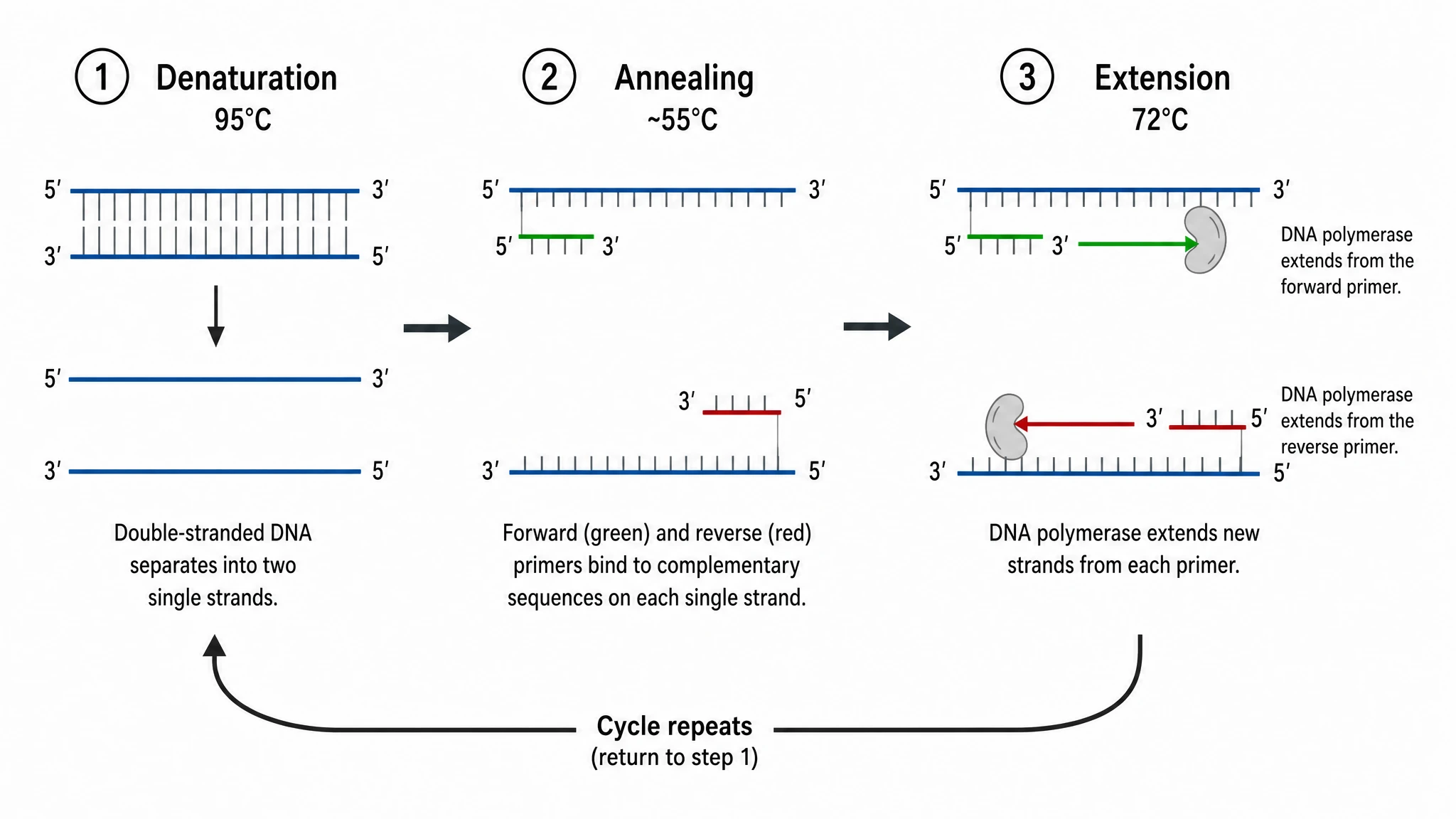 PCR Diagram Generator
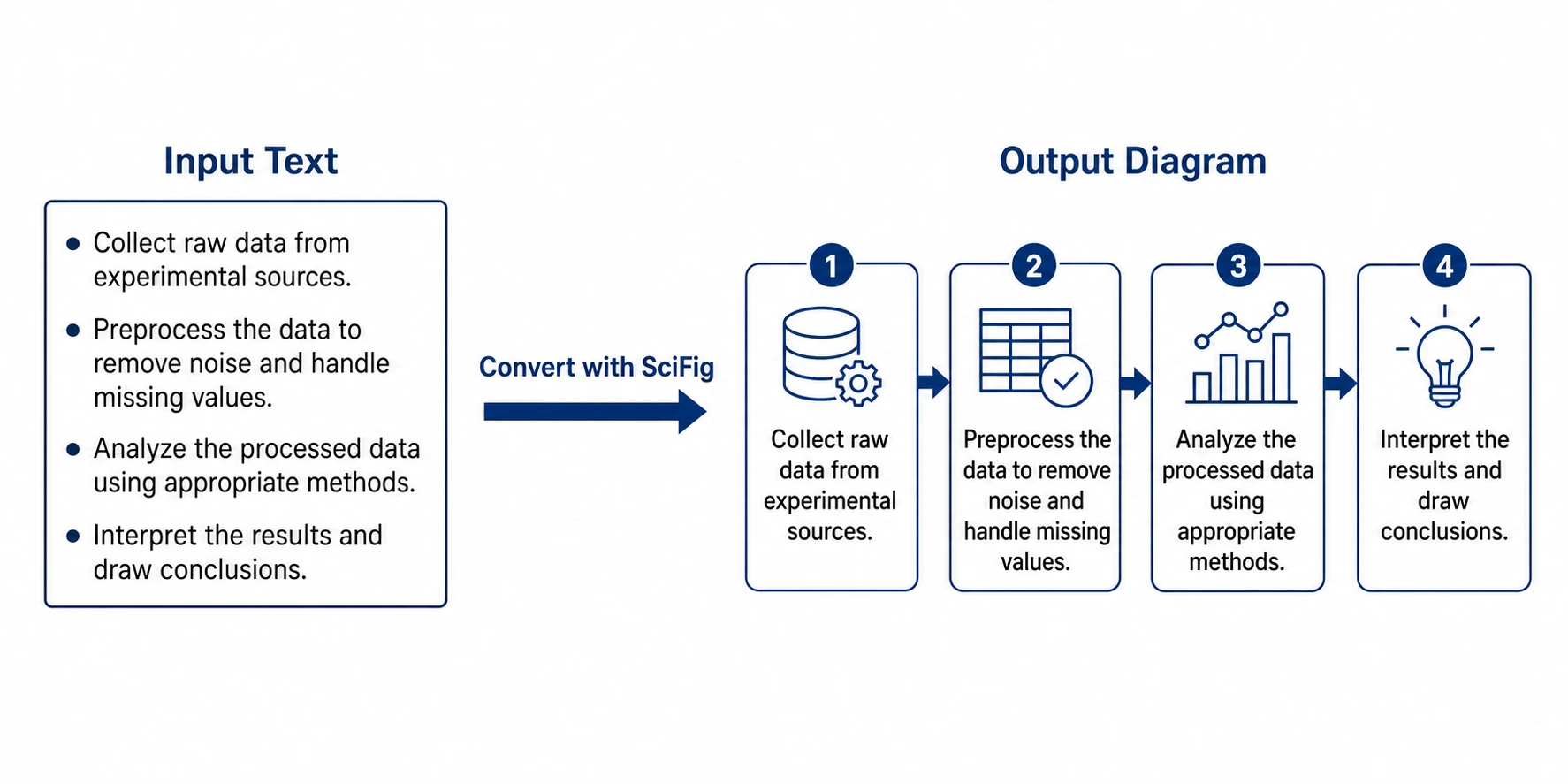 PPT Text to Visual Converter
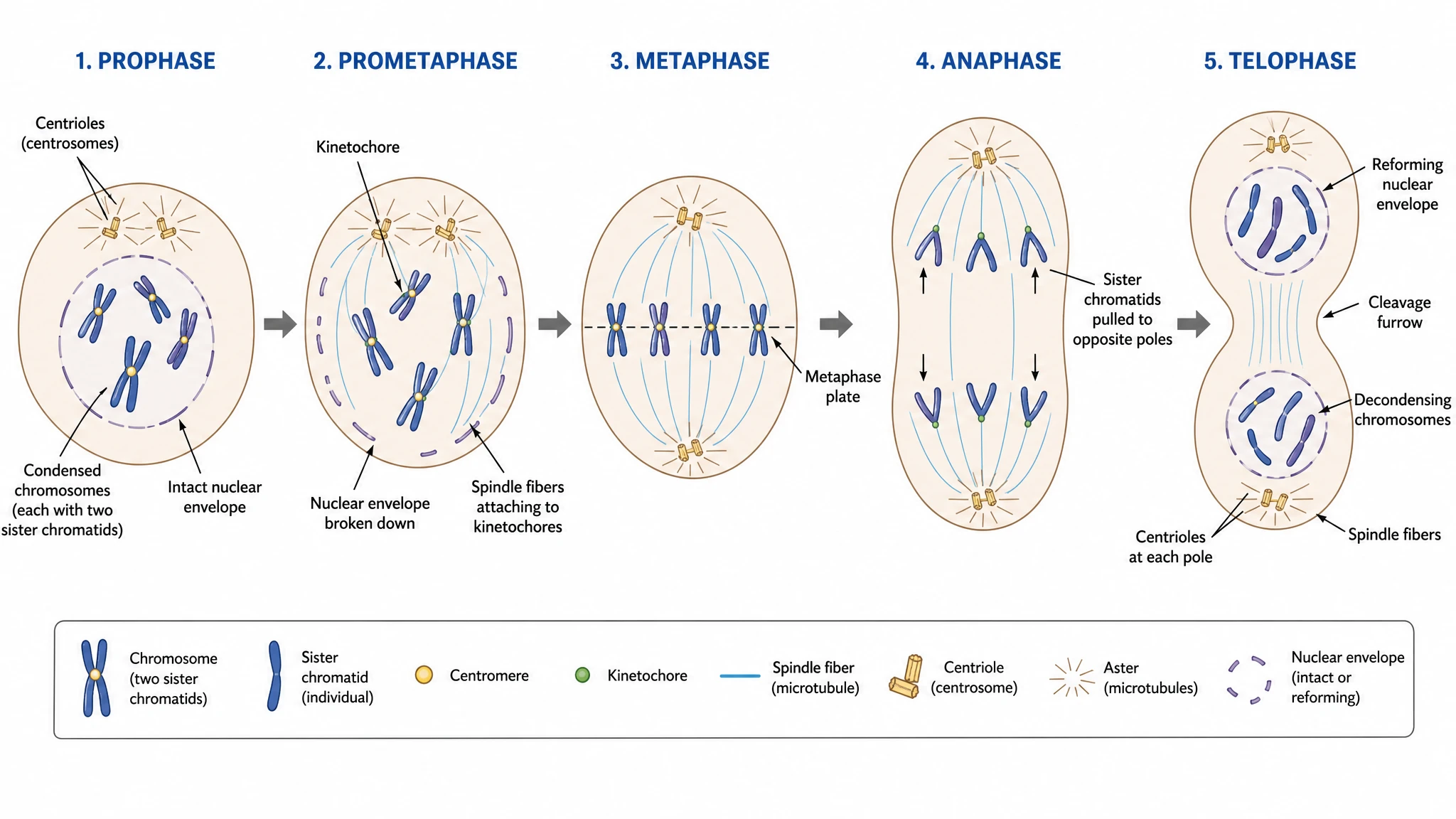 Mitosis Diagram Generator
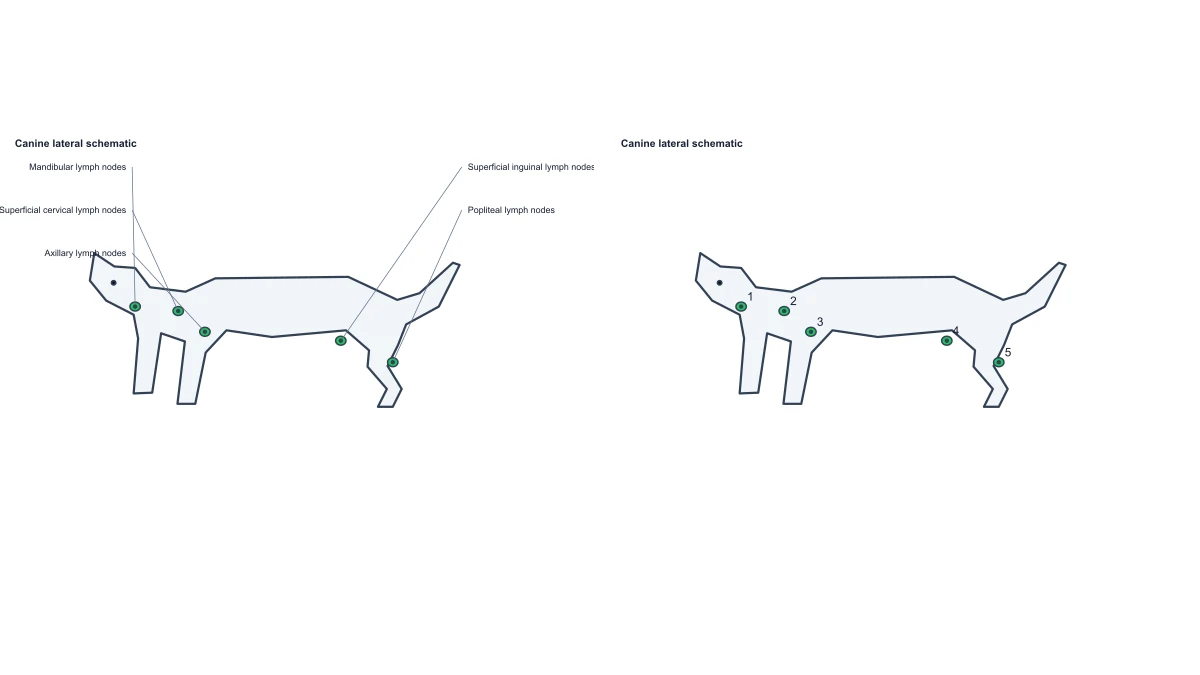 Dog Lymph Nodes Diagram — Free Label Editor
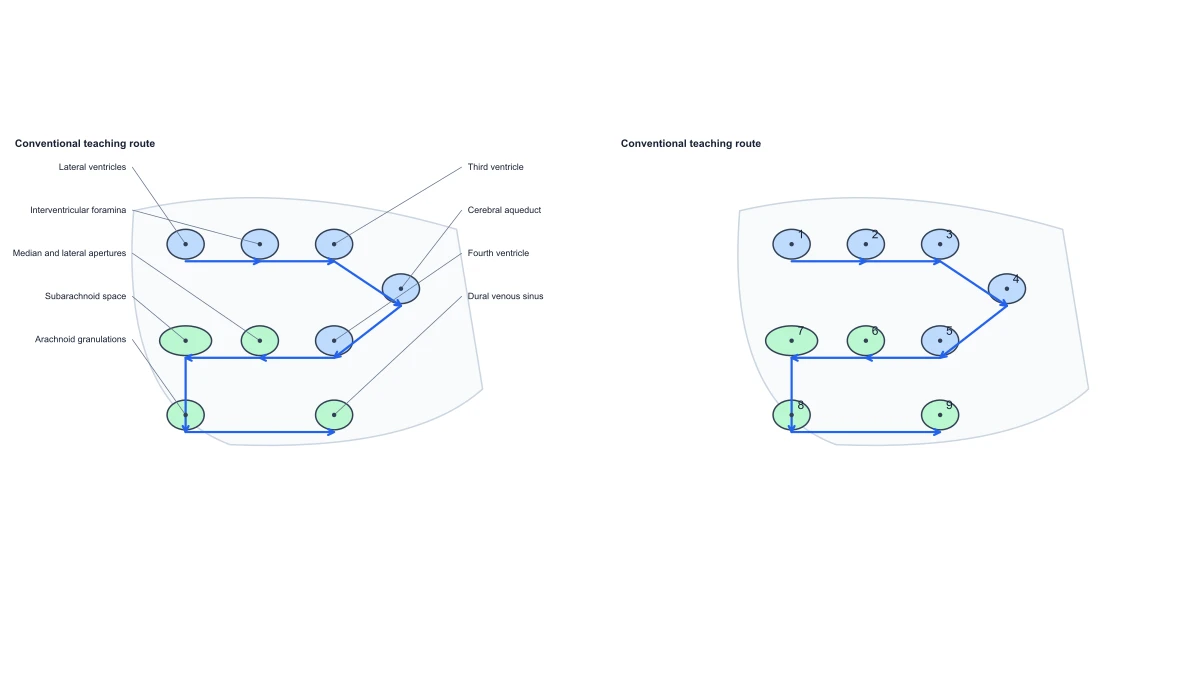 Flow of Cerebrospinal Fluid — Free Diagram Editor
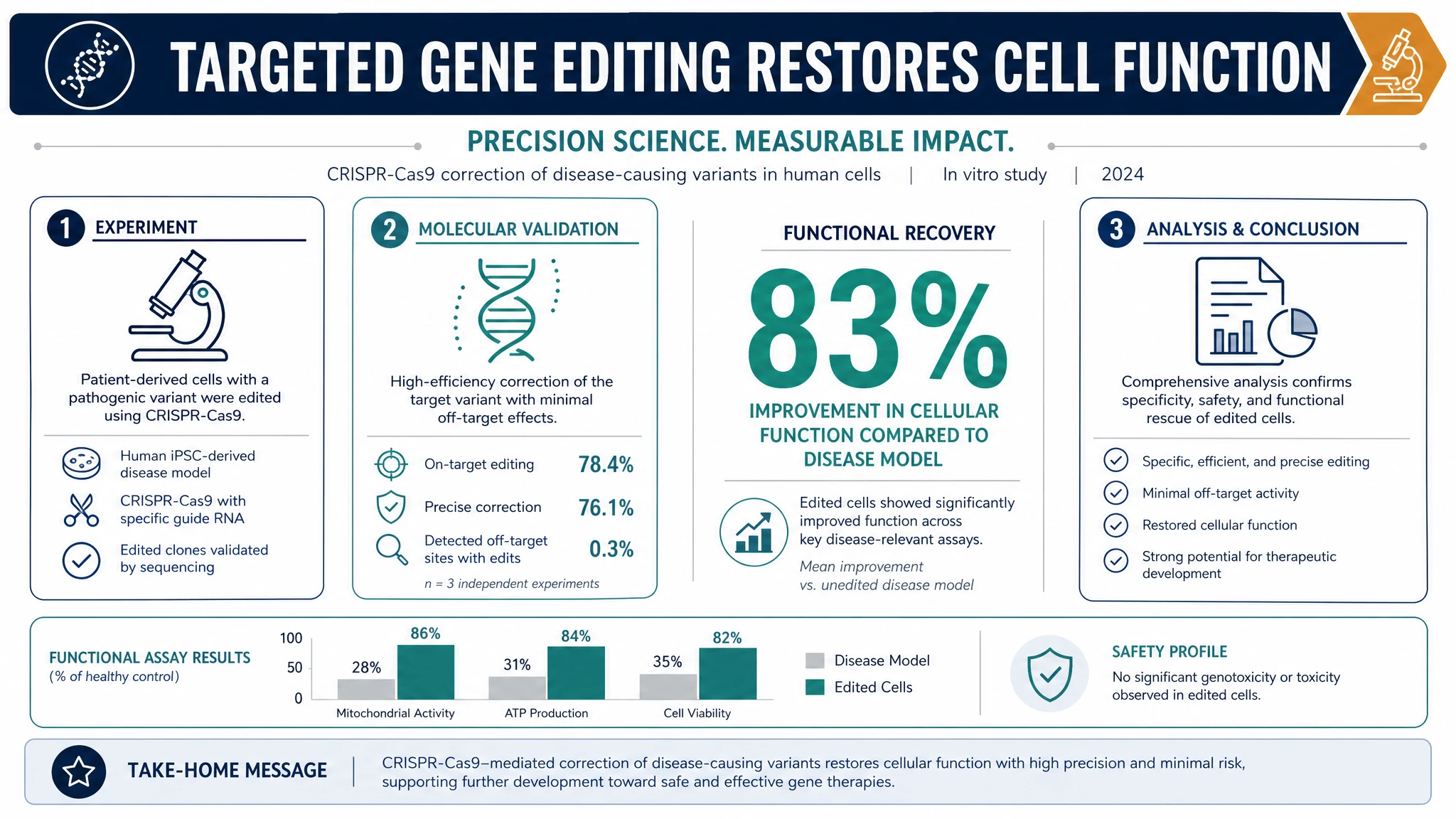 AI Infographic Generator
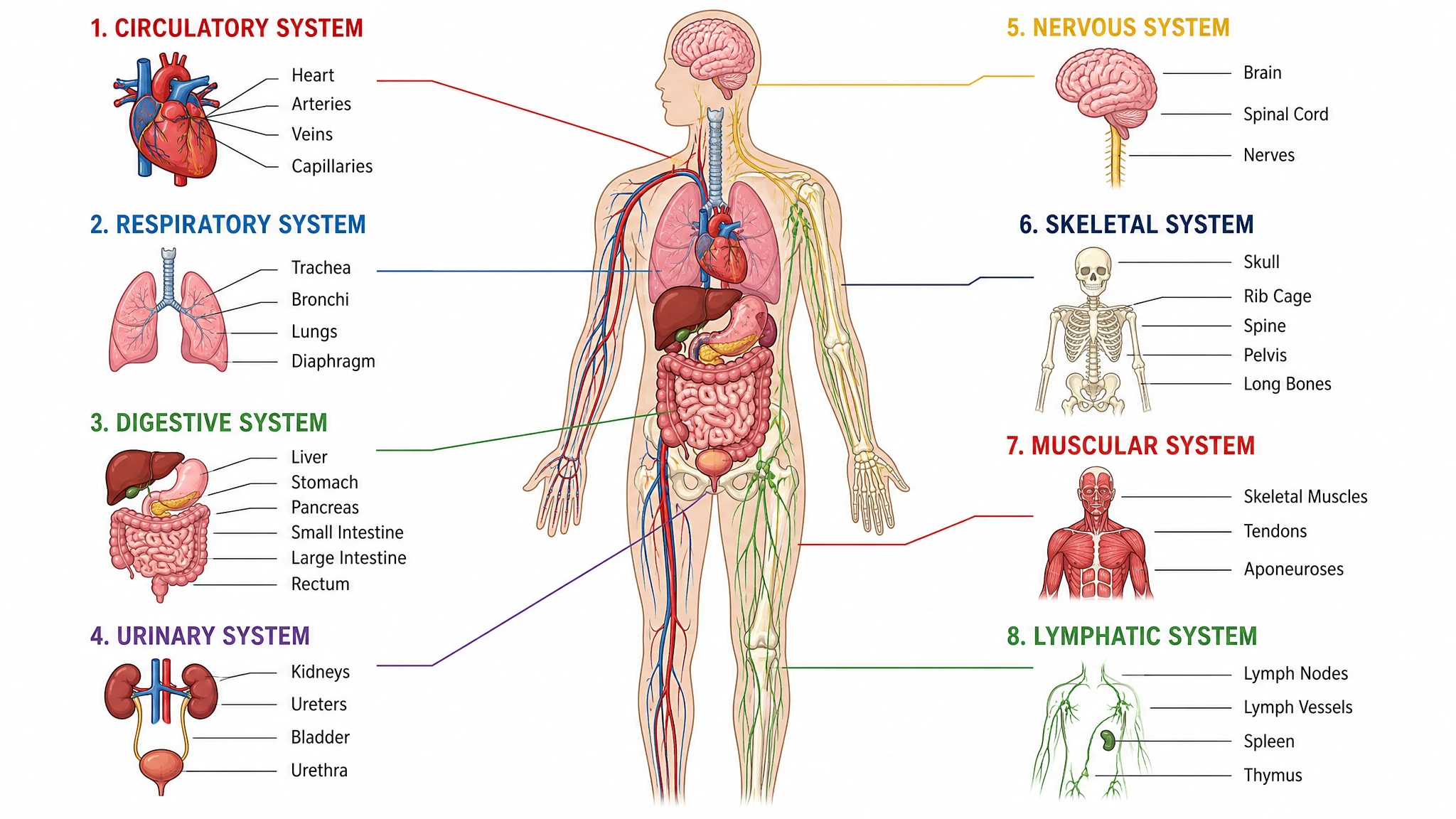 Anatomical Drawing Generator
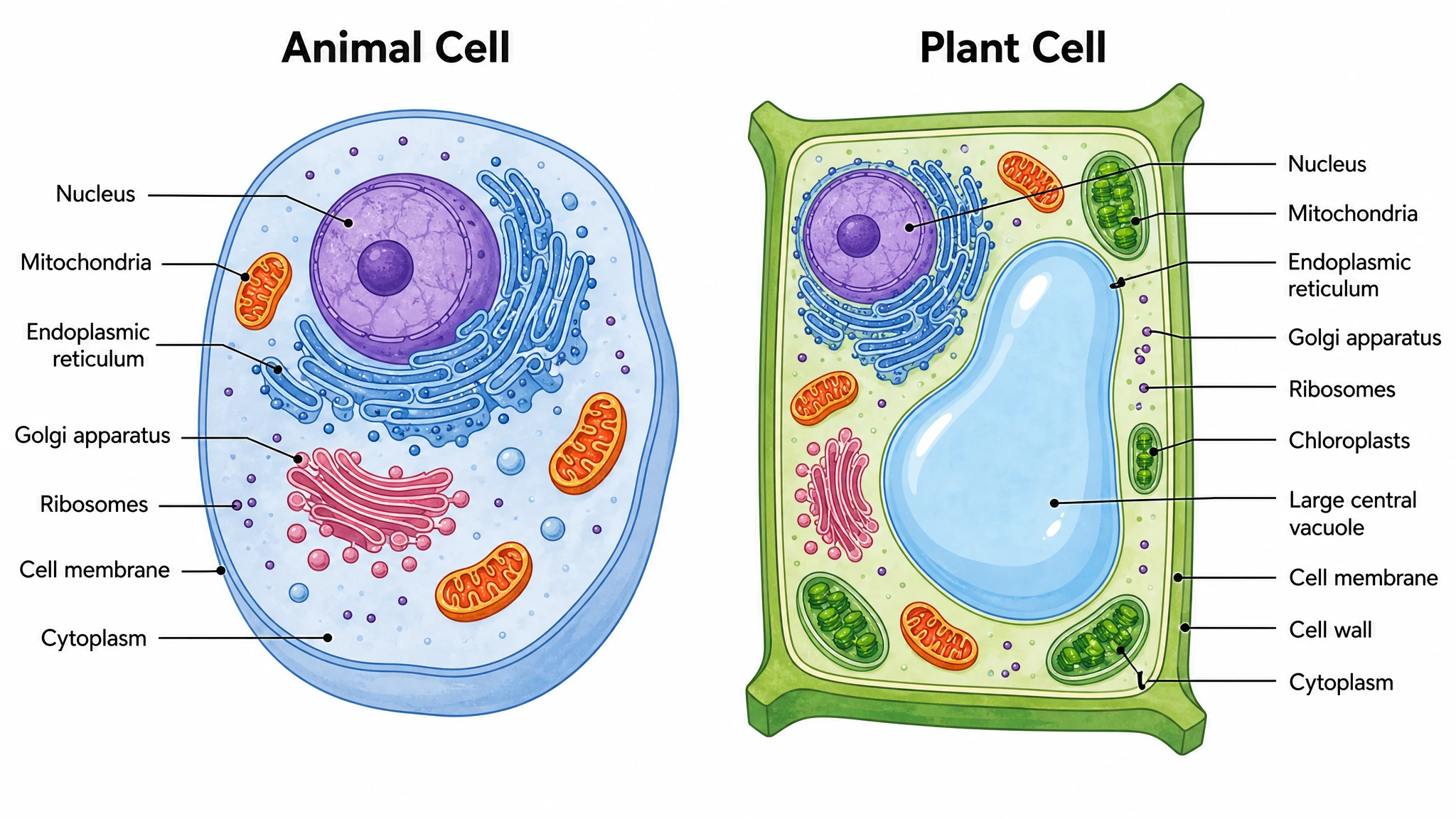 Animal and Plant Cell Comparison
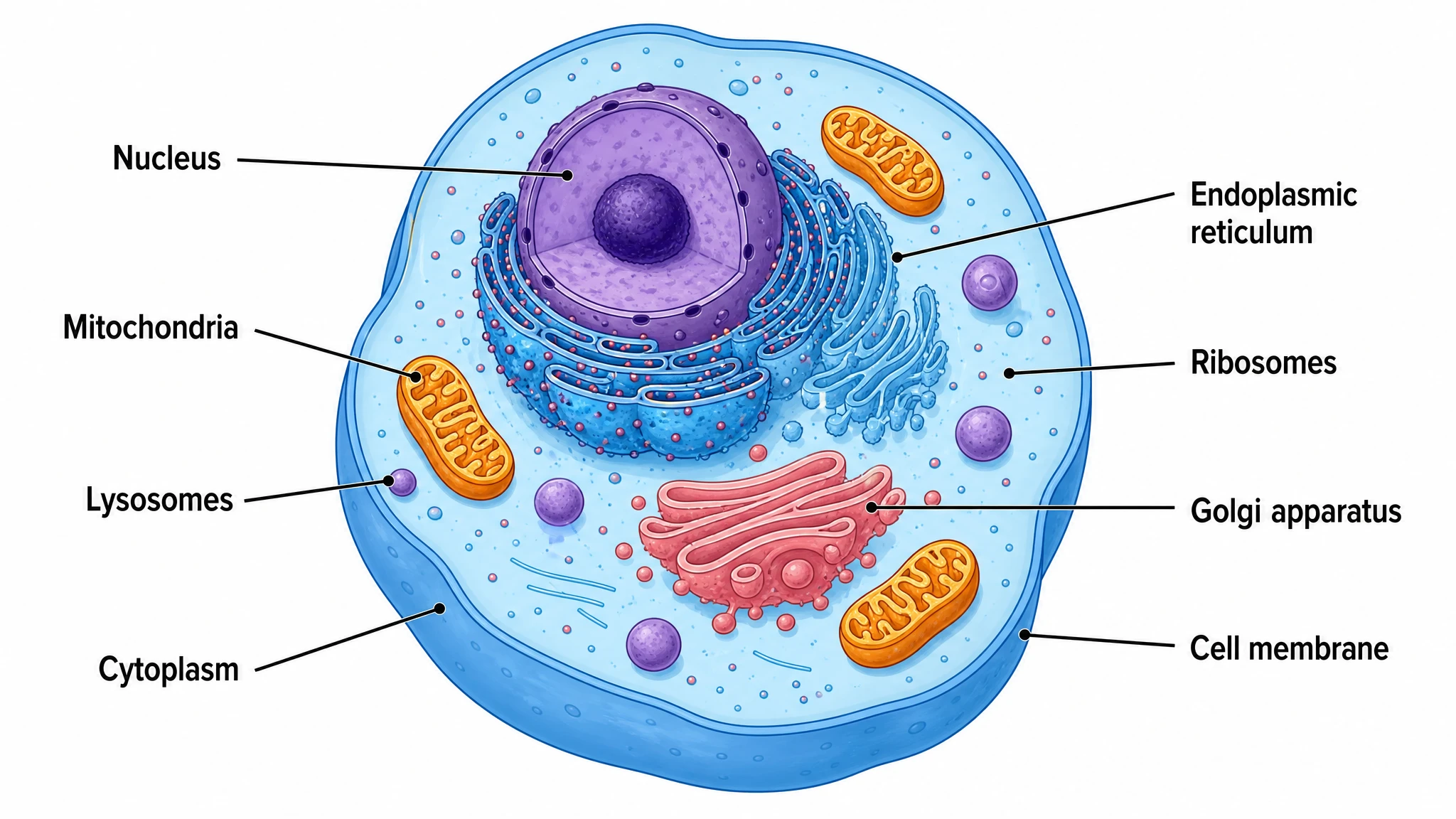 Animal Cell Diagram Generator
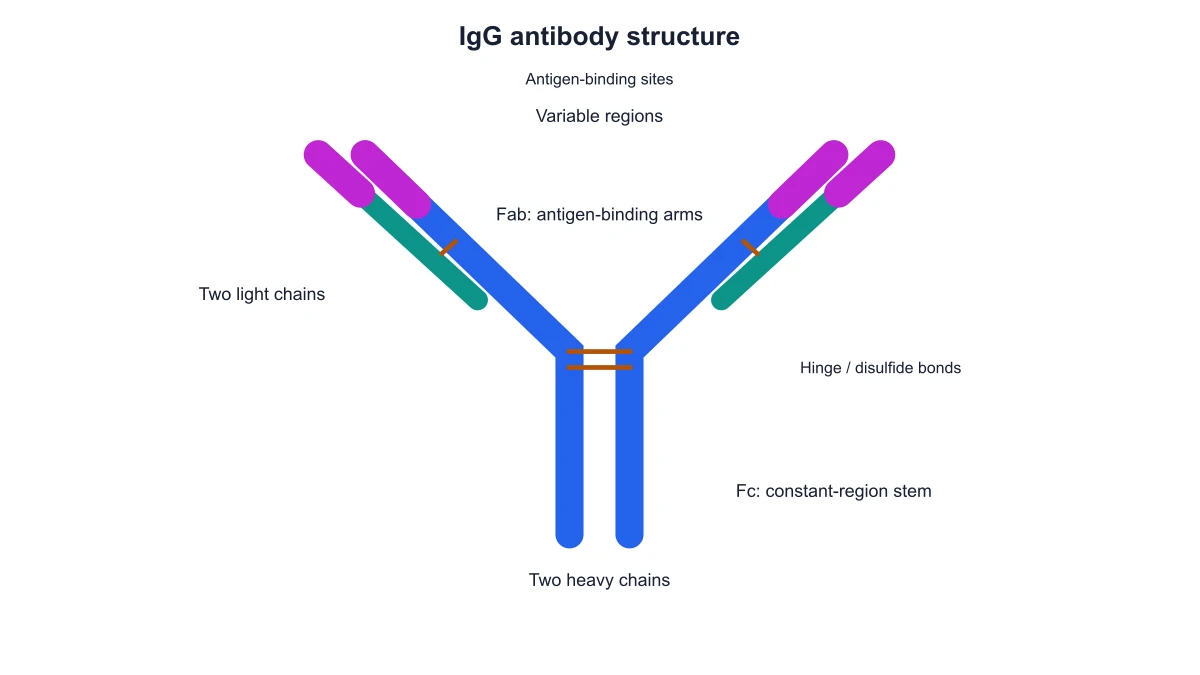 Antibody Structure Diagram Generator
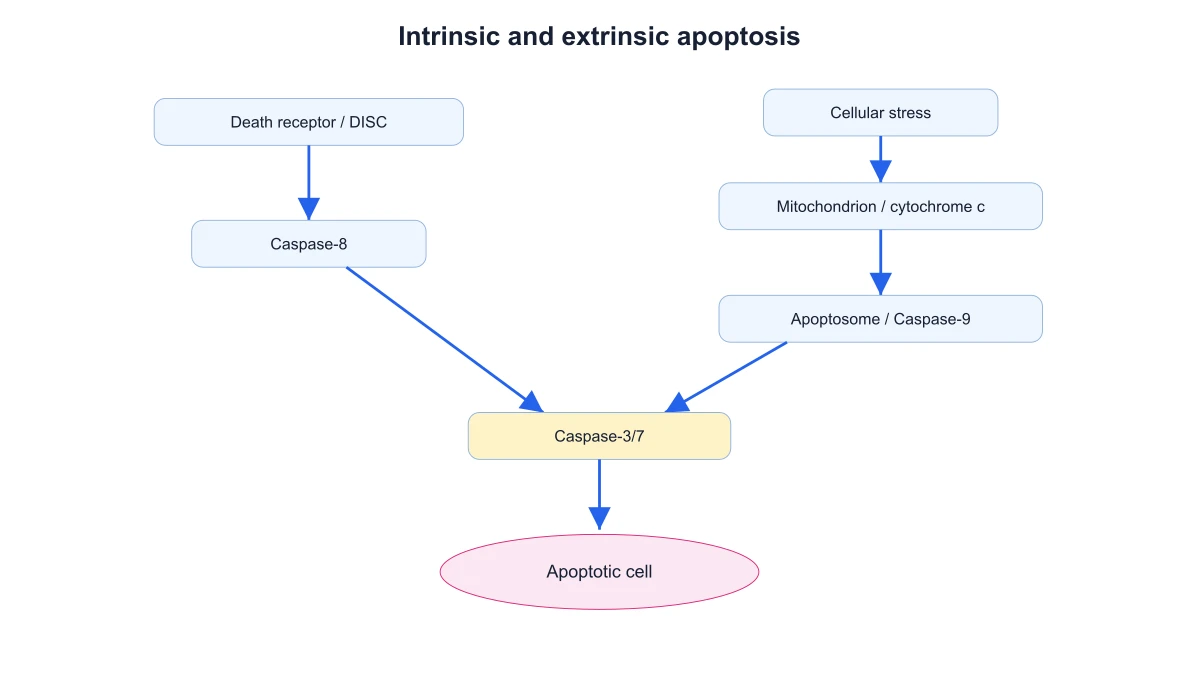 Apoptosis Diagram Generator
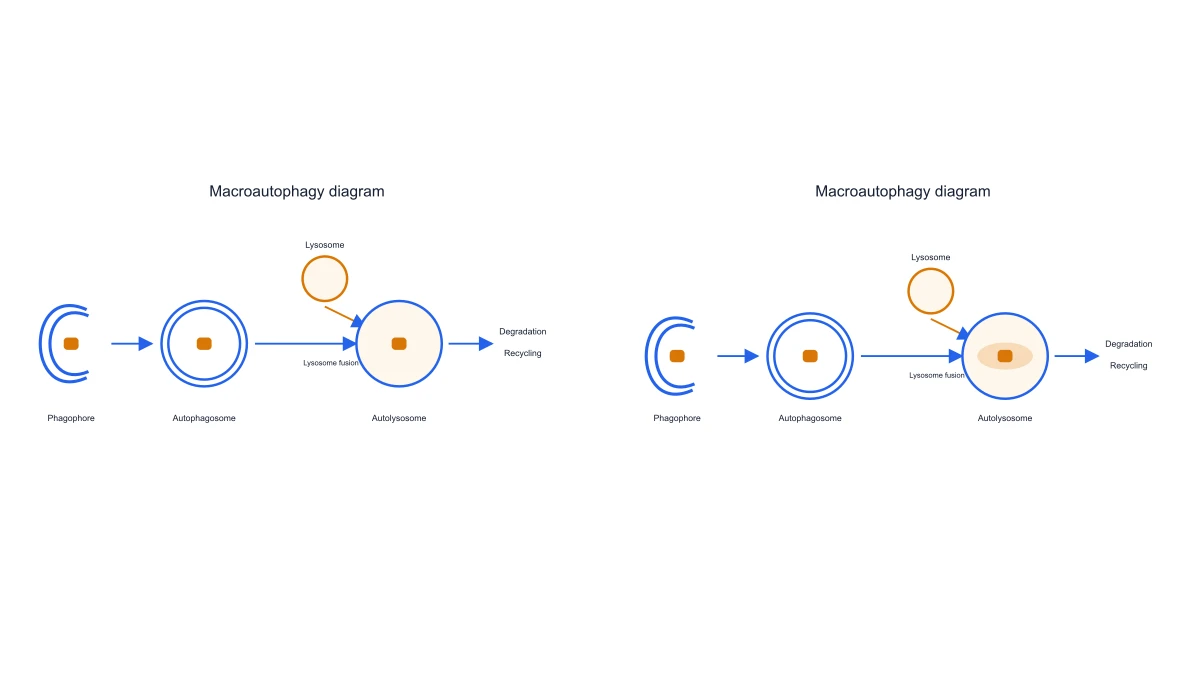 Autophagy Diagram Generator
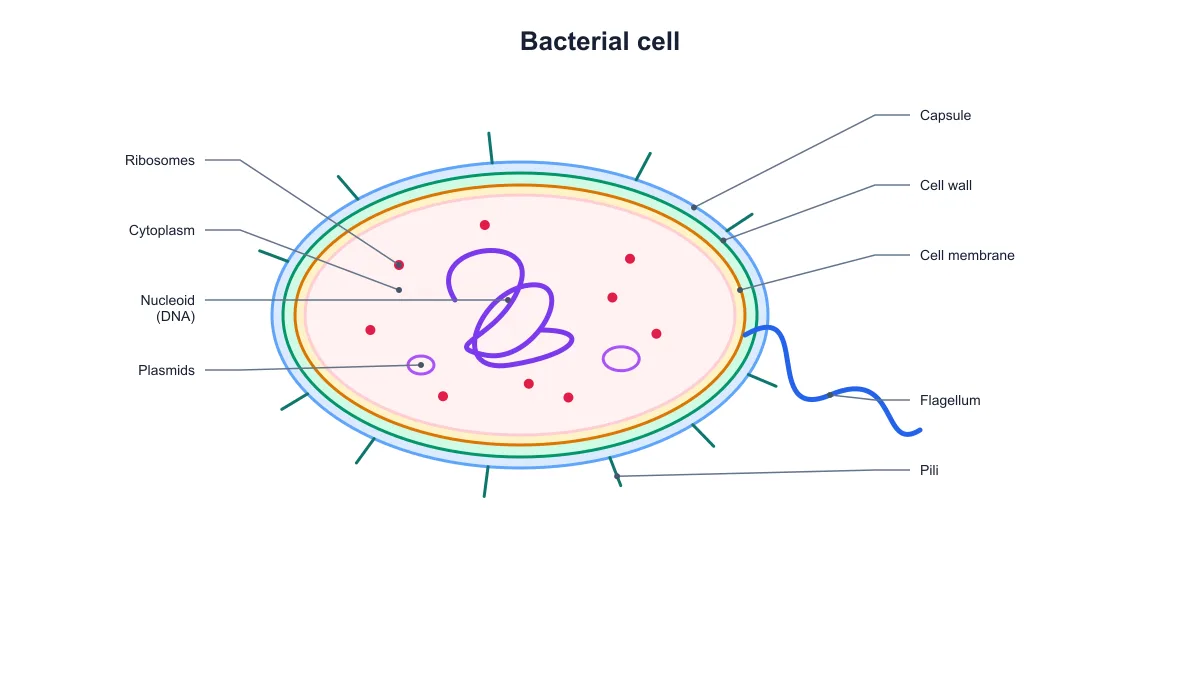 Bacteria Diagram Generator
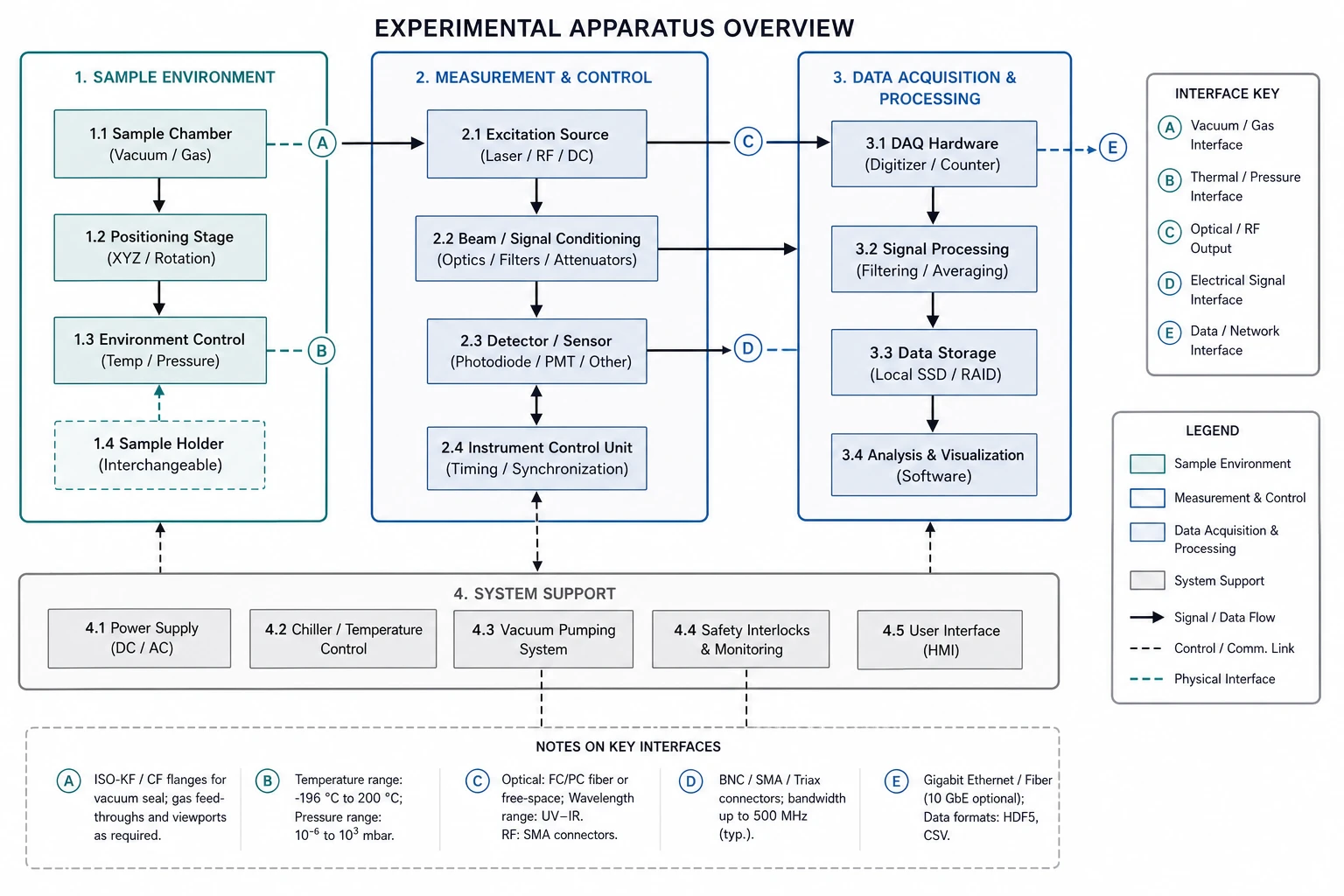 Blueprint Maker
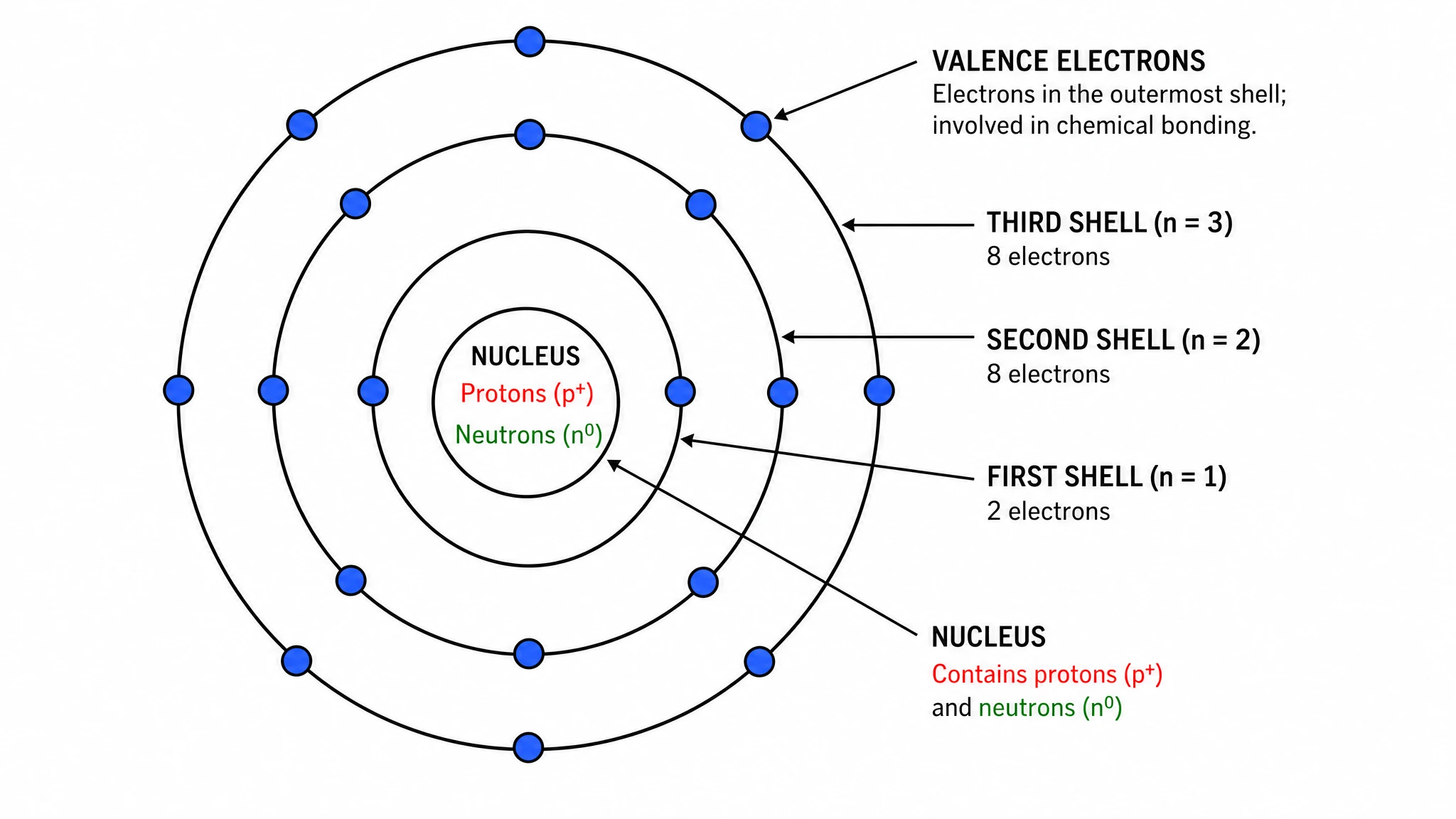 Bohr Model Maker
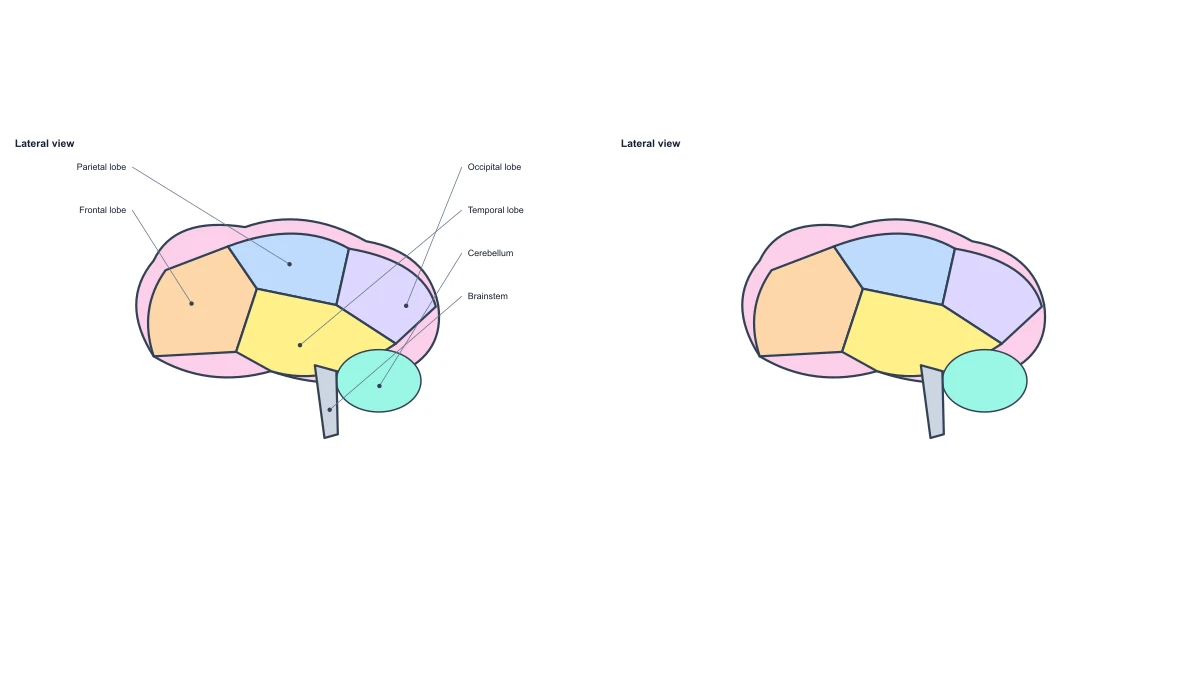 Brain Anatomy Diagram
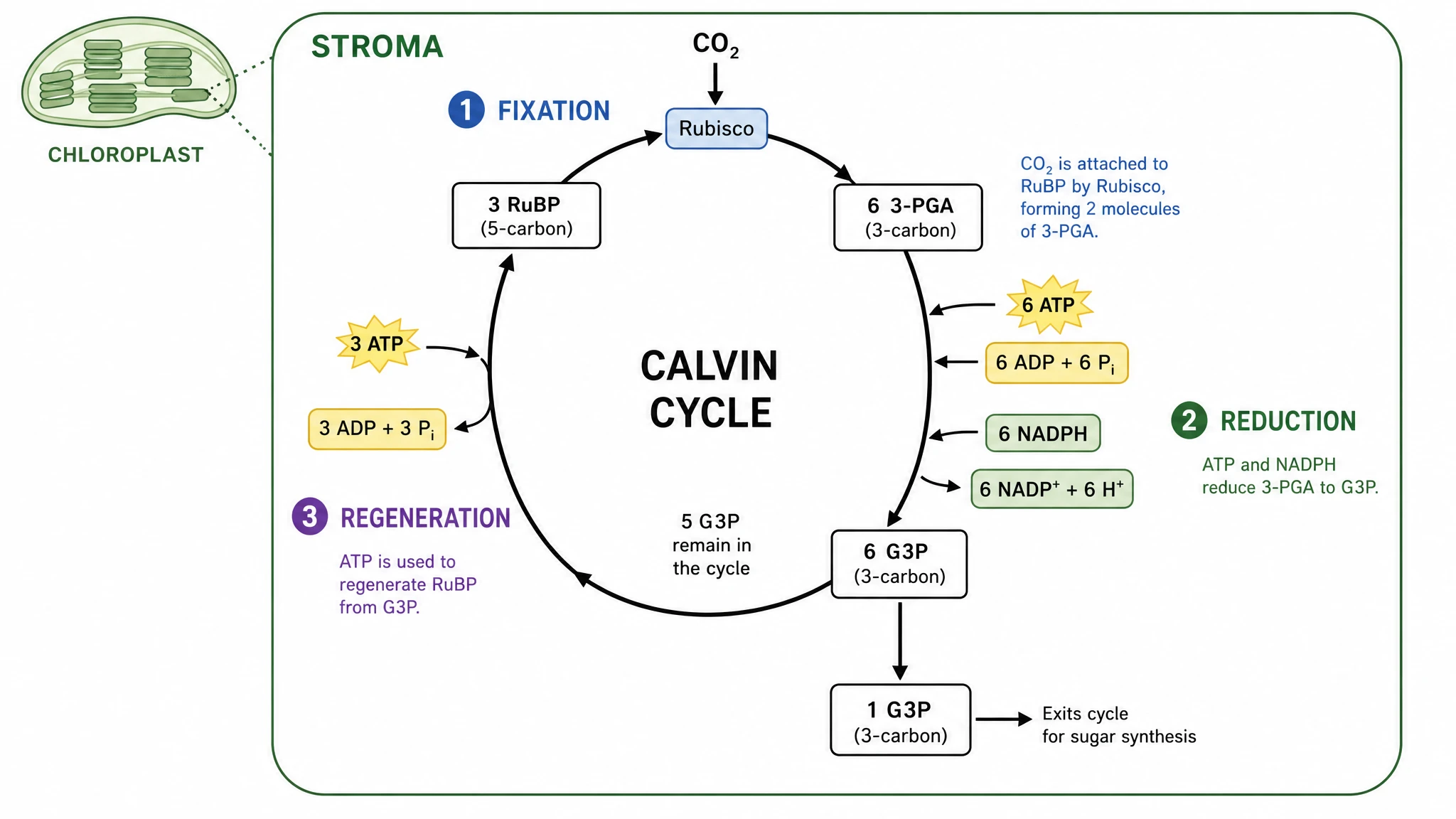 Calvin Cycle Diagram Generator
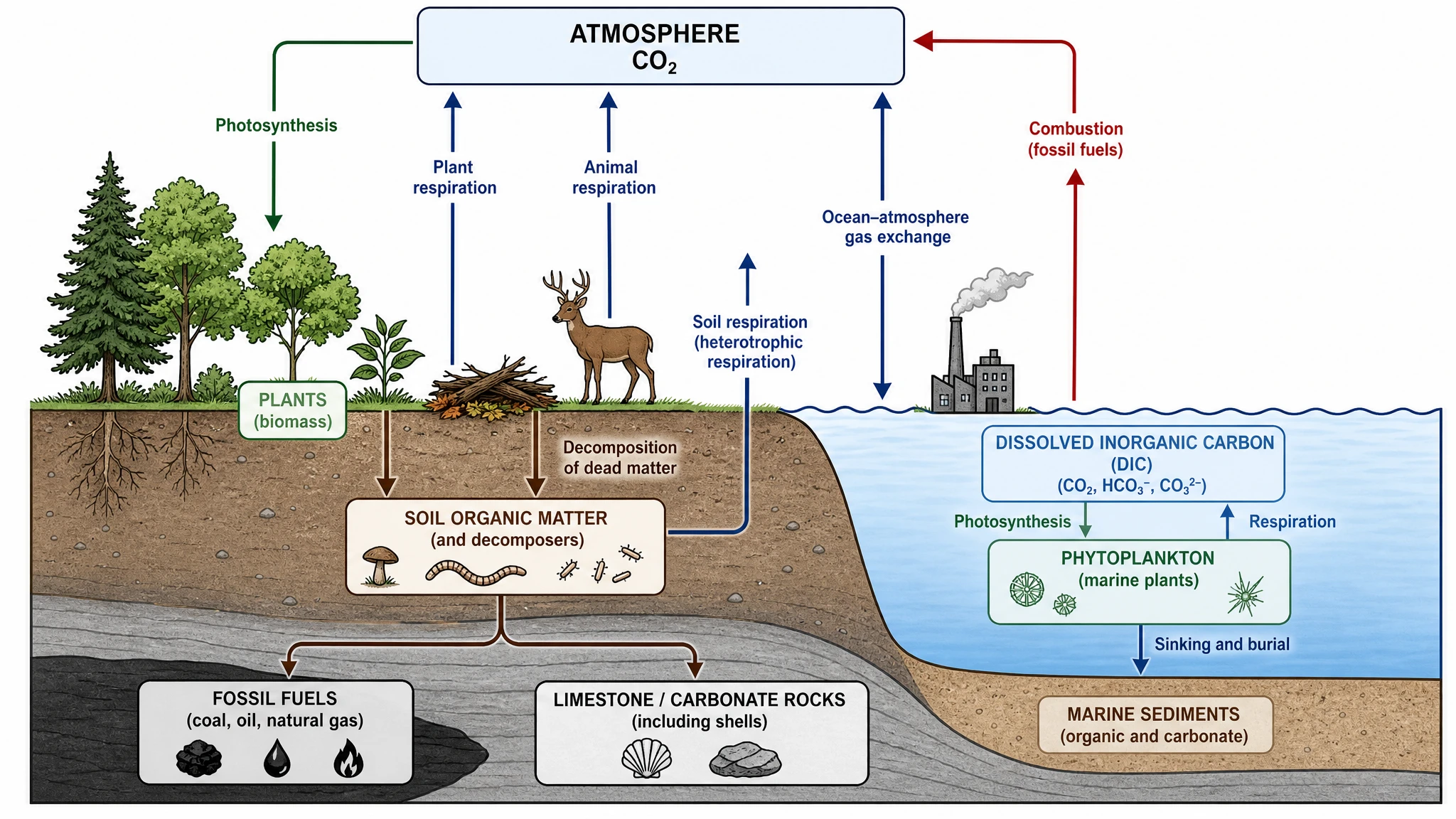 Carbon Cycle Diagram Generator
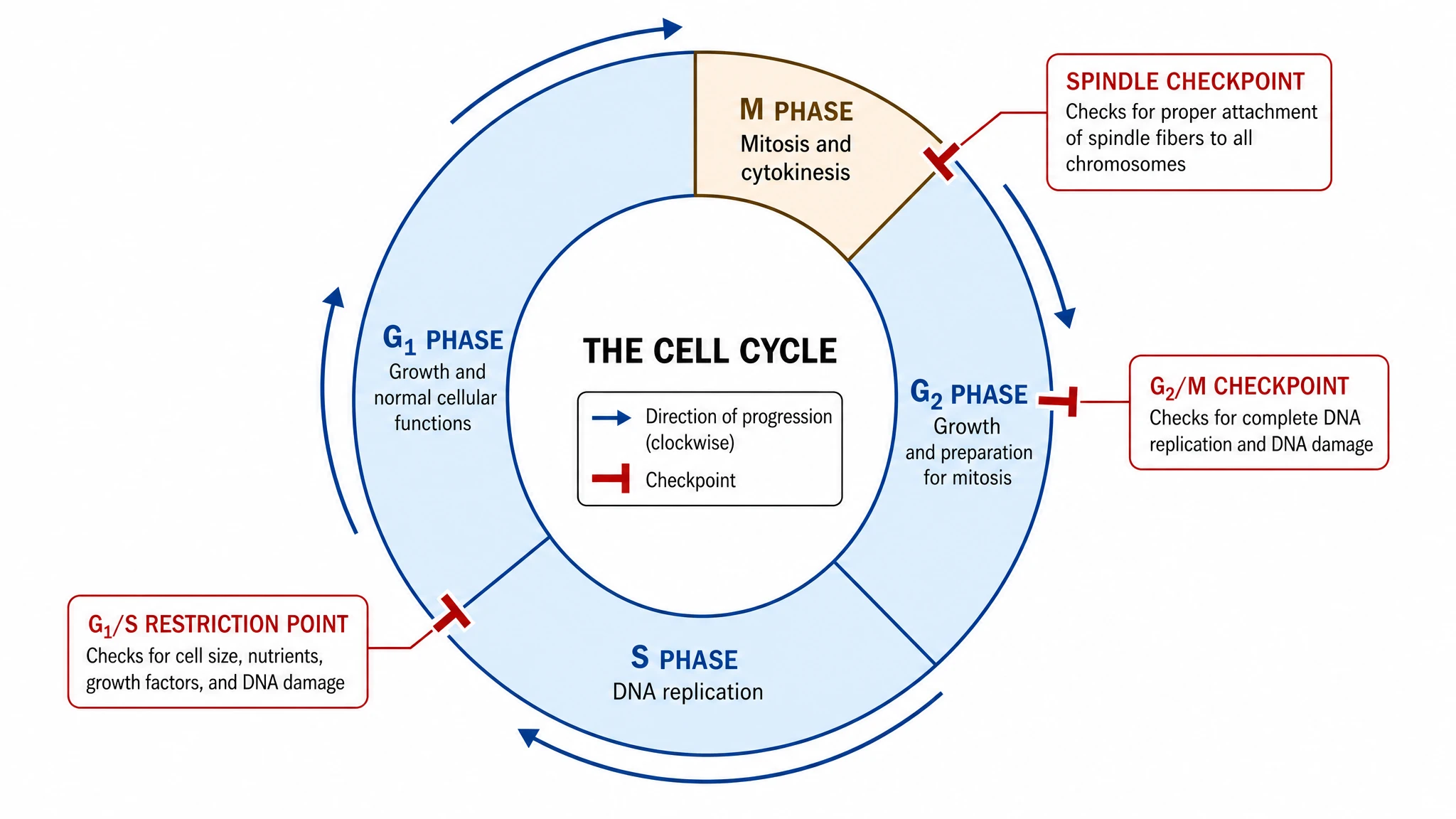 Cell Cycle Diagram Generator
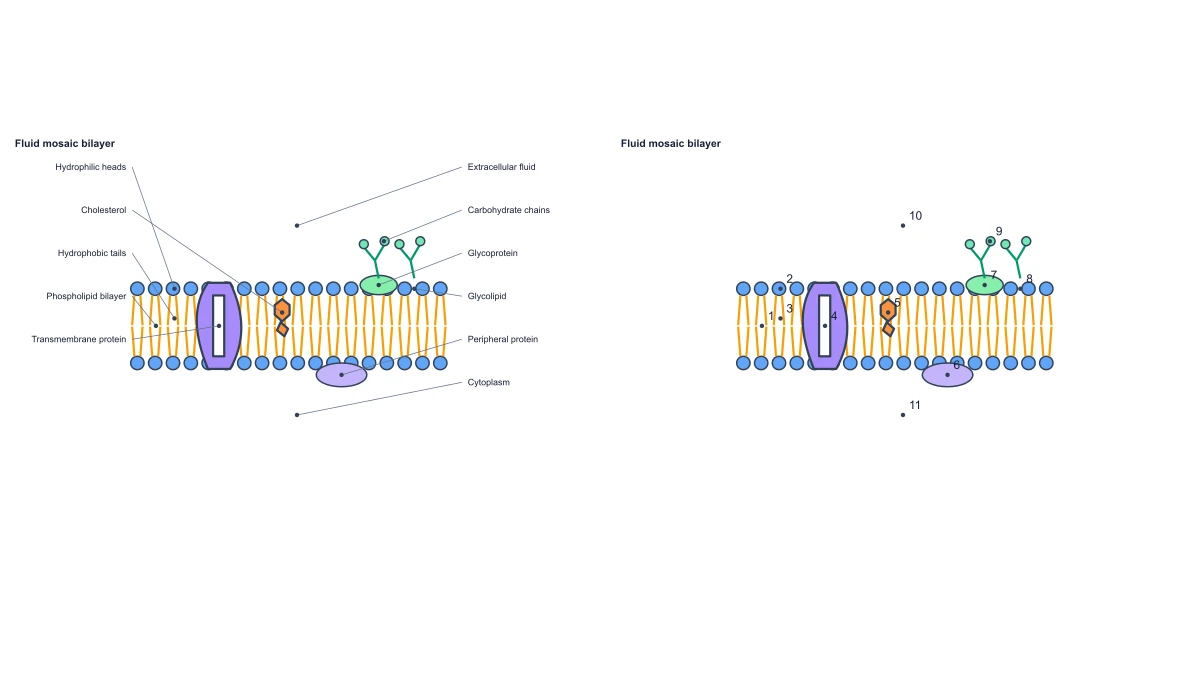 Cell Membrane Diagram
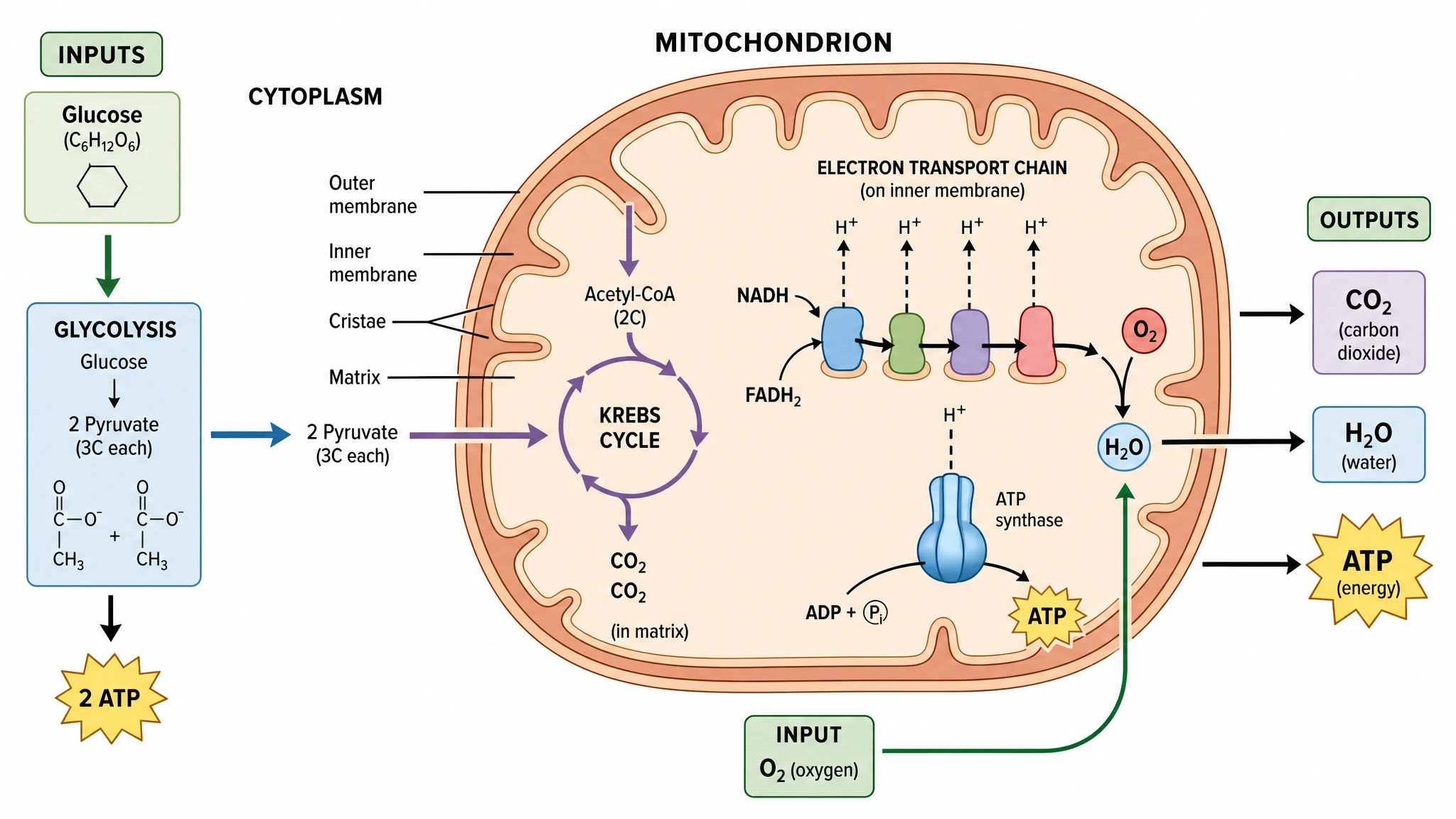 Cellular Respiration Diagram Generator
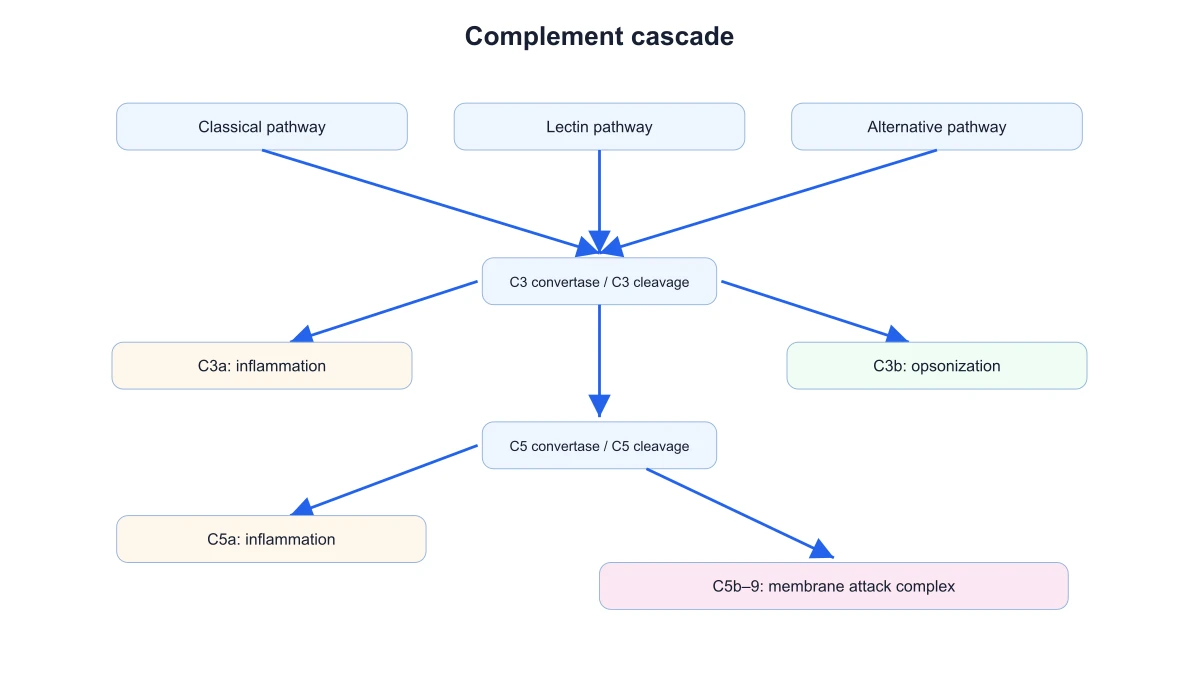 Complement System Diagram Generator
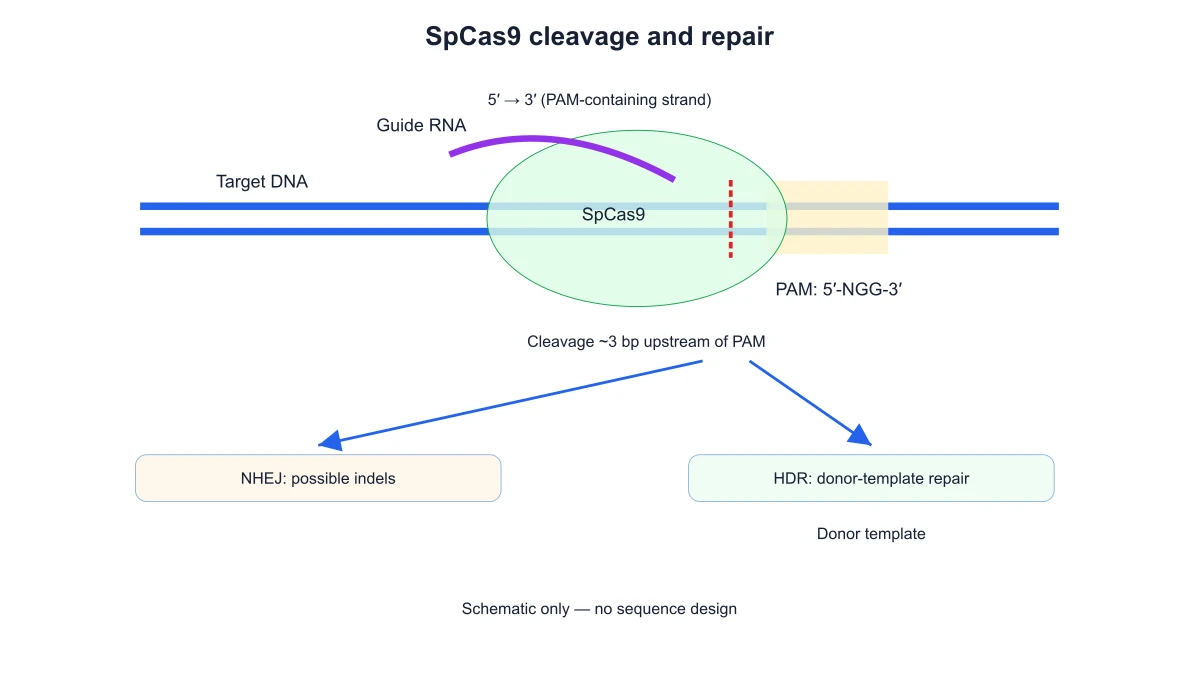 CRISPR-Cas9 Diagram Generator
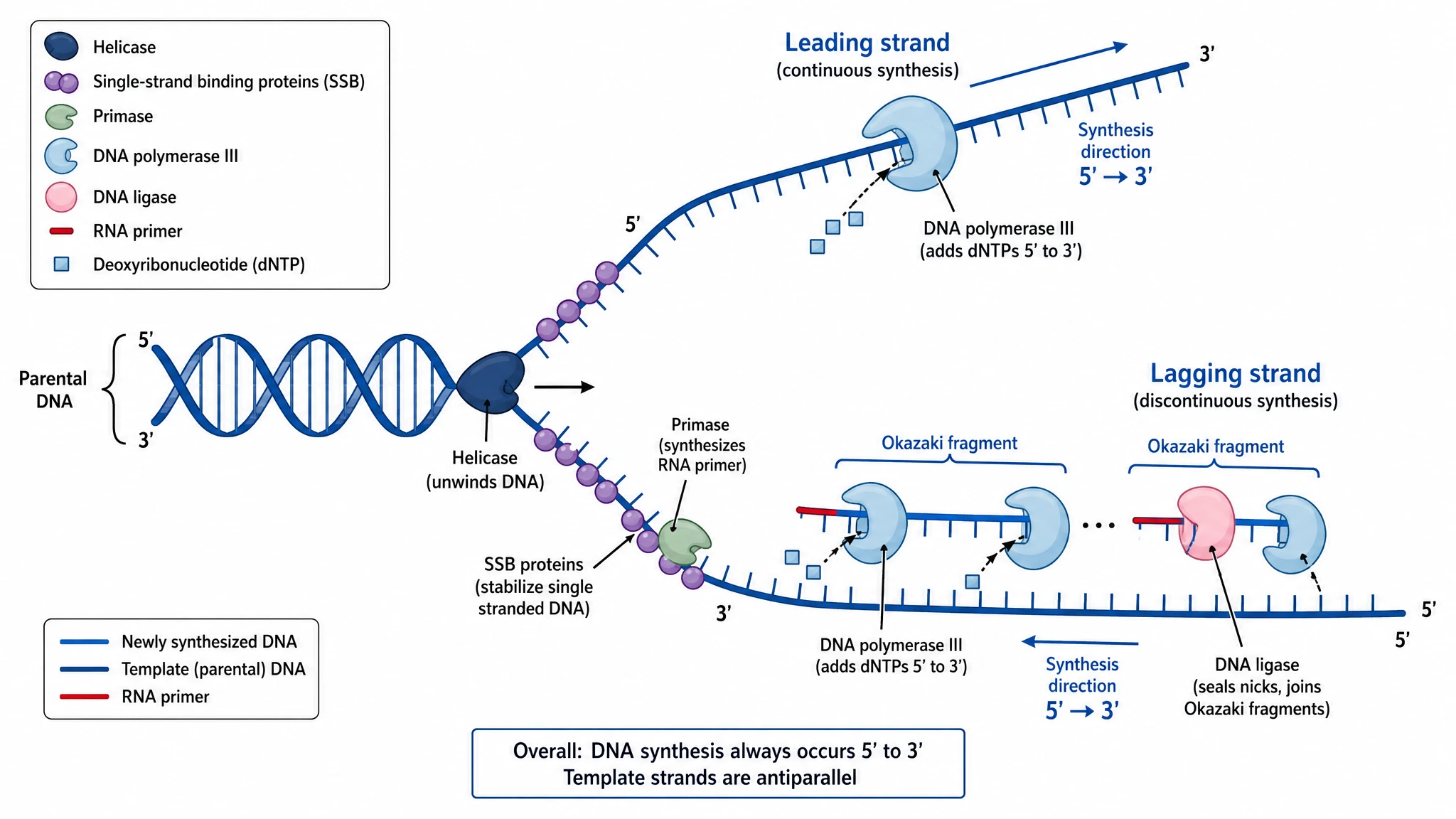 DNA Replication Diagram Generator
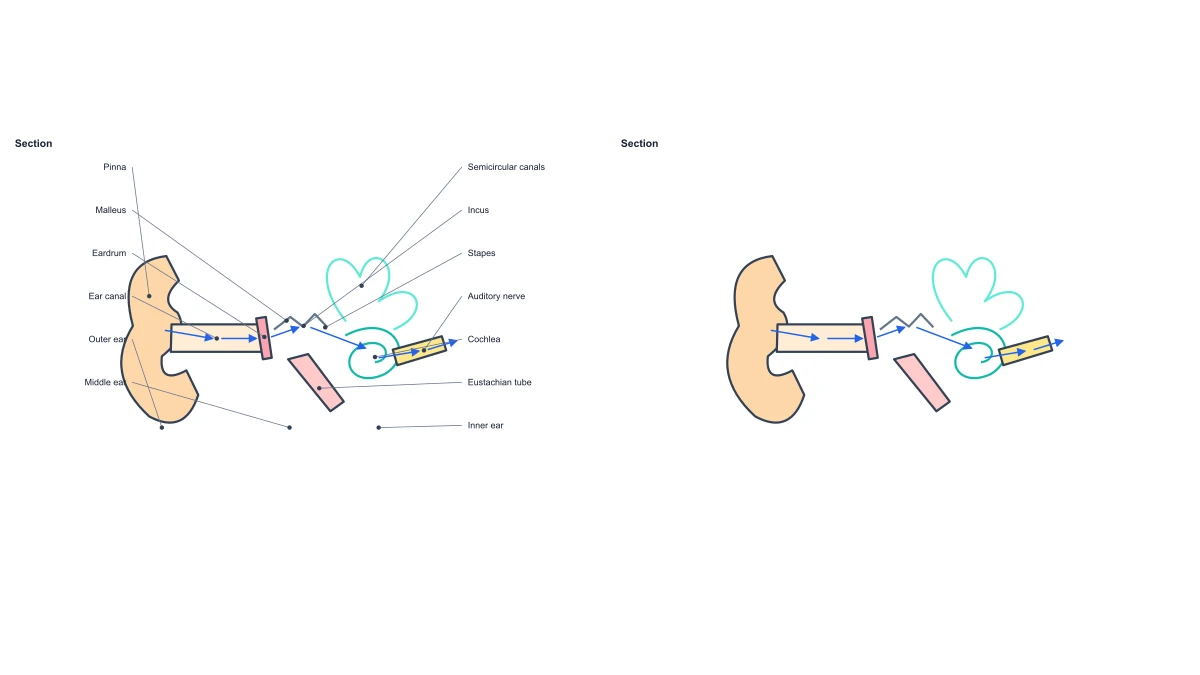 Ear Anatomy Diagram
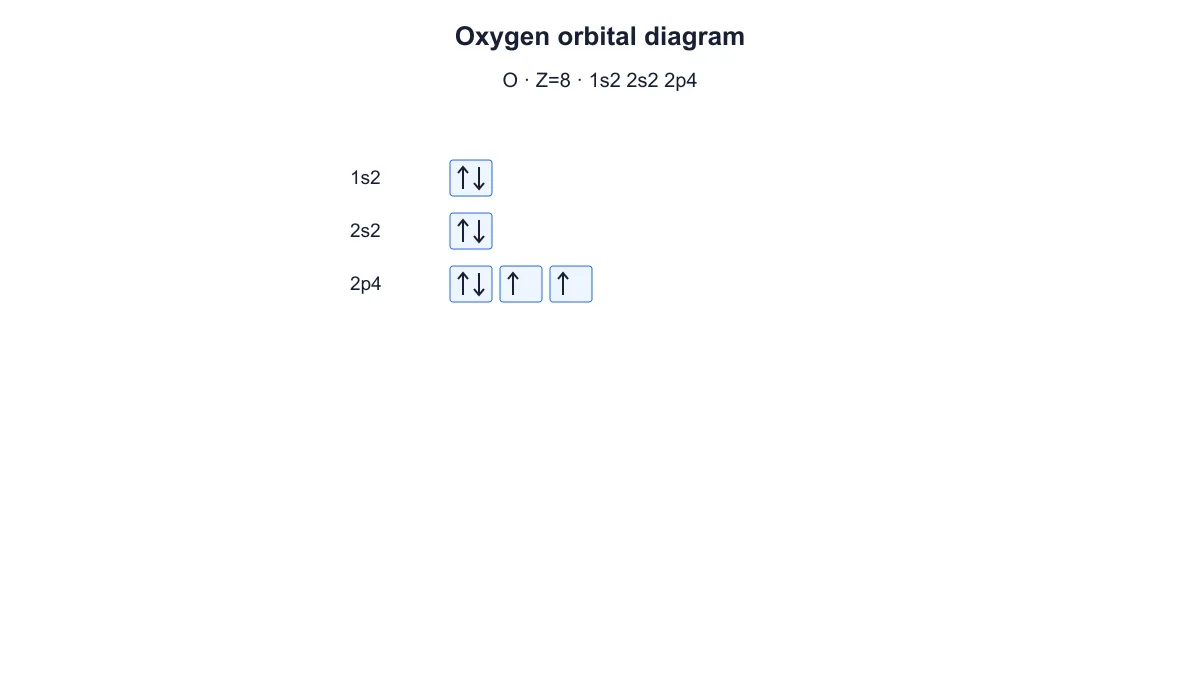 Electron Configuration Diagram Generator
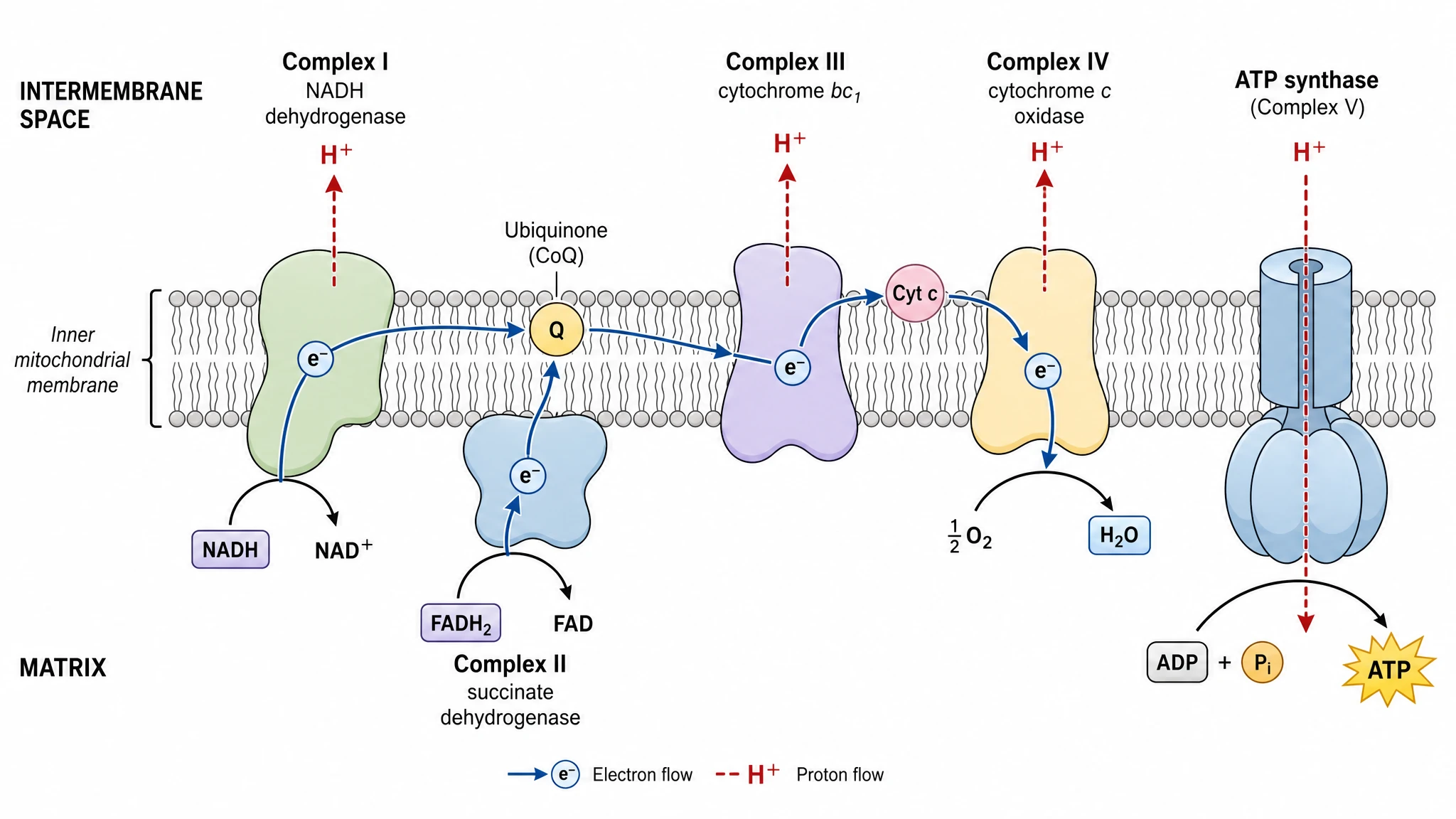 Electron Transport Chain Diagram Generator
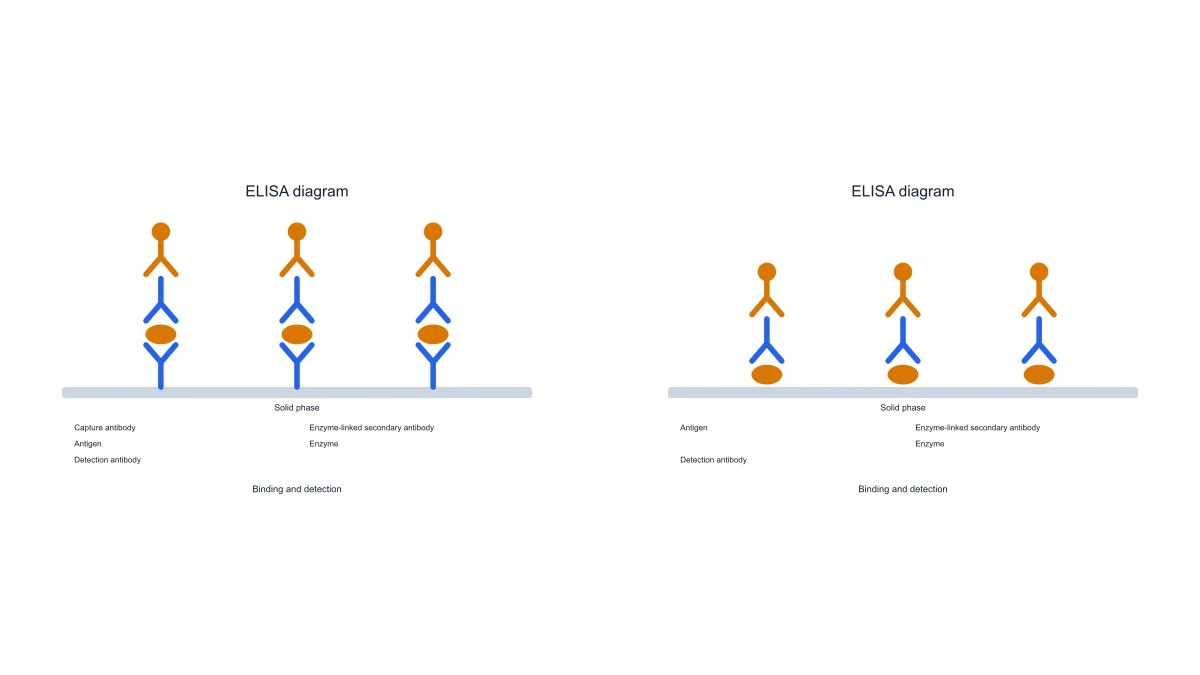 ELISA Diagram Generator
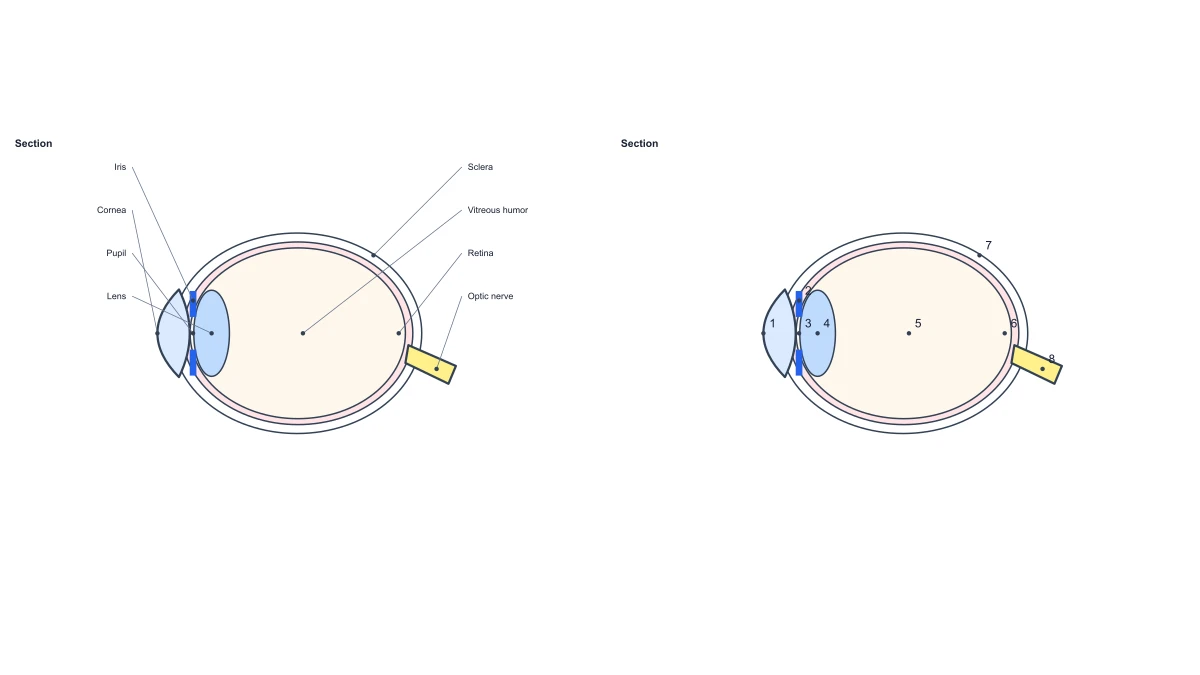 Eye Anatomy Diagram
 Foot Anatomy Diagram
 Gel Electrophoresis Diagram Generator
 Gene Regulation Diagram Generator
 Glycolysis Diagram Generator
 Heart Diagram
 Image to Editable SVG Converter
 Immune Checkpoint Diagram Generator
 Immune Response Diagram Generator
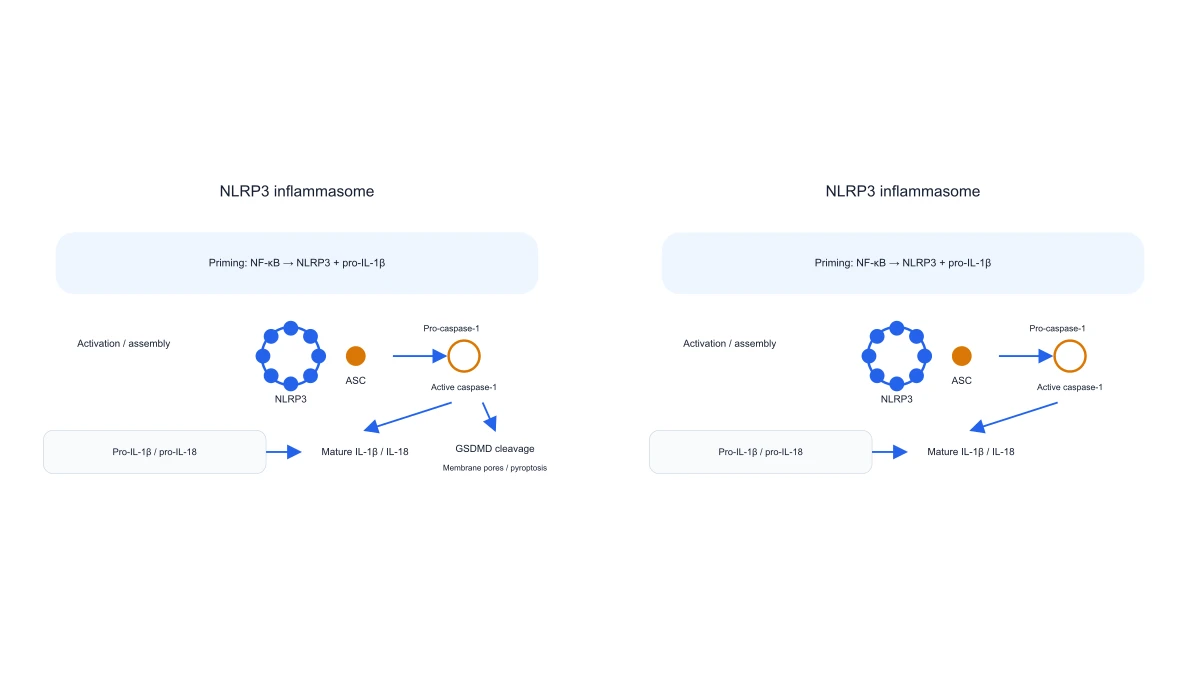 Inflammasome Diagram Generator
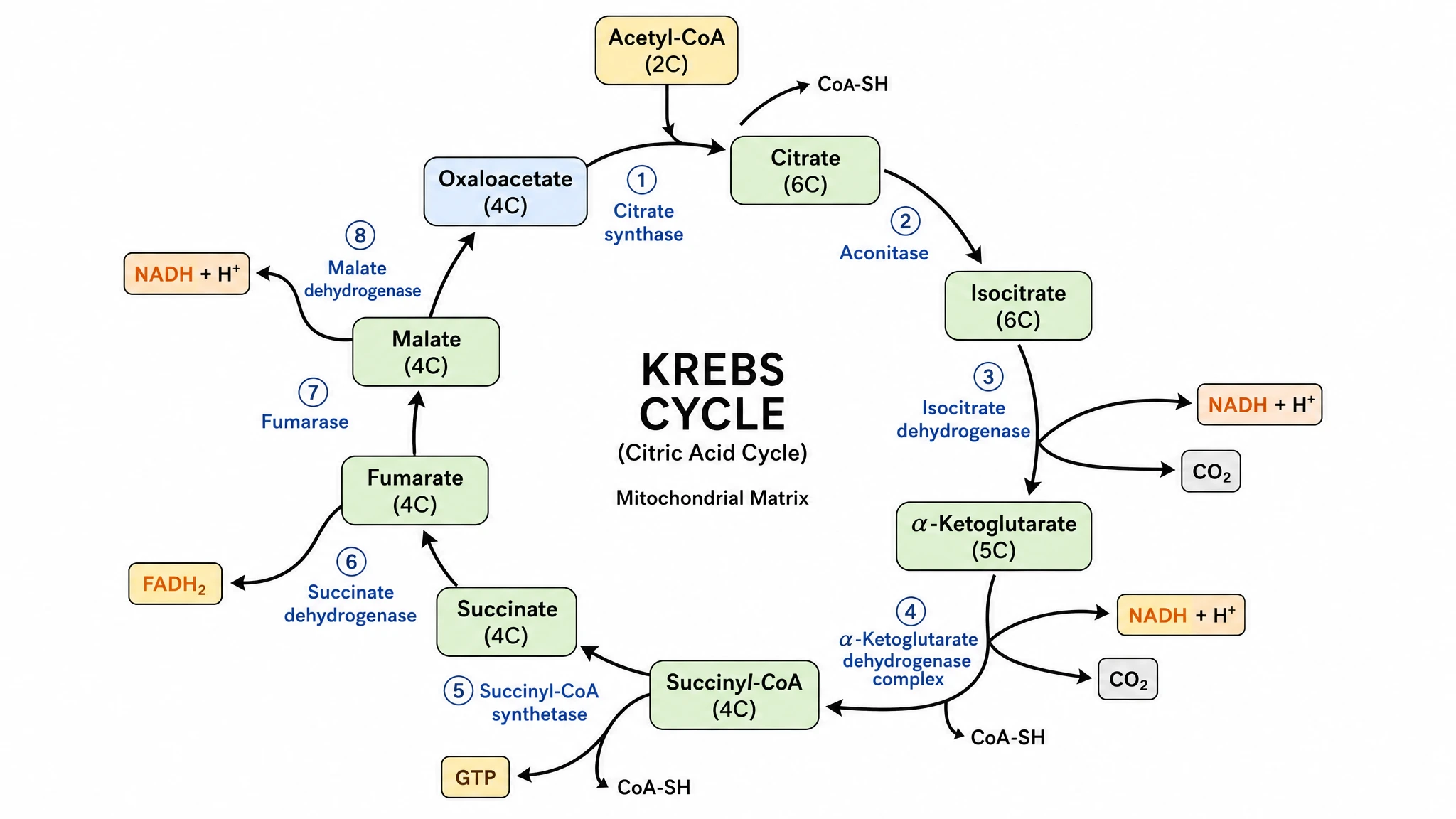 Krebs Cycle Diagram Generator
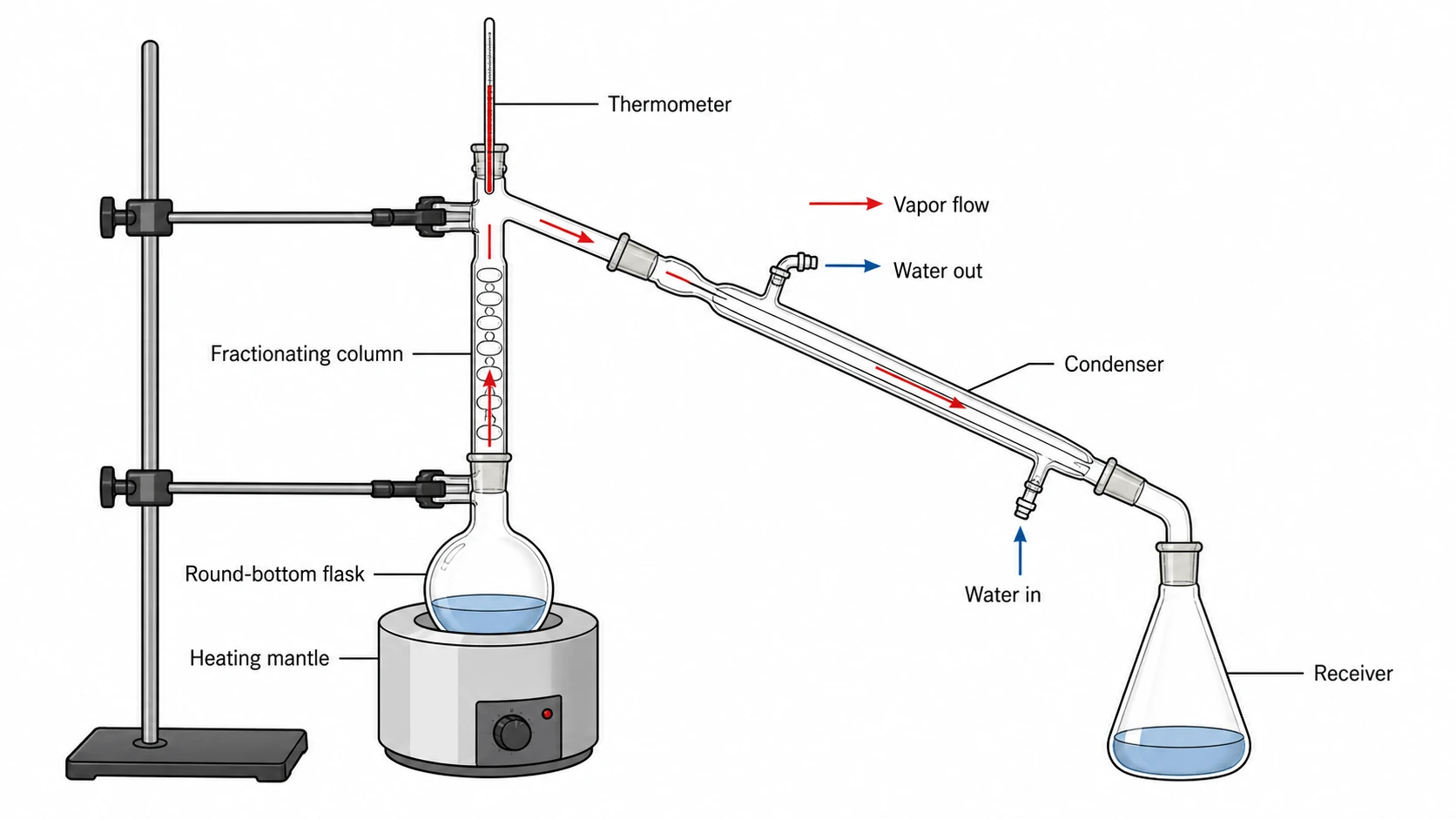 Lab Diagram Maker
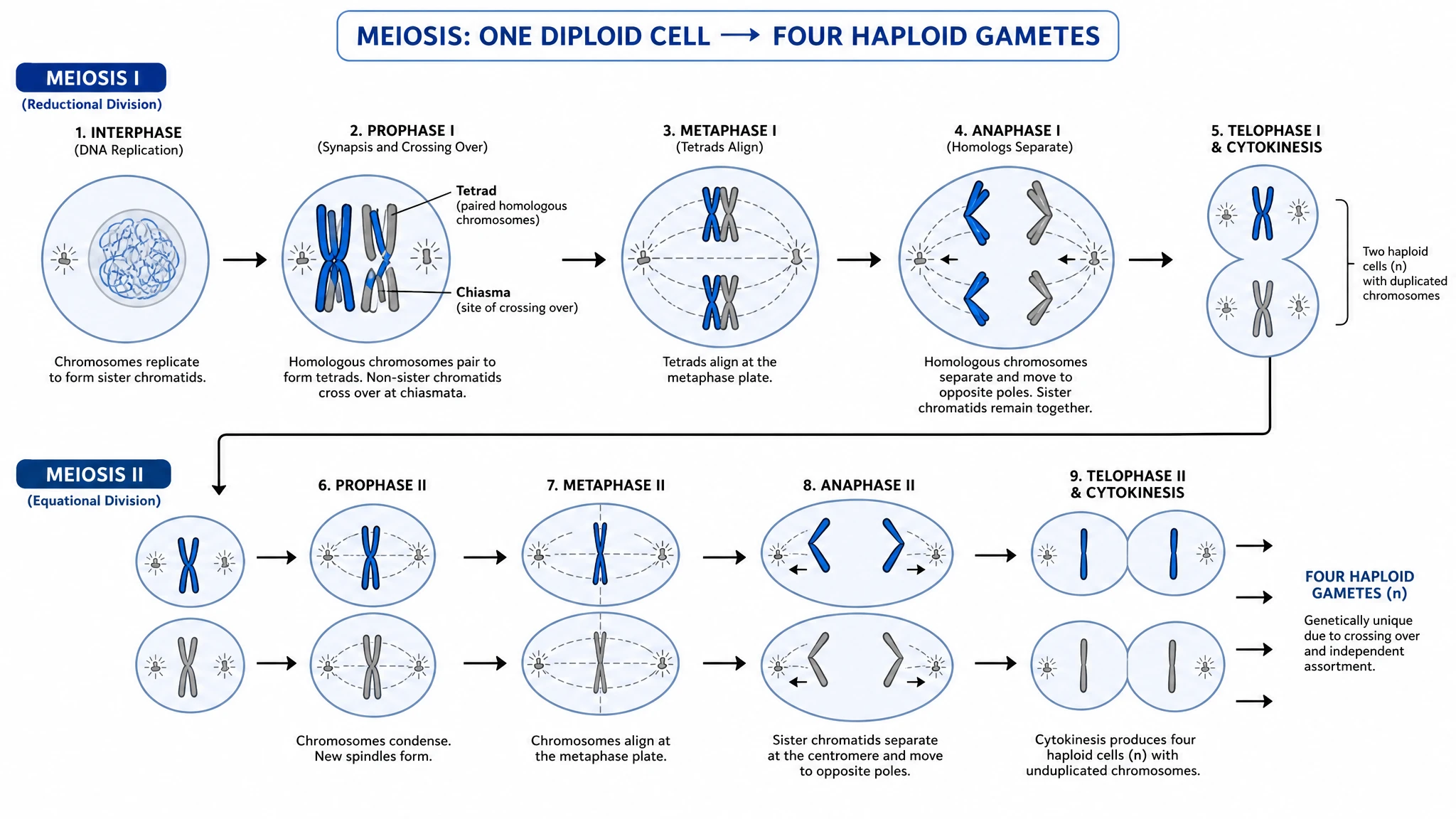 Meiosis Diagram Generator
 Metabolic Pathway Diagram Generator
 Microscope Diagram
 Molecular Orbital Diagram Generator
 Nitrogen Cycle Diagram Generator
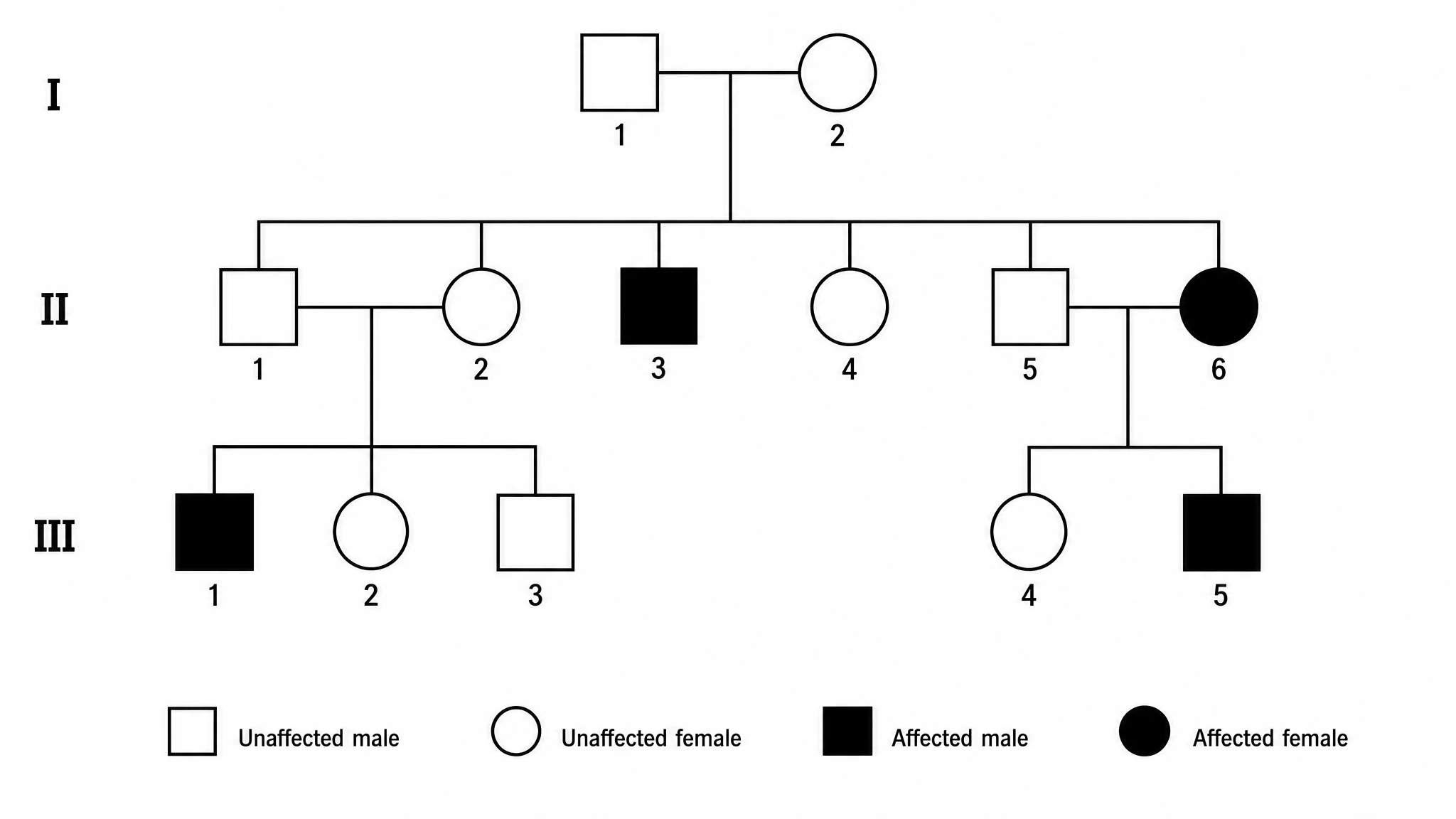 Pedigree Chart Maker
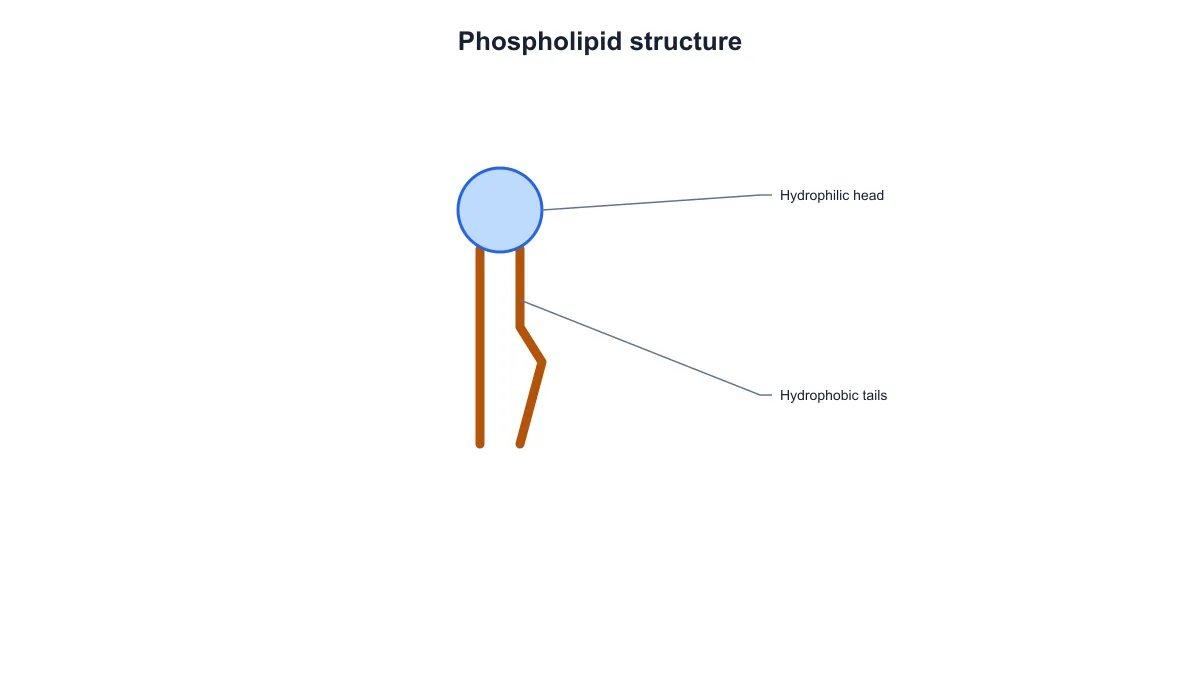 Phospholipid Diagram Generator
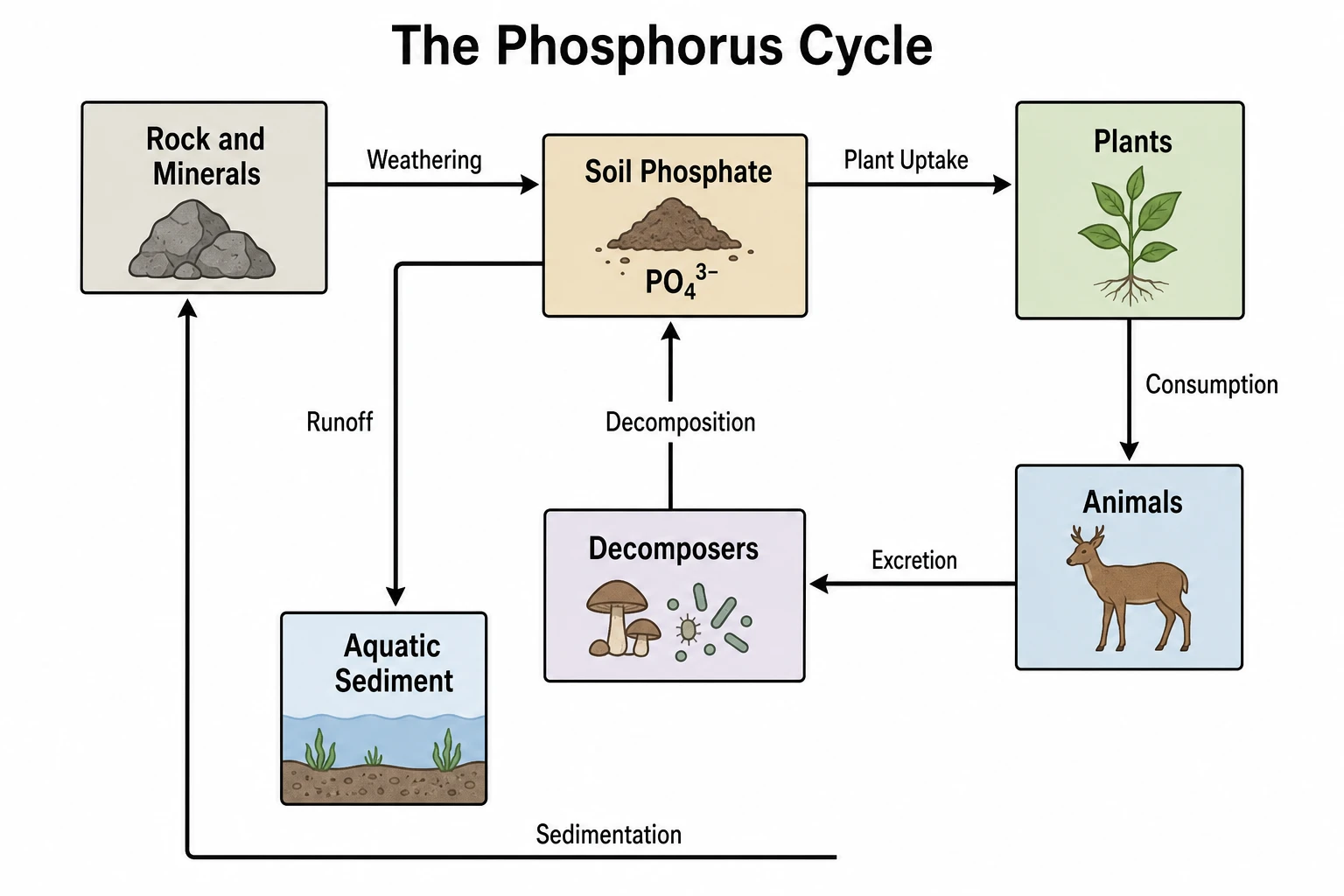 Phosphorus Cycle Diagram Generator
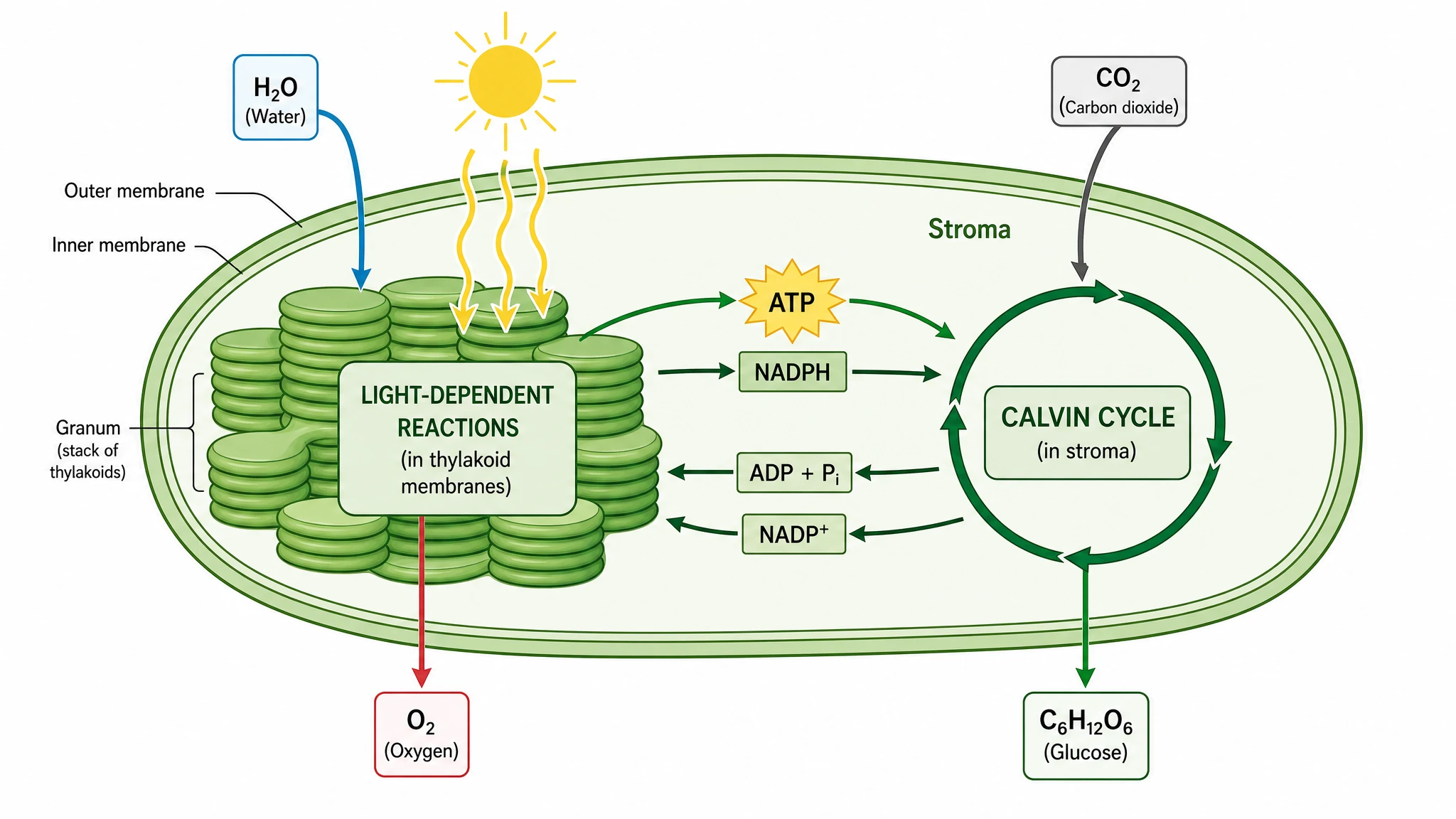 Photosynthesis Diagram Generator
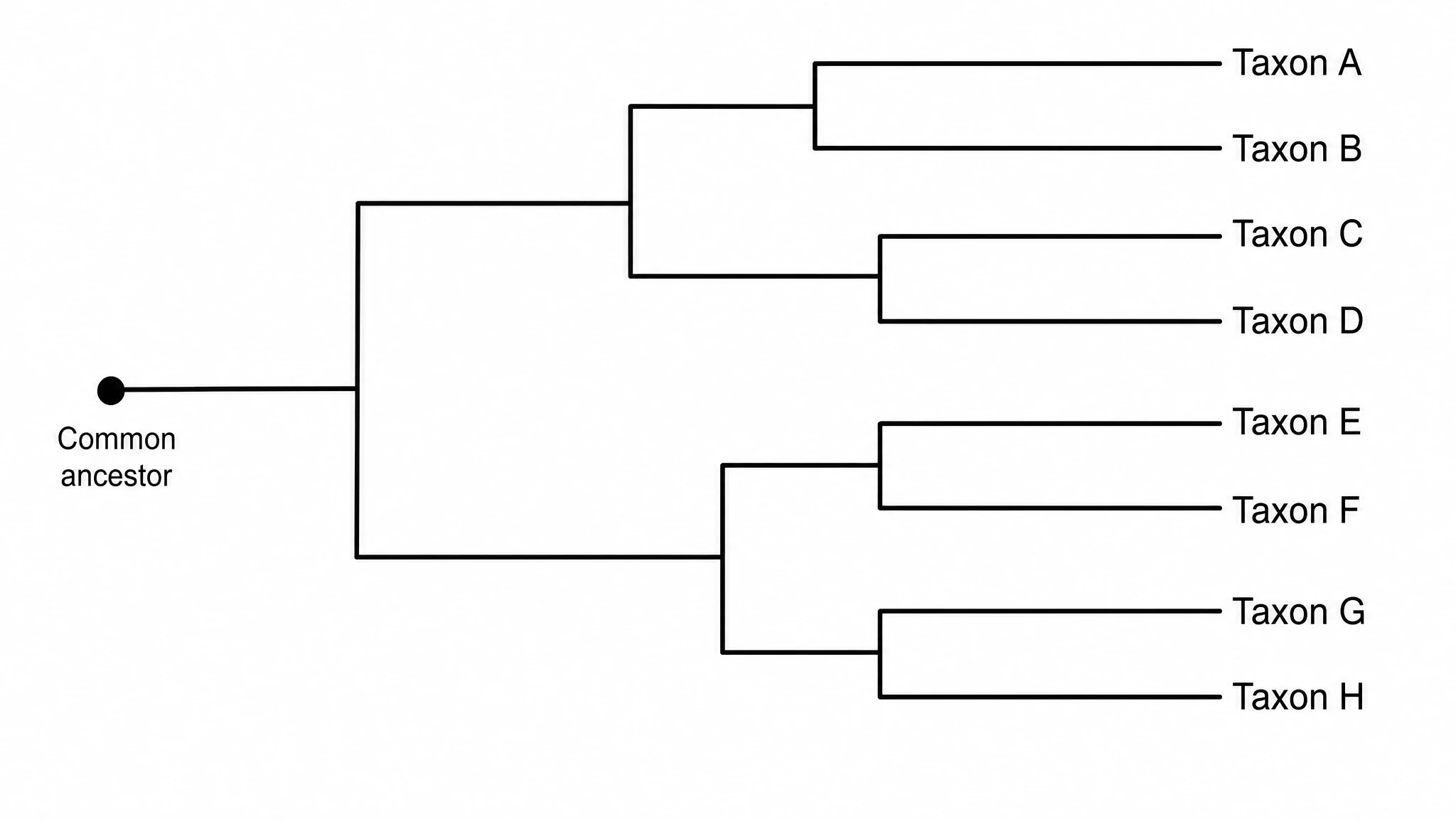 Phylogenetic Tree Maker
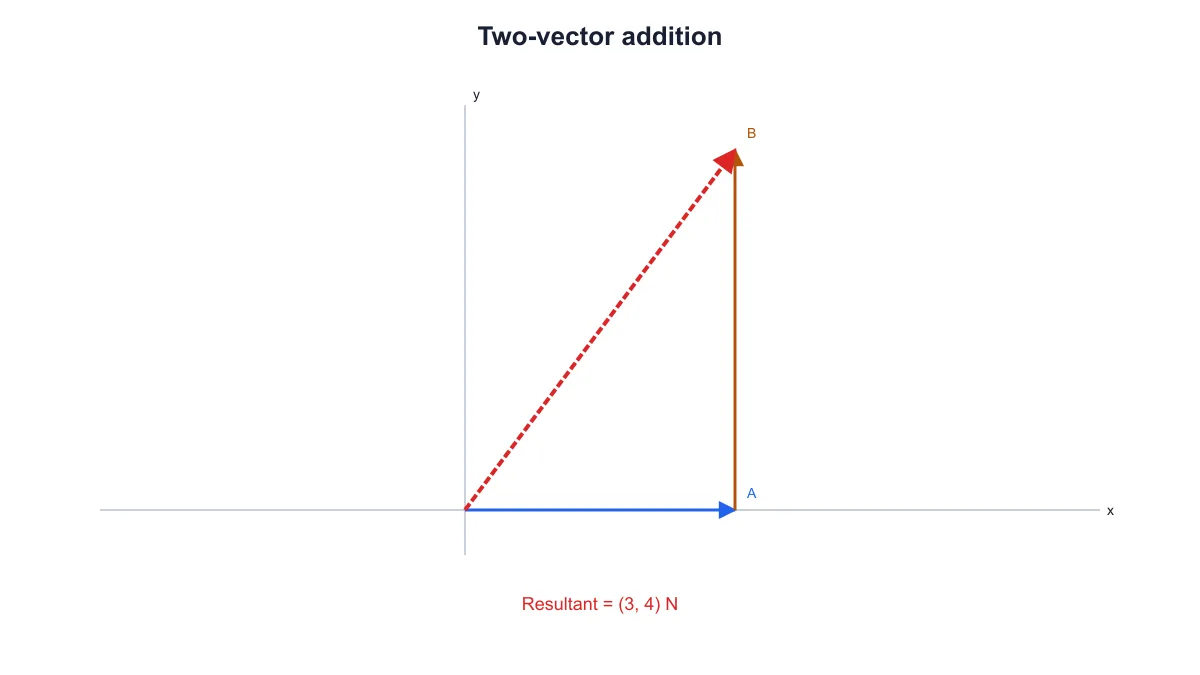 Physics Vector Diagram Maker
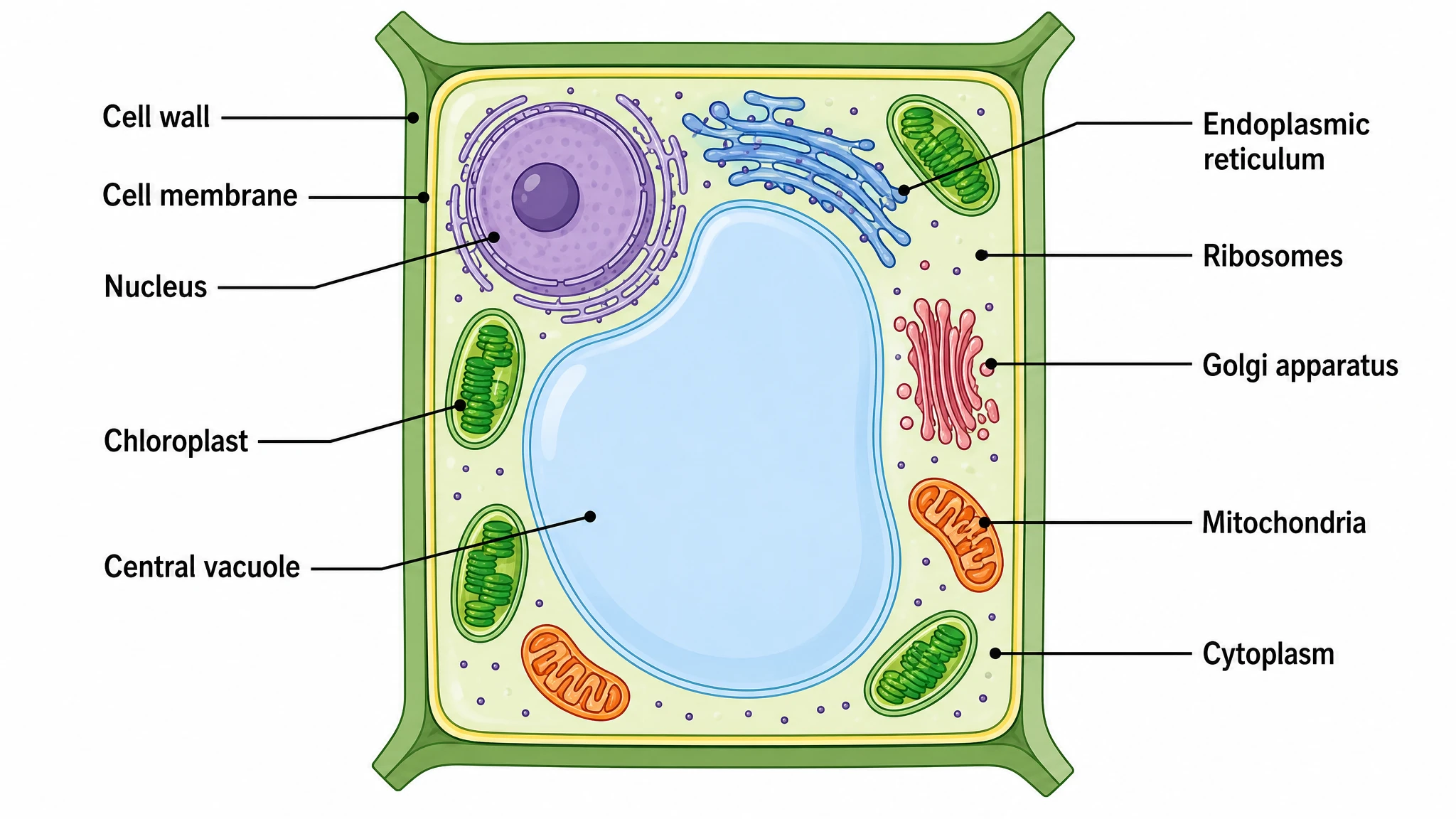 Plant Cell Diagram Generator
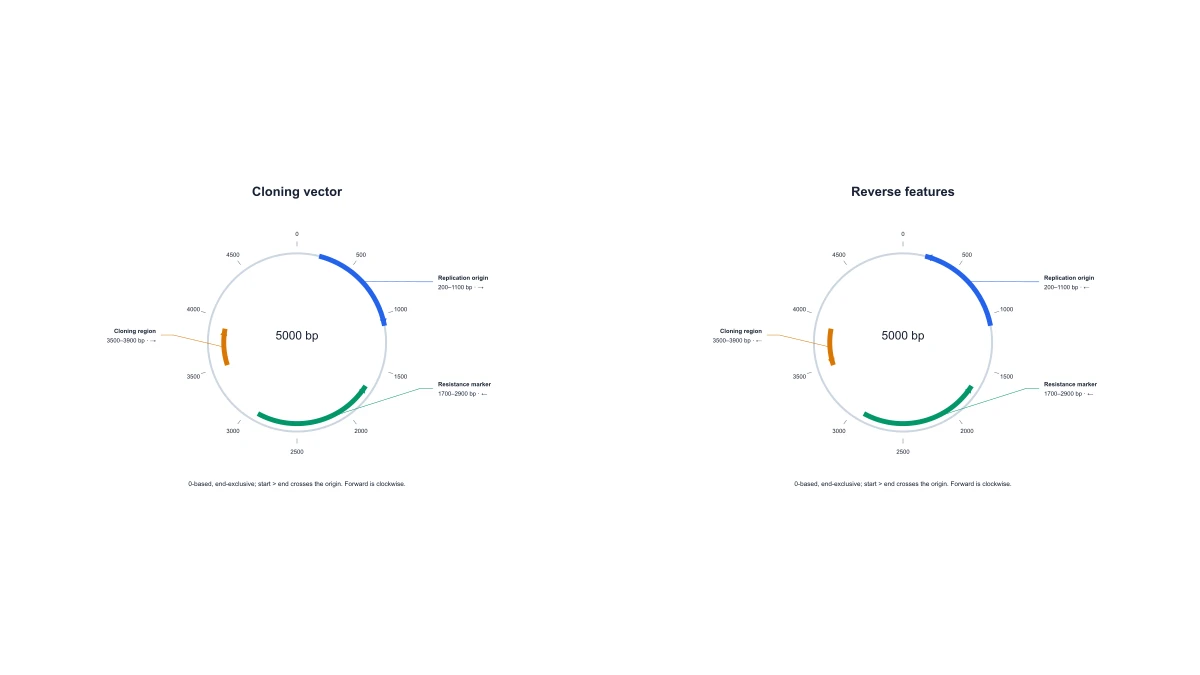 Plasmid Map Maker
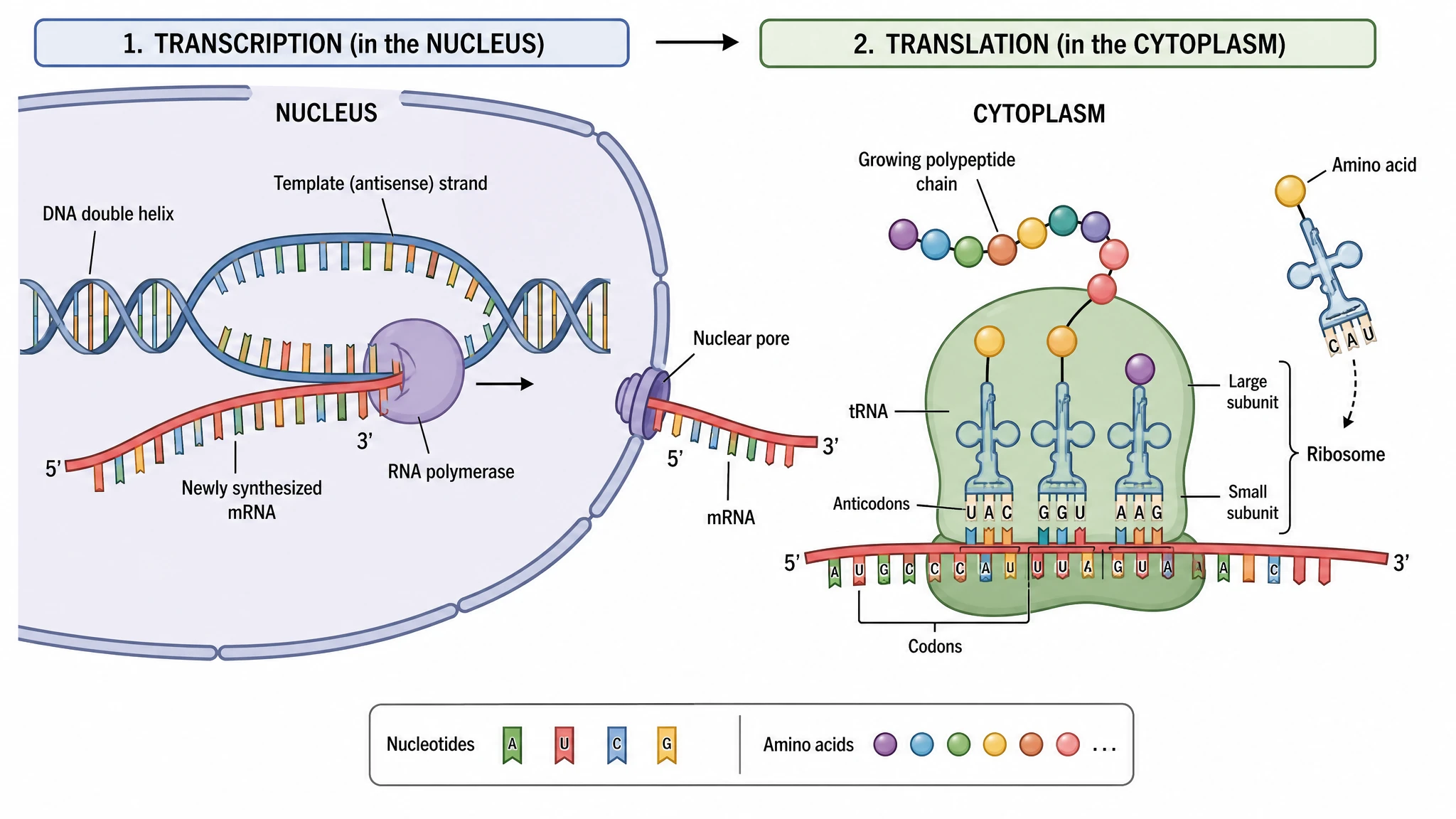 Protein Synthesis Diagram Generator
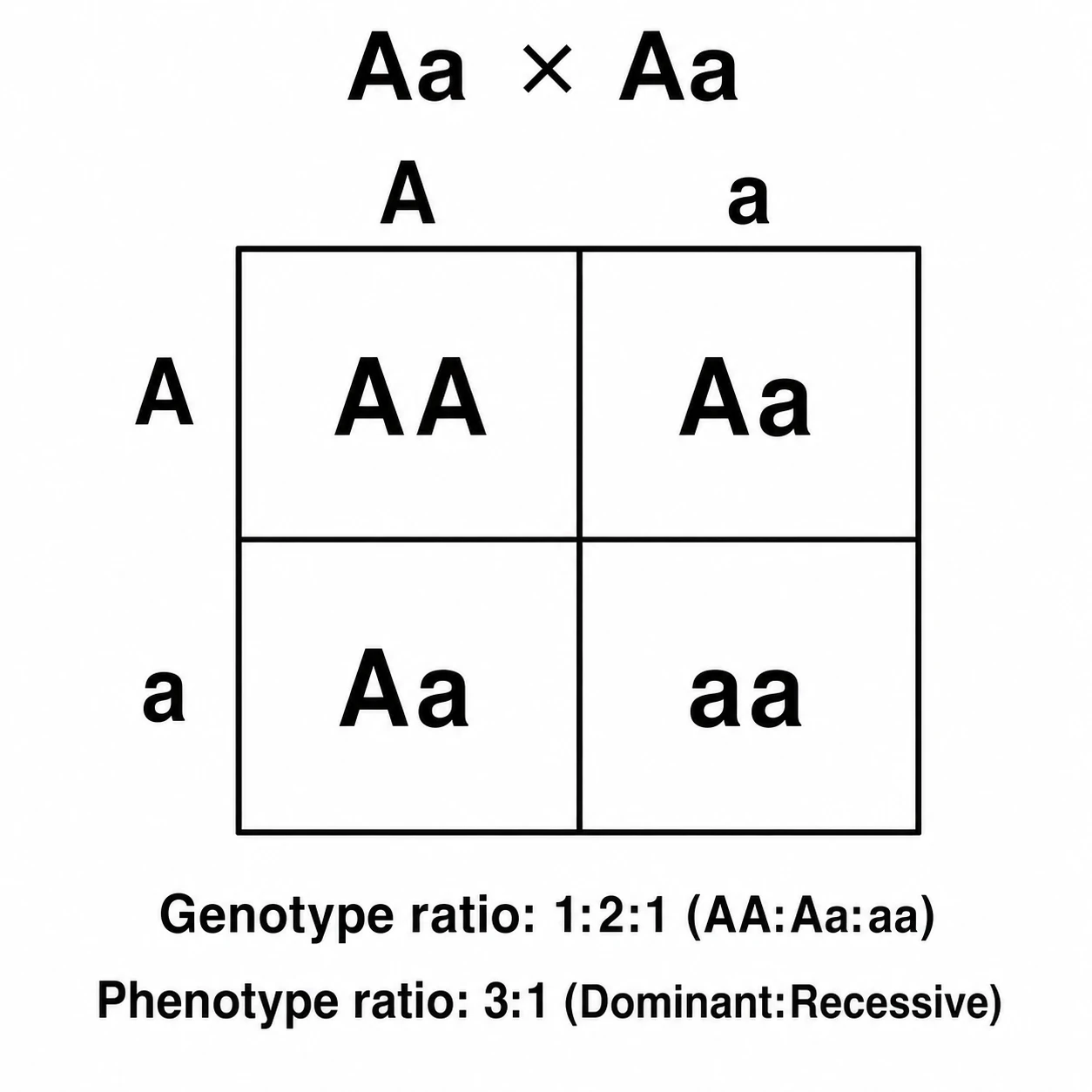 Punnett Square Maker
 Ray Diagram Maker
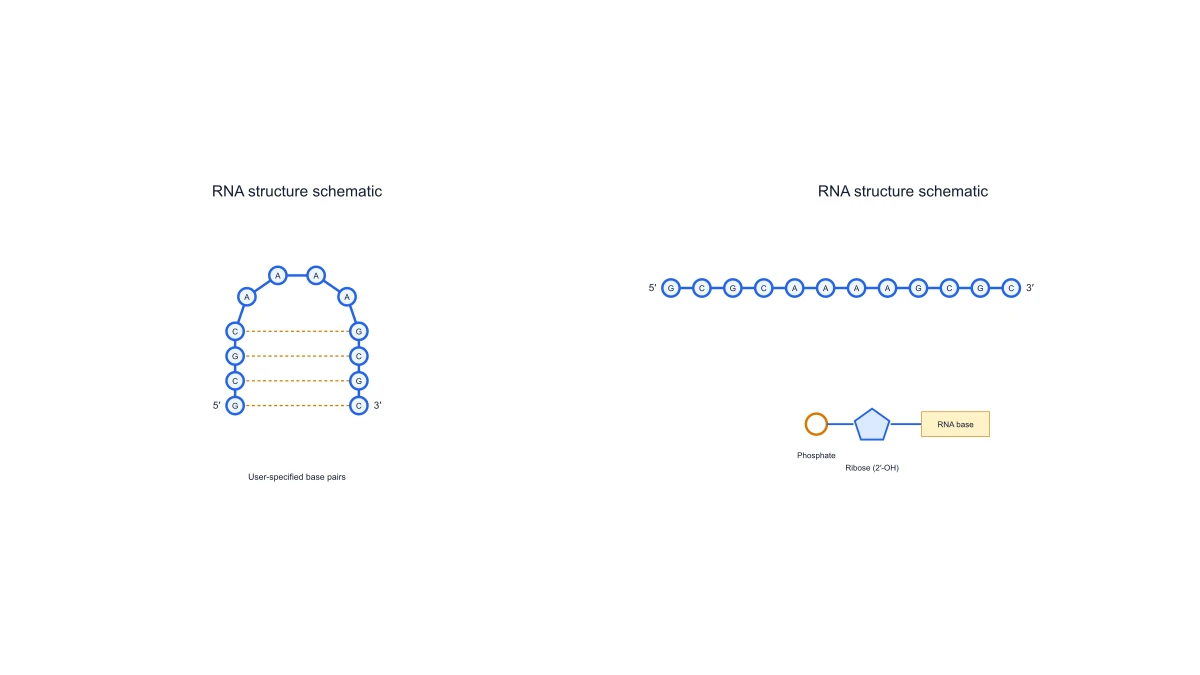 RNA Structure Diagram Generator
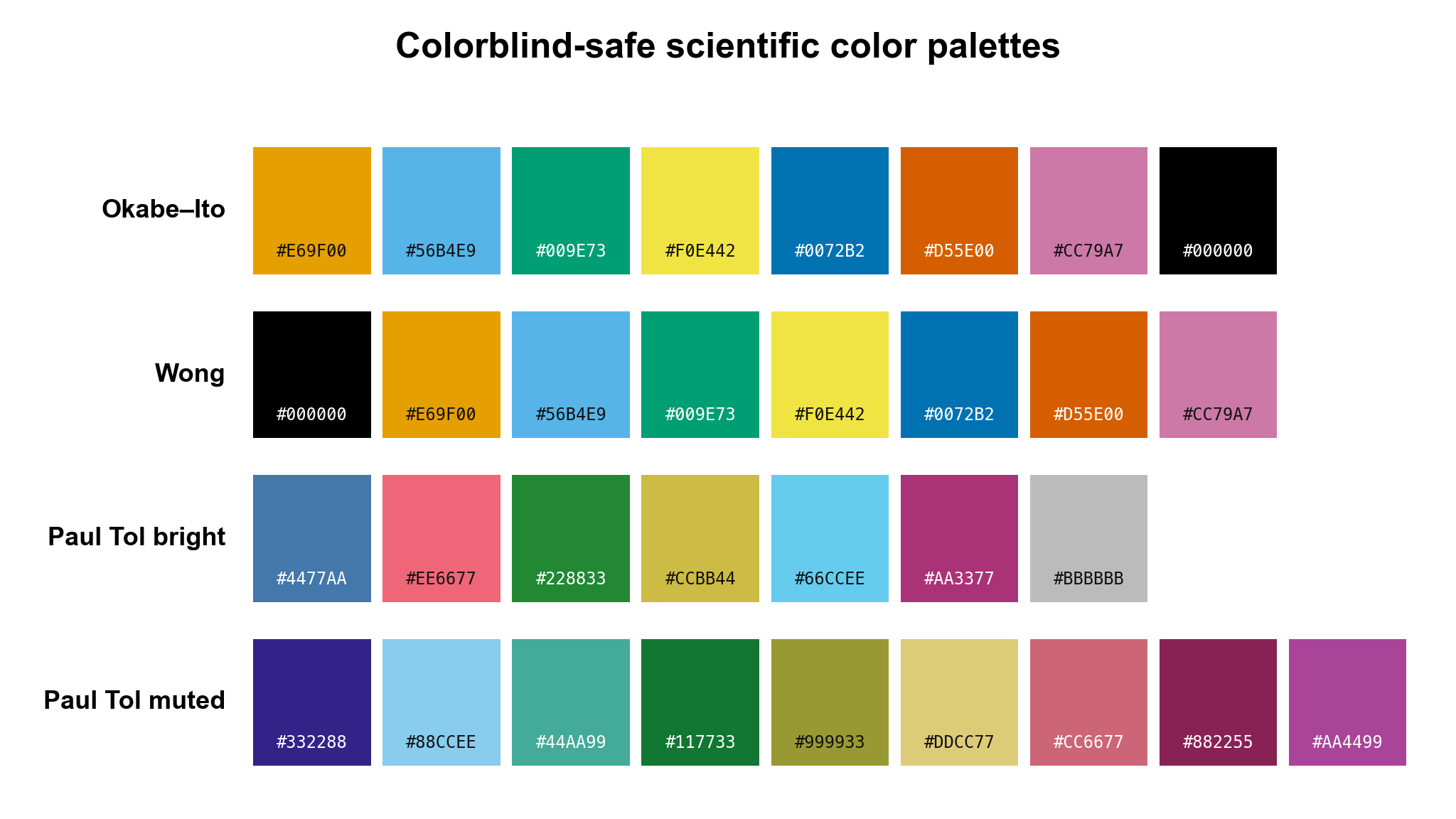 Scientific Color Palette Generator
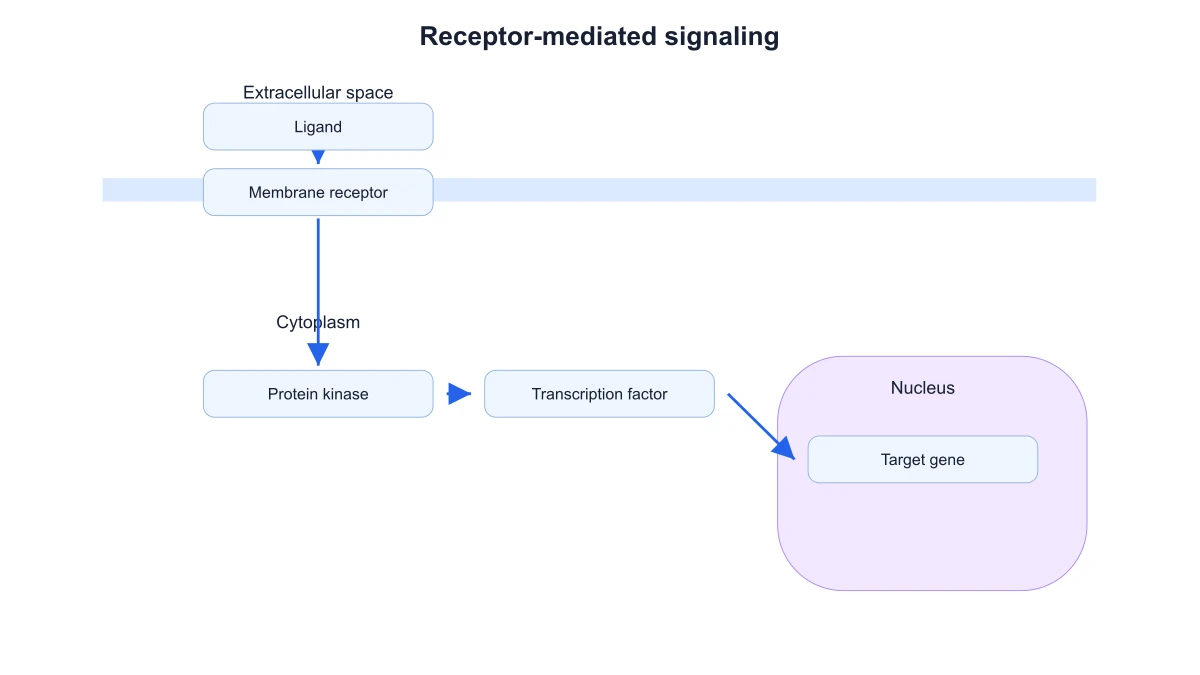 Signaling Pathway Diagram Generator
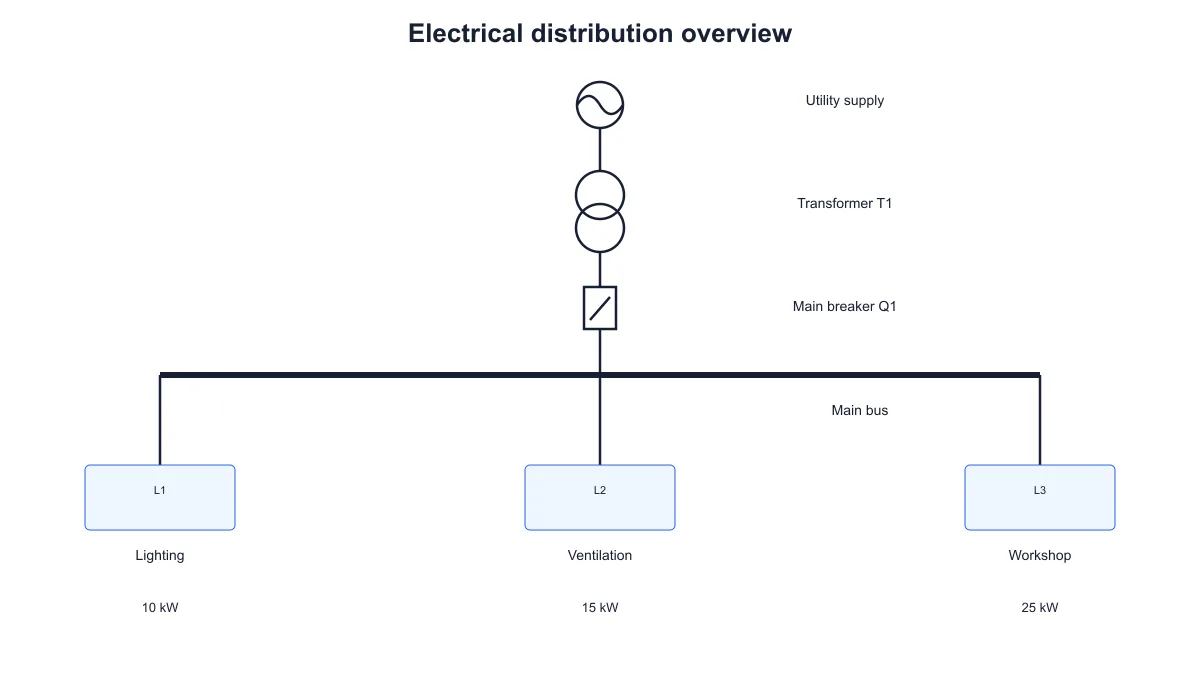 Single Line Diagram Generator
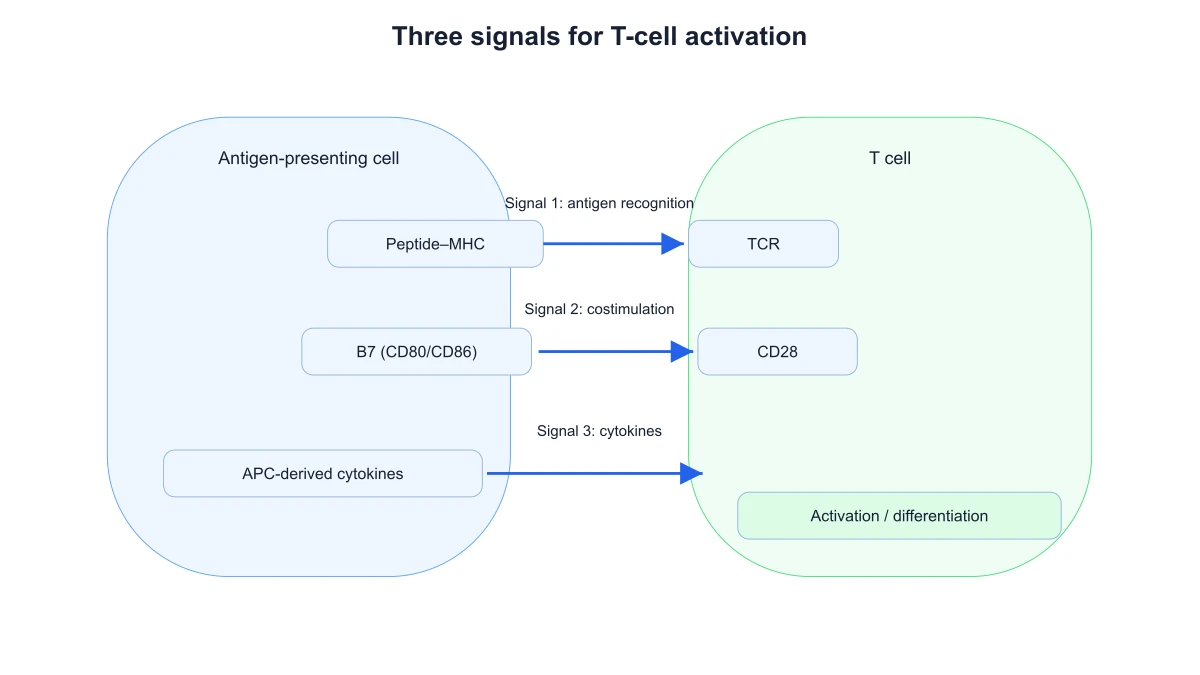 T-Cell Activation Diagram Generator
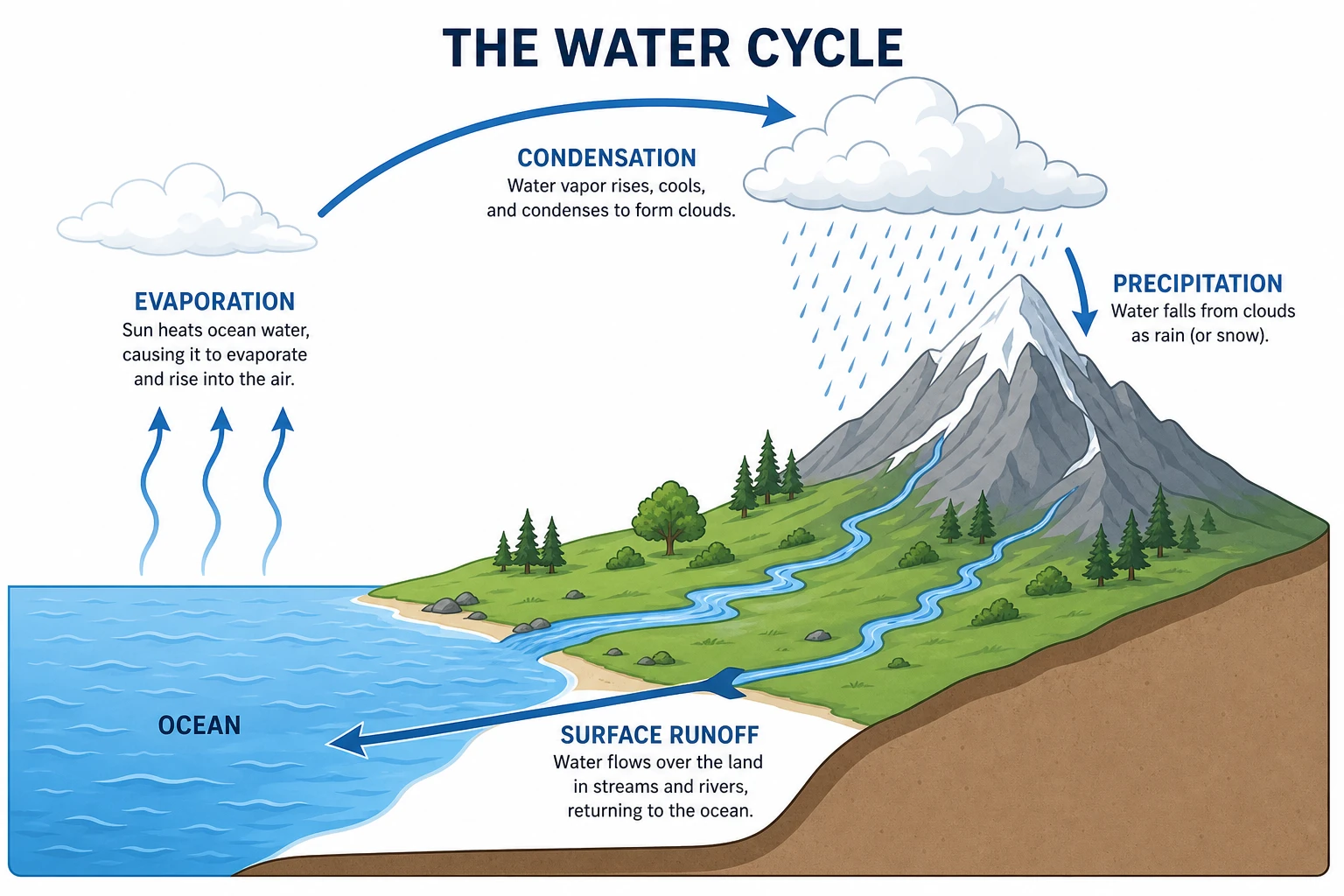 Water Cycle Diagram Generator
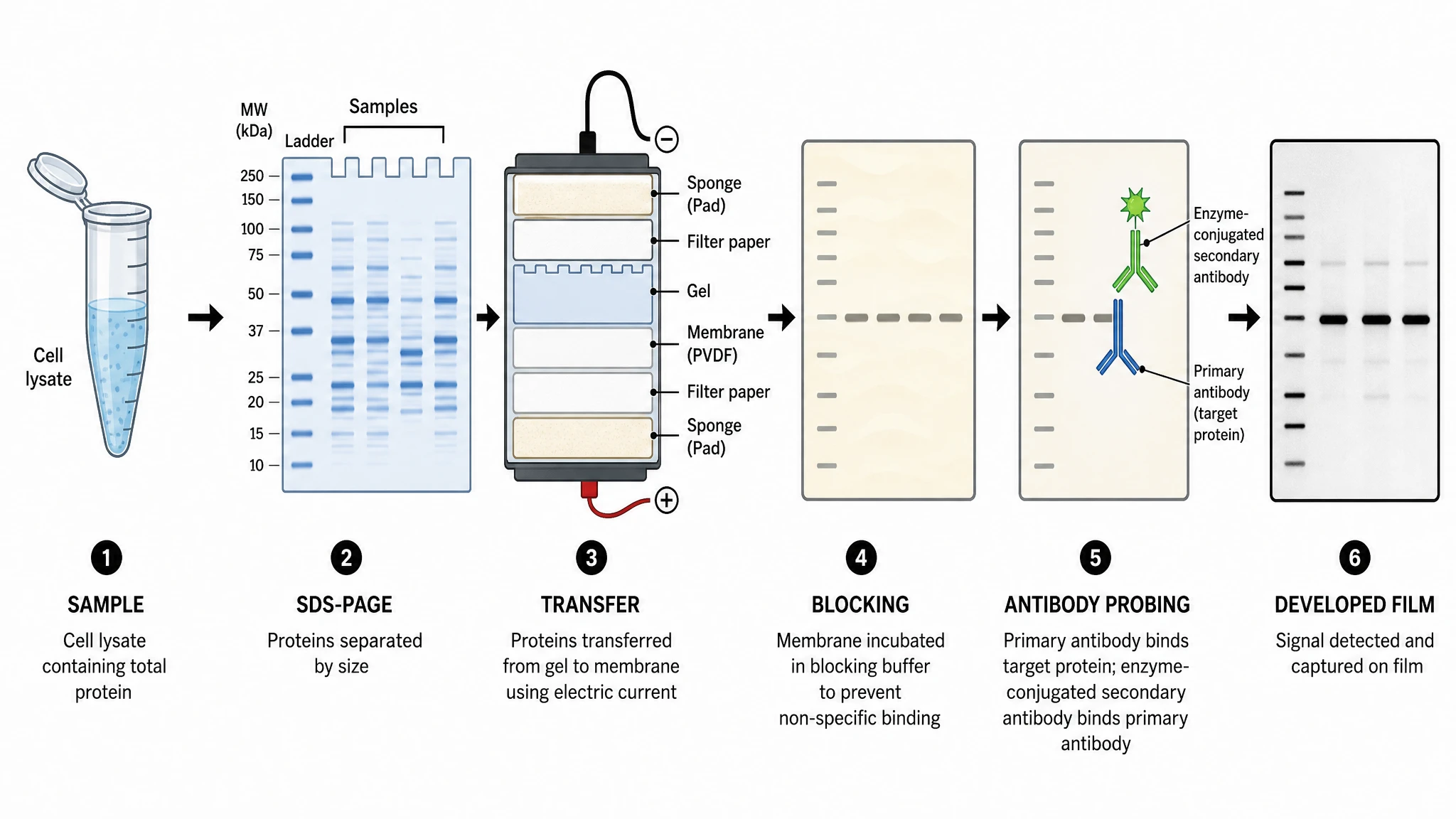 Western Blot Diagram Generator
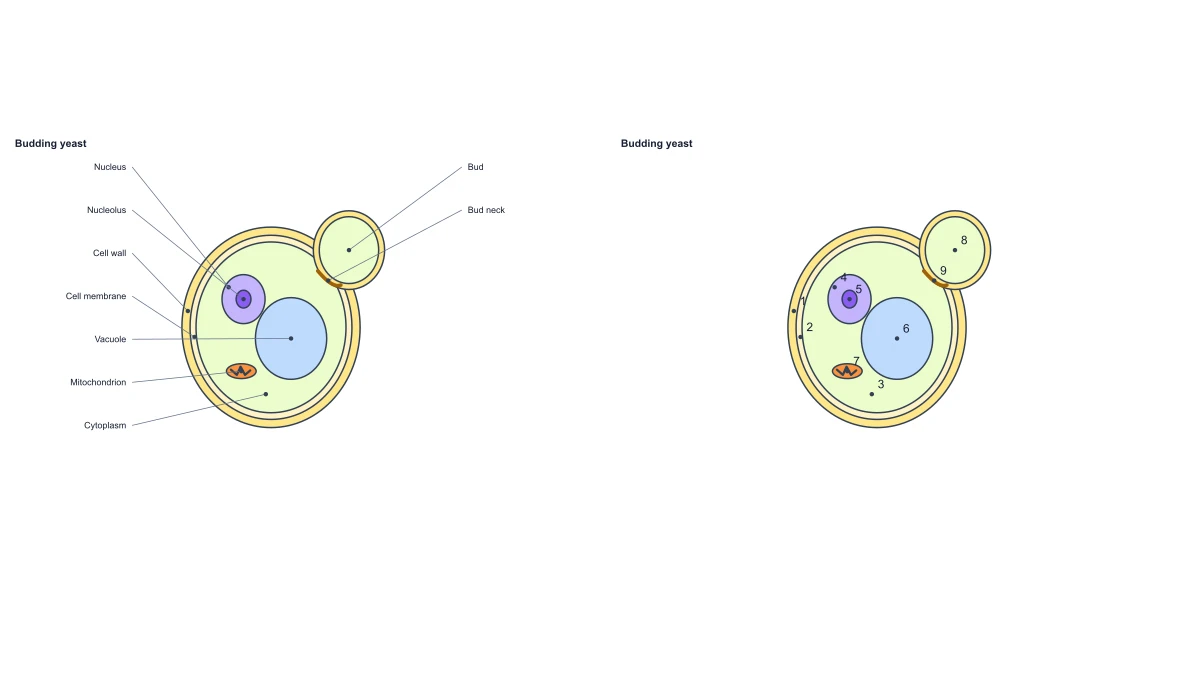 Fungal Cell Diagram — Free Labeled Yeast Editor
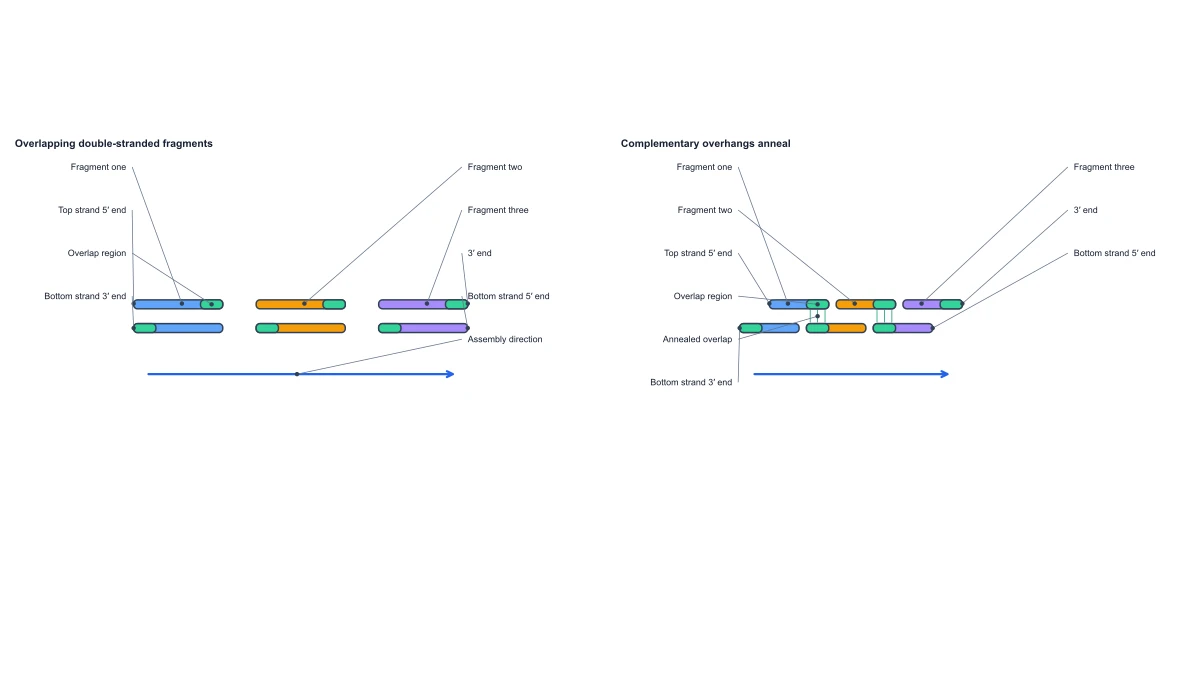 Gibson Assembly Diagram — Free Mechanism Editor
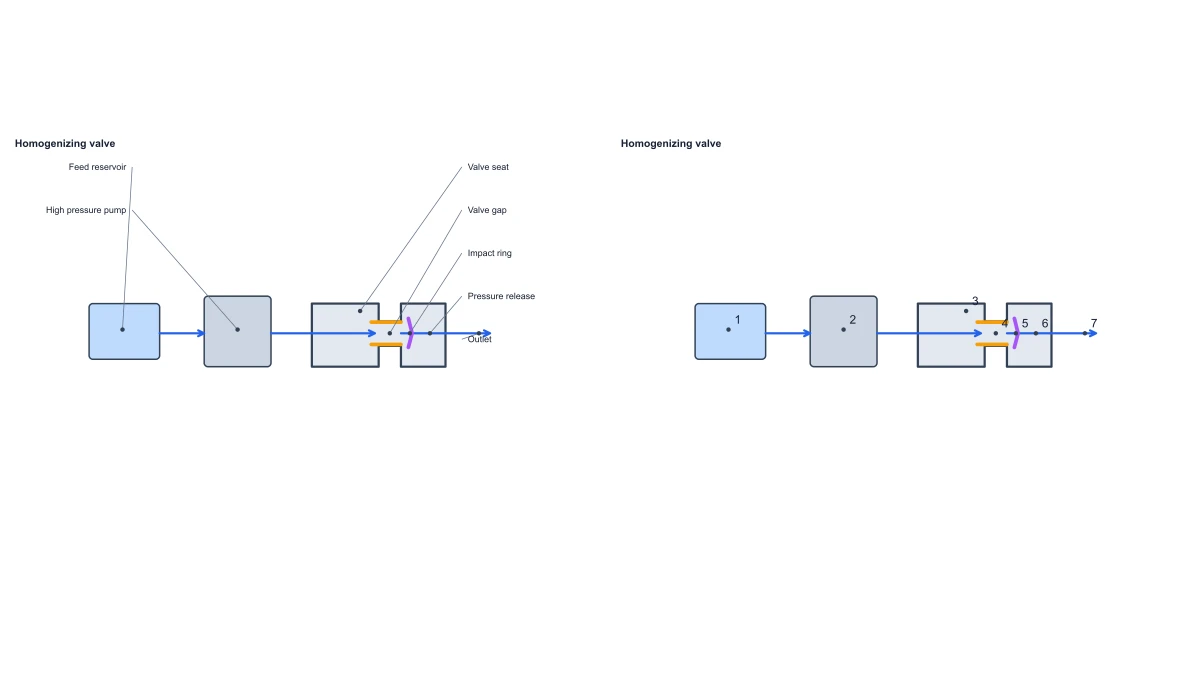 High Pressure Homogenizer Working Principle — Free Diagram
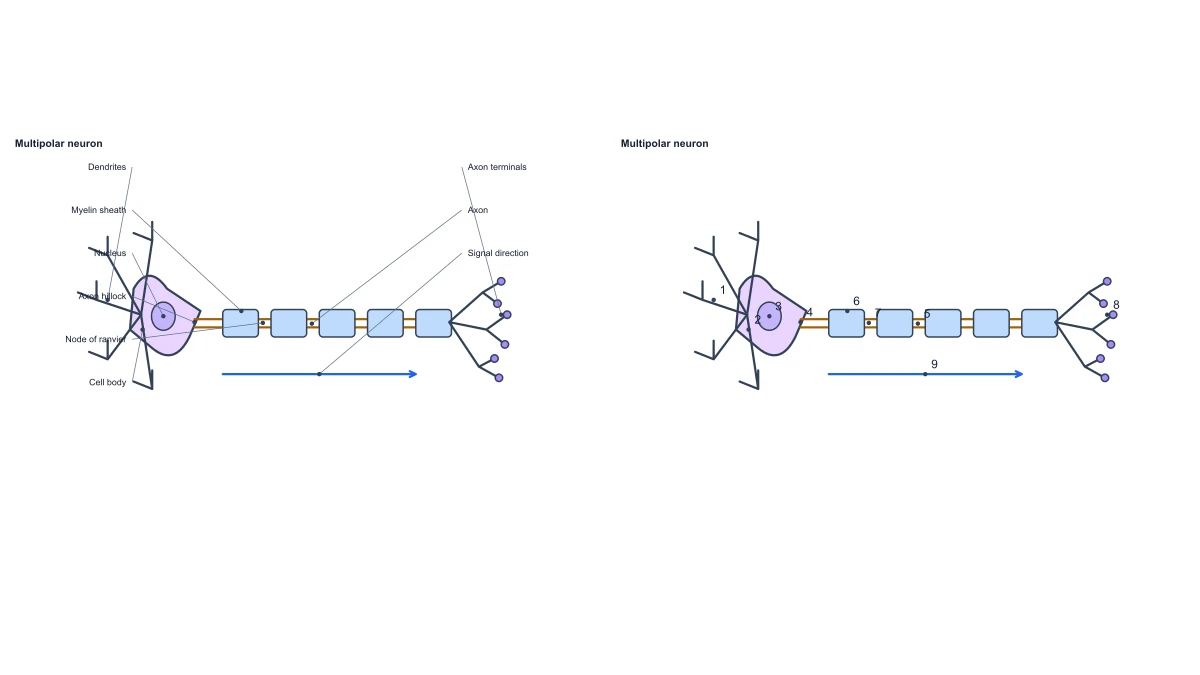 Neuron Diagram
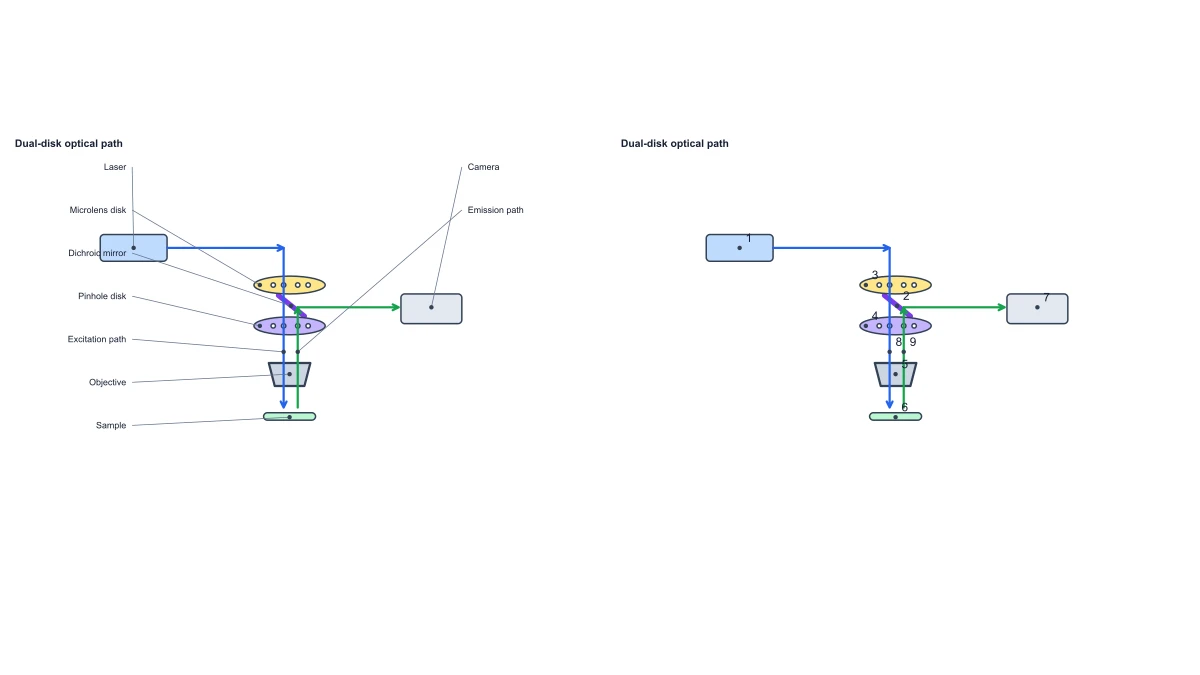 Spinning Disk Confocal Optical Diagram
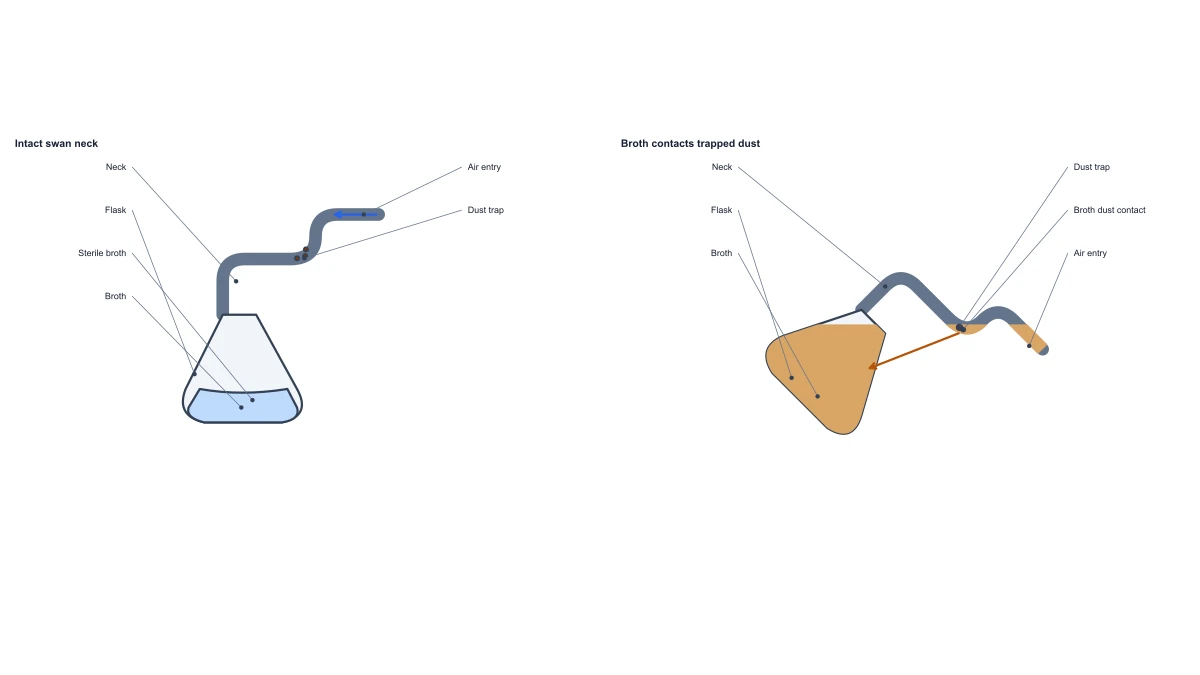 Swan Neck Flask Experiment — Free Diagram Editor
Statistical charts and graphs
34 tools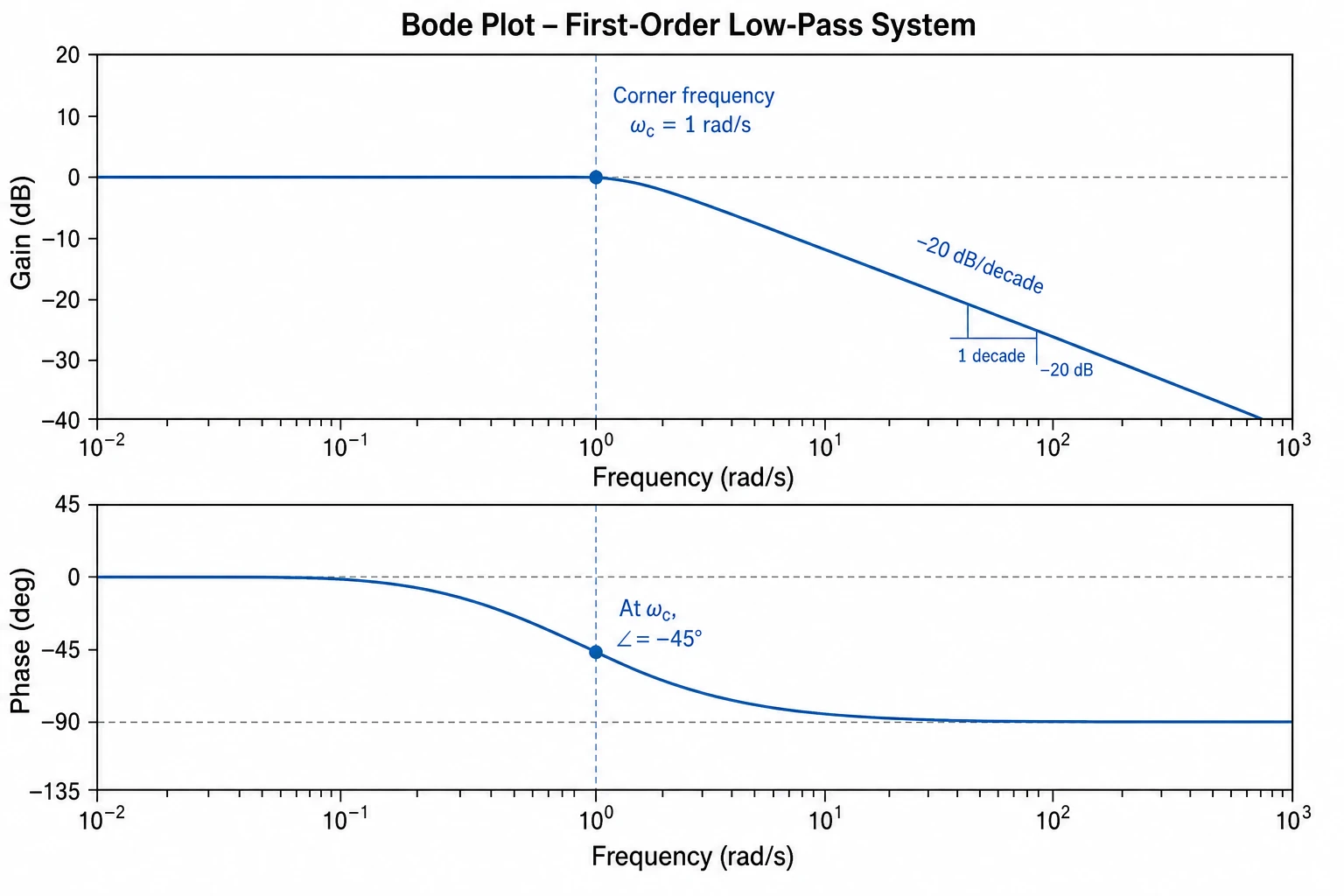 Bode Plot Generator
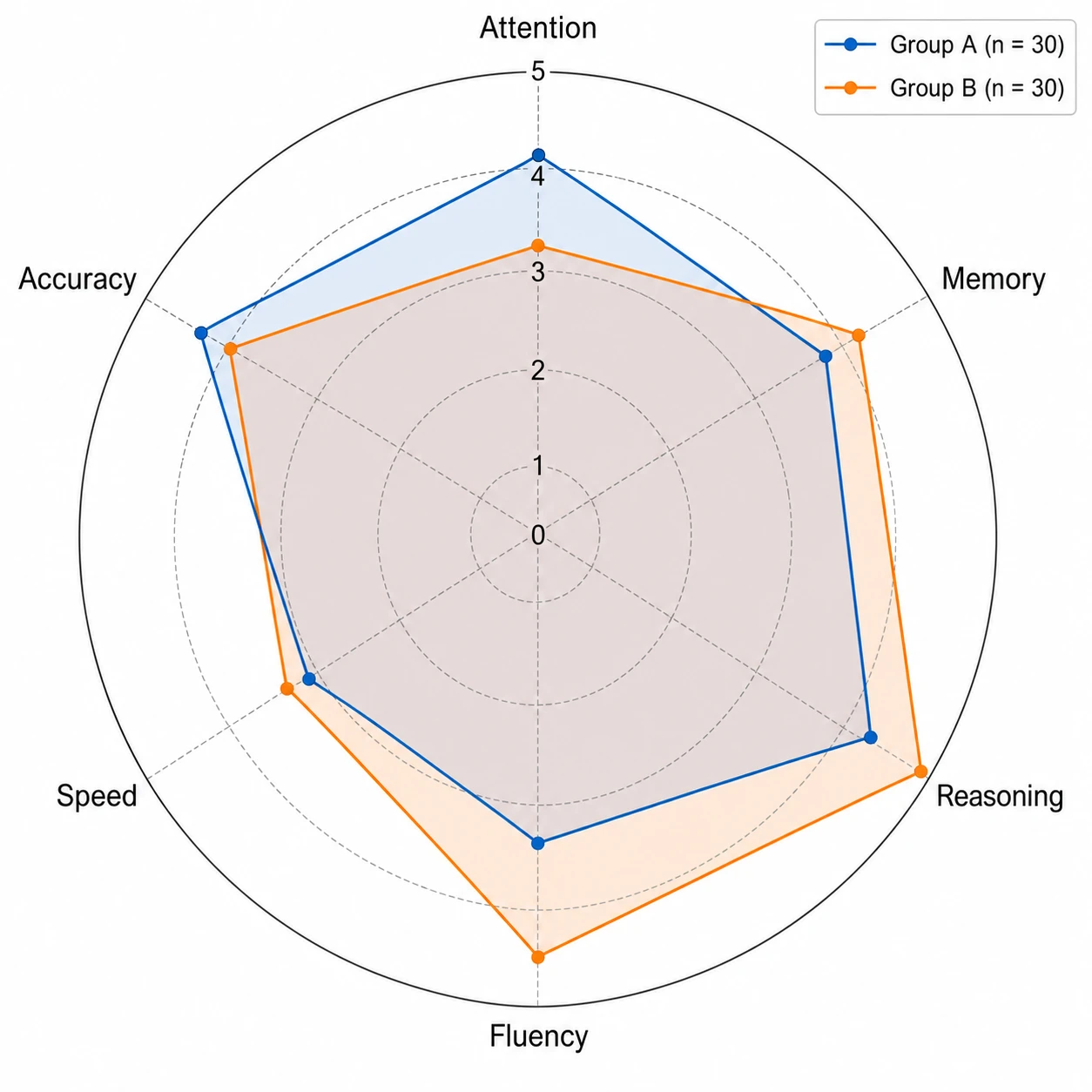 Spider Chart Maker
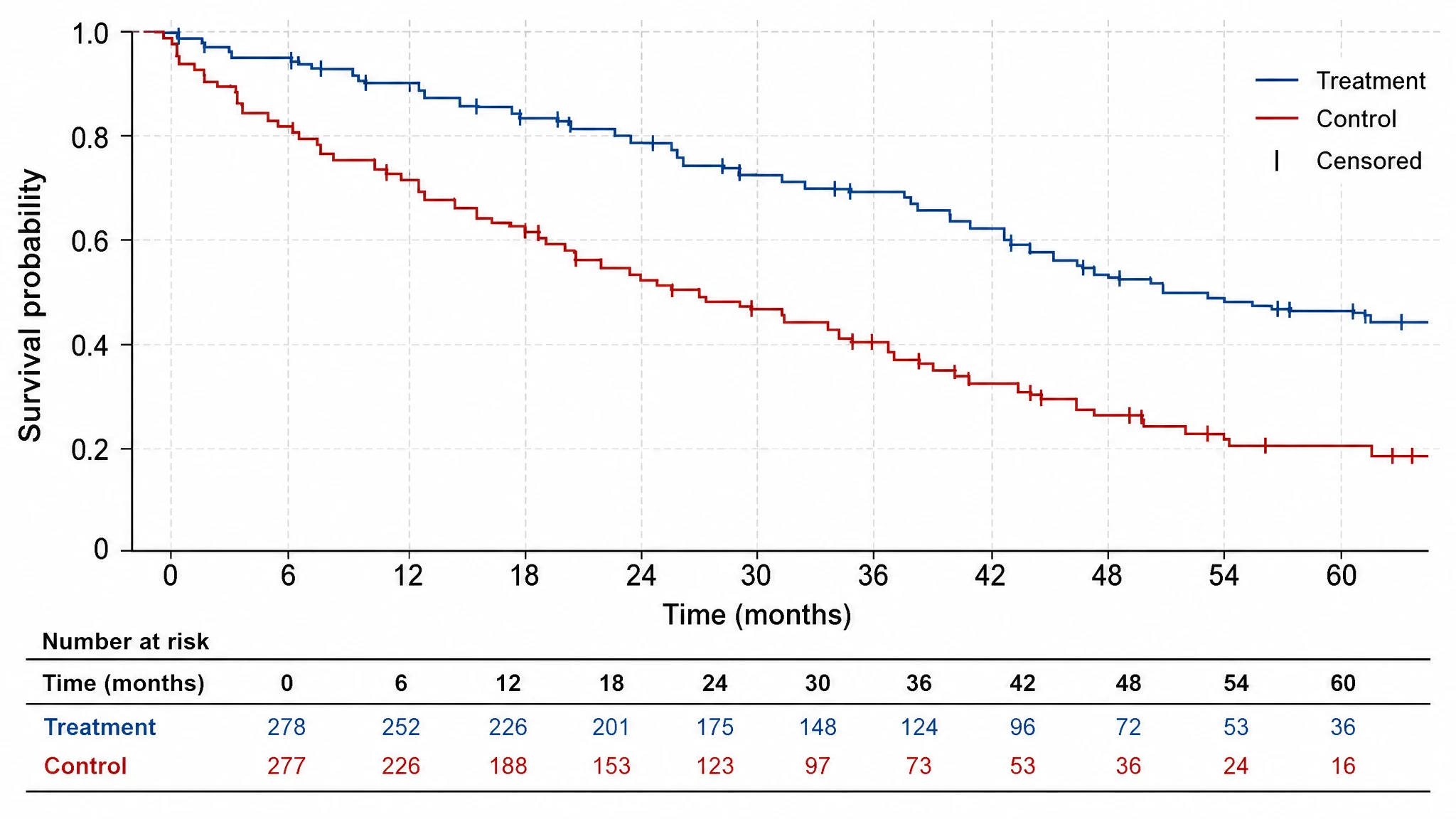 Kaplan-Meier Survival Curve
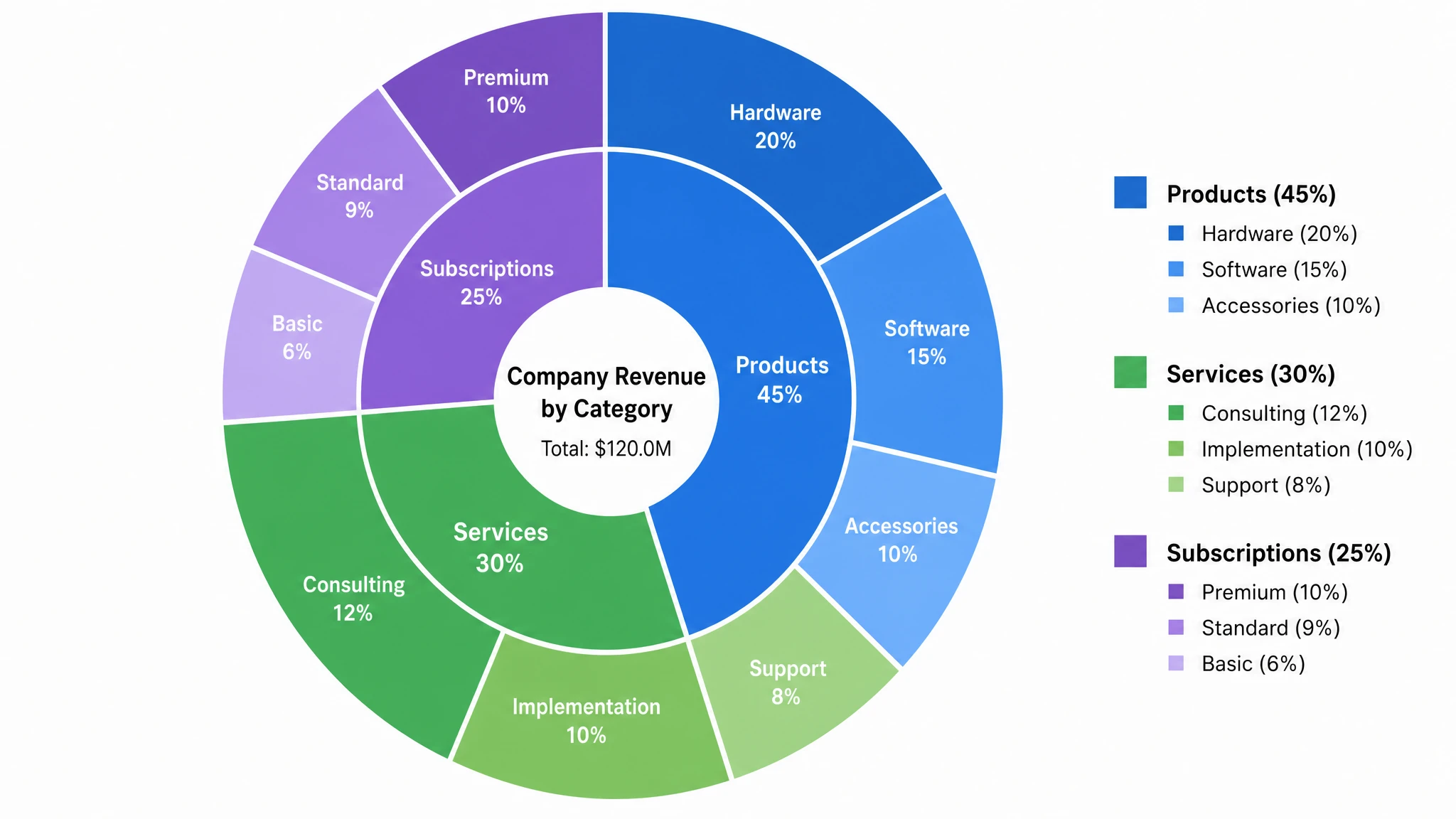 Multi-Layer Pie Chart Maker
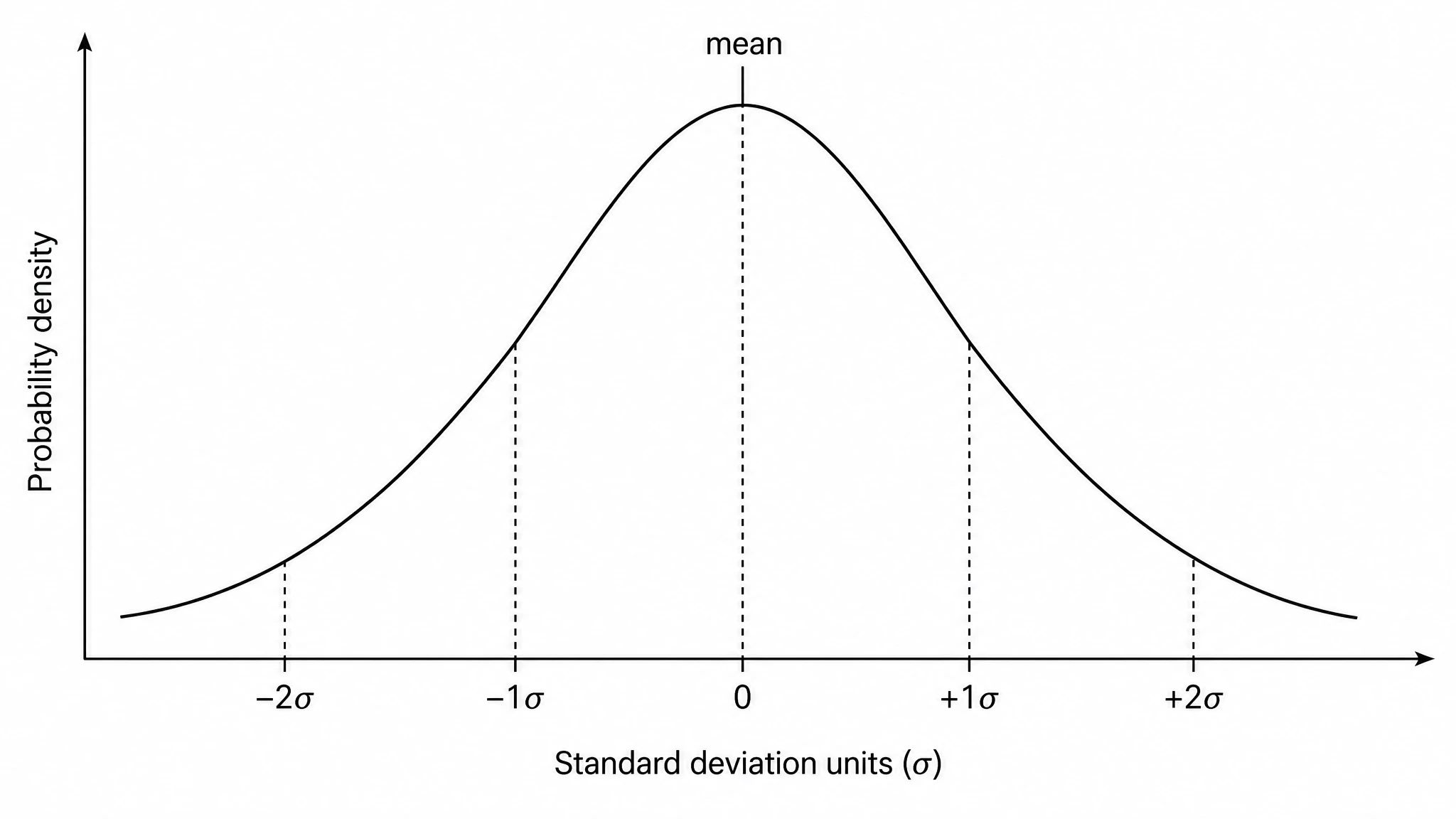 Bell Curve Generator
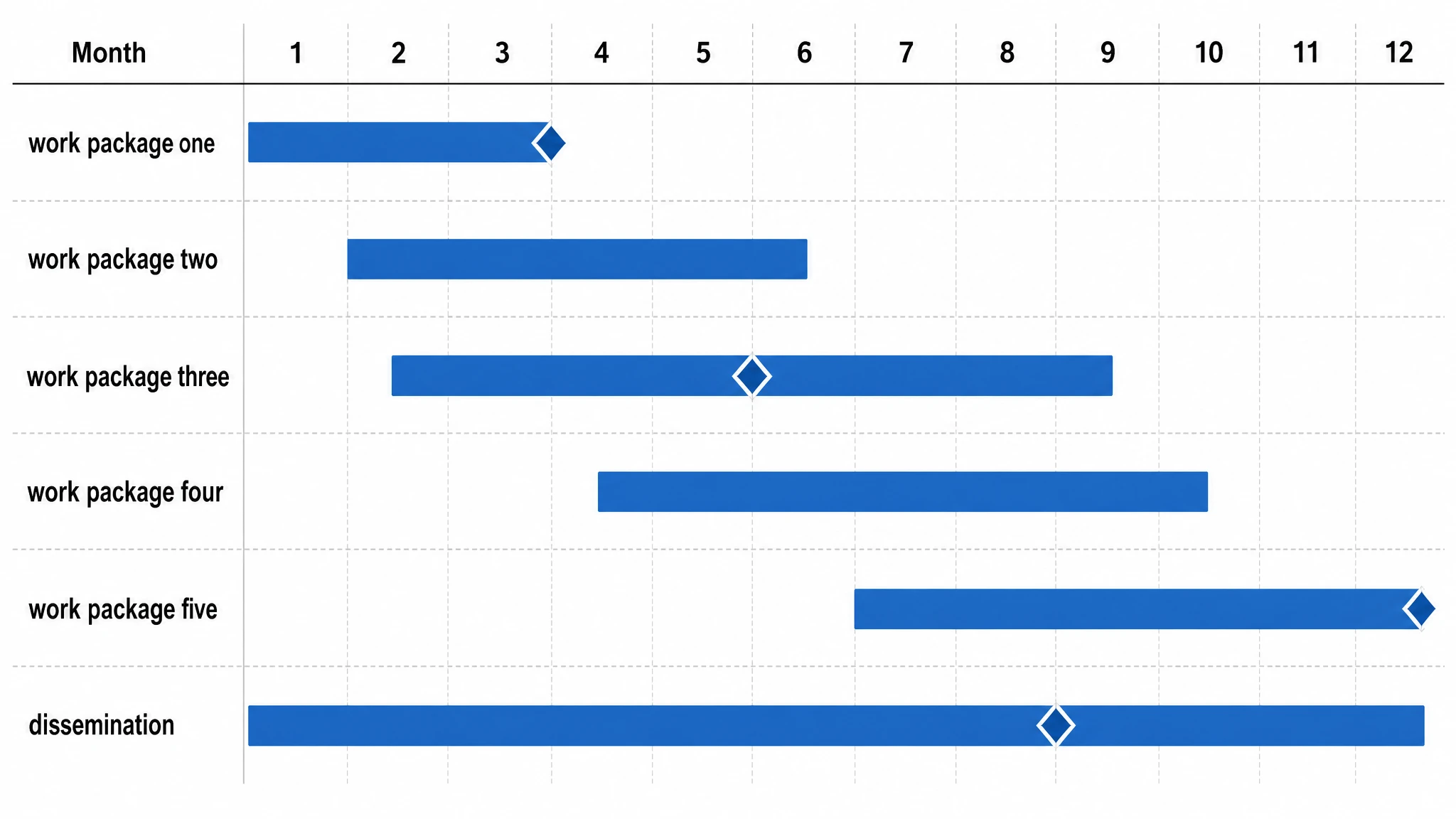 Gantt Chart Generator
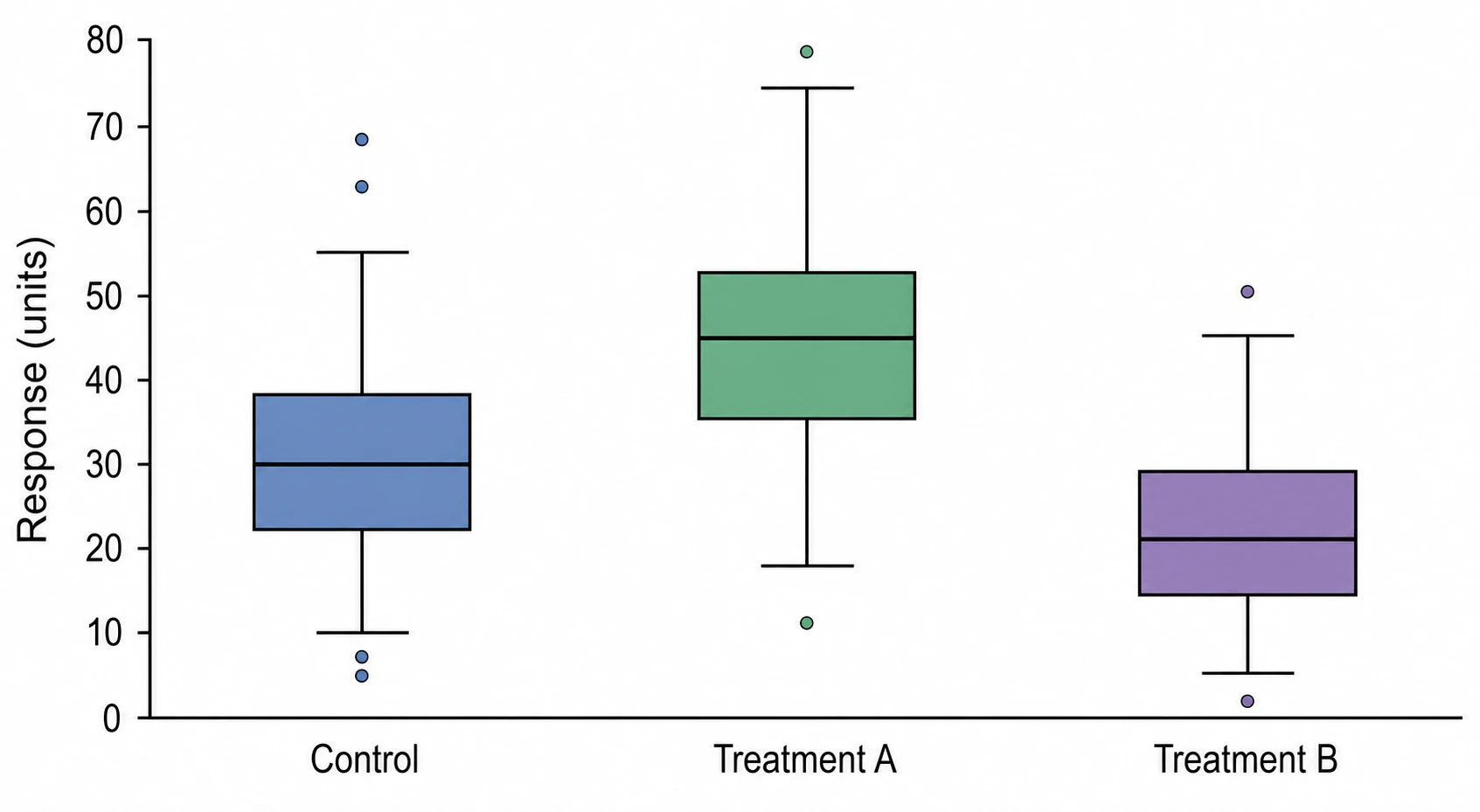 Box Plot Generator
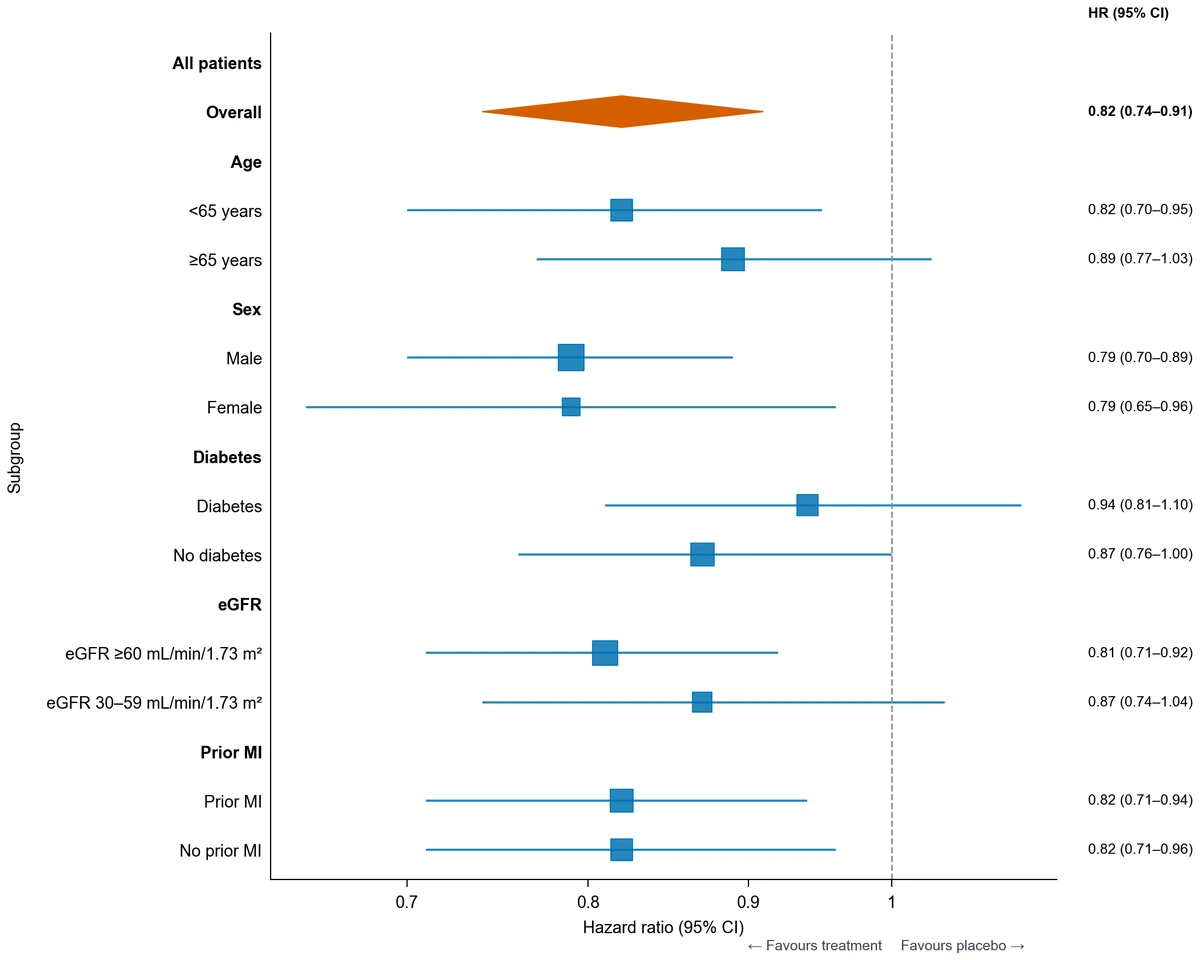 Forest Plot Generator
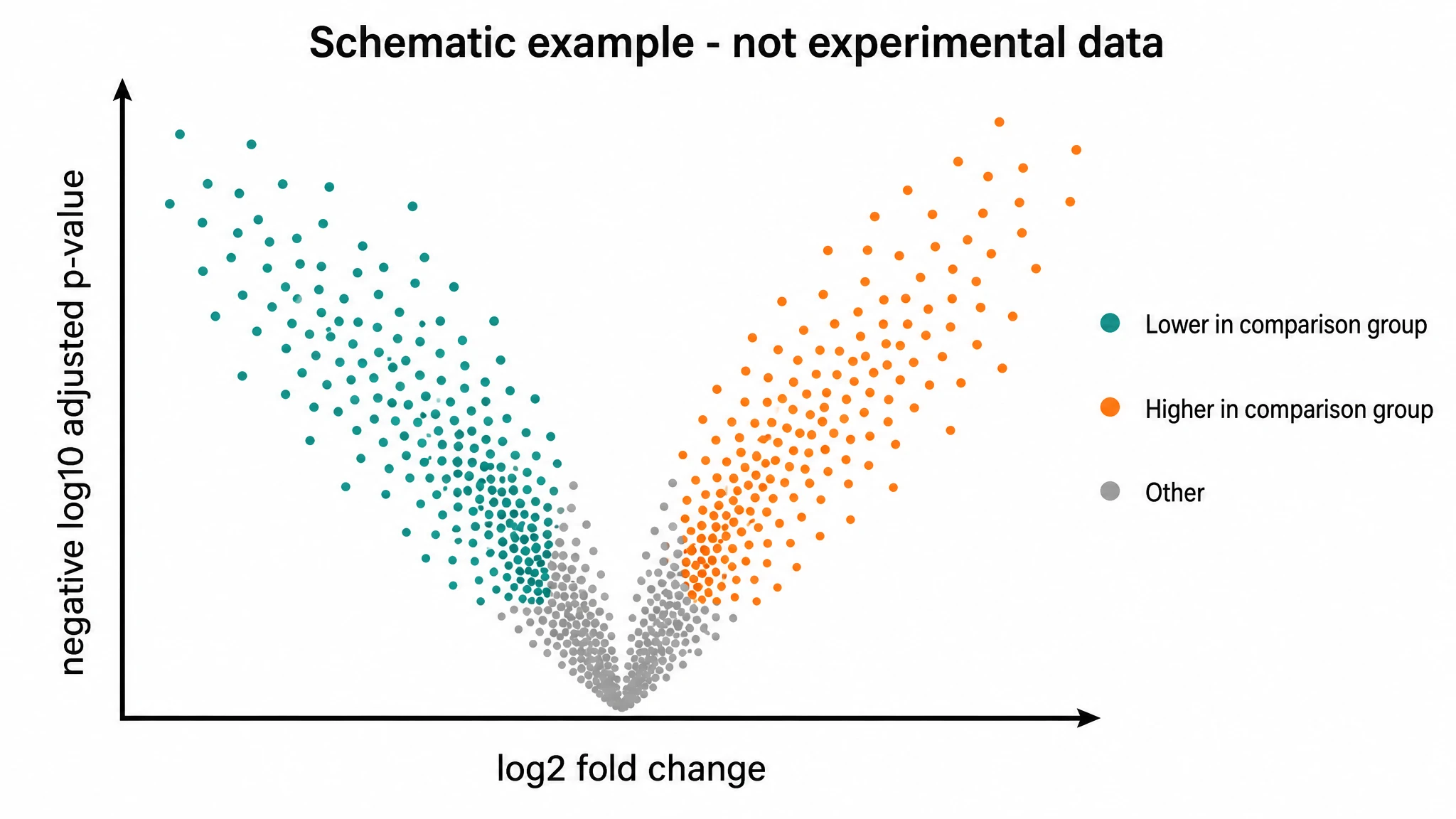 Volcano Plot Generator
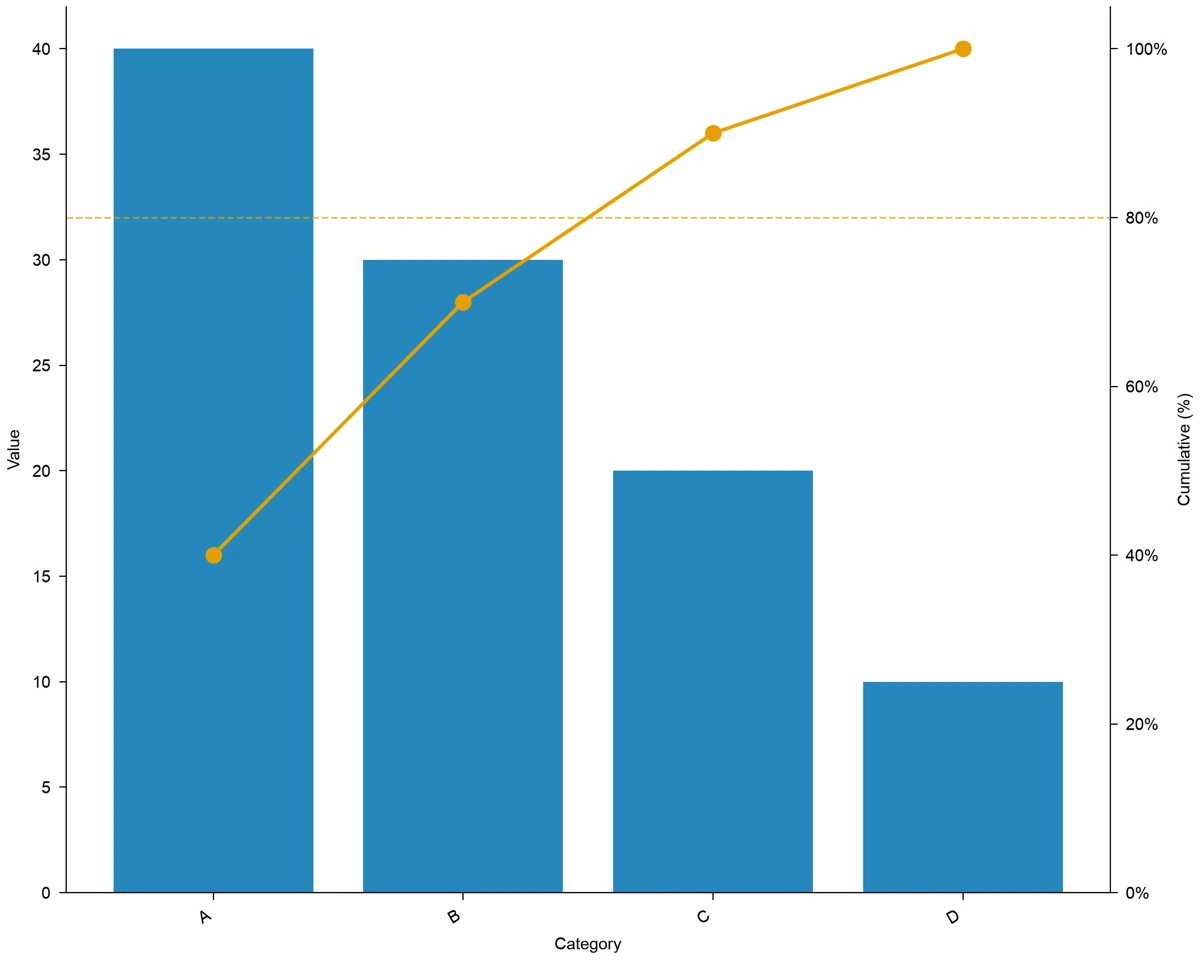 Pareto Chart Maker
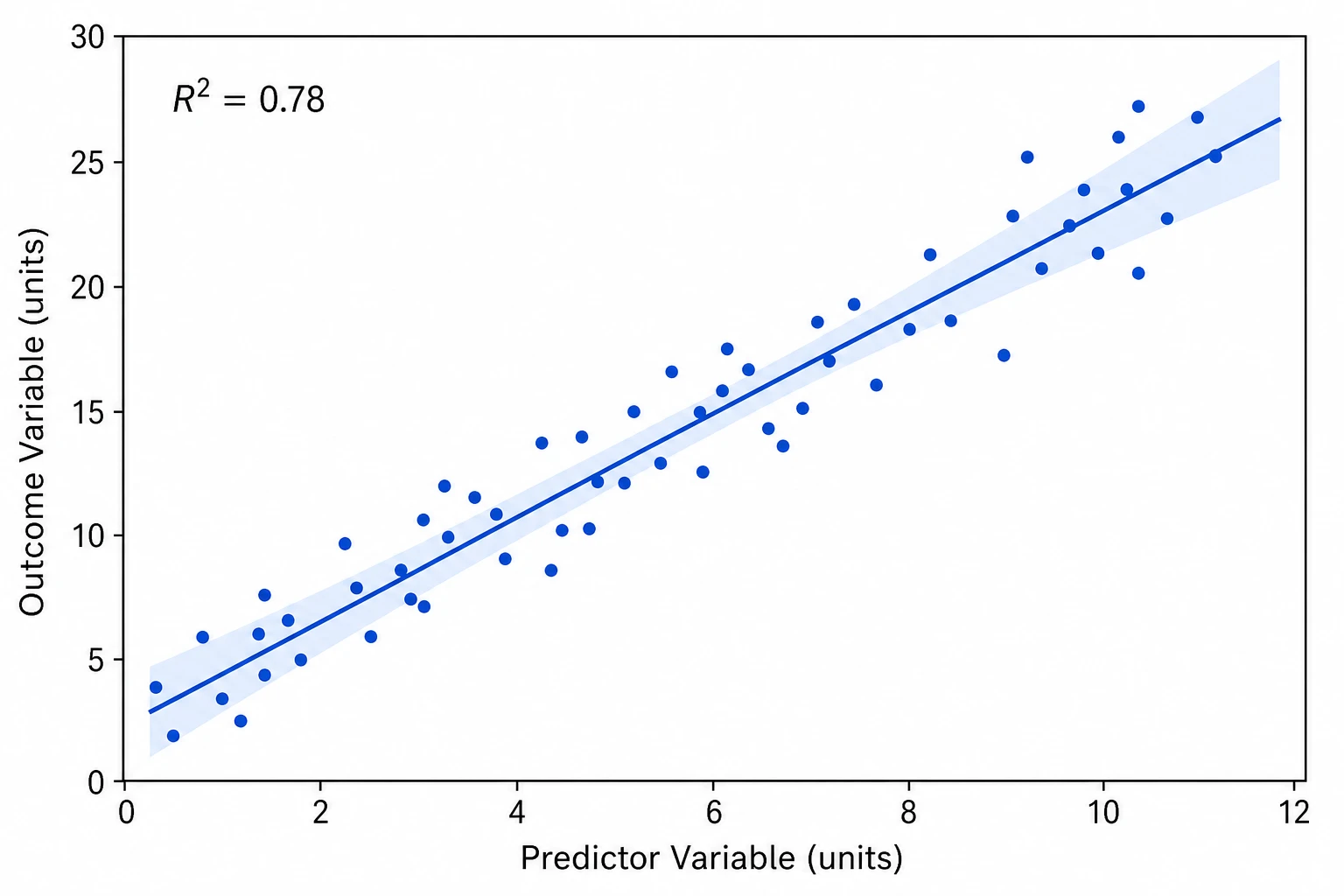 Scatter Plot Maker
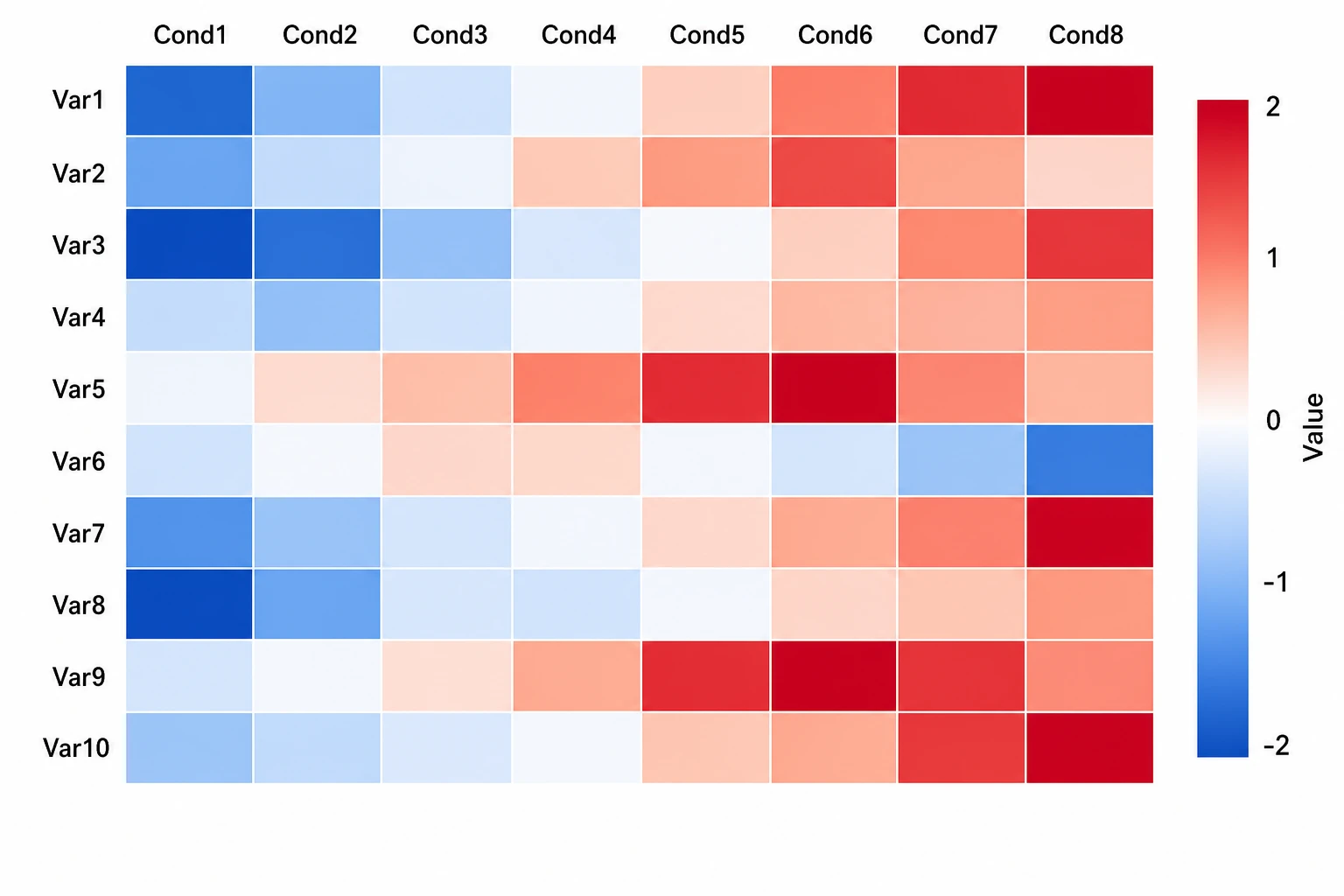 Heatmap Generator
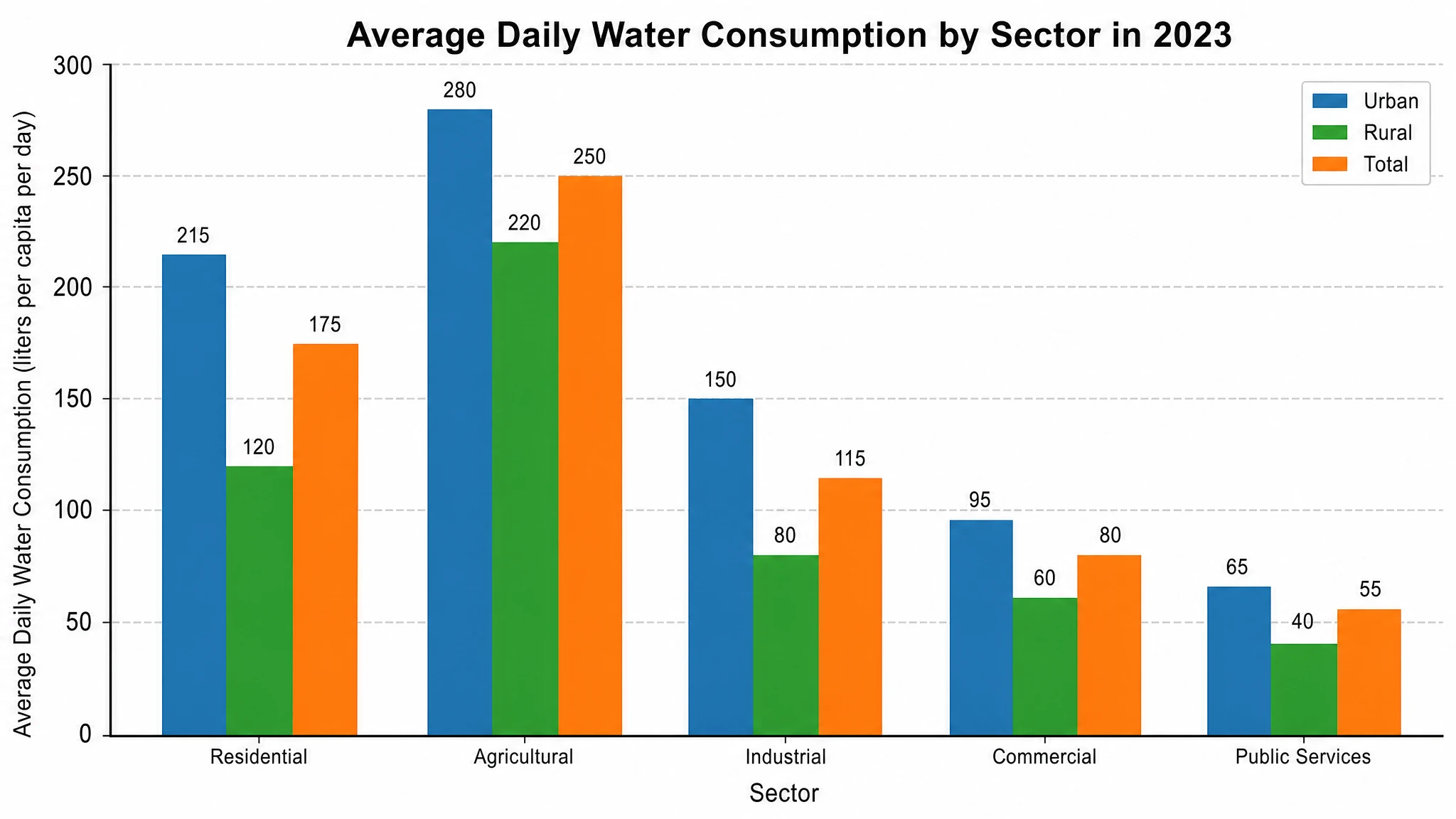 AI Chart Generator
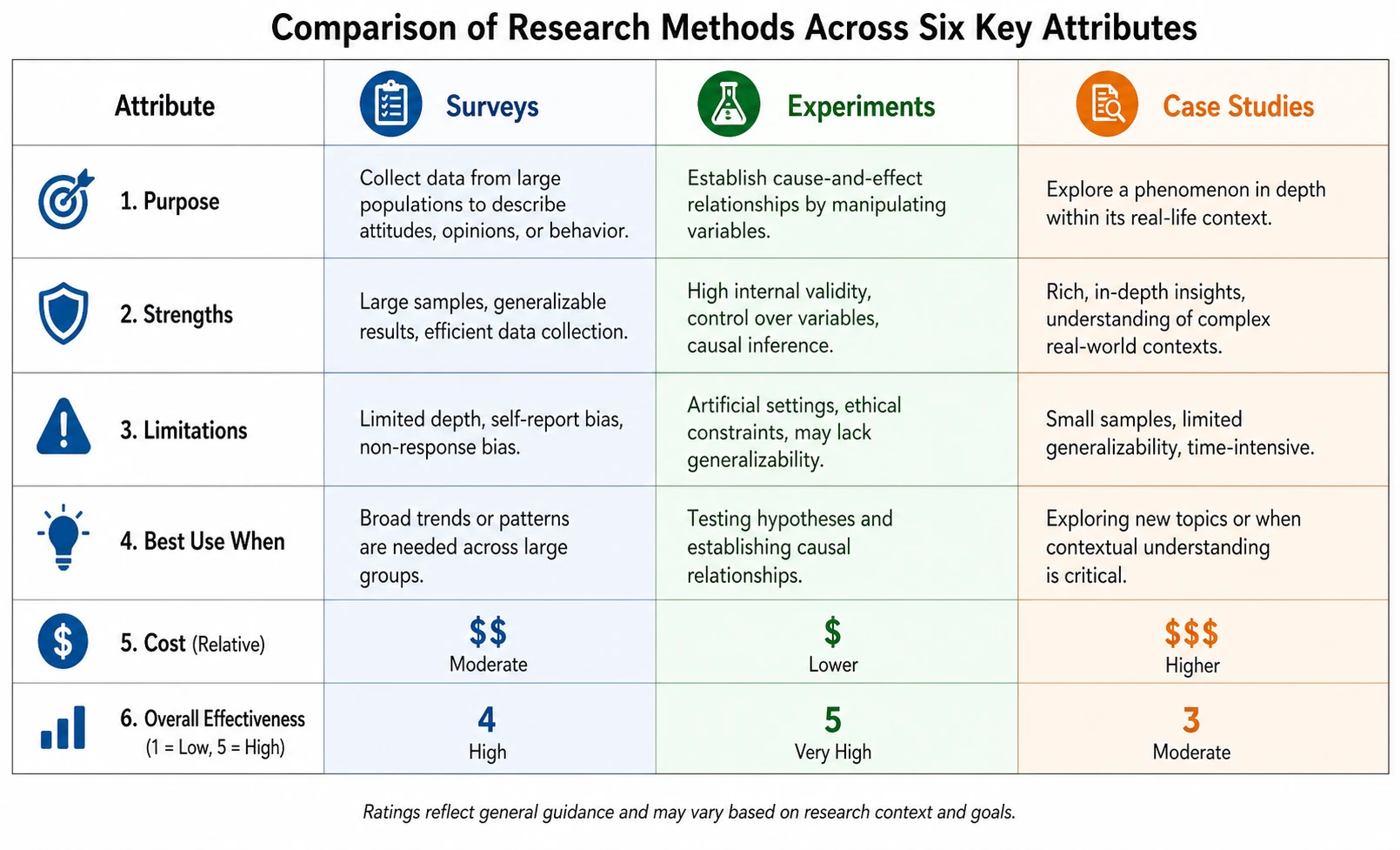 Comparison Chart Maker
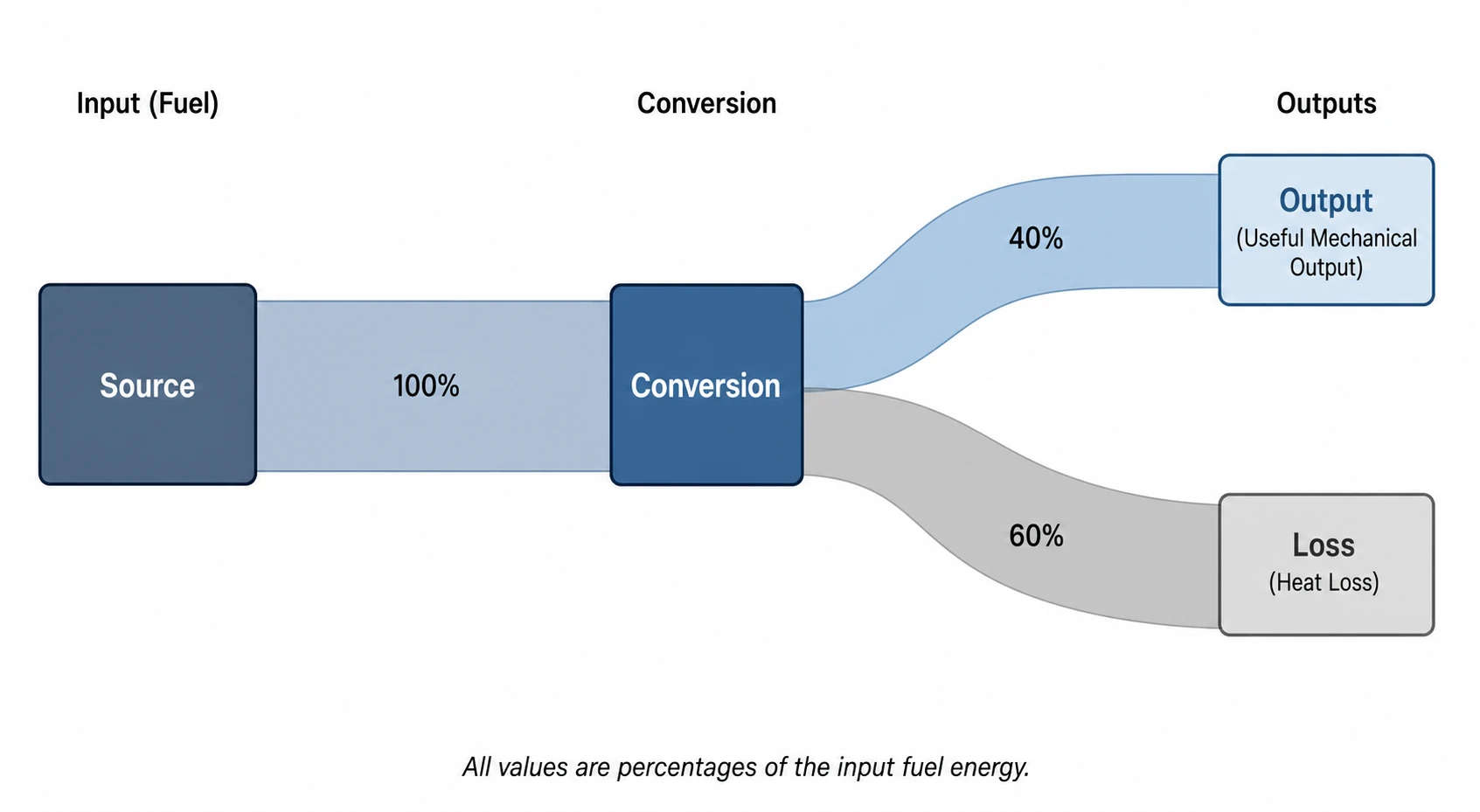 Sankey Diagram Generator
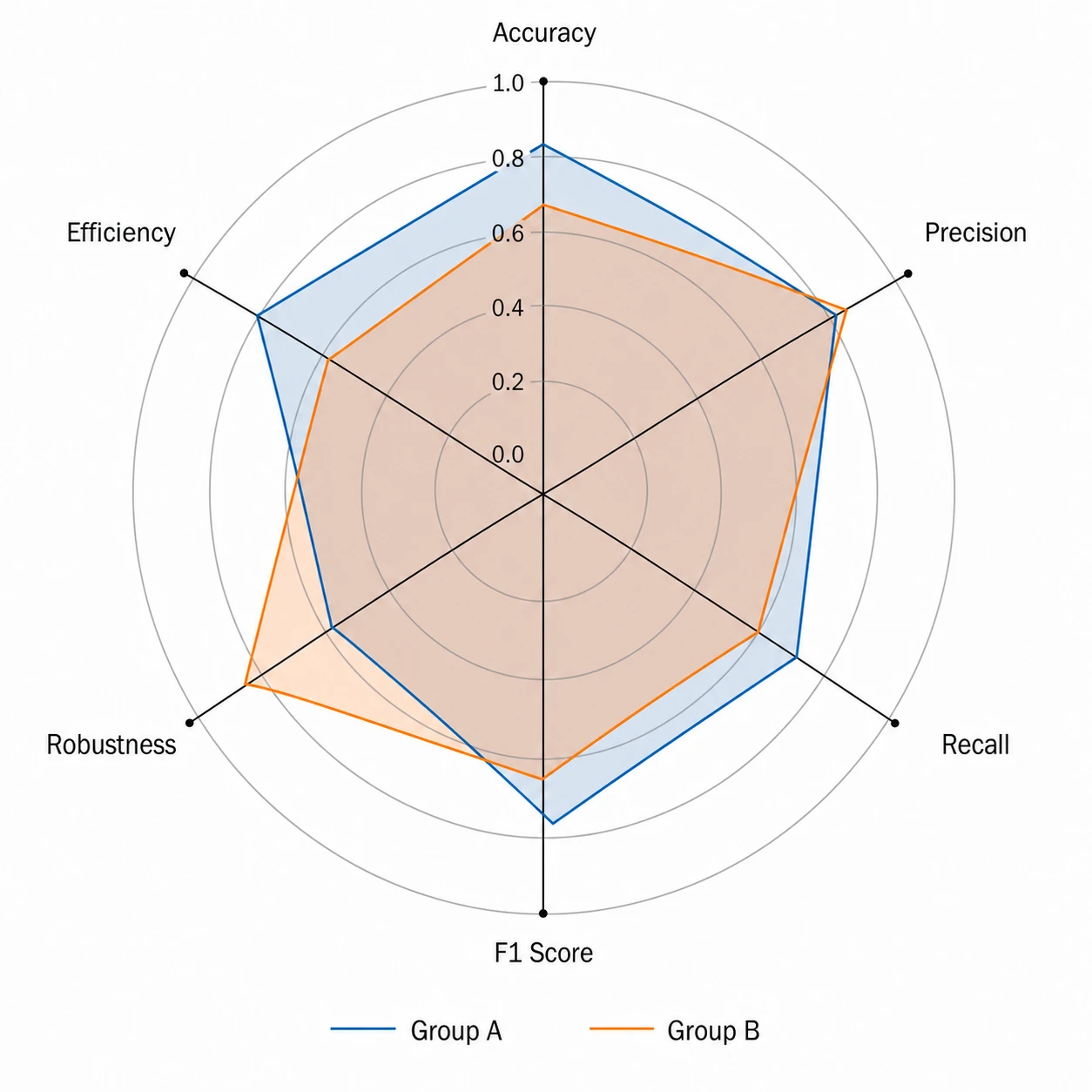 Radar Chart Generator
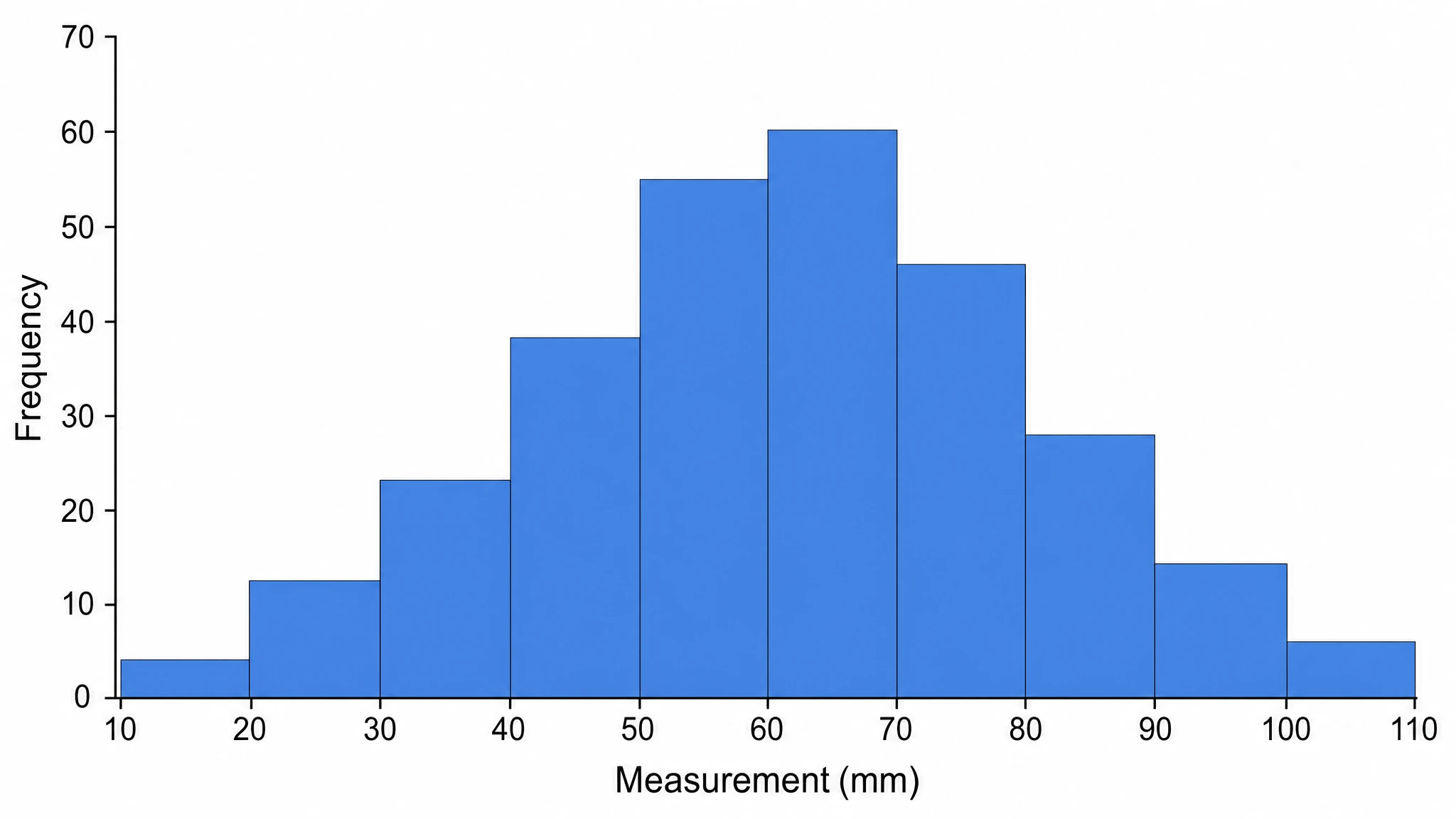 Histogram Maker
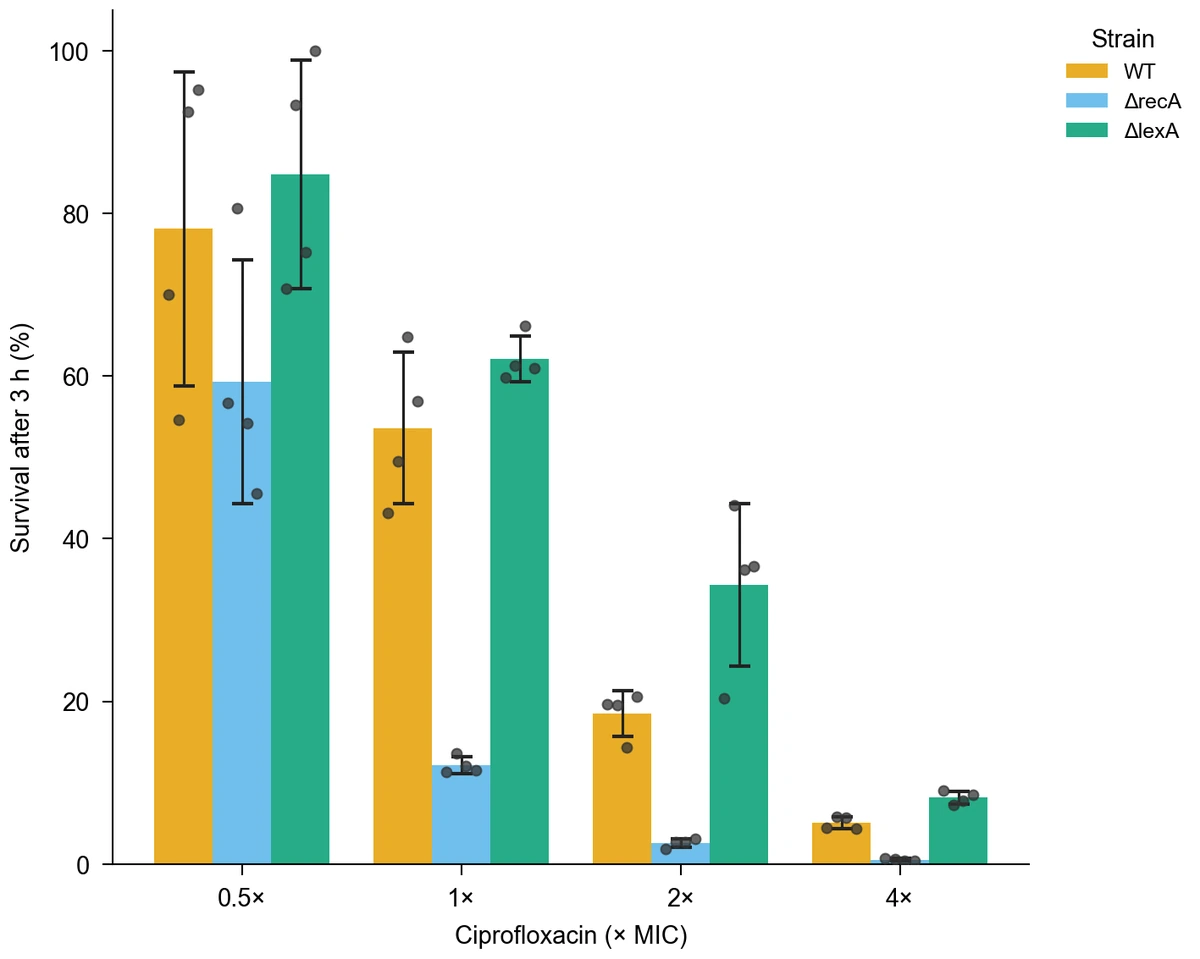 Bar Chart Generator
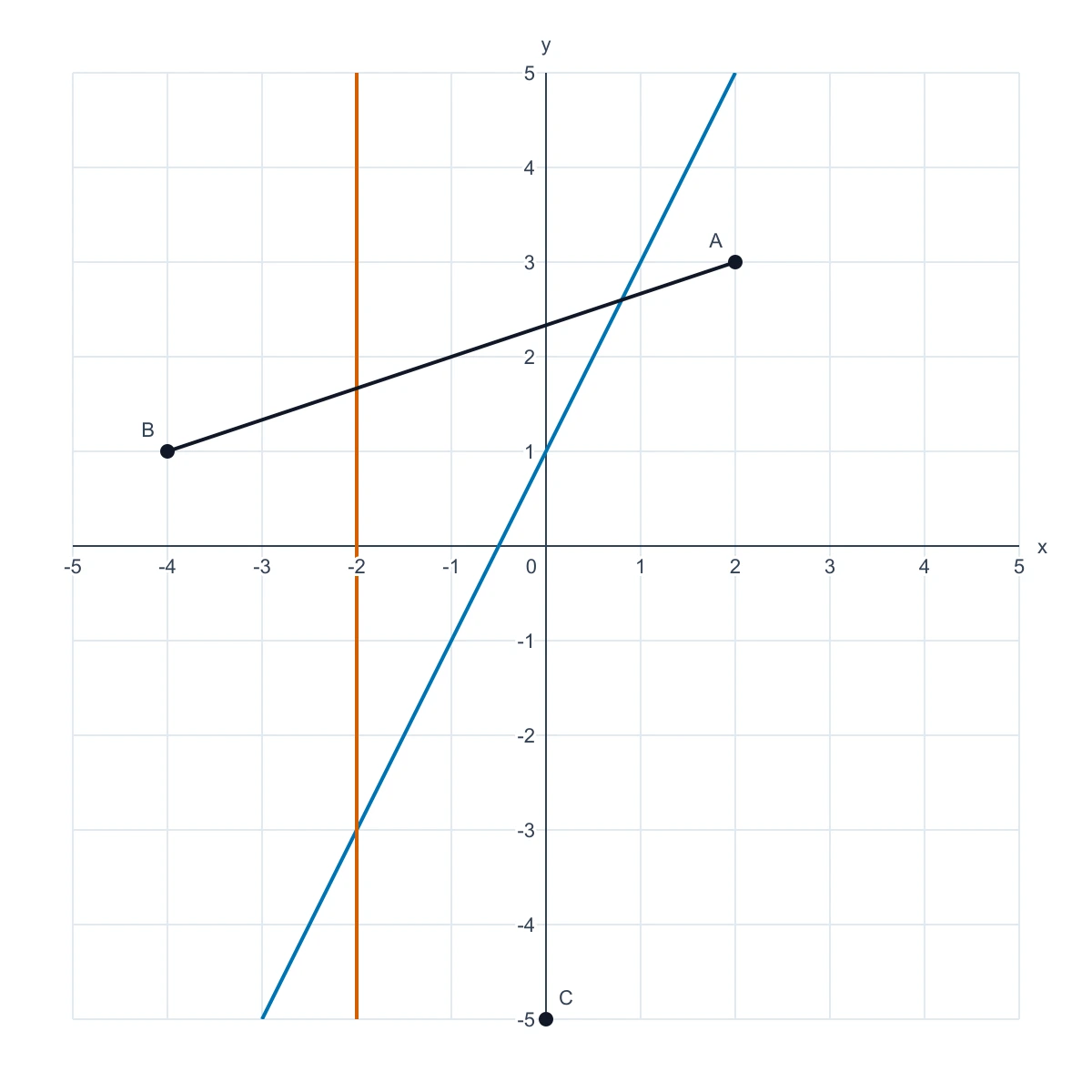 Coordinate Plane Generator
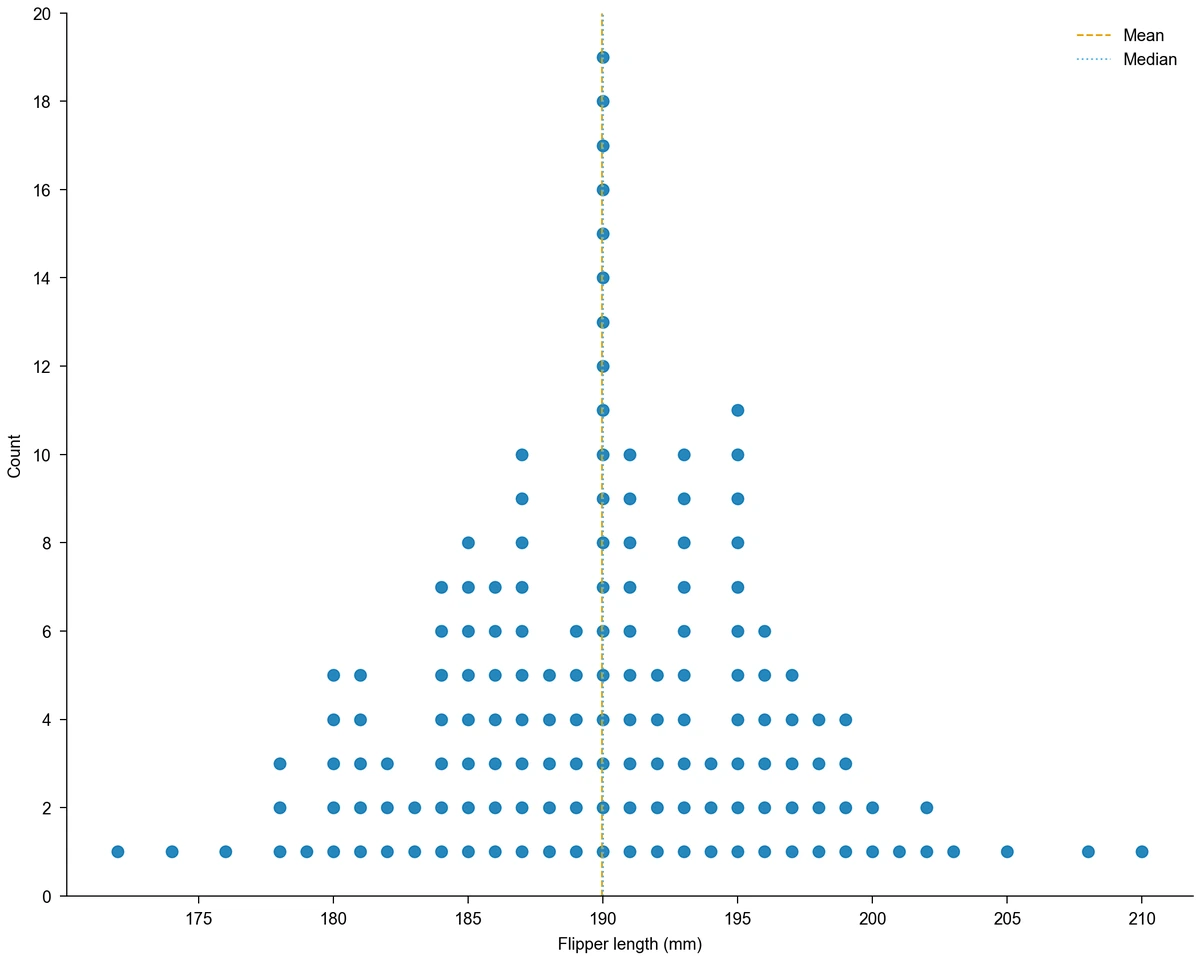 Dot Plot Creator
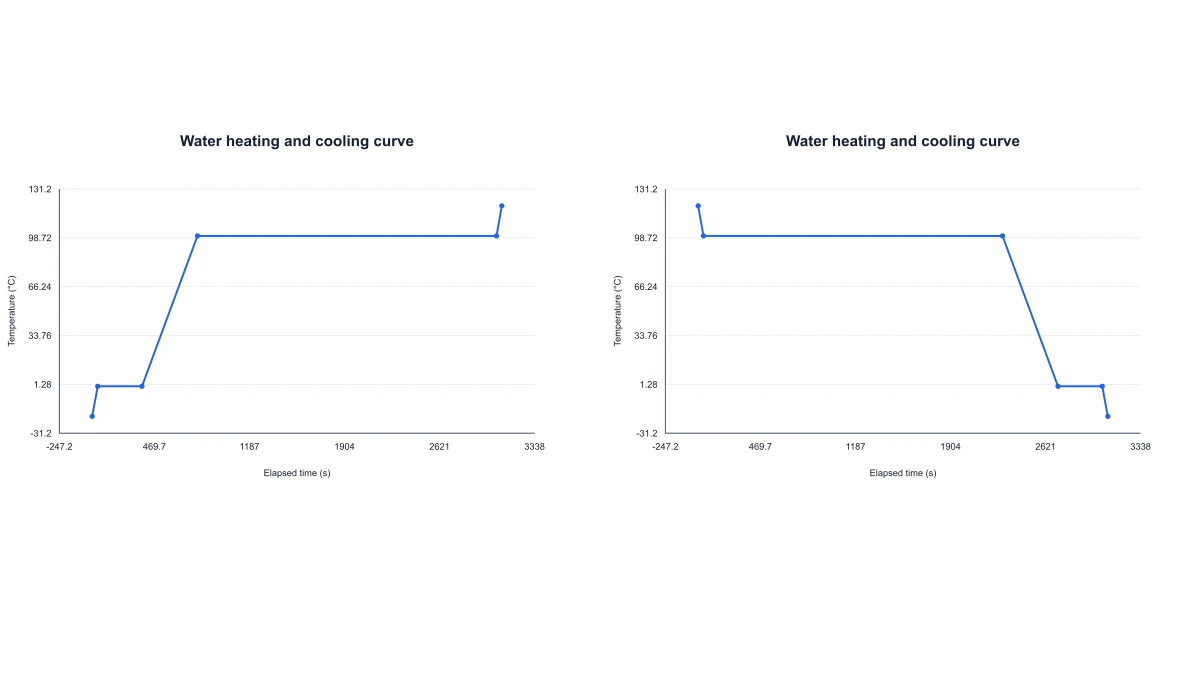 Water Heating Curve
 IC50 Calculator & Dose-Response Curves
 Image DPI Calculator
 Transverse Wave Diagram Generator
 Line Chart Generator
 MA Plot
 Number Line Generator
 Figure Checker
 Scientific Graph MakerFree Serial Dilution Calculator — Volumes & Diagram
 Supply and Demand Graph Maker
 UpSet Plot Generator
 Waterfall Chart Maker
 Place Value Chart
Flowcharts, frameworks and structure diagrams
33 tools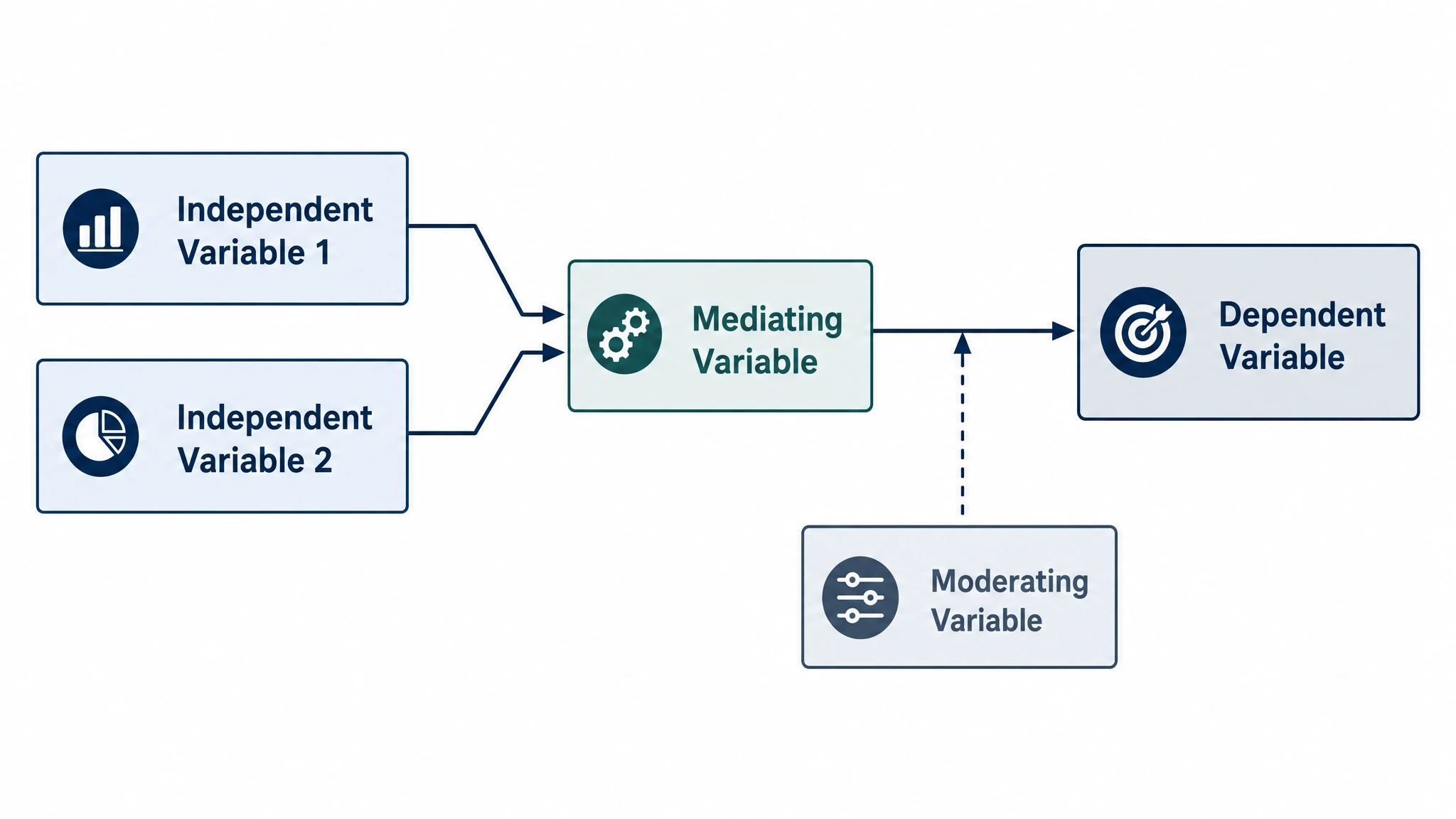 Conceptual Framework Generator
 Theoretical Framework Generator
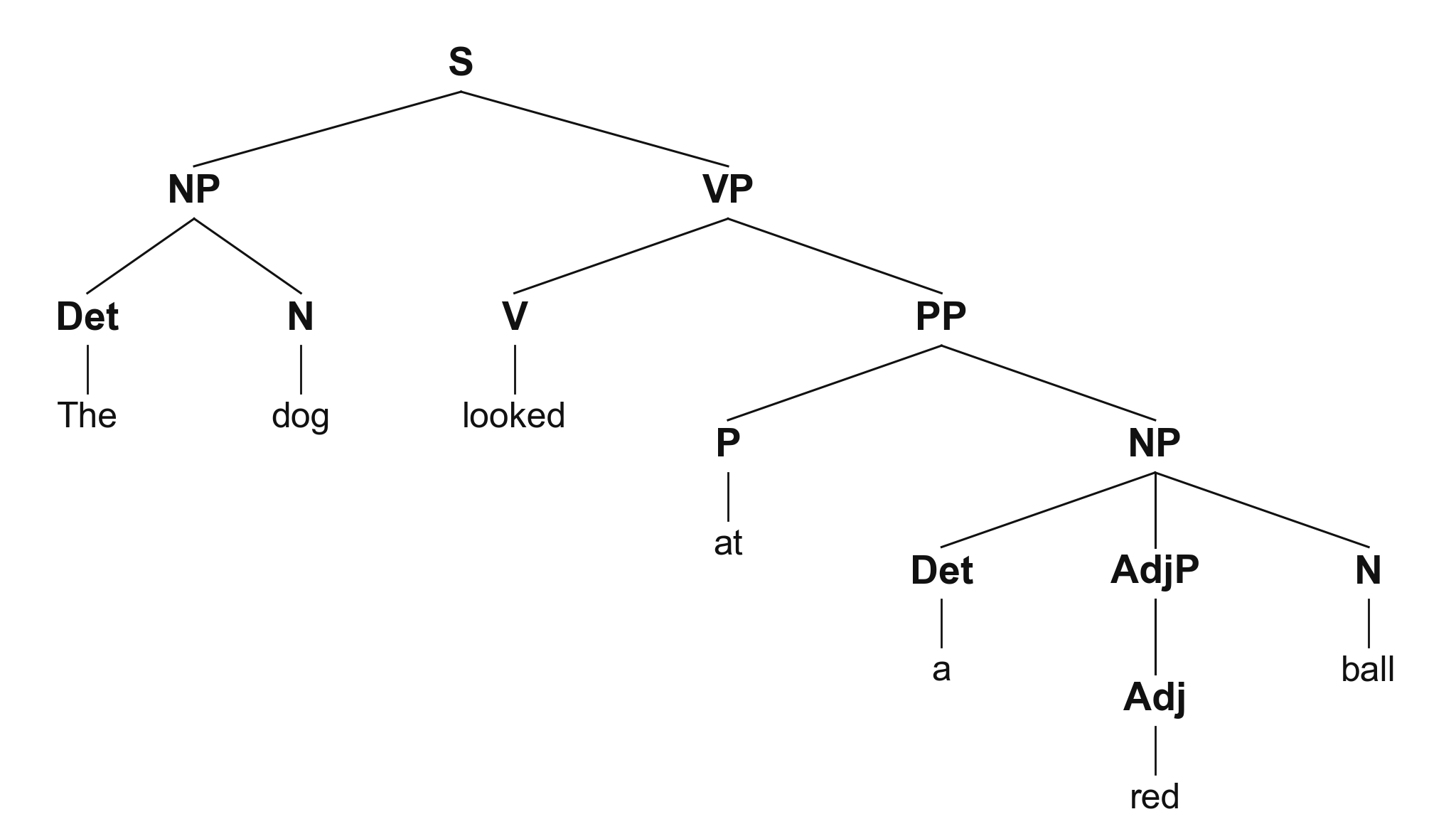 Syntactic Tree Generator
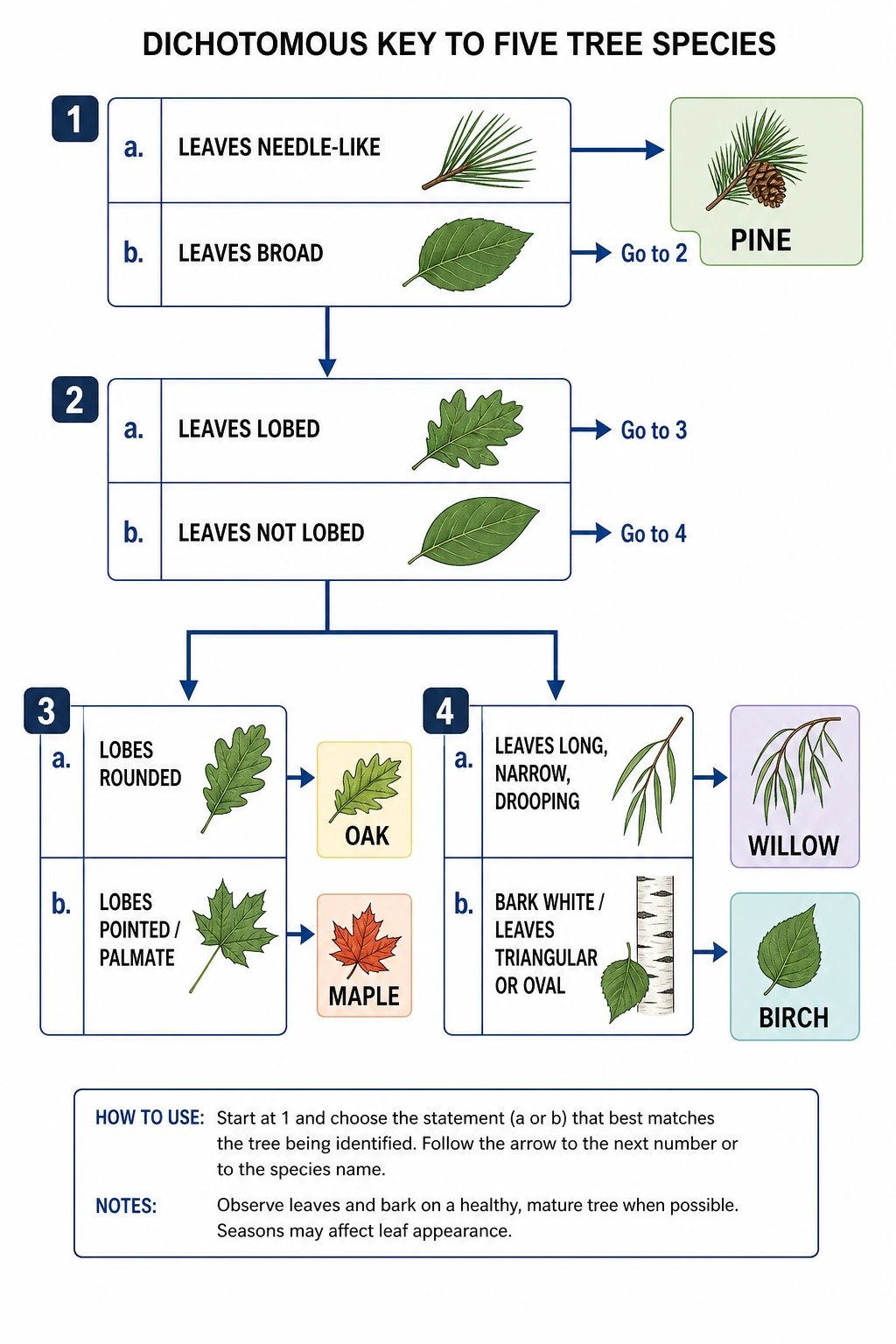 Dichotomous Key Maker
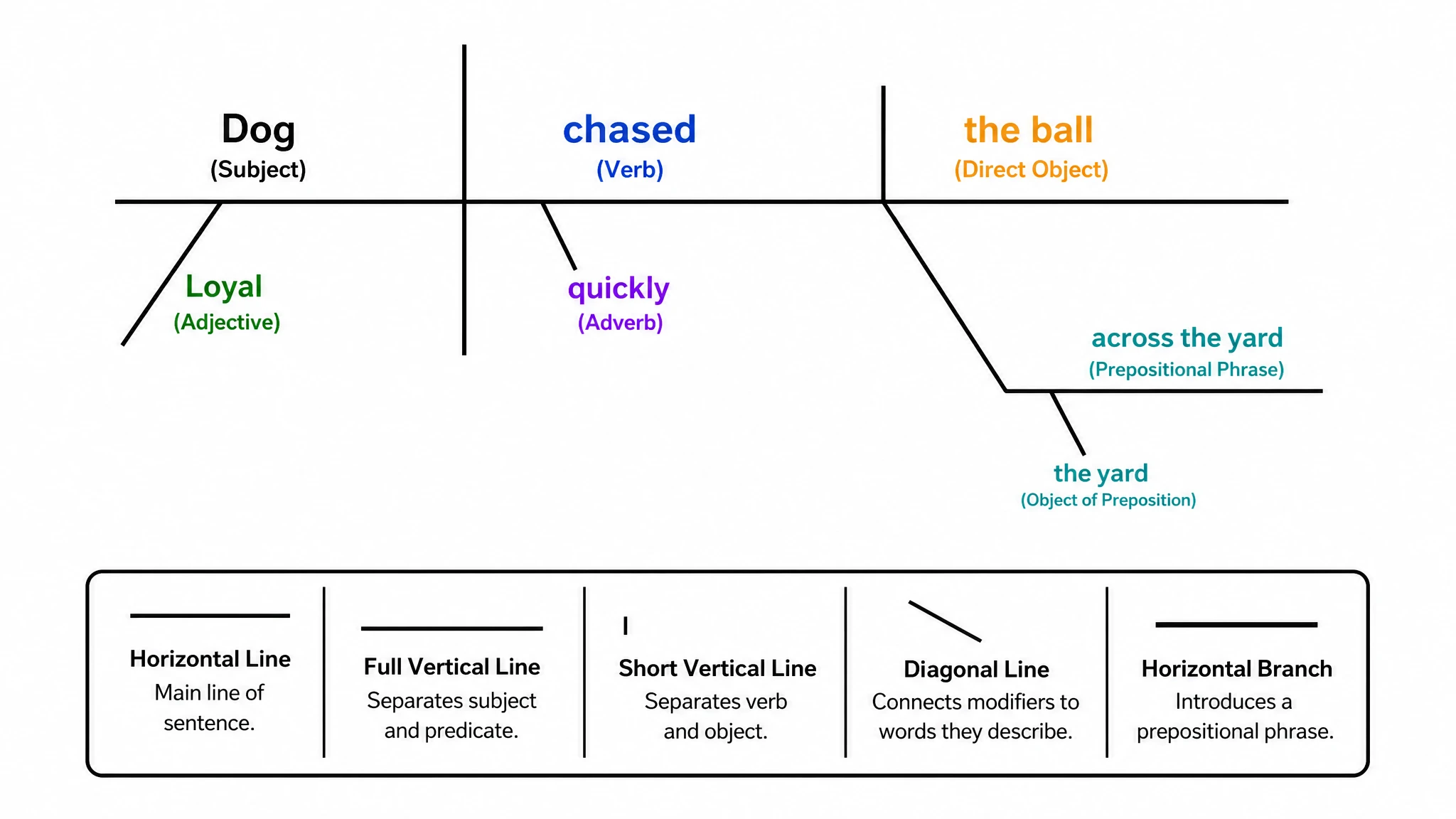 Sentence Diagram Generator
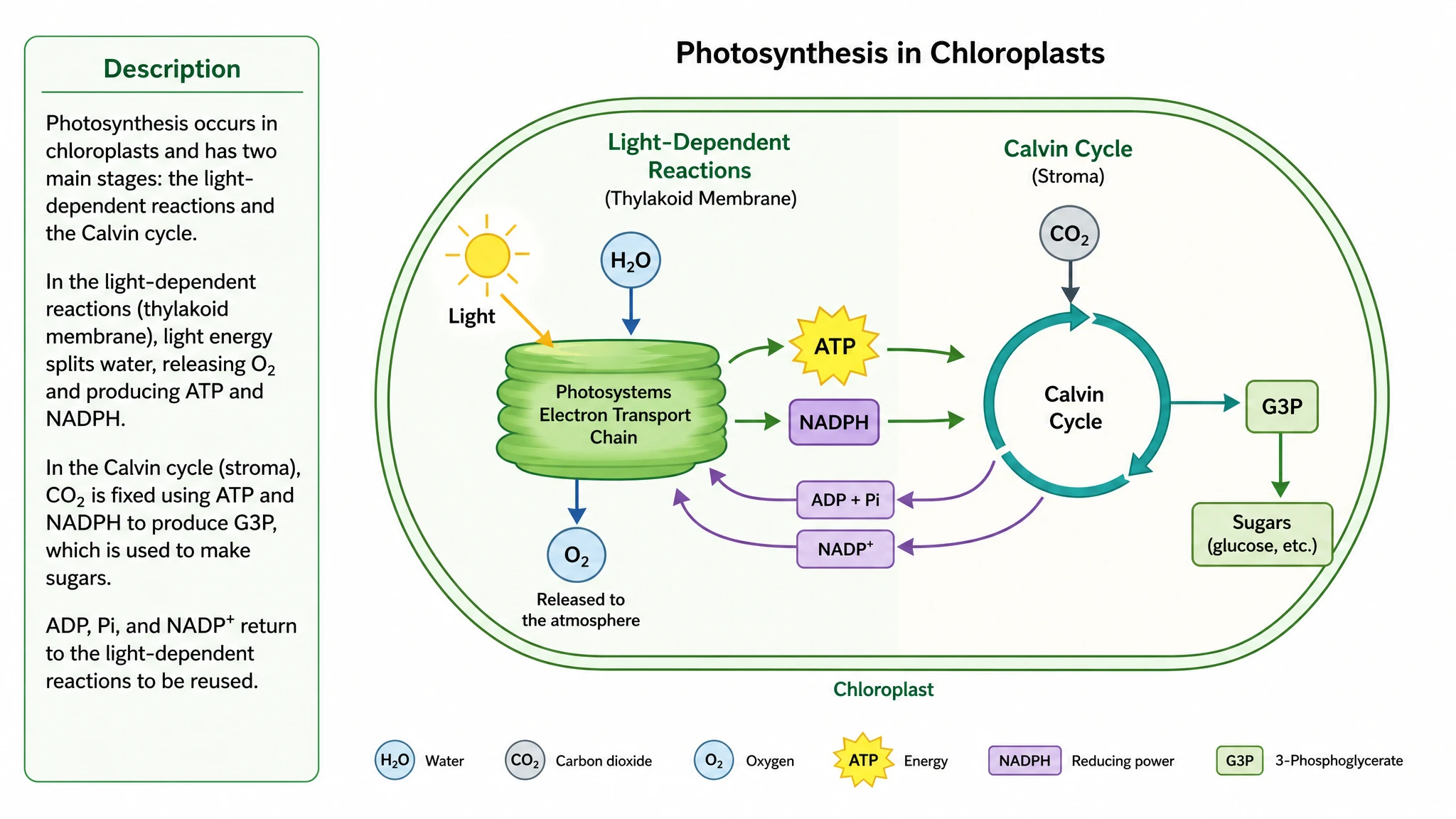 Text to Diagram Generator
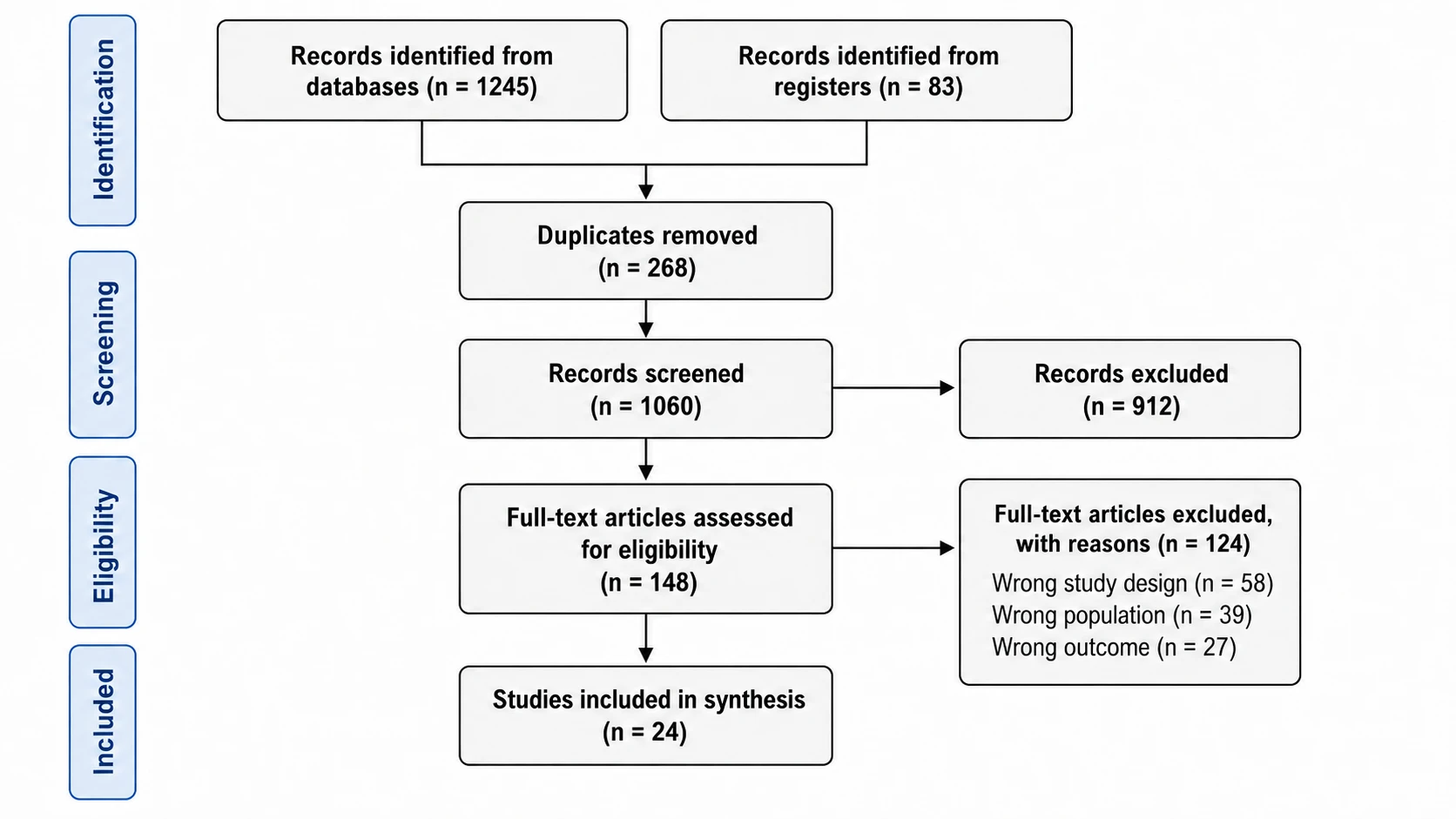 PRISMA Flow Diagram Generator
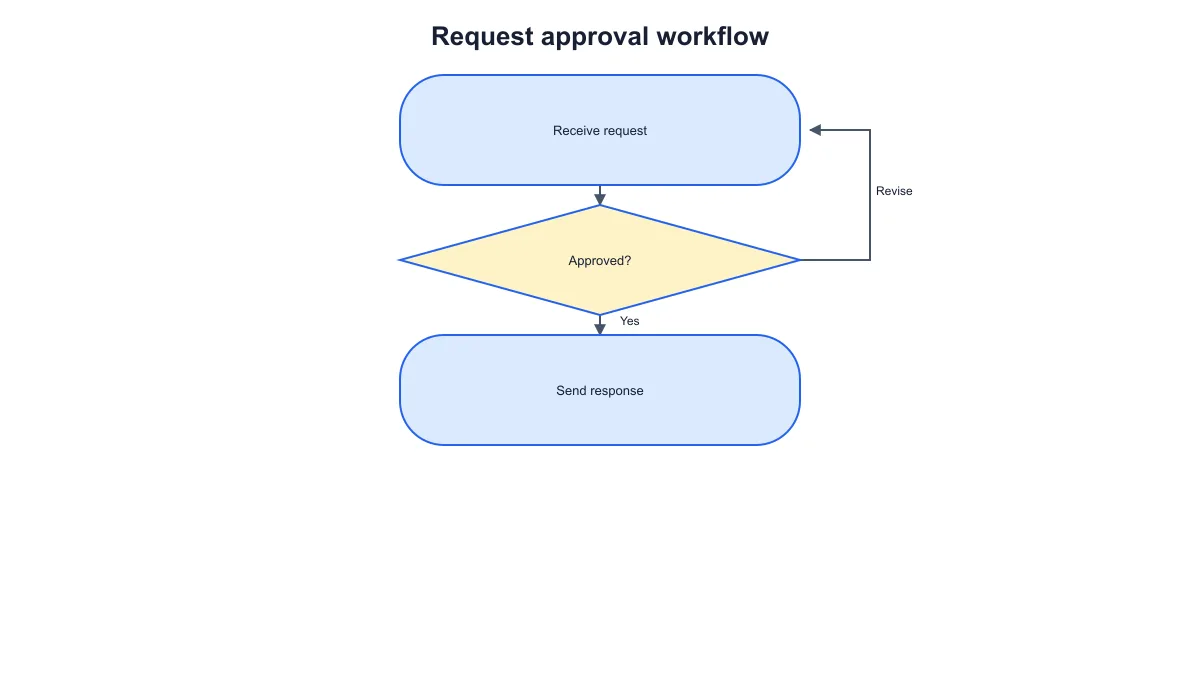 Workflow Diagram Generator
 Timeline Generator
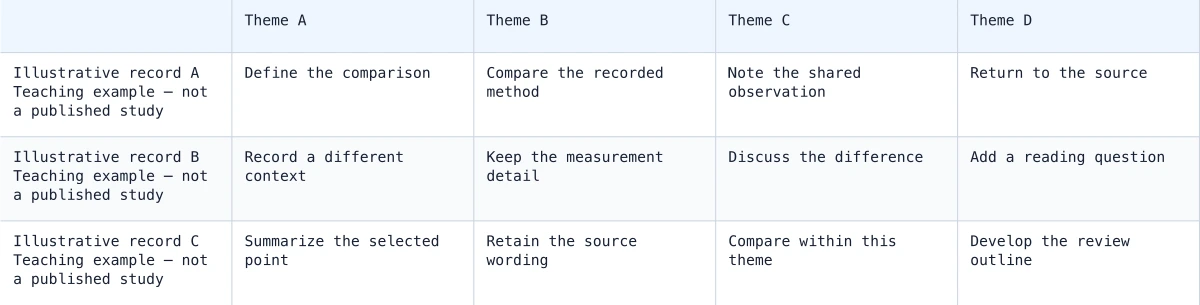 Synthesis Matrix Generator
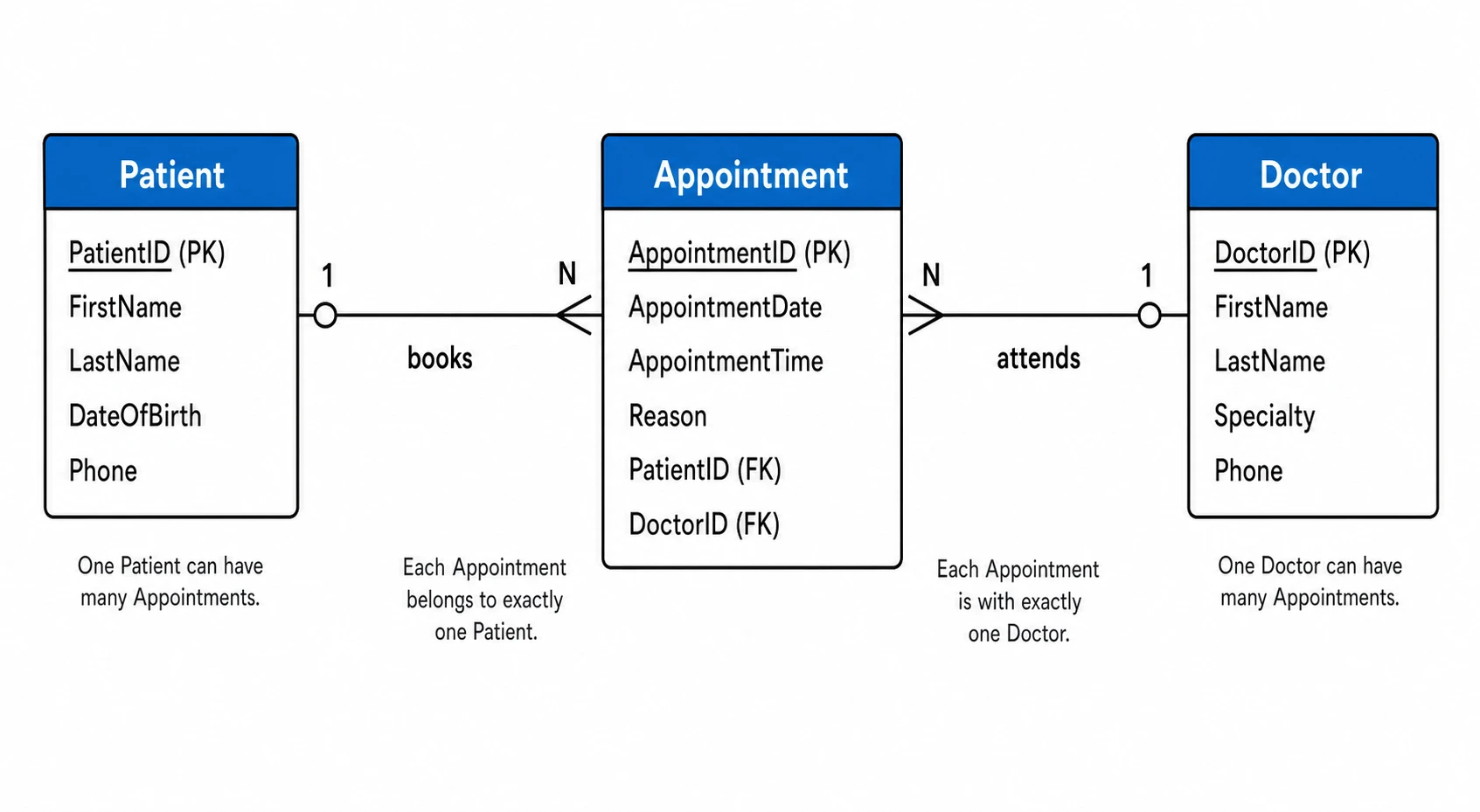 ER Diagram Generator
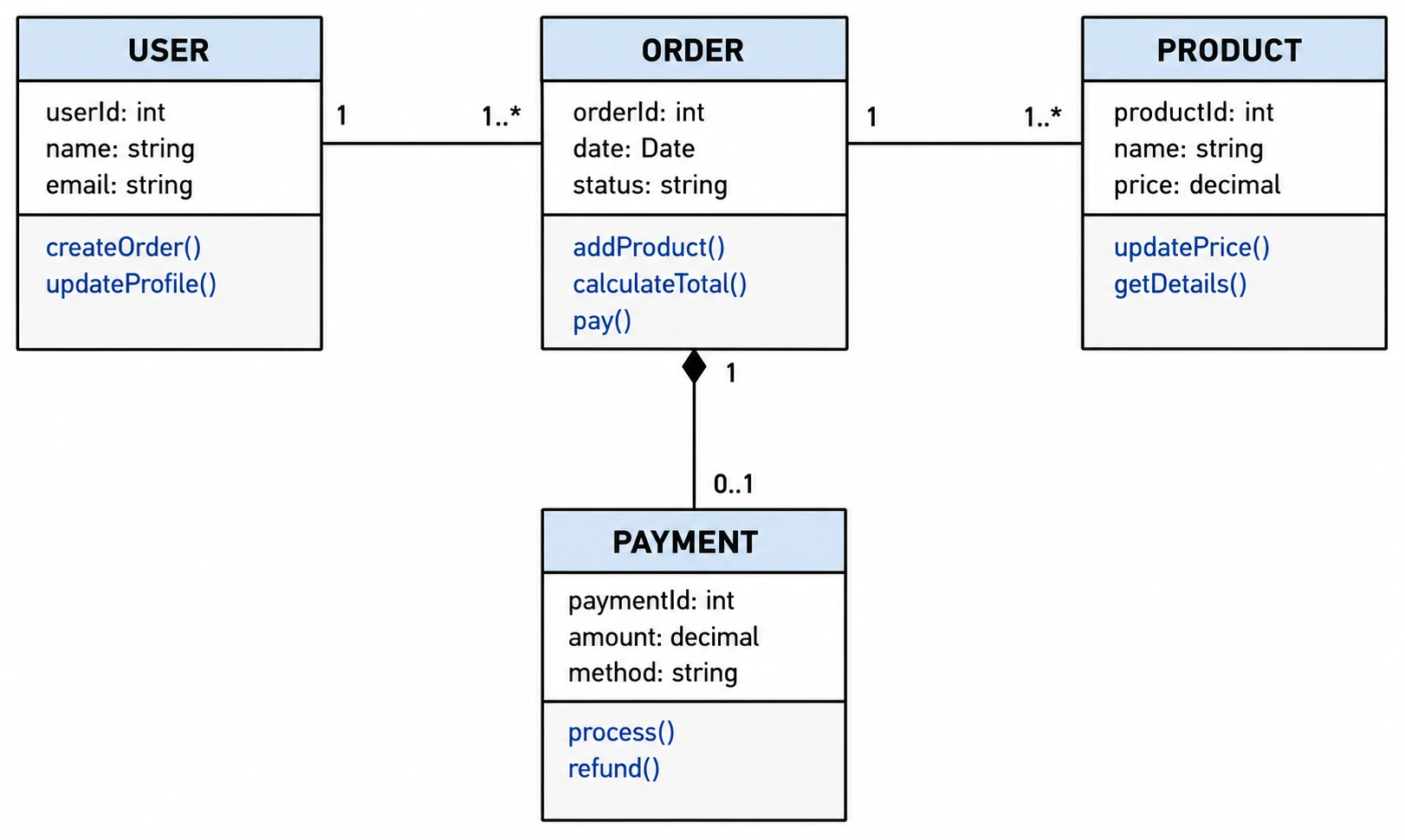 UML Diagram Generator
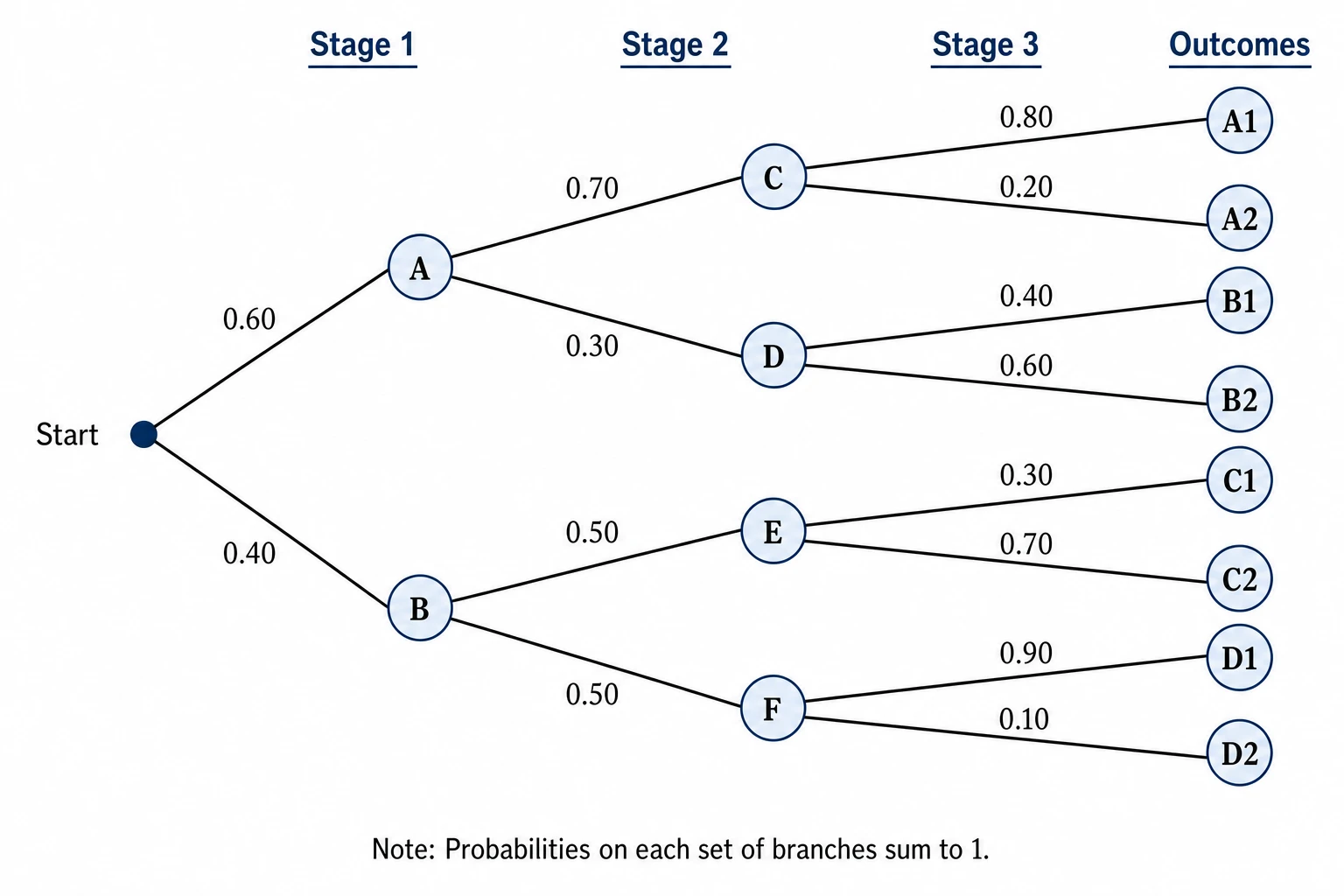 Tree Diagram Generator
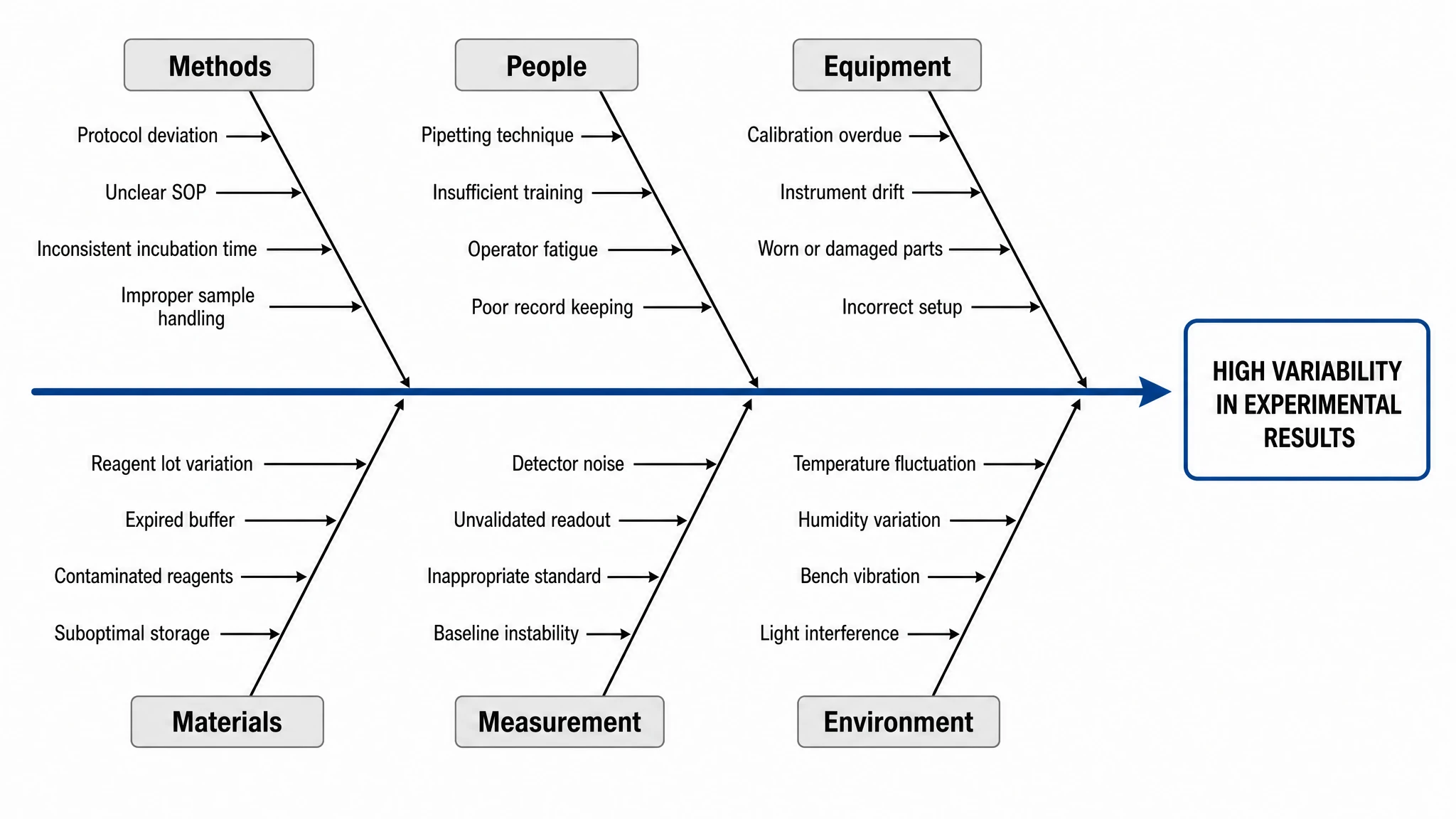 Fishbone Diagram Generator
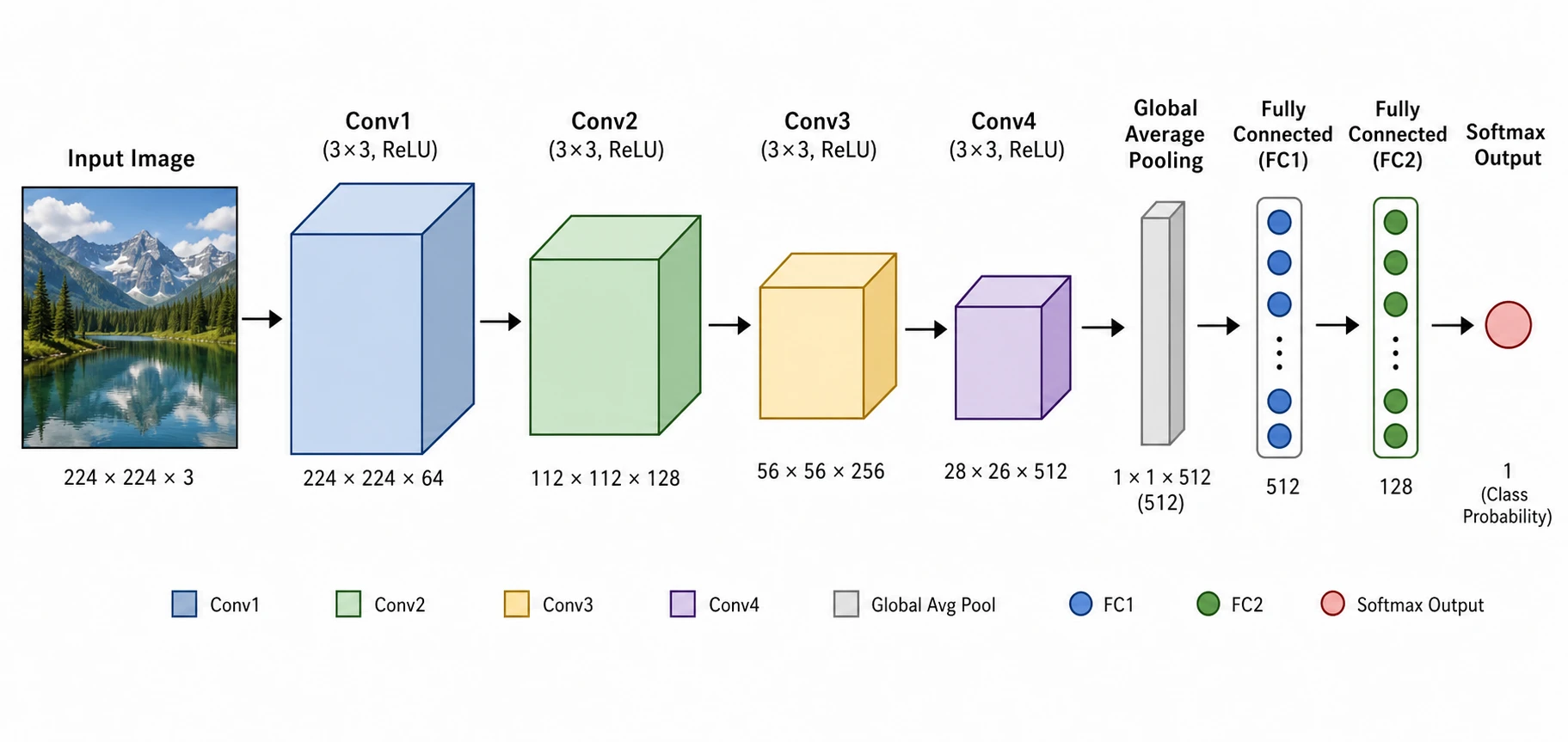 Neural Network Diagram Generator
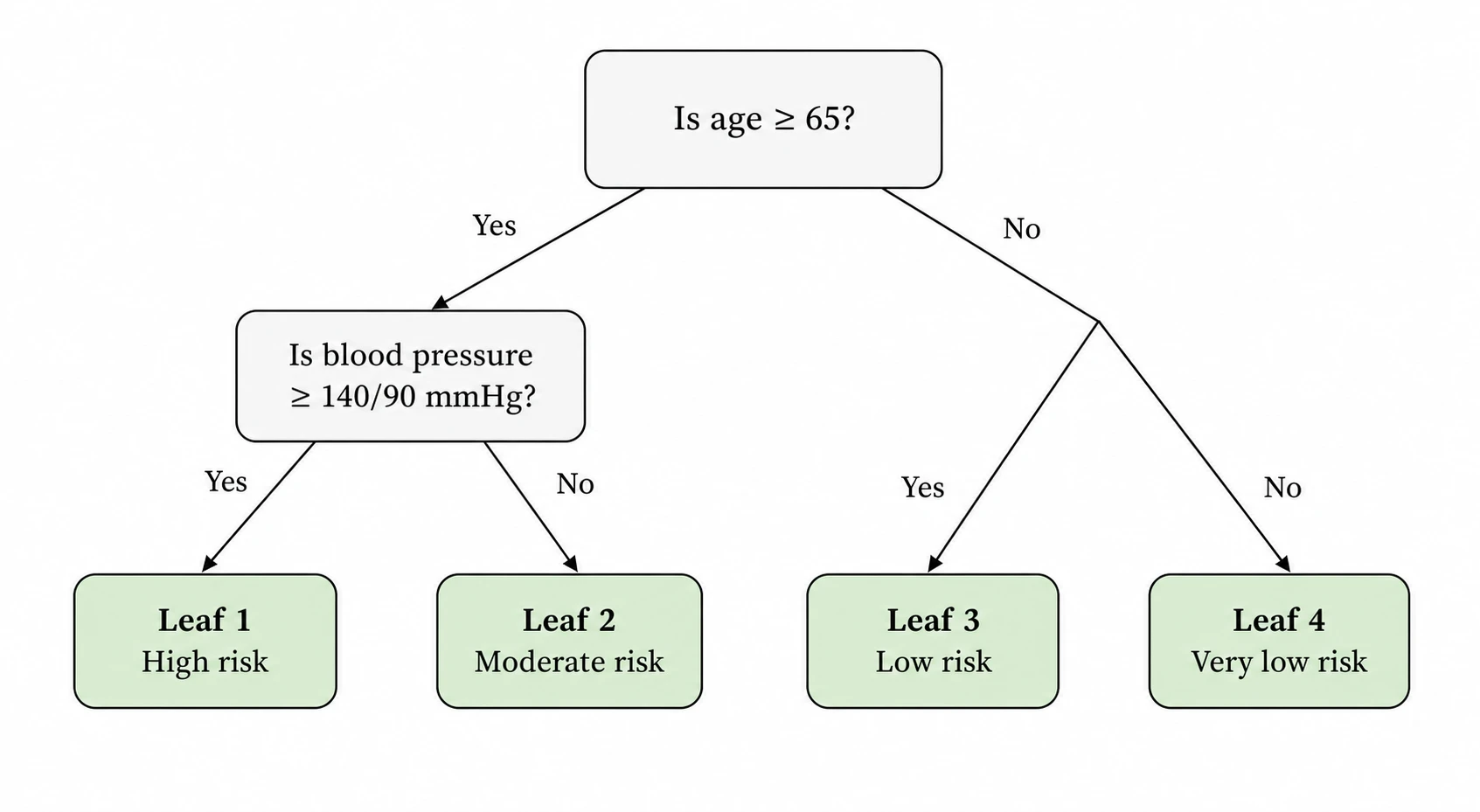 Decision Tree Generator
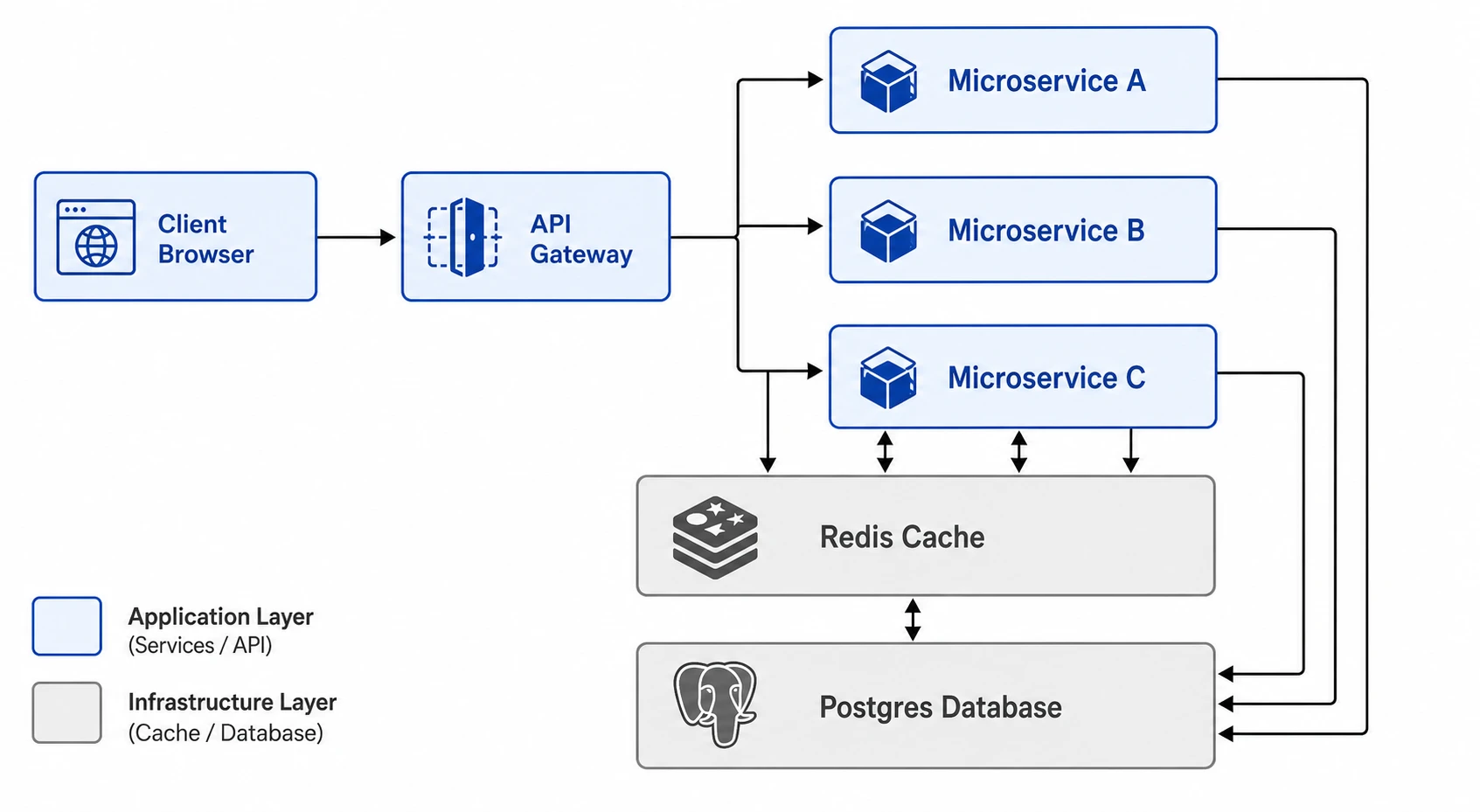 Software Architecture Diagram Generator
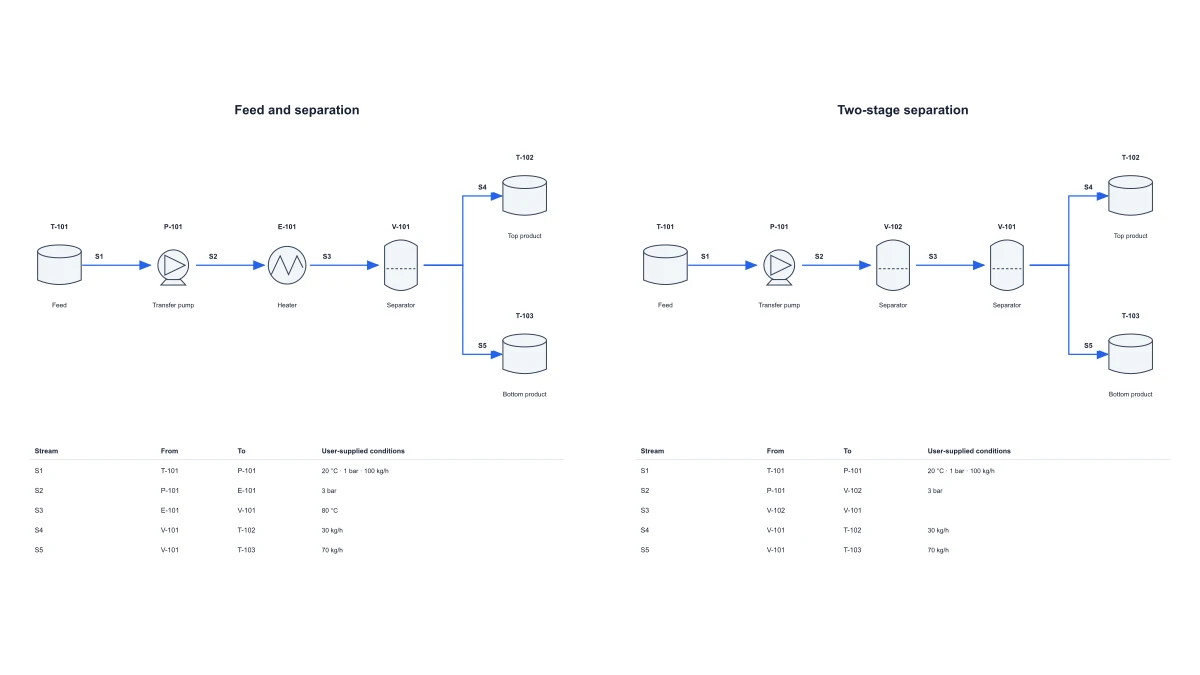 Chemical Process Flow Diagram Maker
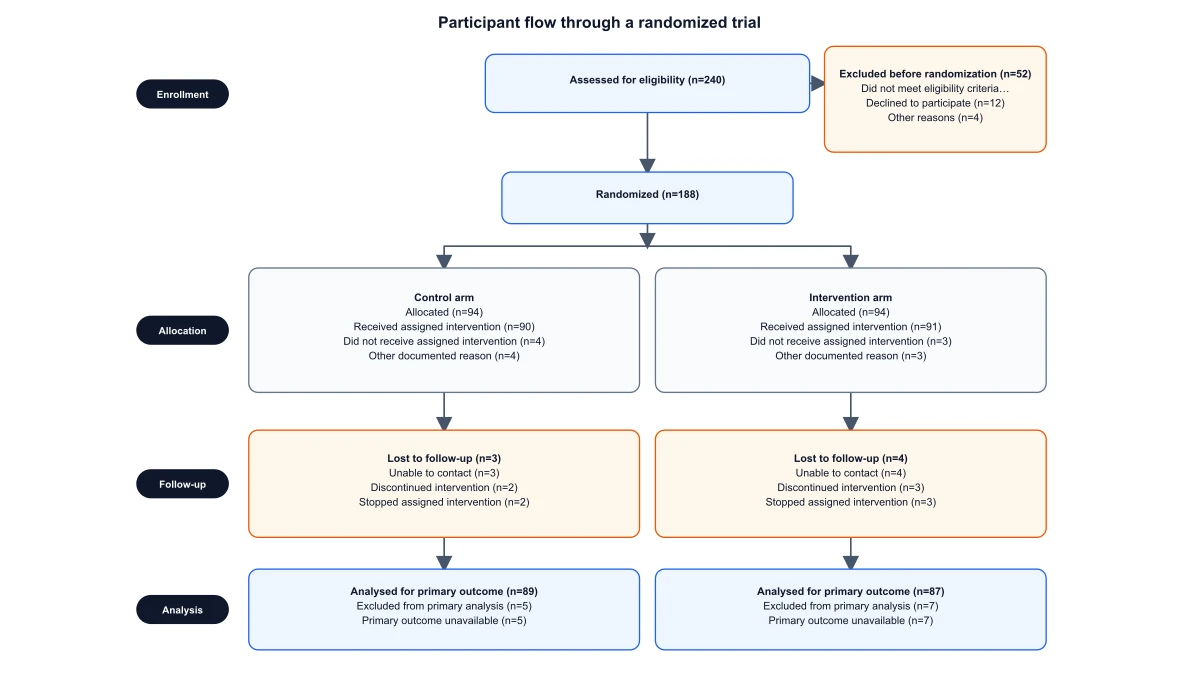 CONSORT Flow Diagram Generator
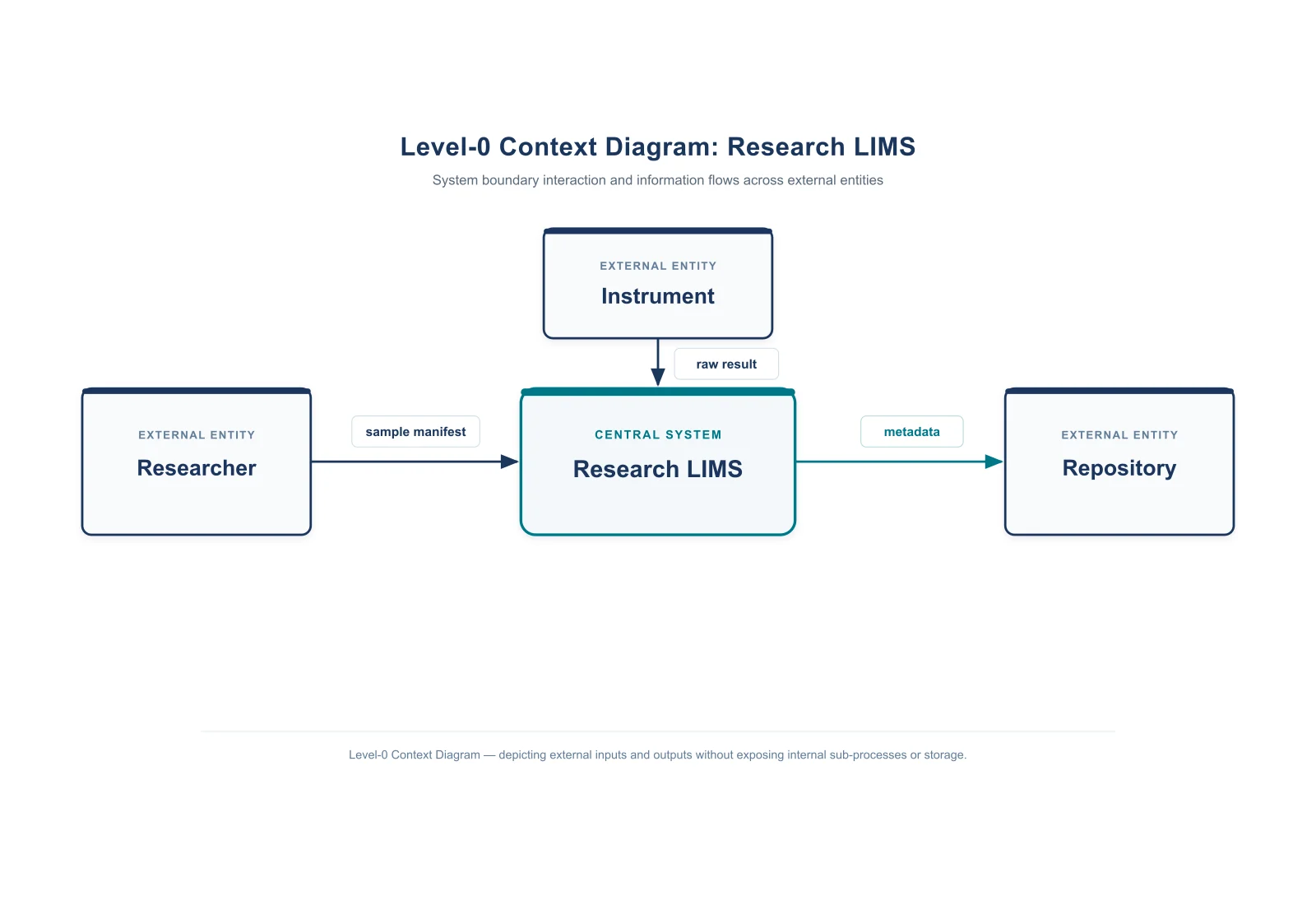 Context Diagram Creator
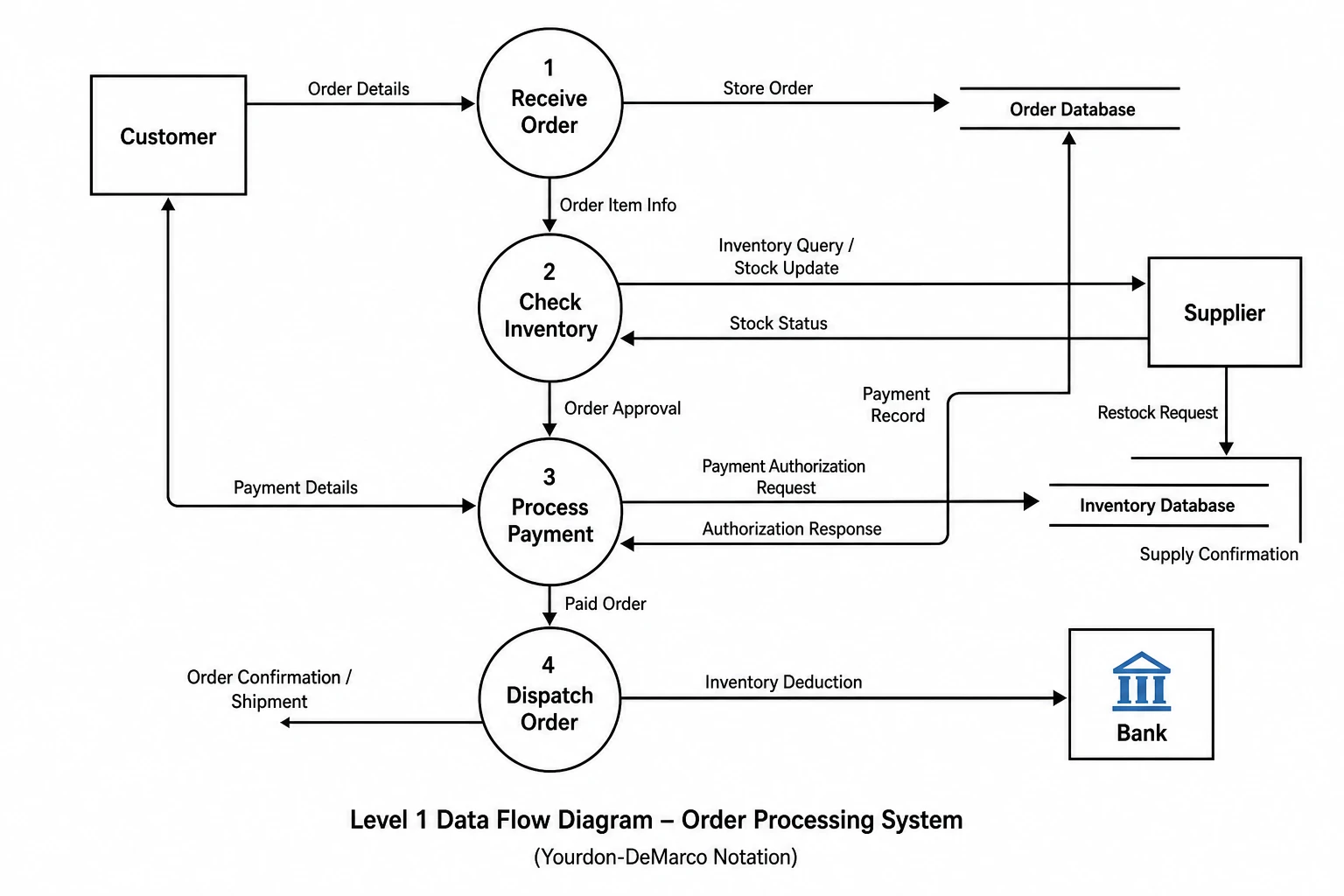 Data Flow Diagram Generator
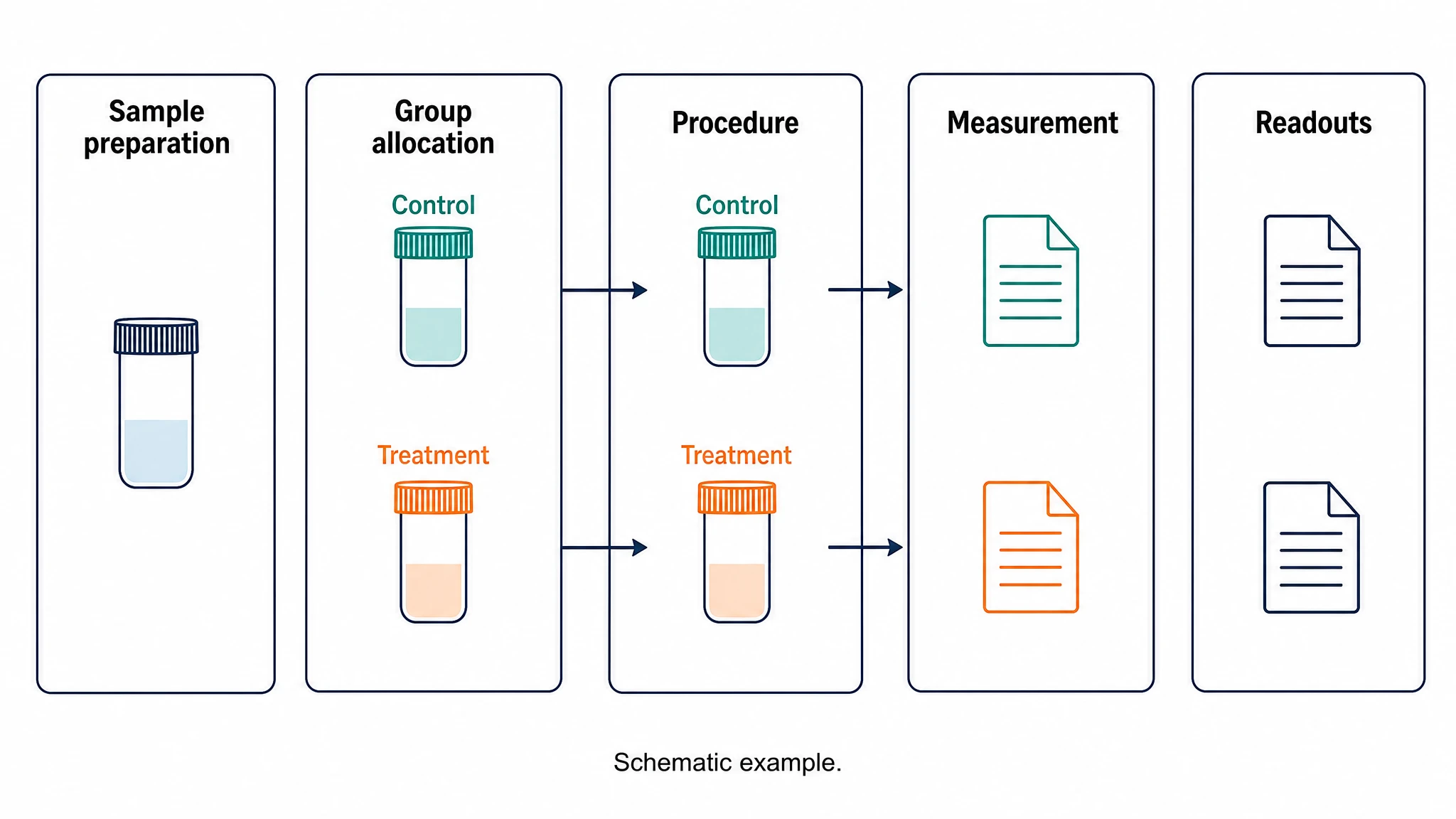 Experimental Workflow Diagram
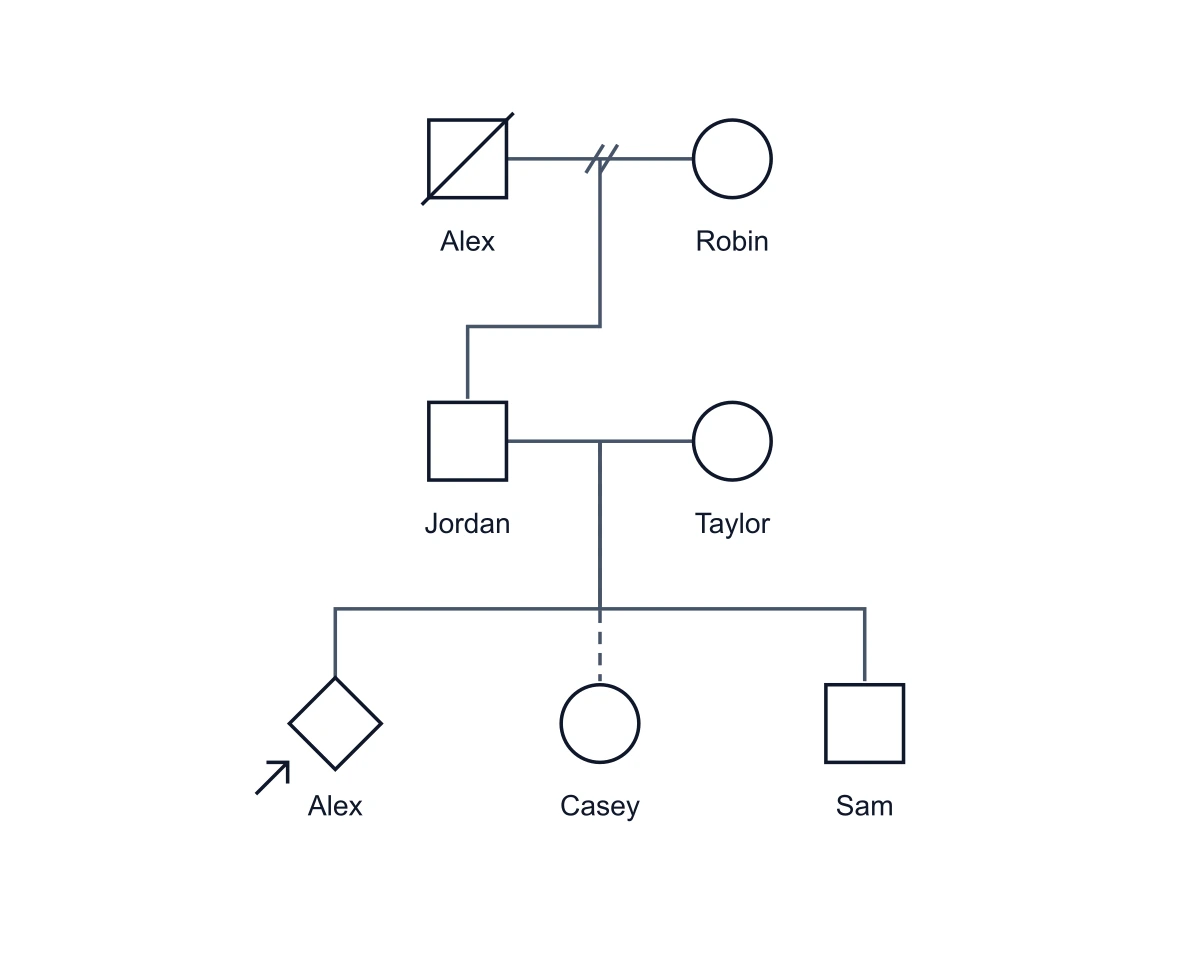 Genogram Maker
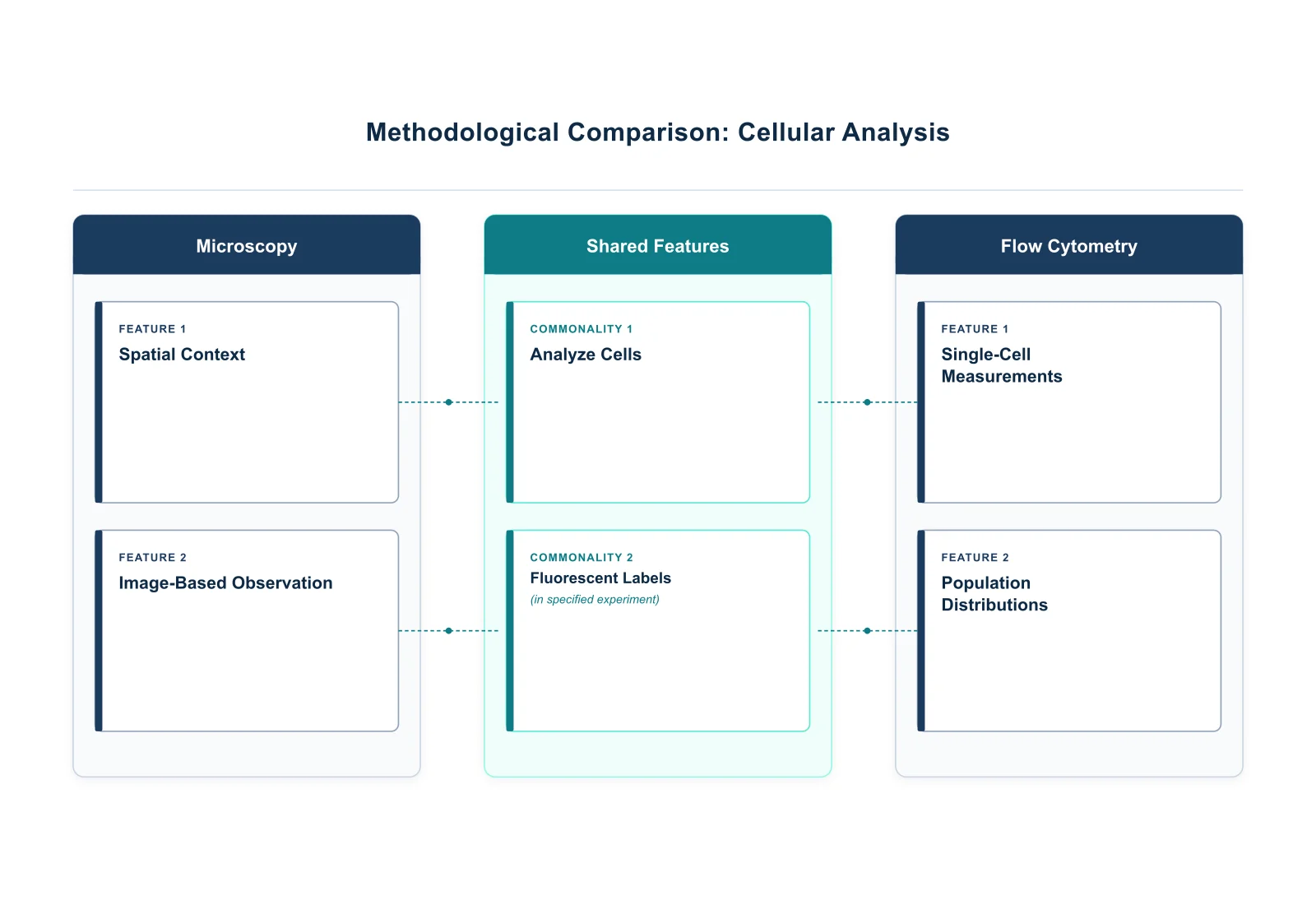 Graphic Organizer Generator
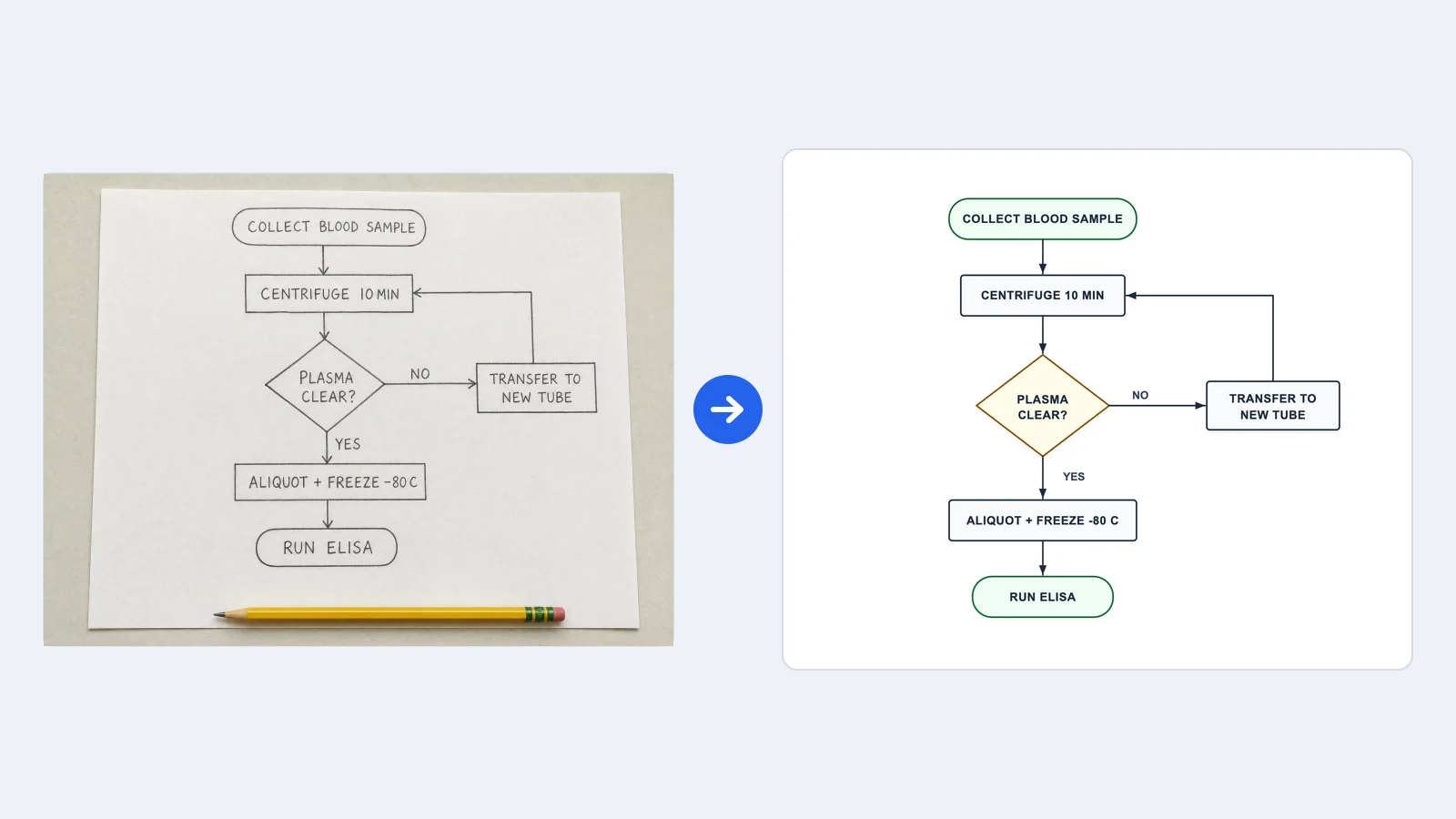 Image to Flowchart Converter
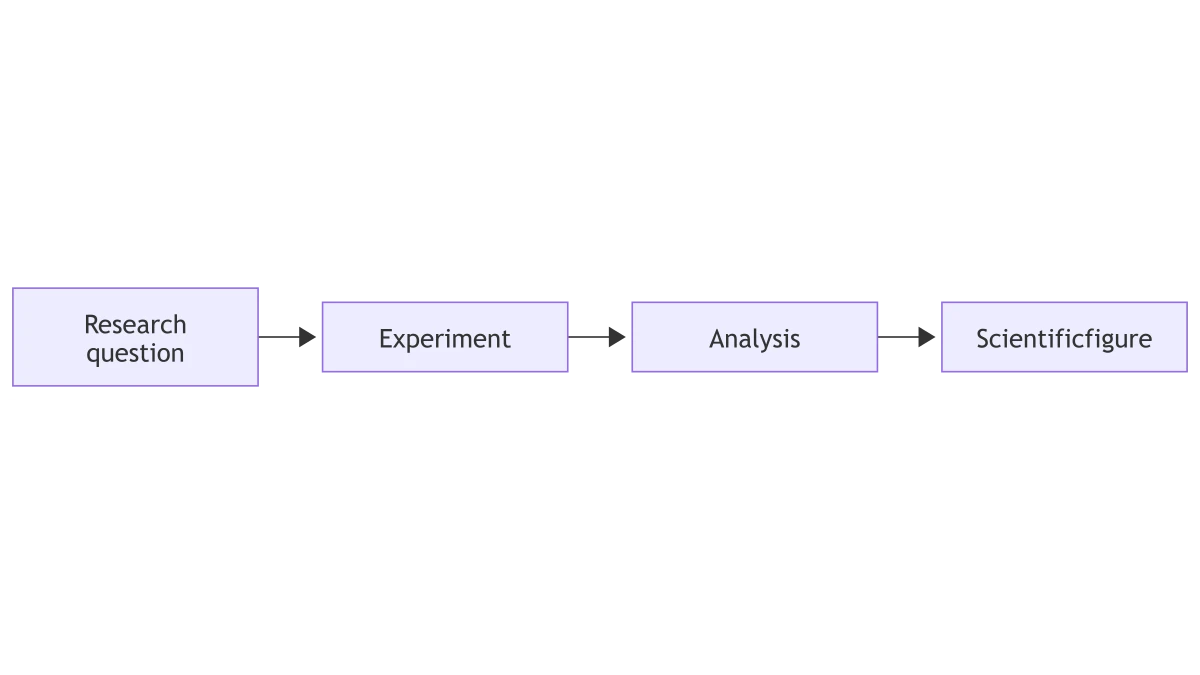 Mermaid to PNG Converter
 Network Diagram Generator
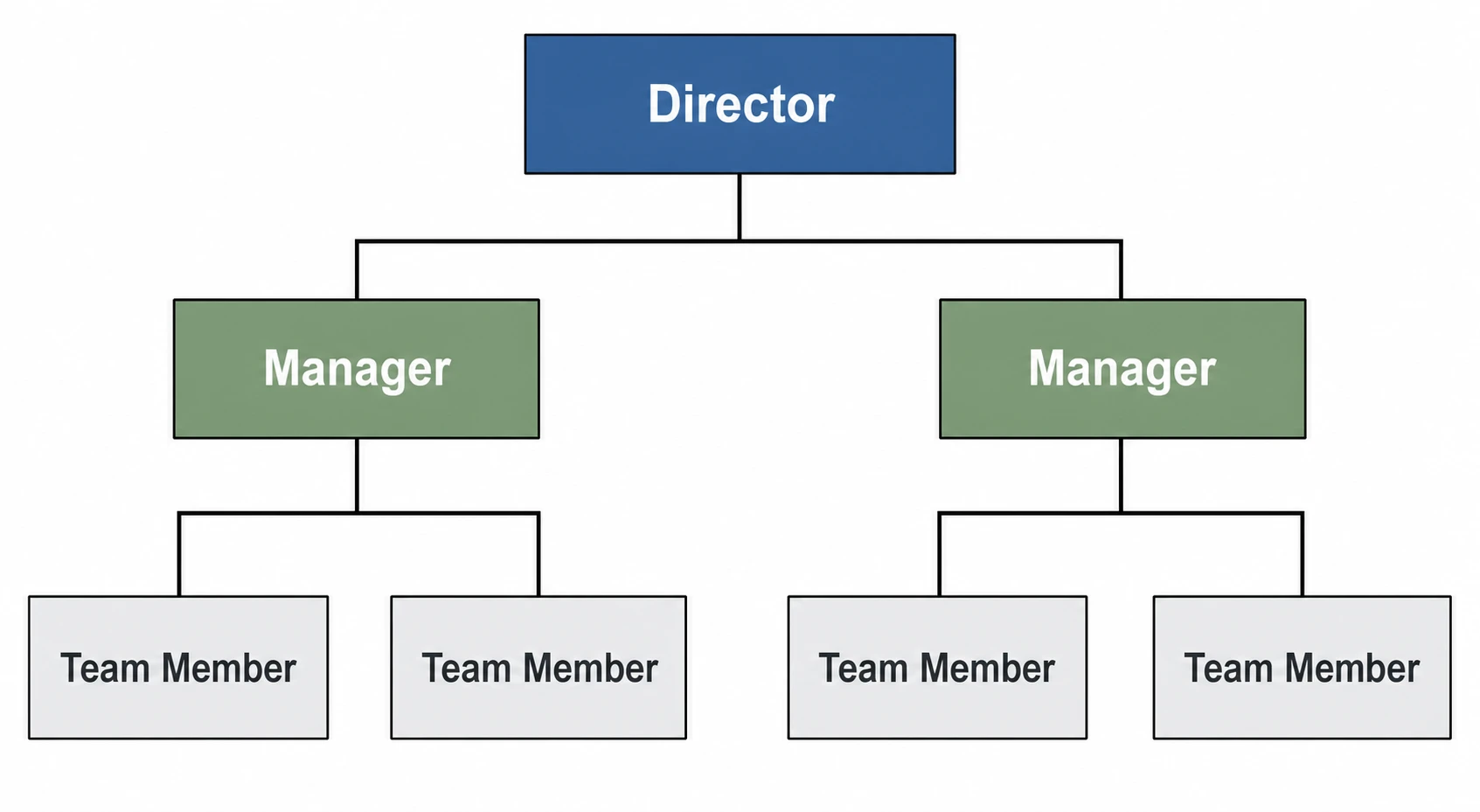 Org Chart Maker
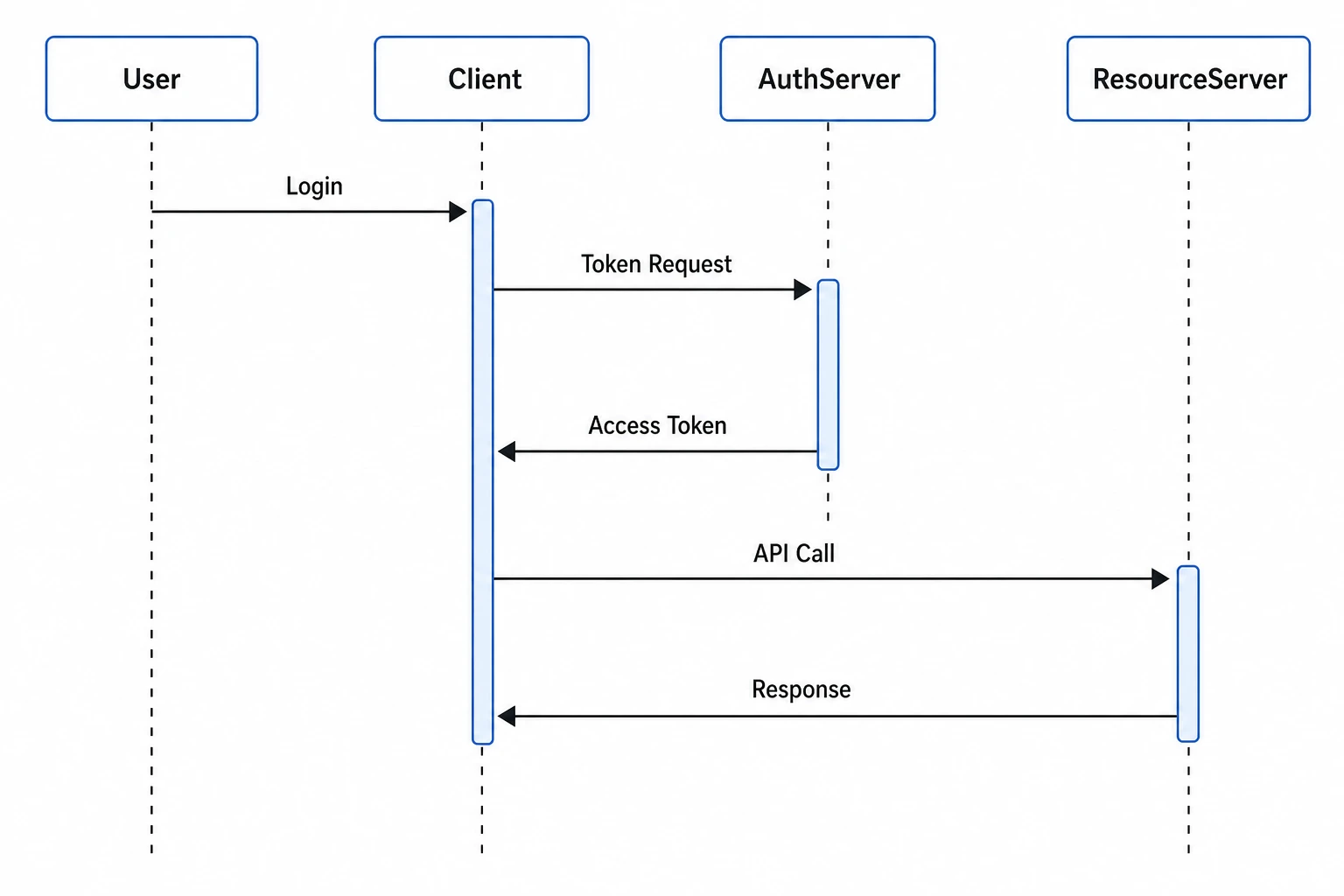 Sequence Diagram Generator
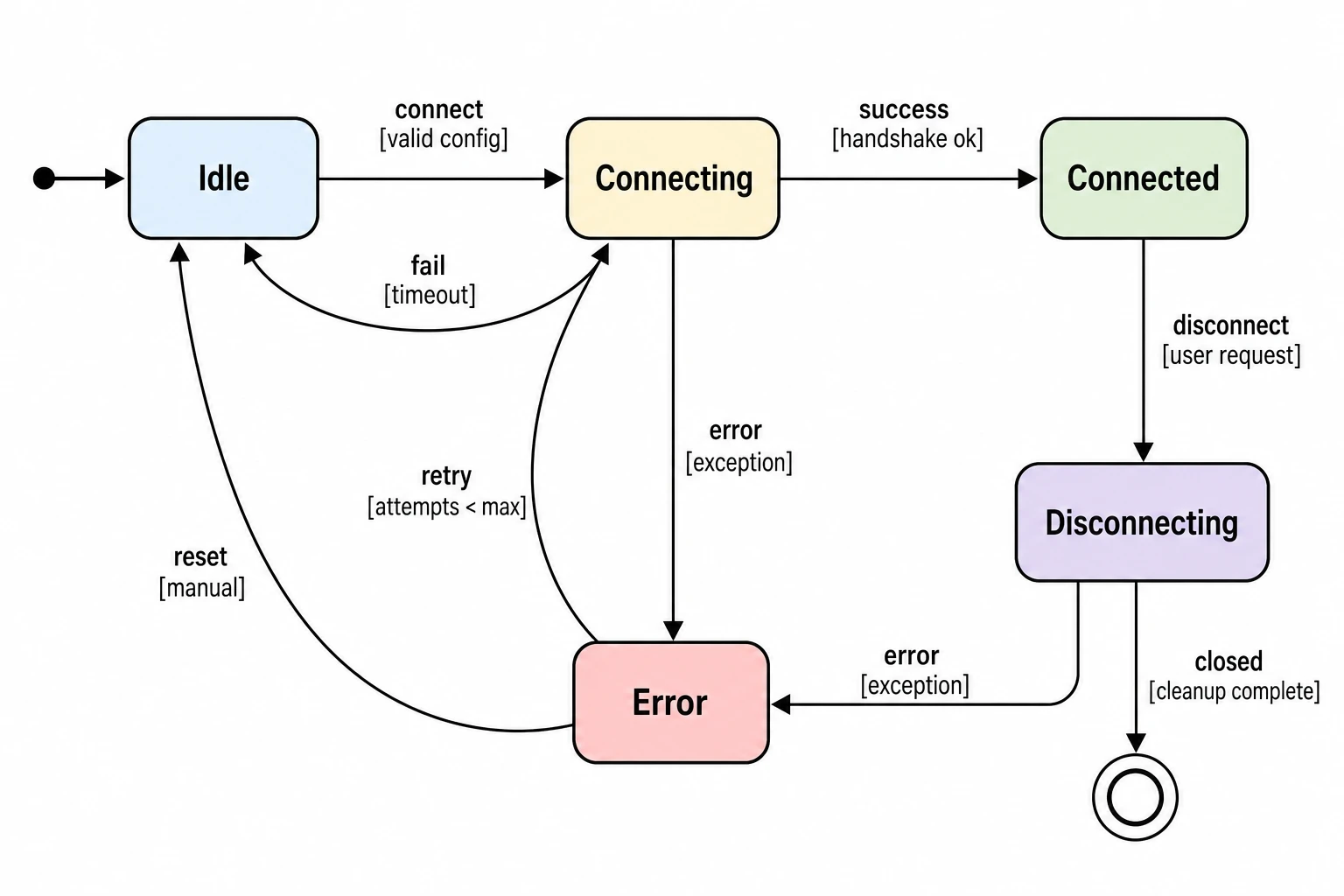 State Diagram Generator
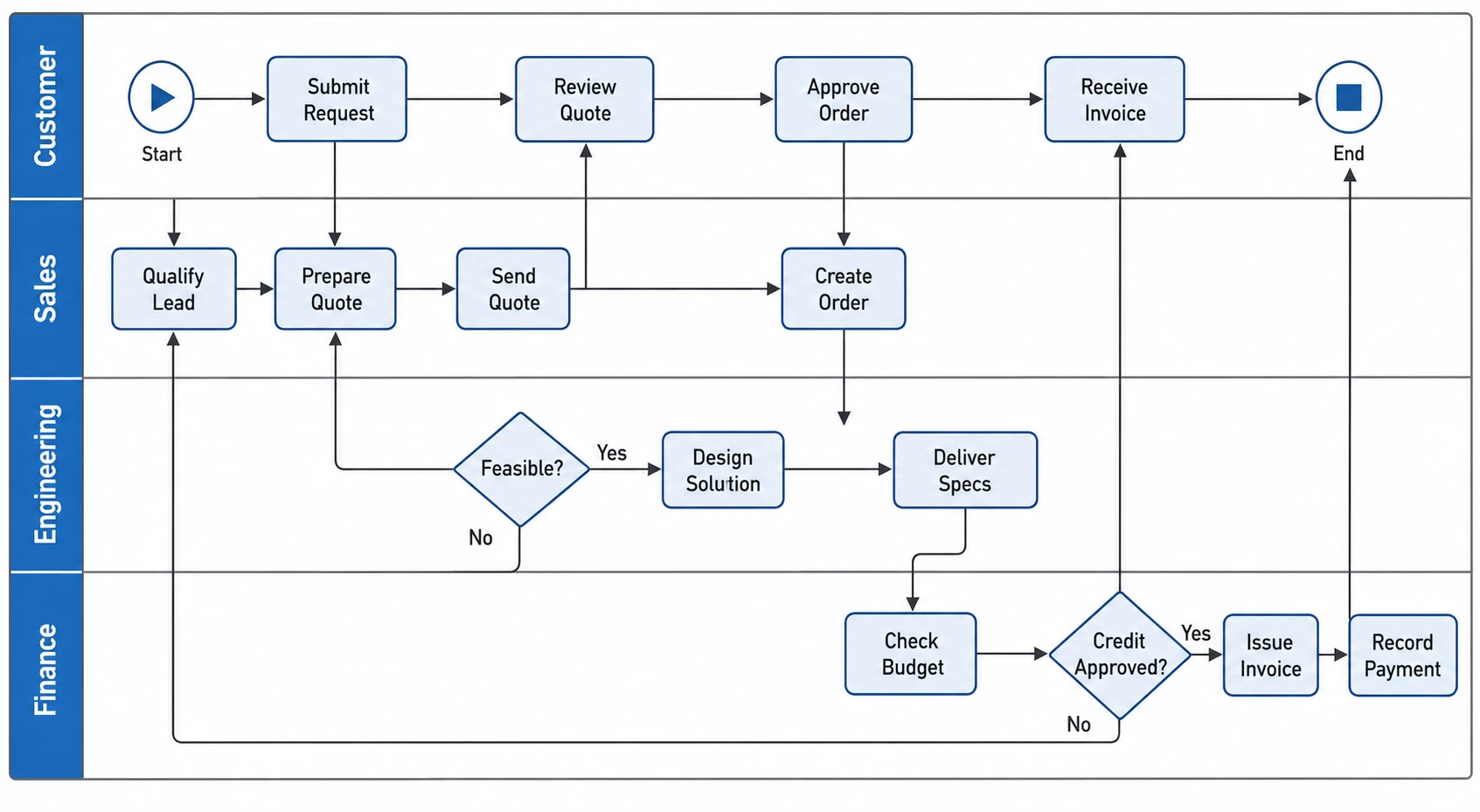 Swimlane Diagram Generator
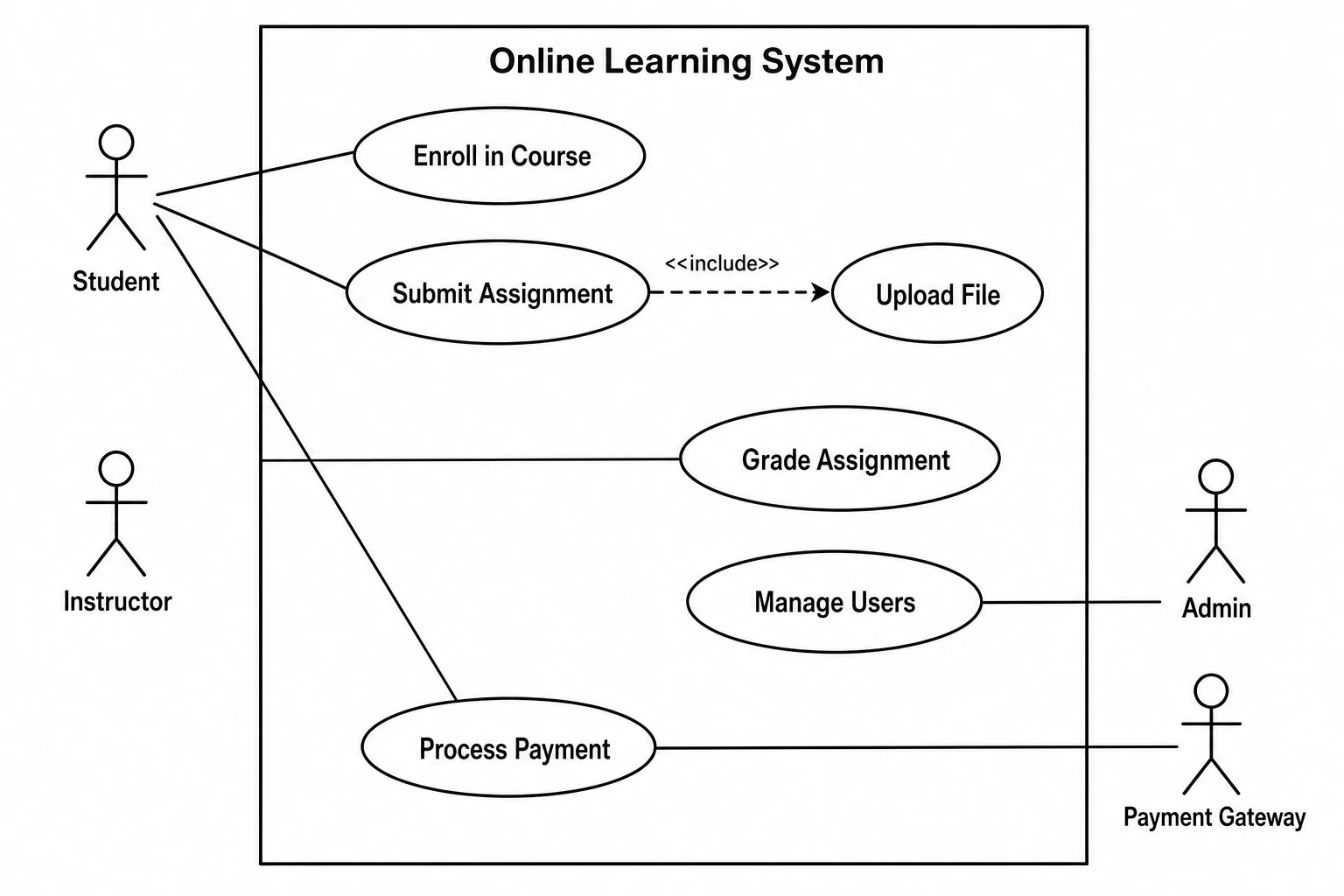 Use Case Diagram Generator
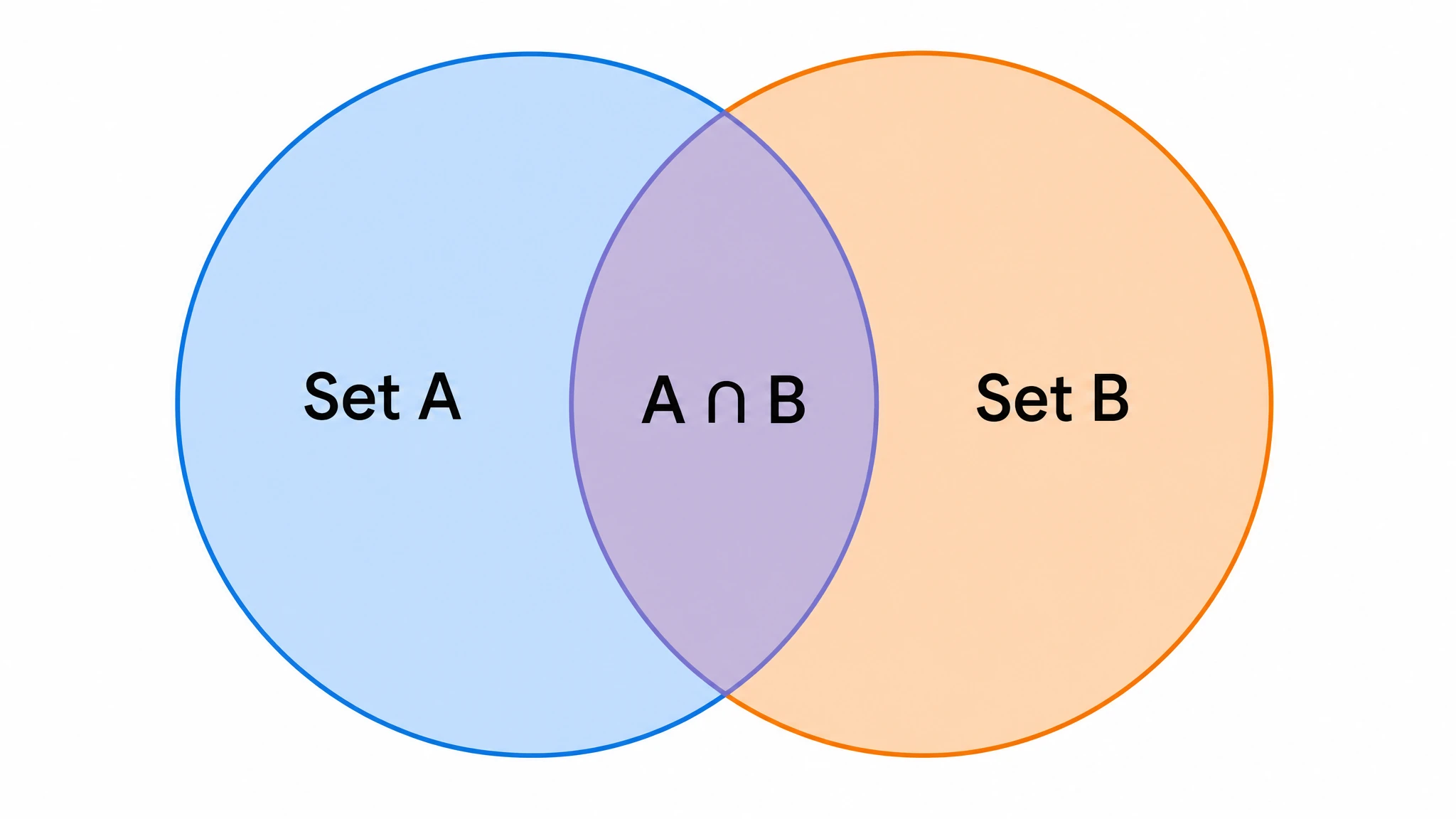 Venn Diagram Generator
Create with SciFig
Free to start · No credit card required · Built for researchers