SciFig

Free Mermaid to PNG Converter

Paste Mermaid code, render a diagram in your browser, and download PNG or SVG. Keep text, arrows and groups together when sharing a diagram outside a code editor.

Describe what you need in the box above.

Start with up to 150 free credits|No credit card required

Get up to 350 free credits on day one when you join through an invite.

3 figure engines · 500+ templatesEvery label editable · 60+ color schemesEditable PPTX · Layered SVG · 8K PNG / JPG

Mermaid to PNG and SVG

Paste a flowchart, sequence diagram or other supported Mermaid source. Render and export locally in your browser.

Maximum 20,000 source characters, 150 edges and 4096 pixels per diagram edge. PNG exports use the selected scale, up to 8192 pixels. Rendering stays in this browser.

Free Mermaid to PNG Converter— templates & examples

Updated

Mermaid diagram tools

Free Mermaid to PNG Converter

Turn diagram code into a clear image with your chosen background and export scale.

Mermaid to PNG converts text-based diagram code into a raster image for documents and slides. Paste Mermaid code, render a diagram in your browser, and download PNG or SVG. Keep text, arrows and groups together when sharing a diagram outside a code editor.

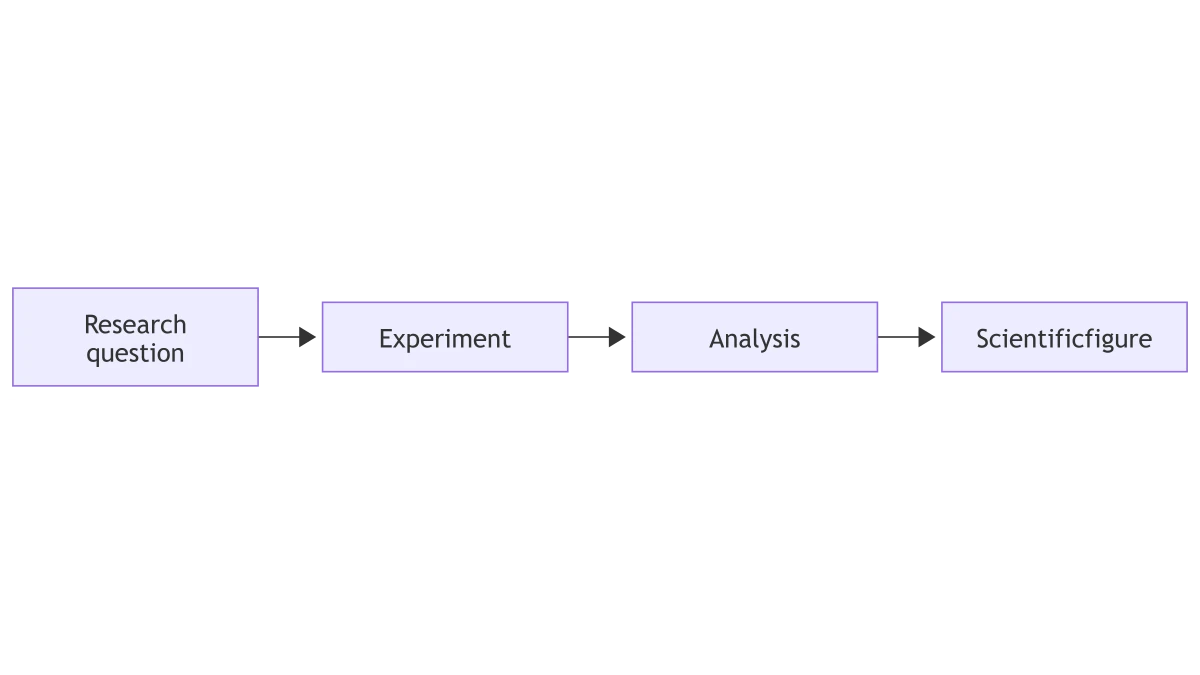
Mermaid flowchart linking a research question, experiment, analysis and scientific figure
  • Paste diagram code
  • Choose an export scale
  • Use a transparent background
  • Export the rendered SVG

Mermaid Diagram Features

Convert Mermaid to PNG from your diagram source, with a preview and export settings in one place.

Render diagrams from Mermaid code

Start with the diagram source you already have. SciFig renders the nodes, relationships and labels into a visible preview, so the image follows your code rather than an AI interpretation of it. Use a flowchart, sequence diagram or class diagram to turn a text-based explanation into a figure for a document.

  • Paste diagram code
  • Preview connected nodes and labels
  • Retain subgraphs and relationships
Render Mermaid code

Export clear PNG images

SciFig’s Mermaid to PNG converter lets you choose an export scale for readable labels at the size your slide or document needs. A PNG is useful when the destination accepts images but does not run Mermaid. The image captures the diagram geometry and text together, keeping their relationships intact when you share it.

  • Choose an export scale
  • Keep the full diagram extent
  • Use a raster image in slides
Prepare a PNG

Choose a background for your diagram

A transparent export lets your diagram sit on a colored slide, while a solid background keeps the figure self-contained. Match the choice to where the image will be placed. SciFig applies that background to the exported image so the preview and the delivered PNG describe the same drawing.

  • Use a transparent background
  • Choose a solid background
  • Place the result on a slide
Set the background

Keep a vector version alongside PNG

Download SVG when the destination needs a scalable diagram. The vector file preserves lines and text as diagram content, while PNG provides a convenient image for everyday documents. Both outputs come from the rendered Mermaid source, making it practical to keep a shareable picture beside the code that produced it. Use the same source for Mermaid to SVG output.

  • Export the rendered SVG
  • Preserve vector lines
  • Keep code and output together
Export a Mermaid diagram

How to Create the Figure

Paste code, render a preview and convert Mermaid to PNG or SVG.

  1. Paste your Mermaid source

    Open the converter below and paste the diagram code. Start with one supported flowchart, sequence or class diagram. Include the labels and relationships you want in the final image; those statements determine the rendered structure.

  2. Render the diagram

    Run the preview to render the source. The displayed diagram shows the nodes, groups and connectors from the code. If the source contains a syntax error, correct the source and render it again. The rendered preview is also the source of the PNG and SVG downloads.

  3. Choose background and scale

    Select a background and an export scale for the destination. A transparent background works on colored slides; a solid background makes the image self-contained. A larger PNG scale provides more pixels for labels at the same diagram proportions.

  4. Download PNG or SVG

    Export the Mermaid diagram to PNG for a slide, report or document. Choose SVG when you want a vector copy of the same diagram. Keep the Mermaid source with the exported files so that later structural changes can begin from the original code.

Mermaid Diagram Uses

Use a labeled Mermaid diagram to connect the explanation in your material with a visible figure.

Mermaid flowchart linking a research question, experiment, analysis and scientific figure

Place a workflow in a report

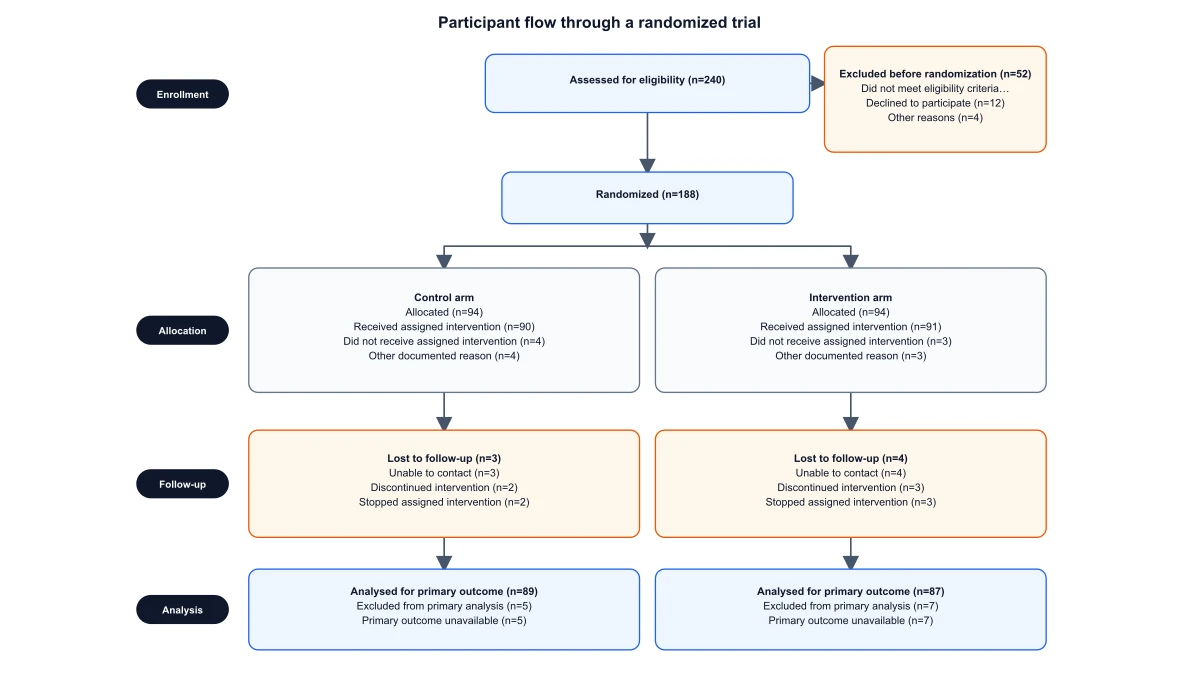
A methods report may contain a process written as Mermaid code. Convert that source into a PNG so readers can see the decision points without opening a code editor. Keep the diagram with the document and regenerate it when the workflow changes.

Explore this example
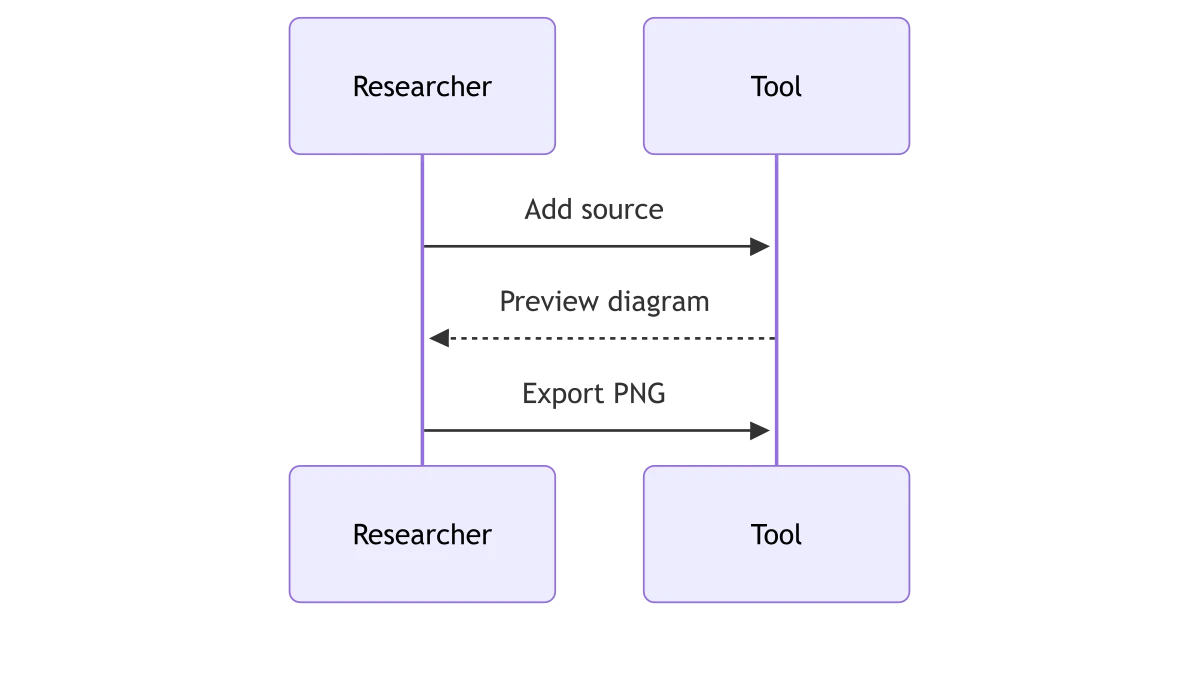
Mermaid sequence diagram showing a researcher adding source, previewing a diagram and exporting PNG

Share a sequence with collaborators

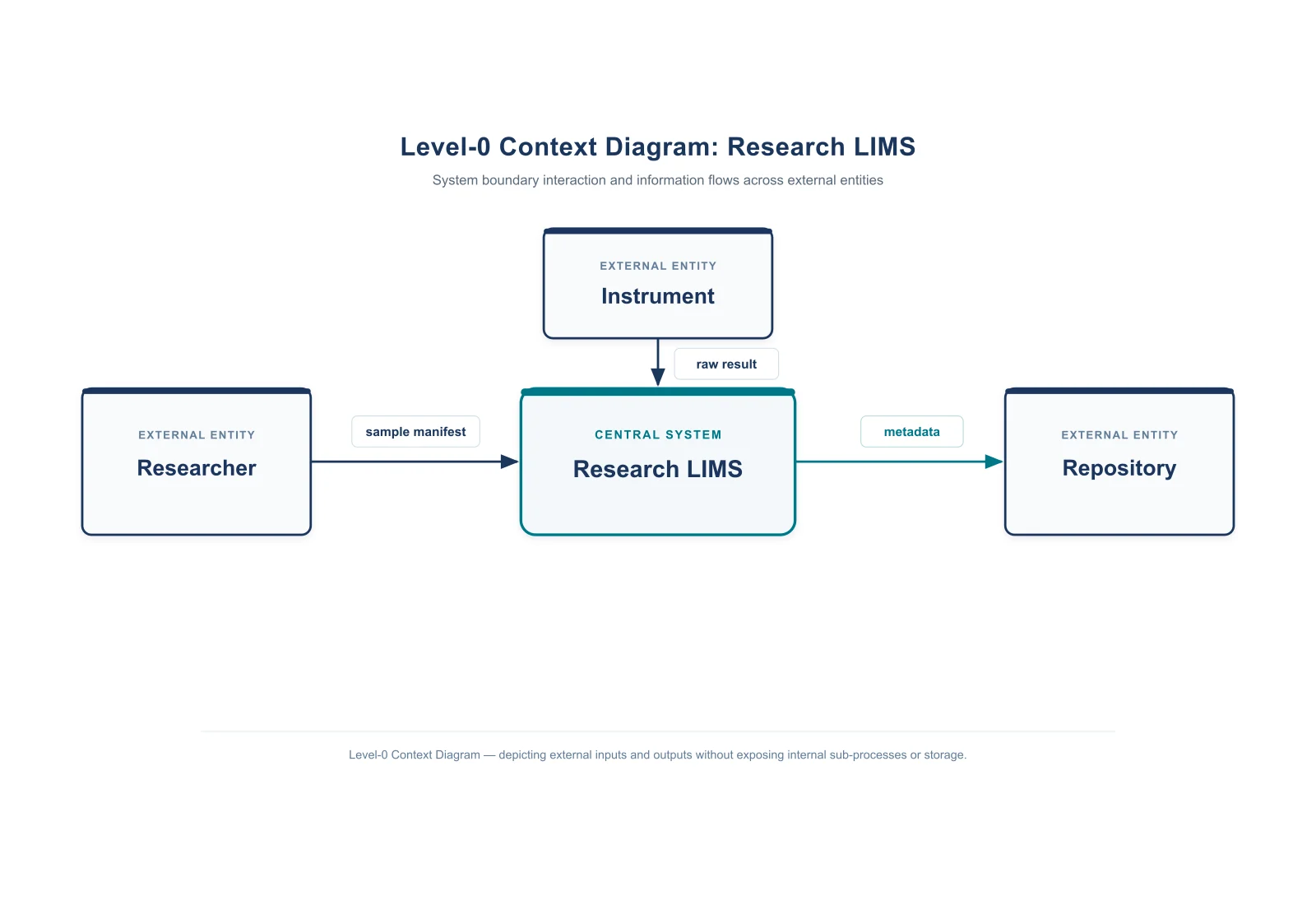
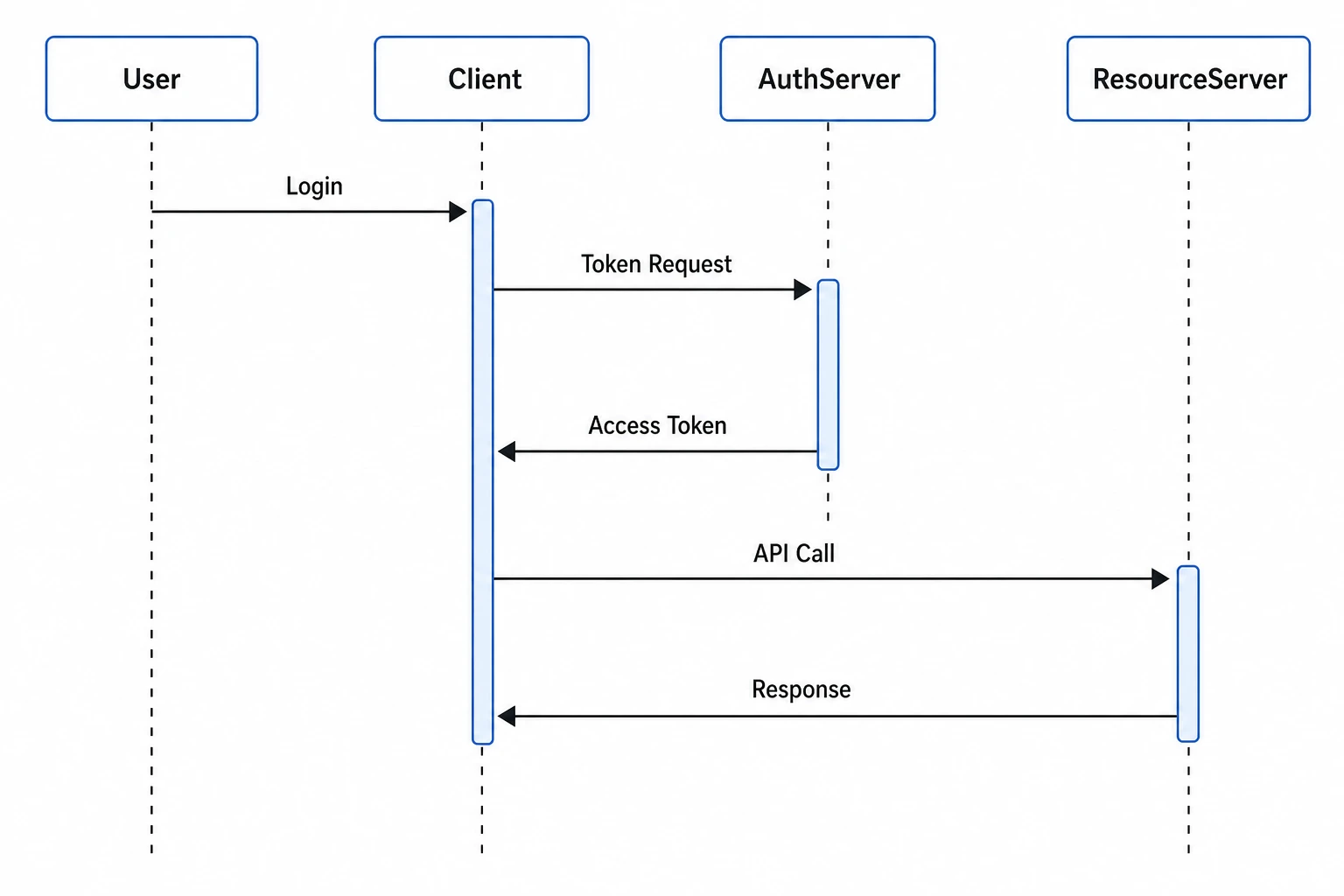
Use a sequence diagram to explain which participant sends each message. Render the code and export the whole interaction for a team discussion. A static image makes the order visible in a presentation or meeting document without requiring a Mermaid integration.

Explore this example
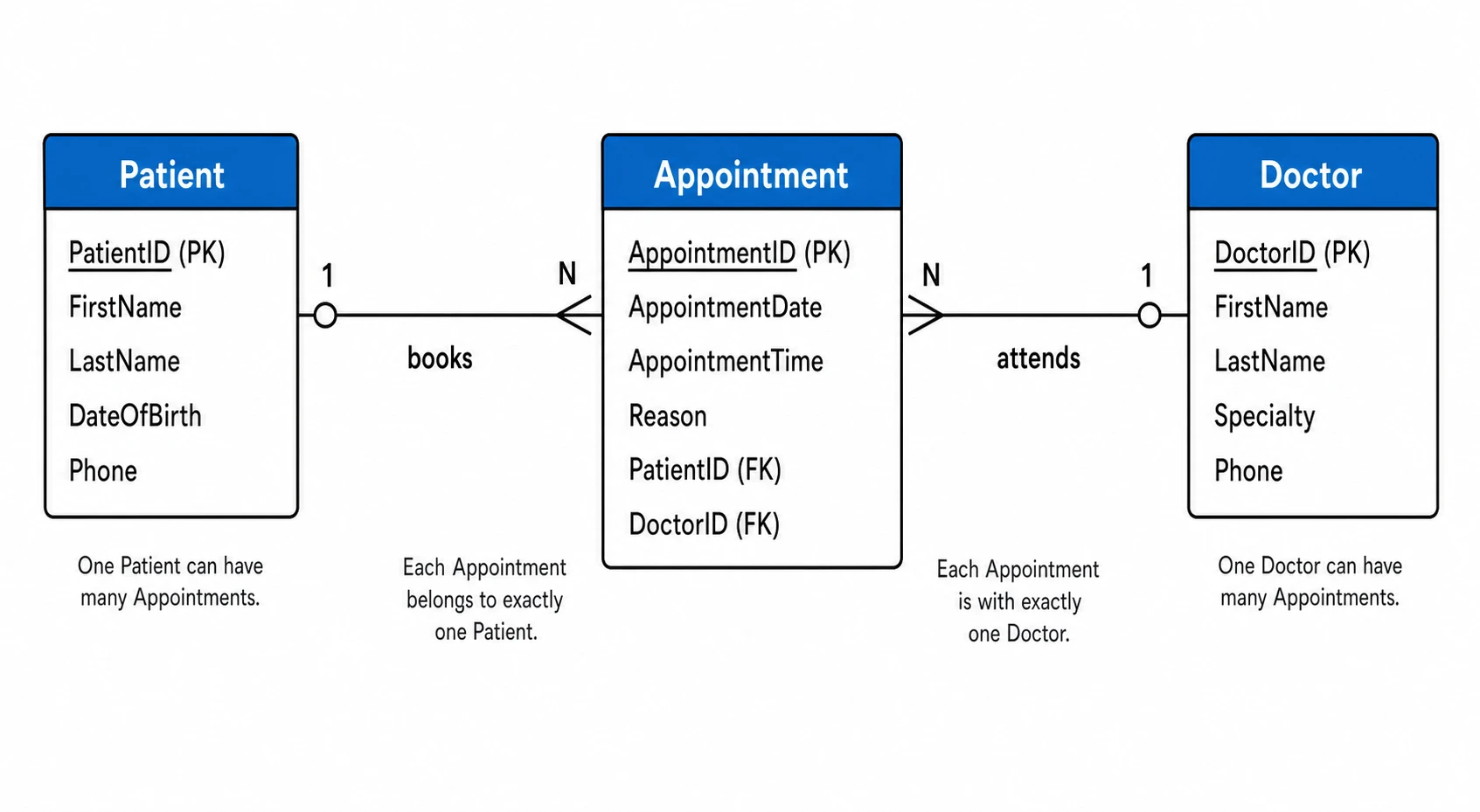
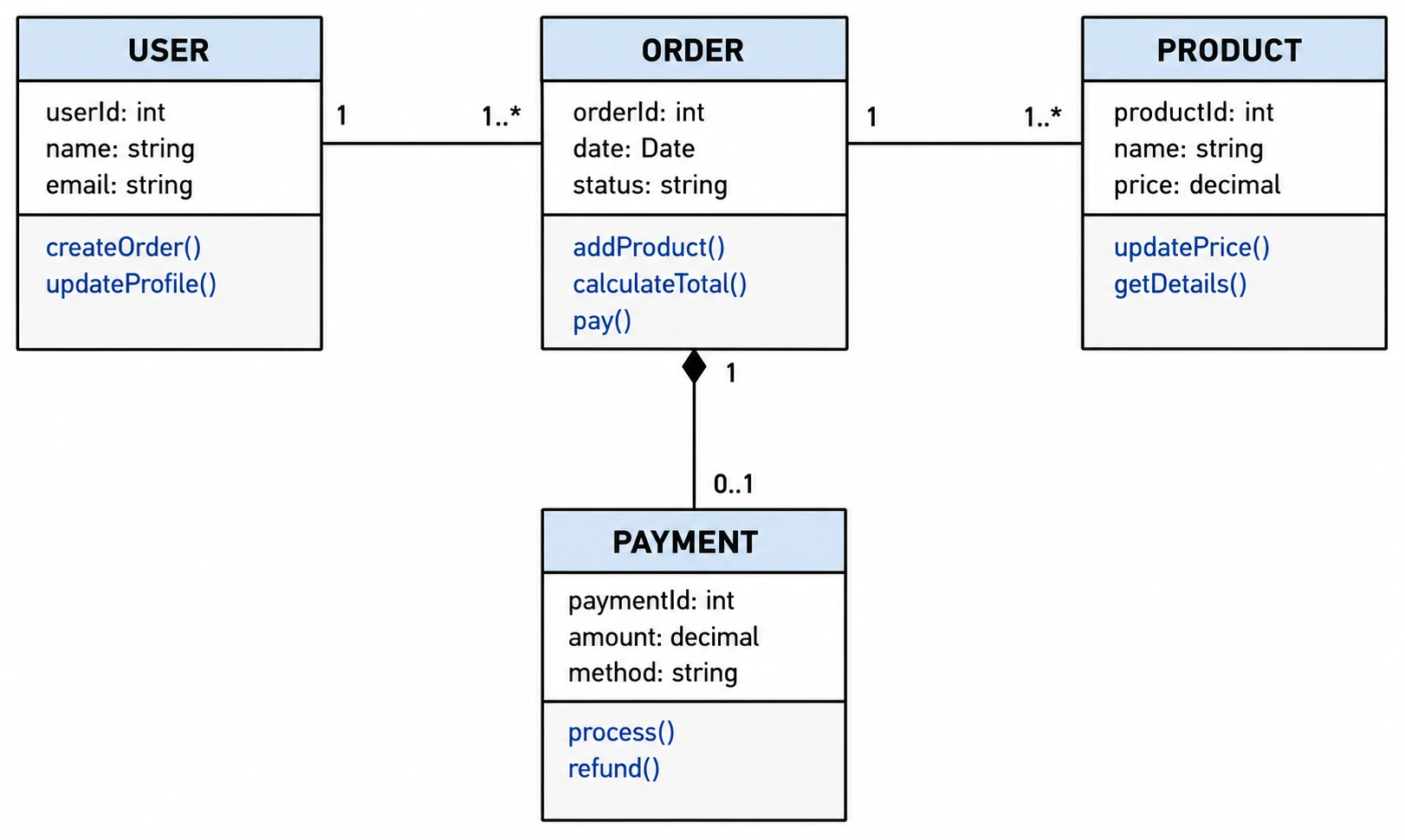
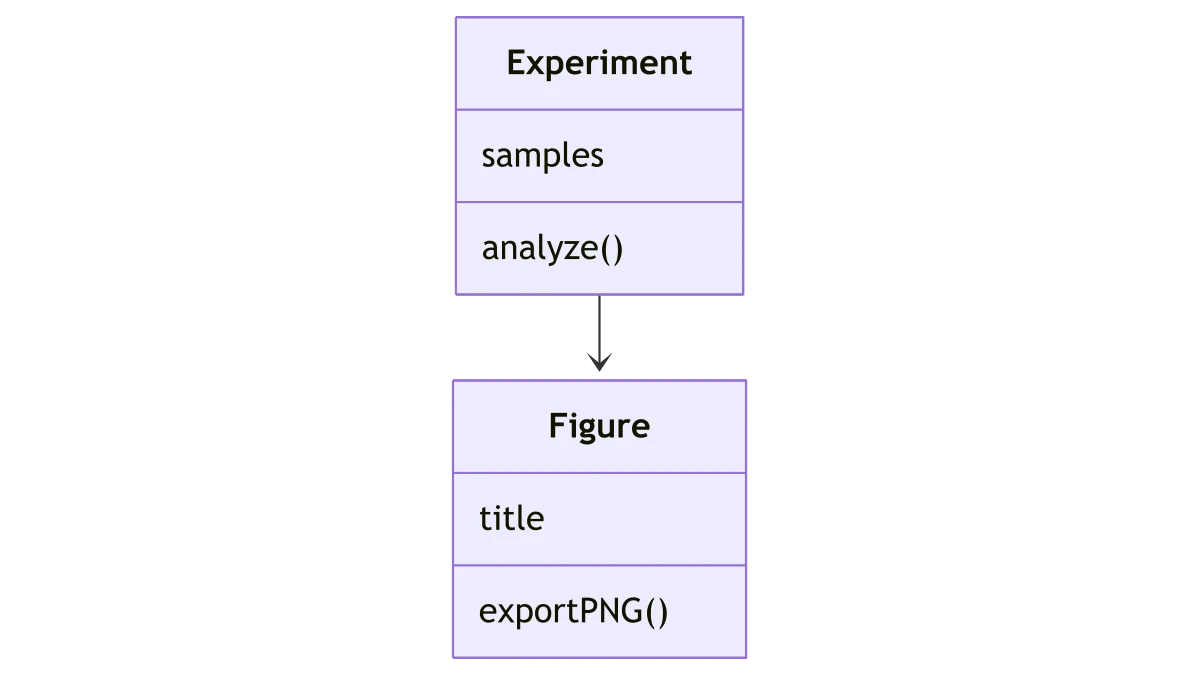
Mermaid class diagram linking Experiment and Figure classes with their fields and methods

Document a class relationship

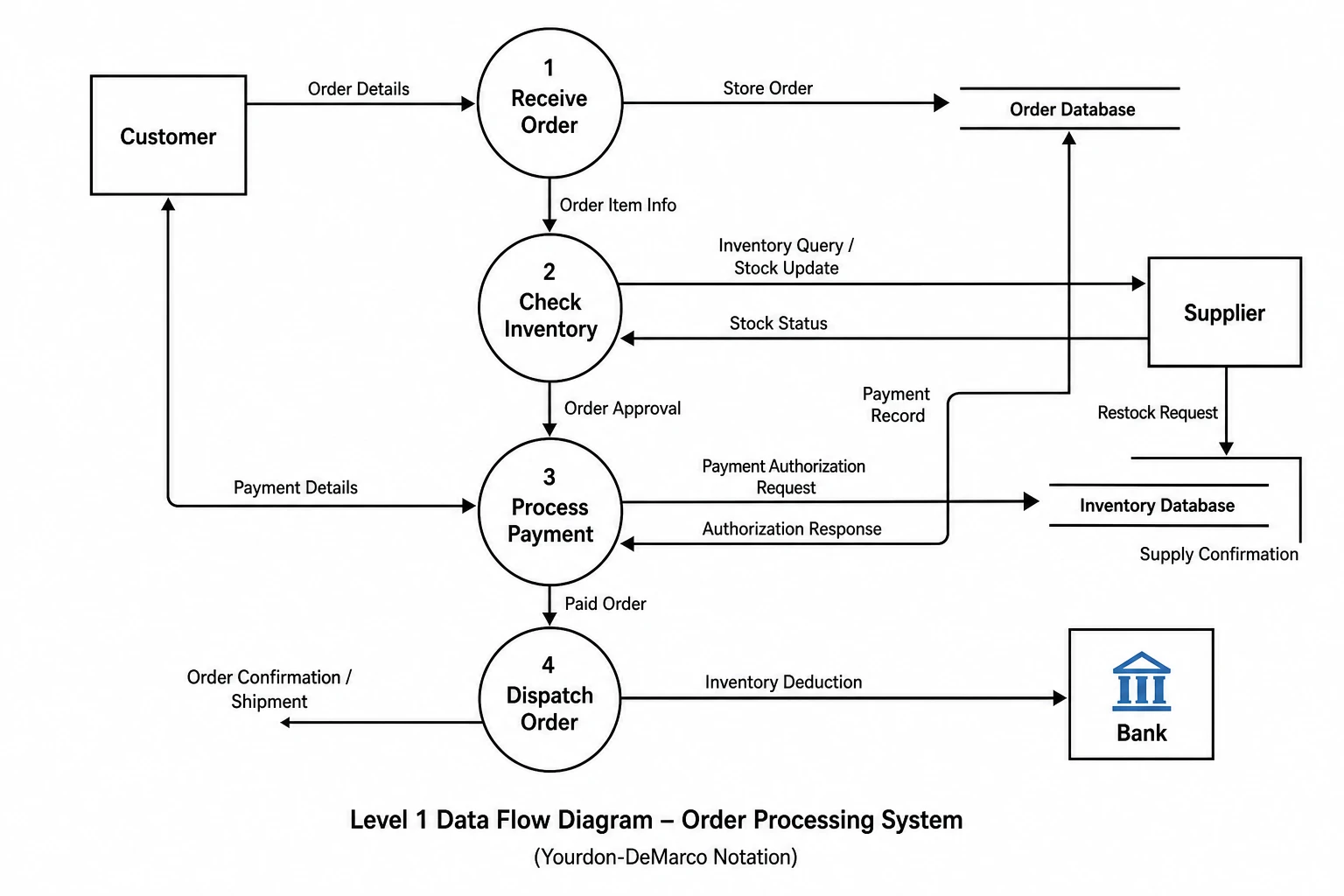
A technical appendix may need a class diagram rather than a screenshot of source code. Render the relationships, labels and compartments from Mermaid, then export SVG for a scalable figure or PNG for a document that accepts raster images.

Explore this example
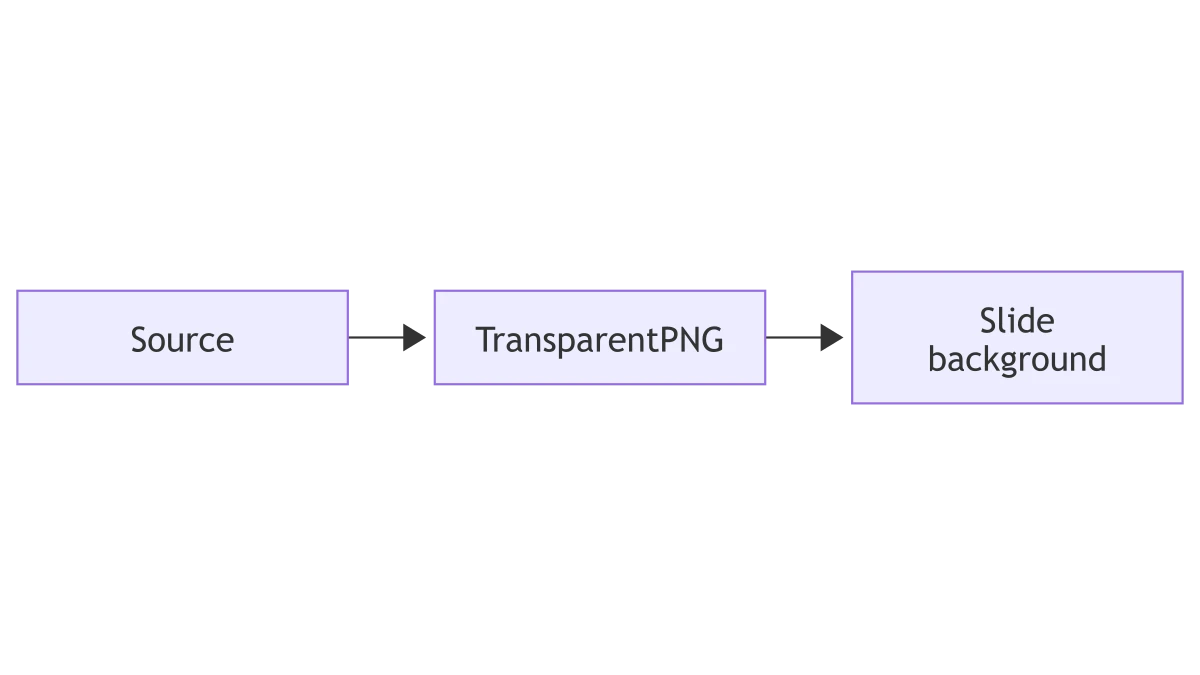
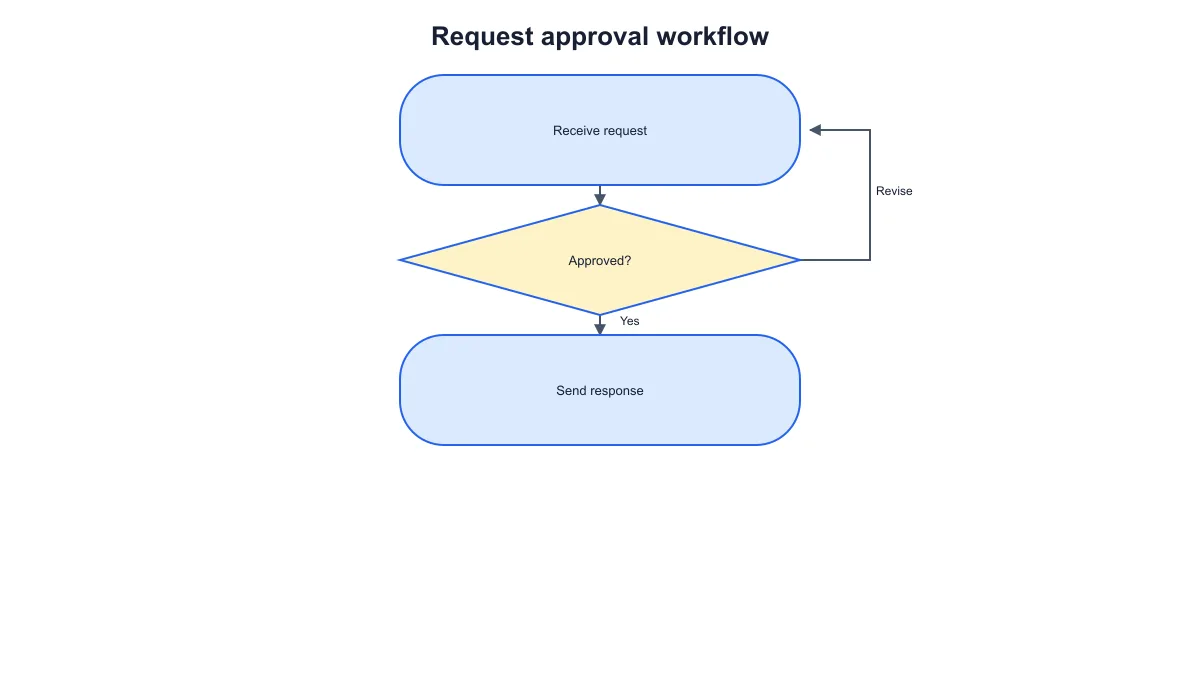
Mermaid flowchart linking source, a transparent PNG step and a slide background

Match a diagram to a slide

Place a transparent PNG on a slide background while retaining the diagram labels and arrows. Choose a larger export scale when the diagram occupies most of the slide. The original code remains the place to make structural revisions before creating another image.

Explore this example
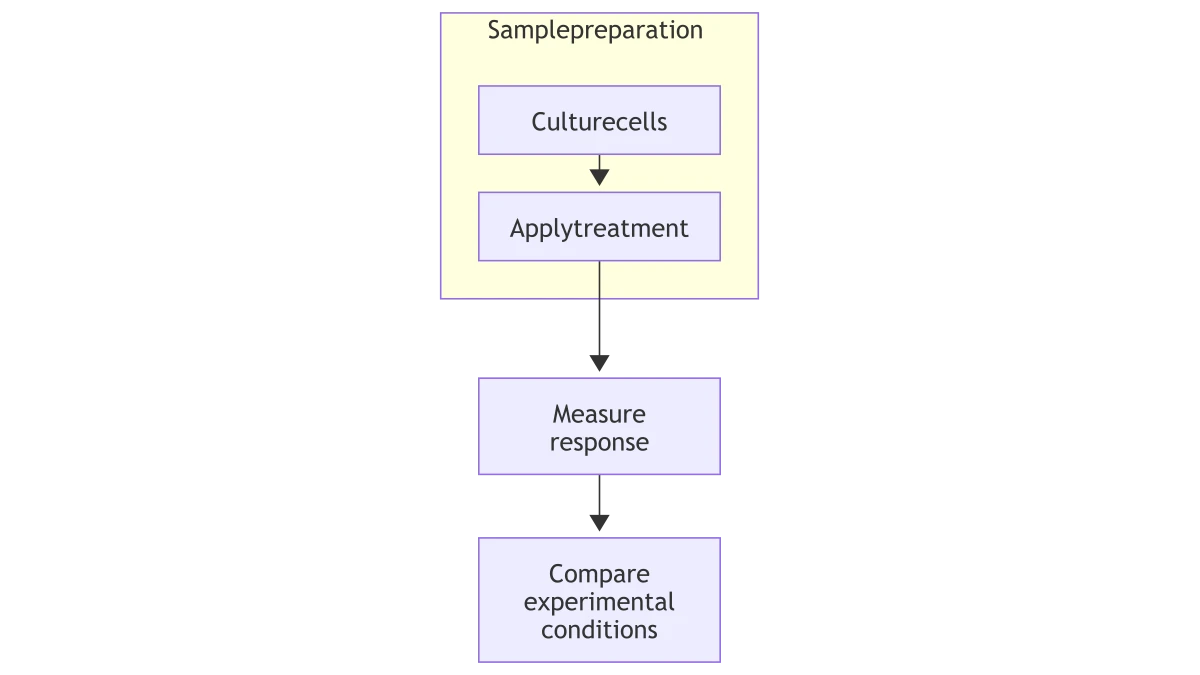
Mermaid workflow with a sample-preparation subgraph followed by response measurement and comparison

Explain grouped stages

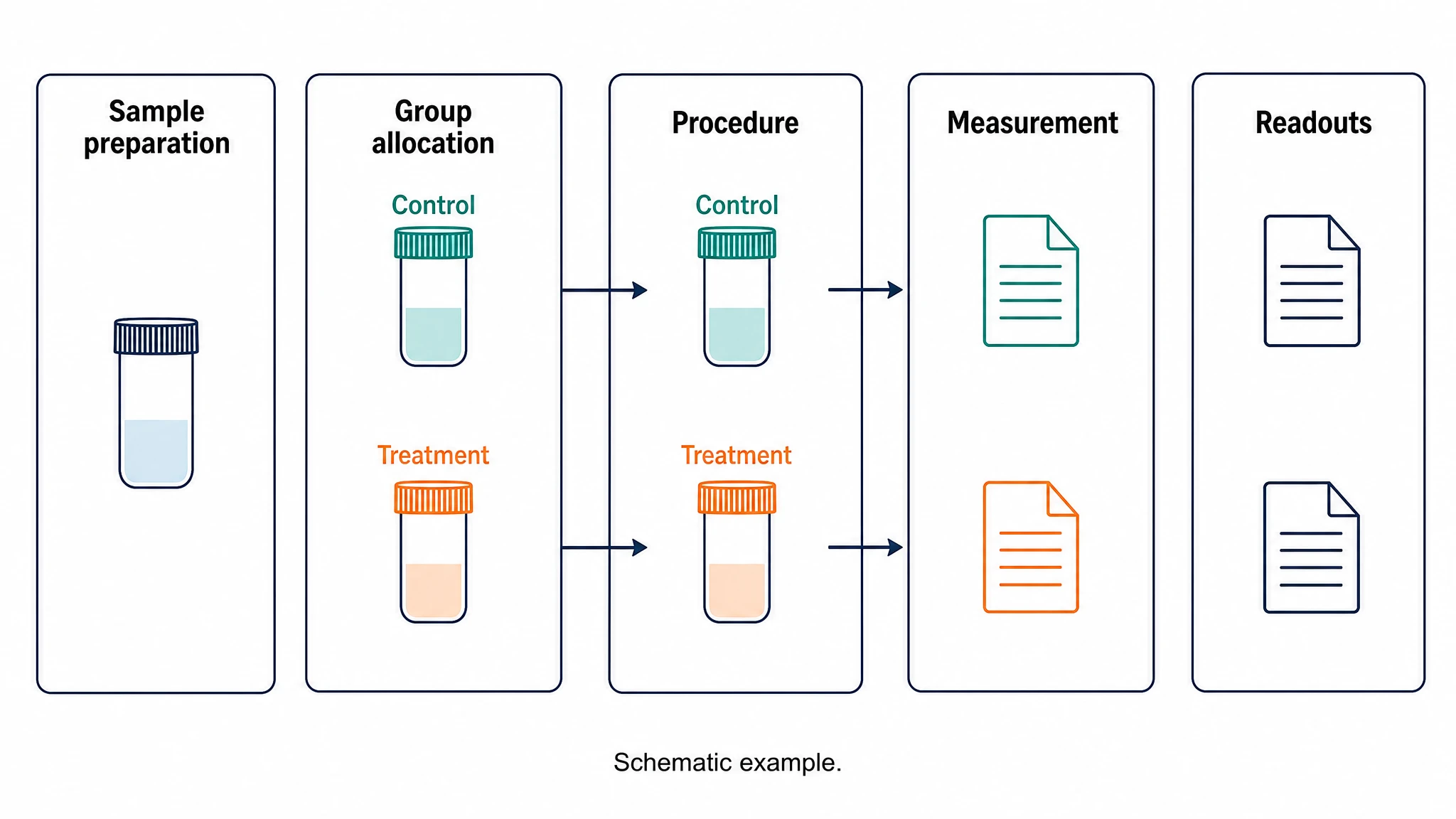
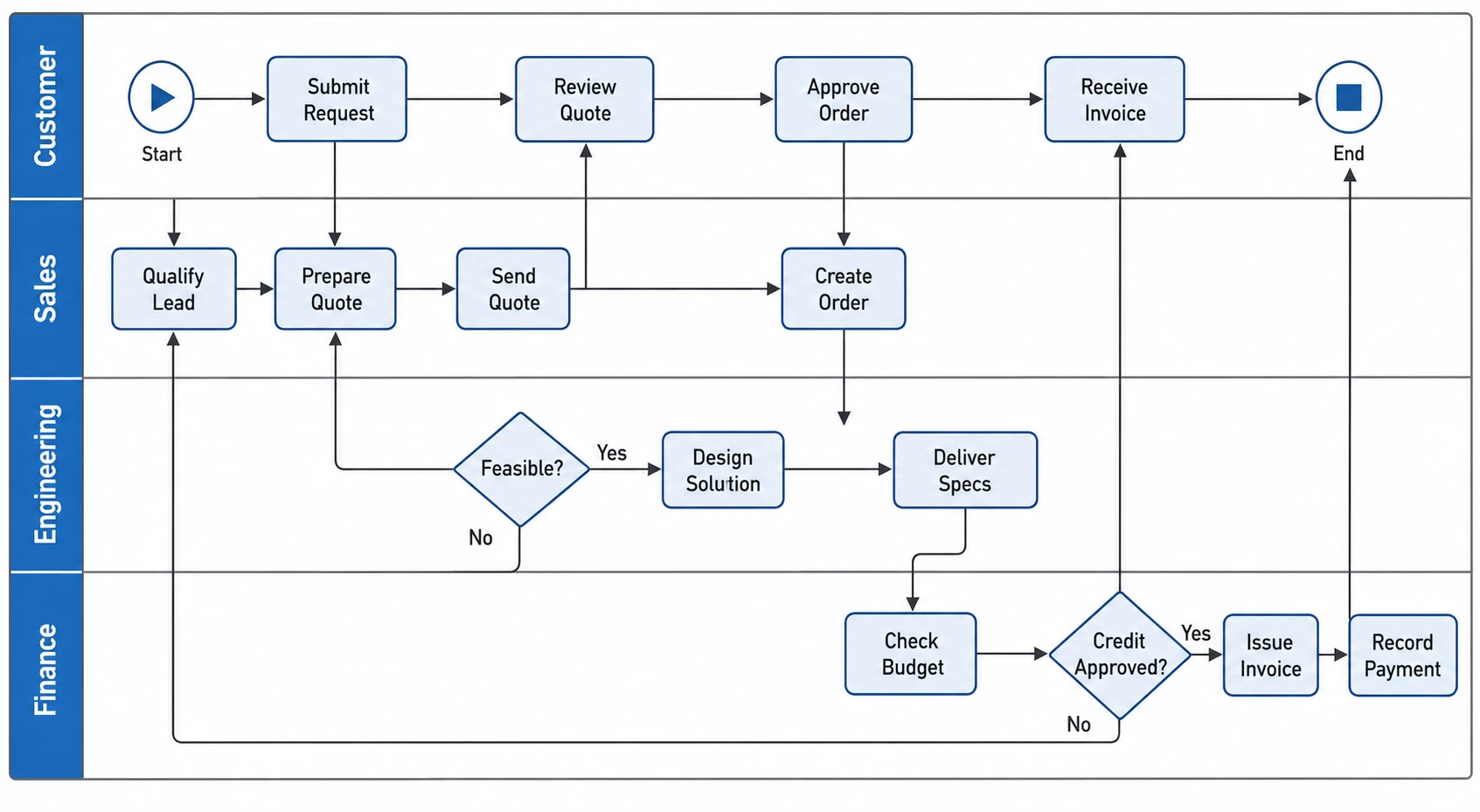
Subgraphs can show related stages within a larger workflow. Export a diagram with the group boundaries and full labels visible so that a reader can distinguish local steps from the overall process. This is useful for procedures with several participating teams.

Explore this example
Mermaid flowchart linking a research question, experiment, analysis and scientific figure

Keep a portable project figure

Store the Mermaid source alongside PNG and SVG versions in a project folder. The image is ready for everyday sharing, and the source provides a concise record of the relationships. For a new process diagram from a written brief, explore SciFig FlowChart (flowcharts).

Explore this example
How Researchers Use SciFig

Our methods document included a workflow that lived in a Mermaid file. I converted Mermaid to PNG so the same decision points could appear in the report without another editor. Keeping the code beside the exported image gave our group a clear place to change the process when the protocol evolved.

Lena W.

Research software engineer, University of Cambridge

Free tools

A tool for every scientific figure

120 focused generators for the scientific figure you need — each opens in the right workspace with a matching example.

Illustrations, structures and concept diagrams

60 tools
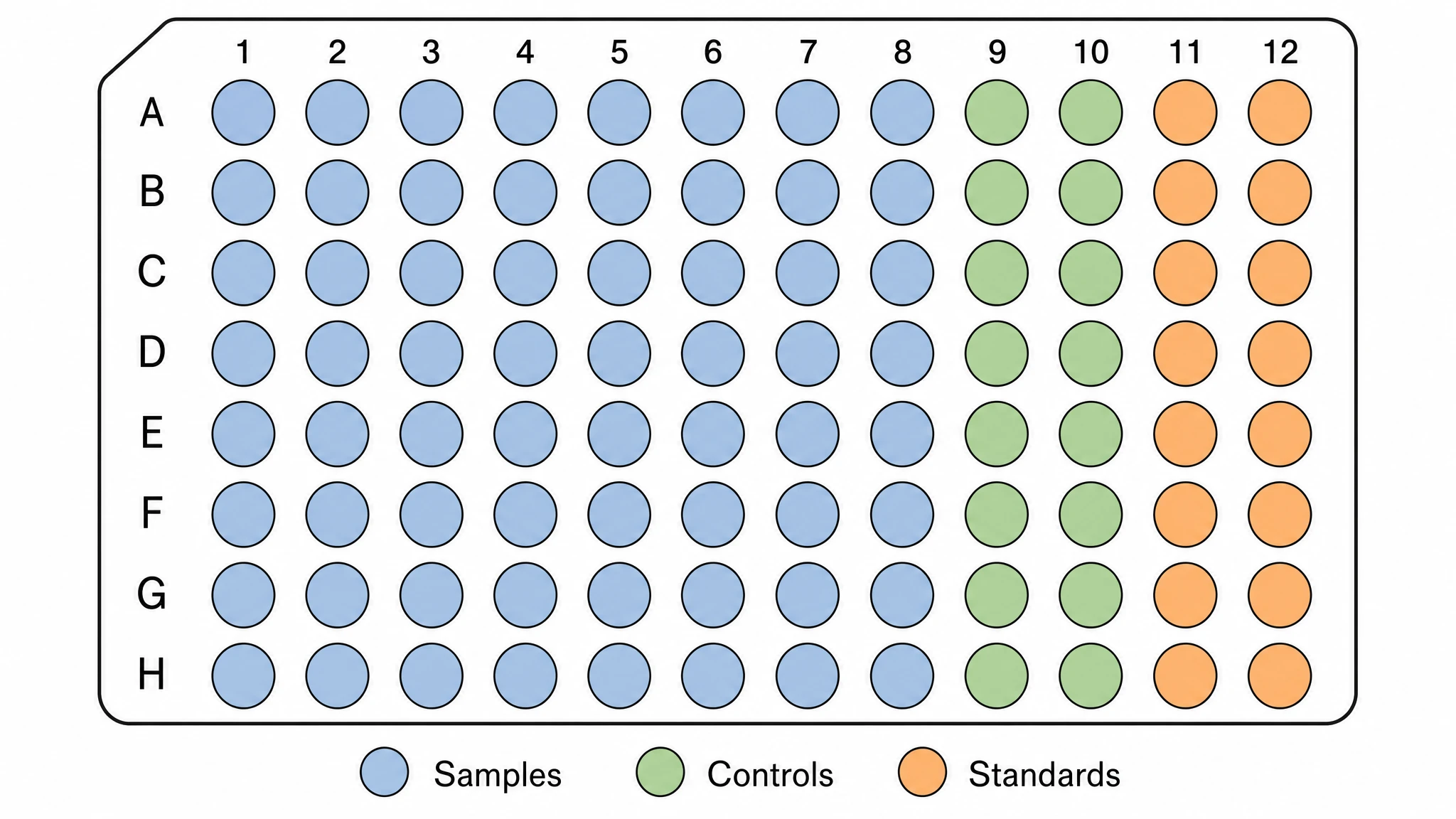
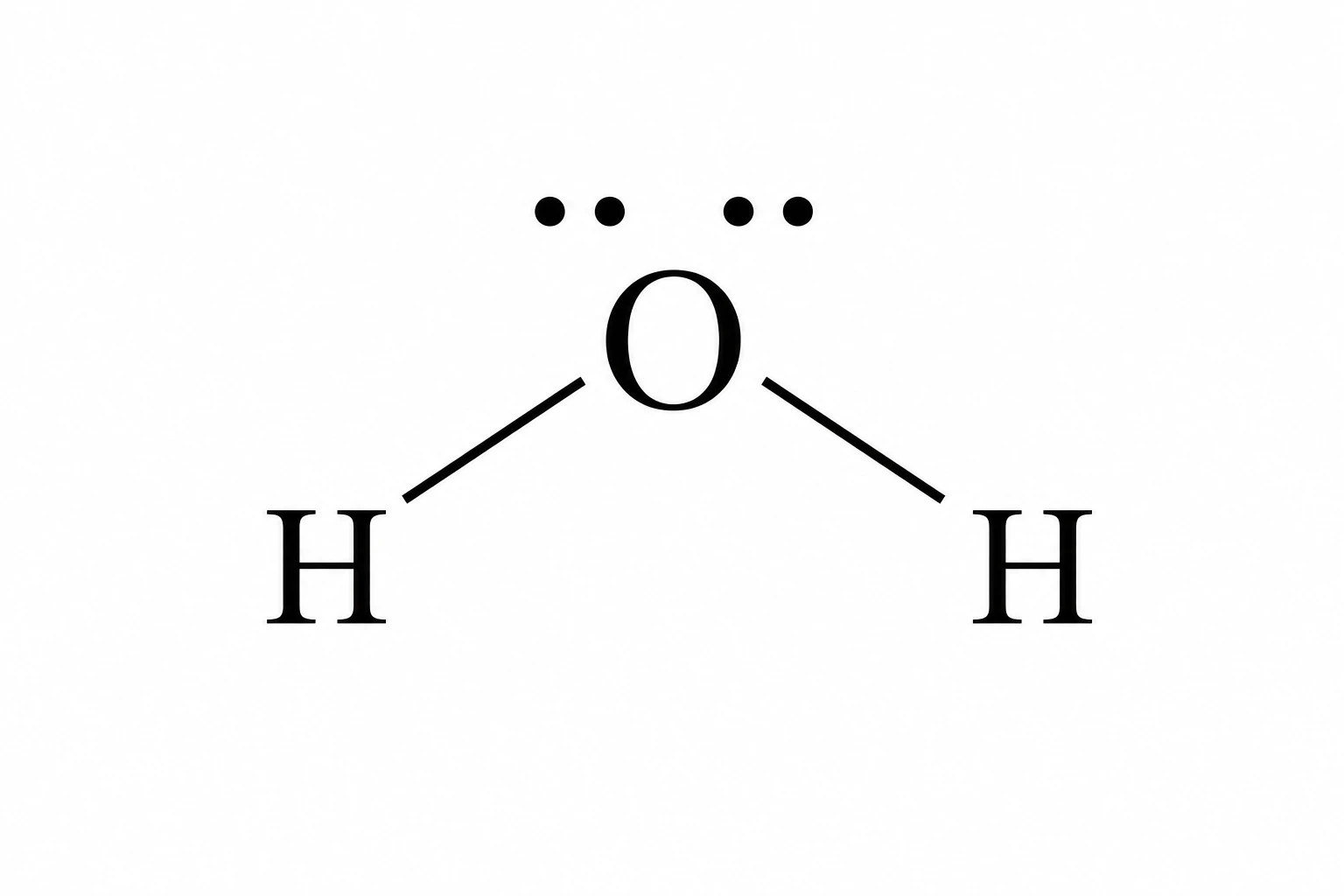
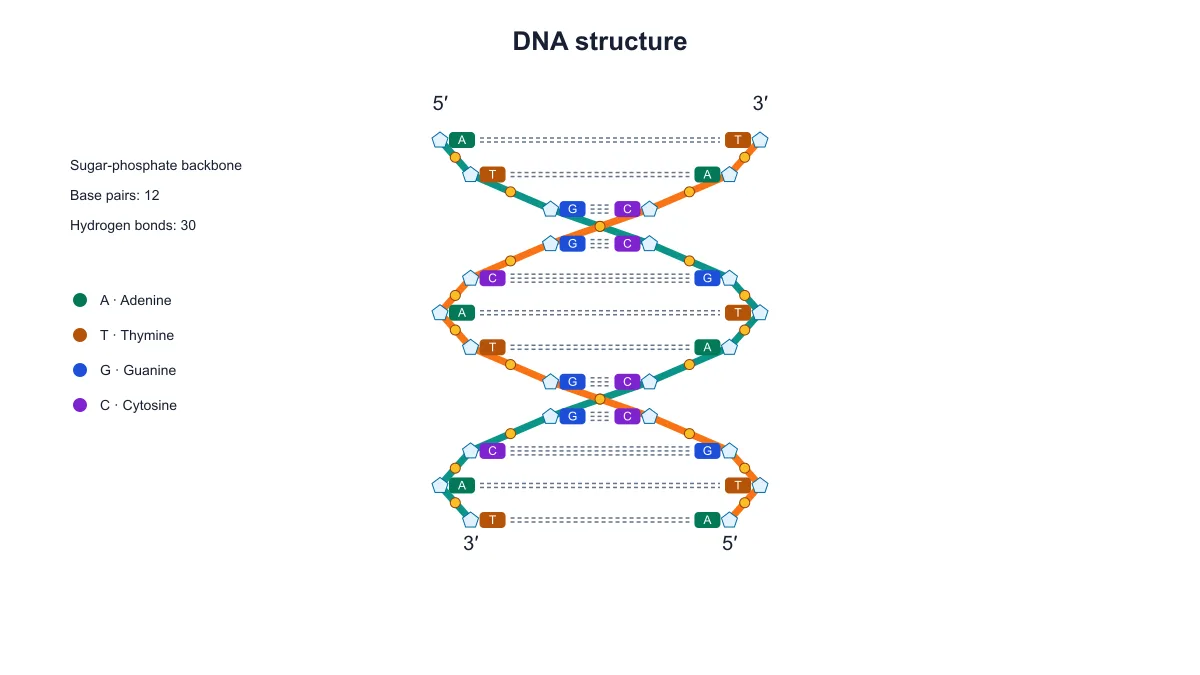
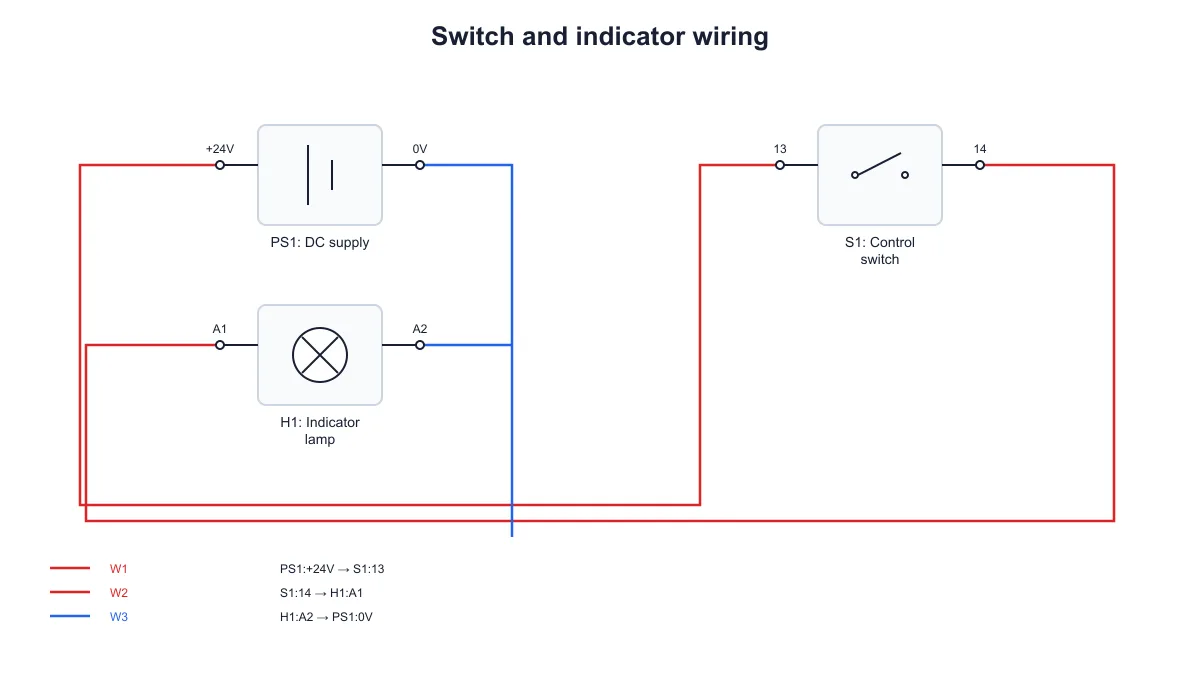
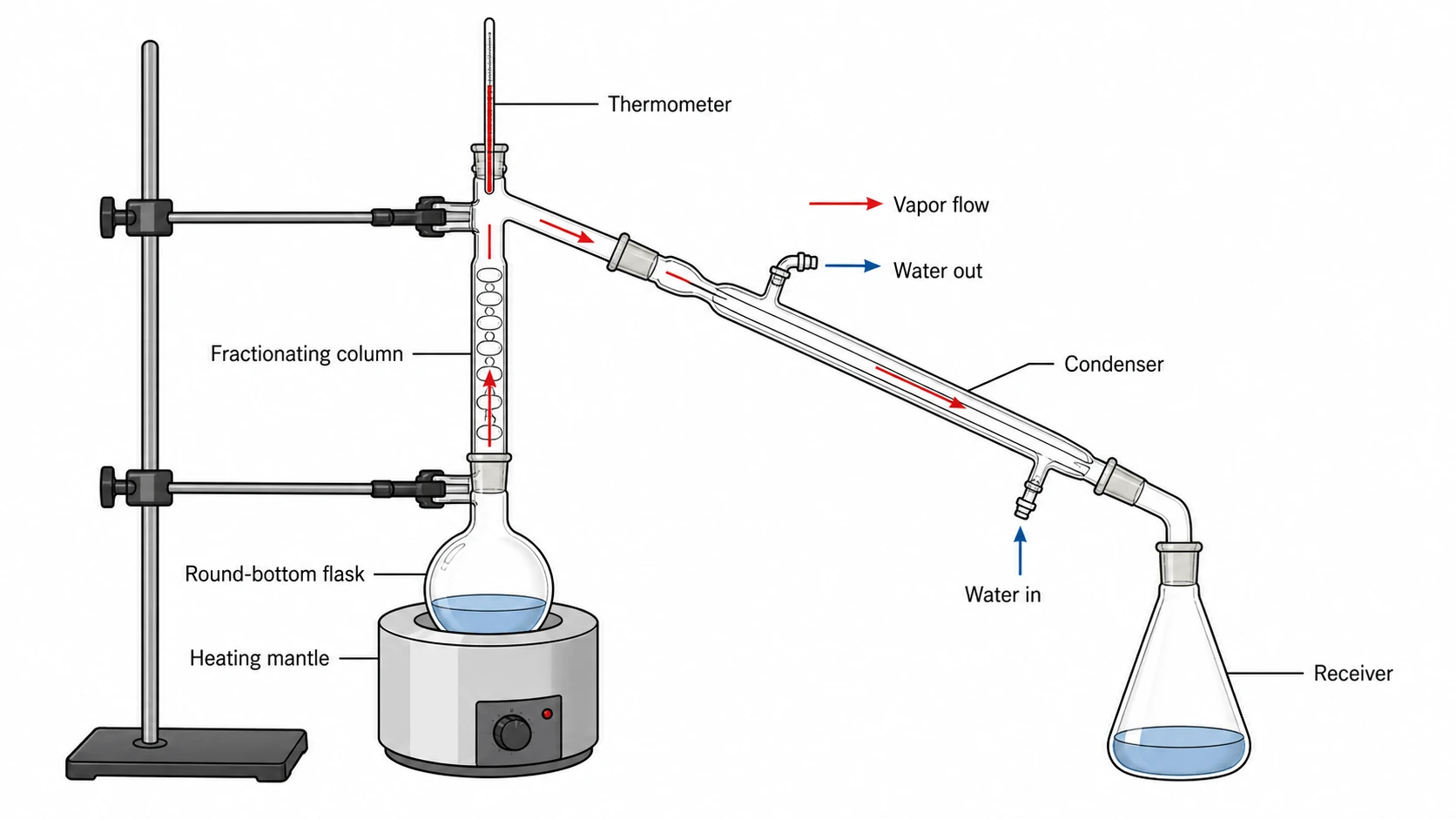
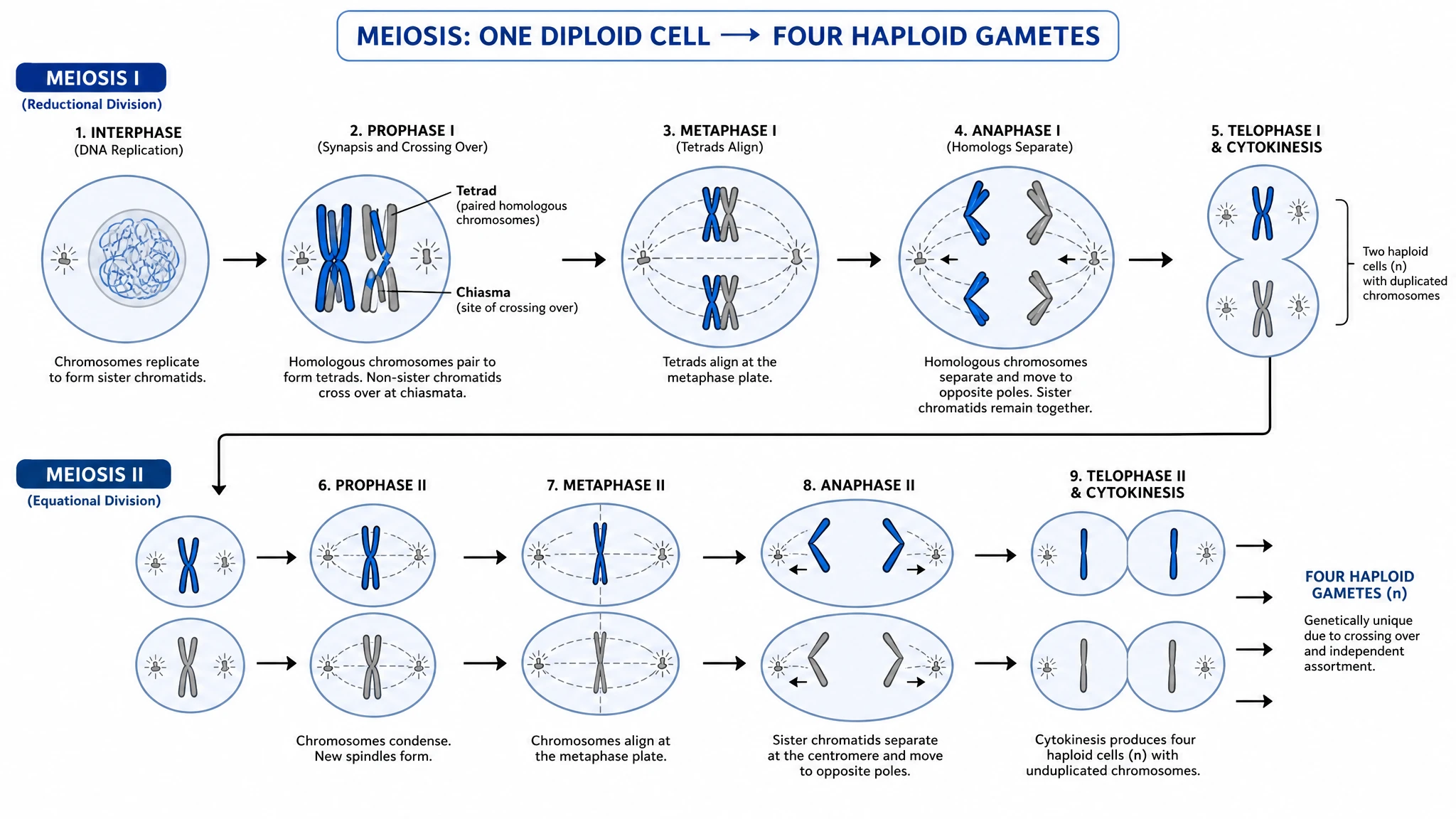
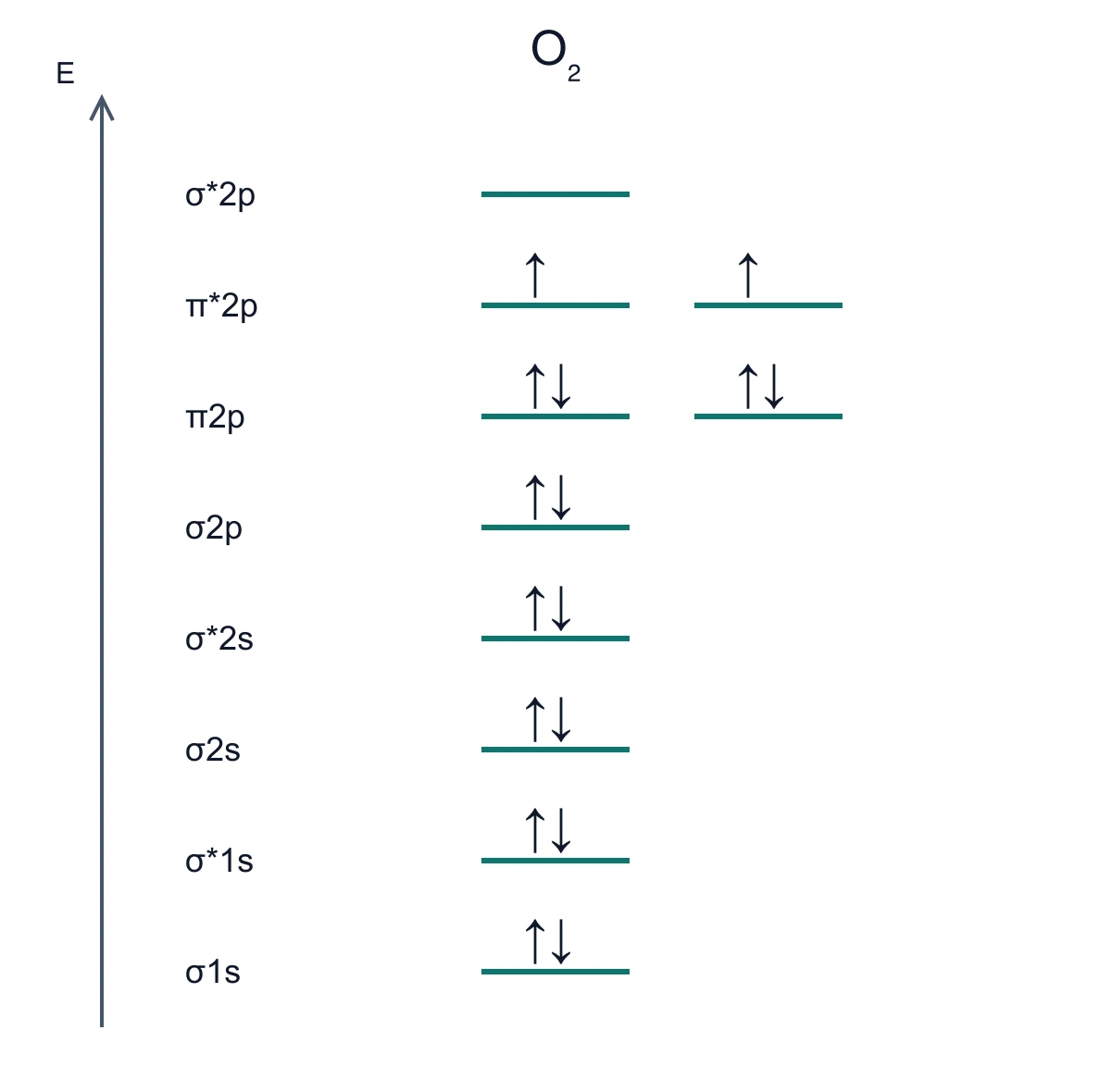
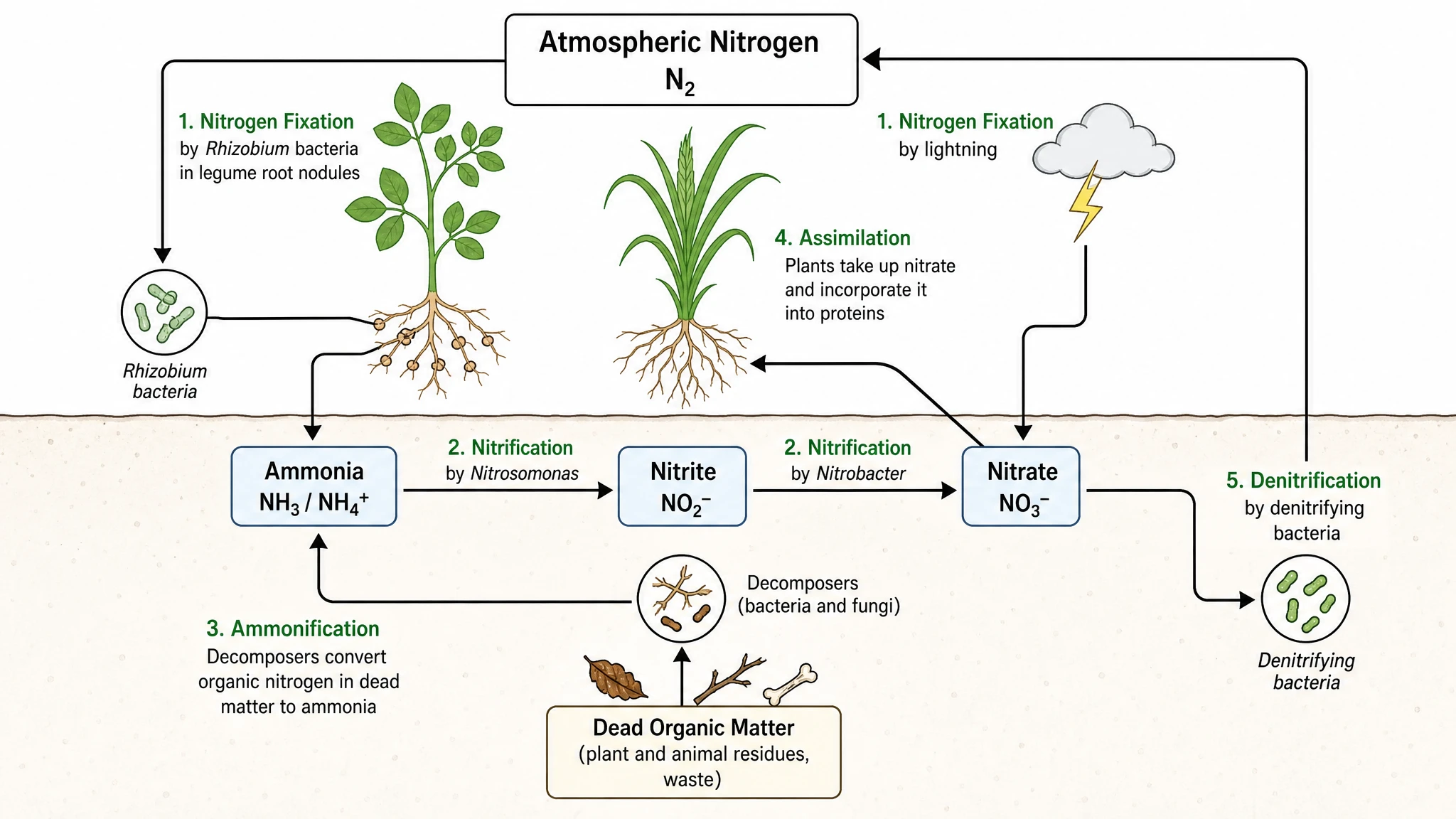
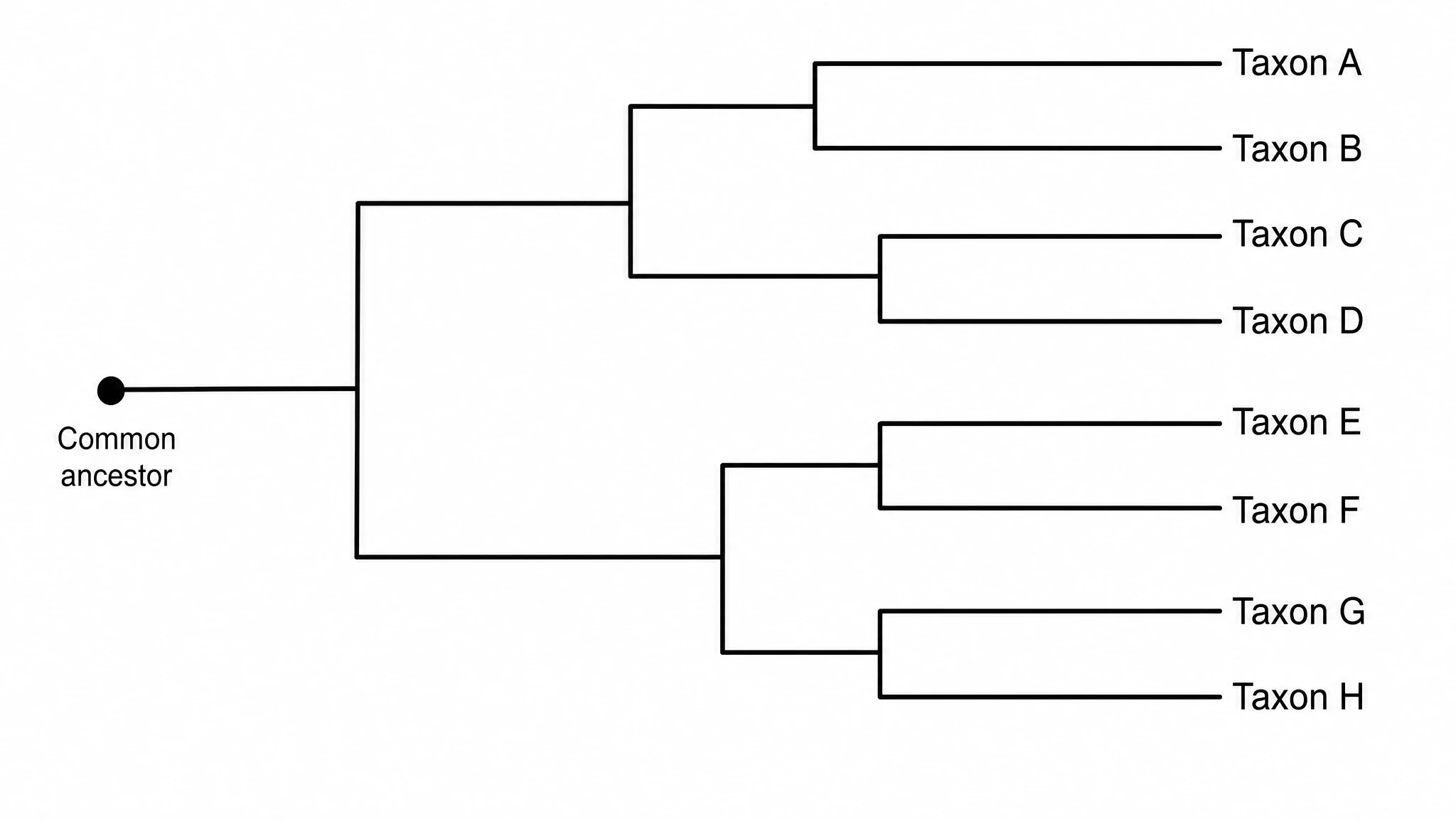
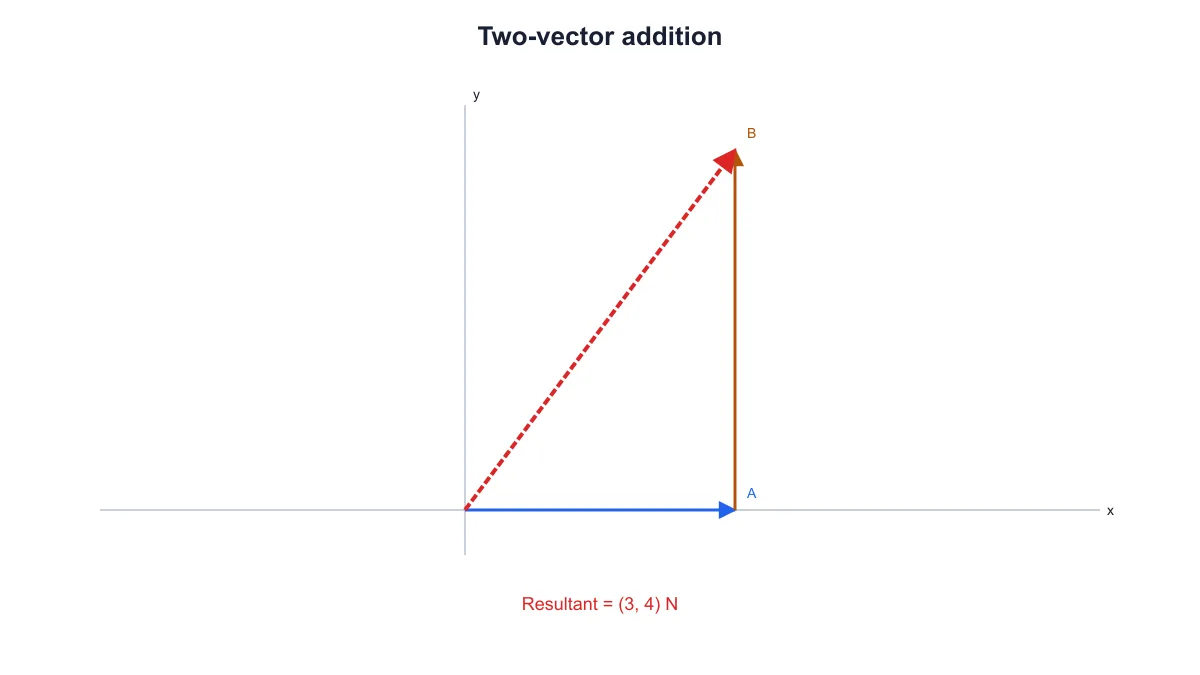
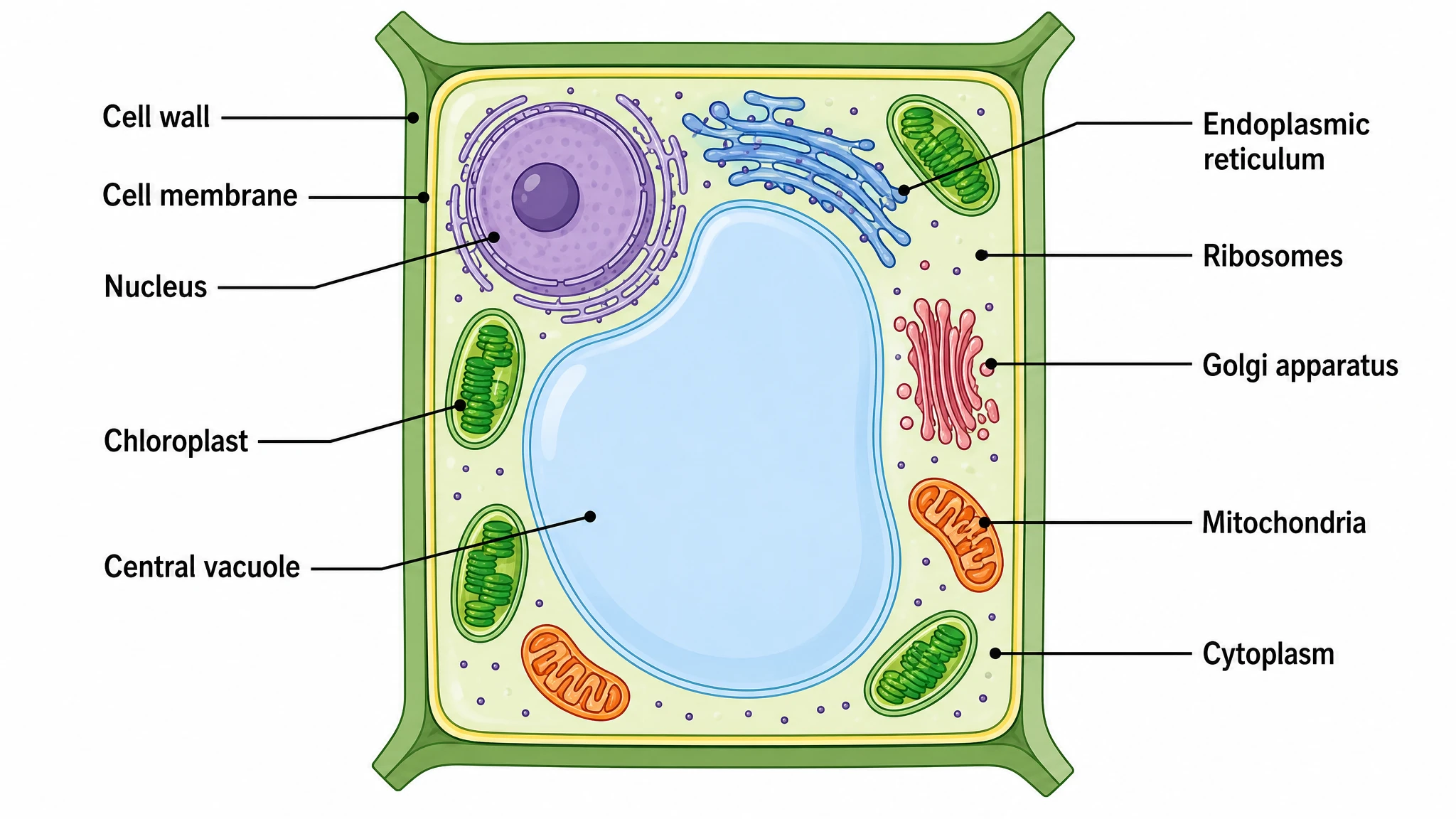
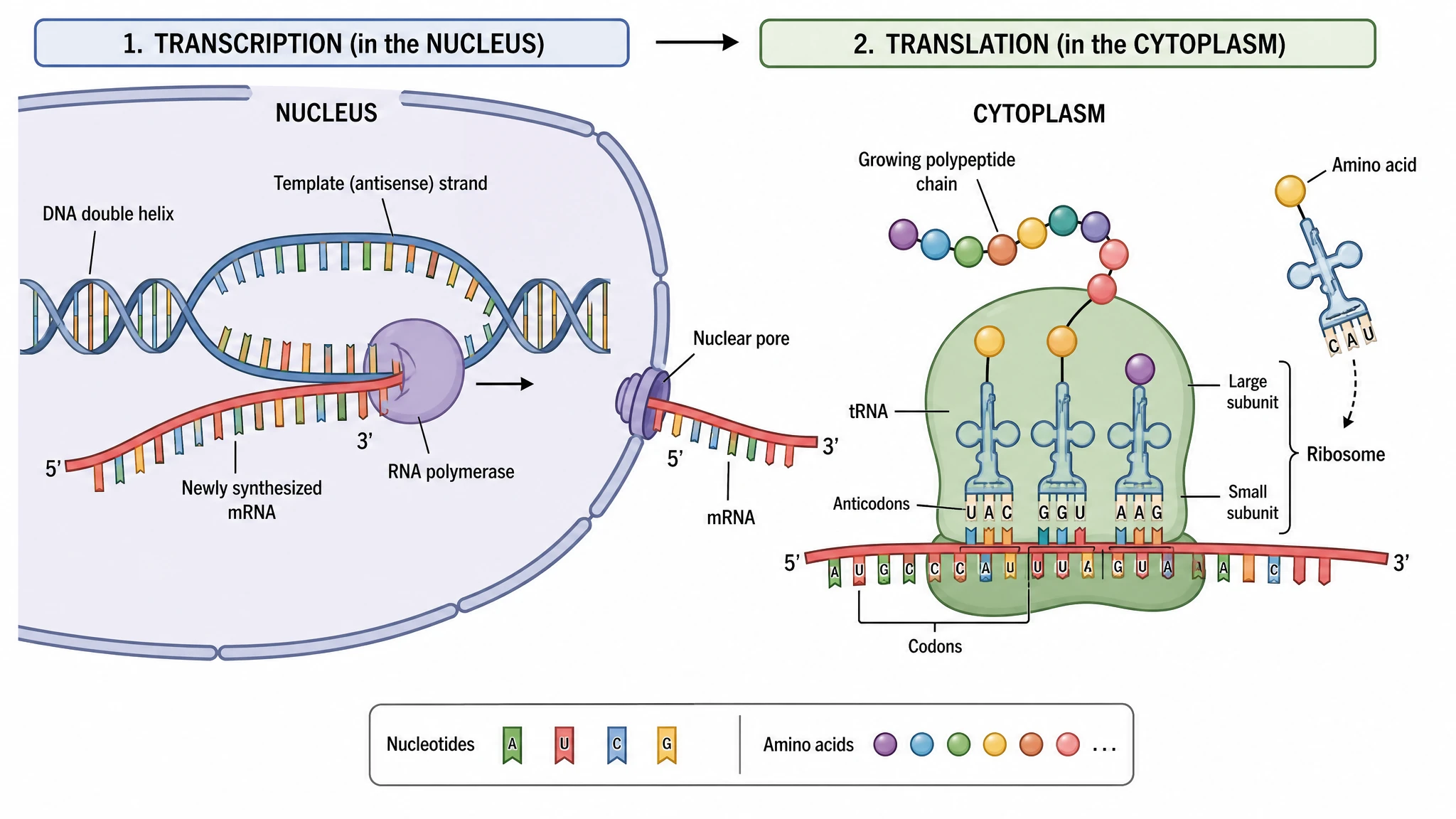
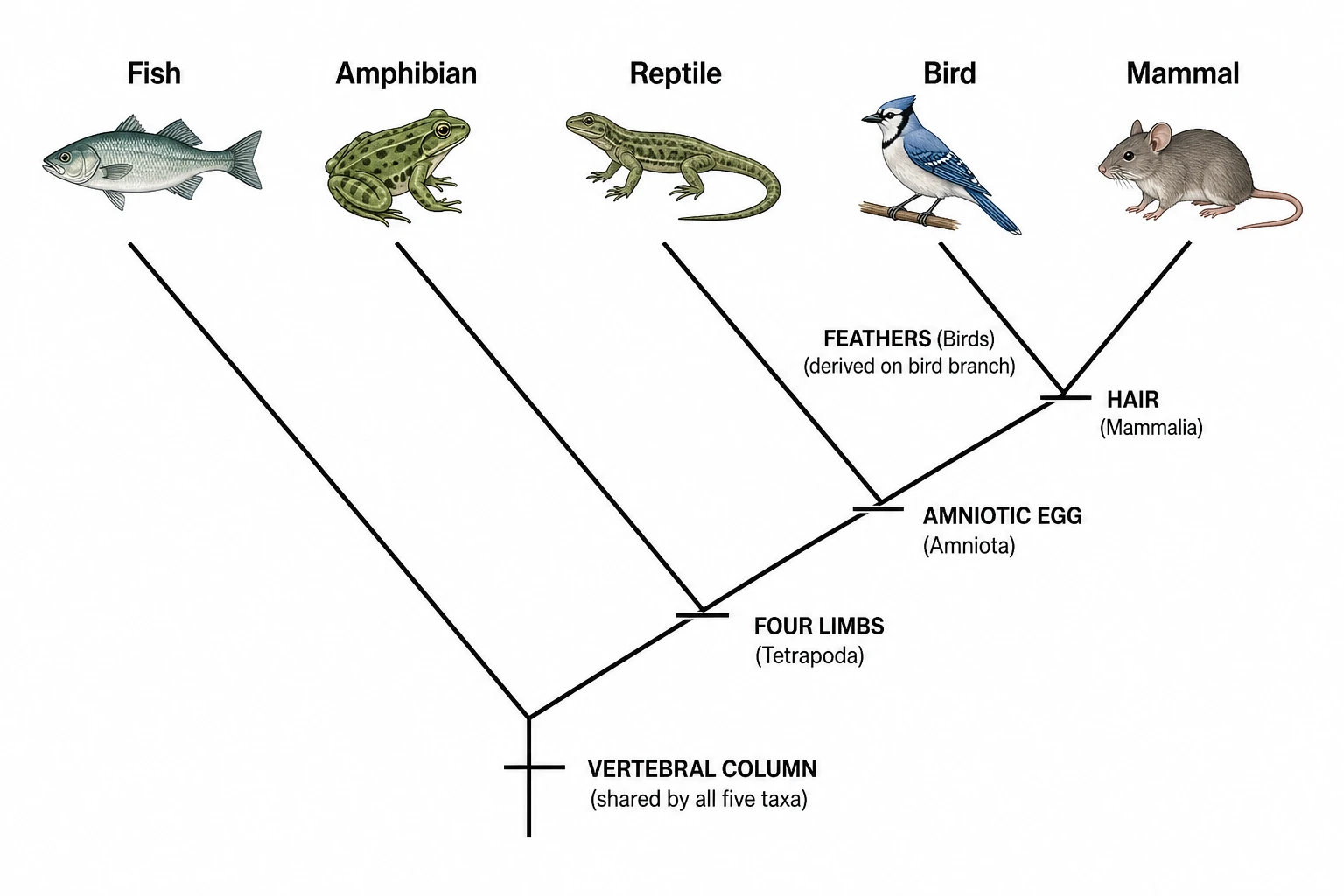
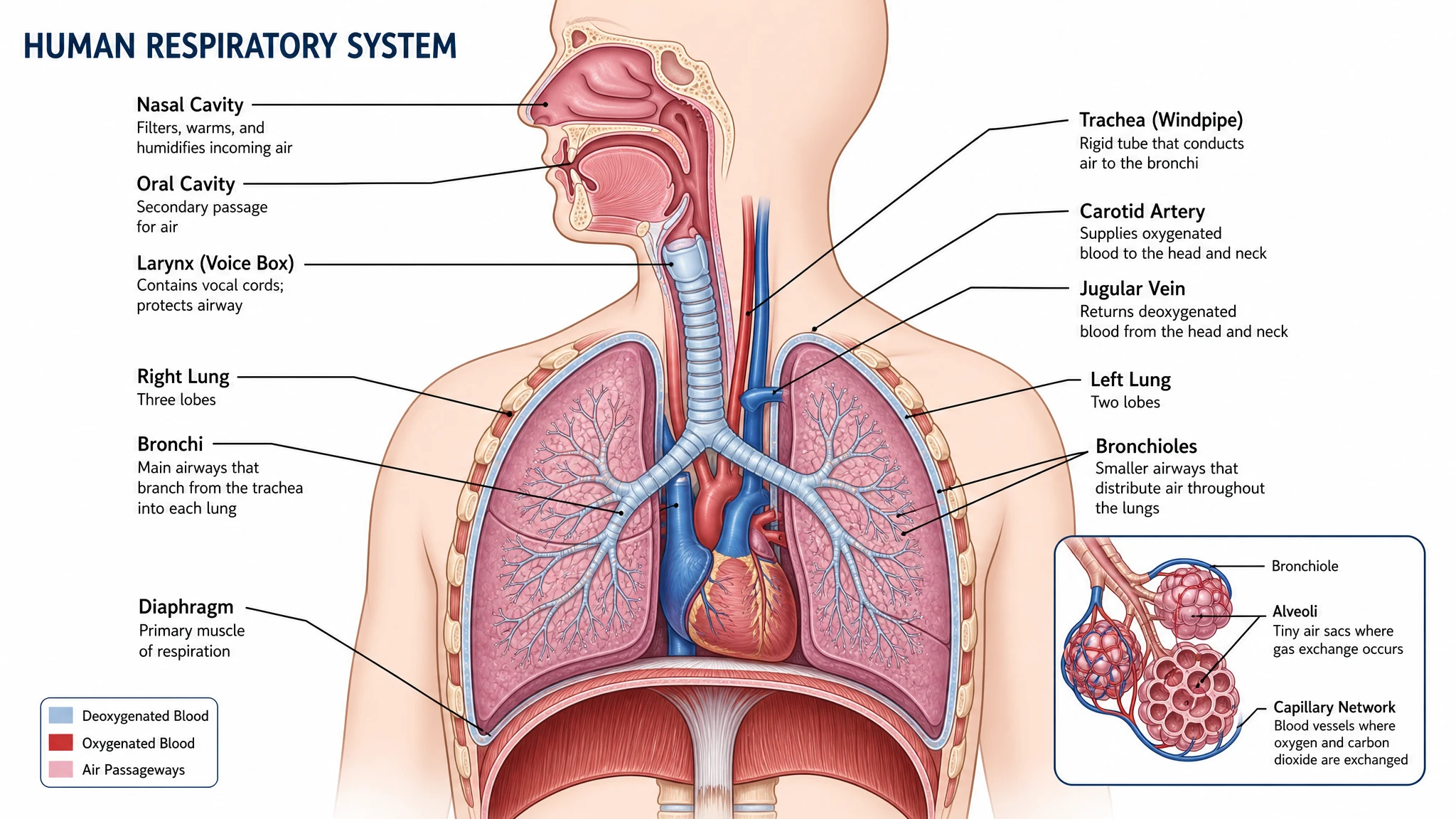
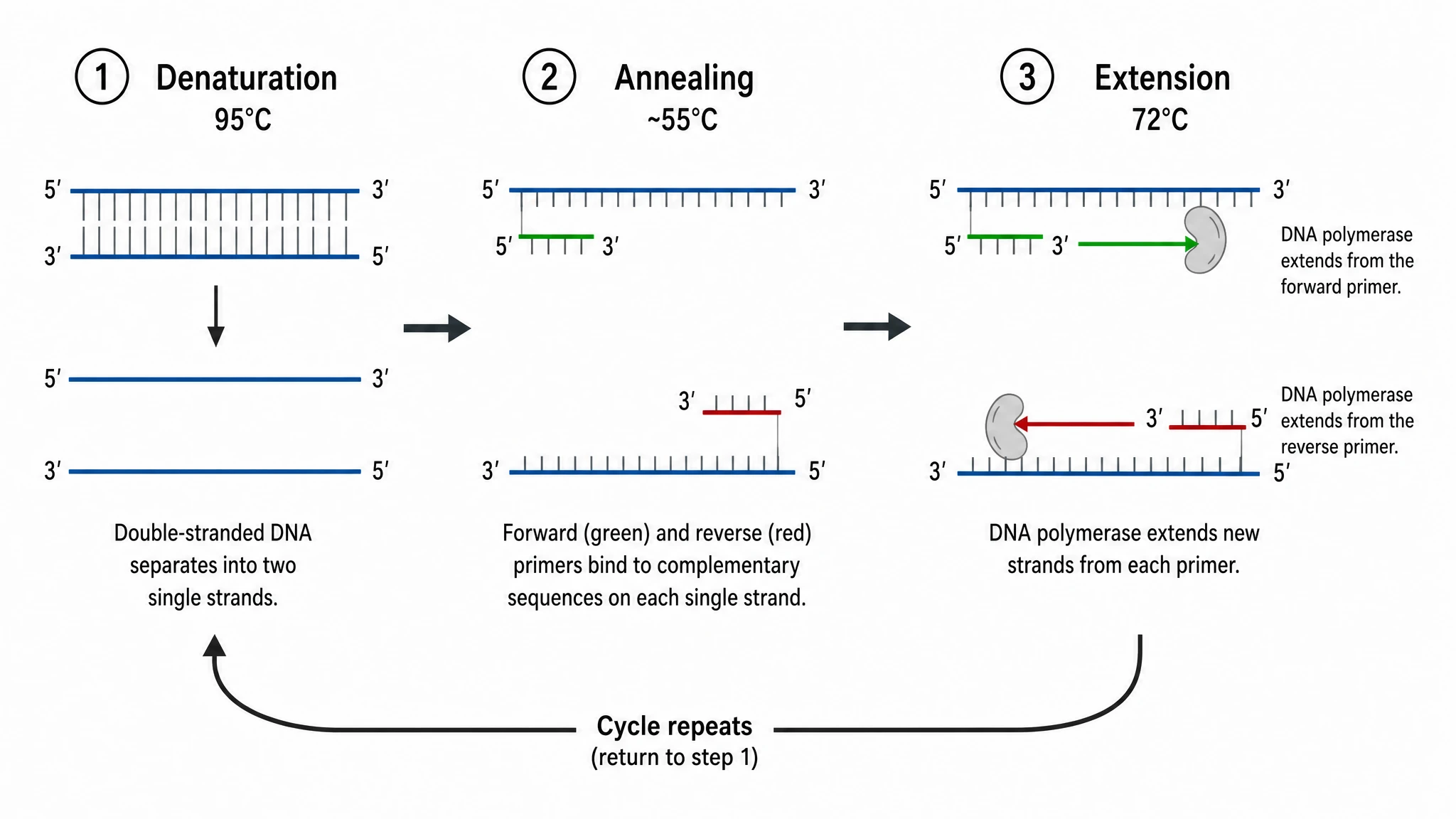
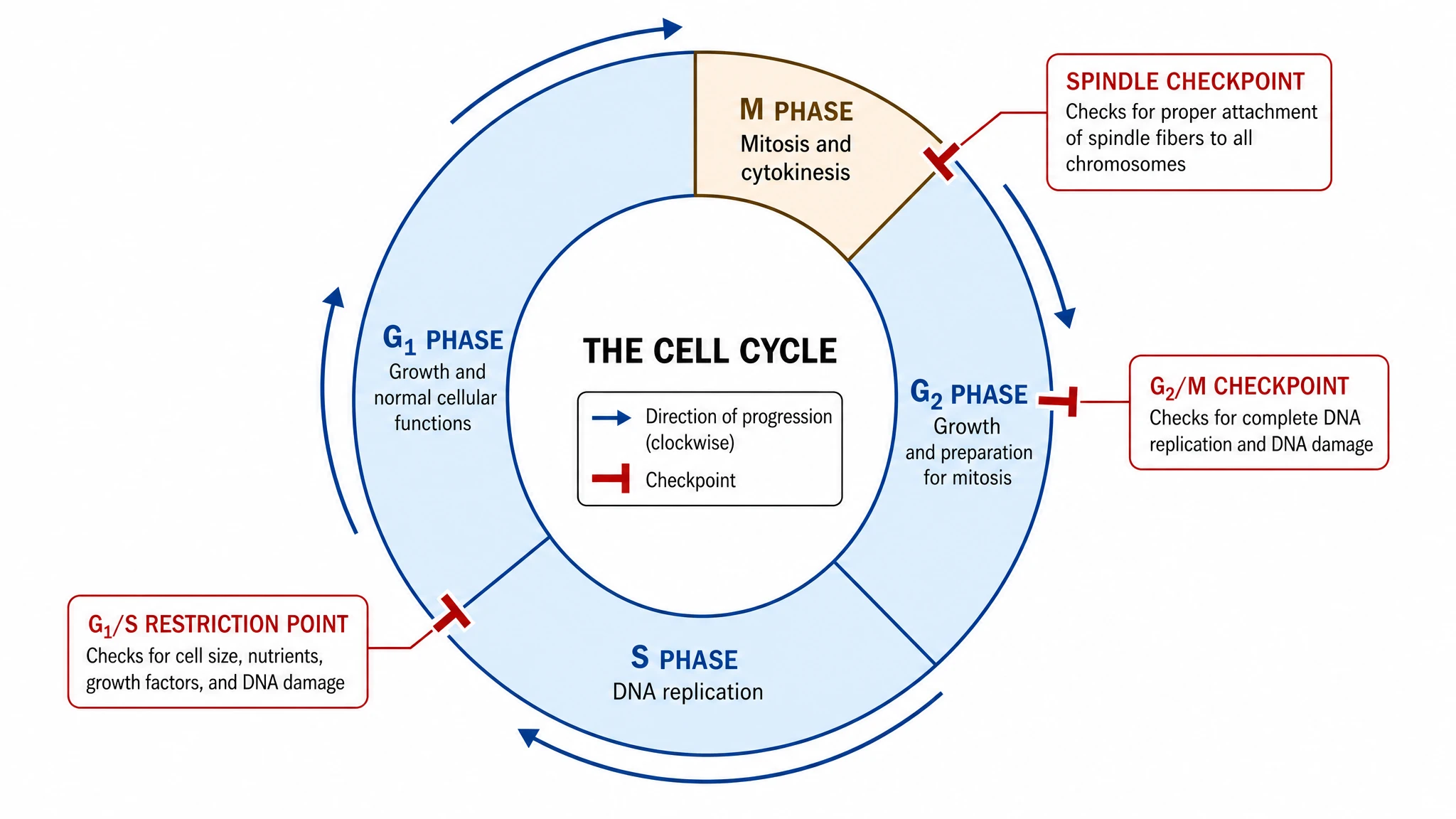
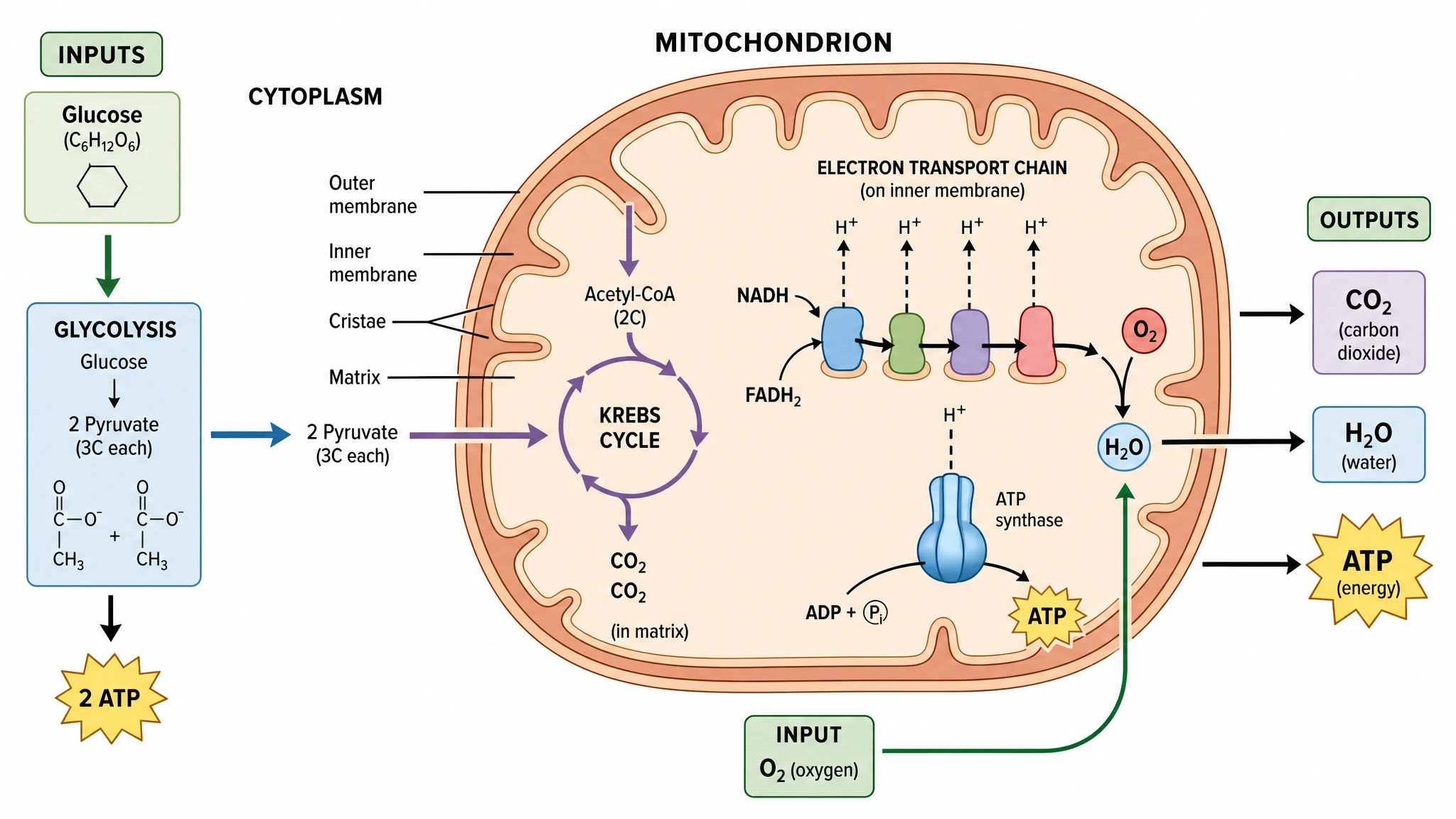
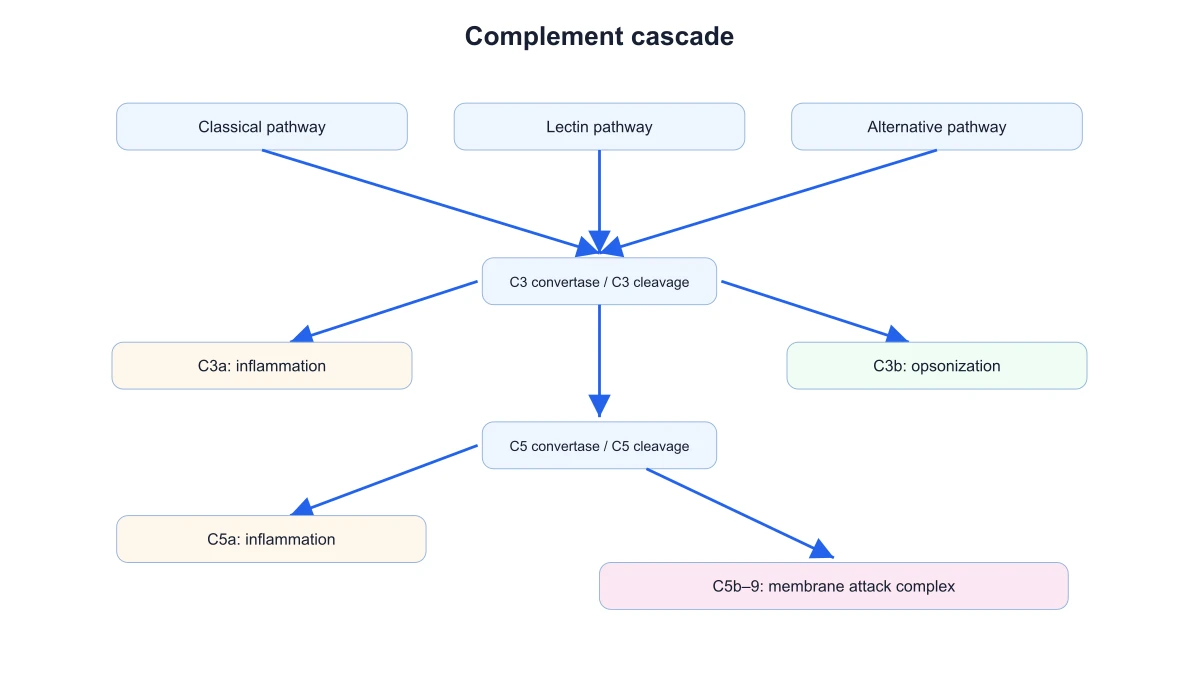
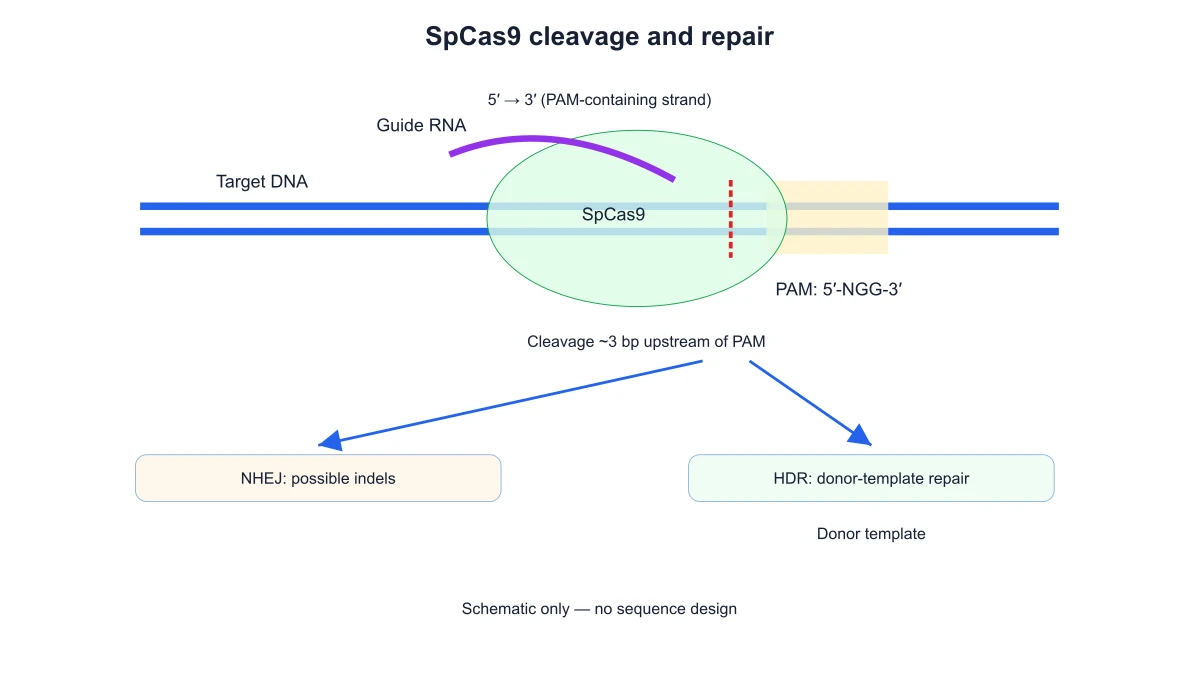
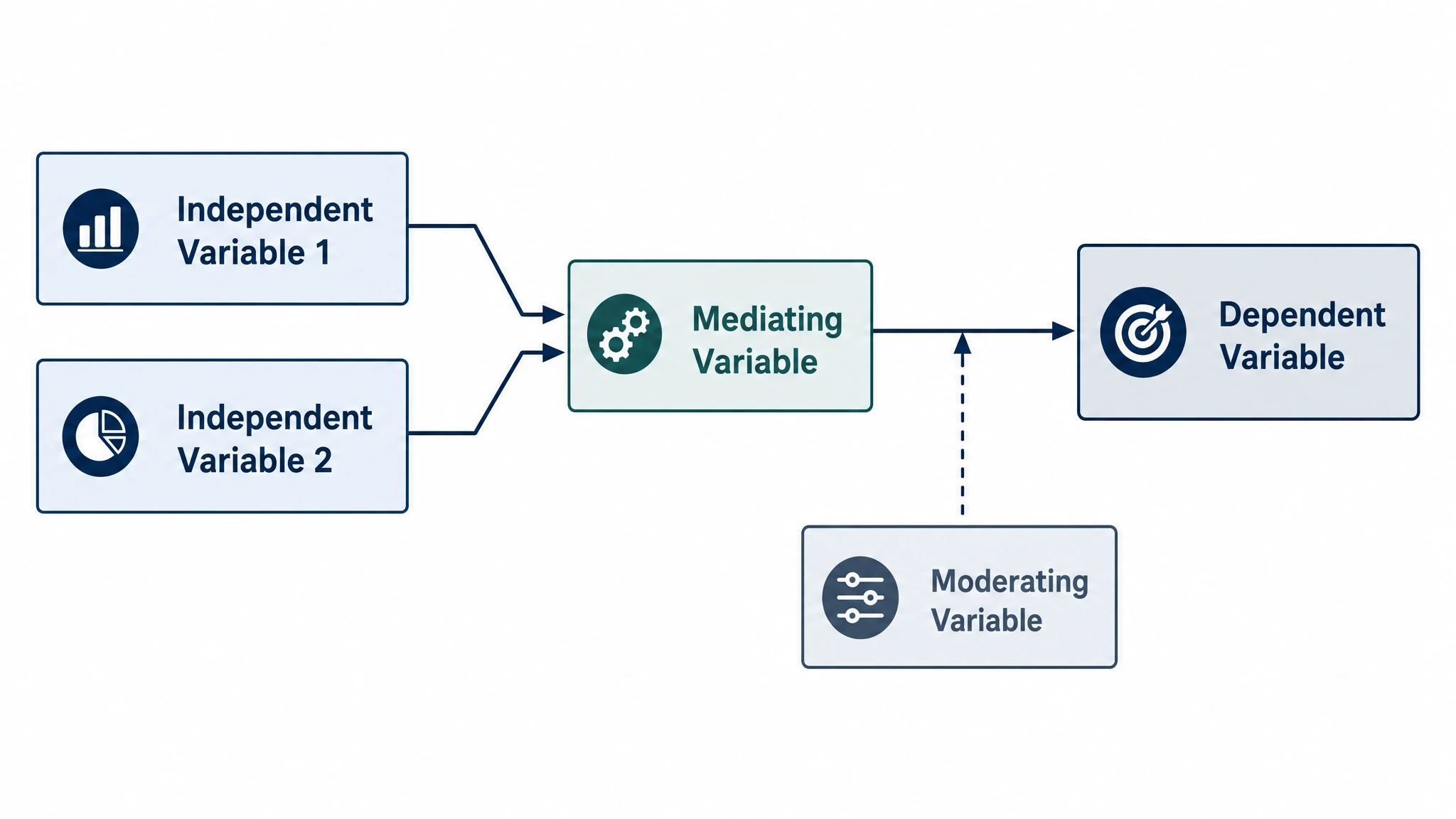
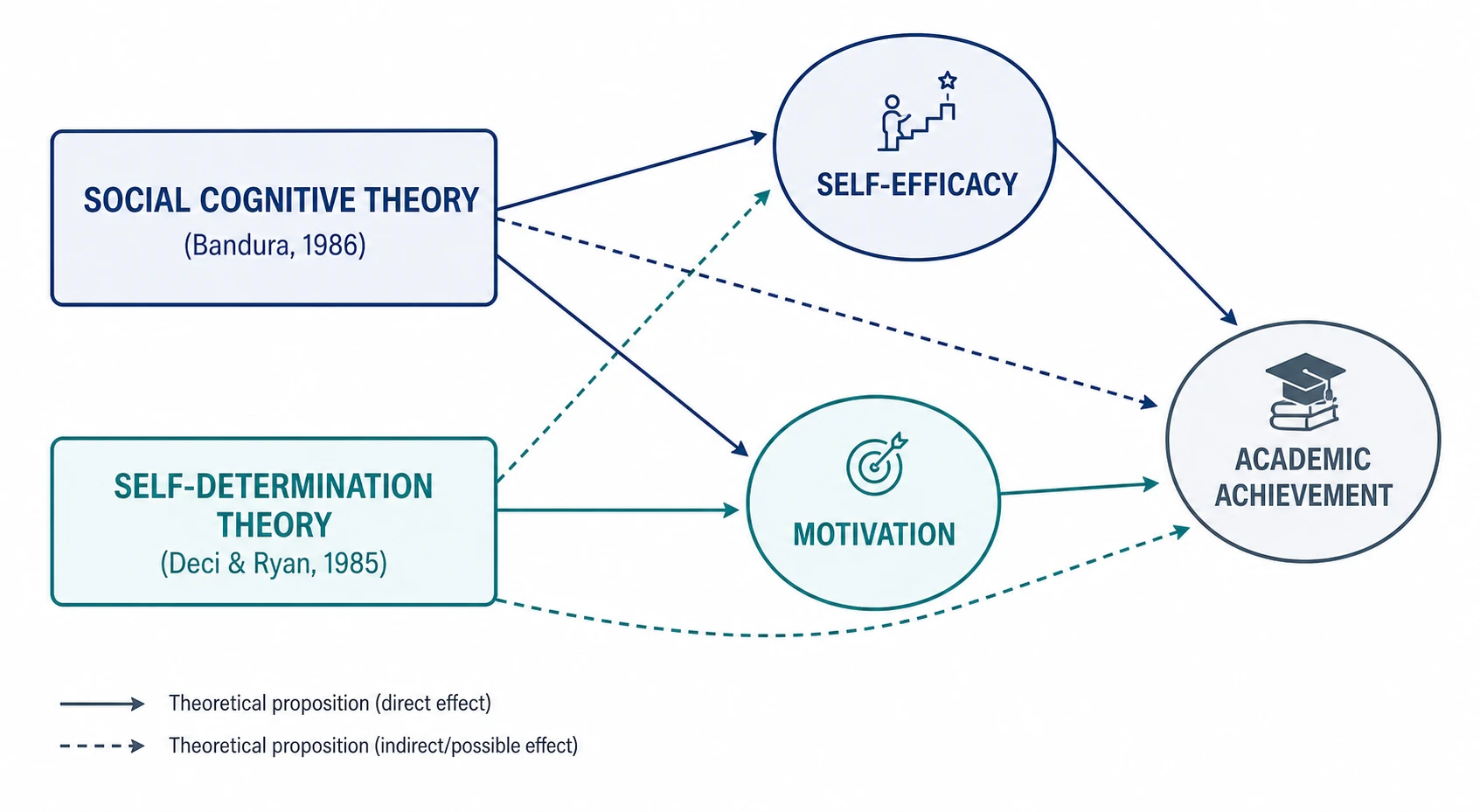
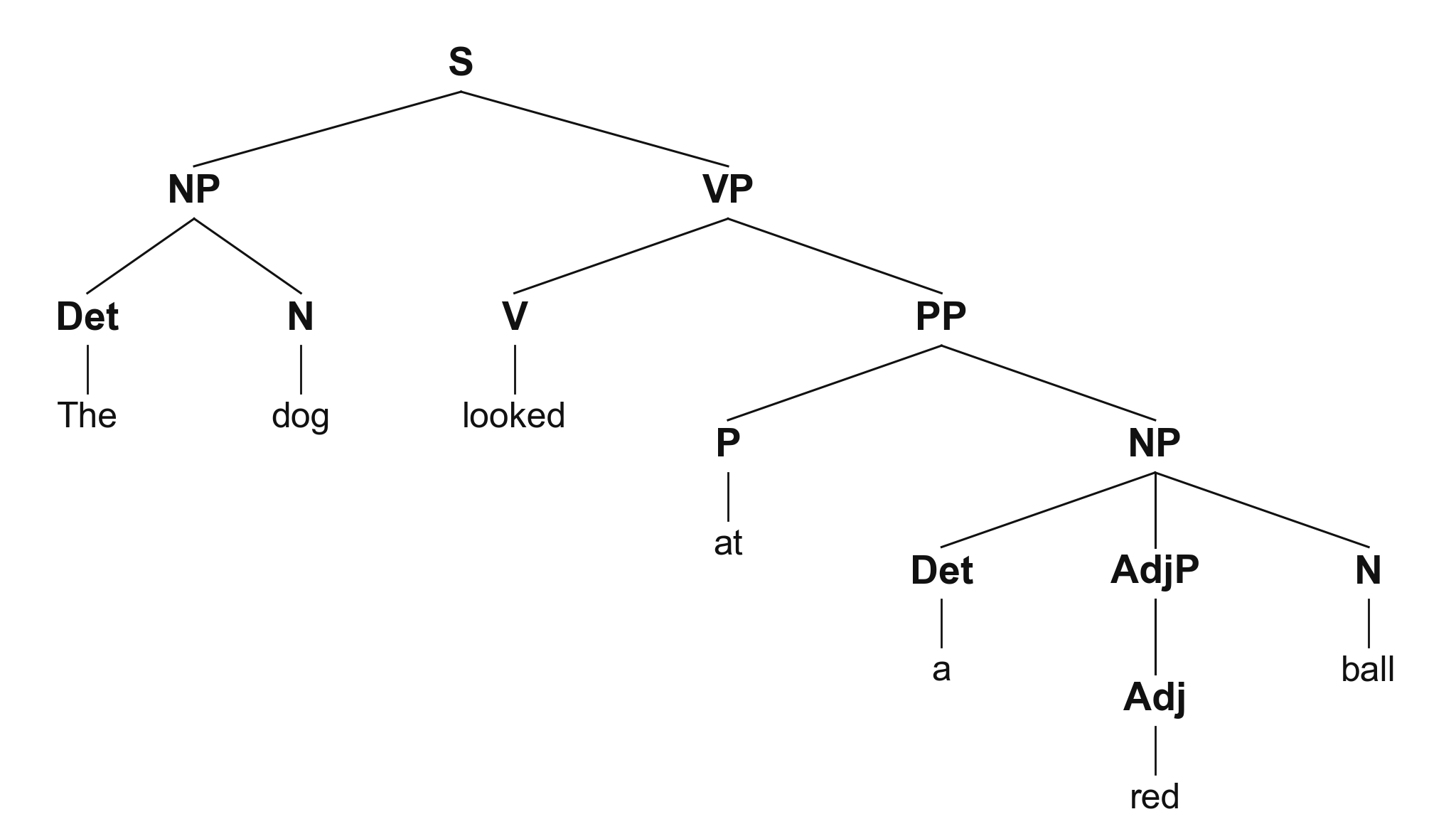
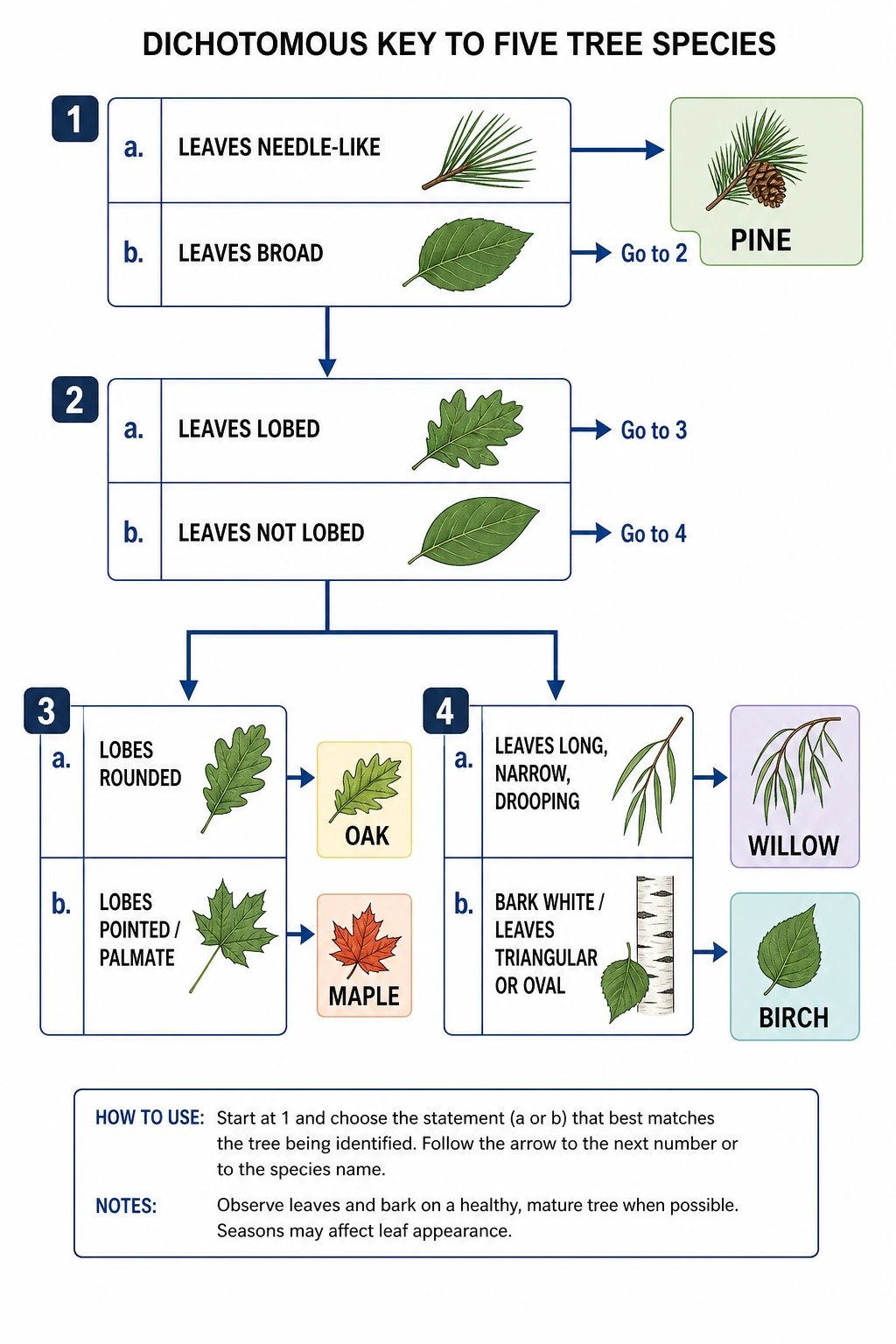
Chemistry Structure Generator example figureChemistry Structure GeneratorGraphical Abstract Maker example figureGraphical Abstract MakerFree Body Diagram Generator example figureFree Body Diagram GeneratorCircuit Diagram Maker example figureCircuit Diagram MakerAI Scientific Image Generator example figureAI Scientific Image GeneratorEditable 96-Well Plate example figureEditable 96-Well PlateLewis Dot Structure Generator example figureLewis Dot Structure GeneratorDNA Structure Diagram Generator example figureDNA Structure Diagram GeneratorWiring Diagram Maker example figureWiring Diagram MakerP&ID Diagram Generator example figureP&ID Diagram GeneratorScientific Poster Generator example figureScientific Poster GeneratorCladogram Maker example figureCladogram MakerFood Web Maker example figureFood Web MakerMedical Illustration Generator example figureMedical Illustration GeneratorPCR Diagram Generator example figurePCR Diagram GeneratorPPT Text to Visual Converter example figurePPT Text to Visual ConverterMitosis Diagram Generator example figureMitosis Diagram GeneratorAI Infographic Generator example figureAI Infographic GeneratorAnatomical Drawing Generator example figureAnatomical Drawing GeneratorAnimal and Plant Cell Comparison example figureAnimal and Plant Cell ComparisonAnimal Cell Diagram Generator example figureAnimal Cell Diagram GeneratorAntibody Structure Diagram Generator example figureAntibody Structure Diagram GeneratorApoptosis Diagram Generator example figureApoptosis Diagram GeneratorBacteria Diagram Generator example figureBacteria Diagram GeneratorBlueprint Maker example figureBlueprint MakerBohr Model Maker example figureBohr Model MakerCalvin Cycle Diagram Generator example figureCalvin Cycle Diagram GeneratorCarbon Cycle Diagram Generator example figureCarbon Cycle Diagram GeneratorCell Cycle Diagram Generator example figureCell Cycle Diagram GeneratorCellular Respiration Diagram Generator example figureCellular Respiration Diagram GeneratorComplement System Diagram Generator example figureComplement System Diagram GeneratorCRISPR-Cas9 Diagram Generator example figureCRISPR-Cas9 Diagram GeneratorDNA Replication Diagram Generator example figureDNA Replication Diagram GeneratorElectron Configuration Diagram Generator example figureElectron Configuration Diagram GeneratorElectron Transport Chain Diagram Generator example figureElectron Transport Chain Diagram GeneratorGene Regulation Diagram Generator example figureGene Regulation Diagram GeneratorGlycolysis Diagram Generator example figureGlycolysis Diagram GeneratorImage to Editable SVG Converter example figureImage to Editable SVG ConverterImmune Response Diagram Generator example figureImmune Response Diagram GeneratorKrebs Cycle Diagram Generator example figureKrebs Cycle Diagram GeneratorLab Diagram Maker example figureLab Diagram MakerMeiosis Diagram Generator example figureMeiosis Diagram GeneratorMolecular Orbital Diagram Generator example figureMolecular Orbital Diagram GeneratorNitrogen Cycle Diagram Generator example figureNitrogen Cycle Diagram GeneratorPedigree Chart Maker example figurePedigree Chart MakerPhospholipid Diagram Generator example figurePhospholipid Diagram GeneratorPhosphorus Cycle Diagram Generator example figurePhosphorus Cycle Diagram GeneratorPhotosynthesis Diagram Generator example figurePhotosynthesis Diagram GeneratorPhylogenetic Tree Maker example figurePhylogenetic Tree MakerPhysics Vector Diagram Maker example figurePhysics Vector Diagram MakerPlant Cell Diagram Generator example figurePlant Cell Diagram GeneratorProtein Synthesis Diagram Generator example figureProtein Synthesis Diagram GeneratorPunnett Square Maker example figurePunnett Square MakerRay Diagram Maker example figureRay Diagram MakerScientific Color Palette Generator example figureScientific Color Palette GeneratorSignaling Pathway Diagram Generator example figureSignaling Pathway Diagram GeneratorSingle Line Diagram Generator example figureSingle Line Diagram GeneratorT-Cell Activation Diagram Generator example figureT-Cell Activation Diagram GeneratorWater Cycle Diagram Generator example figureWater Cycle Diagram GeneratorWestern Blot Diagram Generator example figureWestern Blot Diagram Generator
Mermaid Diagram Questions

1.

2.

3.

4.

5.

6.

Call to action background

Mermaid diagram

Create a Mermaid diagram

Create a Mermaid diagram

Free to start · No credit card required · Built for researchers