SciFig

Free CRISPR-Cas9 Diagram Generator

Build a labeled SpCas9 schematic with guide RNA, target DNA, a PAM site and distinct DNA repair branches.

Describe what you need in the box above.

Start with up to 150 free credits|No credit card required

Get up to 350 free credits on day one when you join through an invite.

3 figure engines · 500+ templatesEvery label editable · 60+ color schemesEditable PPTX · Layered SVG · 8K PNG / JPG

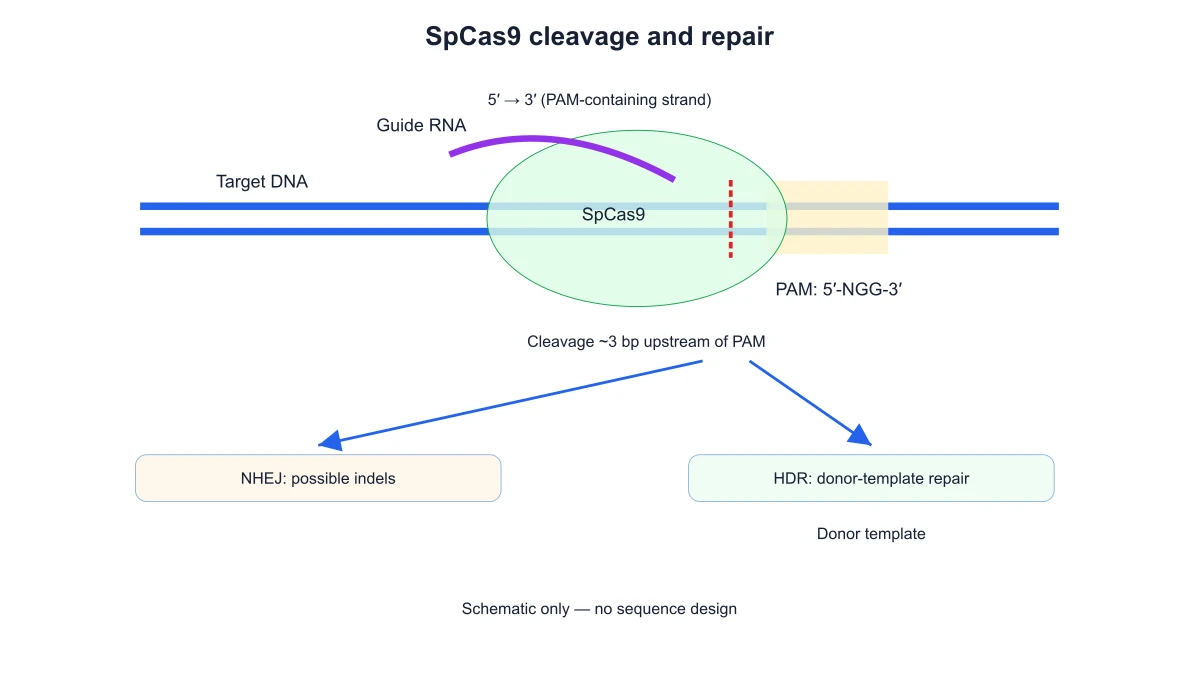
SpCas9 cleavage and repair

Choose a finite scientific preset, edit labels and export the result locally.

Diagram options
Scientific labels

Free CRISPR-Cas9 Diagram Generator— templates & examples

Updated

Crispr cas9 diagram tools

Free CRISPR-Cas9 Diagram Generator

Build a labeled SpCas9 schematic with guide RNA, target DNA, a PAM site and distinct DNA repair branches.

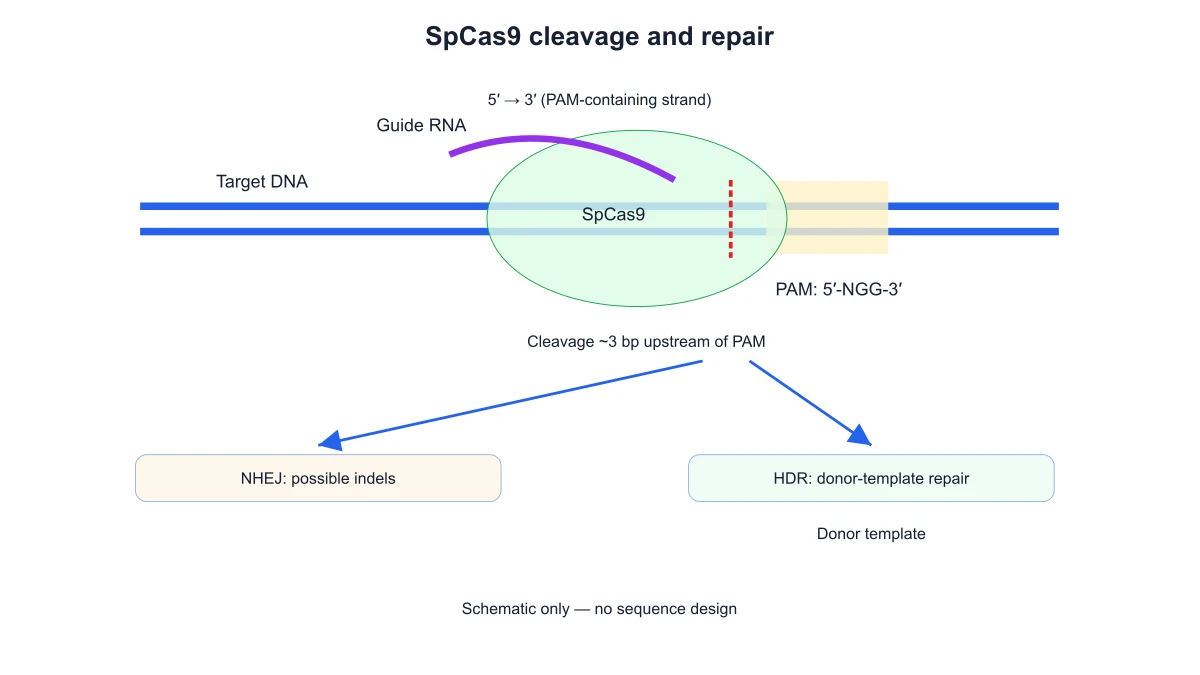
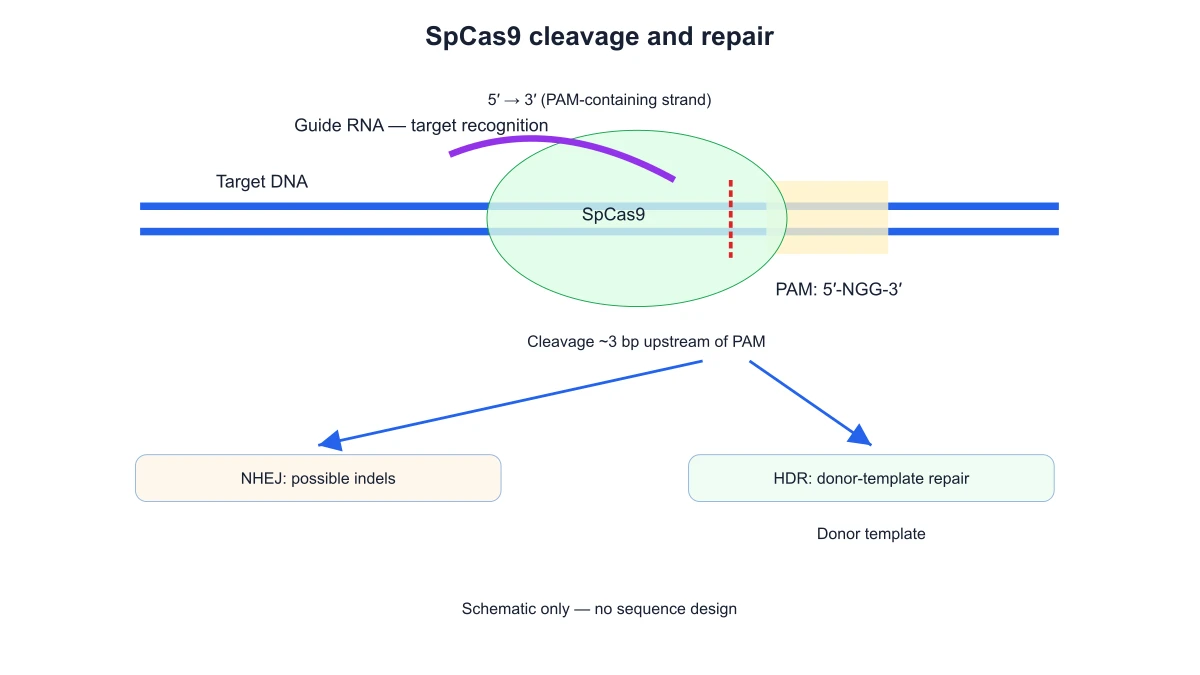
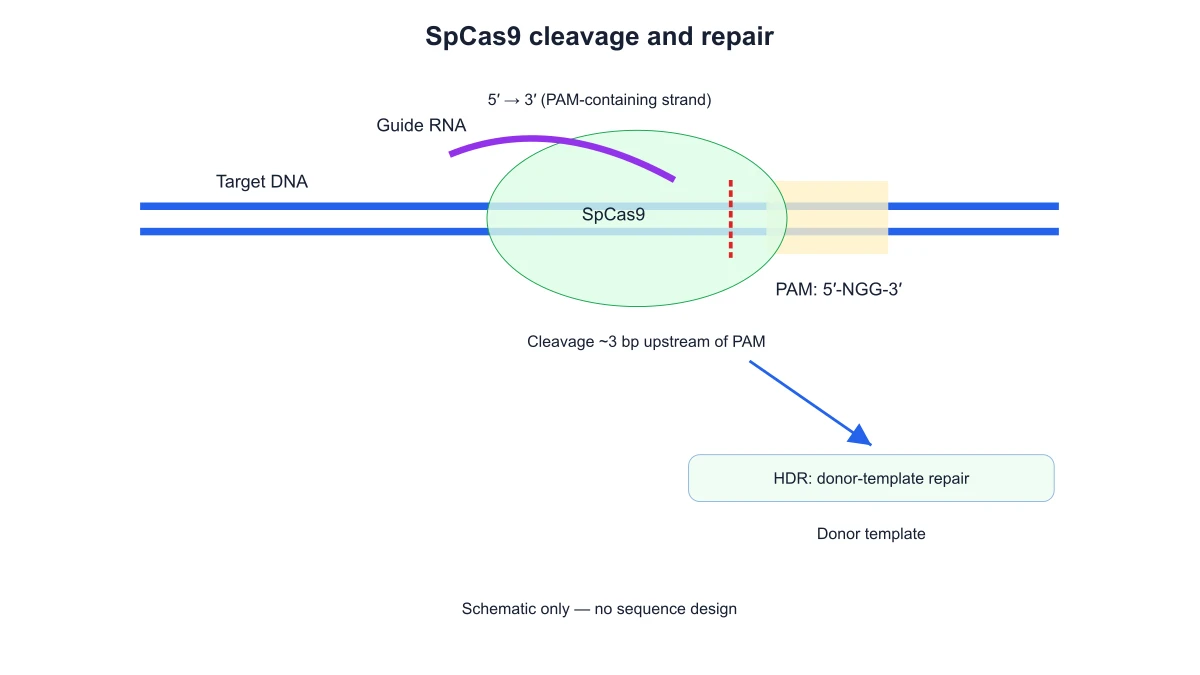
A CRISPR-Cas9 diagram shows guide RNA directing Cas9 to a DNA target beside a PAM sequence. Build a labeled SpCas9 schematic with guide RNA, target DNA, a PAM site and distinct DNA repair branches. Use the diagram to distinguish target recognition from DNA cleavage and the separate repair branches, keeping PAM position and strand direction visible.

SpCas9 schematic with guide RNA, target DNA, PAM, a cleavage site and separate NHEJ and HDR repair branches
  • Label guide RNA
  • Retain strand direction
  • Show end joining separately
  • Edit molecular labels

Crispr Cas9 Diagram Features

SciFig’s crispr cas9 diagram brings the inputs, diagram choices and exported result into one focused tool.

Locate guide RNA, target DNA and PAM

Show the guide RNA associated with Cas9 and aligned with the DNA target. The PAM belongs on the DNA rather than on the guide RNA. Keeping those labels separate helps an audience follow target recognition without confusing a sequence feature with the RNA molecule.

  • Label guide RNA
  • Keep PAM on the DNA
  • Identify the Cas9 complex
Locate guide RNA, target DNA and PAM

Show the SpCas9 cutting stage

Use the cutting view to explain the double-strand break near the target-associated PAM. Strand direction and the position of the cut remain part of the schematic. This stage focuses on how the illustrated complex meets the DNA, rather than calculating guide efficiency or searching a genome.

  • Retain strand direction
  • Show the DNA cut
  • Label the SpCas9 stage
Show the SpCas9 cutting stage

Separate NHEJ and HDR outcomes

Display NHEJ and HDR as distinct repair branches after the cut. NHEJ illustrates end joining; HDR introduces the role of a repair template. The branches organize the mechanism explanation without promising that an experiment will produce a particular editing outcome or efficiency.

  • Show end joining separately
  • Identify template-based repair
  • Keep repair routes distinct
Separate NHEJ and HDR outcomes

Prepare a labeled editing schematic

Use SciFig’s CRISPR Cas9 diagram to prepare a labeled editing schematic for a lecture or project introduction. Change the title and molecular labels, then download SVG or PNG. The figure keeps the guide, PAM and repair stages together while leaving actual sequence design to the experimental workflow.

  • Edit molecular labels
  • Set a project title
  • Export SVG or PNG
Prepare a labeled editing schematic

How to Create the Figure

Use the crispr cas9 diagram controls below to prepare the figure from your selected mechanism and labels.

  1. Choose a SpCas9 example

    Open the SpCas9 overview or a focused guide-target example. The preset places guide RNA, target DNA and PAM within the mechanism schematic. Start with the view that fits whether you are explaining recognition, cutting or the repair branches.

  2. Choose guide and repair visibility

    Use the guide-RNA option and choose NHEJ, HDR or both repair branches. The preview retains the SpCas9 mechanism context while the visible repair outcomes change. Keep the route that belongs in the explanation beside the figure.

  3. Edit the title and labels

    Enter a descriptive title and replace the node or structure labels with the terminology used in your document. The preset retains its arrangement while the visible names change. Keep molecular abbreviations consistent with the explanation beside the figure.

  4. Download the labeled figure

    Choose SVG for a scalable vector figure or PNG for a slide, handout or document. The exported diagram retains the selected view and labels. Keep the figure alongside the corresponding explanation so later wording changes can be reflected in another export.

Crispr Cas9 Diagram Uses

Use a labeled crispr cas9 diagram to connect the explanation in your material with a visible figure.

SpCas9 schematic with guide RNA, target DNA, PAM, a cleavage site and separate NHEJ and HDR repair branches

Introduce genome editing in a lecture

Prepare a CRISPR Cas9 diagram that starts with guide-directed recognition and ends with separate repair routes. Students can follow the guide RNA, PAM and cut before discussing editing outcomes. A labeled PNG is convenient for placing the same mechanism beside lecture notes.

Explore this example
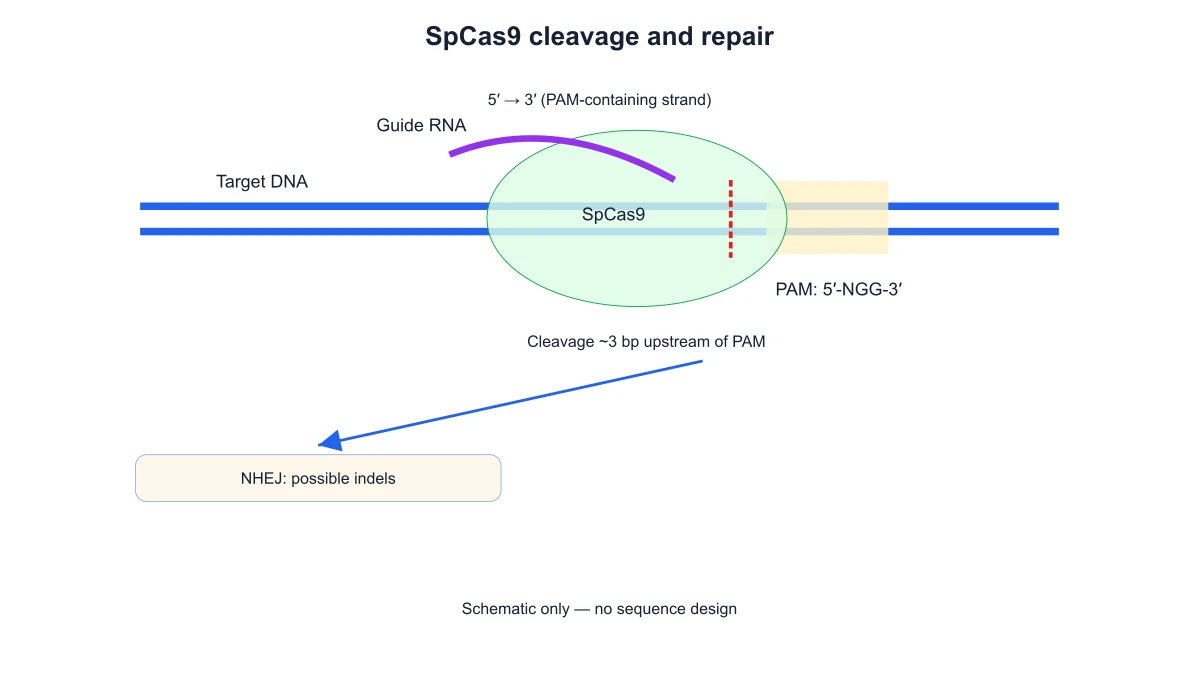
Guide RNA and PAM recognition in a SpCas9 schematic displaying the NHEJ repair branch

Explain why a PAM matters

Use a focused guide-target figure to show that the PAM is a DNA sequence feature adjacent to the target. Keep it distinct from the guide RNA label. This supports a mechanism explanation without turning the illustration into a sequence-design calculator.

Explore this example
SpCas9 DNA cleavage near the PAM with the HDR repair branch and a donor-template label

Discuss the DNA cutting stage

Place the cut-site schematic beside a description of the SpCas9 complex. Strand markers and the PAM provide orientation for the audience. Export SVG when the figure will be combined with additional molecular annotations in a presentation or manuscript panel.

Explore this example
SpCas9 cleavage schematic with separate NHEJ and donor-template HDR branches

Compare two repair mechanisms

Show NHEJ and HDR as separate branches emerging from a double-strand break. A teaching handout can use the two routes to introduce end joining and template-based repair. The diagram communicates mechanisms rather than measured editing frequencies.

Explore this example
Labeled SpCas9 guide-target recognition schematic with PAM and both repair branches

Prepare a project overview

A genetics project presentation can begin with a labeled editing schematic before the experimental methods. Change the title and molecular labels to match the project vocabulary. Keep actual sequences, assay measurements and editing outcomes in their respective experimental materials.

Explore this example
SpCas9 schematic with guide RNA, target DNA, PAM, a cleavage site and separate NHEJ and HDR repair branches

Connect editing to DNA structure

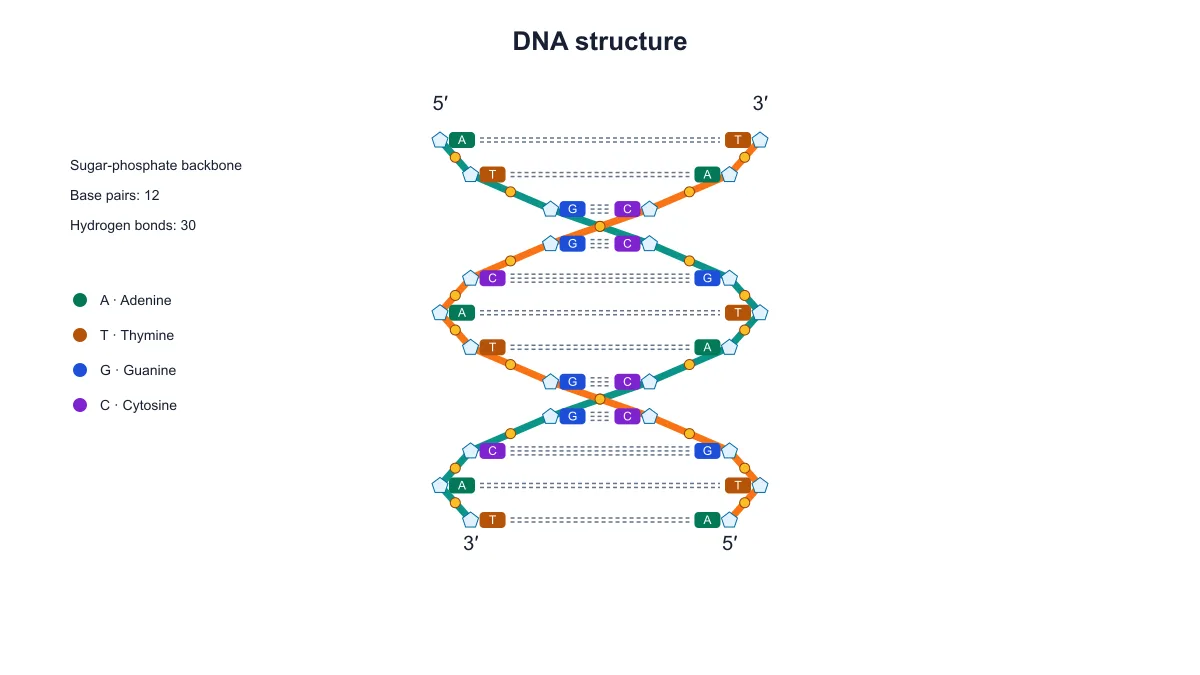
Use the editing diagram to introduce guide-target recognition, then show a DNA structure figure when explaining strand complementarity. Each illustration answers a different question. Keep the SpCas9 mechanism panel focused on recognition, cutting and repair rather than expanding it into a replication diagram.

Explore this example
How Researchers Use SciFig

I was preparing a project introduction where the guide RNA and PAM labels had become difficult to distinguish. The CRISPR Cas9 diagram kept the PAM on the DNA and the guide separate. I used the exported SVG to explain recognition before moving to the experiment’s actual sequence and assay details.

Sofia B.

Genome engineering doctoral researcher, University of Zurich

Free tools

A tool for every scientific figure

120 focused generators for the scientific figure you need — each opens in the right workspace with a matching example.

Illustrations, structures and concept diagrams

60 tools
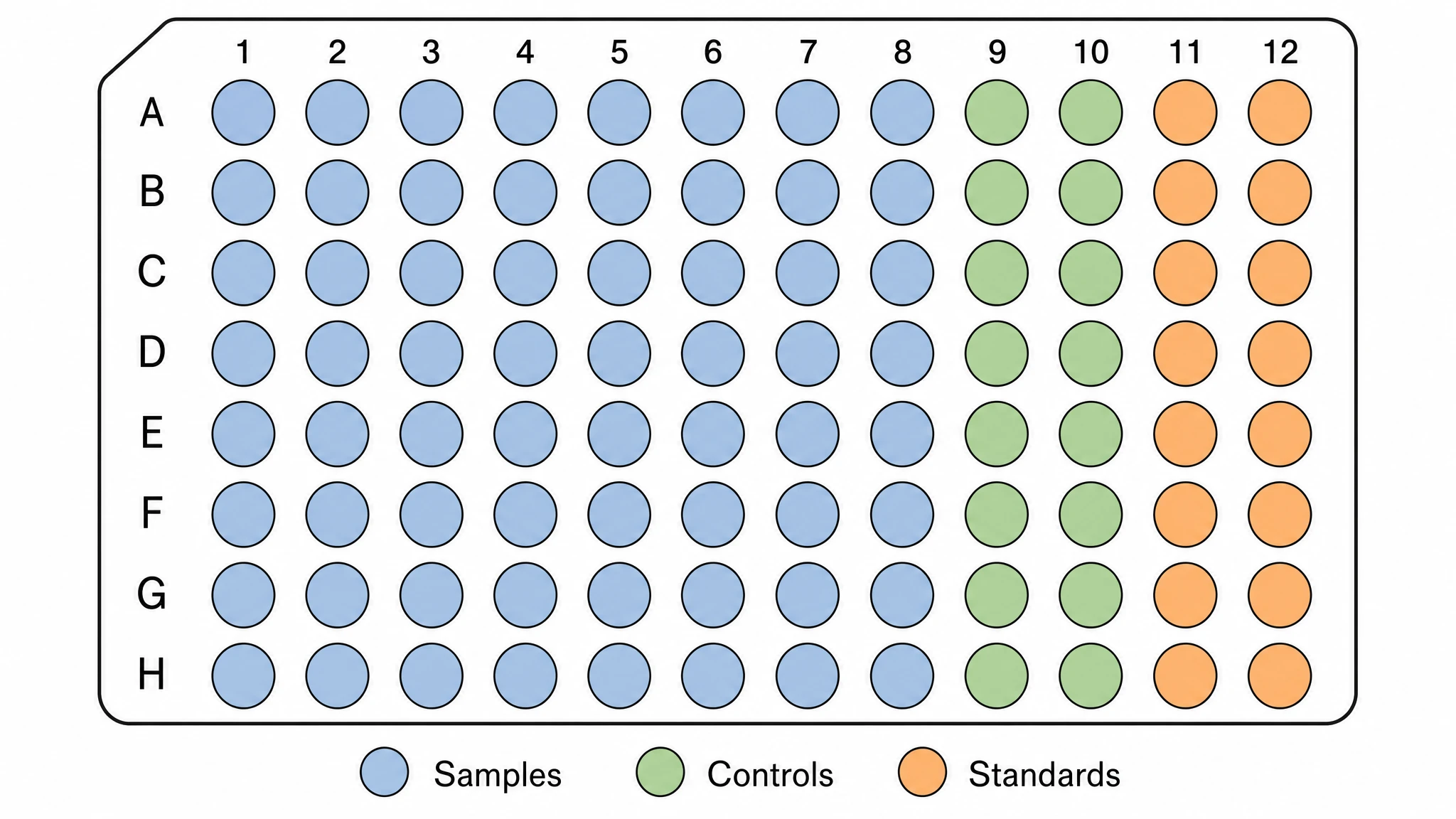
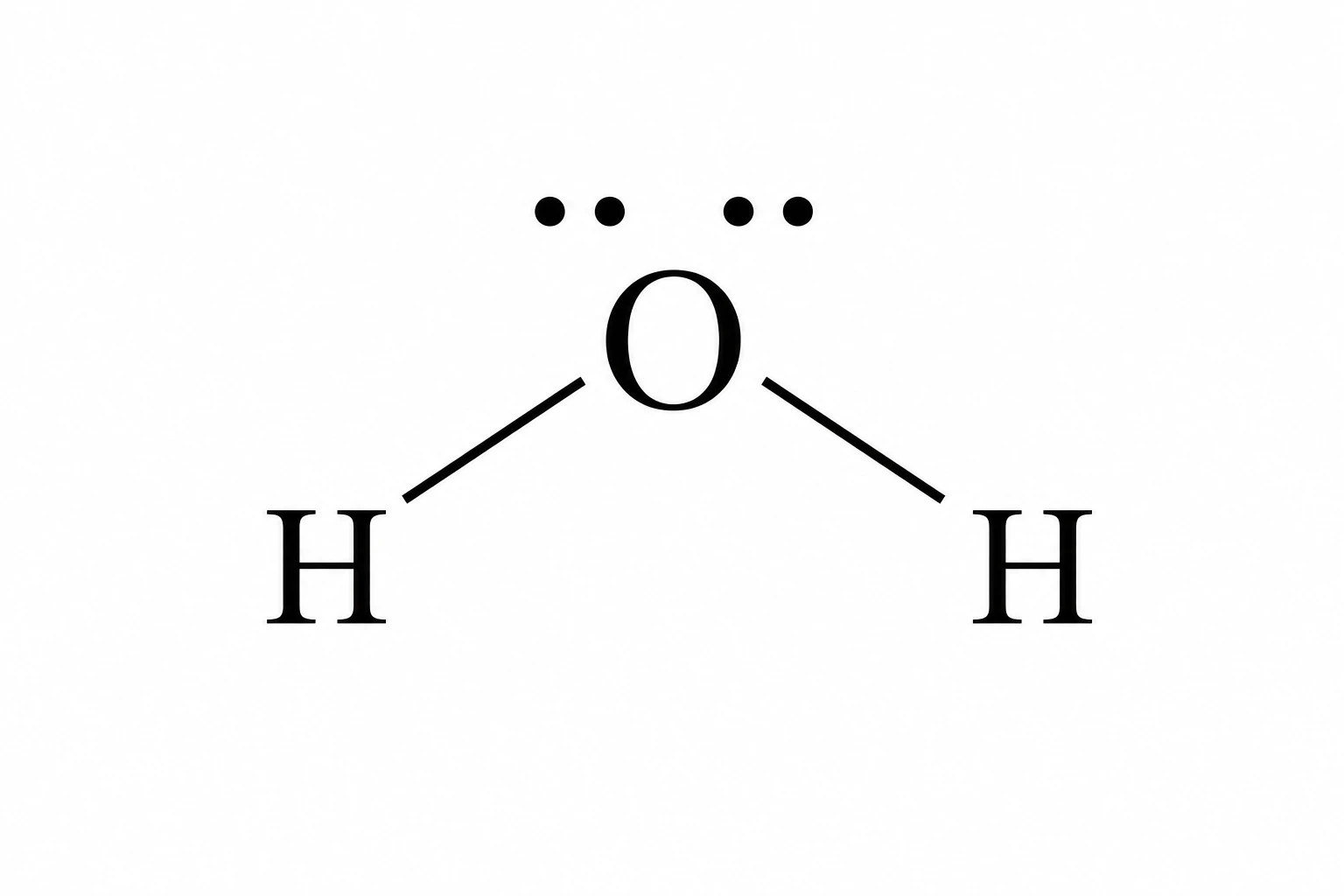
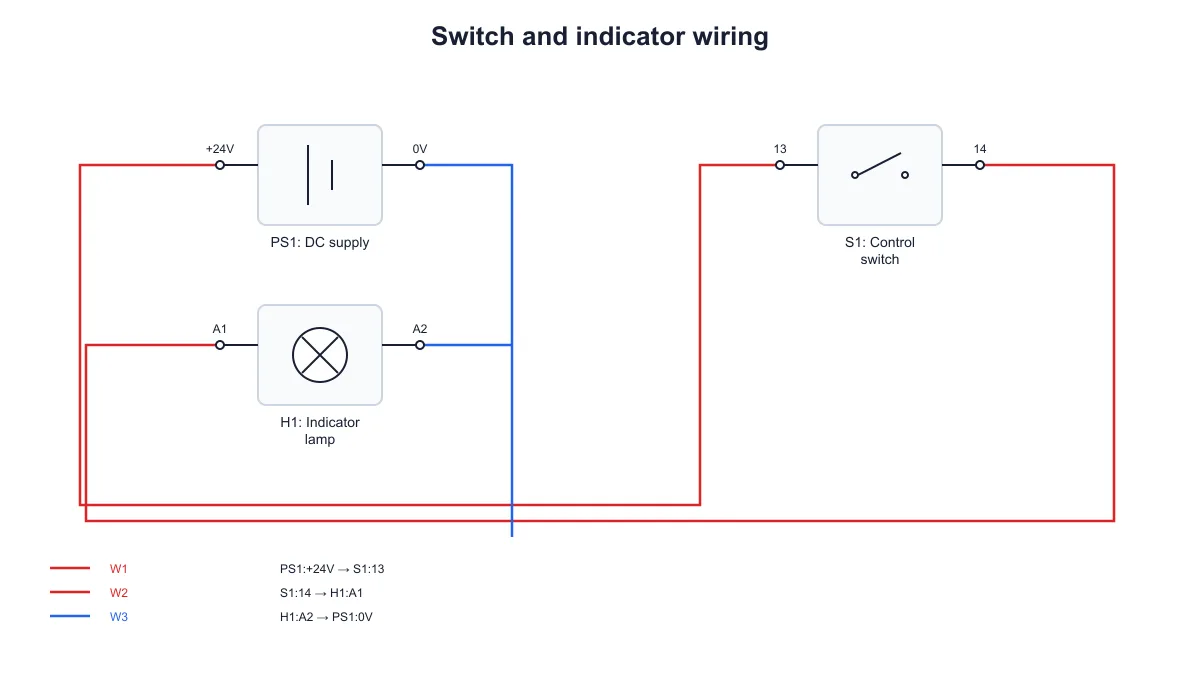
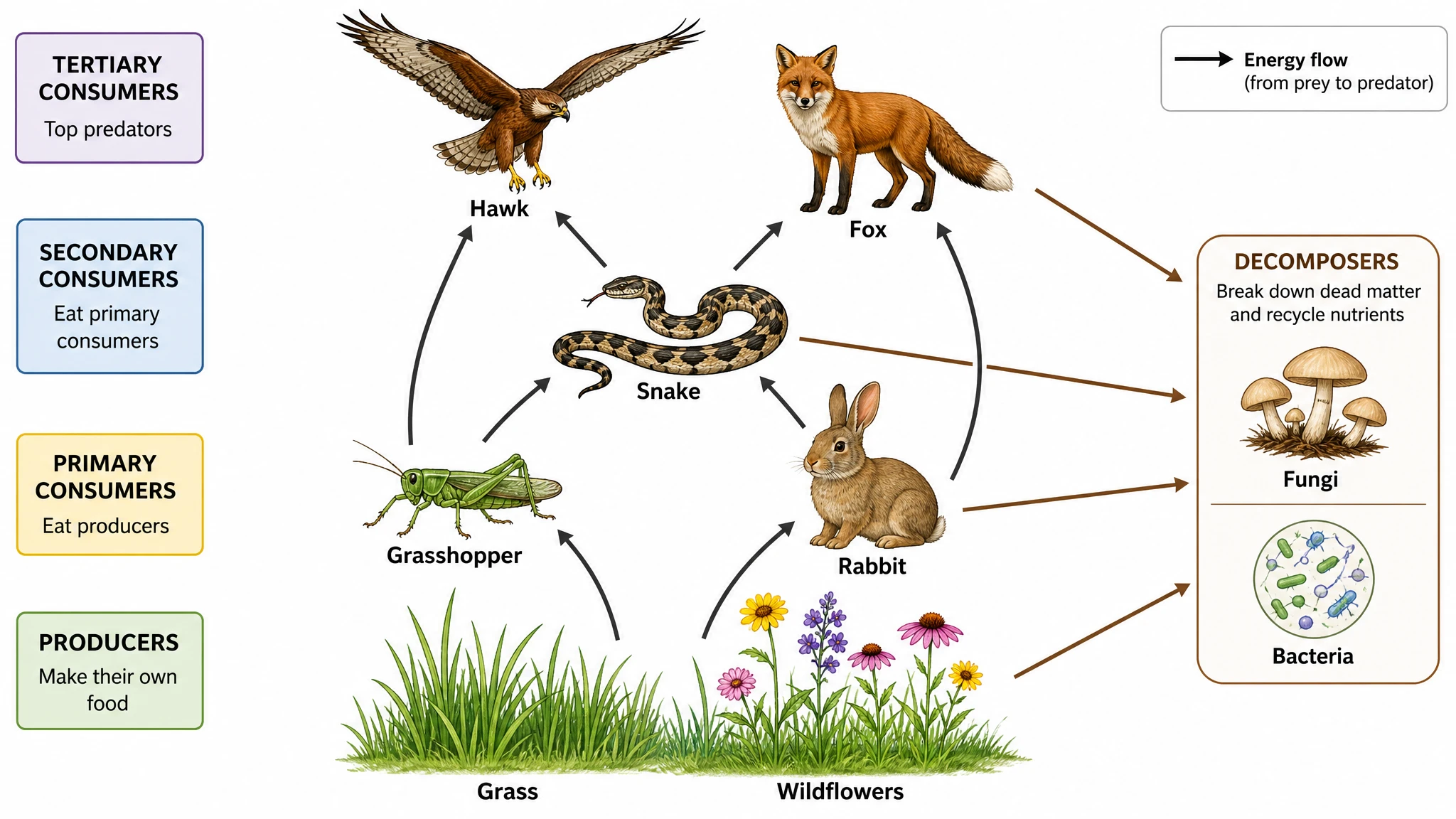
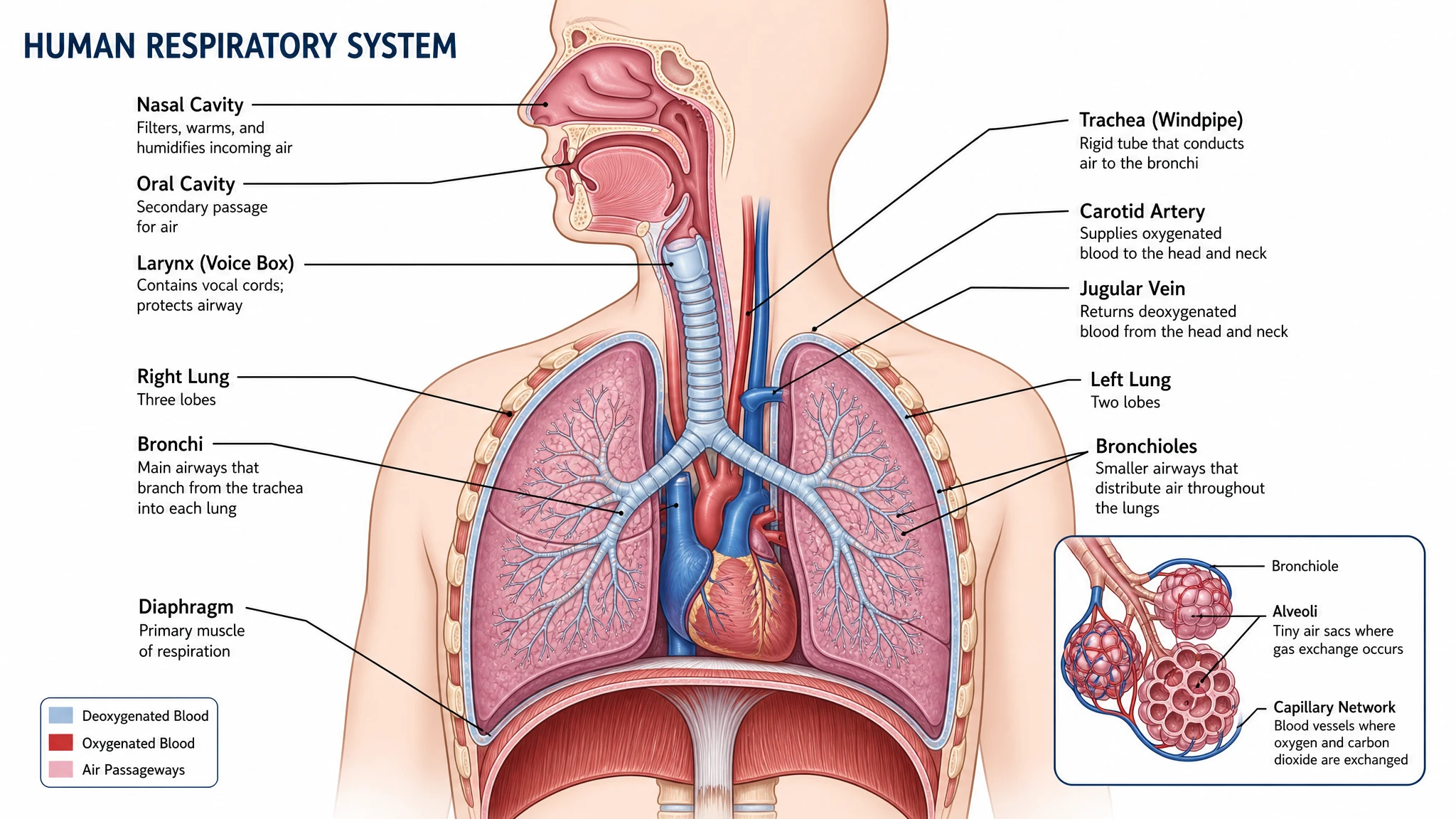
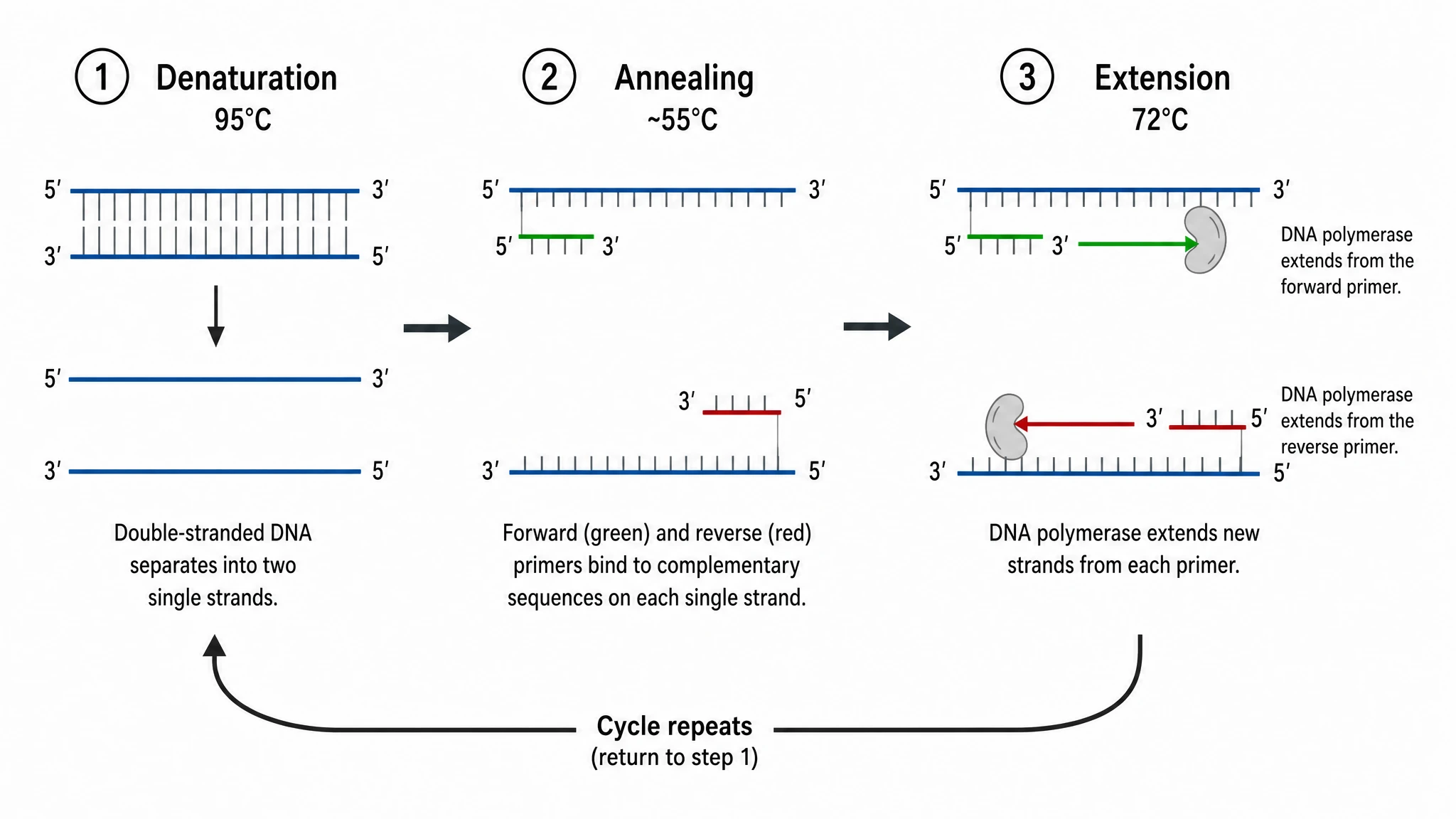
Chemistry Structure Generator example figureChemistry Structure GeneratorGraphical Abstract Maker example figureGraphical Abstract MakerFree Body Diagram Generator example figureFree Body Diagram GeneratorCircuit Diagram Maker example figureCircuit Diagram MakerAI Scientific Image Generator example figureAI Scientific Image GeneratorEditable 96-Well Plate example figureEditable 96-Well PlateLewis Dot Structure Generator example figureLewis Dot Structure GeneratorDNA Structure Diagram Generator example figureDNA Structure Diagram GeneratorWiring Diagram Maker example figureWiring Diagram MakerP&ID Diagram Generator example figureP&ID Diagram GeneratorScientific Poster Generator example figureScientific Poster GeneratorCladogram Maker example figureCladogram MakerFood Web Maker example figureFood Web MakerMedical Illustration Generator example figureMedical Illustration GeneratorPCR Diagram Generator example figurePCR Diagram GeneratorPPT Text to Visual Converter example figurePPT Text to Visual ConverterMitosis Diagram Generator example figureMitosis Diagram GeneratorAI Infographic Generator example figureAI Infographic GeneratorAnatomical Drawing Generator example figureAnatomical Drawing GeneratorAnimal and Plant Cell Comparison example figureAnimal and Plant Cell ComparisonAnimal Cell Diagram Generator example figureAnimal Cell Diagram GeneratorAntibody Structure Diagram Generator example figureAntibody Structure Diagram GeneratorApoptosis Diagram Generator example figureApoptosis Diagram GeneratorBacteria Diagram Generator example figureBacteria Diagram GeneratorBlueprint Maker example figureBlueprint MakerBohr Model Maker example figureBohr Model MakerCalvin Cycle Diagram Generator example figureCalvin Cycle Diagram GeneratorCarbon Cycle Diagram Generator example figureCarbon Cycle Diagram GeneratorCell Cycle Diagram Generator example figureCell Cycle Diagram GeneratorCellular Respiration Diagram Generator example figureCellular Respiration Diagram GeneratorComplement System Diagram Generator example figureComplement System Diagram GeneratorCRISPR-Cas9 Diagram Generator example figureCRISPR-Cas9 Diagram GeneratorDNA Replication Diagram Generator example figureDNA Replication Diagram GeneratorElectron Configuration Diagram Generator example figureElectron Configuration Diagram GeneratorElectron Transport Chain Diagram Generator example figureElectron Transport Chain Diagram GeneratorGene Regulation Diagram Generator example figureGene Regulation Diagram GeneratorGlycolysis Diagram Generator example figureGlycolysis Diagram GeneratorImage to Editable SVG Converter example figureImage to Editable SVG ConverterImmune Response Diagram Generator example figureImmune Response Diagram GeneratorKrebs Cycle Diagram Generator example figureKrebs Cycle Diagram GeneratorLab Diagram Maker example figureLab Diagram MakerMeiosis Diagram Generator example figureMeiosis Diagram GeneratorMolecular Orbital Diagram Generator example figureMolecular Orbital Diagram GeneratorNitrogen Cycle Diagram Generator example figureNitrogen Cycle Diagram GeneratorPedigree Chart Maker example figurePedigree Chart MakerPhospholipid Diagram Generator example figurePhospholipid Diagram GeneratorPhosphorus Cycle Diagram Generator example figurePhosphorus Cycle Diagram GeneratorPhotosynthesis Diagram Generator example figurePhotosynthesis Diagram GeneratorPhylogenetic Tree Maker example figurePhylogenetic Tree MakerPhysics Vector Diagram Maker example figurePhysics Vector Diagram MakerPlant Cell Diagram Generator example figurePlant Cell Diagram GeneratorProtein Synthesis Diagram Generator example figureProtein Synthesis Diagram GeneratorPunnett Square Maker example figurePunnett Square MakerRay Diagram Maker example figureRay Diagram MakerScientific Color Palette Generator example figureScientific Color Palette GeneratorSignaling Pathway Diagram Generator example figureSignaling Pathway Diagram GeneratorSingle Line Diagram Generator example figureSingle Line Diagram GeneratorT-Cell Activation Diagram Generator example figureT-Cell Activation Diagram GeneratorWater Cycle Diagram Generator example figureWater Cycle Diagram GeneratorWestern Blot Diagram Generator example figureWestern Blot Diagram Generator
Crispr Cas9 Diagram Questions

1.

2.

3.

4.

5.

6.

Call to action background

Crispr cas9 diagram

Create a crispr cas9 diagram

Create a crispr cas9 diagram

Free to start · No credit card required · Built for researchers