
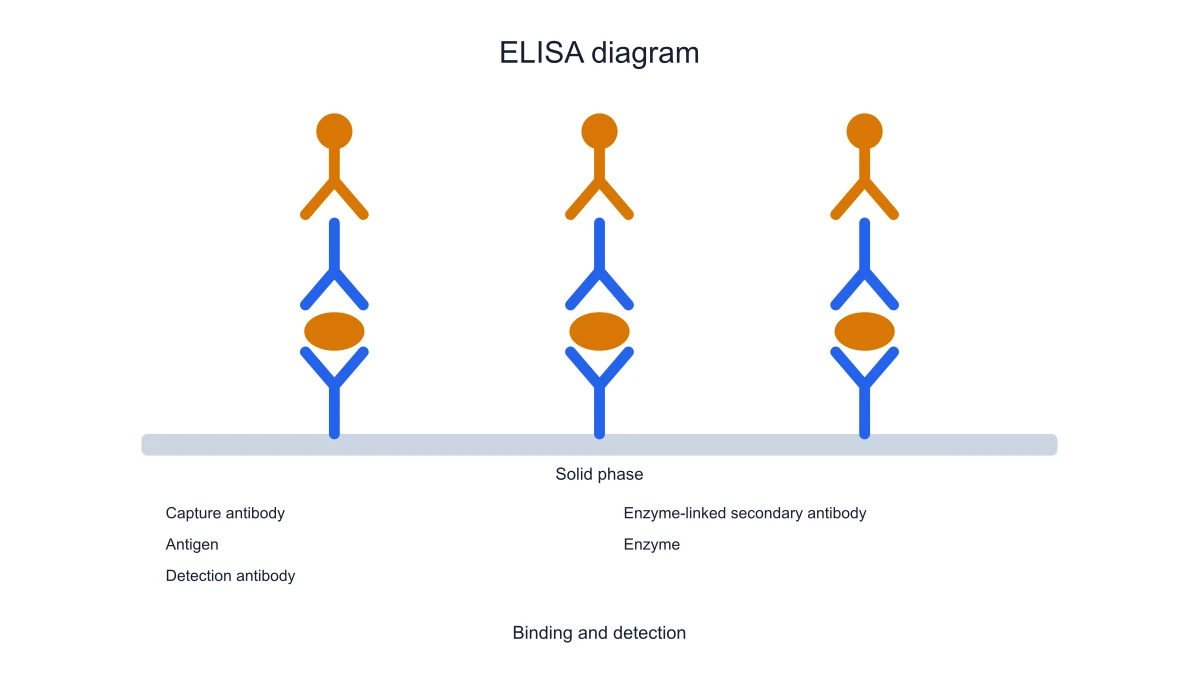
Teach sandwich ELISA
Use the plate-bound capture antibody and antigen layer to introduce sandwich binding. Follow the detection side of the diagram during the explanation, keeping each antibody’s role separate from the analyte.
Explore this exampleFree ELISA Diagram Generator for Assay Schematics
Build sandwich and indirect ELISA schematics. Label capture, antigen and detection roles, choose a focused assay view and export SVG or PNG.
Start with up to 150 free credits|No credit card required
Get up to 350 free credits on day one when you join through an invite.
Free ELISA Diagram Generator for Assay Schematics— templates & examples
Updated
Free scientific tools
Build sandwich and indirect ELISA schematics. Label capture, antigen and detection roles, choose a focused assay view and export SVG or PNG.
An ELISA diagram shows how antigen and antibody binding steps connect to enzyme-linked detection in an assay. Build sandwich and indirect ELISA schematics. Label capture, antigen and detection roles, choose a focused assay view and export SVG or PNG.
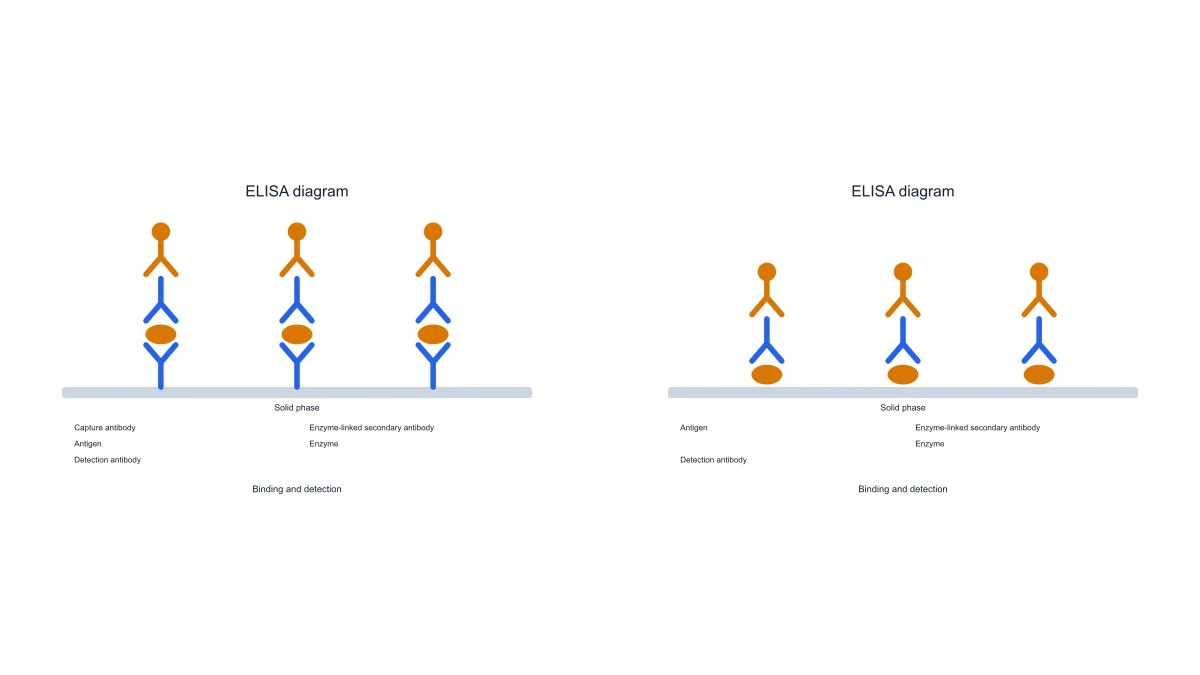
Use SciFig to work with the specific inputs, labels and exported outputs described below.
Show the capture antibody on the plate, the bound antigen and the detection side of a sandwich ELISA. SciFig’s ELISA diagram generator keeps those roles distinct so a teaching panel explains which component binds the analyte and how the detection layer relates to it.
Use the indirect view to show an immobilized antigen, a primary antibody and the enzyme-linked secondary detection step. Switching the assay changes the binding arrangement rather than simply changing the figure title. Keep the assay name and component labels with the exported schematic.
Replace the title and scientific labels with the terms used in your teaching material. Distinguish the antigen, antibodies and enzyme-related signal with colors while retaining text labels. The illustration communicates assay architecture; the labels connect the arrangement with the methods explanation beside it.
Download the selected ELISA schematic as SVG or PNG and save its JSON settings. A saved configuration can be reopened when a methods slide needs new terminology or a different supported assay view. The diagram is generated locally from its finite assay settings.
Follow the local controls to prepare the elisa diagram from your input.
Choose sandwich or indirect ELISA according to the binding sequence you want to explain. The preset places the relevant capture or immobilized-antigen layer on the plate, so the first binding step matches the selected assay.
Read the antigen and antibody labels in the preview. In sandwich ELISA, distinguish capture from detection. In indirect ELISA, distinguish primary from secondary antibody. Edit the labels to match the terminology used in the accompanying lesson.
Choose the available focused view and adjust the figure colors or title. Keep the detection role connected to the correct bound component. A readable schematic should let the audience follow the sequence without relying on color alone.
Export SVG for a scalable methods panel or PNG for a handout. Save JSON settings to preserve the selected assay and labels. Reopen the settings to revise the same ELISA diagram rather than rebuilding the arrangement.
Choose a focused figure for the question and document you are preparing.
Use the plate-bound capture antibody and antigen layer to introduce sandwich binding. Follow the detection side of the diagram during the explanation, keeping each antibody’s role separate from the analyte.
Explore this example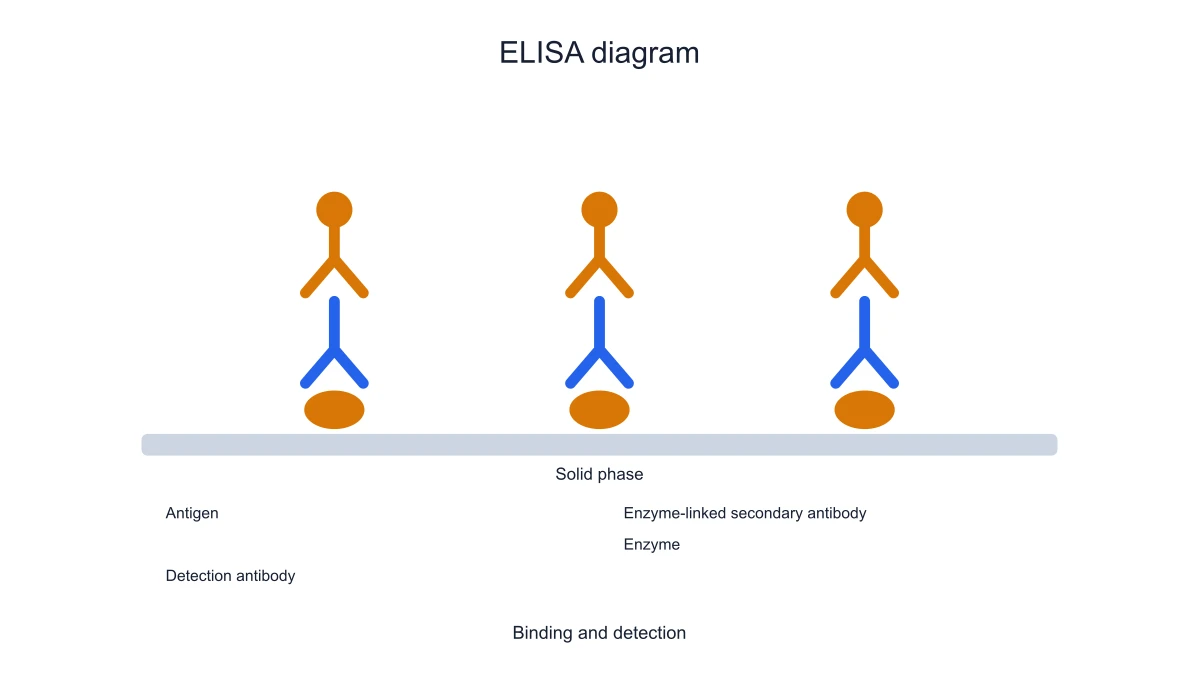
Explain how an antibody binds an immobilized antigen and is detected by a secondary layer. The indirect schematic gives students a visual sequence distinct from the sandwich format rather than suggesting the two arrangements are interchangeable.
Explore this example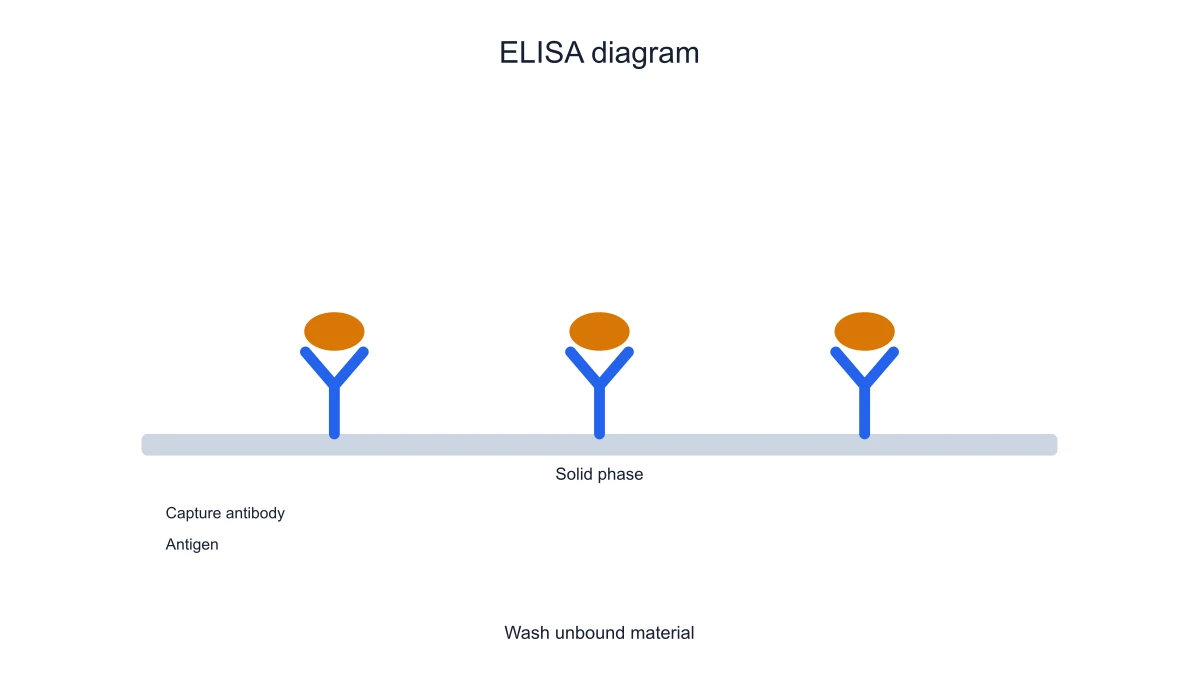
Place an assay schematic before a results figure to establish the binding architecture. Labels identify the components used in the explanation. The schematic supplies assay context while measured signals remain in their separate data figure.
Explore this exampleExport sandwich and indirect views for a side-by-side lesson. Consistent colors and label style make the change in binding order easier to follow. Keep each assay name on its panel so the comparison stays explicit.
Explore this example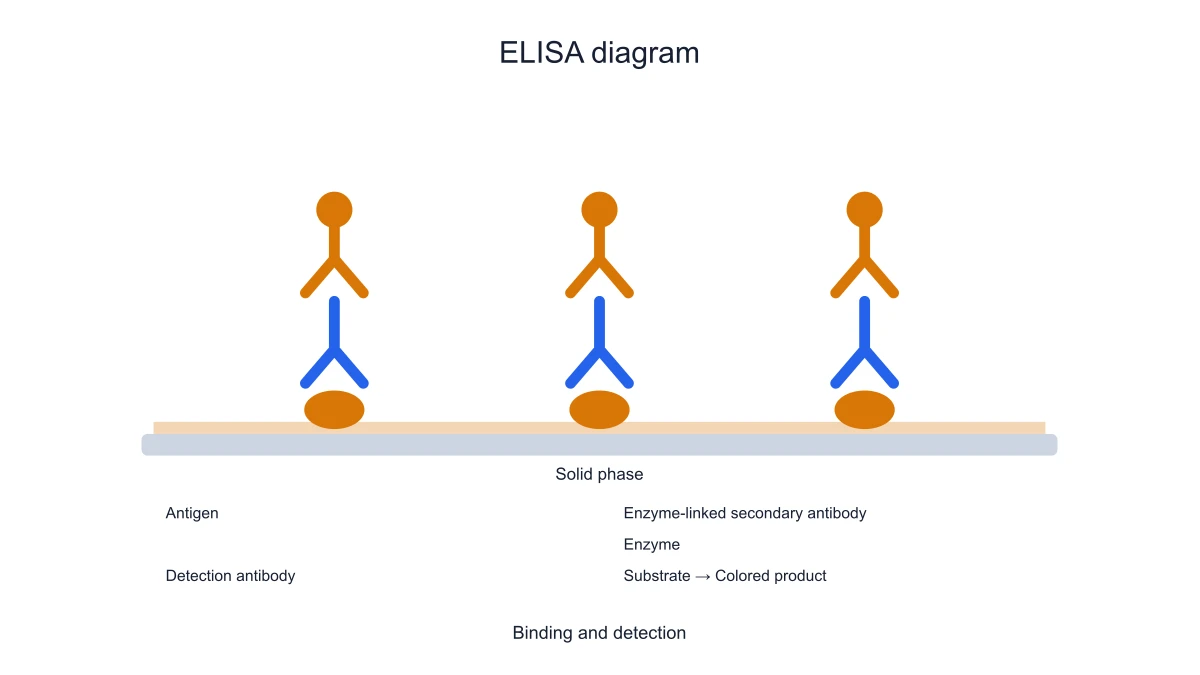
Use the diagram to connect antigen, primary antibody and detection terminology. A clear SVG can be resized for a worksheet without blurring the component labels. The saved settings retain the same vocabulary for later revisions.
Explore this examplePair the ELISA schematic with an antibody structure diagram. One panel explains chains and binding regions, while the ELISA panel explains how antibodies are arranged in an assay. This keeps structure and experimental architecture distinct.
Explore this exampleMy practical introduction needed an ELISA diagram that separated capture antibodies from the detection chain. I selected the sandwich preset, renamed the antigen and adjusted the colors. The SVG gave the class a labelled binding schematic, and I kept the JSON with the lesson materials so the same example could be revised later.
Grace Bennett
Immunology Teaching Fellow · University of Birmingham
Free tools
A tool for every scientific figure
130 focused generators for the scientific figure you need — each opens in the right workspace with a matching example.
Illustrations, structures and concept diagrams
68 tools Chemistry Structure Generator
 Graphical Abstract Maker
 Free Body Diagram Generator
 Circuit Diagram Maker
 AI Scientific Image Generator
 Editable 96-Well Plate
 Lewis Dot Structure Generator
 DNA Structure Diagram Generator
 Wiring Diagram Maker
 P&ID Diagram Generator
 Scientific Poster Generator
 Cladogram Maker
 Food Web Maker
 Medical Illustration Generator
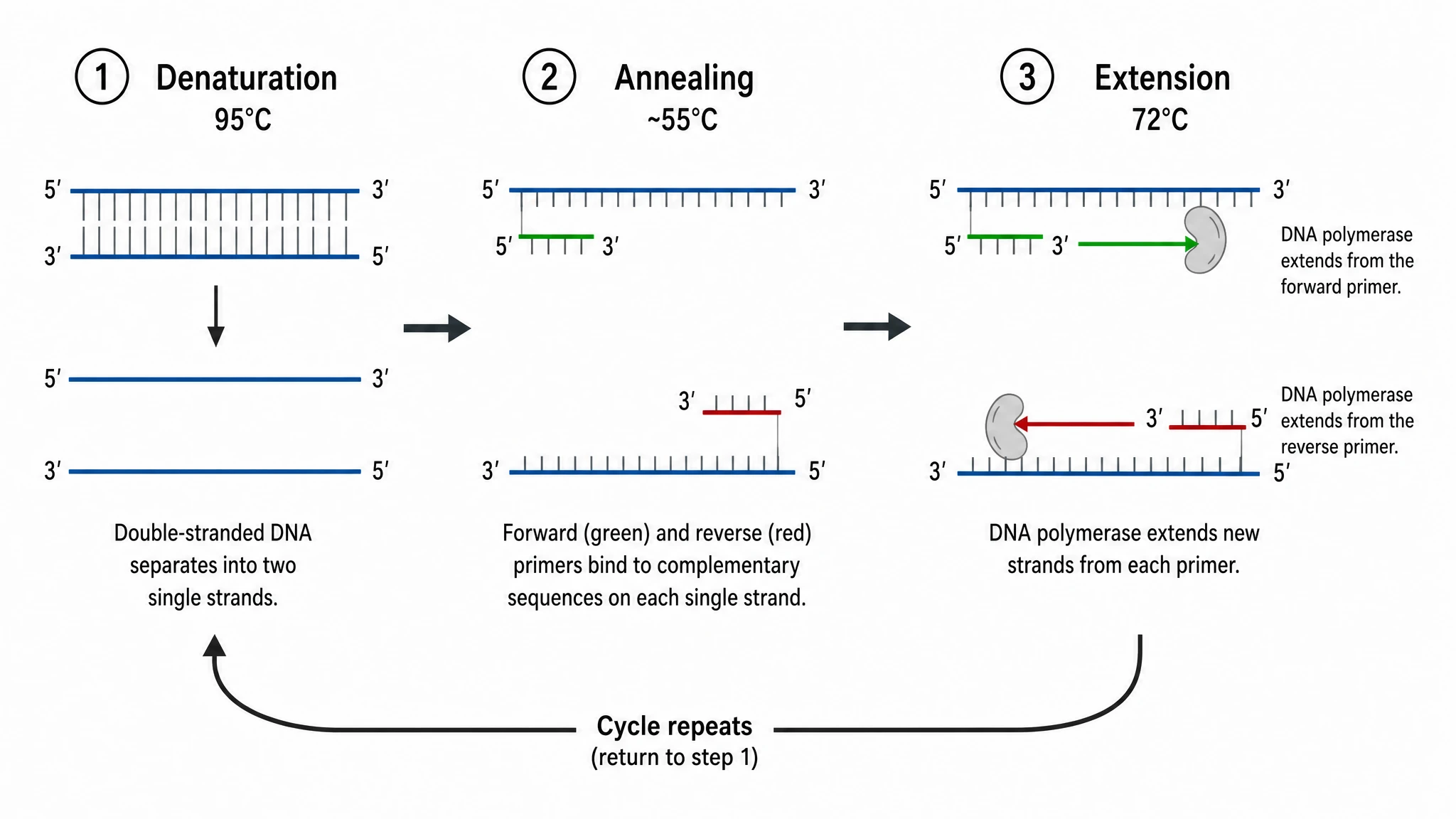 PCR Diagram Generator
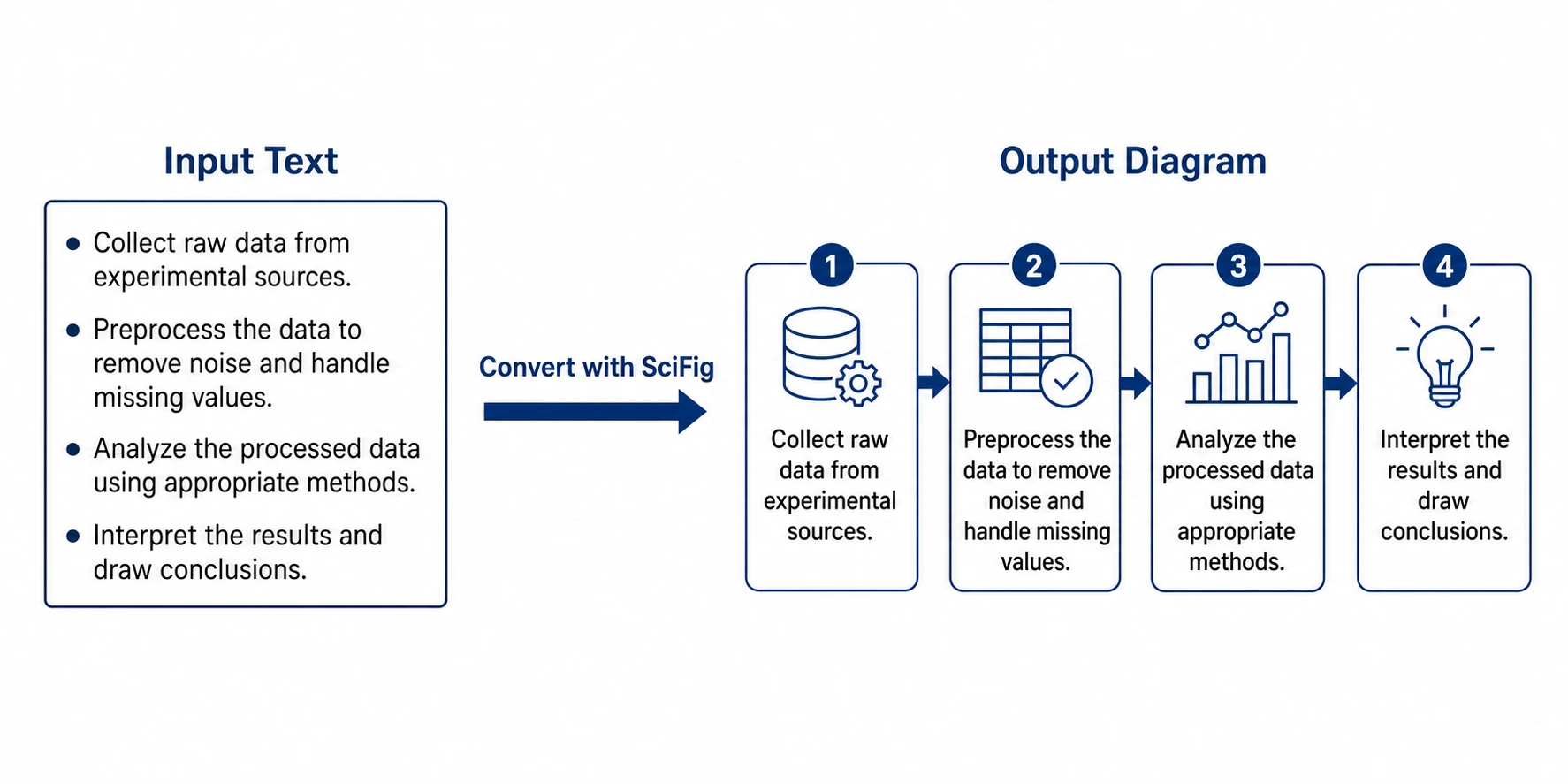 PPT Text to Visual Converter
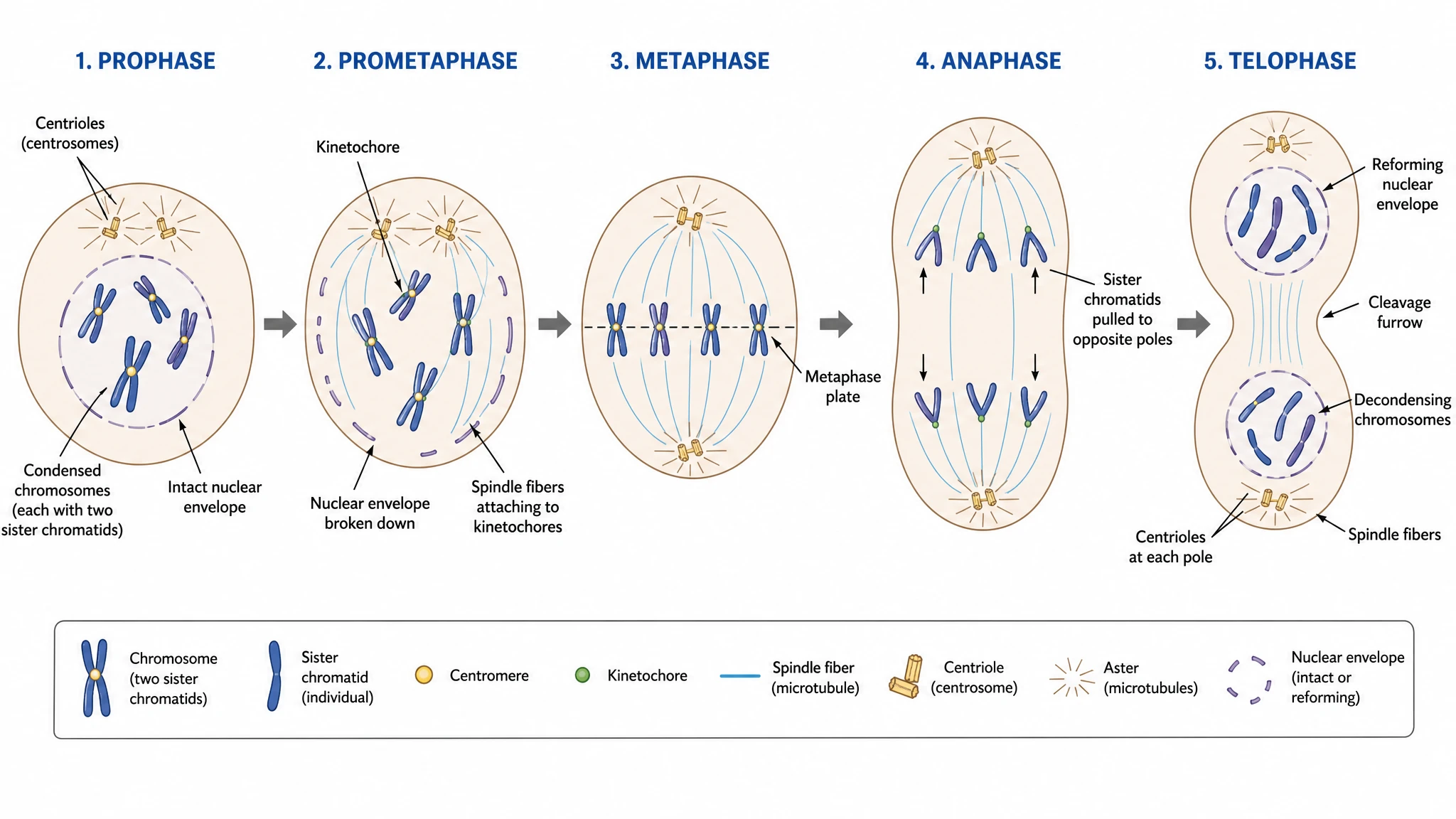 Mitosis Diagram Generator
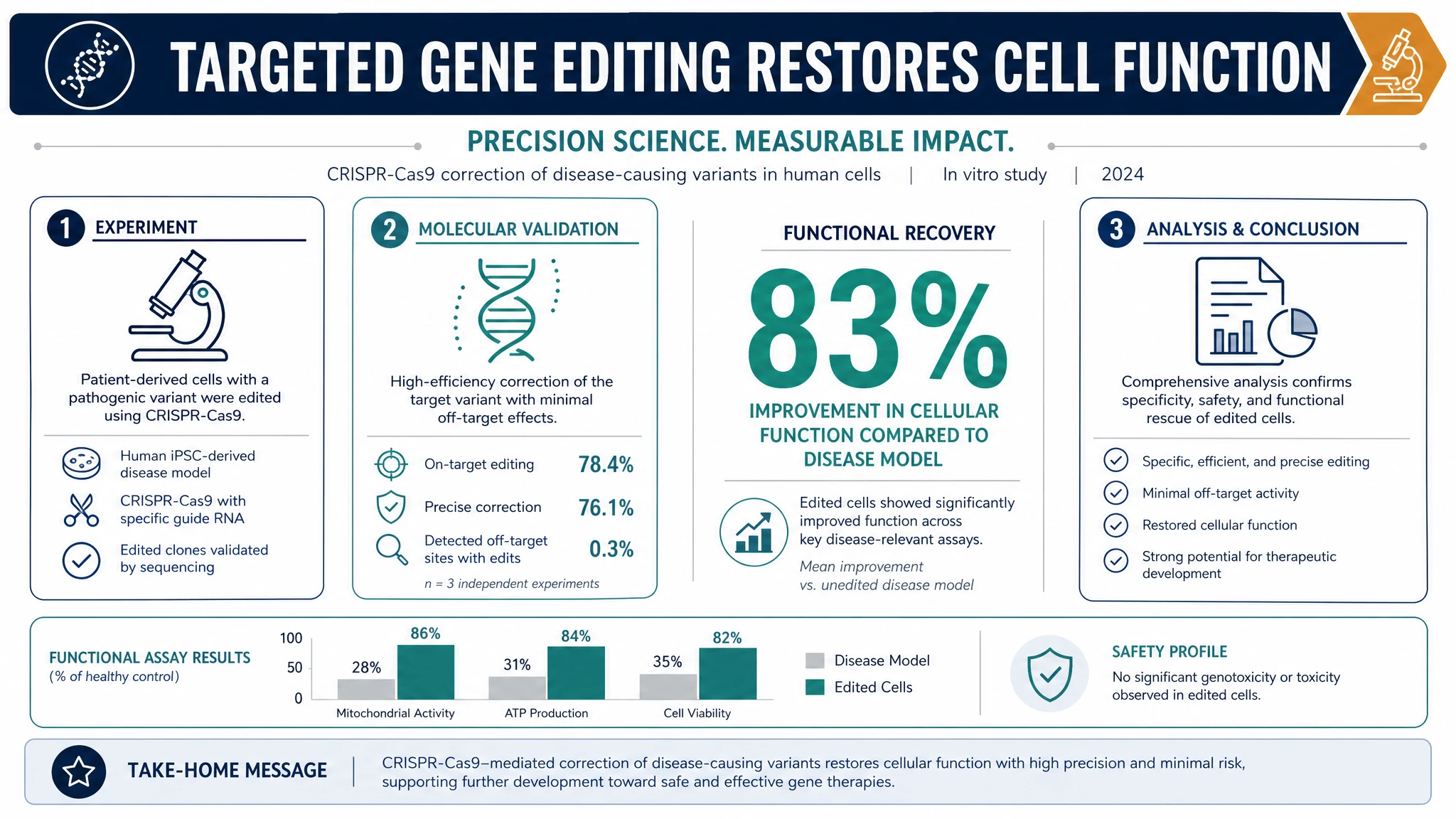 AI Infographic Generator
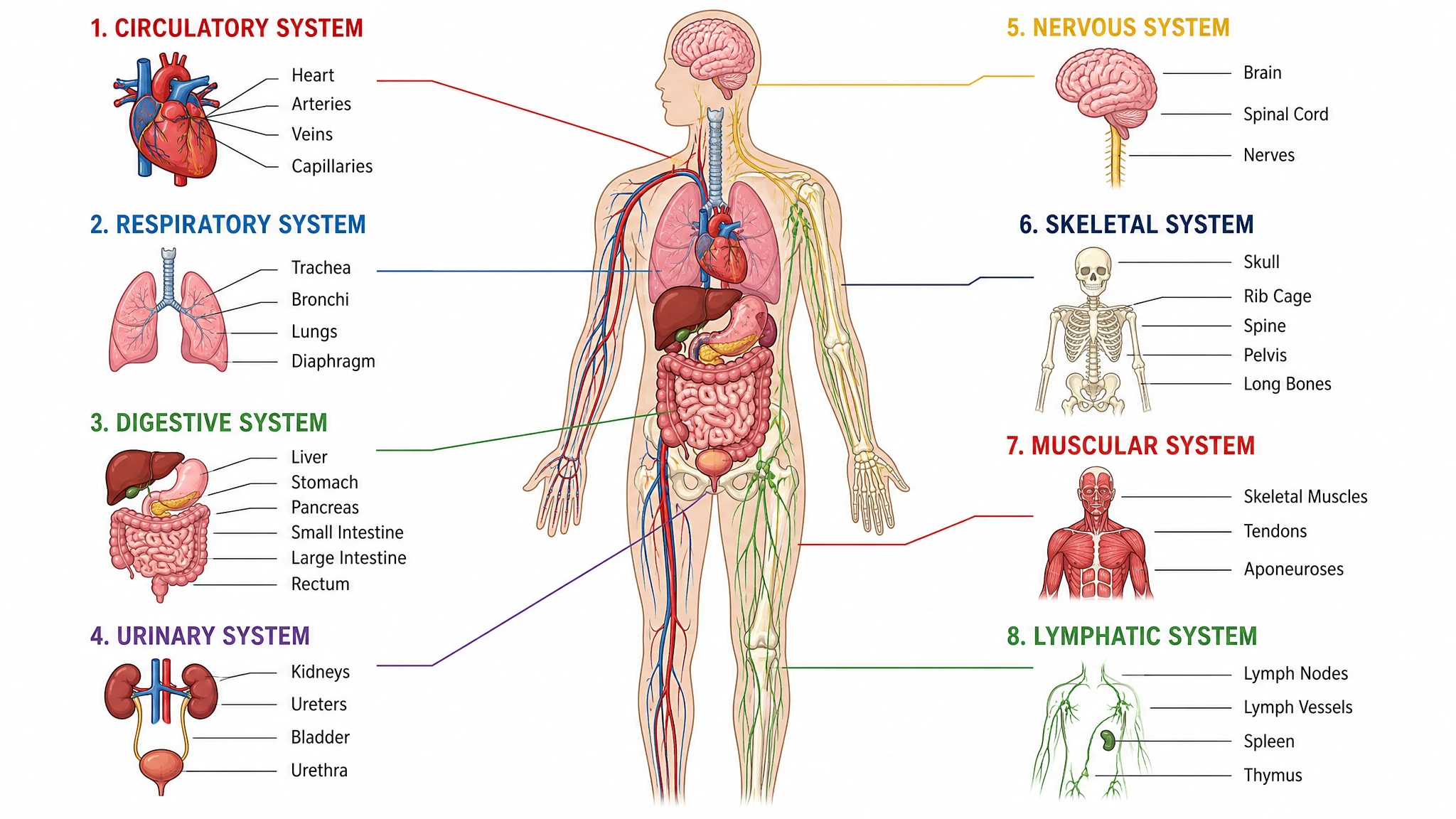 Anatomical Drawing Generator
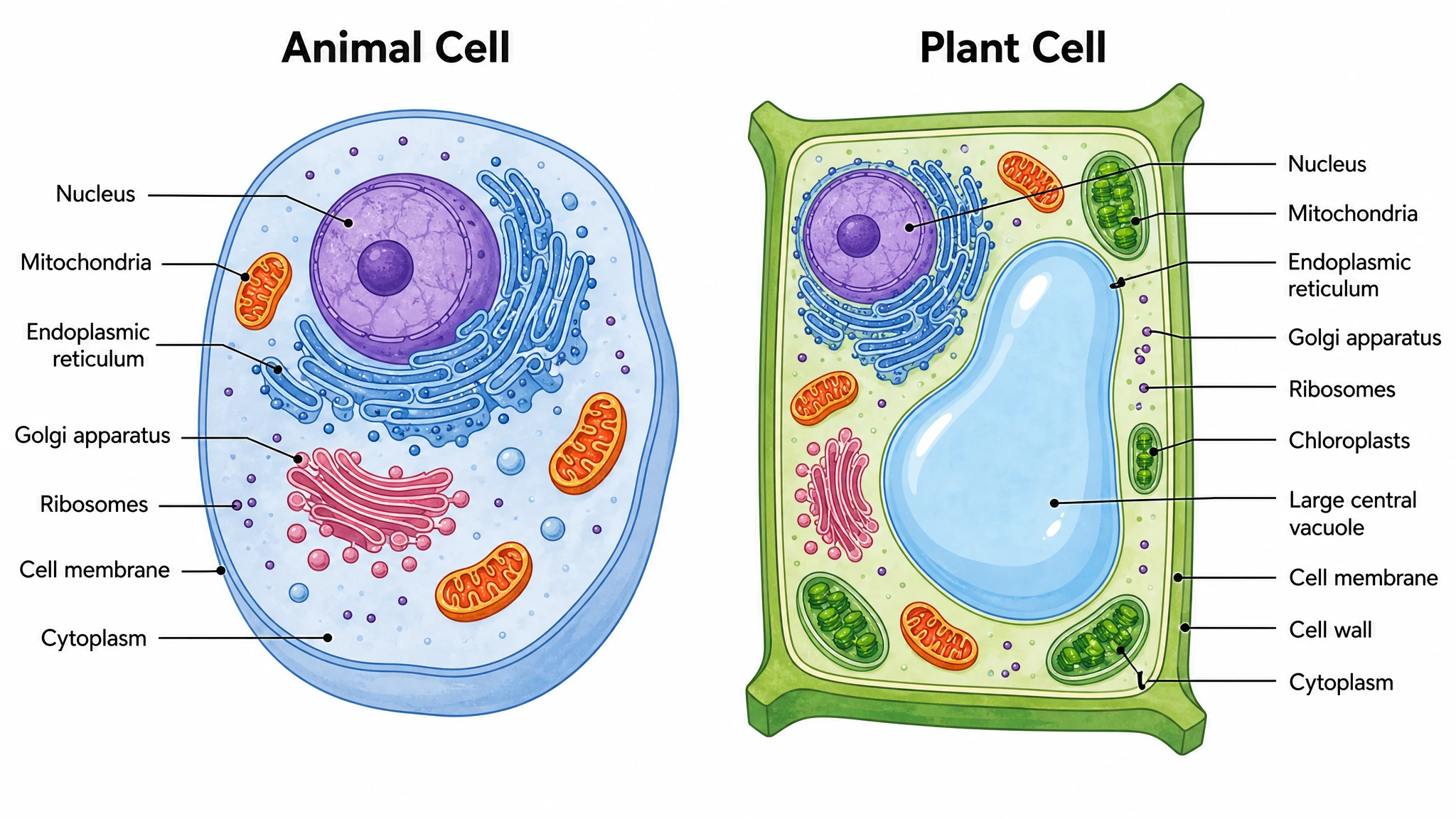 Animal and Plant Cell Comparison
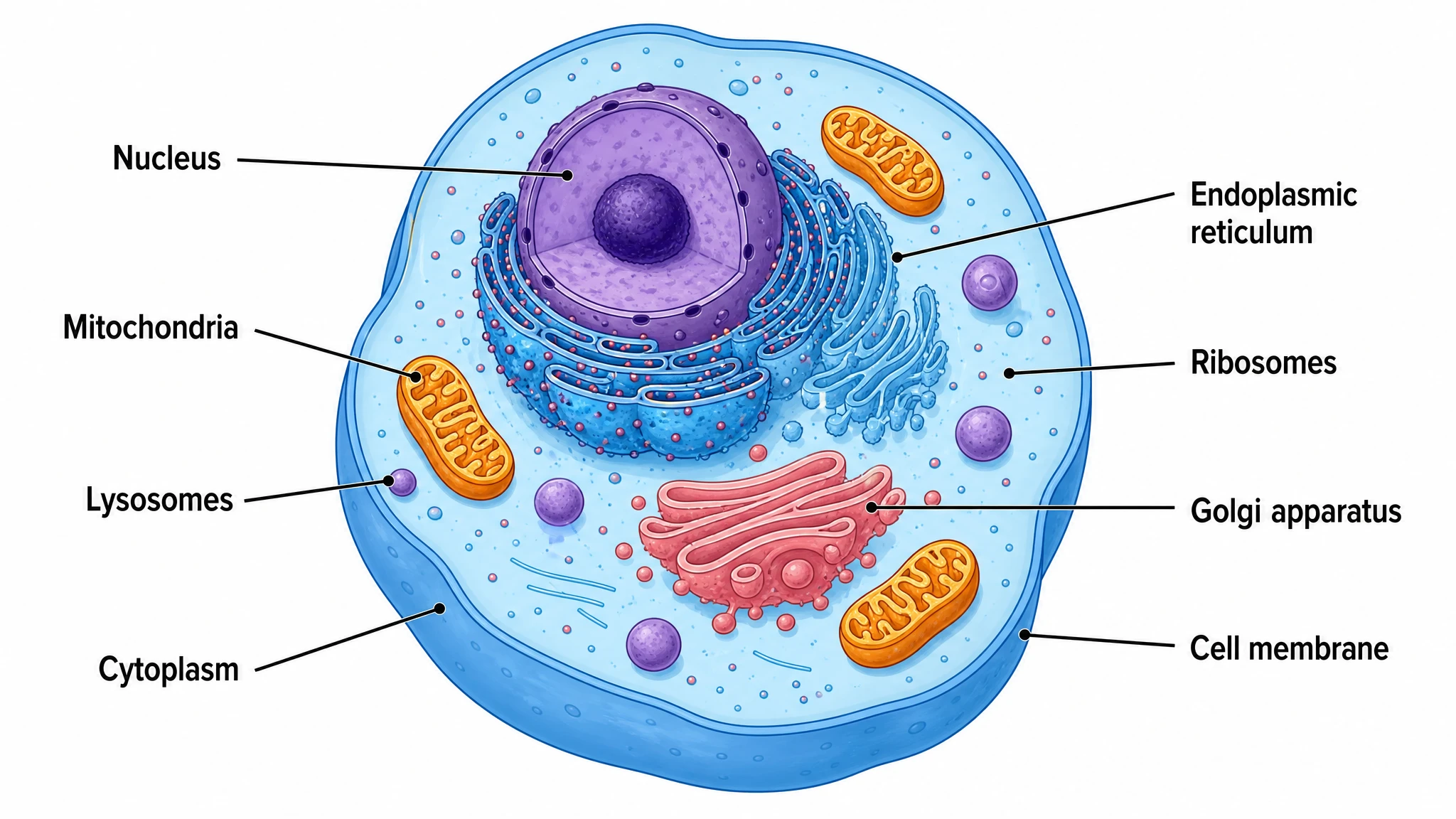 Animal Cell Diagram Generator
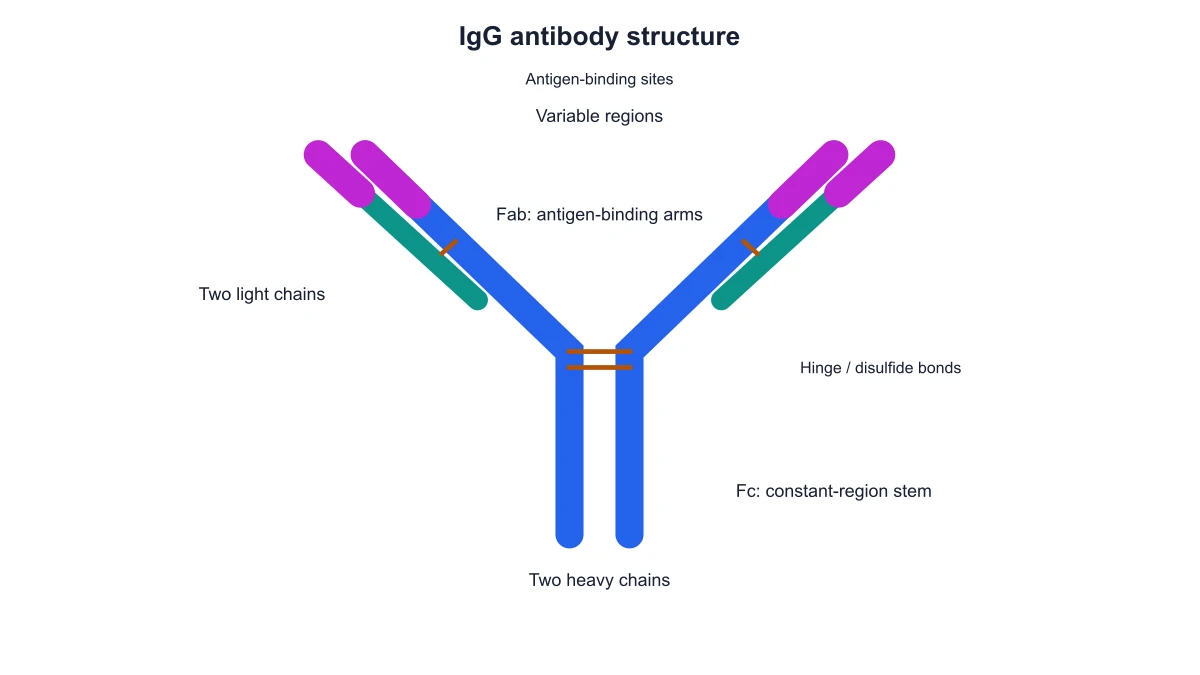 Antibody Structure Diagram Generator
 Apoptosis Diagram Generator
 Autophagy Diagram Generator
 Bacteria Diagram Generator
 Blueprint Maker
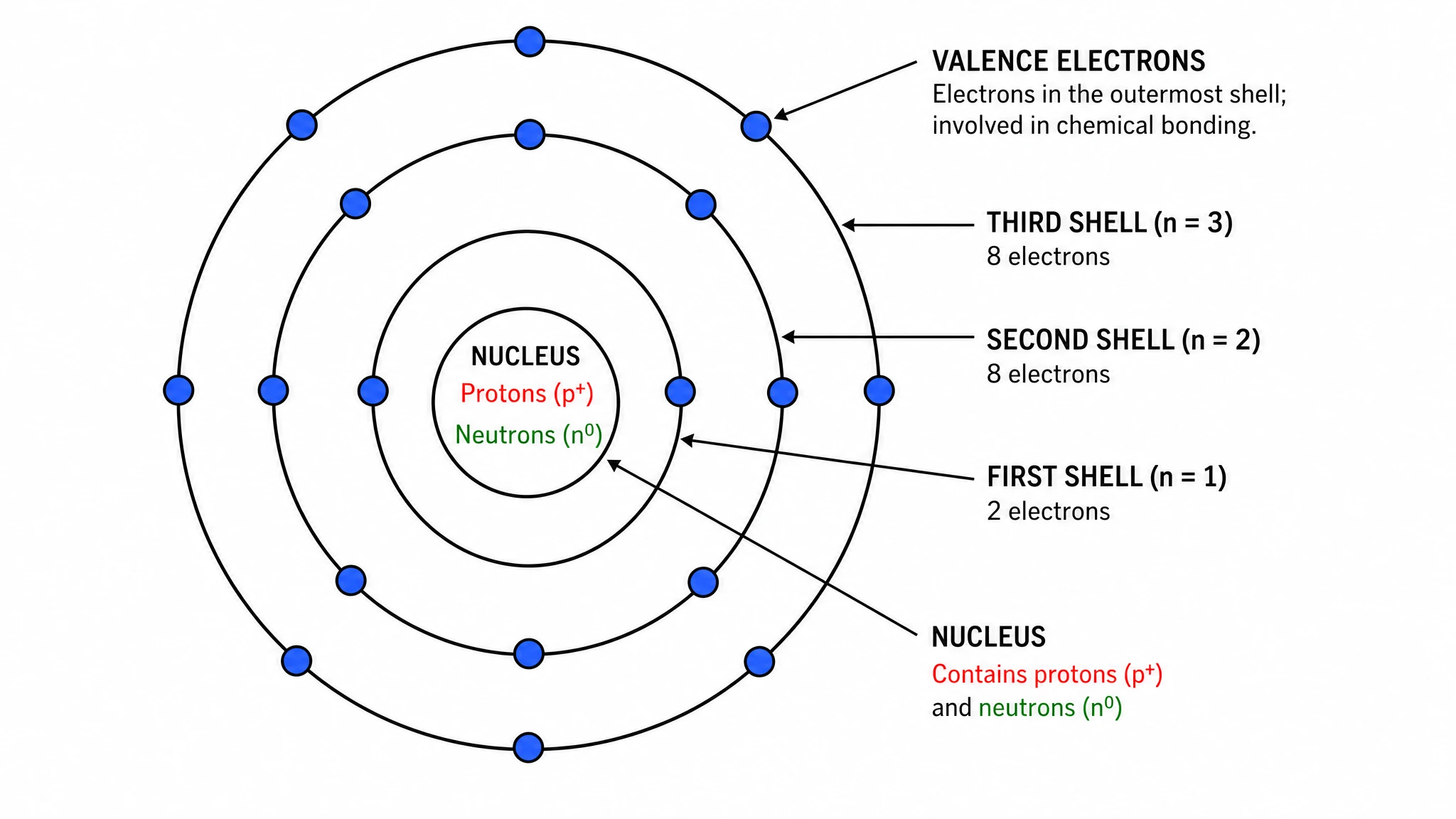 Bohr Model Maker
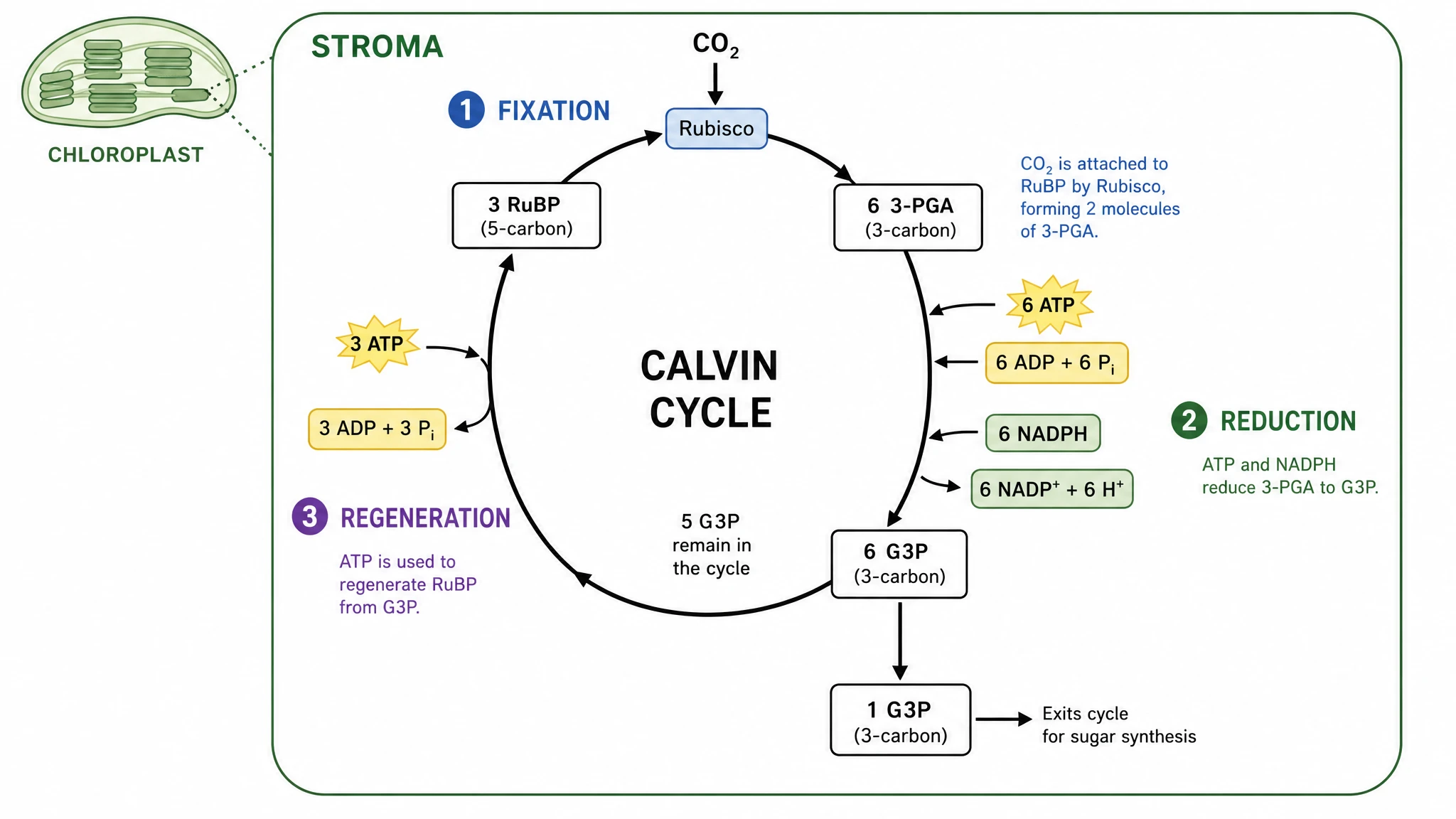 Calvin Cycle Diagram Generator
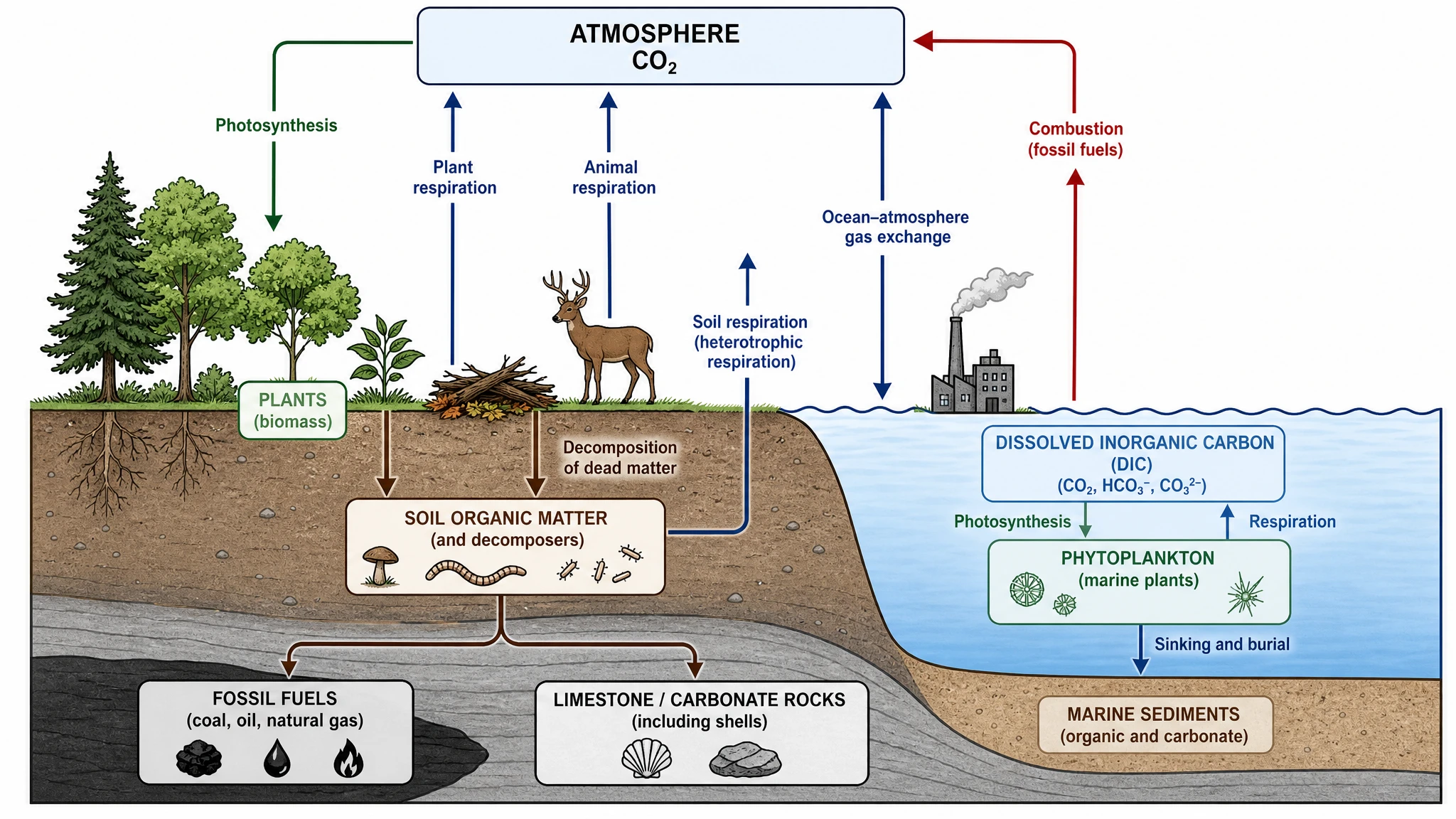 Carbon Cycle Diagram Generator
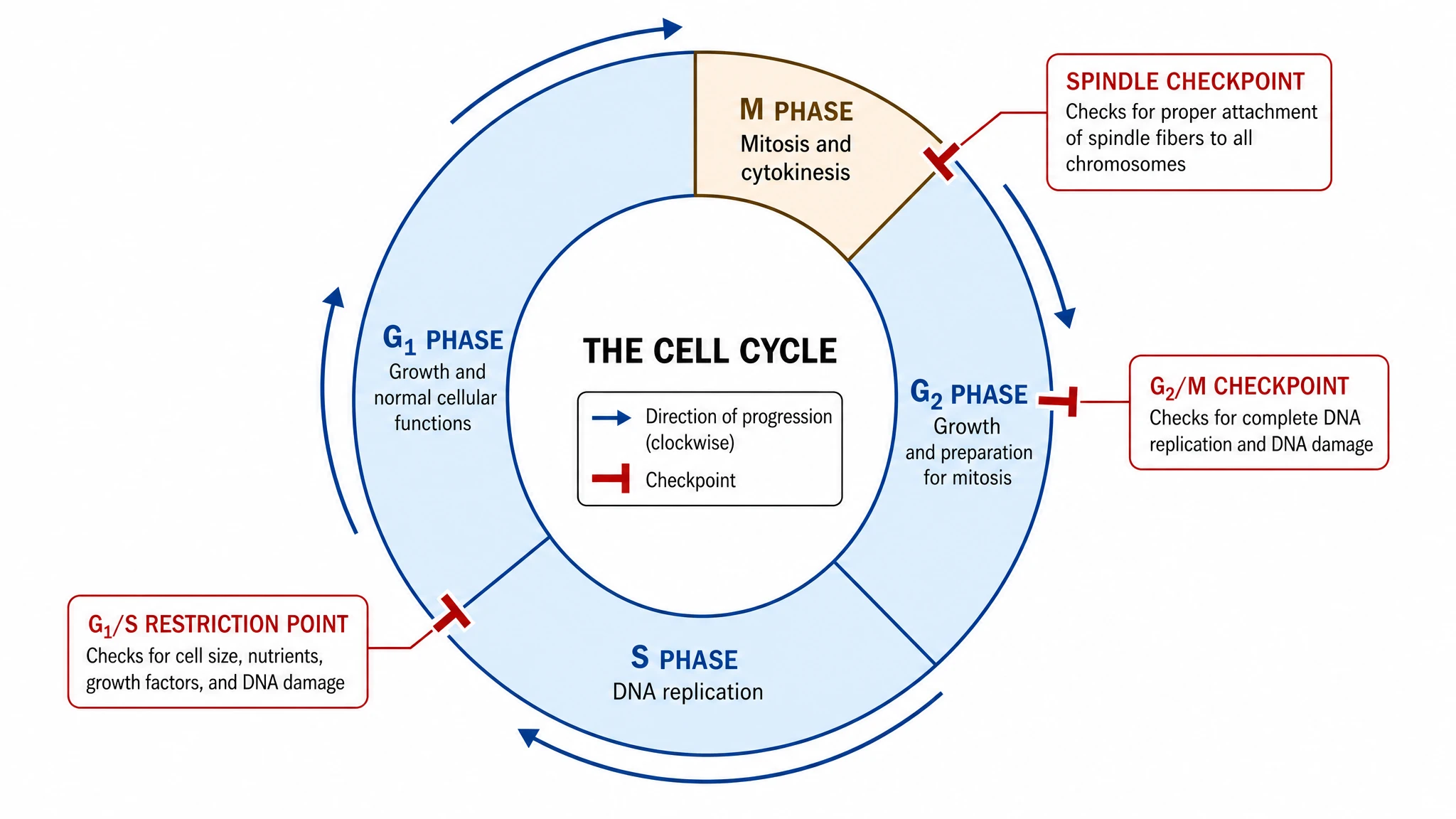 Cell Cycle Diagram Generator
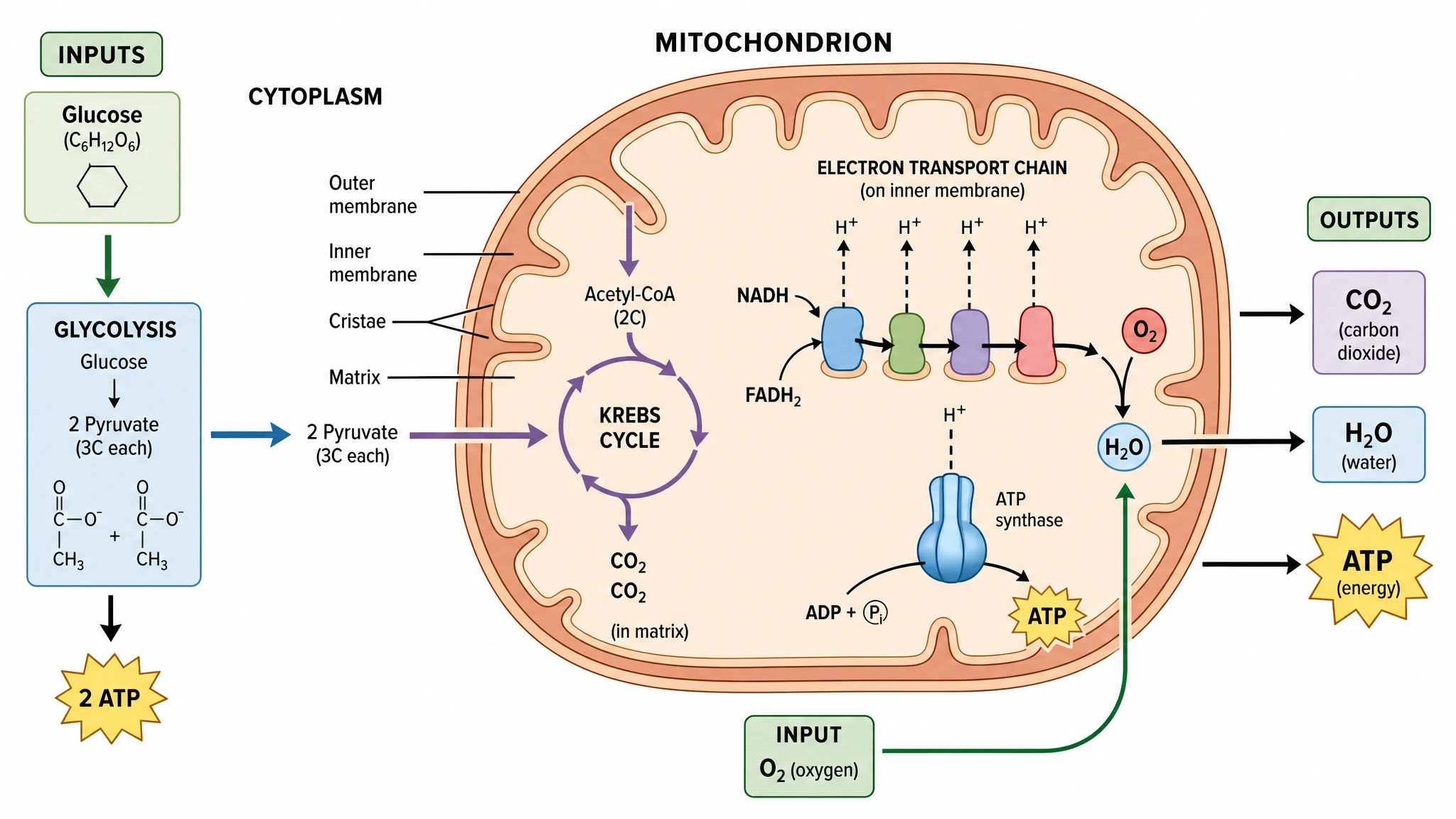 Cellular Respiration Diagram Generator
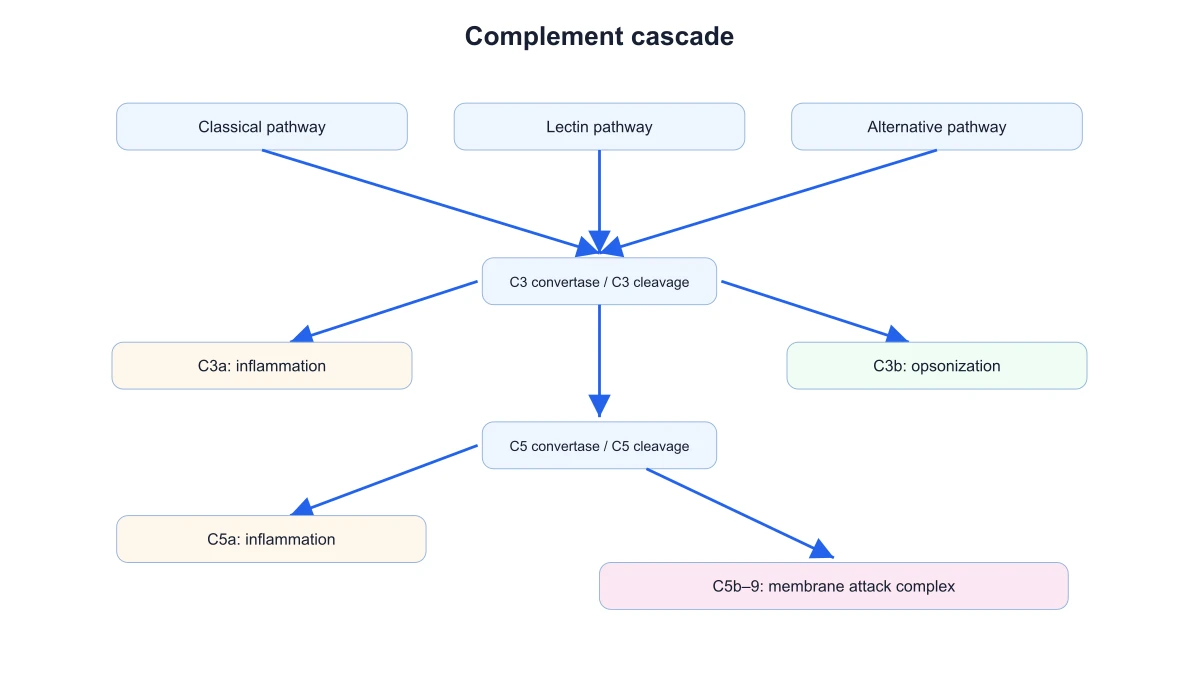 Complement System Diagram Generator
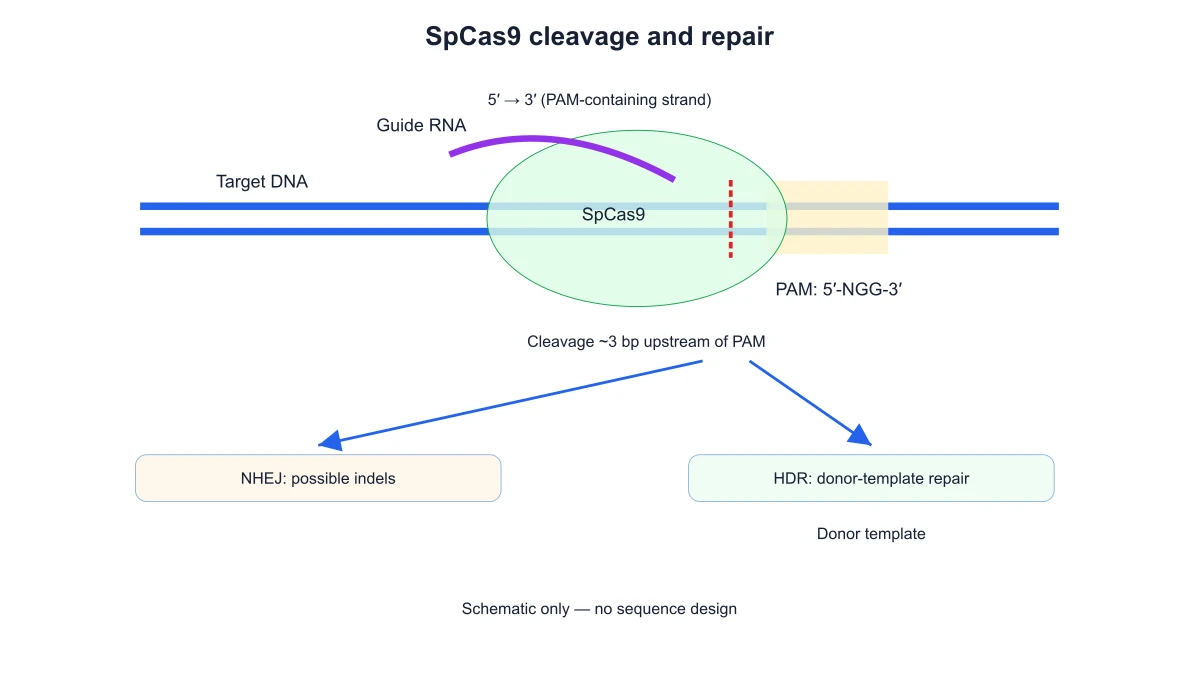 CRISPR-Cas9 Diagram Generator
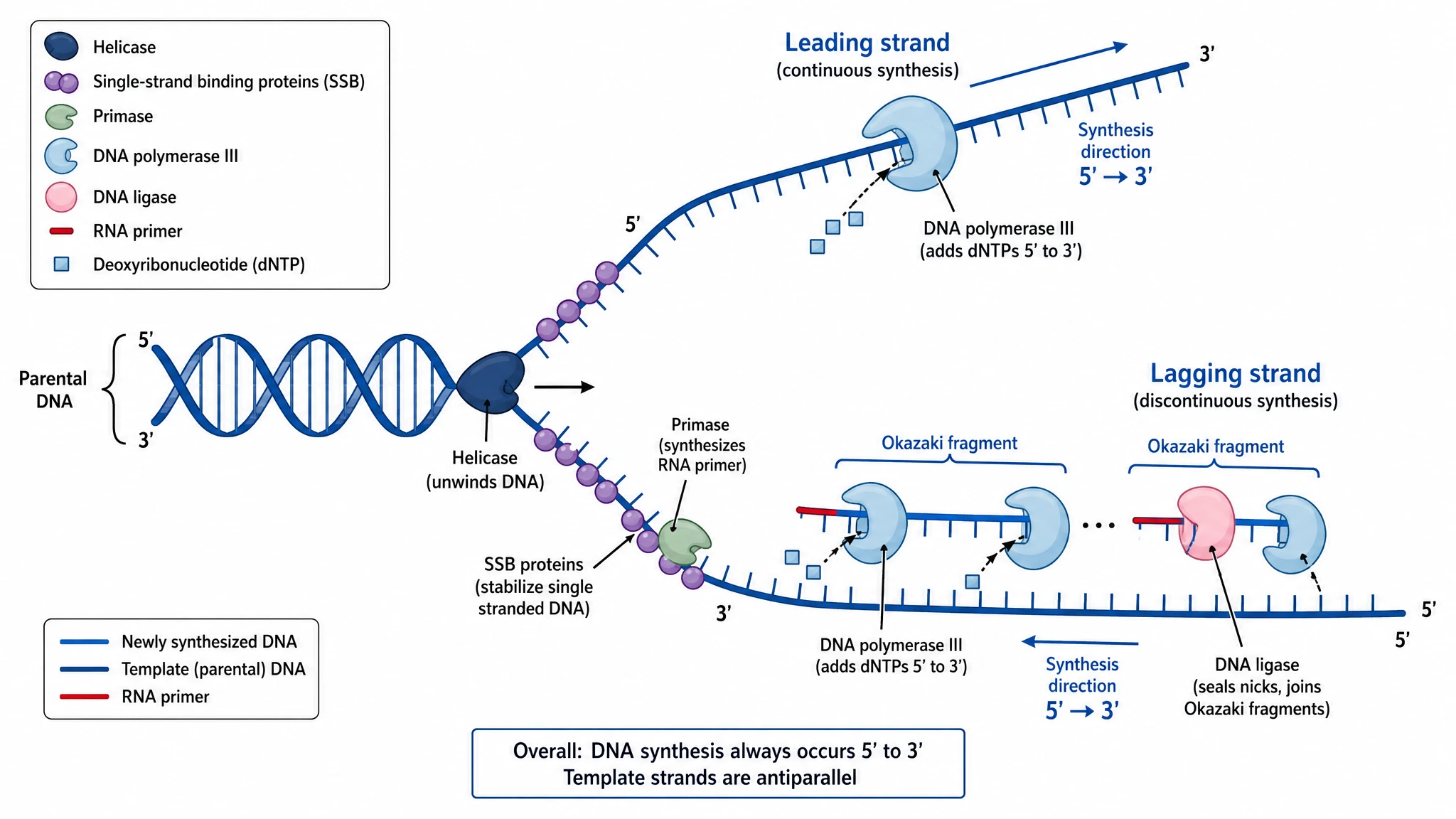 DNA Replication Diagram Generator
 Electron Configuration Diagram Generator
 Electron Transport Chain Diagram GeneratorELISA Diagram Generator
 Gel Electrophoresis Diagram Generator
 Gene Regulation Diagram Generator
 Glycolysis Diagram Generator
 Image to Editable SVG Converter
 Immune Checkpoint Diagram Generator
 Immune Response Diagram Generator
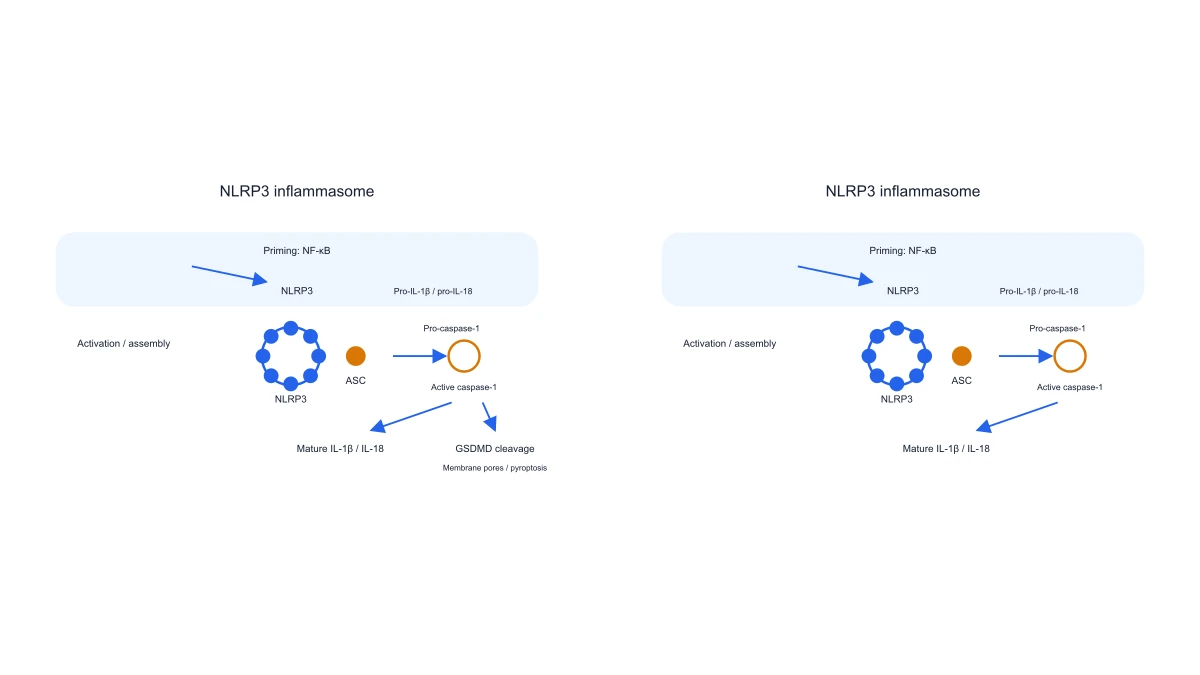 Inflammasome Diagram Generator
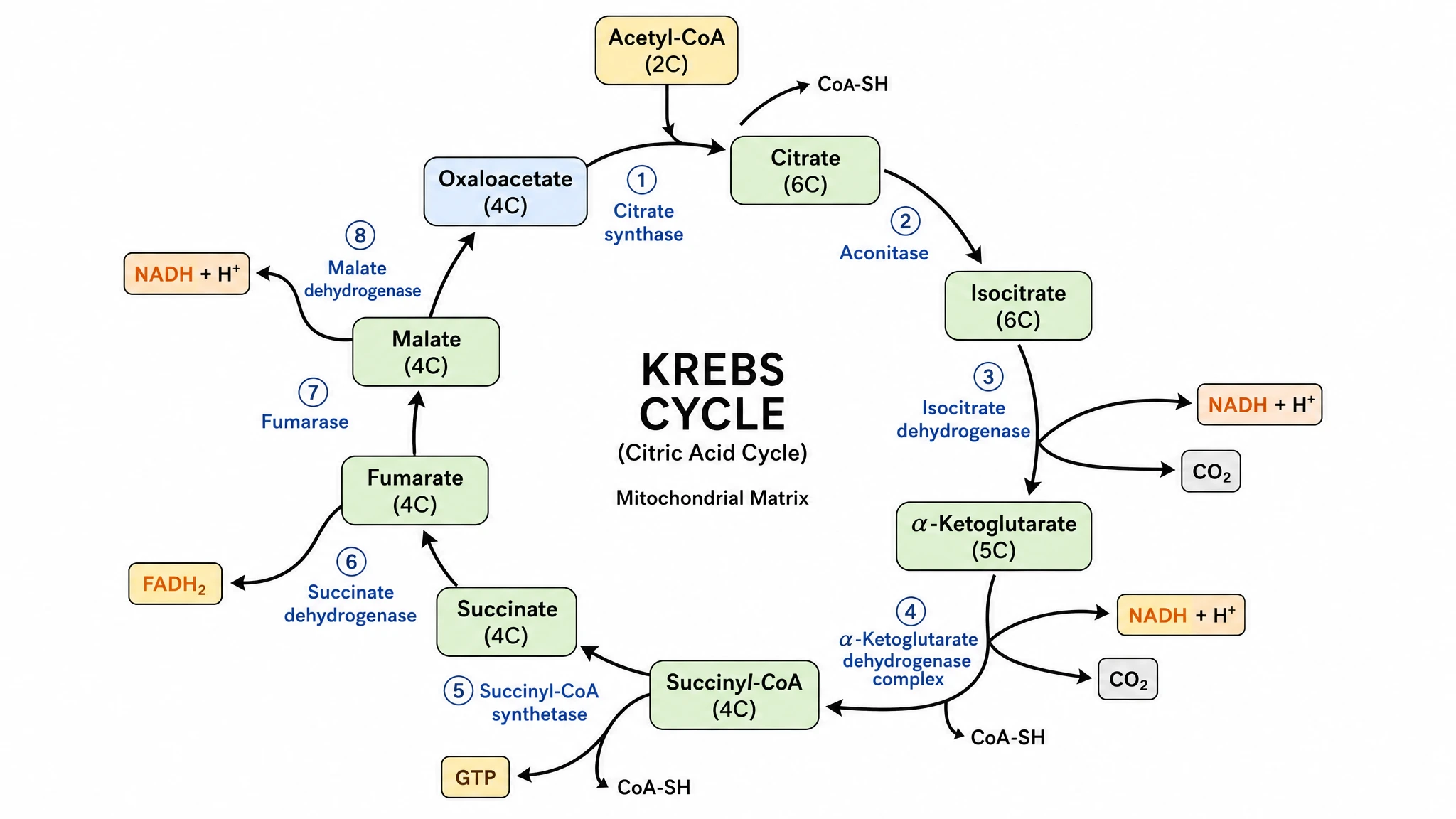 Krebs Cycle Diagram Generator
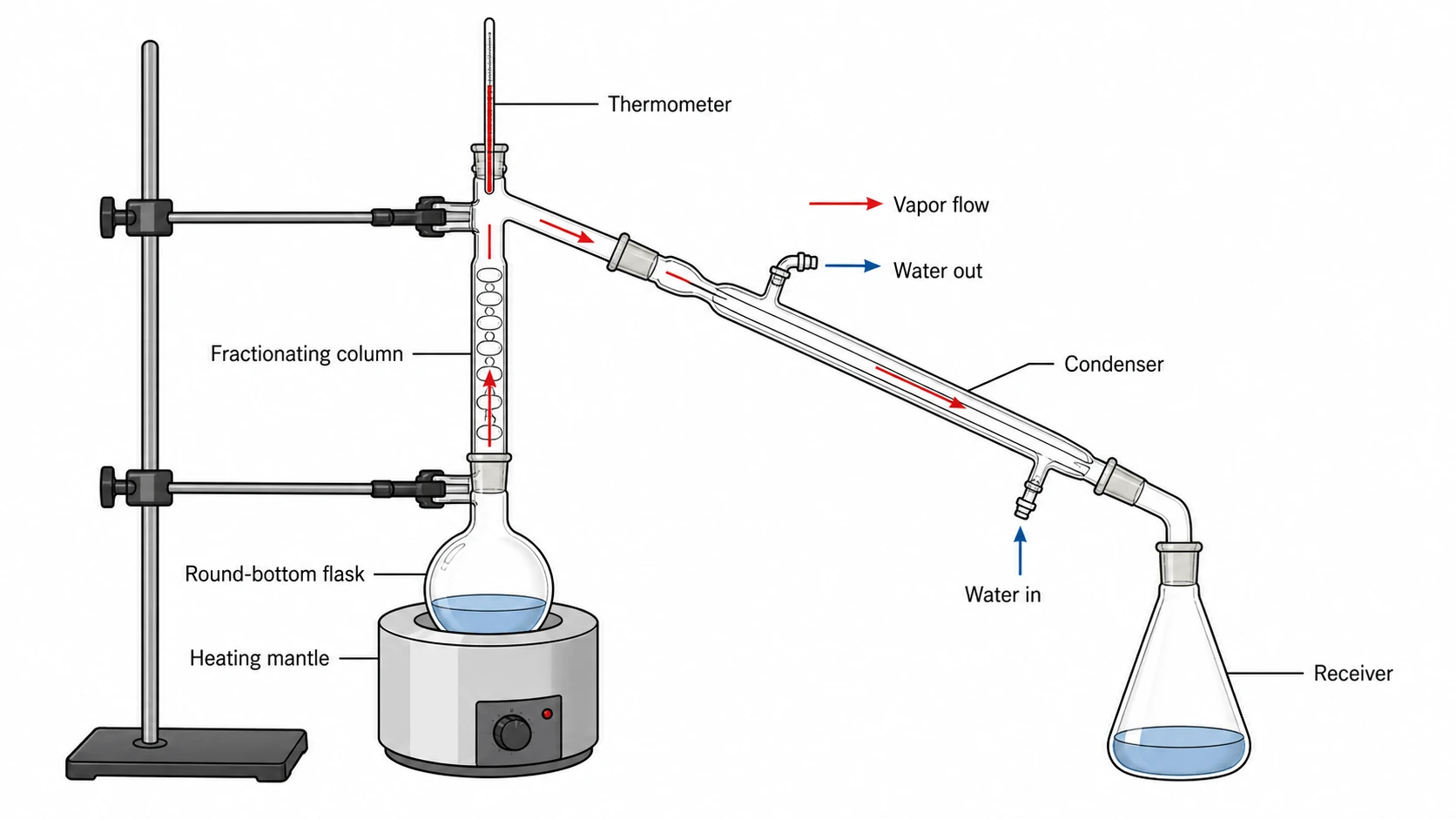 Lab Diagram Maker
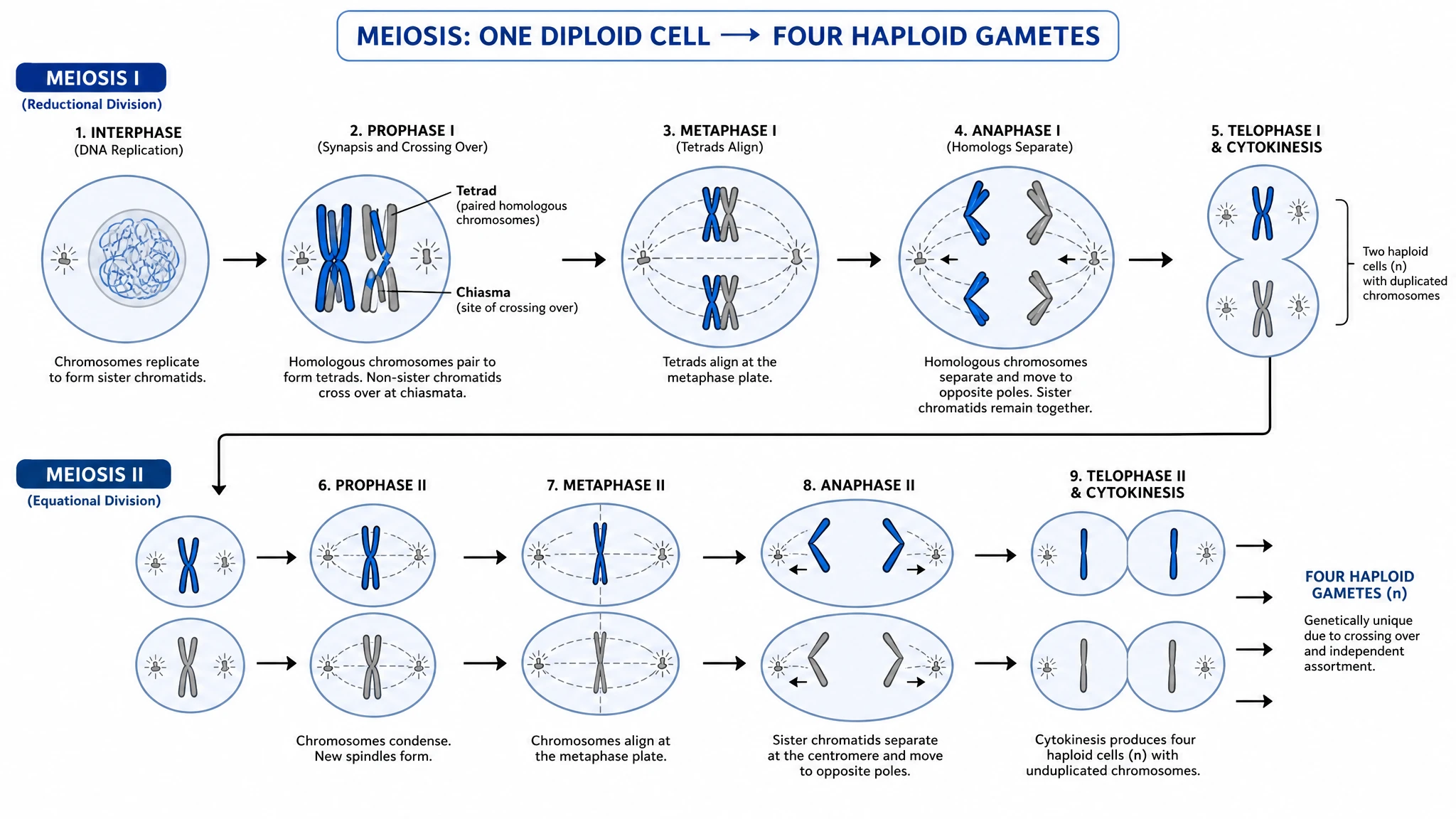 Meiosis Diagram Generator
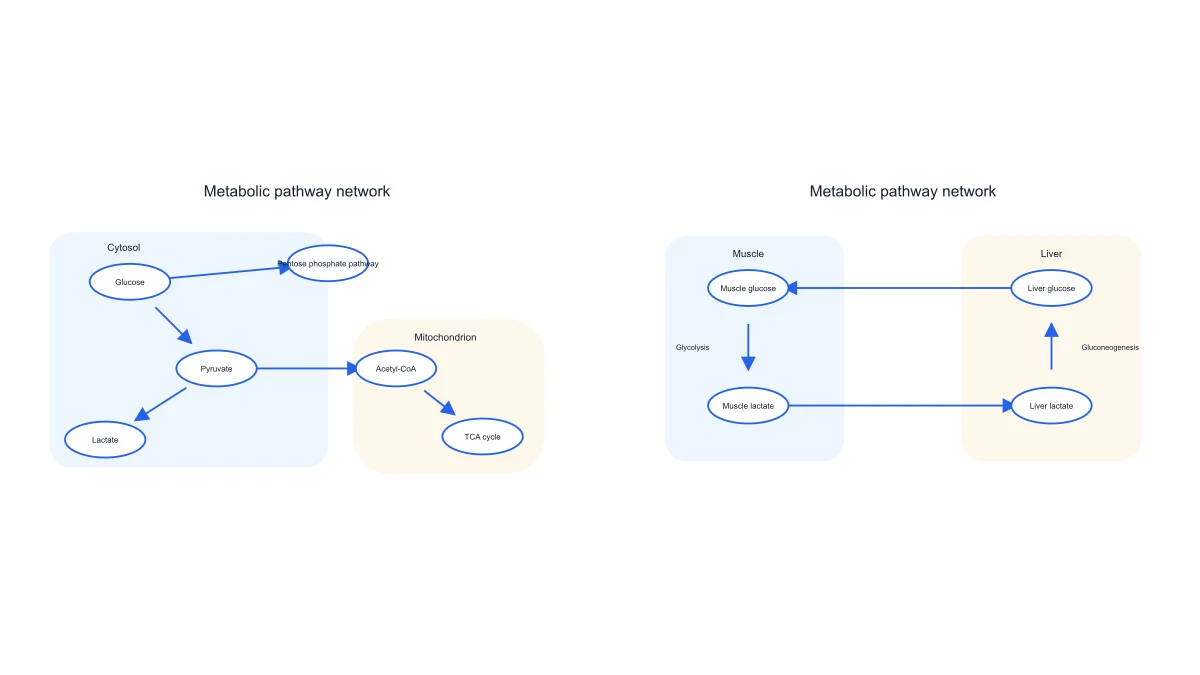 Metabolic Pathway Diagram Generator
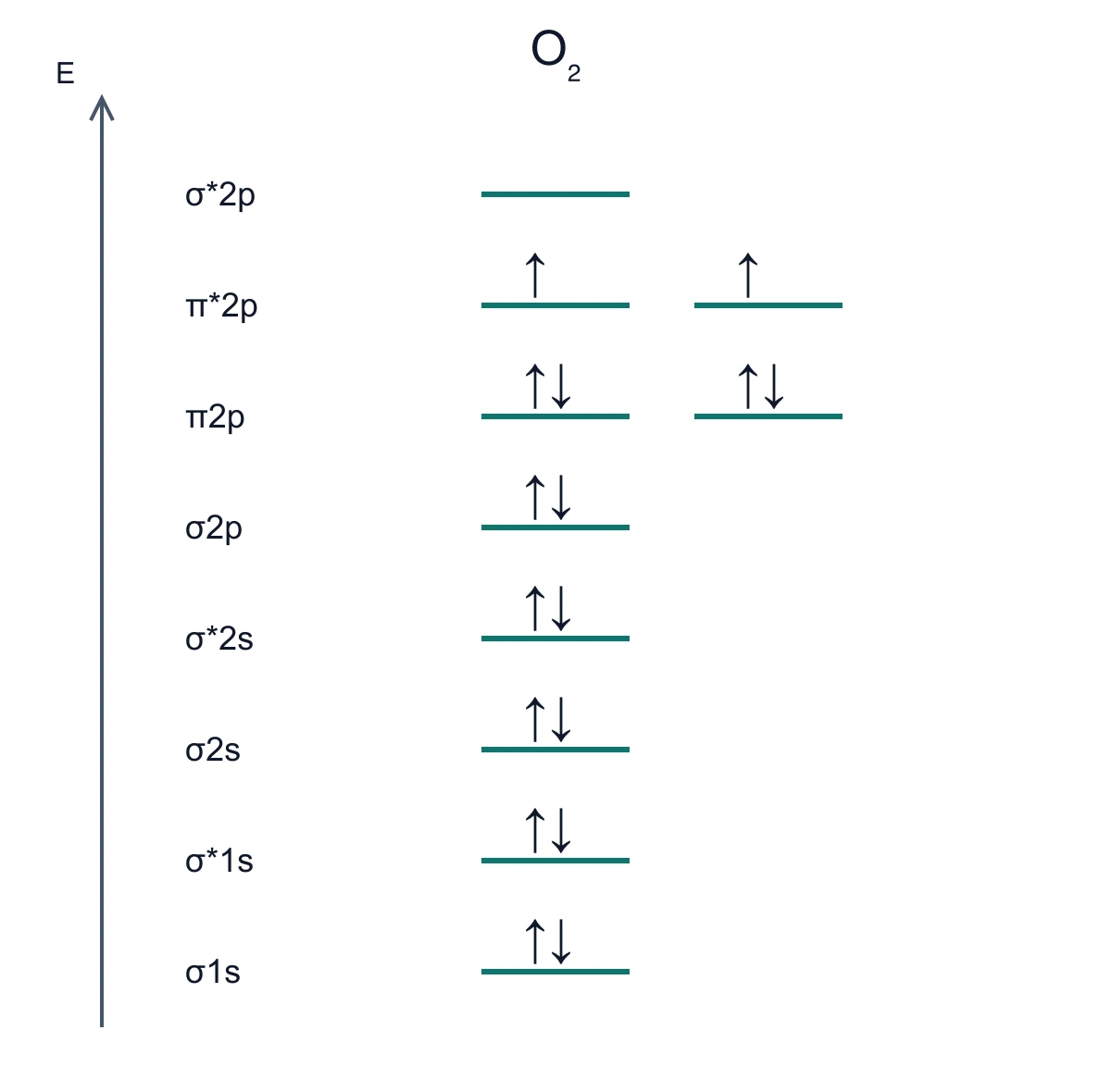 Molecular Orbital Diagram Generator
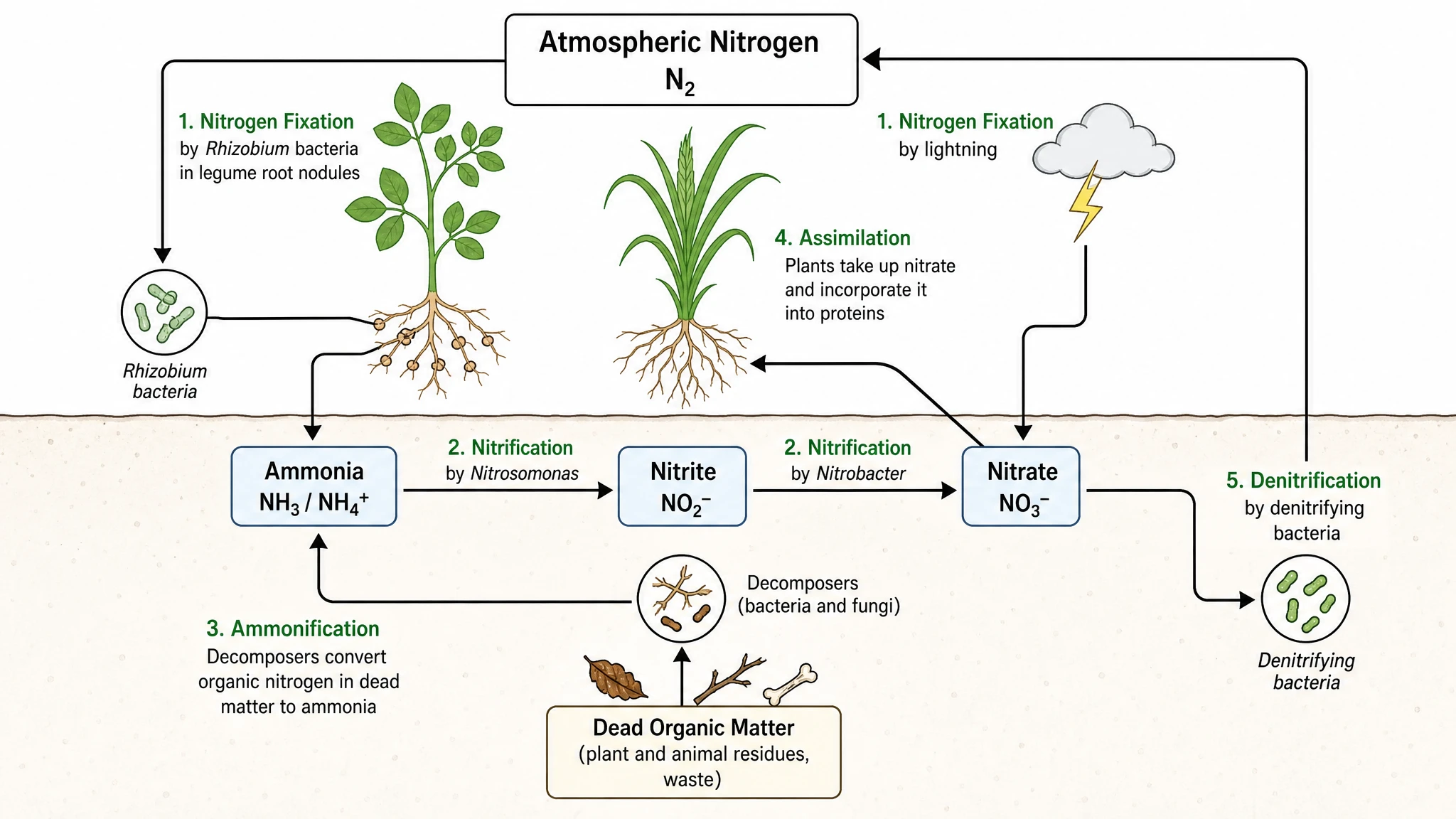 Nitrogen Cycle Diagram Generator
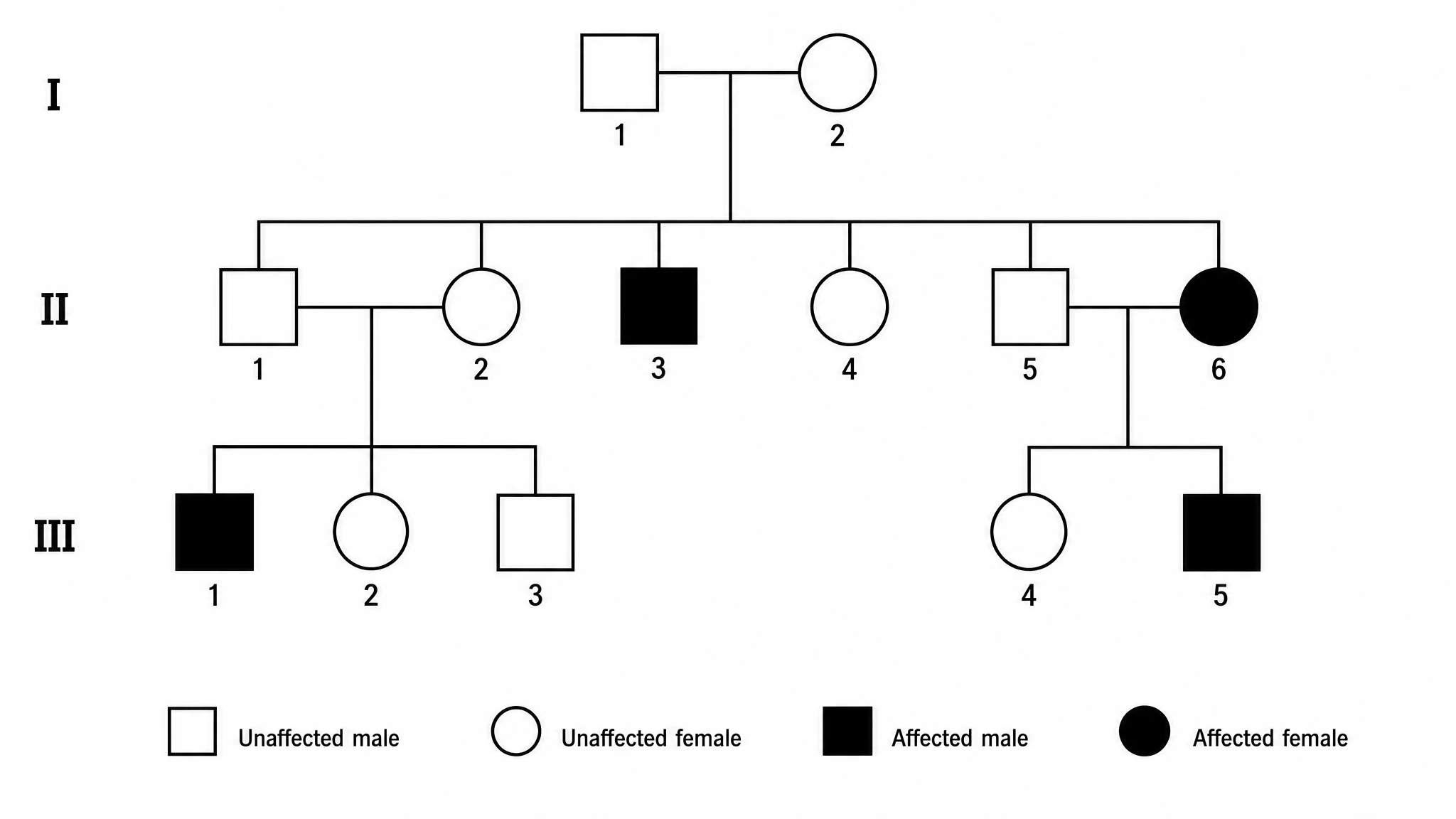 Pedigree Chart Maker
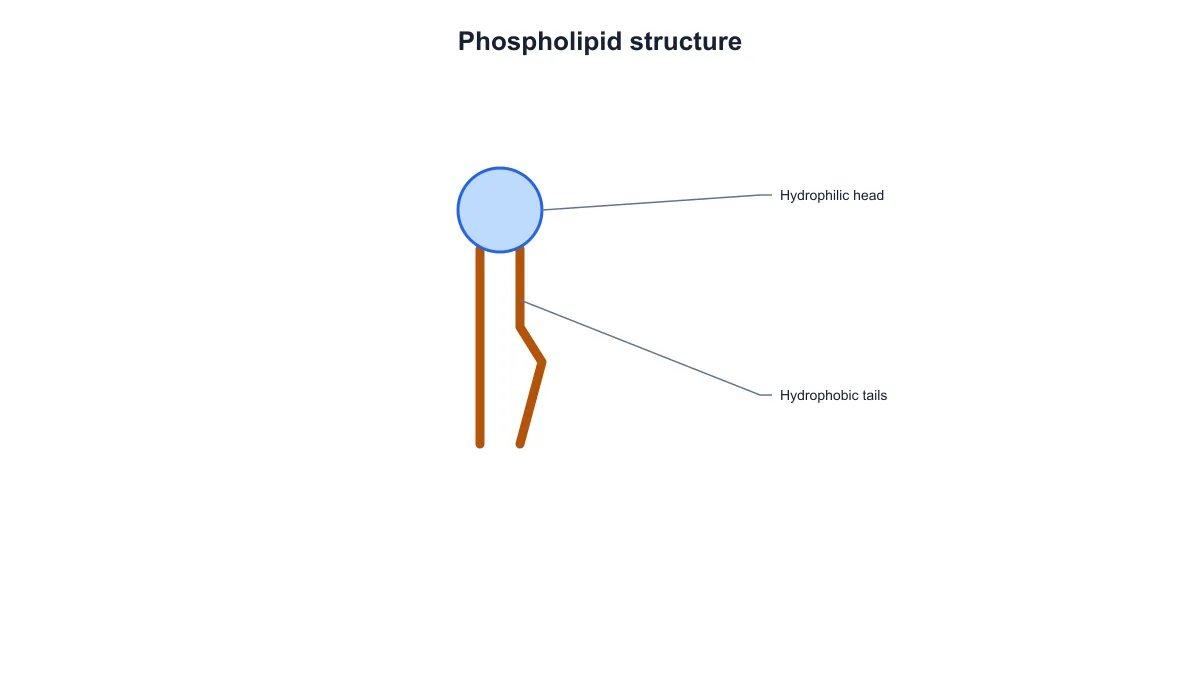 Phospholipid Diagram Generator
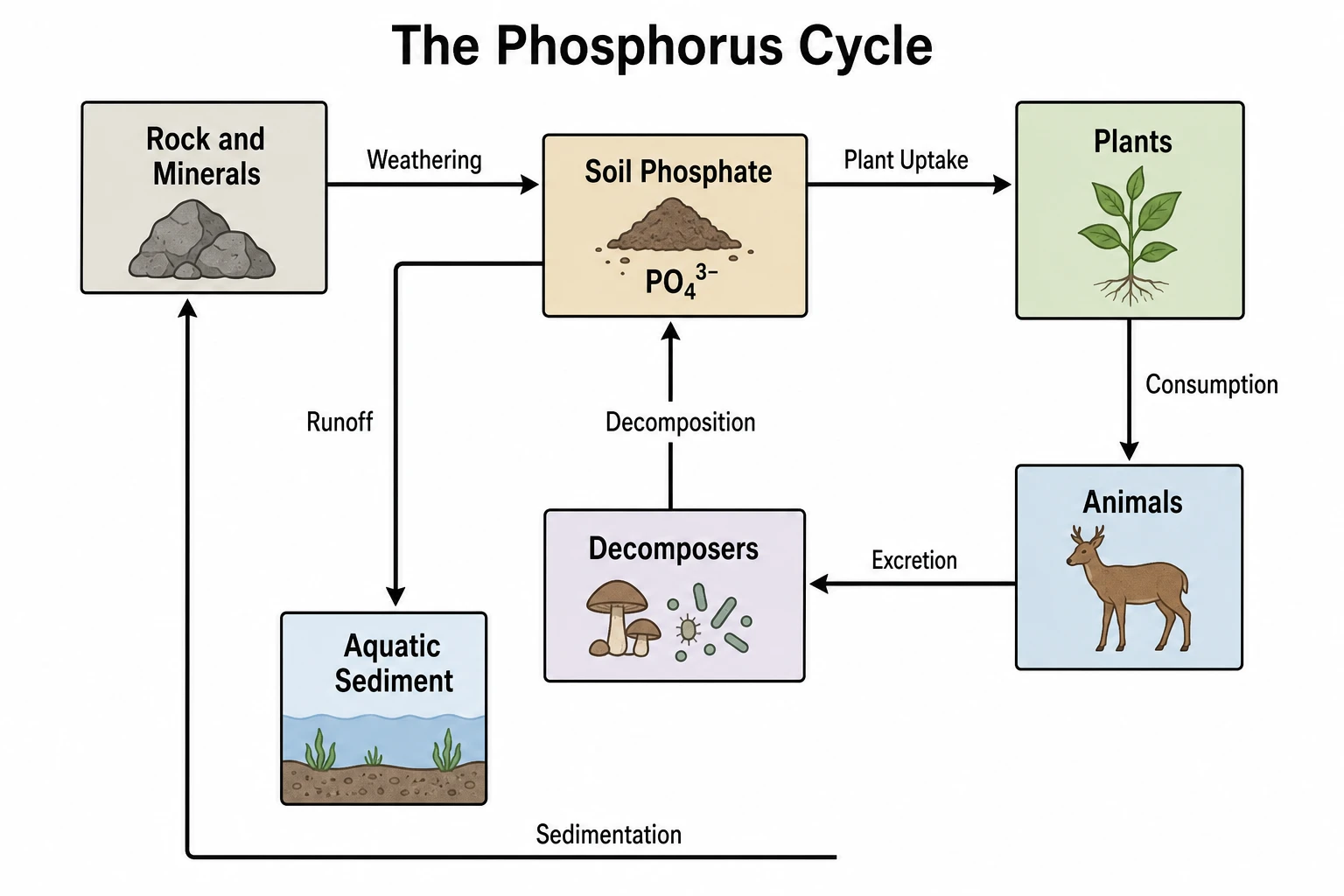 Phosphorus Cycle Diagram Generator
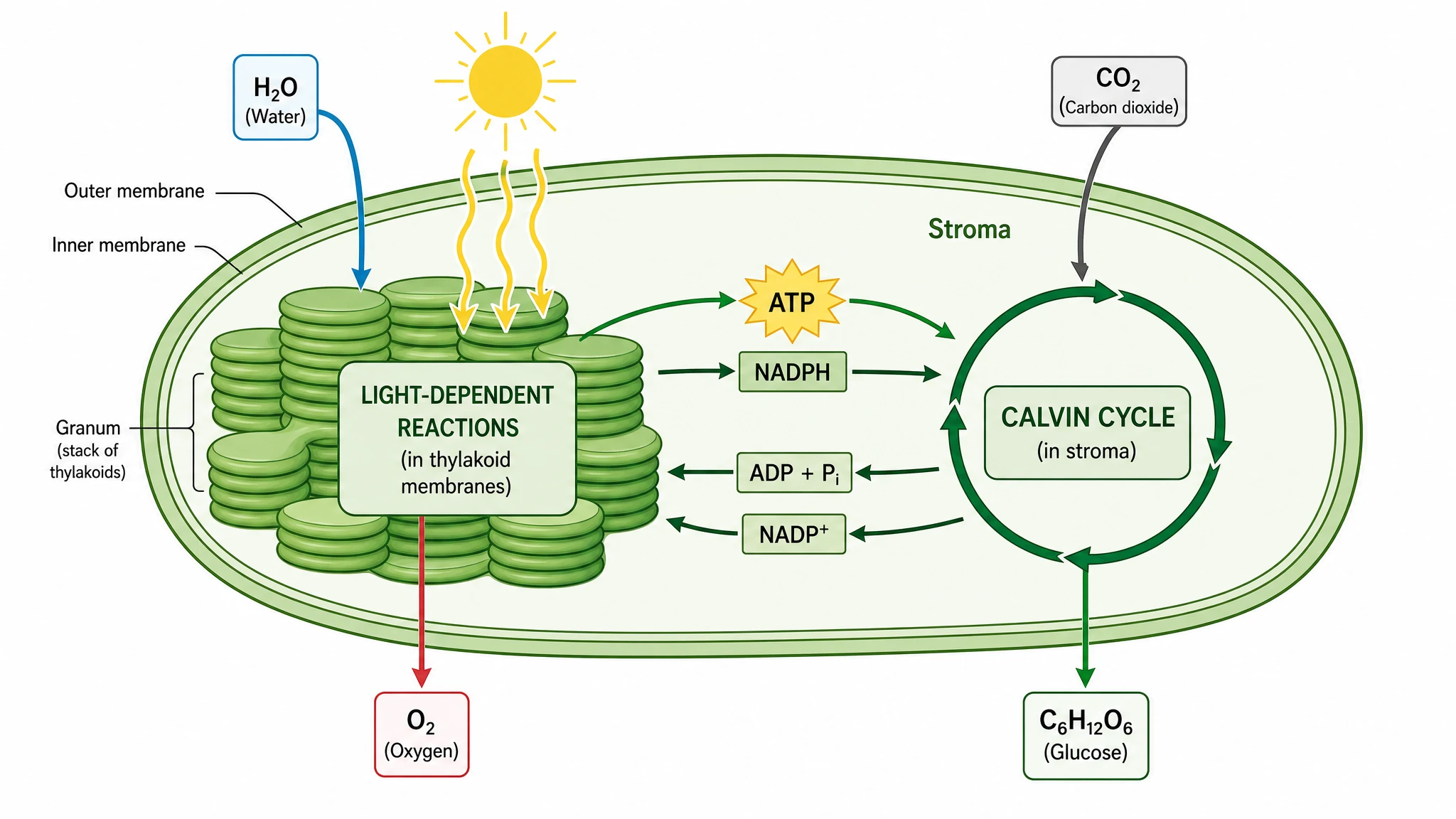 Photosynthesis Diagram Generator
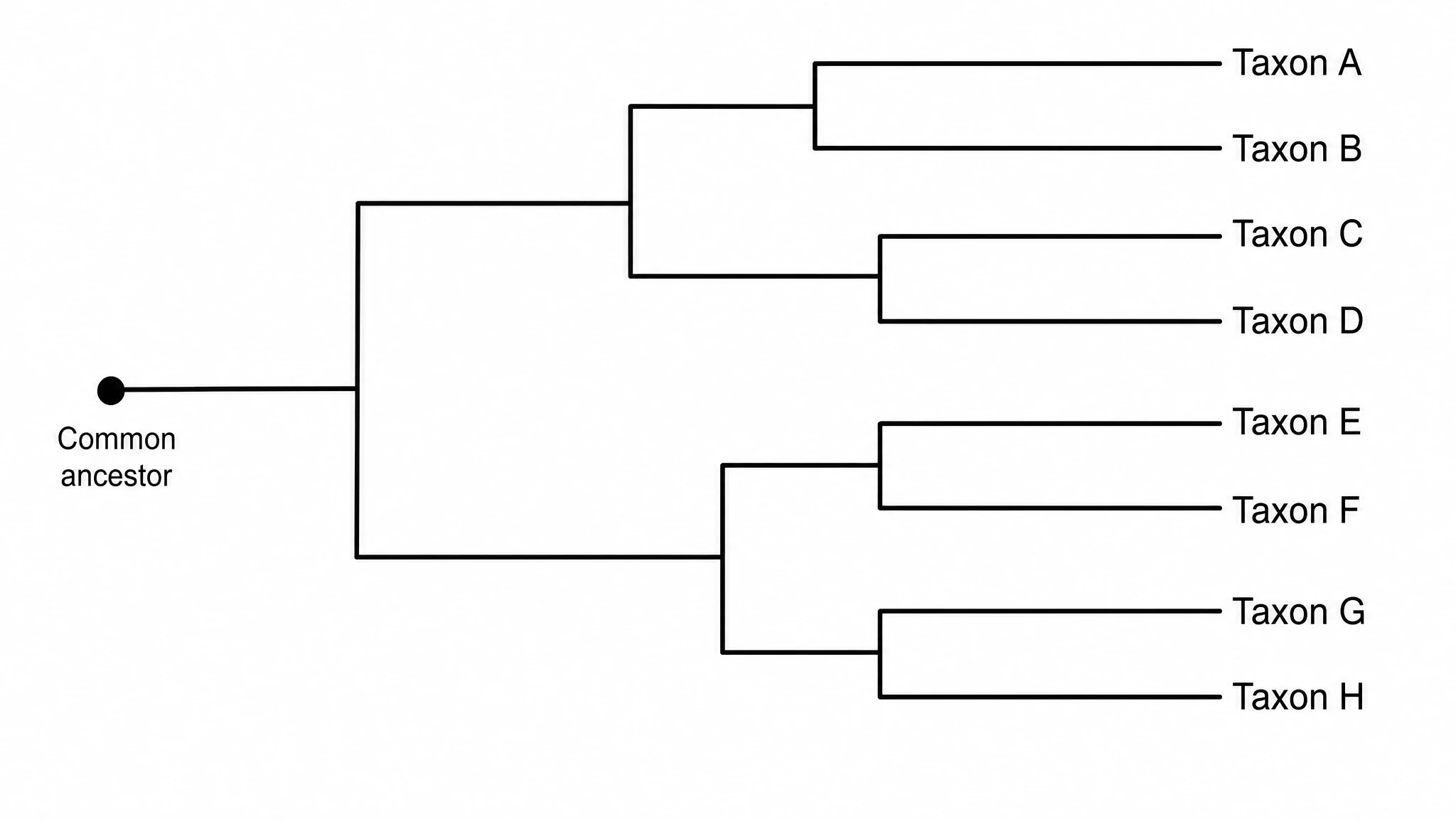 Phylogenetic Tree Maker
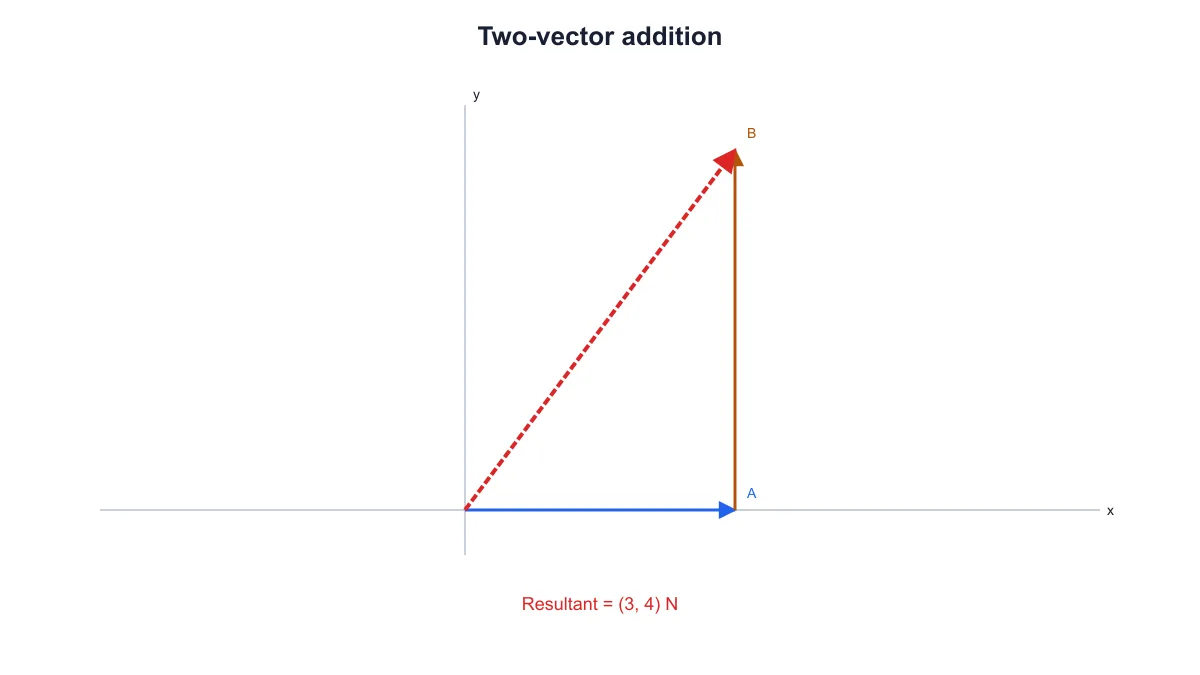 Physics Vector Diagram Maker
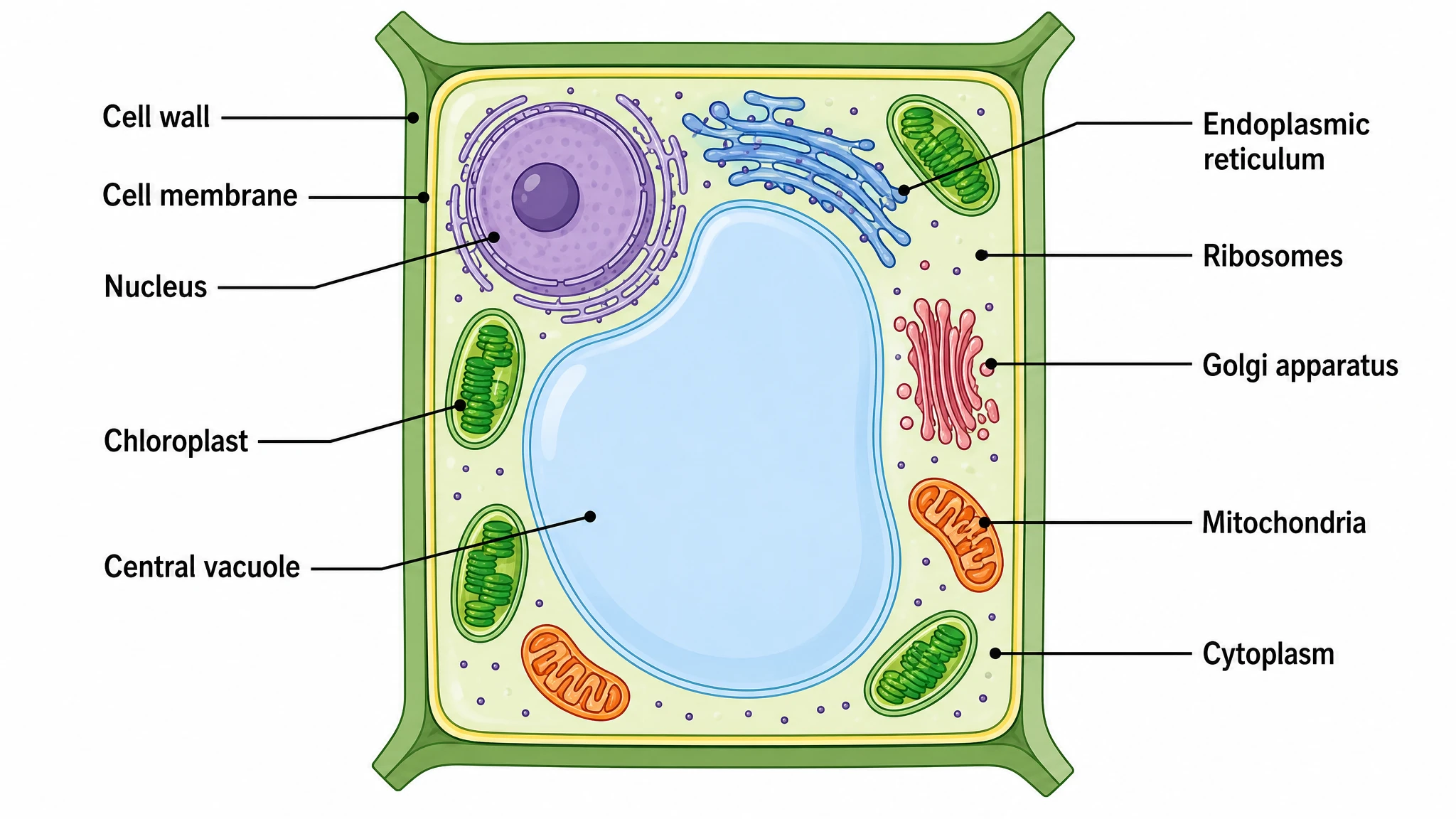 Plant Cell Diagram Generator
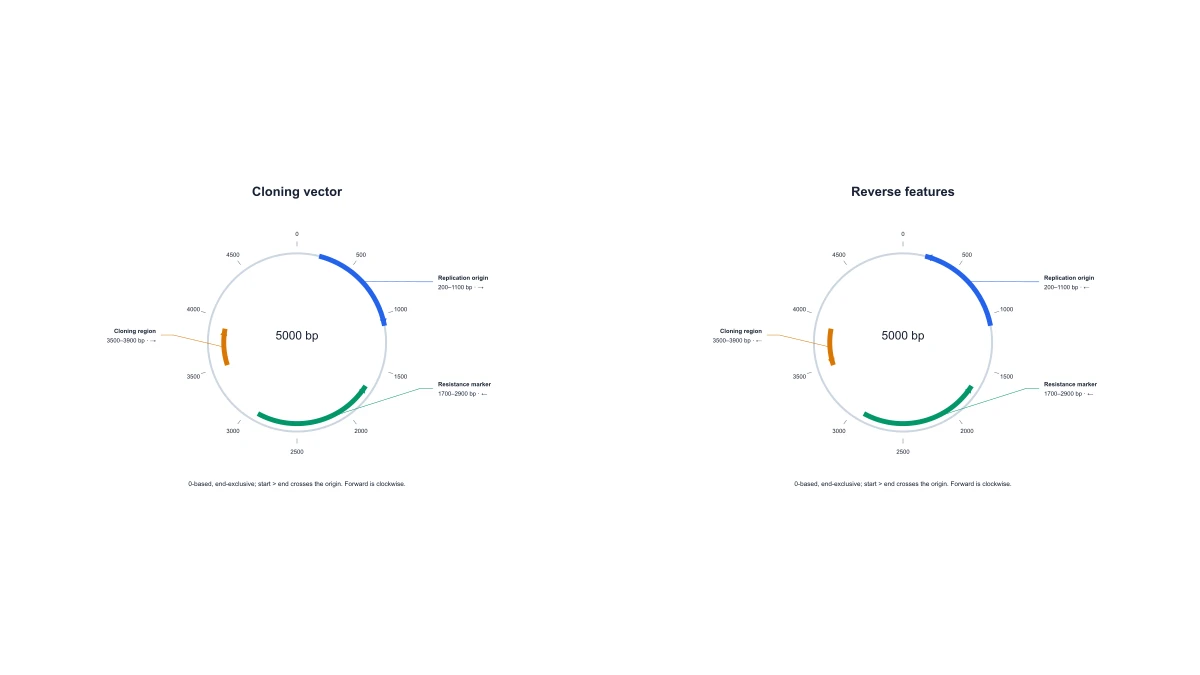 Plasmid Map Maker
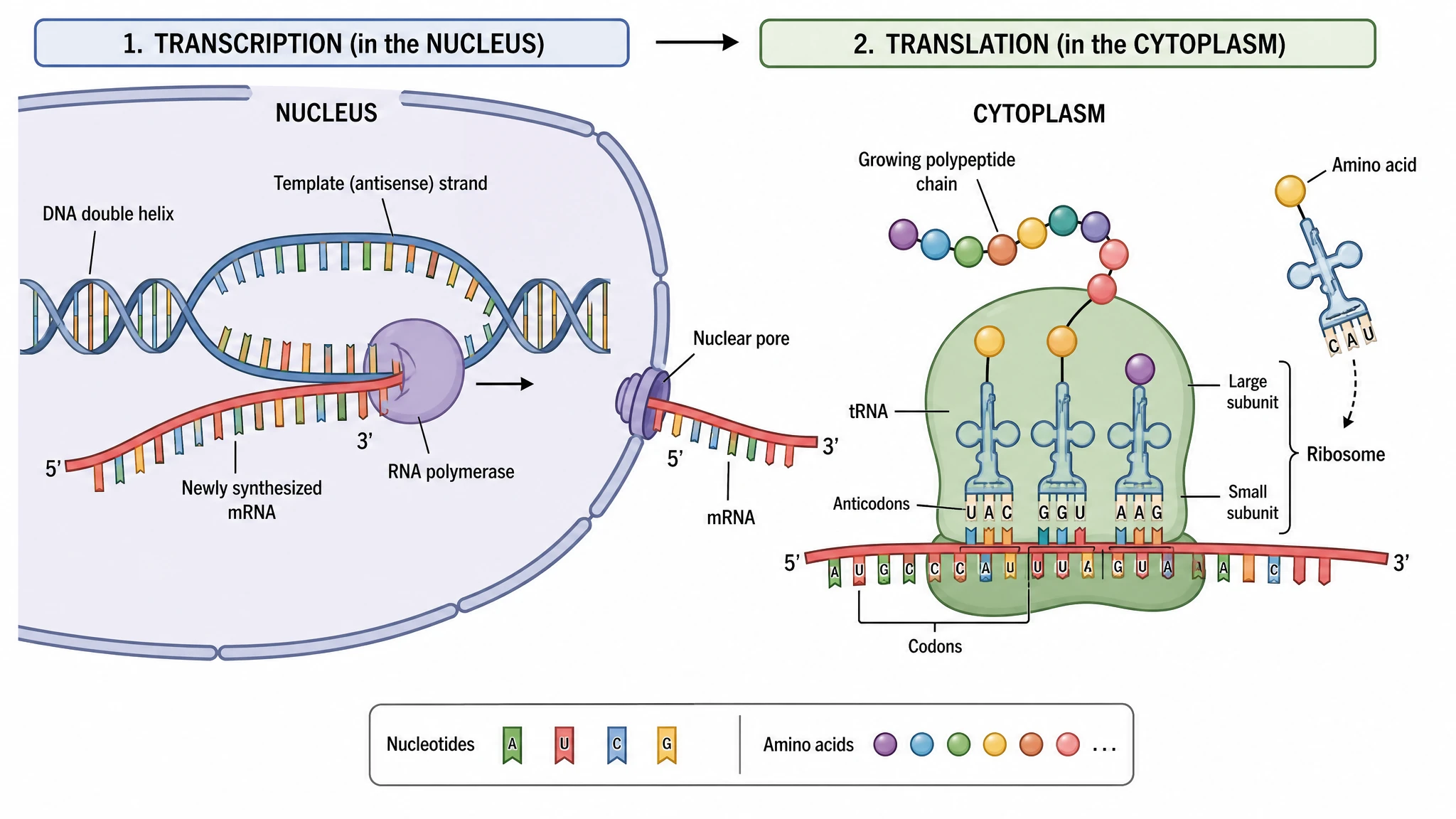 Protein Synthesis Diagram Generator
 Punnett Square Maker
 Ray Diagram Maker
 RNA Structure Diagram Generator
 Scientific Color Palette Generator
 Signaling Pathway Diagram Generator
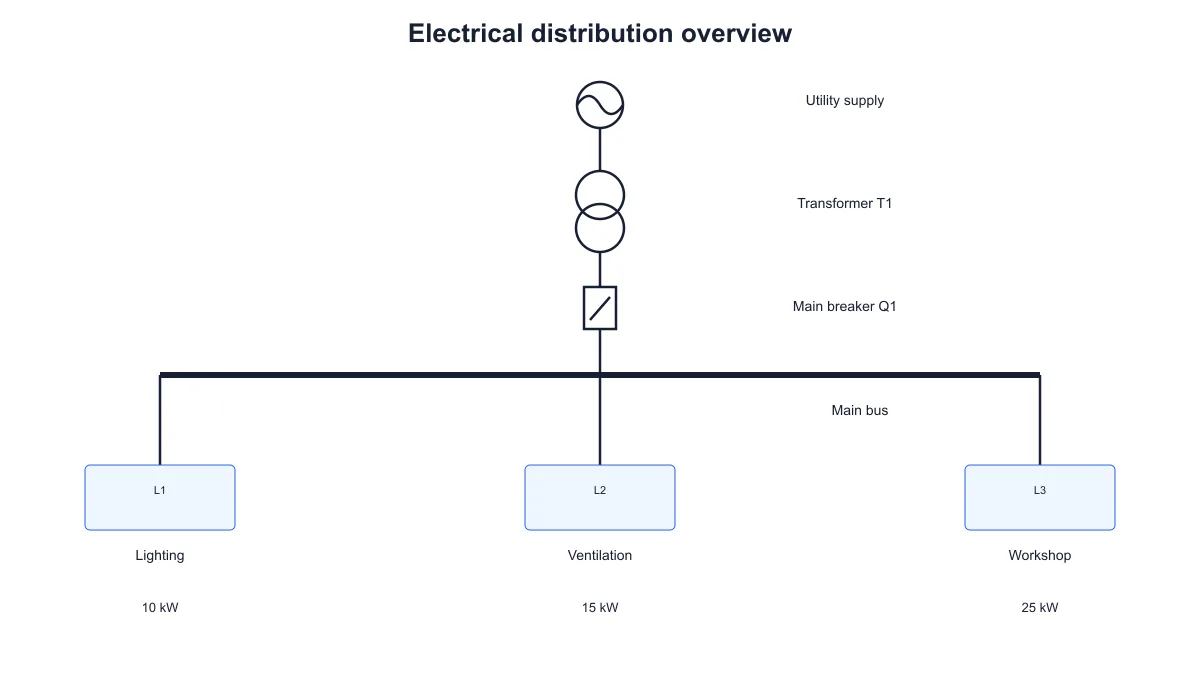 Single Line Diagram Generator
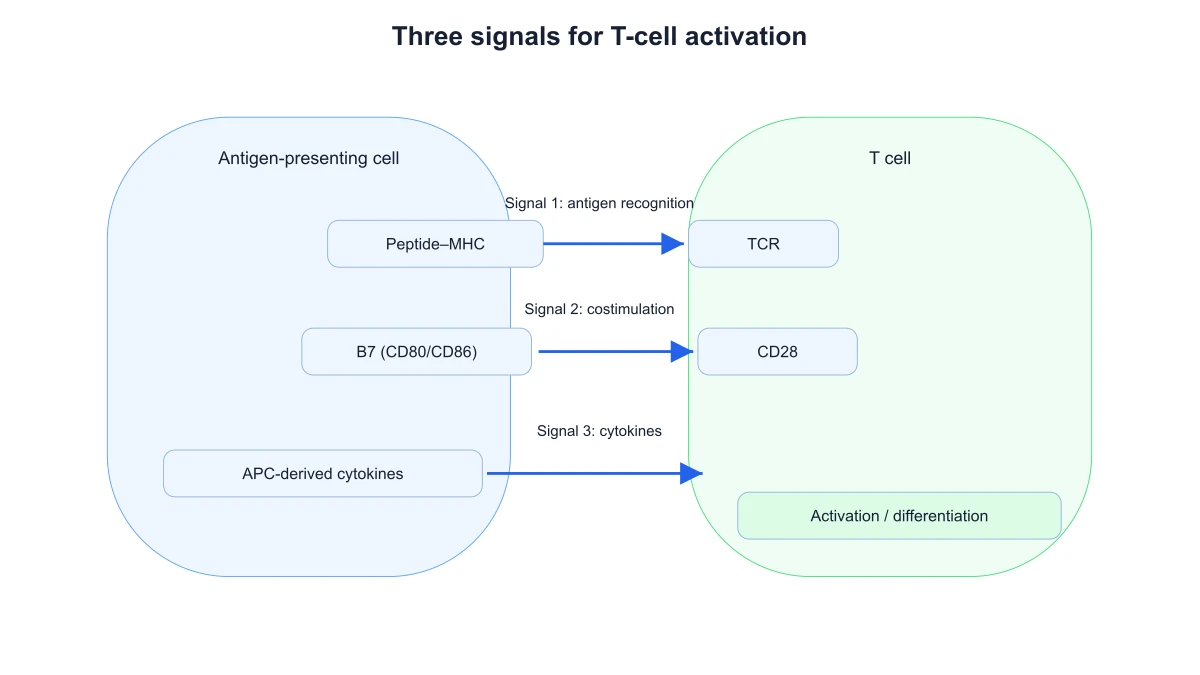 T-Cell Activation Diagram Generator
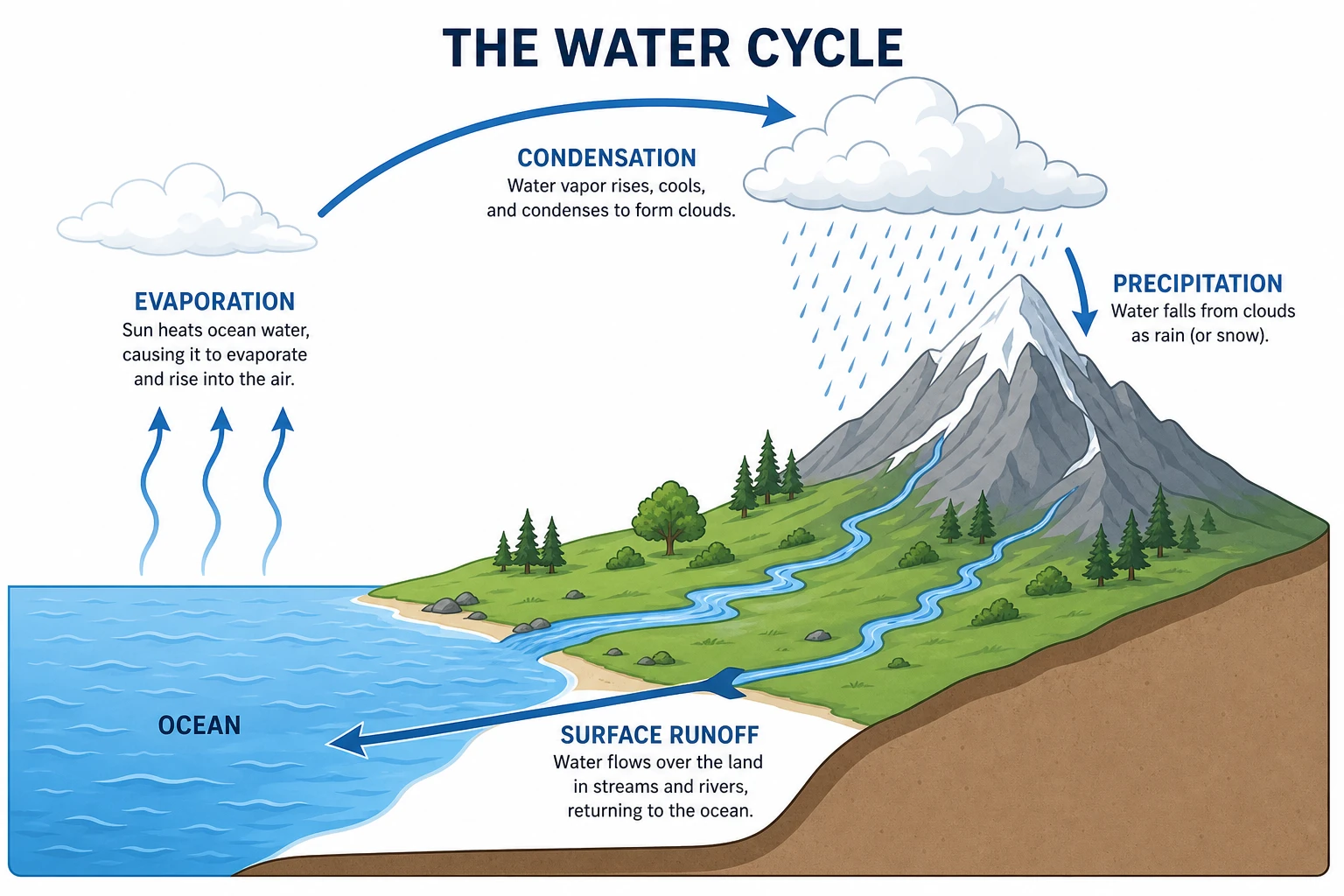 Water Cycle Diagram Generator
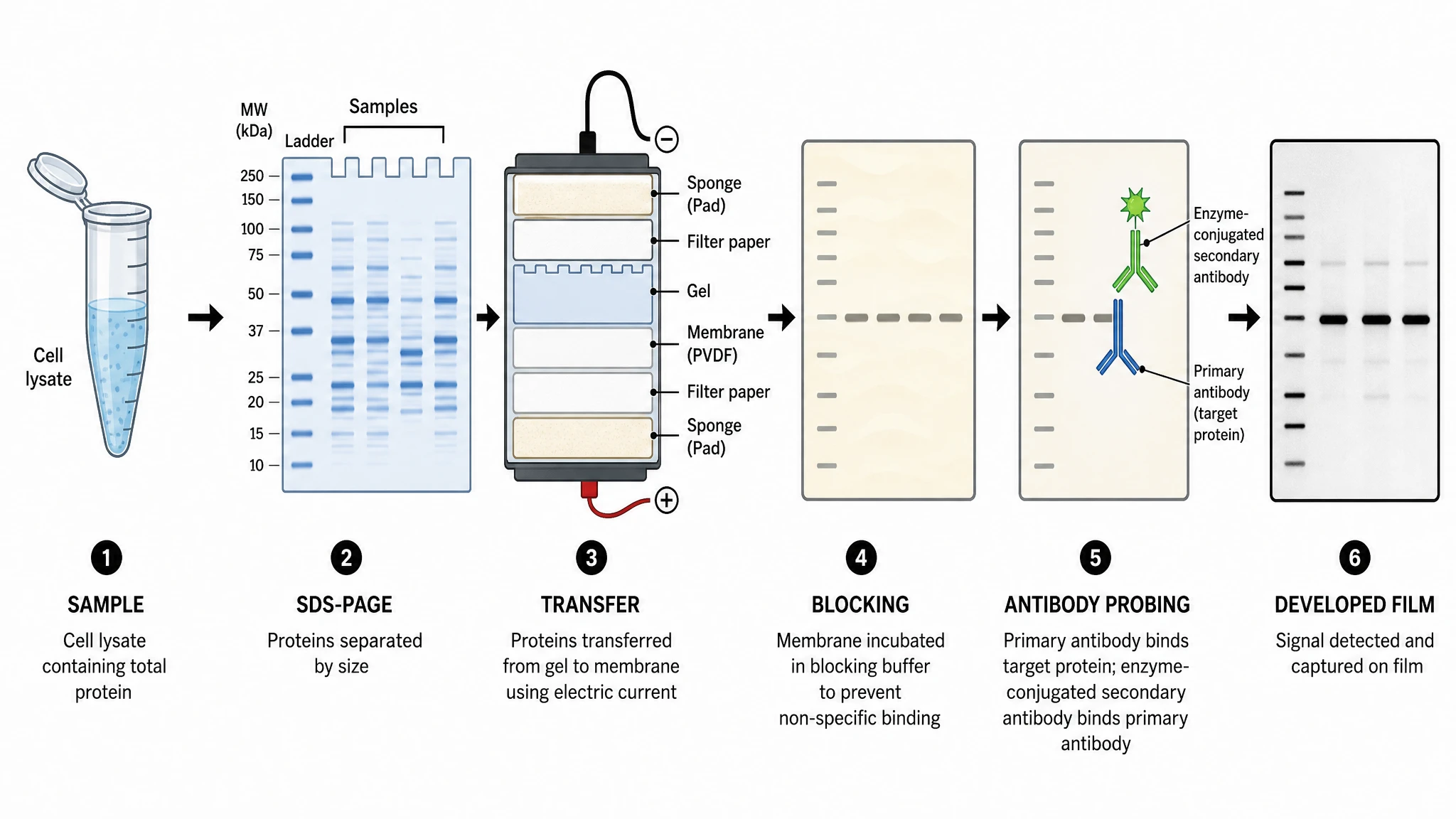 Western Blot Diagram Generator
Statistical charts and graphs
29 tools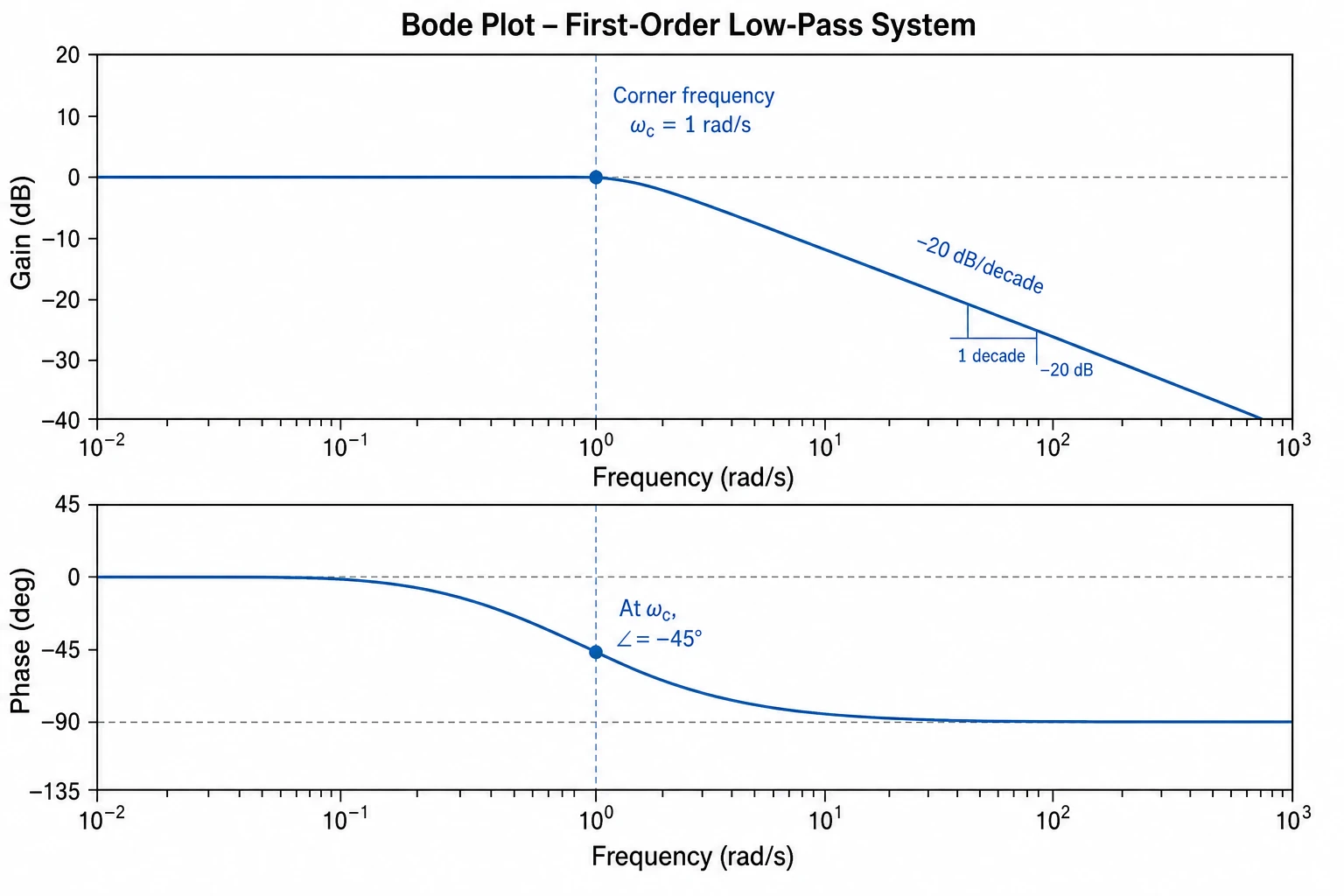 Bode Plot Generator
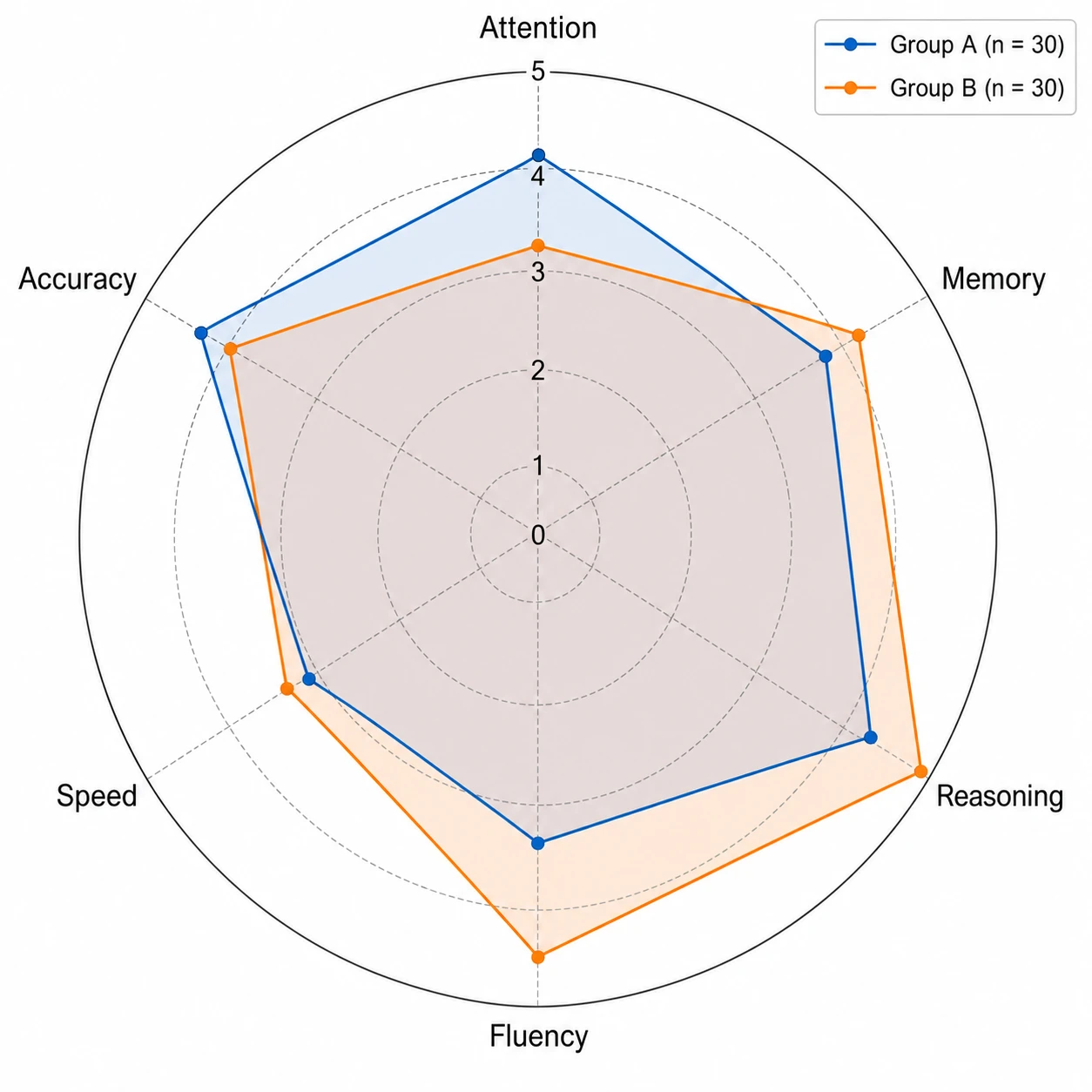 Spider Chart Maker
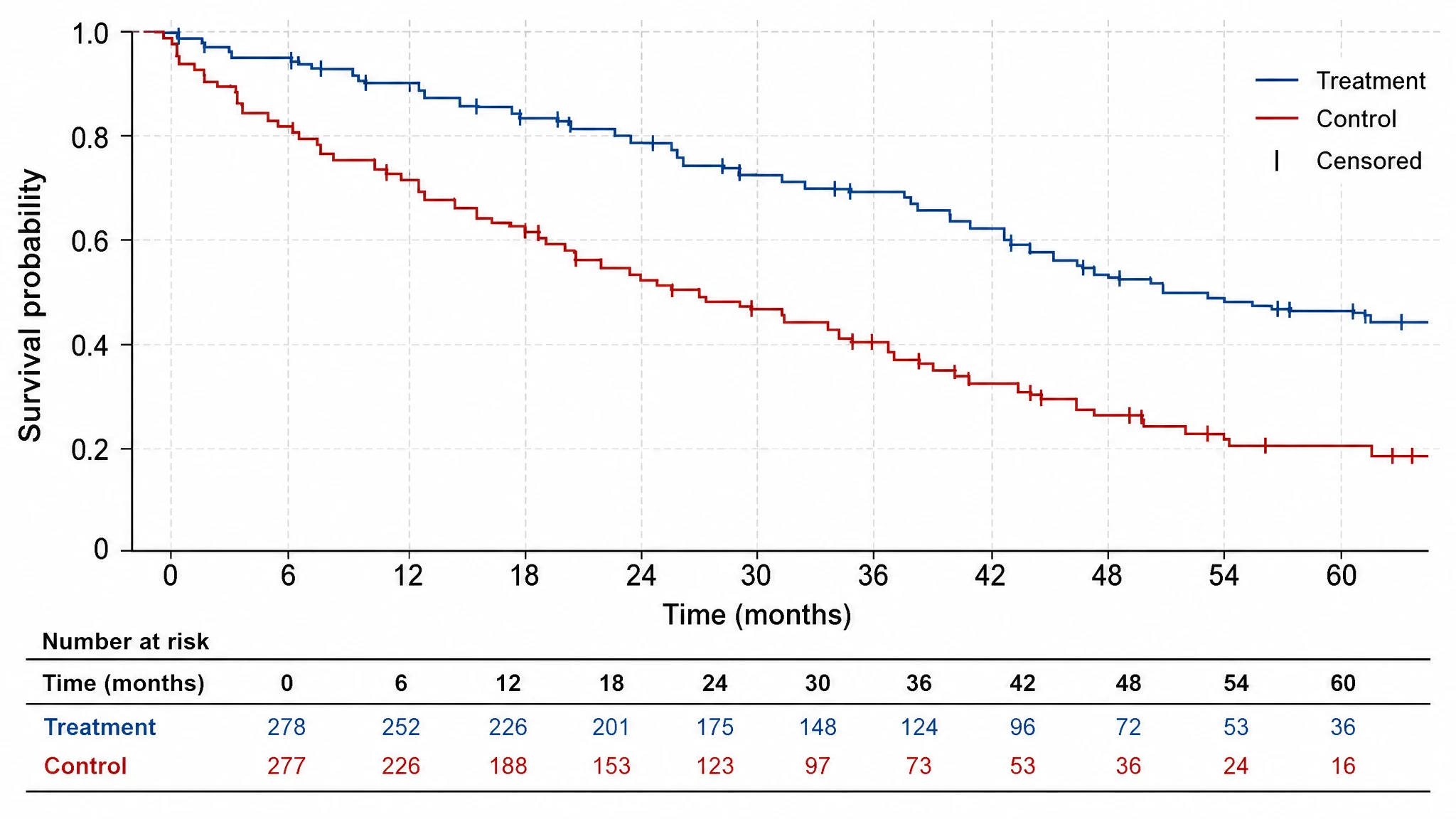 Kaplan-Meier Survival Curve
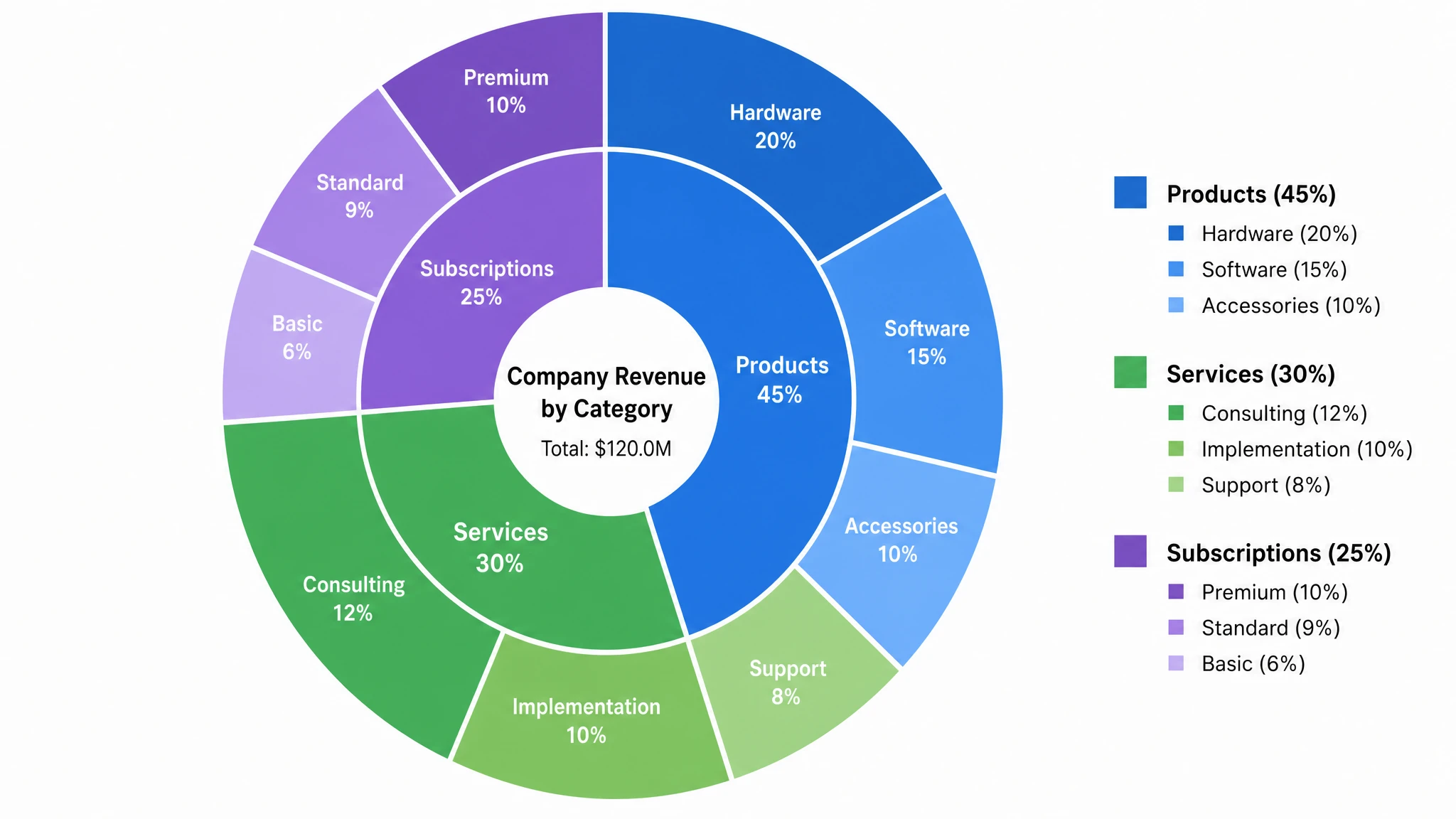 Multi-Layer Pie Chart Maker
 Bell Curve Generator
 Gantt Chart Generator
 Box Plot Generator
 Forest Plot Generator
 Volcano Plot Generator
 Pareto Chart Maker
 Scatter Plot Maker
 Heatmap Generator
 AI Chart Generator
 Comparison Chart Maker
 Sankey Diagram Generator
 Radar Chart Generator
 Histogram Maker
 Bar Chart Generator
 Coordinate Plane Generator
 Dot Plot Creator
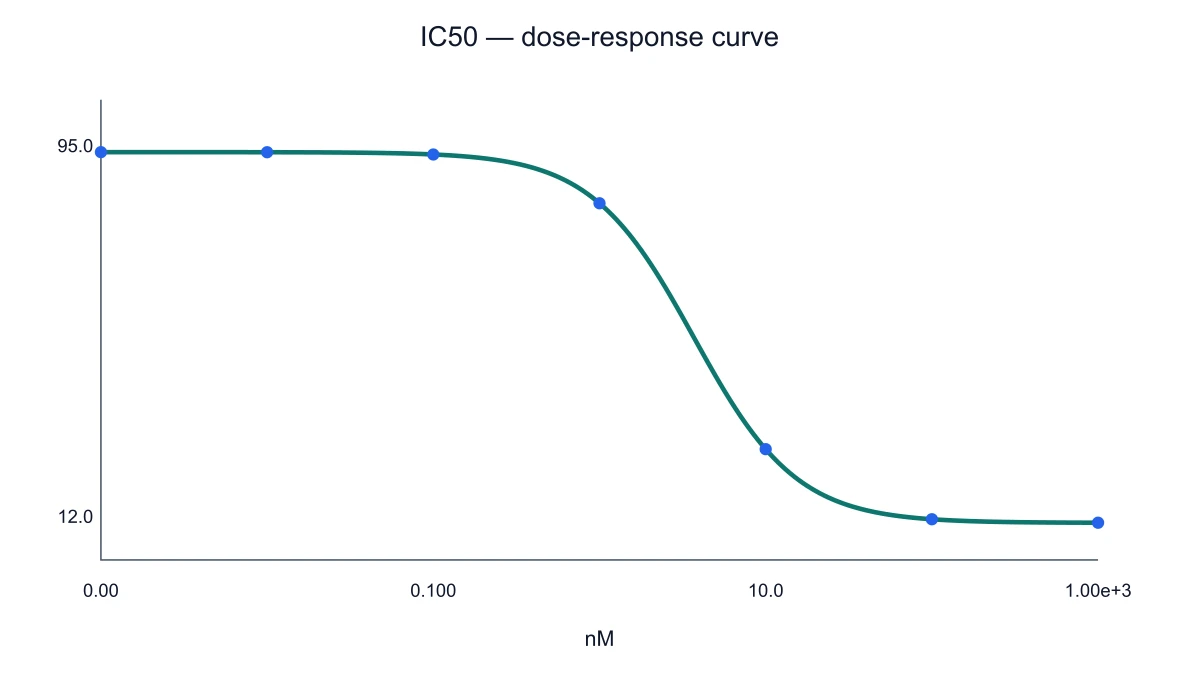 IC50 Calculator & Dose-Response Curves
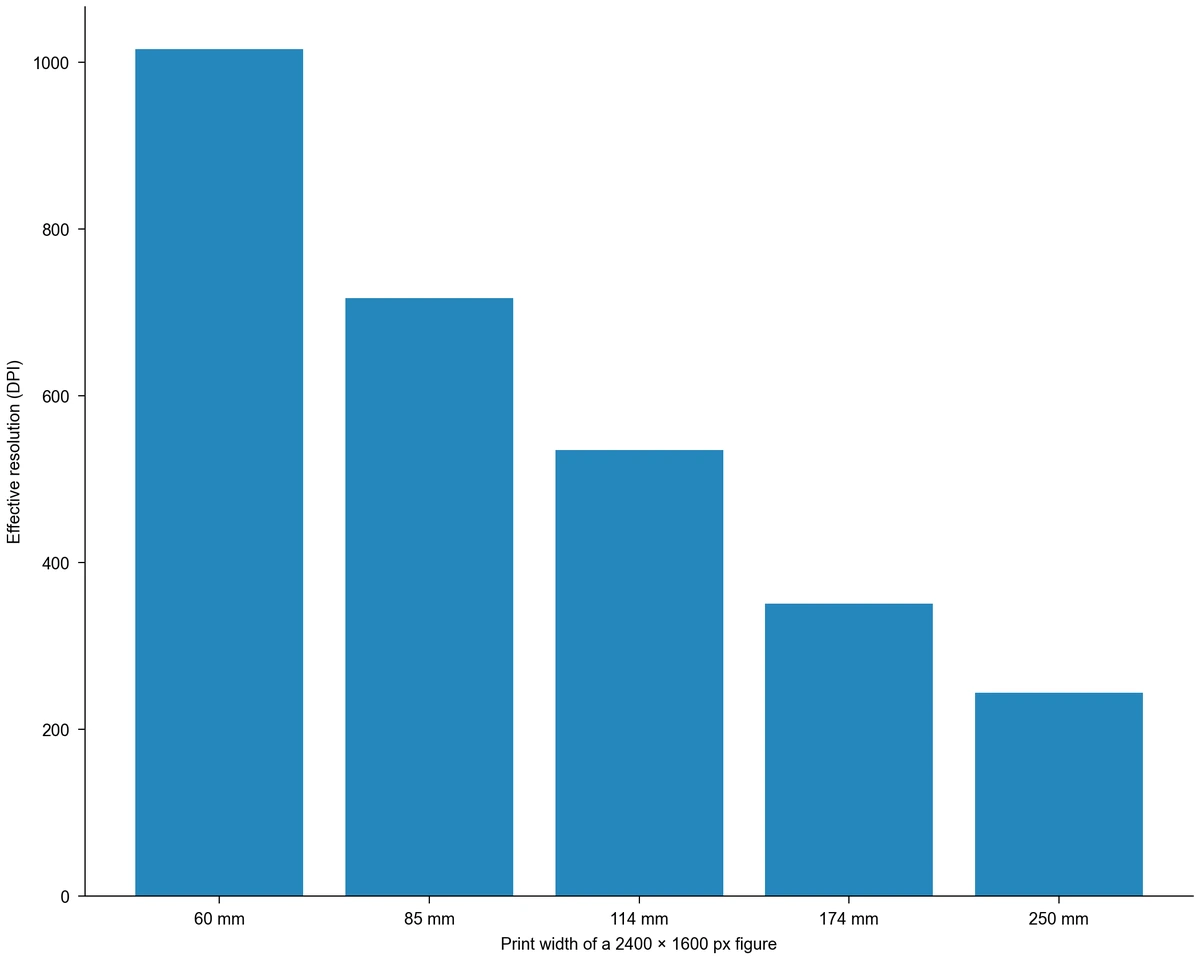 Image DPI Calculator
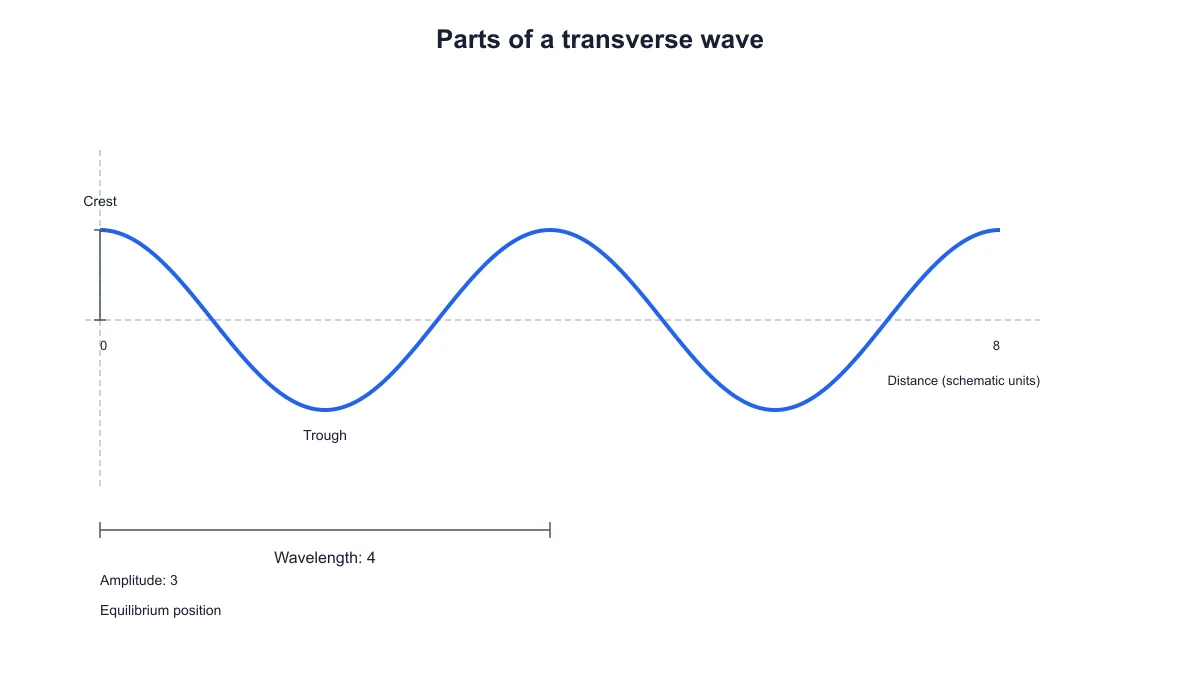 Transverse Wave Diagram Generator
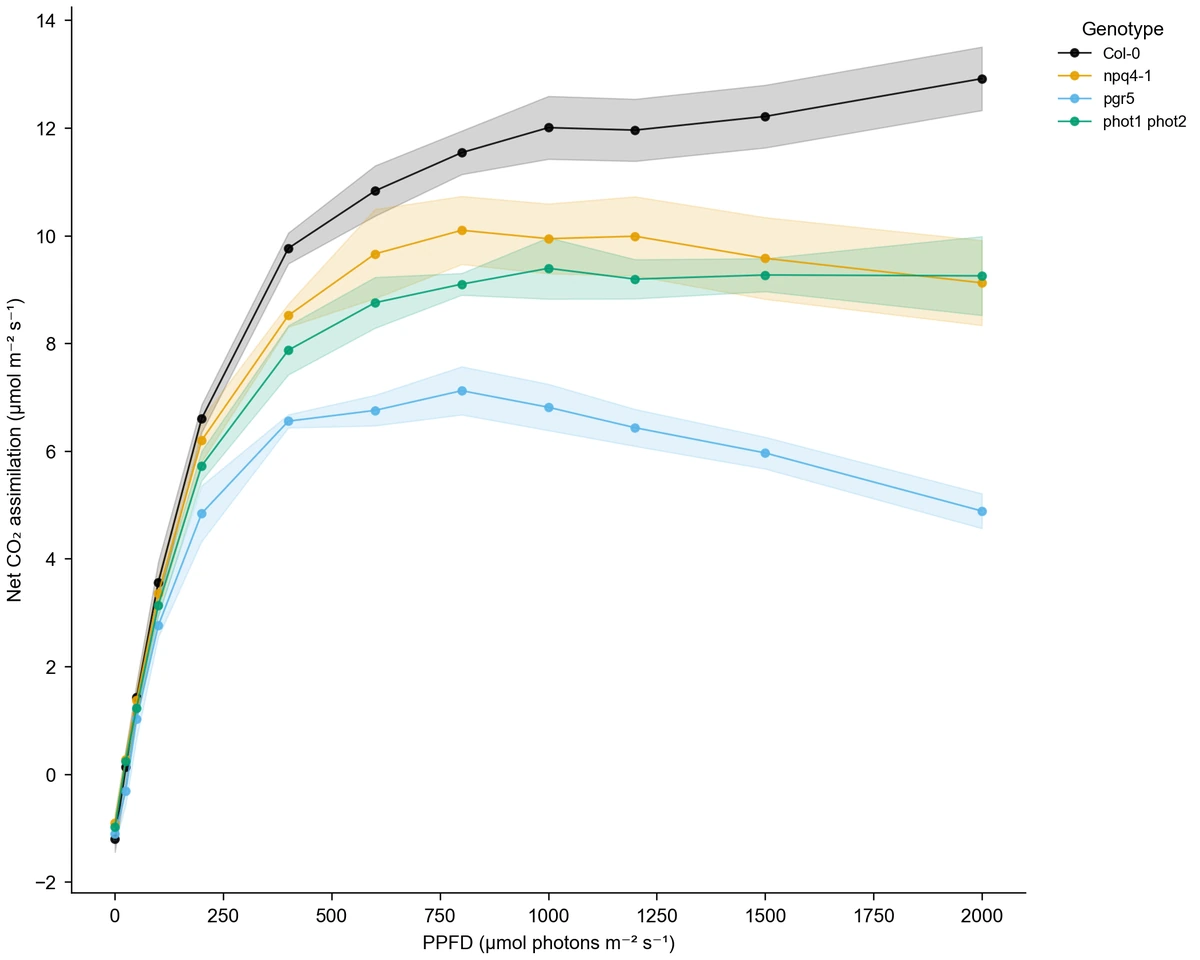 Line Chart Generator
 Number Line Generator
 Figure Checker
 Supply and Demand Graph Maker
 UpSet Plot Generator
 Waterfall Chart Maker
Flowcharts, frameworks and structure diagrams
33 tools Conceptual Framework Generator
 Theoretical Framework Generator
 Syntactic Tree Generator
 Dichotomous Key Maker
 Sentence Diagram Generator
 Text to Diagram Generator
 PRISMA Flow Diagram Generator
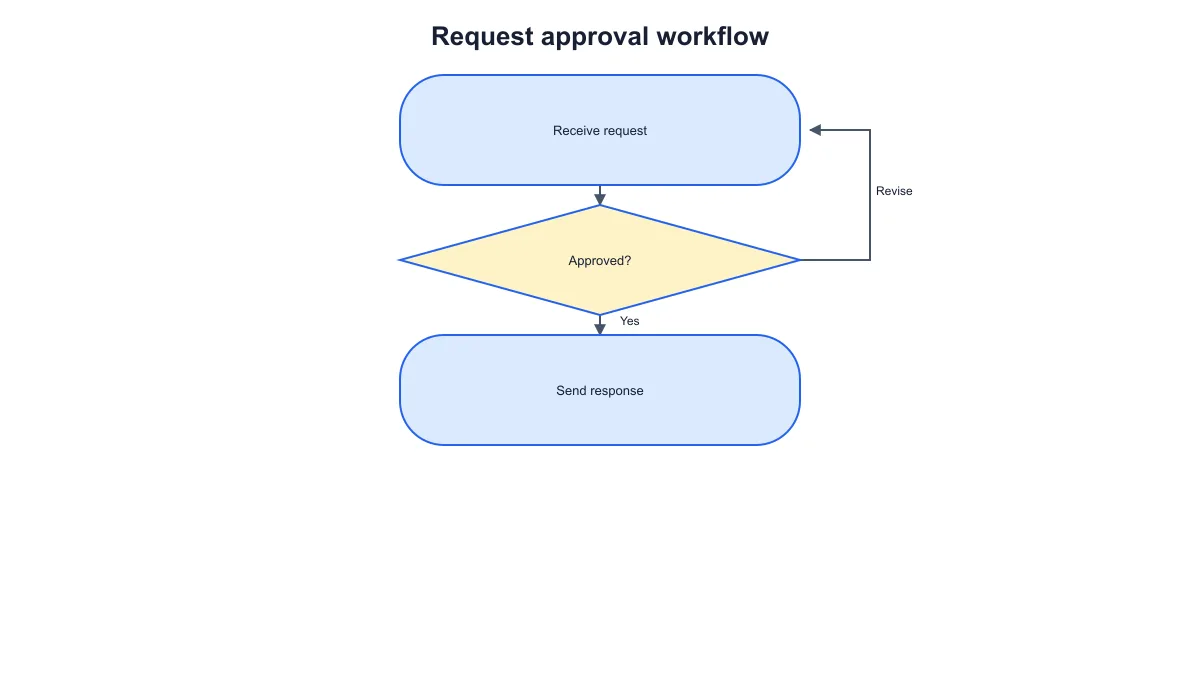 Workflow Diagram Generator
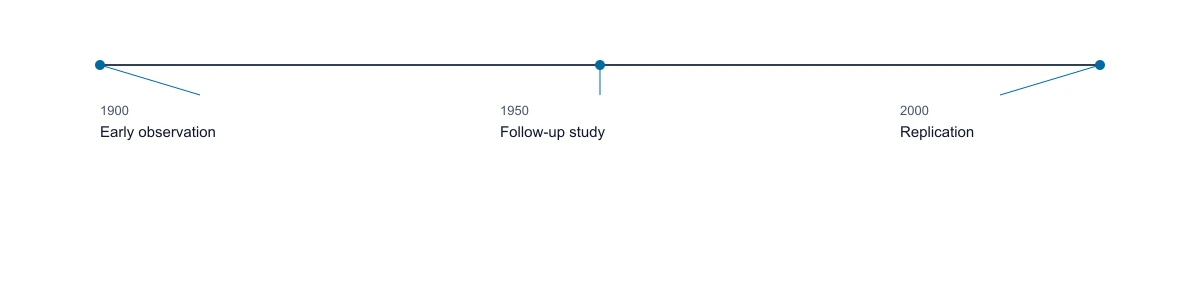 Timeline Generator
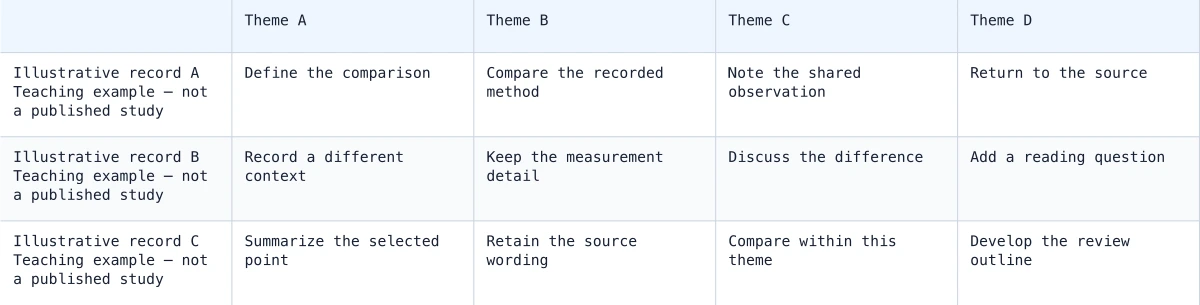 Synthesis Matrix Generator
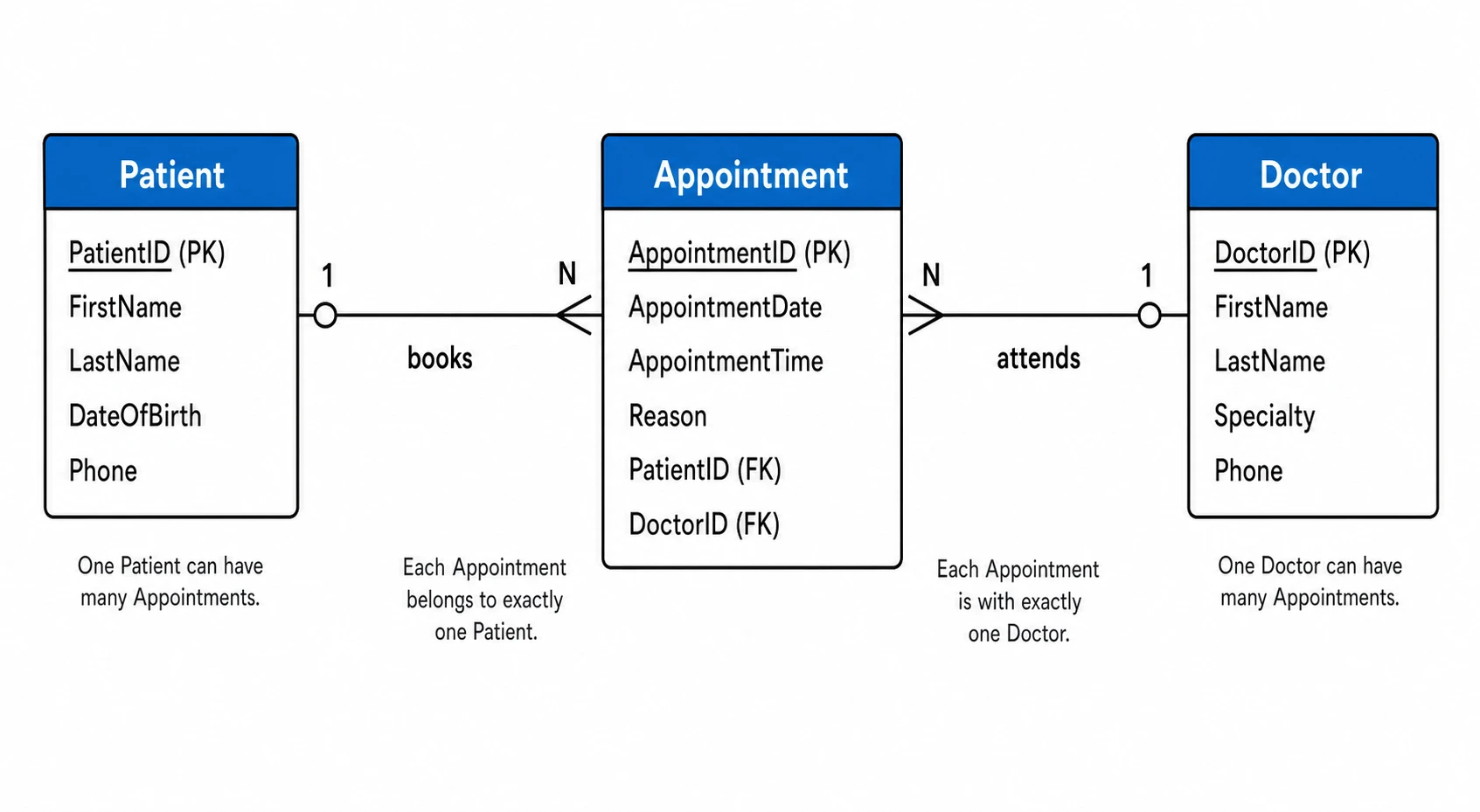 ER Diagram Generator
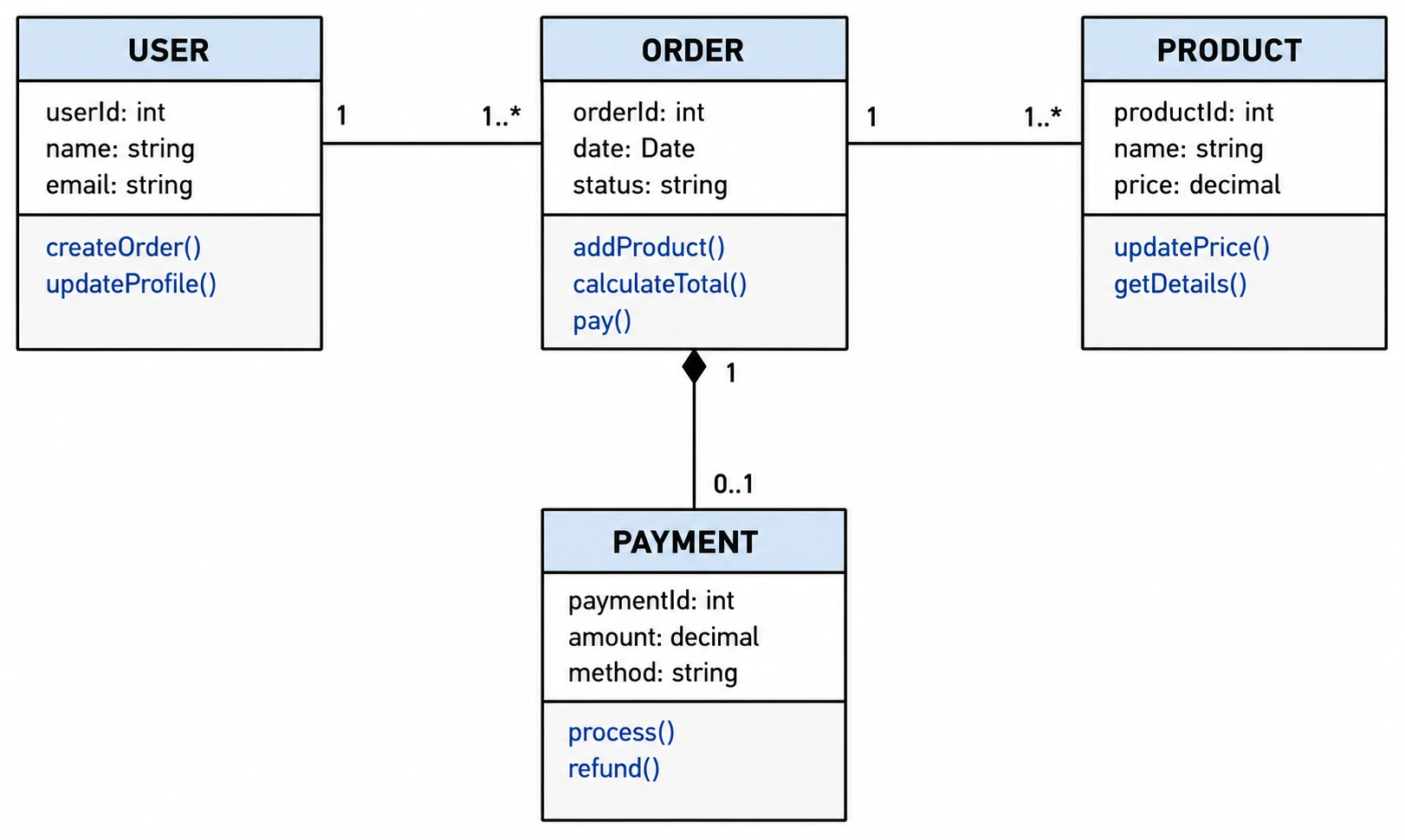 UML Diagram Generator
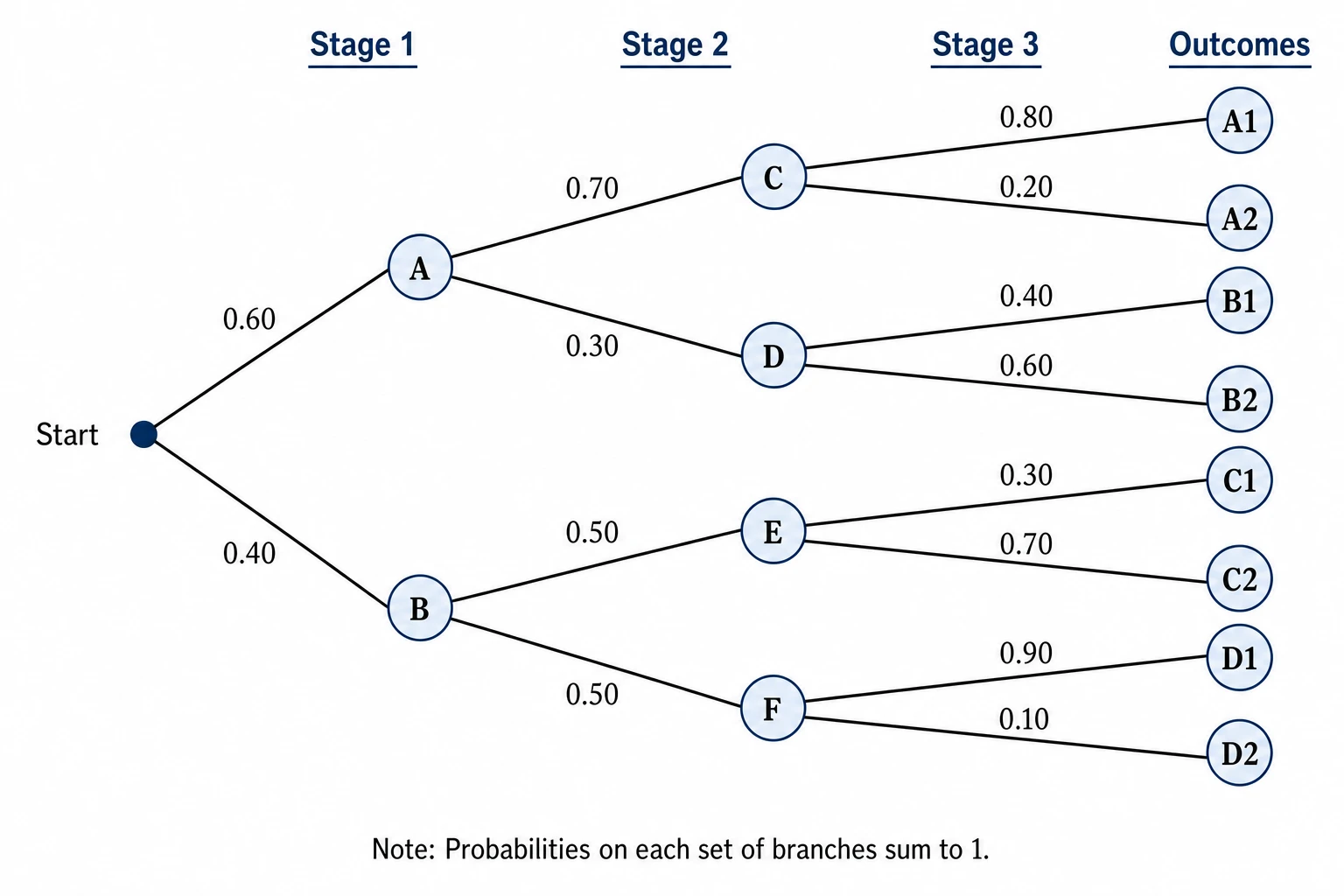 Tree Diagram Generator
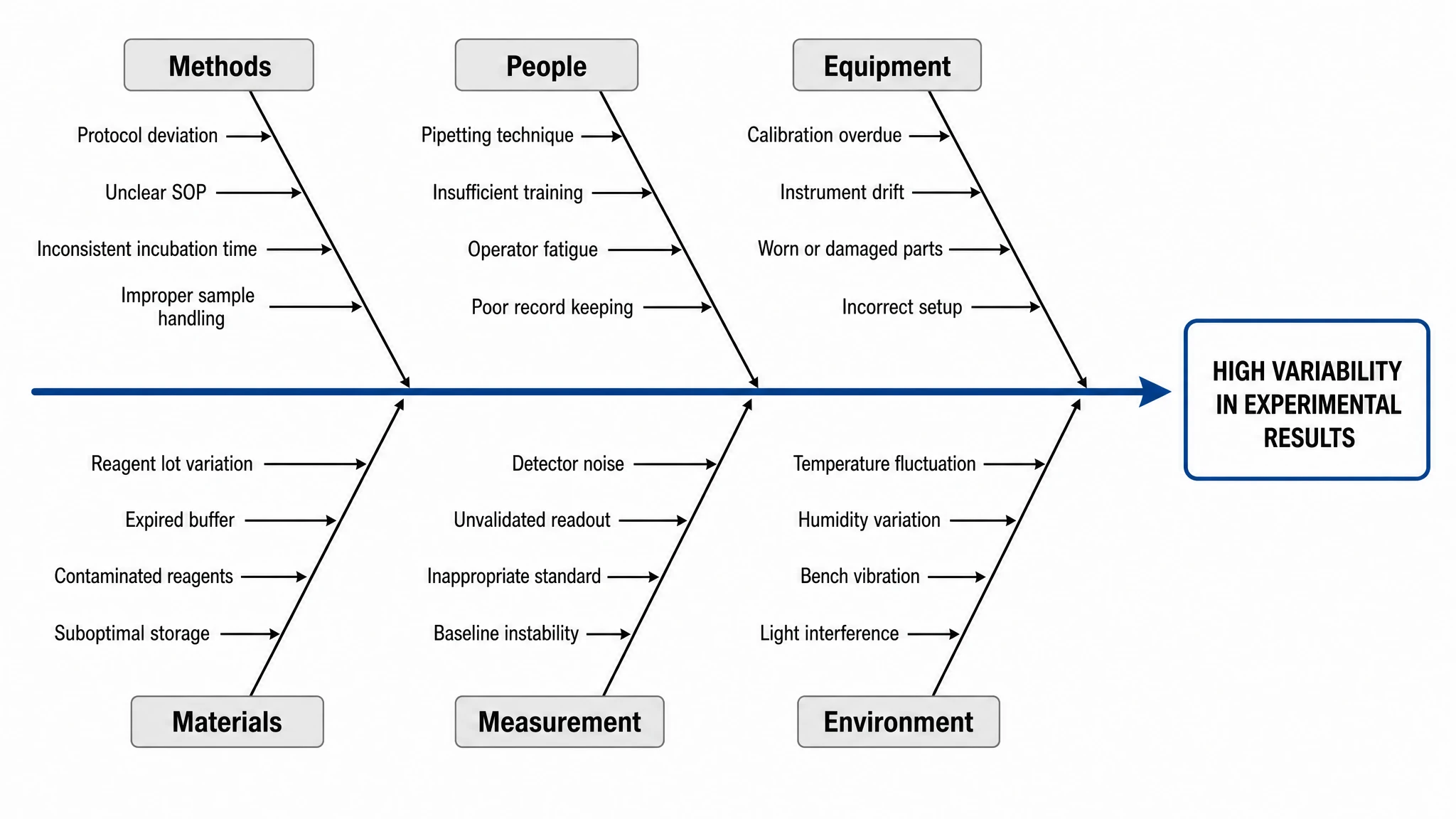 Fishbone Diagram Generator
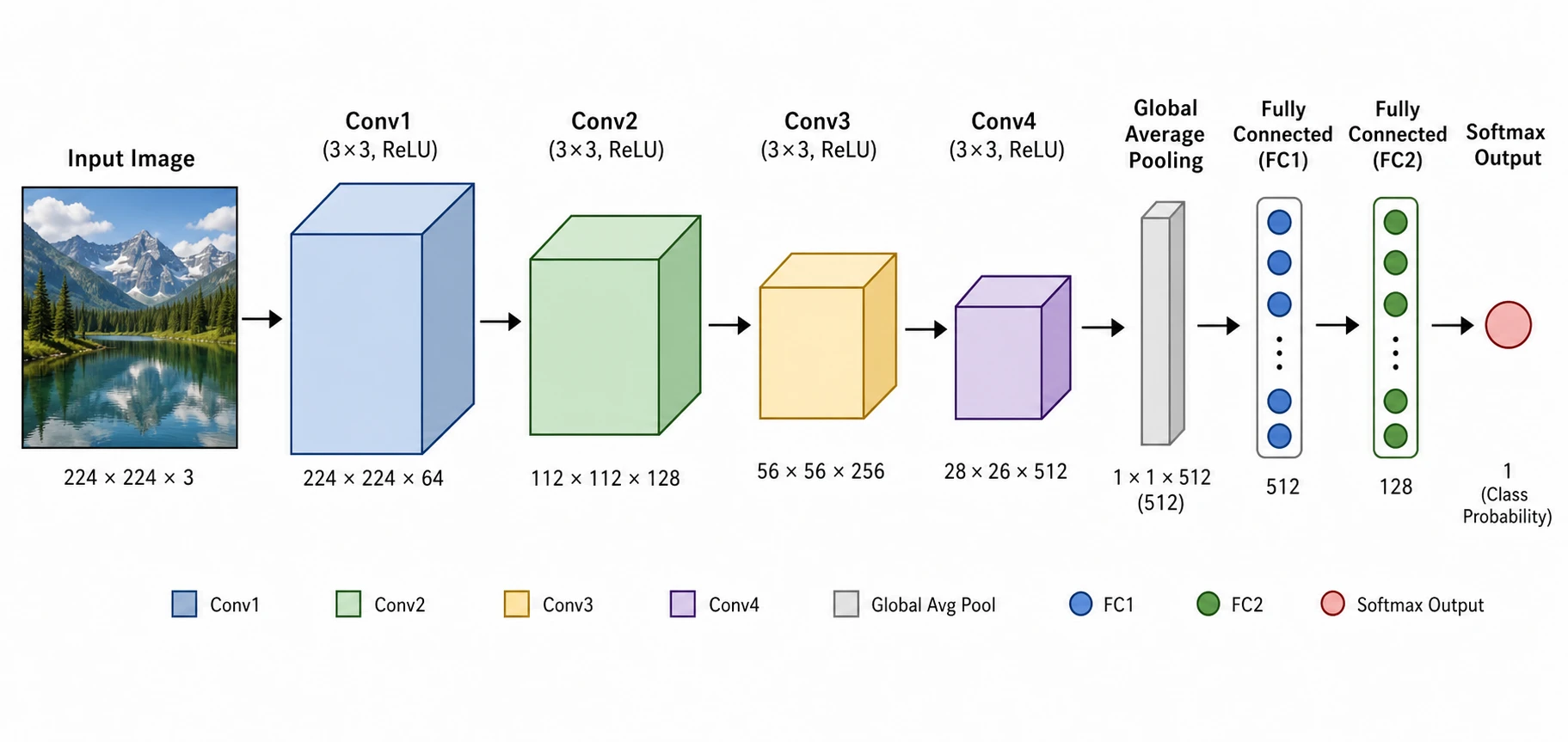 Neural Network Diagram Generator
 Decision Tree Generator
 Software Architecture Diagram Generator
 Chemical Process Flow Diagram Maker
 CONSORT Flow Diagram Generator
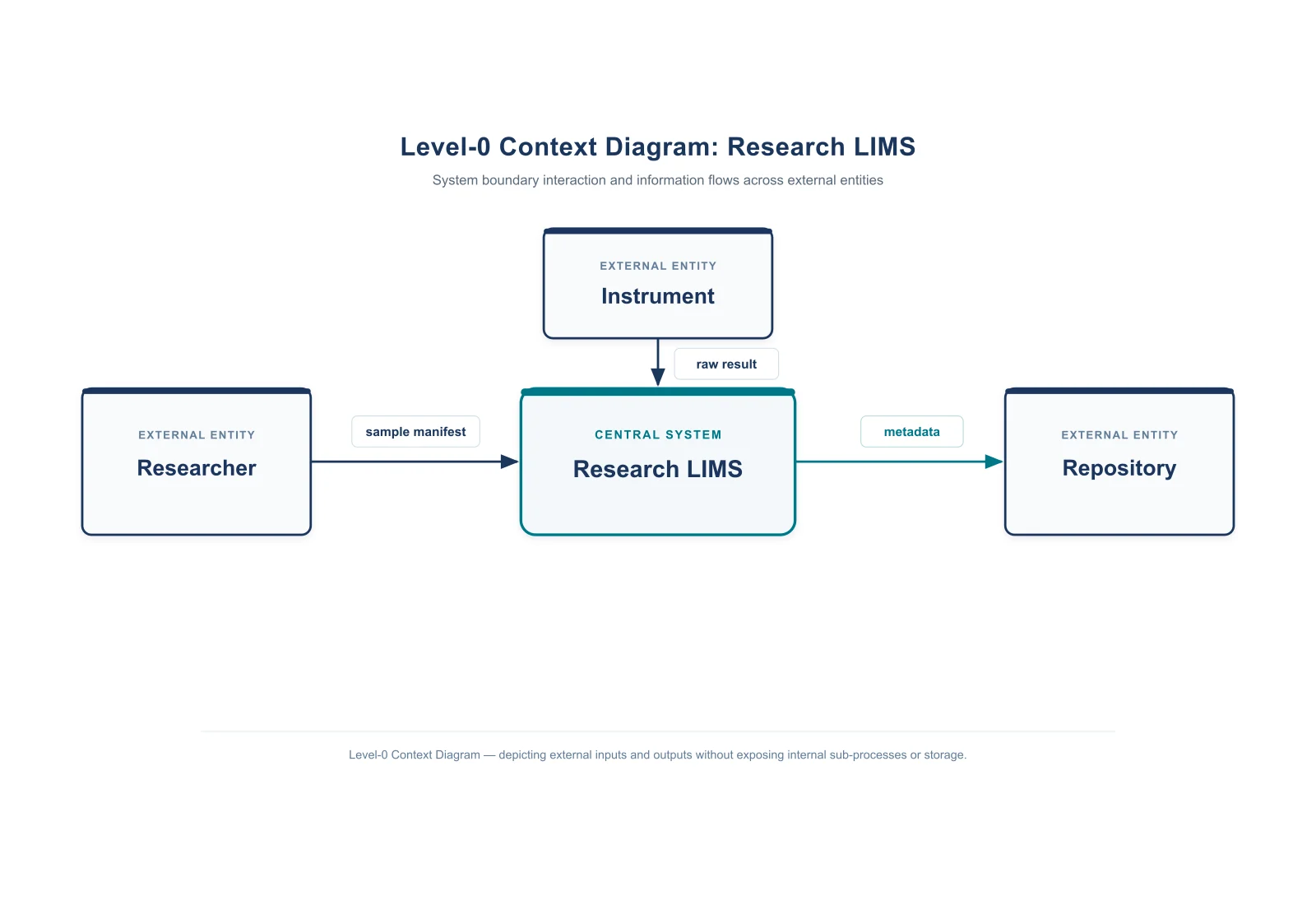 Context Diagram Creator
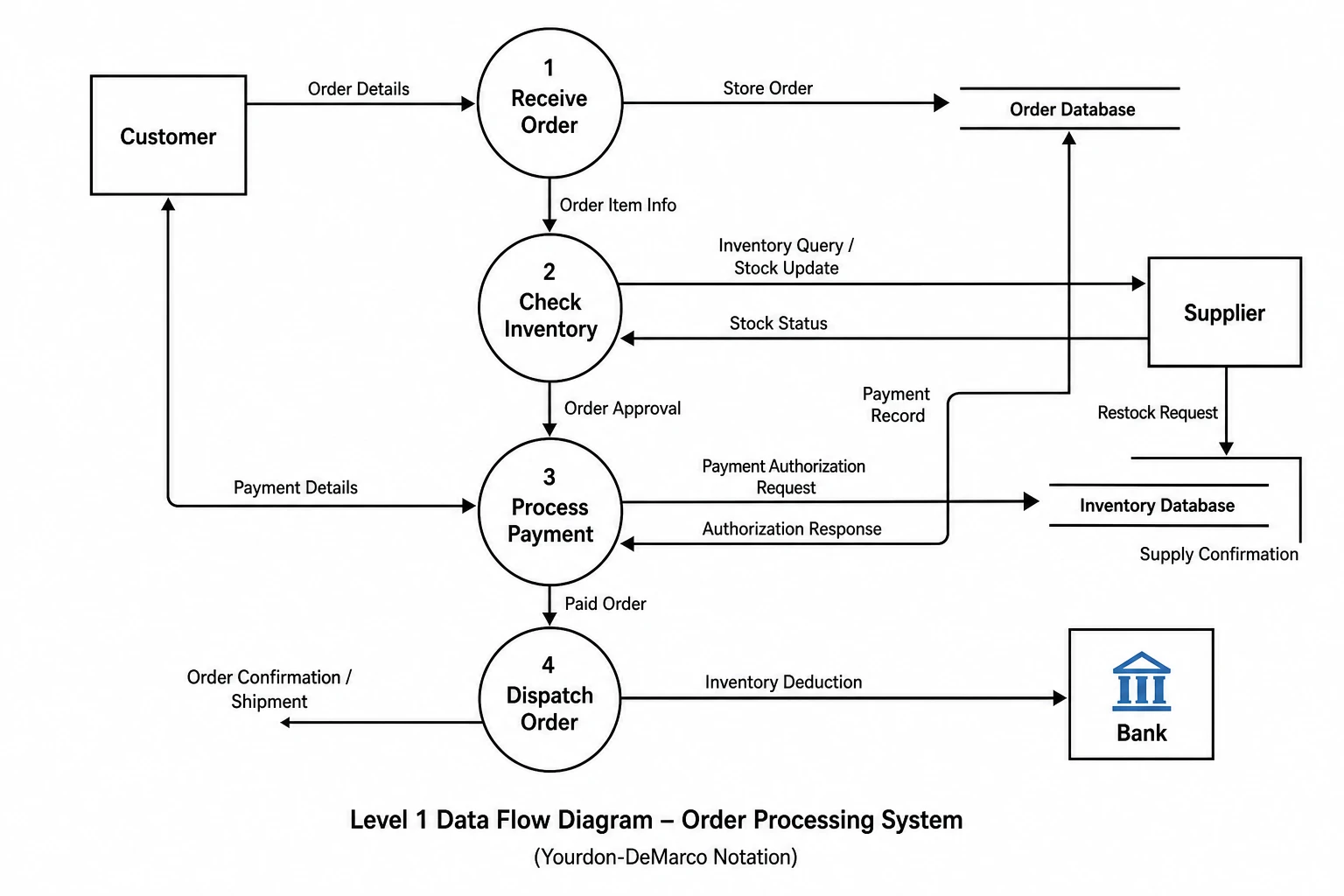 Data Flow Diagram Generator
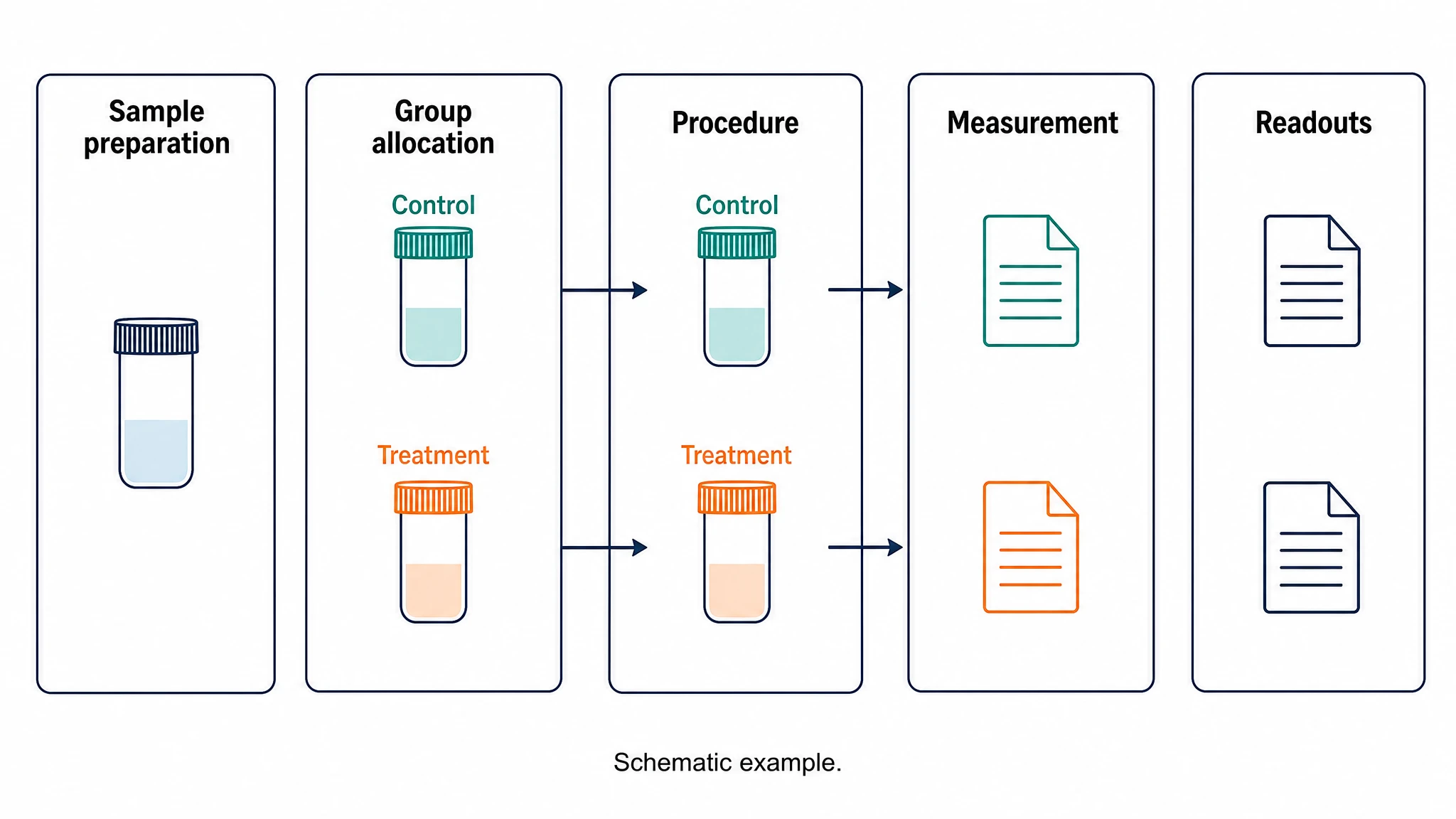 Experimental Workflow Diagram
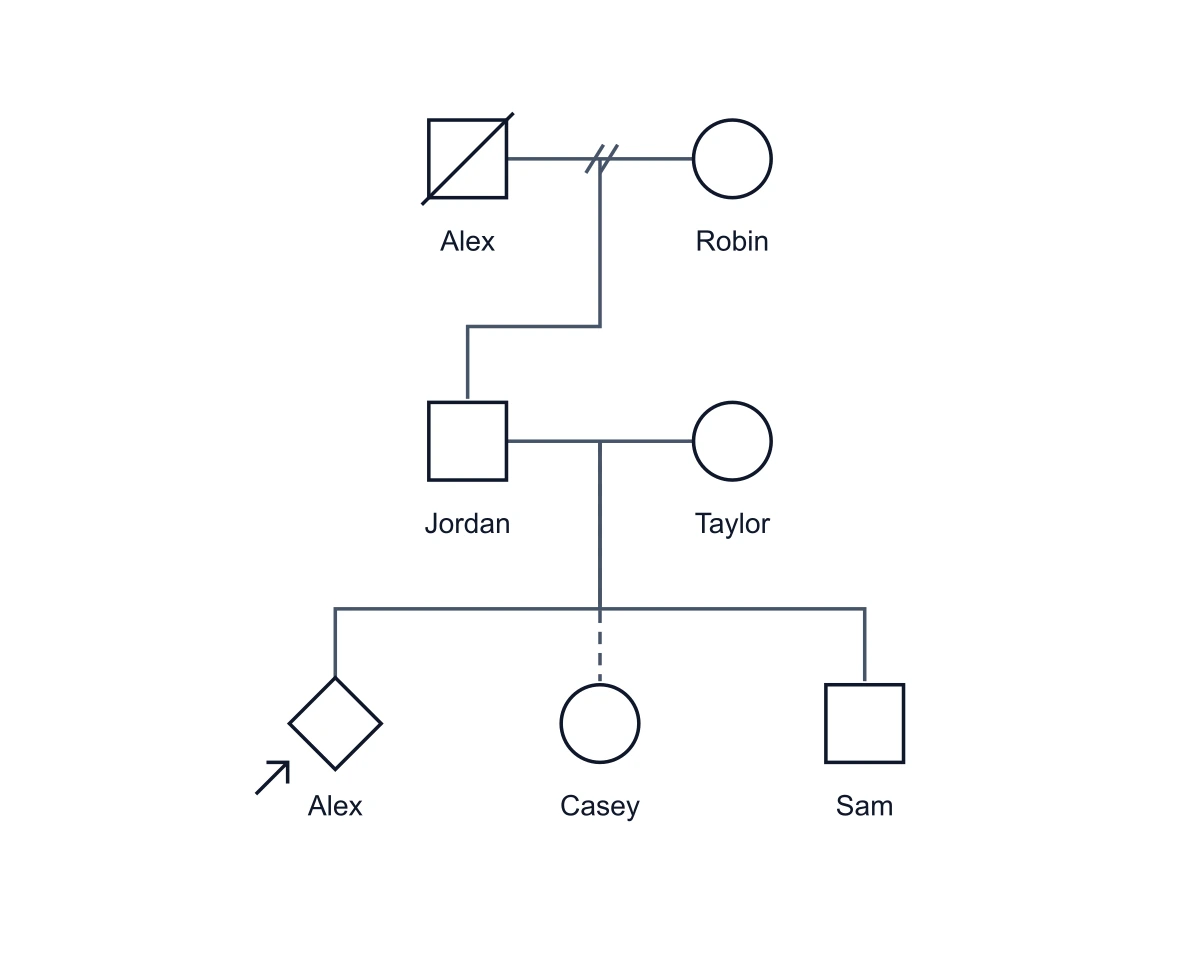 Genogram Maker
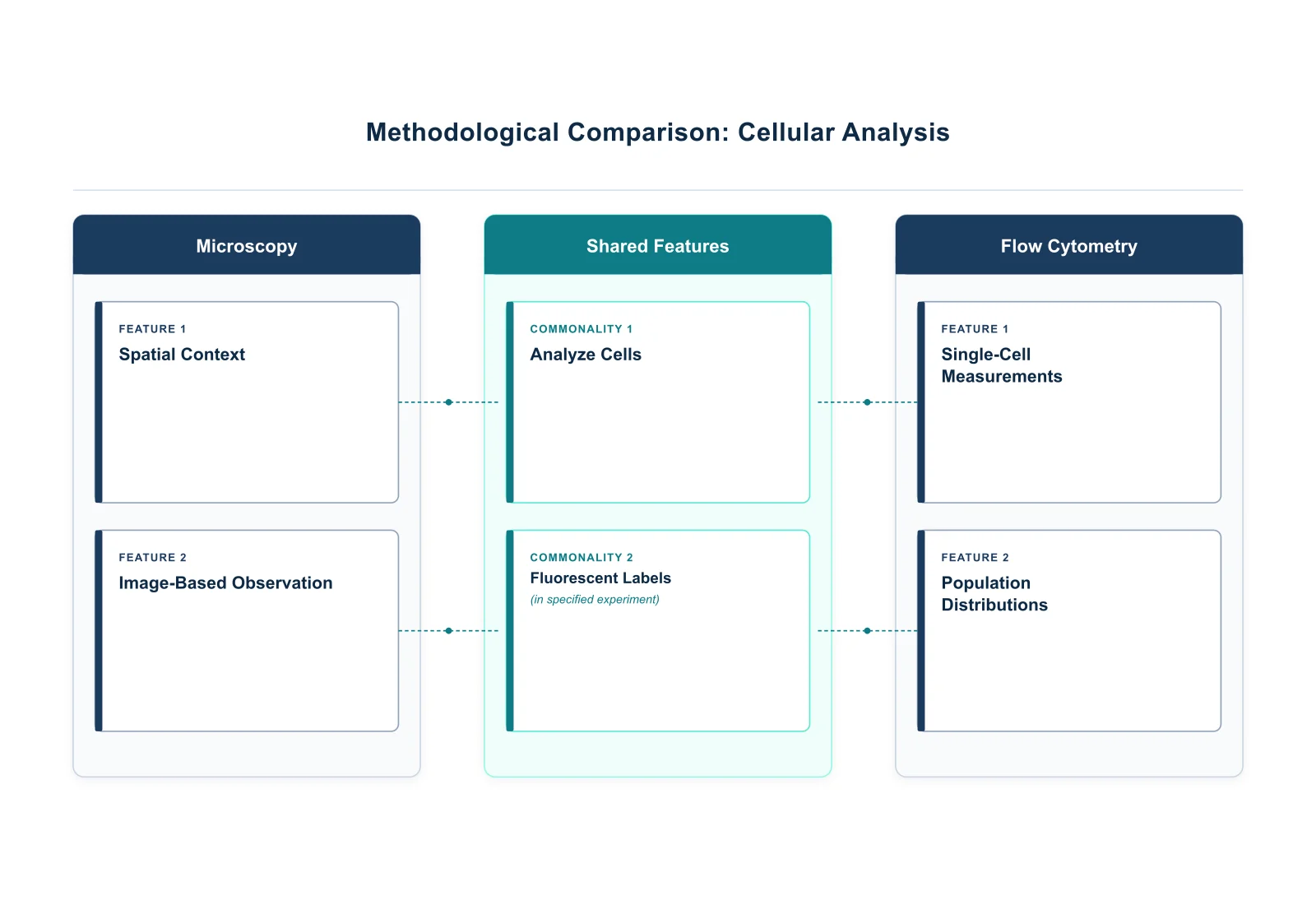 Graphic Organizer Generator
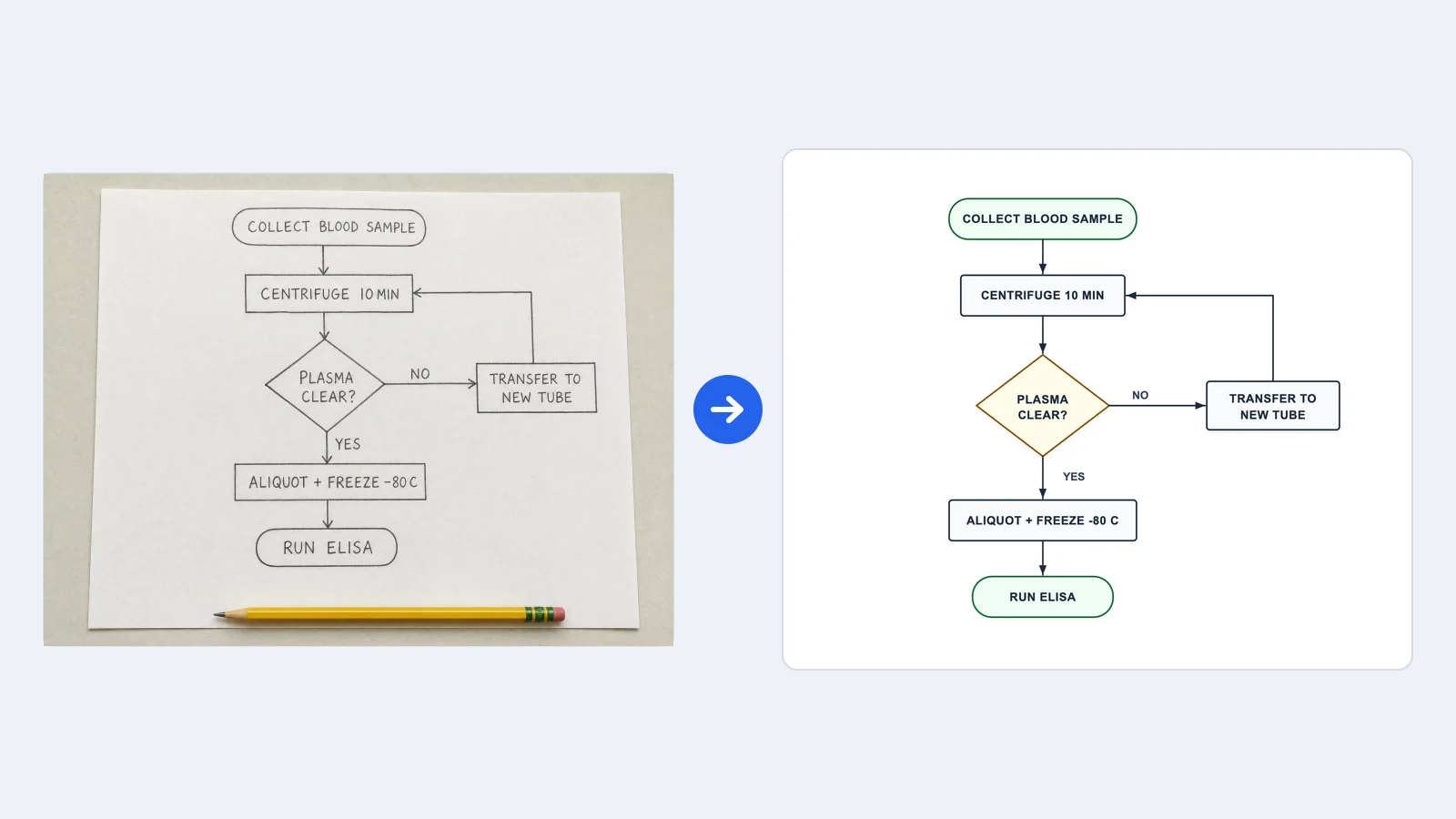 Image to Flowchart Converter
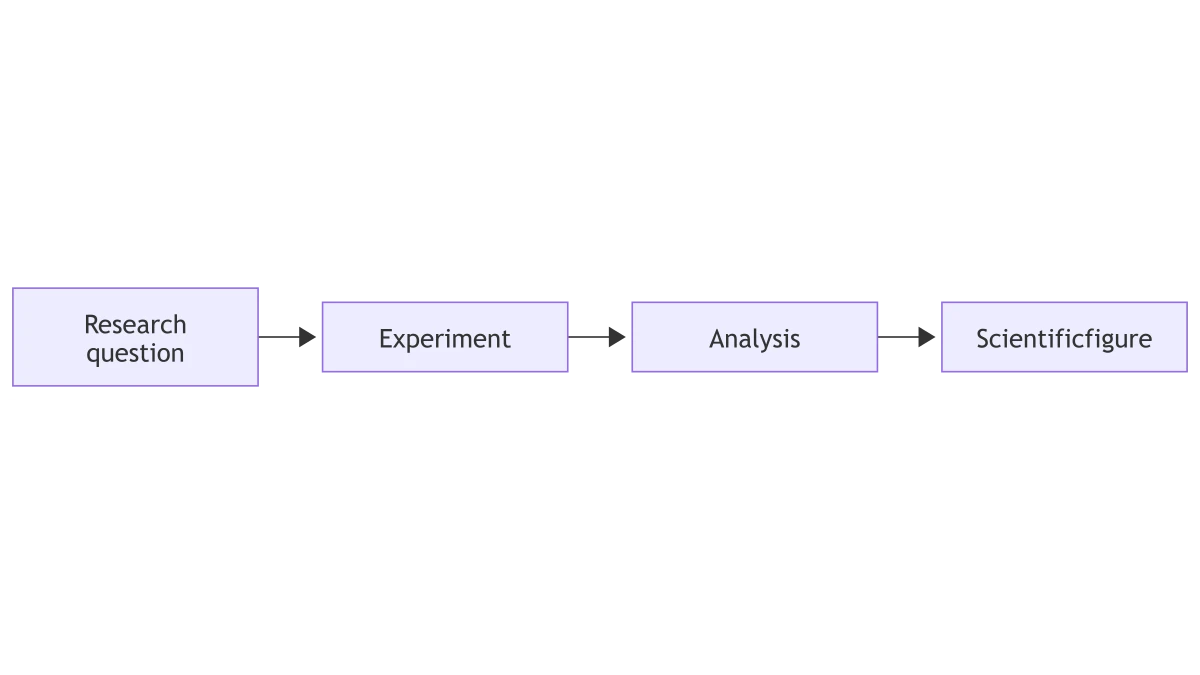 Mermaid to PNG Converter
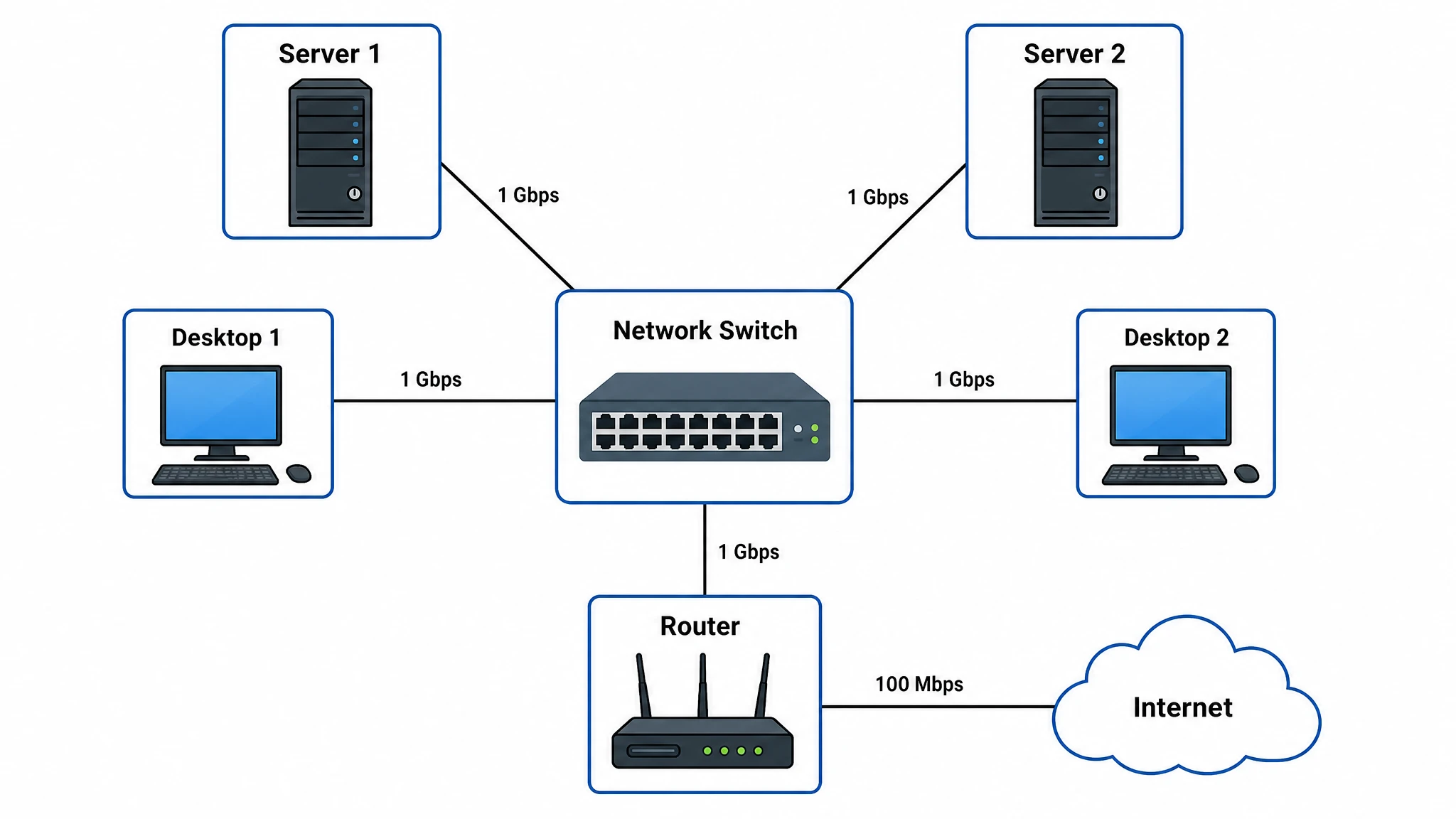 Network Diagram Generator
 Org Chart Maker
 Sequence Diagram Generator
 State Diagram Generator
 Swimlane Diagram Generator
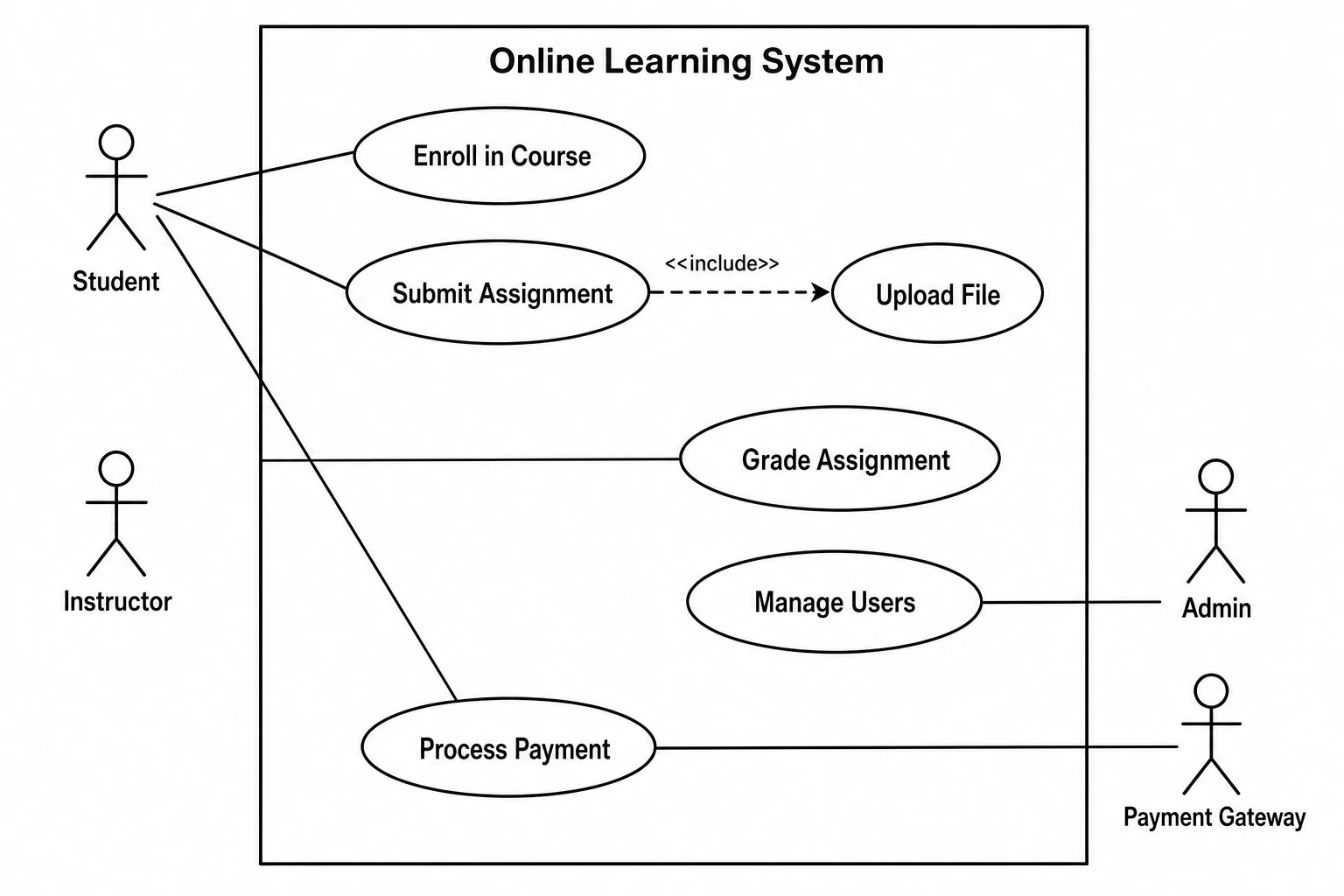 Use Case Diagram Generator
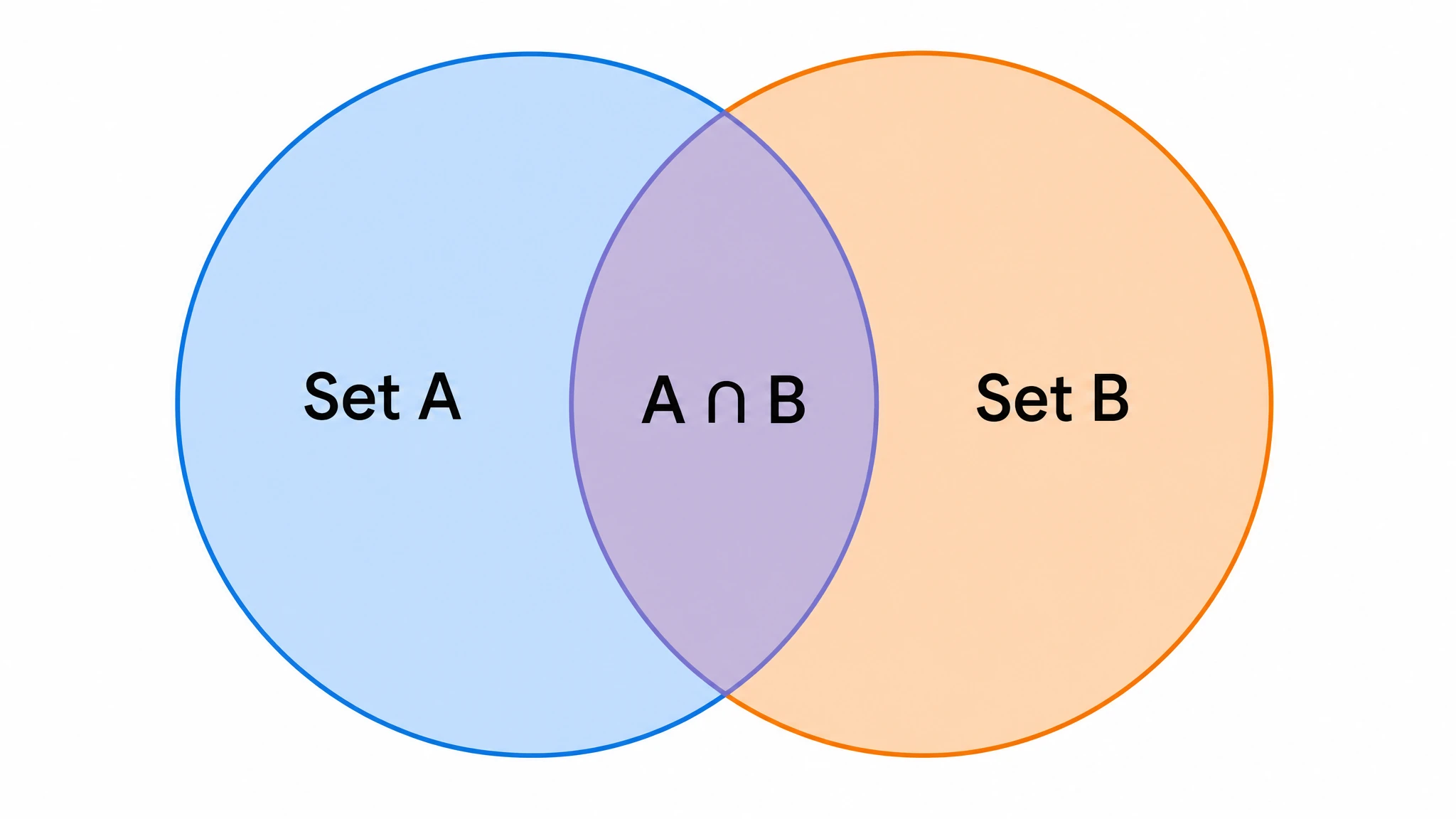 Venn Diagram Generator
Create with SciFig
Free to start · No credit card required · Built for researchers
ELISA diagram editor
Arrange sandwich and indirect ELISA schematics. Labels describe binding roles; this drawing does not measure concentration or perform an assay.