SciFig

Free MA Plot Generator for Expression Data

Plot processed expression values with explicit transformations, feature labels and a zero-change reference.

MA plot editor

Import a data file to continue.

Start with up to 150 free credits|No credit card required

Get up to 350 free credits on day one when you join through an invite.

3 figure engines · 500+ templatesEvery label editable · 60+ color schemesEditable PPTX · Layered SVG · 8K PNG / JPG

Free MA Plot Generator for Expression Data— templates & examples

Updated

Free scientific tools

Free MA Plot Generator for Expression Data

Plot processed expression values with explicit transformations, feature labels and a zero-change reference.

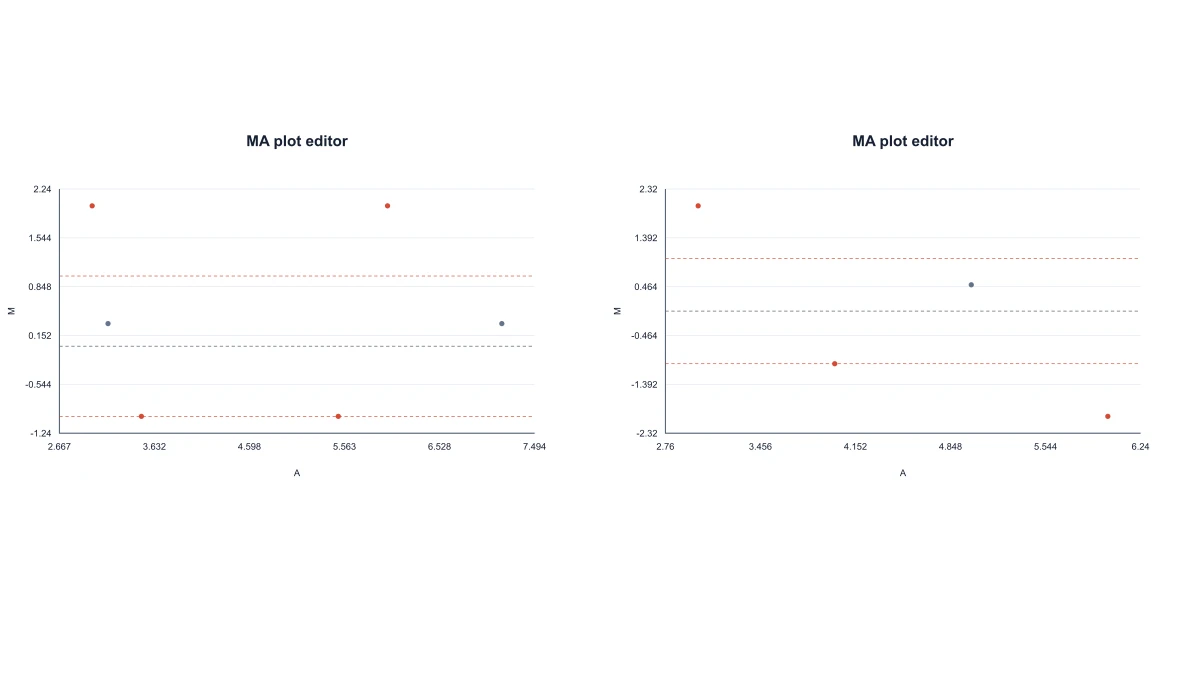
An MA plot compares log abundance on the A axis with log2 fold change on the M axis. Plot processed expression values with explicit transformations, feature labels and a zero-change reference. A and M supplied directly. baseMean transformed to log2 abundance. Normalized control and treatment mode.

MA scatter plots comparing normalized abundances and baseMean input
  • Choose the meaning of your columns
  • Read abundance against fold change
  • Identify features on the plot
  • Save the expression comparison

MA Plot Generator for Expression Data Features

A and M supplied directly. baseMean transformed to log2 abundance. Normalized control and treatment mode.

Choose the meaning of your columns

Tell SciFig whether the input contains A/M values, baseMean with log2 fold change, or positive normalized control and treatment abundances. The chosen mode determines the transformation, keeping already calculated log values from being logged a second time.

  • A and M supplied directly
  • baseMean transformed to log2 abundance
  • Normalized control and treatment mode
Choose the meaning of your columns

Read abundance against fold change

Draw the MA scatter with an M=0 reference and a visible fold-change threshold. For normalized control C and treatment T, the plot uses A=(log2 C+log2 T)/2 and M=log2 T−log2 C, making the axes interpretable from the input mode.

  • Explicit A and M axis meanings
  • Zero-change reference line
  • Editable fold-change threshold
Read abundance against fold change

Identify features on the plot

Retain feature IDs with the calculated coordinates so selected points can be labeled and inspected. Filtering changes the visible point selection while preserving the underlying input values and their defined transformation.

  • Feature identifiers retained
  • Point labels and filtering
  • Coordinates available as CSV
Identify features on the plot

Save the expression comparison

Download SVG or PNG for a report and CSV for the calculated A/M coordinates. Save JSON to keep the input mode and plot settings available when the comparison needs new labels or a revised presentation.

  • SVG and PNG output
  • Calculated-coordinate CSV
  • Reusable project JSON
Save the expression comparison

How to Plot Your Values

Choose direct A/M, baseMean/log2FC or normalized control/treatment before pasting the CSV.

  1. Select the expression input mode

    Choose direct A/M, baseMean/log2FC or normalized control/treatment before pasting the CSV. Use positive abundance values in modes that apply log2; already calculated A/M values can include zero or negative coordinates.

  2. Paste the feature values

    Enter the feature identifiers and numerical columns in the displayed format. The tool calculates the A and M coordinates according to the selected semantics and draws the expression comparison.

  3. Set labels and thresholds

    Adjust the fold-change threshold and the visible feature selection. Use point labels to identify features in the figure while retaining M=0 as the reference for unchanged abundance.

  4. Export the comparison

    Download SVG or PNG for the report, or CSV for the calculated points. Save the JSON project to preserve the original input mode and display settings for another editing session.

Graphs for Experimental Work

Start from normalized control and treatment abundance values to see fold change against average log abundance.

MA scatter plots comparing normalized abundances and baseMean input

Explore a processed expression contrast

Start from normalized control and treatment abundance values to see fold change against average log abundance. The explicit transformation makes the comparison reproducible from the two numerical columns.

Explore this example
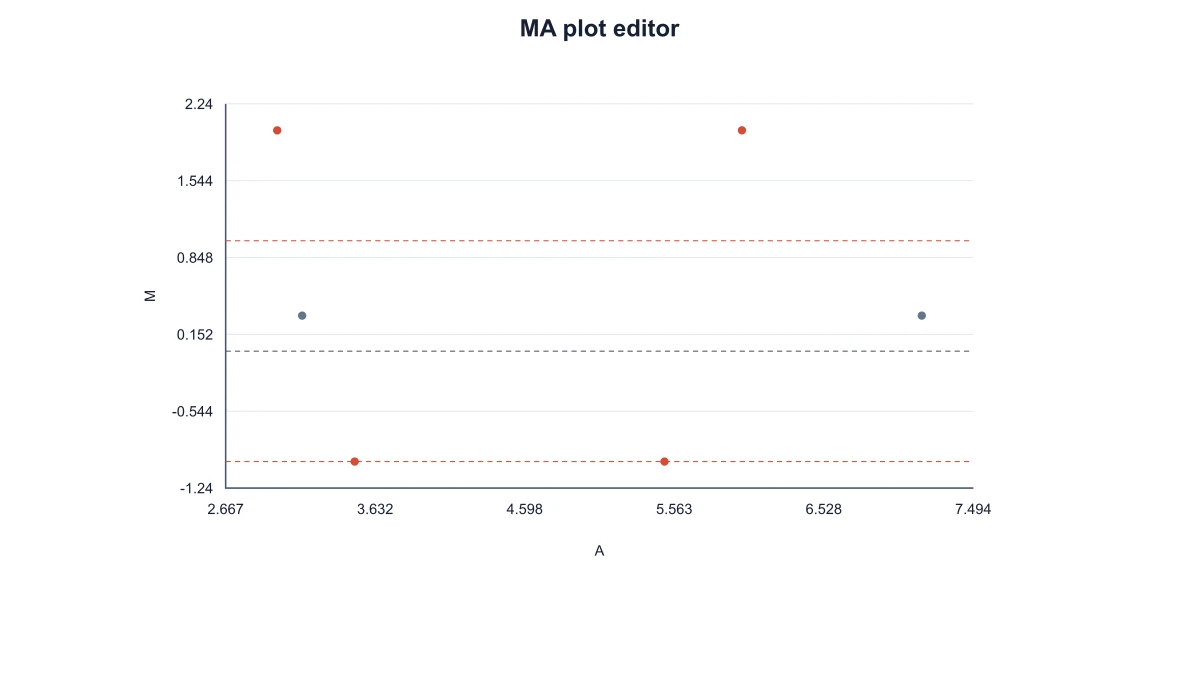
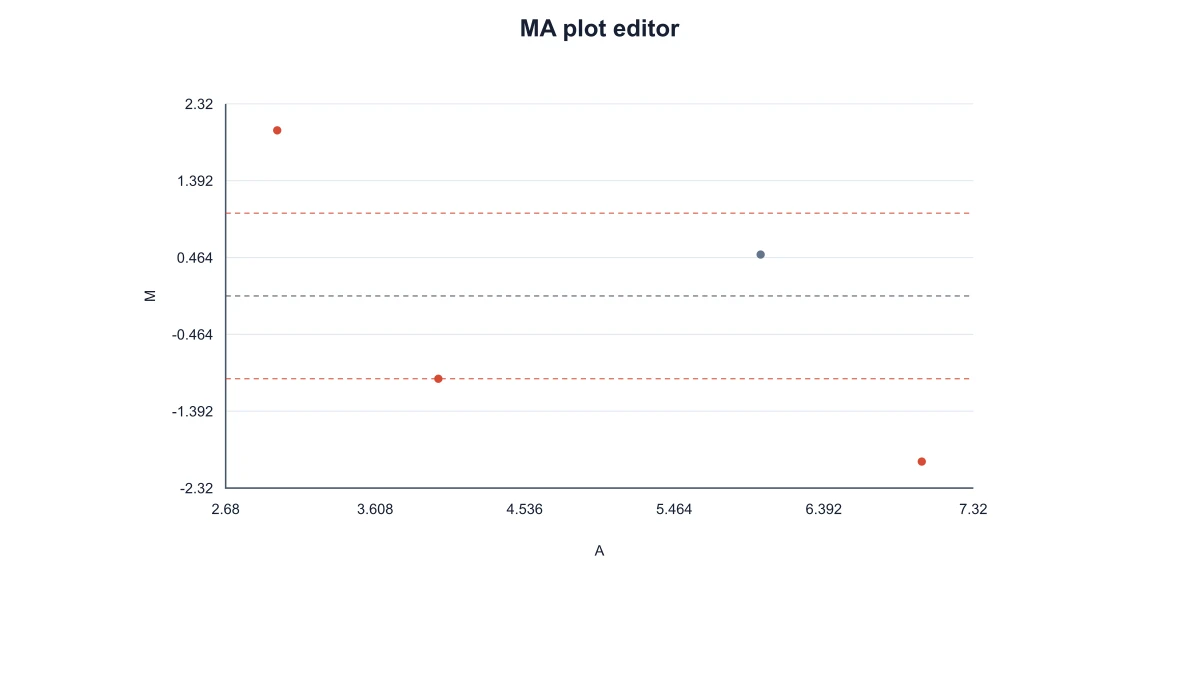
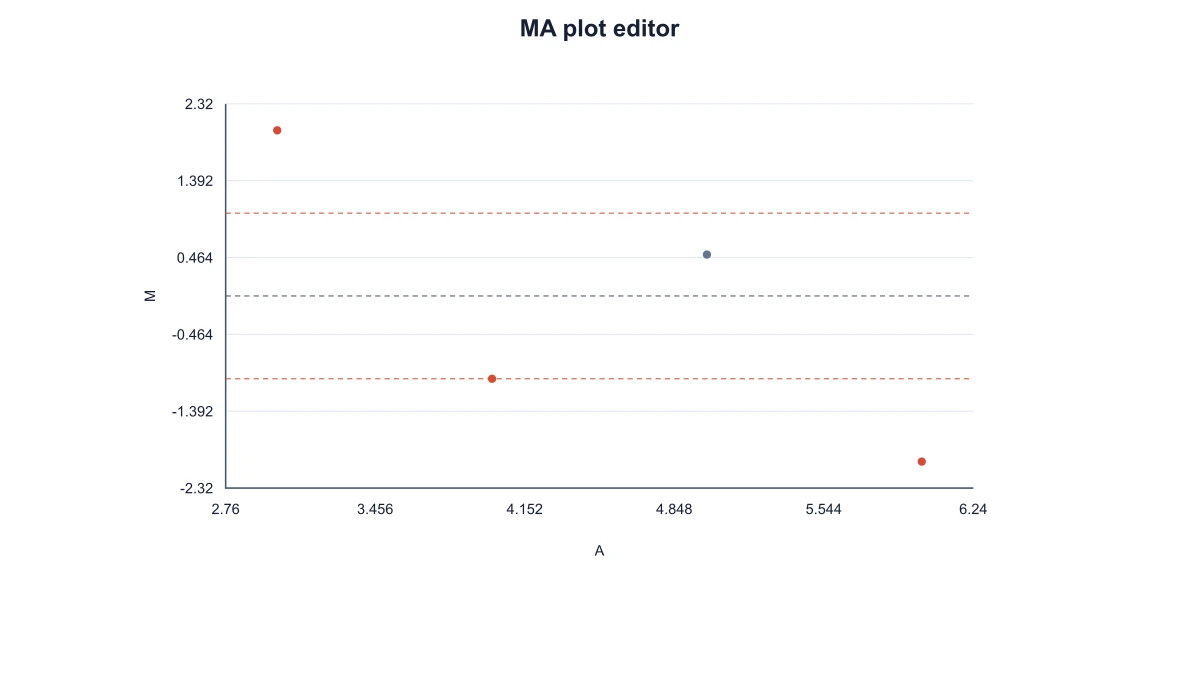
MA plot computed from positive normalized control and treatment abundances

Present an analysis output

Paste baseMean and log2 fold change from an existing differential-expression workflow. The plot presents those processed values with feature IDs rather than repeating the statistical analysis.

Explore this example
MA scatter with A and M coordinates supplied directly

Teach the meaning of A and M

Use known abundance pairs in a classroom example to connect the formula with a point on the axes. Control 4 and treatment 16 produce A=3 and M=2 in normalized mode.

Explore this example
MA scatter using log2 baseMean and supplied log2 fold changes

Discuss selected gene features

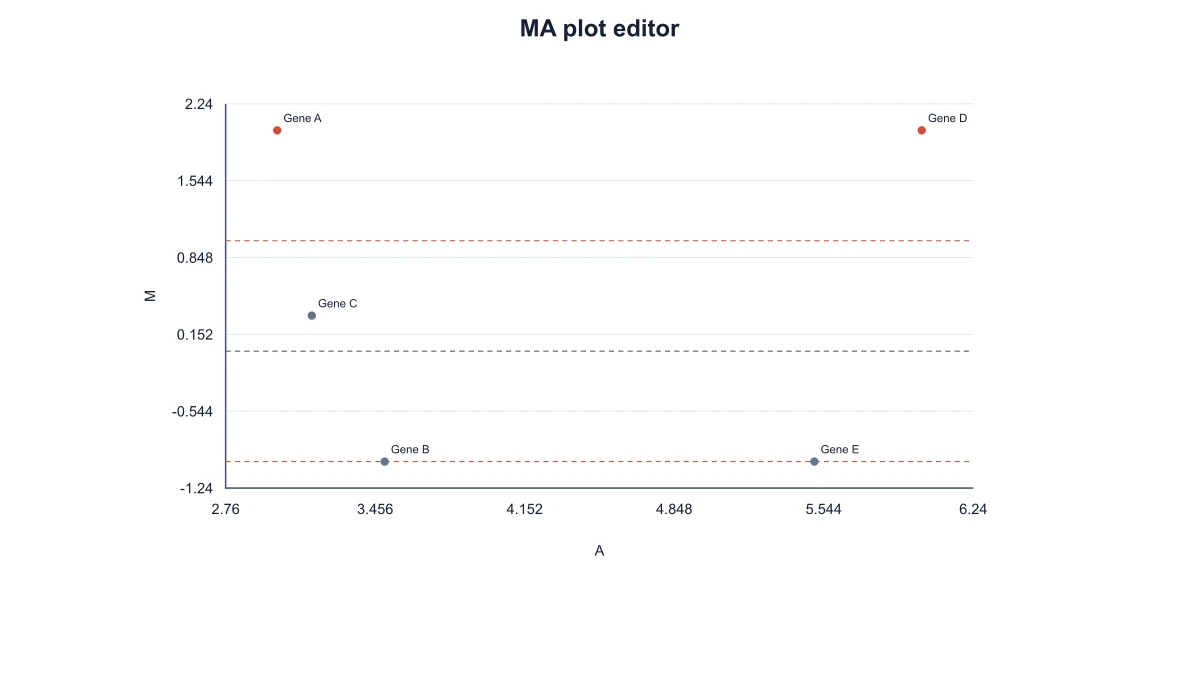
Label a focused group of feature IDs for a laboratory meeting. The zero-change line and fold-change threshold provide common references while the input coordinates remain available in CSV.

Explore this example
MA plot with user-supplied adjusted p values and labeled features

Compare figure presentations

Save a project before adapting labels or filtering the visible points for a slide. Reopening the configuration preserves the expression values and their transformation while the presentation changes.

Explore this example
MA plot computed from positive normalized control and treatment abundances

Hand a figure to a collaborator

Share the SVG with the plotted-coordinate CSV and project JSON. The recipient can connect feature labels with their calculated values and reopen the same plot settings for subsequent edits.

Explore this example
How Researchers Use SciFig

The MA plot generator let me start with the A and M values already prepared for our lab meeting. I retained the gene identifiers and used the zero reference to explain the comparison. Exporting the plotted CSV alongside SVG meant the figure and the values discussed by the group stayed together.

Rina Das

Transcriptomics researcher · University of Cambridge

Free tools

A tool for every scientific figure

140 focused generators for the scientific figure you need — each opens in the right workspace with a matching example.

Illustrations, structures and concept diagrams

75 tools
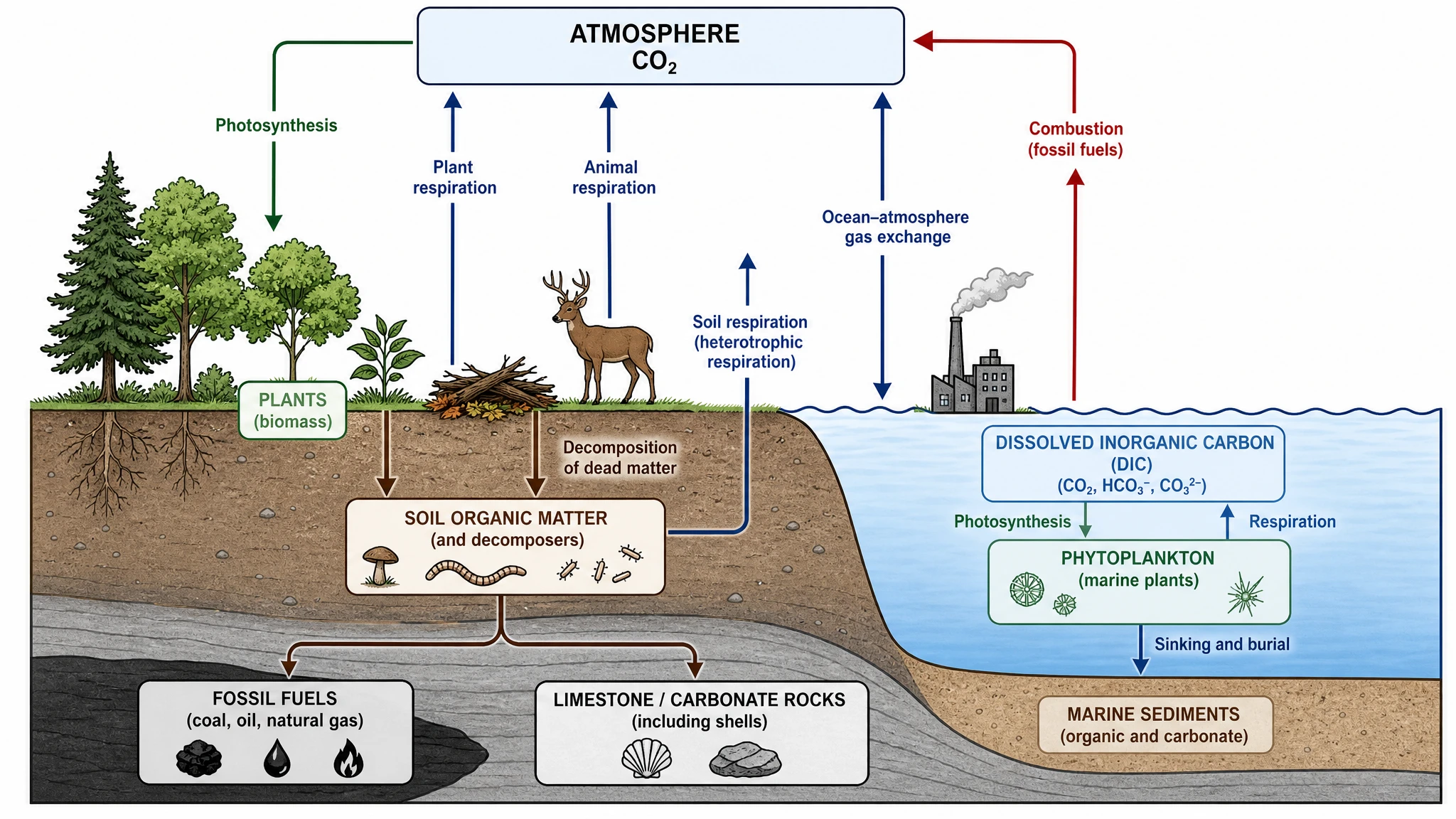
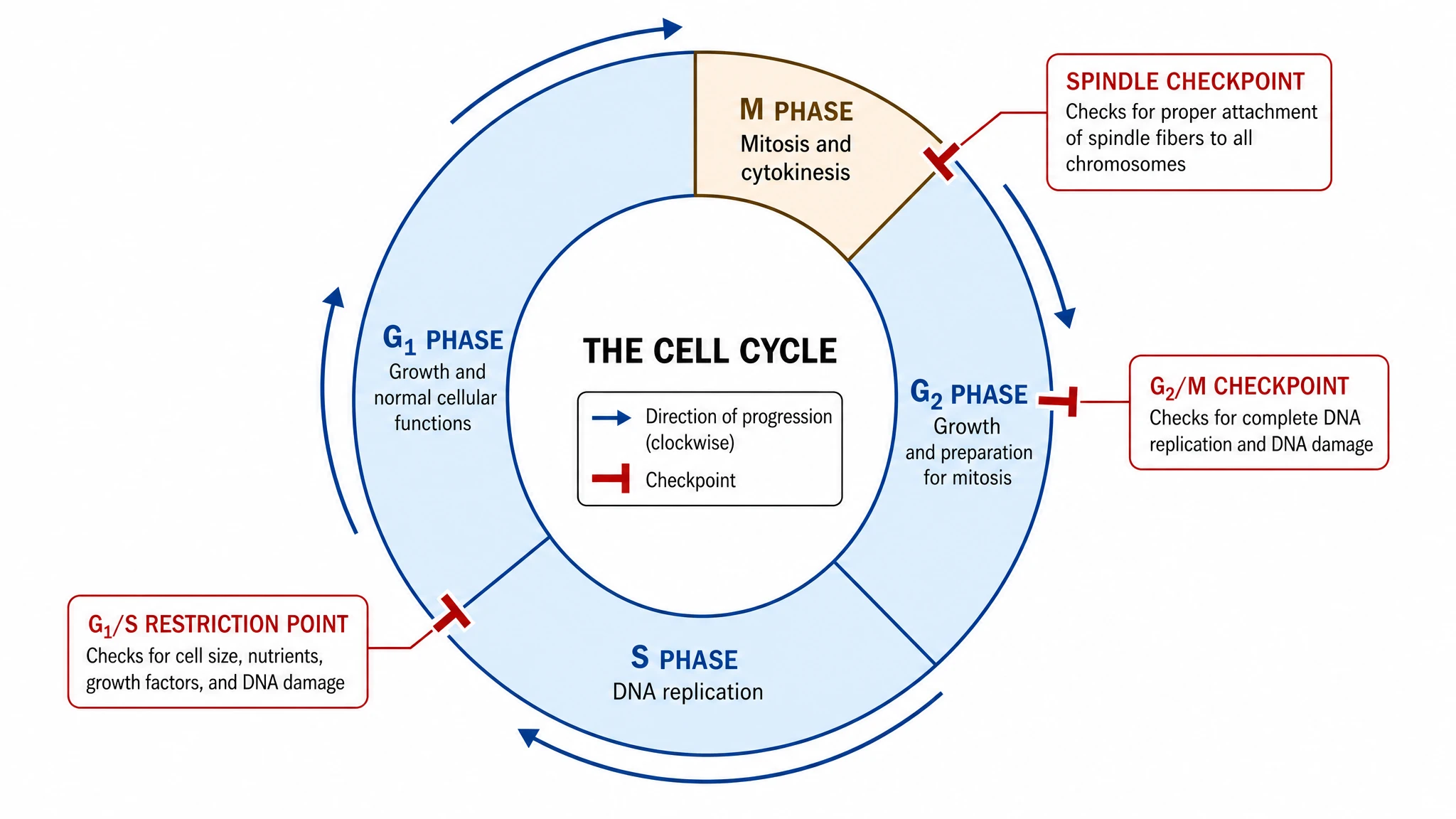
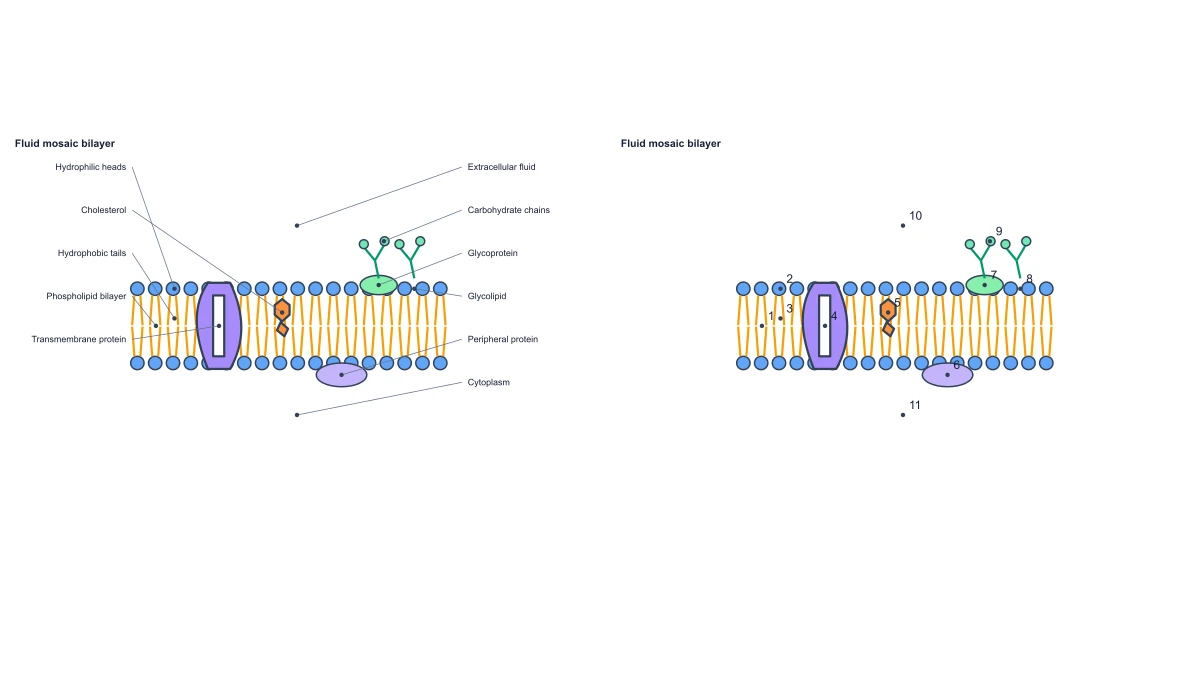
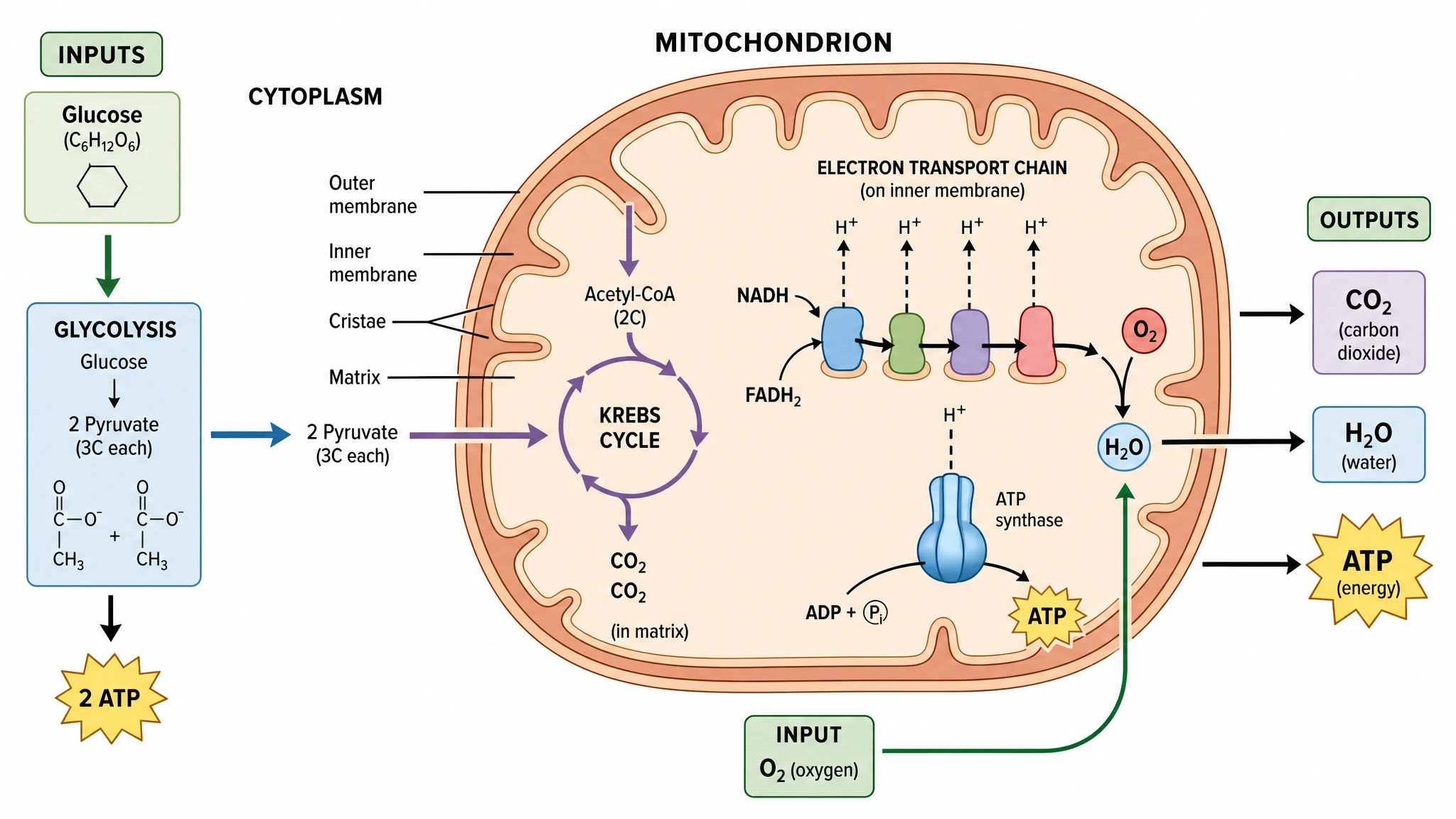
Chemistry Structure Generator example figureChemistry Structure GeneratorGraphical Abstract Maker example figureGraphical Abstract MakerFree Body Diagram Generator example figureFree Body Diagram GeneratorCircuit Diagram Maker example figureCircuit Diagram MakerAI Scientific Image Generator example figureAI Scientific Image GeneratorEditable 96-Well Plate example figureEditable 96-Well PlateLewis Dot Structure Generator example figureLewis Dot Structure GeneratorDNA Structure Diagram Generator example figureDNA Structure Diagram GeneratorWiring Diagram Maker example figureWiring Diagram MakerP&ID Diagram Generator example figureP&ID Diagram GeneratorScientific Poster Generator example figureScientific Poster GeneratorCladogram Maker example figureCladogram MakerFood Web Maker example figureFood Web MakerMedical Illustration Generator example figureMedical Illustration GeneratorPCR Diagram Generator example figurePCR Diagram GeneratorPPT Text to Visual Converter example figurePPT Text to Visual ConverterMitosis Diagram Generator example figureMitosis Diagram GeneratorAI Infographic Generator example figureAI Infographic GeneratorAnatomical Drawing Generator example figureAnatomical Drawing GeneratorAnimal and Plant Cell Comparison example figureAnimal and Plant Cell ComparisonAnimal Cell Diagram Generator example figureAnimal Cell Diagram GeneratorAntibody Structure Diagram Generator example figureAntibody Structure Diagram GeneratorApoptosis Diagram Generator example figureApoptosis Diagram GeneratorAutophagy Diagram Generator example figureAutophagy Diagram GeneratorBacteria Diagram Generator example figureBacteria Diagram GeneratorBlueprint Maker example figureBlueprint MakerBohr Model Maker example figureBohr Model MakerBrain Anatomy Diagram example figureBrain Anatomy DiagramCalvin Cycle Diagram Generator example figureCalvin Cycle Diagram GeneratorCarbon Cycle Diagram Generator example figureCarbon Cycle Diagram GeneratorCell Cycle Diagram Generator example figureCell Cycle Diagram GeneratorCell Membrane Diagram example figureCell Membrane DiagramCellular Respiration Diagram Generator example figureCellular Respiration Diagram GeneratorComplement System Diagram Generator example figureComplement System Diagram GeneratorCRISPR-Cas9 Diagram Generator example figureCRISPR-Cas9 Diagram GeneratorDNA Replication Diagram Generator example figureDNA Replication Diagram GeneratorEar Anatomy Diagram example figureEar Anatomy DiagramElectron Configuration Diagram Generator example figureElectron Configuration Diagram GeneratorElectron Transport Chain Diagram Generator example figureElectron Transport Chain Diagram GeneratorELISA Diagram Generator example figureELISA Diagram GeneratorEye Anatomy Diagram example figureEye Anatomy DiagramFoot Anatomy Diagram example figureFoot Anatomy DiagramGel Electrophoresis Diagram Generator example figureGel Electrophoresis Diagram GeneratorGene Regulation Diagram Generator example figureGene Regulation Diagram GeneratorGlycolysis Diagram Generator example figureGlycolysis Diagram GeneratorHeart Diagram example figureHeart DiagramImage to Editable SVG Converter example figureImage to Editable SVG ConverterImmune Checkpoint Diagram Generator example figureImmune Checkpoint Diagram GeneratorImmune Response Diagram Generator example figureImmune Response Diagram GeneratorInflammasome Diagram Generator example figureInflammasome Diagram GeneratorKrebs Cycle Diagram Generator example figureKrebs Cycle Diagram GeneratorLab Diagram Maker example figureLab Diagram MakerMeiosis Diagram Generator example figureMeiosis Diagram GeneratorMetabolic Pathway Diagram Generator example figureMetabolic Pathway Diagram GeneratorMicroscope Diagram example figureMicroscope DiagramMolecular Orbital Diagram Generator example figureMolecular Orbital Diagram GeneratorNitrogen Cycle Diagram Generator example figureNitrogen Cycle Diagram GeneratorPedigree Chart Maker example figurePedigree Chart MakerPhospholipid Diagram Generator example figurePhospholipid Diagram GeneratorPhosphorus Cycle Diagram Generator example figurePhosphorus Cycle Diagram GeneratorPhotosynthesis Diagram Generator example figurePhotosynthesis Diagram GeneratorPhylogenetic Tree Maker example figurePhylogenetic Tree MakerPhysics Vector Diagram Maker example figurePhysics Vector Diagram MakerPlant Cell Diagram Generator example figurePlant Cell Diagram GeneratorPlasmid Map Maker example figurePlasmid Map MakerProtein Synthesis Diagram Generator example figureProtein Synthesis Diagram GeneratorPunnett Square Maker example figurePunnett Square MakerRay Diagram Maker example figureRay Diagram MakerRNA Structure Diagram Generator example figureRNA Structure Diagram GeneratorScientific Color Palette Generator example figureScientific Color Palette GeneratorSignaling Pathway Diagram Generator example figureSignaling Pathway Diagram GeneratorSingle Line Diagram Generator example figureSingle Line Diagram GeneratorT-Cell Activation Diagram Generator example figureT-Cell Activation Diagram GeneratorWater Cycle Diagram Generator example figureWater Cycle Diagram GeneratorWestern Blot Diagram Generator example figureWestern Blot Diagram Generator
MA Plot Generator for Expression Data Questions

1.

2.

3.

4.

5.

6.

Call to action background

Create with SciFig

Free MA Plot Generator for Expression Data

Open the free tool

Free to start · No credit card required · Built for researchers