
Journals
Impact factor, JCR quartile, figure and formatting requirements, and submission guidance for major research journals — the specs you need before you draw.
Articles
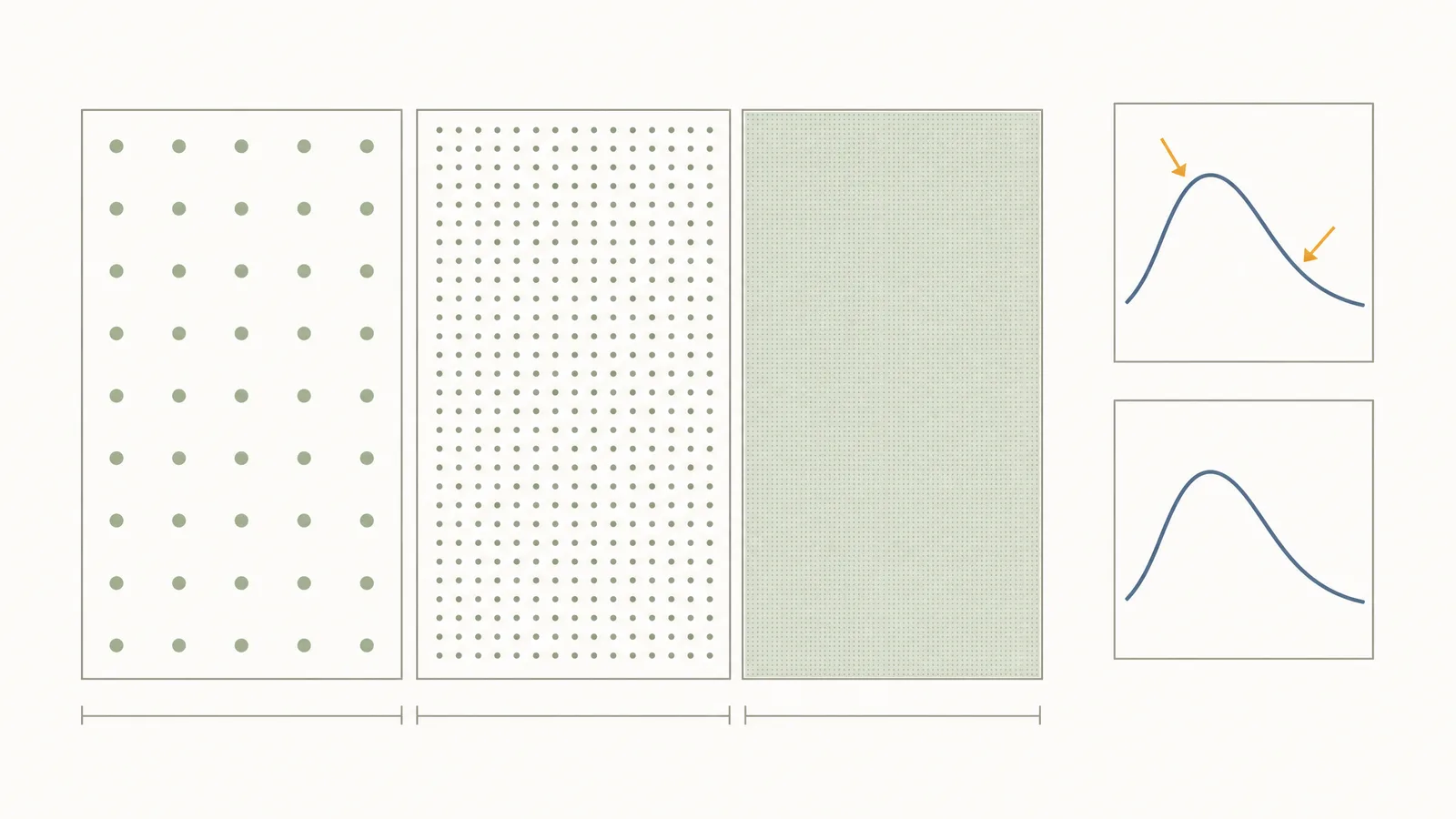
JAMA Figure and Formatting Requirements (2026)
JAMA requires 350 ppi for photographs and illustrations, 600 ppi for line drawings, vector files for graphs, and two versions of any labelled image.
 Alex Carter·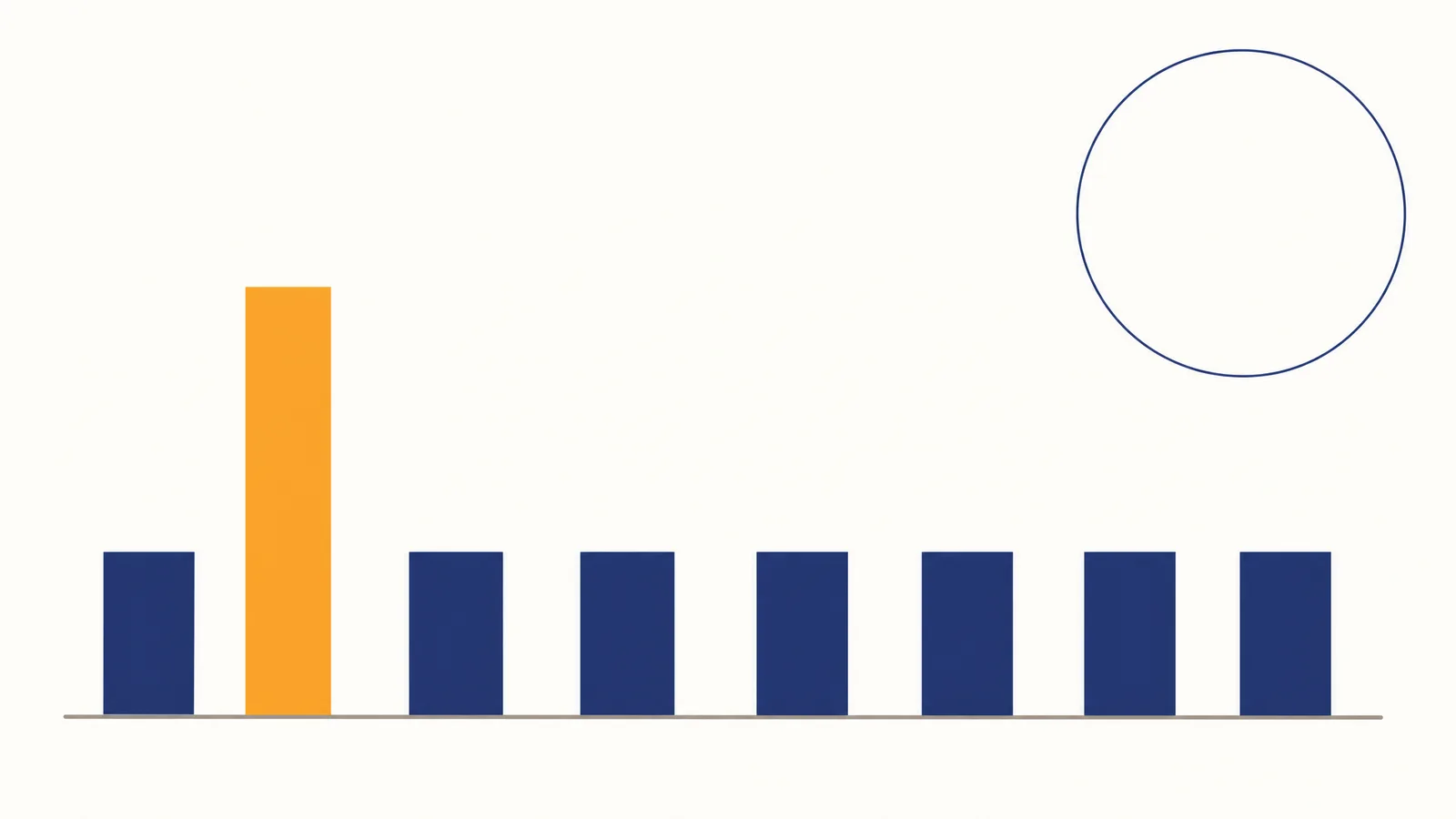
JAMA Impact Factor 2026: 65.4 (2025 JIF, 2026 JCR)
JAMA publishes a 65.4 Impact Factor on its own author pages, alongside a 10% acceptance rate, 4% for research papers, and a 2-day first decision.
Alex Carter·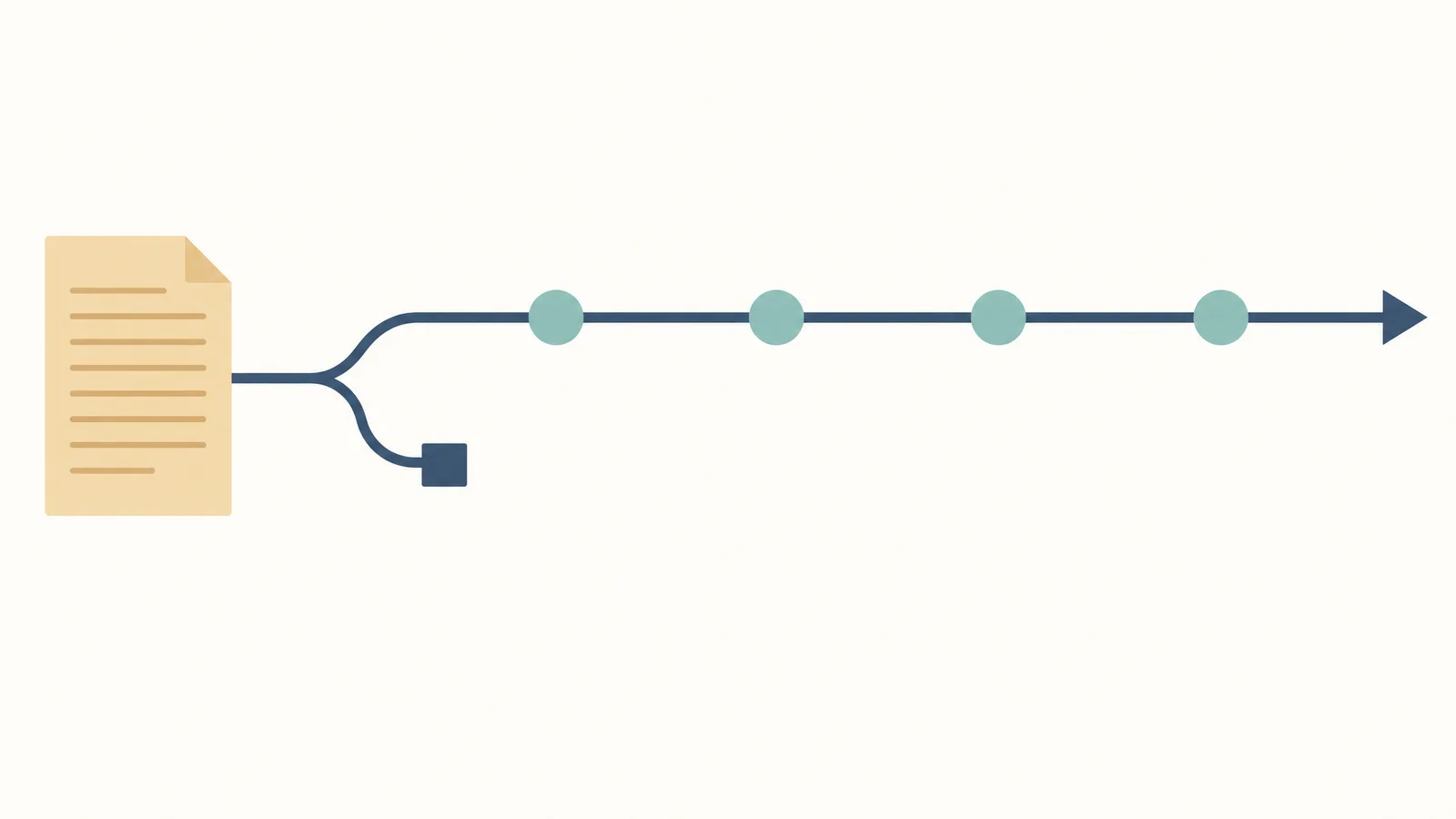
How to Submit to JAMA in 2026: Timeline, Costs, Decisions
JAMA accepts 10% of submissions and 4% of research papers, decides in a median 2 days without review, charges no author fees, and has no open access option.
Alex Carter·
Nature Medicine Figure and Formatting Requirements (2026)
Nature Medicine requires figure panels at 300 dpi minimum, 88 mm single-column or 180 mm maximum width, 5-7 pt sans-serif labels, and unflattened artwork.
Alex Carter·
Nature Medicine Impact Factor 2026: 52.5 (2025 JIF)
Nature Medicine publishes a 52.5 Impact Factor and a 52.5 five-year JIF, with a median 4 days to first editorial decision and 117 days to acceptance.
Alex Carter·
How to Submit to Nature Medicine (2026): Timeline, Costs
Nature Medicine decides in a median 4 days and accepts in 117 days. Gold open access costs $12,850, and initial submissions need no journal formatting.
Alex Carter·
PNAS Formatting Requirements 2026: Figures, DPI, Fonts
PNAS figure requirements: 8.7, 11.4, or 17.8 cm widths, 300–1200 ppi by image type, 6–12 point text, RGB color, and TIFF, EPS, PDF, or PPT files.
Alex Carter·
PNAS Impact Factor 2026: 9.5 (2025 JIF, 2026 JCR)
PNAS lists a 9.5 Impact Factor in its 2025 metrics, with a 13% acceptance rate, 10-day first decision, and 45-day first post-review decision.
Alex Carter·
PNAS Submission Guide 2026: Fees, Timeline, Review
How to submit to PNAS: acceptance, review stages, article limits, APCs, required files, six-month access, and AI disclosure for authors in 2026.
Alex Carter·
Science Advances Formatting 2026: Figures, DPI, Fonts
Science Advances figure rules: 300 dpi raster, 1200 dpi line art, 6-point type, 0.28-point lines, AI/PDF vectors, final widths, and export checks.
Alex Carter·
Science Advances Impact Factor: 13.9 (2025 JIF, 2026 JCR)
Science Advances reports a 13.9 two-year Impact Factor, 8.8% accept rate, turnaround medians, other metrics, quartile caveat, and submission fit.
Alex Carter·
Science Advances Submission 2026: Fees, Timeline, Review
How to submit to Science Advances: article limits, 8.8% accept rate, decision medians, $5,450 APC, reviewer files, and AI policy for authors.
Alex Carter·More on scientific figures
SciFig
Free AI Scientific Figure Generator for Illustrations, Images, Charts and Flowcharts
Pricing
View pricing
Tools
Three AI workspaces for figures, charts, and diagrams, plus free tools for every research figure.
Models
Default to GPT Image 2 for journal papers; switch to Nano Banana Pro for slides and posters; pick Nano Banana 2.1 for routine figure work
Tutorials
Seven short walkthroughs of the AI scientific figure generator
Inspiration
Explore publication-ready illustrations, charts and flowcharts. Copy a prompt or open any template as the starting point for your own figure.
The Best Color Palettes for Scientific Figures (2026)
Publication-grade and colorblind-safe color palettes for scientific figures, graphs, pie charts, combo charts, and diagrams, with HEX values.
18 Scientific Poster Examples to Learn From in 2026
18 scientific poster examples across biology, chemistry, medicine, and engineering — plus PhD examples, poster templates, and a poster-maker workflow.
How to Add Figures to a Research Paper
Step-by-step guide to including figures in research papers: placement, captions, DPI, vector formats, and journal-specific rules. Avoid common rejection causes.

Ready to start?
Publication-ready scientific figures, in minutes
Start Creating FreeFree to start · No credit card required · Built for researchers