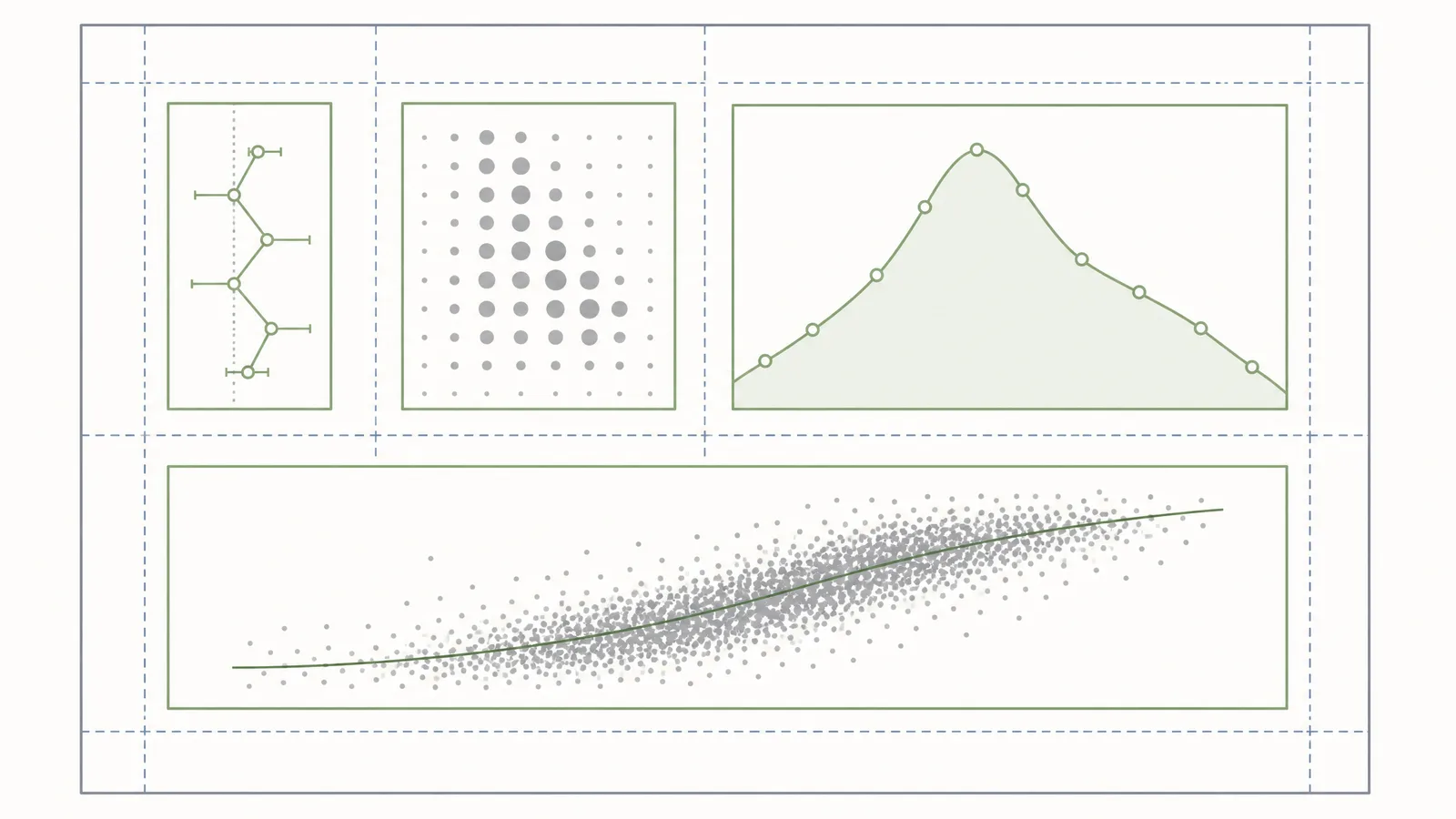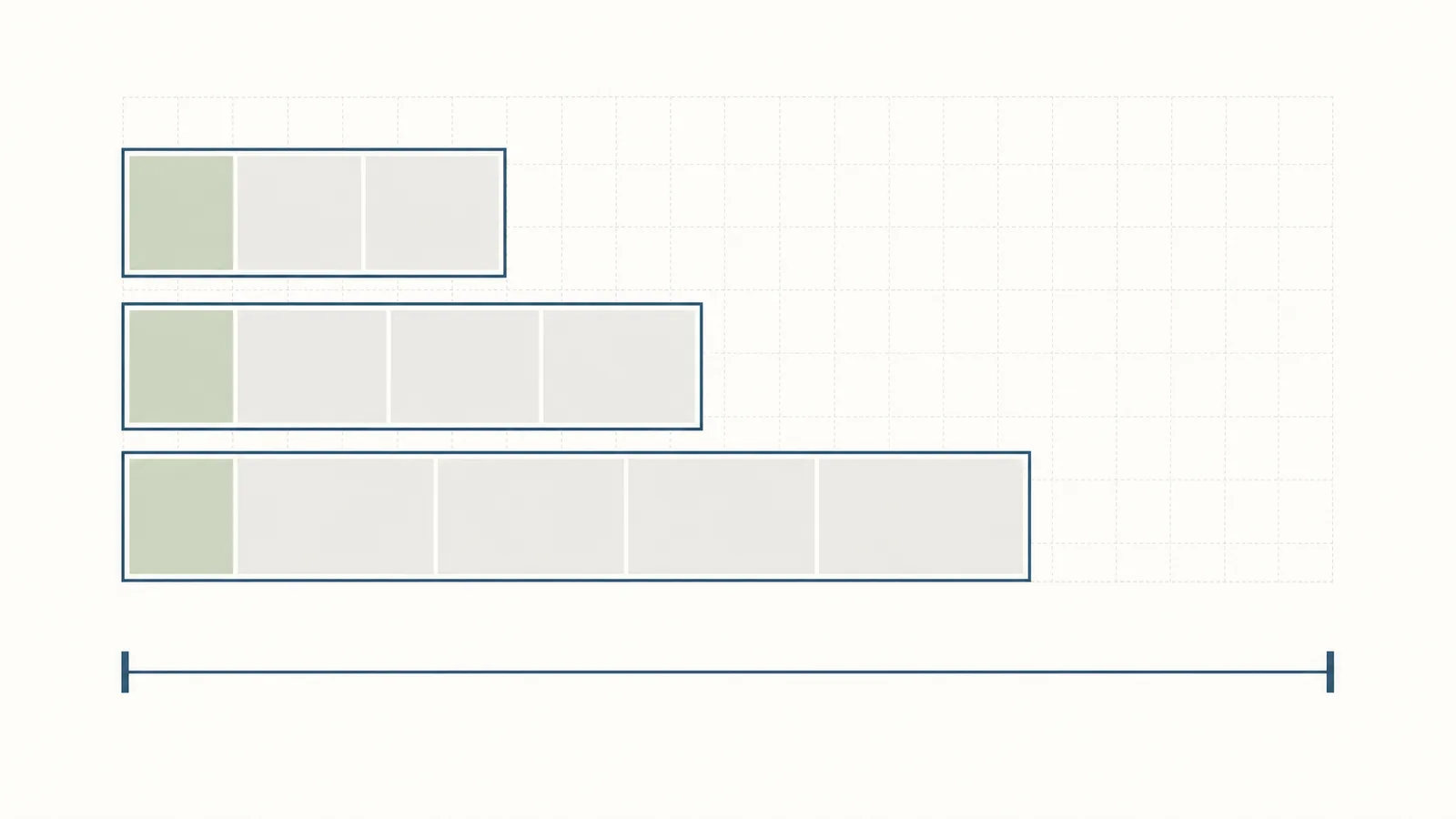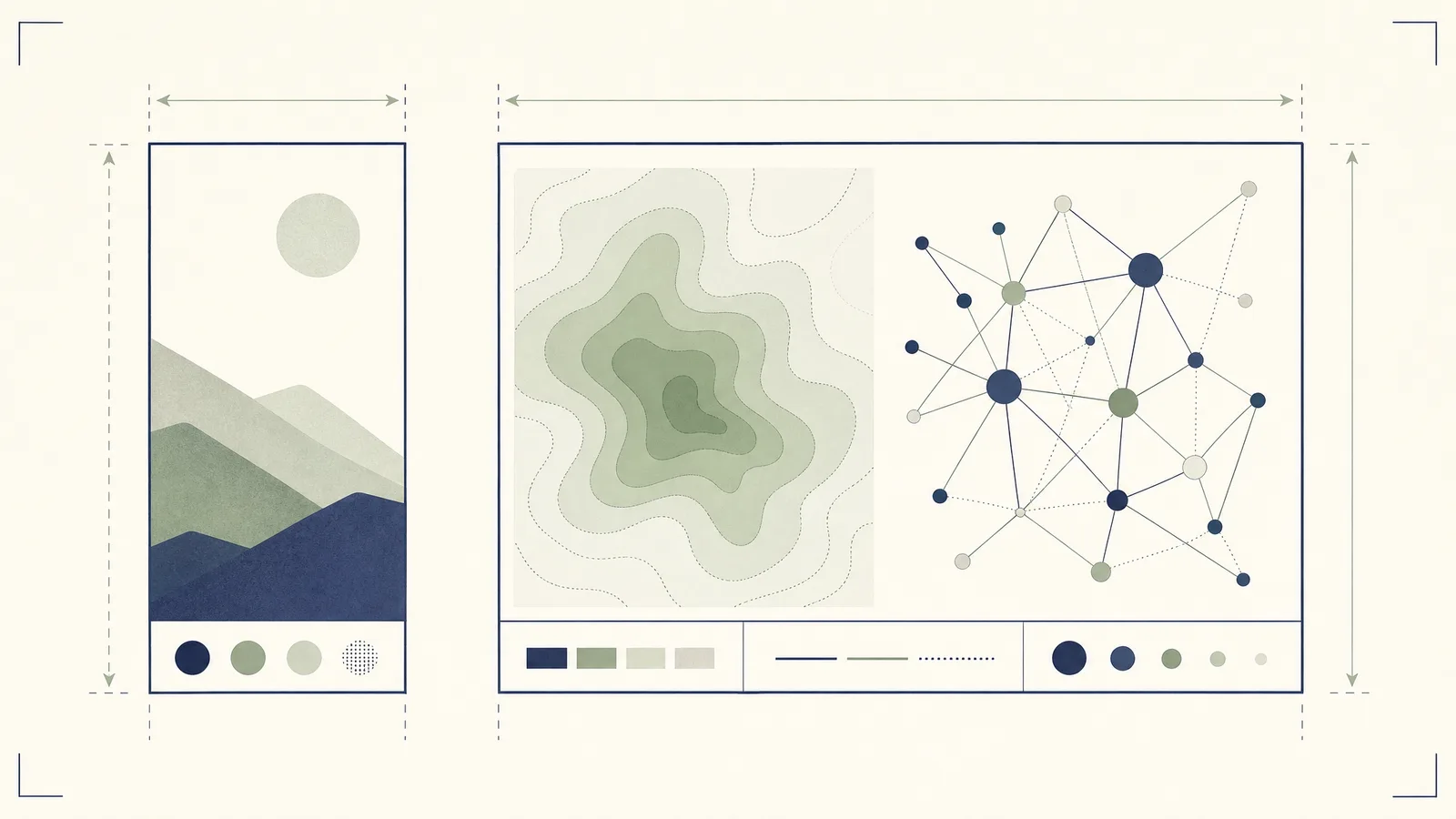
The most important workflow detail is that the initial submission is format-neutral, but the journal still expects figures embedded at first mention and the revised manuscript to follow its templates and figure guide. Build for the final specification early so a revision does not become a graphics rescue project.
Science Advances figure specifications at a glance
A scientific figure for this journal should be checked at final size, not only on the authoring canvas.
| Parameter | Requirement |
|---|---|
| Preferred vector files | AI or PDF |
| Black-and-white line art | TIFF or PNG, 1200 dpi minimum |
| Grayscale or color raster | TIFF or JPEG, 300 dpi minimum |
| One-column width | 3.55 inches |
| Two-column width | 7.25 inches |
| Recommended maximum depth | 7.8 inches |
| Minimum text size | 6 points |
| Panel labels | 9 point bold capitals |
| Minimum line weight | 0.28 point |
| Research article display items | 10 figures and/or tables combined |
| Supplementary PDF | 25 MB maximum |
The table separates file preparation from manuscript limits. A figure can meet the image guide and still make the paper exceed the article-type limit if you submit too many display items.
How wide can a figure be? Single vs double column
A practical check is to make the column width a document property in your illustration tool, then inspect text and line weights after reduction. If a label is readable only before the reduction, it is not ready for production.
What's the minimum font size inside a figure?
Use one family throughout the manuscript's figures. Keep the panel labels visually distinct, but do not make axis labels so small that they pass only on a high-resolution monitor.
Which file formats and resolutions does Science Advances accept?
Do not up-sample a small raster file and treat the larger pixel count as new information. The guide warns that artificial up-sampling does not improve quality and can create production problems. Keep the final figure files consistent with the figures embedded in the combined manuscript PDF.
Does Science Advances require a graphical abstract?
The author instructions say that graphic representations of the abstract are not permitted. They also say that figures and tables should be embedded at first mention. That is a manuscript rule, not a request to add a separate graphical abstract.
Use a normal scientific figure when the result needs a visual explanation, and keep the abstract as prose. Do not turn the abstract into a figure to work around the journal's instruction.
How many figures can you include?
The limit is separate from Supplementary Materials. Supplementary figures and tables have their own numbering and must be called out in the supplementary file in numerical order.
Supplementary, appendix, and extended data figures
Embed supplementary figures in the PDF and number them as Fig. S1, S2, and so on. Give every figure a title and caption, call every figure out in the text, and keep references in numerical order.
Word and page limits by article type
| Article type | Word limit | Display items | References |
|---|---|---|---|
| Research Article | up to 15,000 words | up to 10 figures and/or tables combined | 80 references |
| Review | 10,000 words | up to 10 figures and/or tables | 150 references |
Research Resources use the Research Article format and review process, although the editors decide whether to publish the work under that tag. Reviews are generally solicited, while unsolicited Reviews can be considered as complete manuscripts.
Templates: LaTeX or Word?
The initial submission has no required format: the publisher accepts a single DOCX or LaTeX and PDF package with the components in logical sequence. Science Advances provides a main paper template and a Supplementary Materials template, and revised manuscripts should follow the journal template.
Download the official files here:
For a first submission, prioritize a readable, complete package. For a revision, move to the journal template and verify that the figures in the manuscript PDF match the files you upload.
Title page, cover letter, and highlights
A complete package includes a cover letter, combined PDF, manuscript file, and any required auxiliary material. The submission portal also asks authors to suggest five potential reviewers and may accept up to three excluded reviewers. Related manuscripts under consideration or in press and data files required for review belong in the auxiliary package.
Science Advances does not use a separate highlights requirement in the author instructions captured for this guide. Follow the portal's current fields rather than adding a decorative summary file that the instructions do not request.
Formatting quirks specific to Science Advances
Three details are easy to miss:
- Titles can be up to 135 characters, with a short title up to 50 characters.
- The abstract is no more than 150 words, written as one paragraph with no citations, and graphic representations of the abstract are not permitted.
- Figure legends and tables must remain legible; figure legends may not exceed 250 words.
The initial file should contain the title, main text, references, legends, and any supplementary-material list in sequence. Figures and tables should be embedded at first mention.
Figure problems that trigger a revision request
The figure guide's hard checks are only part of the risk. Science Advances also states that digital enhancements or manipulations of images, including micrographs and gels, are not allowed. Linear adjustments must apply equally to an entire image or plate, and nonlinear adjustments must be described in the legend.
Build a Science Advances-ready figure
Use this order:
- Set the canvas to 3.55 inches or 7.25 inches wide and keep the height within the recommended 7.8 inches depth.
- Keep text at or above 6 points, panel labels at 9 point, and lines at or above 0.28 point after reduction.
- Export vectors as AI or PDF; export raster artwork at the right final-size resolution.
- Check the combined figure/table count and the supplementary-file limits.
- Compare the uploaded files with the embedded PDF before confirming the submission.
Make the figure editable before export
Set final width, type size, line weight, and export format before the manuscript enters revision.
Try FreeDoes Science Advances allow AI-generated figures?
Science Advances does not routinely permit AI-generated figures. AI-generated images and other multimedia are not permitted without explicit permission from the editors; AI tools cannot be authors, and a manuscript specifically about AI or machine learning may be considered case by case.
SciFig DataChart (data-driven charts) uses AI to plan the chart and prepare plotting code, then Python draws it precisely from your original table. SciFig FlowChart (flowcharts and diagrams) uses AI to generate native, editable SVG, and SciFig AI Illustration (AI scientific illustration) generates images with AI that you can vectorize and edit. For a Science Advances submission, the editors' permission rule above is the reference for any of them.
If your figure already exists:
- Raster figure that needs an editable SVG: use Vector Canvas for AI vectorization into an editable vector figure, with labels, elements, and layers ready for further editing.
- Existing figure that needs a quality boost: Figure Enhancer uses AI to clean up, upscale, and export it up to 8K.
- Other uses: These editing workflows also support grant figures, posters, defense slides, theses, and lab pages. For those, SciFig Text-to-Figure creates a new figure you can edit element by element, and each venue's AI policy is a useful reference.
Frequently asked questions
Sources
This page uses official Science Advances pages captured through a rendered browser session and reviewed in 2026.
- Science Advances — Information for Authors — initial submission, article types, manuscript limits, and supplementary files
- Science journals — Editorial Policies — AI authorship and contributor policy
- Science Advances — Guide to Preparing Figures — file types, resolution, dimensions, fonts, and line weight