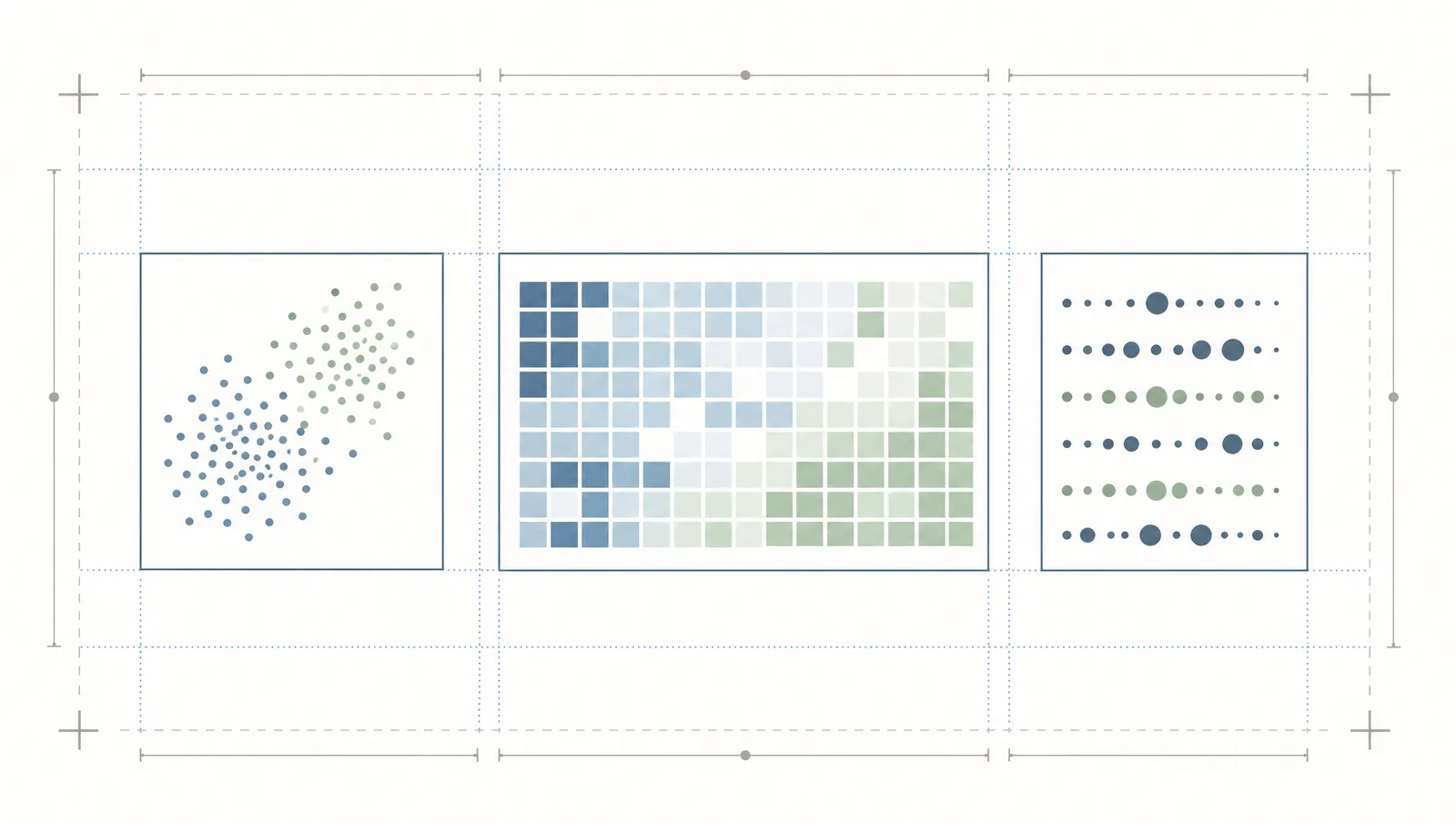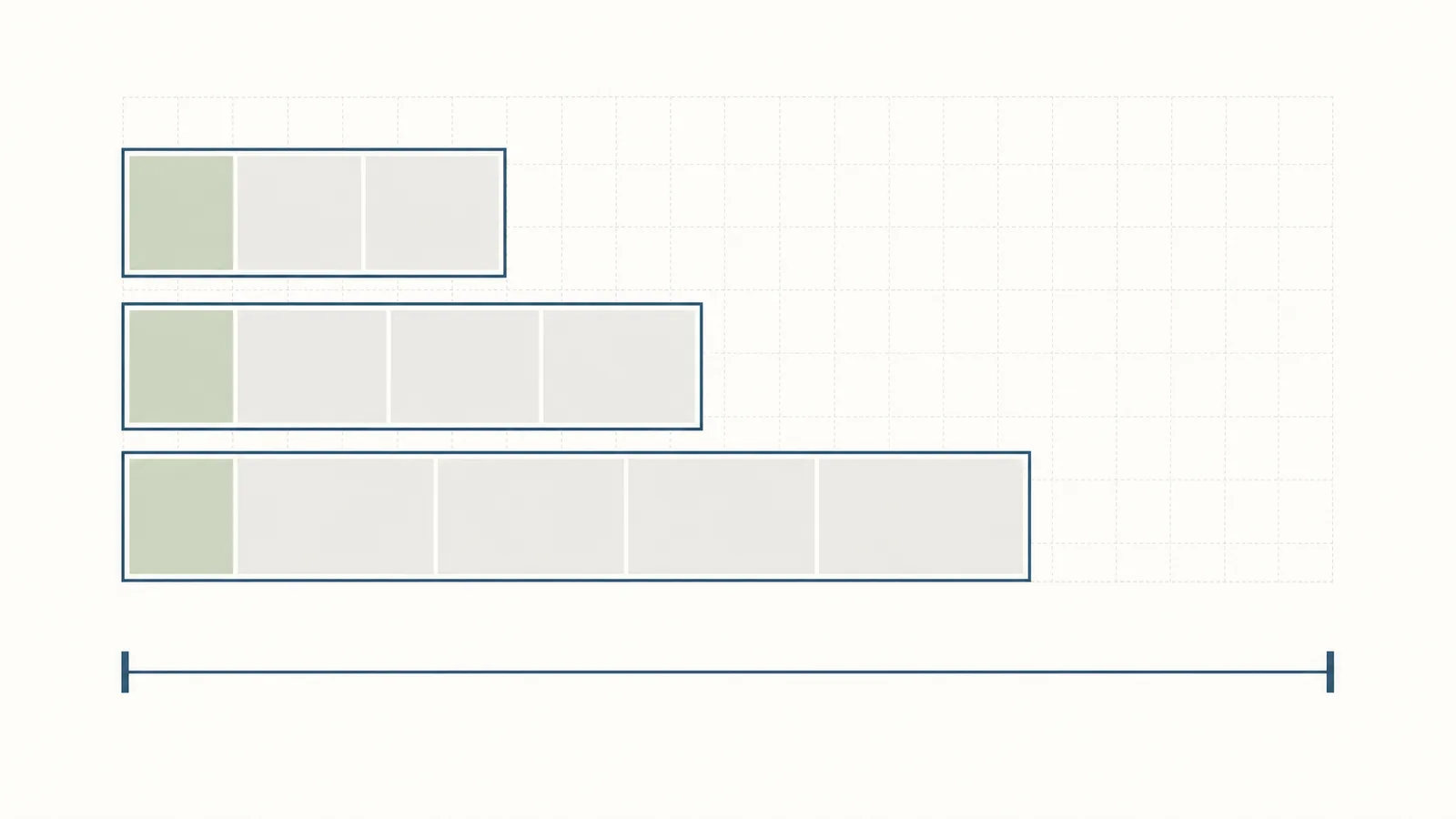
The workflow is as important as the numbers: PNAS has manuscript page and display-element expectations, and the submission system handles figure source files separately for LaTeX. Prepare the art at the size you want published, then check the final file and the compiled manuscript together.
PNAS figure specifications at a glance
A scientific figure for PNAS must remain legible after final-size reduction.
| Parameter | Requirement |
|---|---|
| One-column width | 8.7 cm |
| One-and-a-half-column width | 11.4 cm |
| Two-column width | 17.8 cm |
| Recommended maximum height | 22.5 cm |
| Text after reduction | 6 points to 12 points |
| Halftone without type | 300 ppi |
| Combination halftone | 600–900 ppi |
| Line art | 1000–1200 ppi |
| Color mode | RGB |
| Accepted figure files | TIFF, EPS, PDF, or PPT |
| Minimum vector line weight | 0.25 points |
PNAS's digital guide prefers vector files because they remain scalable. It also asks authors to embed fonts in vector files and keep the same font across the manuscript's figures.
How wide can a figure be? Single vs double column
Prepare the artwork at its intended final size rather than using the full page as a canvas. PNAS can decide the final published size and may ask authors to shorten a manuscript that exceeds the length requirement.
What's the minimum font size inside a figure?
The lower bound protects legibility; the upper bound keeps the graphic from carrying oversized display text. Check the reduced figure, not only the source canvas.
Which file formats and resolutions does PNAS accept?
Does PNAS require a graphical abstract?
The PNAS submission page lists the manuscript components, figures, tables, and legends, but it does not list a separate graphical abstract as a required component. Do not confuse an article figure with an optional cover image: PNAS handles cover images through a separate invitation and submission path.
If your result needs a visual summary, use an ordinary figure with a clear legend and call it out in the manuscript. Do not add an unlabeled graphical abstract file to the submission package unless the current submission system explicitly requests it.
How many figures can you include?
Supplementary, appendix, and extended data figures
PNAS calls its supplementary package an SI Appendix. Refer to it in the manuscript, number supporting figures and tables as S1, S2, and so on, and keep the main article self-contained without relying on the SI for its central logic.
For LaTeX submissions, upload each figure source separately as the Figure file type and keep tables in the main manuscript file. The submission page also requires data-sharing plans for data, documentation, and code used in the analysis.
Word and page limits by article type
| Article type | Typical or maximum length | Other limits stated by PNAS |
|---|---|---|
| Research Report | preferred 6 pages, maximum 12 pages | about 4,000 words, 50 references, 4 medium-size graphical elements for a standard 6-page example |
| Brief Report | 3 pages | about 1,600 words, 15 references, no additional SI tables or figures |
| Letter to the Editor | — | 500 words, 2 graphical elements, 10 references |
These are article-type rules, not a single journal-wide word limit. Read the relevant article-type description before choosing the layout.
Templates: LaTeX or Word?
PNAS provides a LaTeX template and an Overleaf workflow. The submission system runs PDFLaTeX, so the author page advises using the latest LaTeX2e and the supplied class, style, bibliography, and support files. For Word or RTF, keep tables editable and upload figure files in the accepted figure type.
Use the official file that matches your article type:
- Research Report: Word template or Overleaf template
- Brief Report: Word template or Overleaf template
- SI Appendix: Word template or Overleaf template
- Local LaTeX build: main
.tex, class, style, bibliography, and additional instructions
Avoid nesting, cross-referencing, and input commands that can cause LaTeX compilation errors. If the system-generated PDF is incomplete, PNAS allows an alternate PDF as a related manuscript file.
Title page, cover letter, and highlights
The initial package should include a title page, abstract, significance statement for Direct and Contributed Submissions, main text, references, figure legends, contact and competing-interest information, data-sharing plans, funding and license information, and at least three appropriate Editorial Board members, NAS members, and qualified reviewers.
Formatting quirks specific to PNAS
PNAS has three production quirks worth checking before upload:
- Figure source files are handled separately for LaTeX, while tables remain in the main manuscript file.
- The publication-ready guide expects images at final size and may reduce figures to fit the article length.
- PNAS includes alternative text for journal figures in the version of record beginning with Volume 123; production generates and reviews that text.
Keep source files, fonts, and the compiled PDF together until the production team confirms the final version.
Figure problems that trigger a revision request
PNAS also does not recommend figures submitted in Microsoft Office because they may take additional processing time and can delay publication. Use vector artwork for line art whenever possible.
Build a PNAS-ready figure
- Set the final canvas to 8.7 cm, 11.4 cm, or 17.8 cm wide and keep its height below 22.5 cm.
- Use RGB and choose 300 ppi, 600–900 ppi, or 1000–1200 ppi according to the image type.
- Keep text between 6 points and 12 points after reduction, embed the fonts, and keep vector lines at least 0.25 points.
- Export one of TIFF, EPS, PDF, or PPT, with vector artwork preferred for text and line art.
- Check the source figure, the compiled PDF, the legend, and the article-type page limit as one package.
Keep the source file editable
Final-size vector artwork makes PNAS width, type, line, and font checks possible before production.
Try FreeDoes PNAS allow AI-generated figures?
If your figure already exists:
- Raster figure that needs an editable SVG: use Vector Canvas for AI vectorization into an editable vector figure, with labels, elements, and layers ready for further editing. An existing SVG can be edited and exported manually in the same canvas.
- Existing figure that needs a quality boost: Figure Enhancer uses AI to generate the enhanced image, with cleanup, upscaling, and export up to 8K.
- Numerical charts from your own data: SciFig DataChart (data-driven charts) uses AI to plan the chart and prepare plotting code, then Python draws it precisely from your original table, so every plotted value is your data. Because AI takes part in the planning step, PNAS's image and disclosure policy above is the reference for whether and how to use it in a submission.
- Other uses: These editing workflows also support grant figures, posters, defense slides, theses, and lab pages. For those, SciFig Text-to-Figure creates a new figure you can edit element by element, and each venue's AI policy is a useful reference.
Frequently asked questions
Sources
This page uses official PNAS pages captured through a rendered browser session and reviewed in 2026.
- PNAS — Submitting Your Manuscript — article types, page and word planning, manuscript components, figures, and SI
- PNAS — Editorial and Journal Policies — AI disclosure and image policy
- PNAS — Digital Art Guidelines — resolution, color, fonts, width, and line-weight requirements
- PNAS — Publication Charges — current APC and license structure