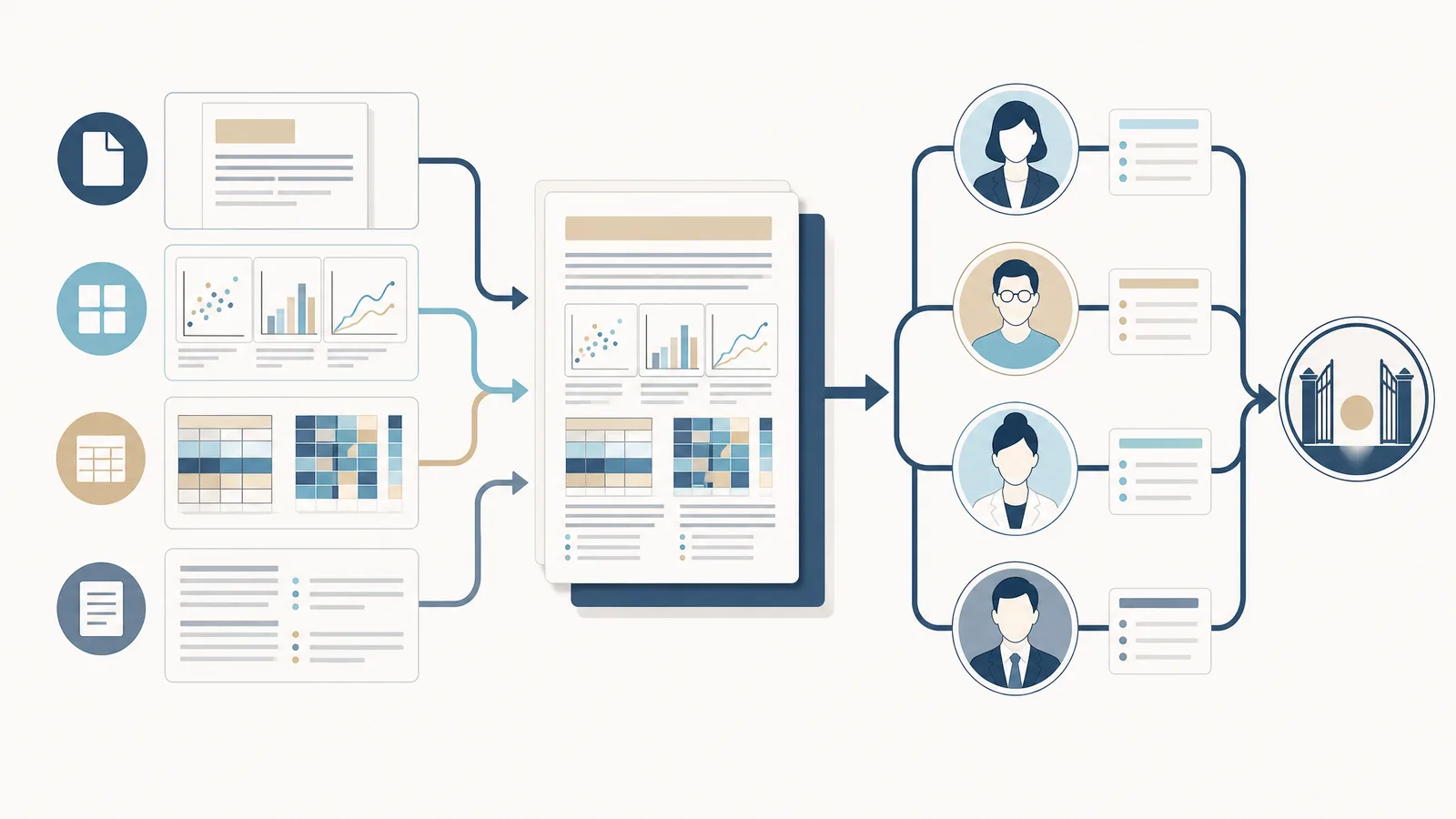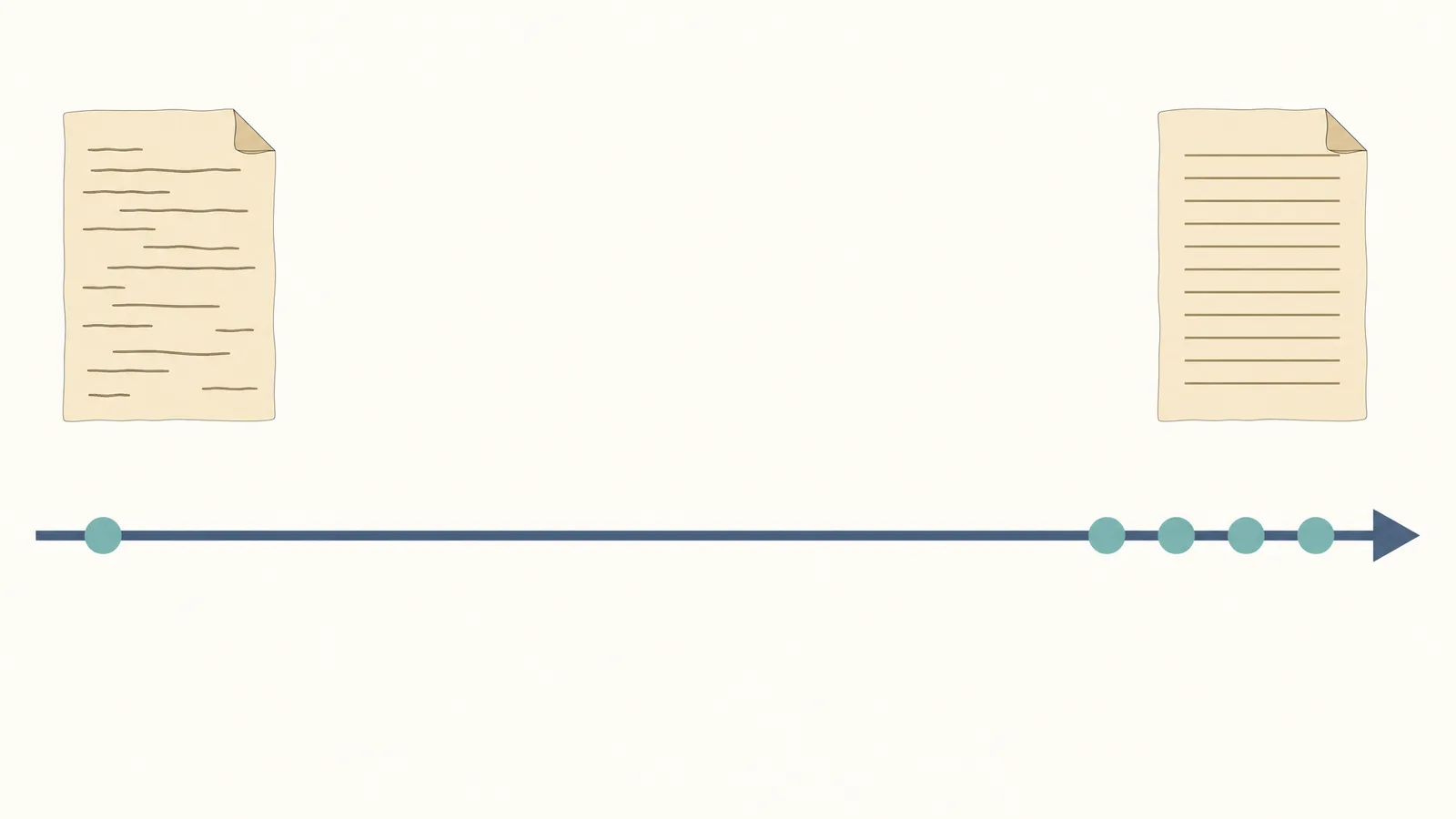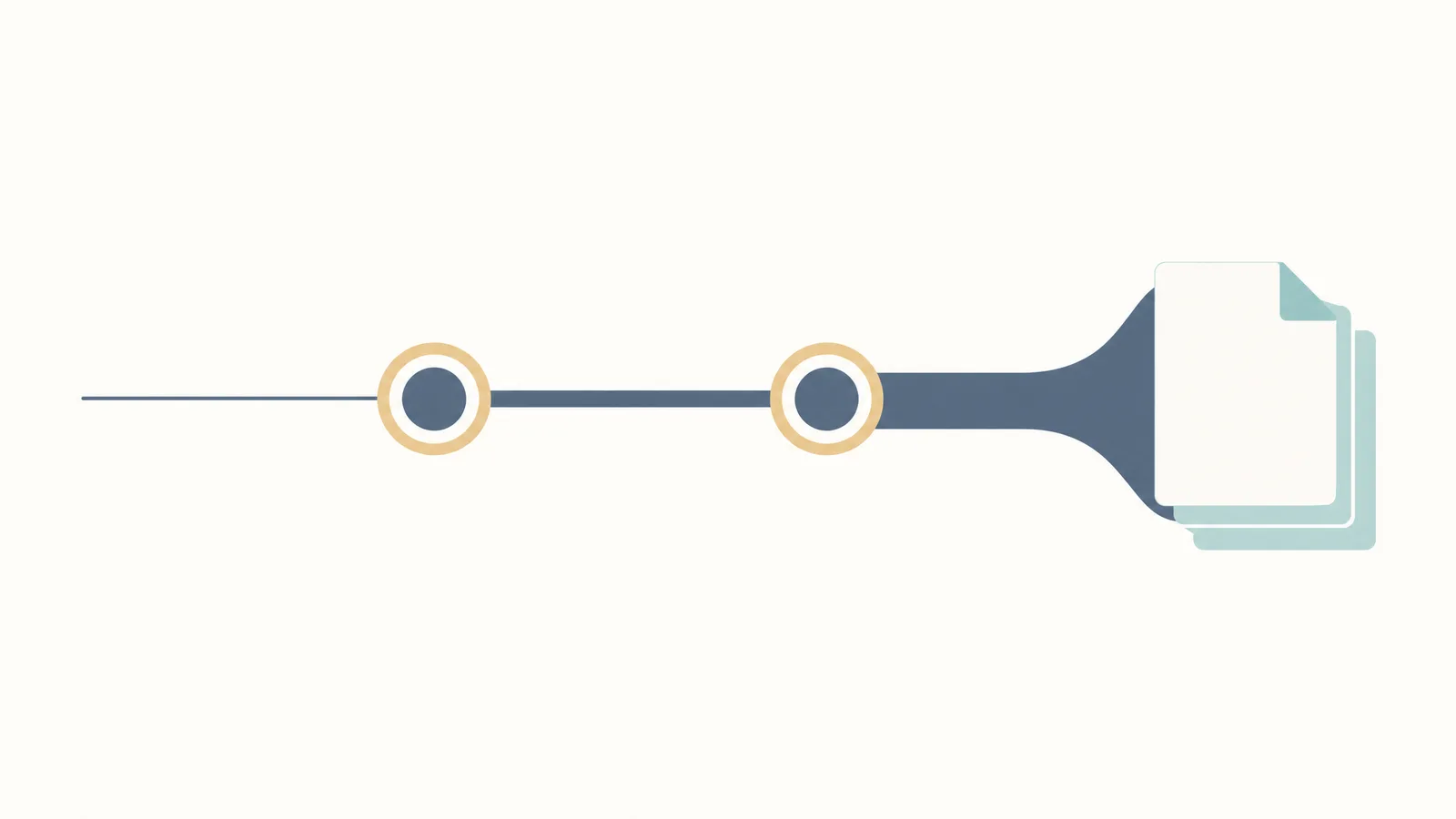
This guide follows the official author instructions. It keeps the publisher's stages and medians separate from portal labels that the public pages do not define.
Key numbers before you submit to Science Advances
A scientific figure should be ready for the journal's final-size checks before you confirm the manuscript package.
| Check | Official figure |
|---|---|
| Two-year Impact Factor (2025 JIF, 2026 JCR release) | 13.9 |
| Submissions, full year 2025 | 35,831 |
| Review rate | 16.4% |
| Accept rate | 8.8% |
| Median first decision | 8 days |
| Median first post-review decision | 58 days |
| Median submission to acceptance | 174 days |
| Median accept to publish | 33 days |
| Research Article length | up to 15,000 words |
| Figures and tables | up to 10 figures and/or tables combined |
| References | 80 references |
| Base APC | $5,450 |
The metrics table covers research articles, reports, and research resources and excludes reviews and analytical reviews. Use the article-type rules rather than assuming these values apply to every submission route.
How to submit to Science Advances, step by step
- Confirm fit and article type. Research Articles can be short or long format; Research Resources use the Research Article format; Reviews are generally solicited but complete unsolicited Reviews may be considered.
- Prepare the package. Upload a cover letter, a combined PDF containing the manuscript and figures, the manuscript file, and any auxiliary files. If you have Supplementary Materials, upload them as one PDF.
- Add reviewer information. The portal asks for the names, affiliations, and email addresses of five potential reviewers and allows up to three excluded reviewers.
- Add related material. Include related papers under consideration or in press, data files needed for review, permissions for in-press citations, and relevant material-transfer agreements when applicable.
- Validate and confirm. The publisher says a submission is not complete until it is confirmed. After all elements are uploaded, the portal home page shows the status as Received.
Do not treat an uploaded file as a complete submission until the confirmation step has finished. Keep a local copy of the exact combined PDF and the auxiliary-file list.
What happens after you upload: the timeline
The publisher's medians for the covered 2025 research content are:
| Stage | Median |
|---|---|
| Submission to first decision | 8 days |
| Submission to first post-review decision | 58 days |
| Submission to acceptance | 174 days |
| Acceptance to publication | 33 days |
The first decision is the editor's choice to send a manuscript to review or notify the authors of rejection. The first post-review decision follows external review and concerns revision or rejection. These are medians, not service-level guarantees.
What does each submission status actually mean?
Acceptance rate and desk rejection at Science Advances
A lower review rate than accept rate is not a contradiction: the tables use different denominators and stages. The public metrics page does not provide a separate desk-rejection percentage, so do not manufacture one from the two rates.
APC, open access, and waivers
Confirm the license and current institutional arrangement before submission. A discount or waiver is not the same as a guarantee: eligibility depends on the author's circumstances and the publisher's current policy.
Pre-submission checklist
- Is the central claim a major advance that fits the journal's multidisciplinary audience?
- Is the title no longer than 135 characters, with a short title no longer than 50 characters?
- Is the abstract no more than 150 words, in one paragraph, without citations?
- Are figures and tables embedded at first mention and within the 10 figures and/or tables combined limit?
- Does the research article stay within 15,000 words and 80 references?
- Is each figure legible at final size, with the correct format and resolution?
- Is the Supplementary Materials PDF no larger than 25 MB, with auxiliary files capped at 10 files and 25 MB combined?
- Are five potential reviewers, up to three excluded reviewers, related papers, and required data files ready?
- Is the $5,450 APC and chosen Creative Commons route compatible with the funding plan?
Turn the checklist into a clean submission package
Keep the combined PDF, editable figure sources, reviewer list, supplementary PDF, and license decision aligned before you confirm.
Explore the ToolWhat the official pages don't answer
The public pages leave three practical questions open, so close them inside this site instead of treating the missing field as the end of the answer:
- Quartile: the Science Advances Impact Factor guide gives the current supporting Q1 record and category rank.
- Portal status: the status section above explains the public meanings of Received and under evaluation, so you can match the label on your submission page to the right stage.
- Desk rejection: no standalone percentage is published; use the acceptance and desk-rejection discussion above plus the pre-submission checklist to judge fit, article type, and package completeness.
For figure-policy decisions, the next section gives the direct AI answer and the SciFig editing paths for both submission preparation and other research materials.
Does Science Advances allow AI-generated figures?
Science Advances does not routinely permit AI-generated figures. AI-generated images and other multimedia are not permitted without explicit permission from the editors; AI tools cannot be authors, and a manuscript specifically about AI or machine learning may be considered case by case.
If your figure already exists:
- Raster figure that needs an editable SVG: use Vector Canvas for AI vectorization into an editable vector figure, with labels, elements, and layers ready for further editing.
- Existing figure that needs a quality boost: Figure Enhancer uses AI to clean up, upscale, and export it up to 8K.
- Numerical charts from your own data: SciFig DataChart (data-driven charts) uses AI to plan the chart and prepare plotting code, then Python draws it precisely from your original table, so every plotted value is your data. Because AI takes part in the planning step, the editors' permission rule above is the reference for using it in a submission.
- Other uses: These editing workflows also support grant figures, posters, defense slides, theses, and lab pages. For those, SciFig AI Illustration (AI scientific illustration), starting from Text-to-Figure, and SciFig FlowChart (flowcharts and diagrams) create new figures you can edit element by element, and each venue's AI policy is a useful reference.
Frequently asked questions / Sources
- Science Advances — Information for Authors — submission package, article types, status, limits, and supplementary files
- Science Advances — Licensing and Charges — APC, licenses, discounts, and waivers
- Science family — Journal metrics — acceptance, review, turnaround, and citation-based metrics
- Clarivate — Journal Citation Reports 2026 — release naming and the statement that the 2026 release reflects 2025 data
- Science journals — Editorial Policies — AI authorship and contributor policy
- Science Advances — Guide to Preparing Figures — final-size figure specifications