BioRender AI is a set of paid AI tools inside BioRender, led by the Leo agent.
This guide covers every BioRender AI tool, which one to use for which figure, what the BioRender AI Add-On costs in 2026, what a free account actually gets, and the alternatives that do the same work.
BioRender AI now includes the Leo agent, Generate Editable Figure, the Protocol, Timeline and Flowchart generators, Make your own icon, two free helpers for search and titles, and an MCP connector for Claude, ChatGPT and Microsoft Copilot. Most of them draw on one pool of AI credits sold as an add-on to a BioRender plan.

What is BioRender AI?
BioRender AI is the name for the AI features built into BioRender's illustration canvas. Each tool handles a different step of making a figure, and all of them work inside BioRender.
| BioRender AI tool | What it does | Output | Uses AI credits |
|---|---|---|---|
| Leo | Plans a figure in a chat, draws four layout sketches, then builds a colored figure | Flat image or editable elements | Yes (drafts and extra sketches) |
| Generate Editable Figure | Turns a text prompt into three layout options | Editable figure | Yes |
| Protocol, Timeline, Flowchart | Turn a short description into an experiment protocol, a timeline or a flowchart | Editable draft | Yes |
| Make your own icon | Applies BioRender style, restyles an icon, removes a background or text, or makes a custom edit | Flat PNG | Yes |
| Smart Search and Narrate AI | Find icons by describing a concept; suggest titles and descriptions | Search results, text | No |
| MCP connector | Searches templates and drafts figures from Claude, ChatGPT or Microsoft Copilot | Draft figure in BioRender | Drafting only |
BioRender says its AI outputs are starting points and asks you to review figures for scientific accuracy before use. Your content is not used to train its AI models without consent, though the BioRender team may review prompts and figures to improve the tools.
Which BioRender AI tool should you use?
BioRender splits its AI tools by how far along your idea is.
- No plan yet, or a complex figure: use Leo. It asks planning questions, shows sketches to mark up and builds after you approve the plan, so it takes longer to reach a first draft. Read our BioRender Leo review for its steps, costs and limits.
- You already know the layout: use Generate Editable Figure. A clear prompt, an abstract or an SOP gives you three layouts to choose from.
- A process over steps or time: use Protocol for an experiment, Timeline for a study schedule or project plan, and Flowchart for a workflow or decision path.
- One icon or image needs changing: use Make your own icon when the library lacks the exact icon, or to make an uploaded image match BioRender's style.
- Working inside an AI assistant: use the MCP connector to search templates or draft a figure from a chat, then open it in BioRender to finish.
BioRender AI vs SciFig, tool by tool
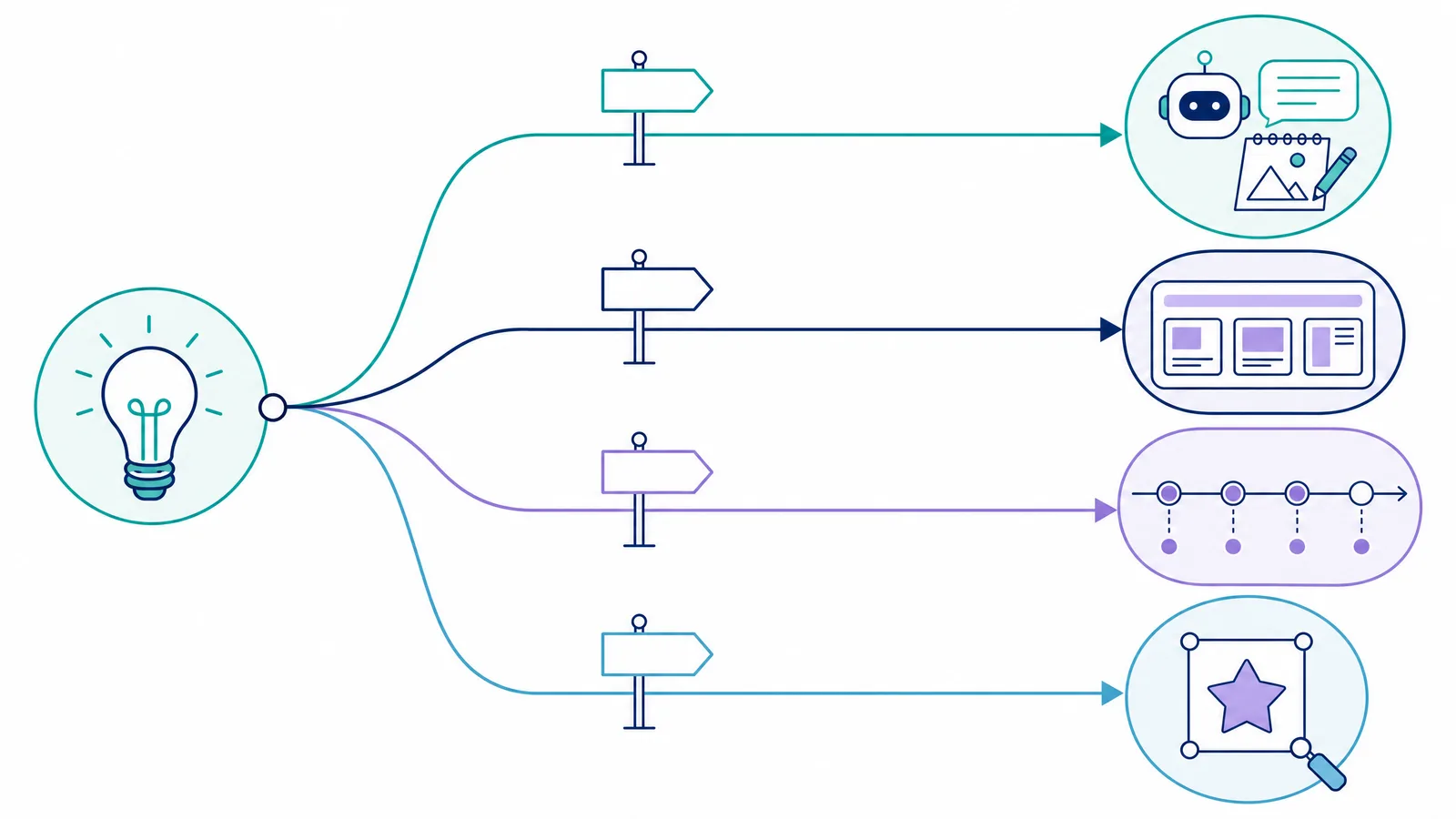
Every BioRender AI figure-making tool has a SciFig counterpart. The difference is that SciFig runs them on one account with free credits to start, and adds charts from your data.
| BioRender AI tool | SciFig counterpart |
|---|---|
| Leo (guided planning from an idea, paper, deck or image) | SciFig AI Illustration from a description, paper PDF, photo, reference image or sketch; Edit Text and Region Redraw refine it |
| Generate Editable Figure (prompt to editable layout) | SciFig AI Illustration Text-to-Figure, then conversion to an editable SVG in Vector Canvas |
| Protocol generator | SciFig FlowChart experimental workflow templates, drawn as native SVG |
| Timeline generator | SciFig FlowChart, with 33 timeline templates for study schedules, follow-ups and project plans |
| Flowchart generator | SciFig FlowChart, 53 templates including PRISMA and CONSORT, every box editable |
| Make your own icon (style, background, text, custom edit) | SciFig AI Illustration Photo and Reference modes in seven styles; Recolor, WhiteBG and Figure Enhancer for existing figures |
| MCP connector (Claude, ChatGPT, Copilot) | SciFig MCP server for Claude, ChatGPT, Codex, Cursor and other MCP clients, creating and editing figures, charts and flowcharts |
| BioRender Graphing (separate add-on, not AI) | SciFig DataChart builds 50 chart types from your CSV or Excel data on the same account |
BioRender AI pricing: the AI Add-On in 2026
BioRender sells AI usage as an add-on subscription with its own billing cycle, measured in approximate custom figures. Free users are asked to upgrade to a paid plan first, and the add-on cannot be bought during the 14-day free trial.
| AI Add-On plan | Academic individual | Industry individual | Academic lab (shared) | Industry team (shared) |
|---|---|---|---|---|
| Basic | $5/month or $48/year, about 5 custom figures a month | $25/month or $240/year | $25/month or $240/year, about 25 figures per team | $125/month or $1,200/year |
| Pro (about 4× Basic) | $15/month or $144/year | $75/month or $720/year | $75/month or $720/year | $375/month or $3,600/year |
| Max (about 20× Basic) | $35/month or $420/year | $175/month or $1,680/year | $175/month or $1,680/year | $875/month or $8,400/year |
| SciFig, per standard AI figure | About $0.35 on yearly Starter ($8.33/month) | — | — | — |
| Paid credits roll over, never expire | SciFig: yes, on every plan | BioRender: no | BioRender: no | BioRender: no |
Is BioRender AI free?
Refine Figures in the Vector Canvas
Open any AI-generated figure in the editable canvas — layered SVG, 8K PNG, or editable PPTX.
Try FreeCan you edit BioRender AI figures?
It depends on the tool. Leo figures can be added as editable elements, and Generate Editable Figure and the Protocol, Timeline and Flowchart drafts are built from BioRender components, so their parts stay editable. Images from Make your own icon and the custom figure generator come out as flat PNGs, which you refine with BioRender's AI image editing tools.
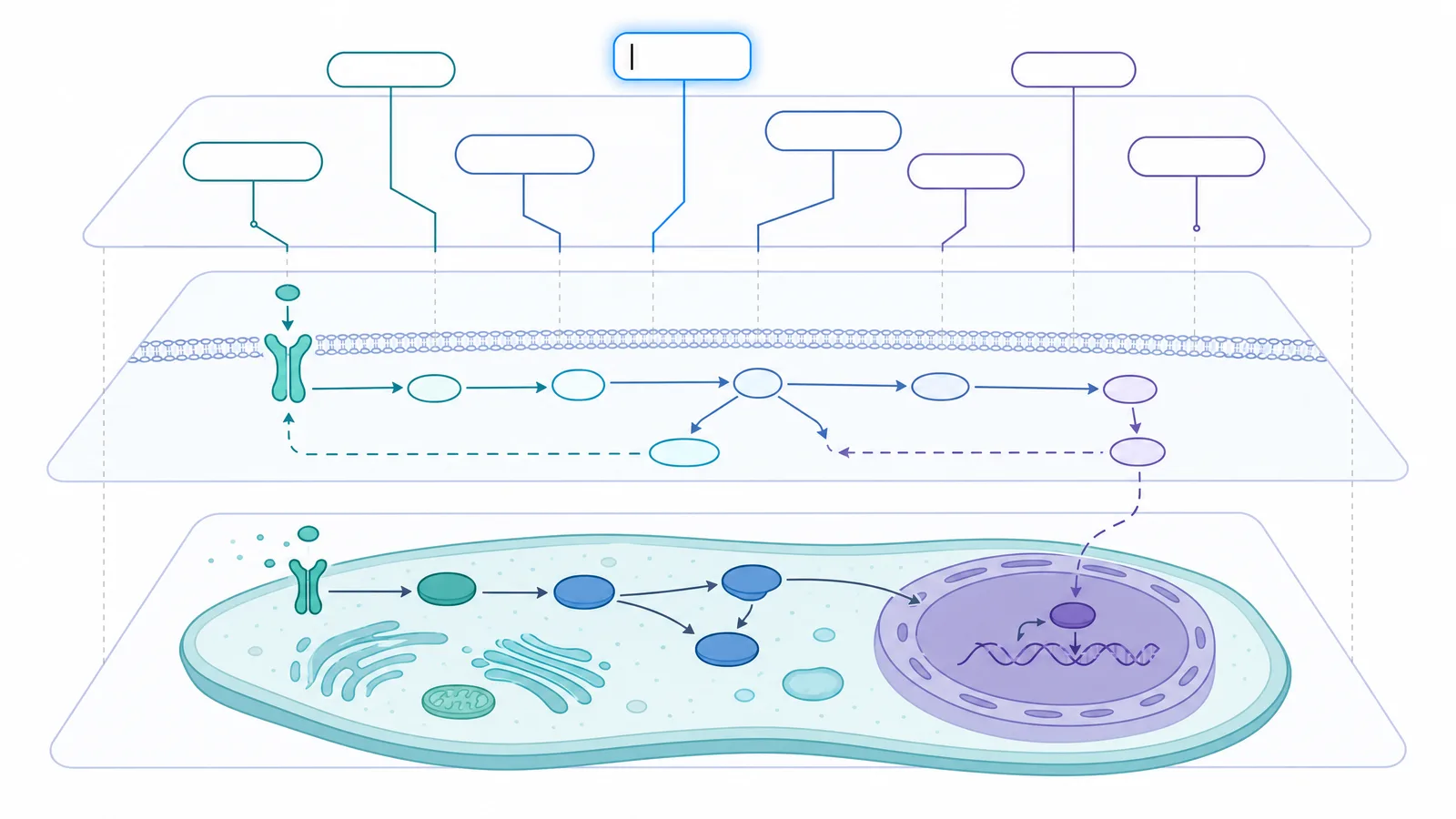
BioRender MCP: BioRender inside Claude, ChatGPT and Copilot
The BioRender MCP connector links BioRender to an AI assistant. It is available on all BioRender plans.
- What it does. Search BioRender templates by topic, find your own and shared files, and draft a new figure from a description, a sketch or a template, then open it in BioRender to keep editing.
- Where it works. Claude (connector directory), ChatGPT (plugins) and Microsoft 365 Copilot, which needs an admin to turn it on.
- What it costs. Searching is free; drafting a figure uses your BioRender AI credits.
- What the assistant sees. Your searches, chosen files, prompts and drafts are shared with the assistant you connect.
SciFig has its own MCP server for Claude, ChatGPT, Codex, Cursor and other MCP clients. From a chat you can generate and edit SciFig AI Illustration figures, build SciFig DataChart charts from pasted data, create and edit SciFig FlowChart diagrams, upscale figures and convert formats, all on the same account as the website.
BioRender AI alternatives: SciFig, FigureLabs and FigPad
If an add-on on top of a subscription is more than you want to pay, or you need charts and flowcharts from the same tool, these BioRender AI alternatives cover the same work.
| Tool | AI tools | Free start | Paid plans from | Paid credits | Export |
|---|---|---|---|---|---|
| SciFig | AI Illustration from text, PDFs, sketches or photos; DataChart; FlowChart; MCP server | 3 figures on day one, up to ~44 in the first month; publication and commercial use | $8.33/month billed yearly | Never expire, on any plan | SVG, PPTX, 8K PNG, JPG; SciFig DataChart adds PDF, EPS, TIFF |
| BioRender AI | Leo, Generate Editable Figure, Protocol, Timeline, Flowchart, icon editing, MCP | One-time AI credits for image tools; up to 3 figures, no publication use | $35/month billed yearly plus AI Add-On from $48/year (academic) | Expire each billing period | PNG, JPG, PPTX, PDF |
| FigureLabs | AI illustrations, research flowcharts and data plots | 150 one-time credits + 50 a day; non-commercial use only | $9/month billed yearly | Reset each billing cycle | PNG, JPG; SVG and PPTX on paid plans |
| FigPad | AI figures from text, sketches, references or papers across six image models | 2 credits, valid 30 days | $12 credit pack; $12/month billed yearly | Packs never expire; plan credits expire | PNG, JPG; SVG and editable PPTX after conversion |
FigureLabs
FigureLabs puts illustration, flowchart and plotting tools in one AI product, with daily free credits. Free output is limited to non-commercial use, and a vector SVG or PPTX export costs 150 credits.
SciFig: one free account for every BioRender AI job
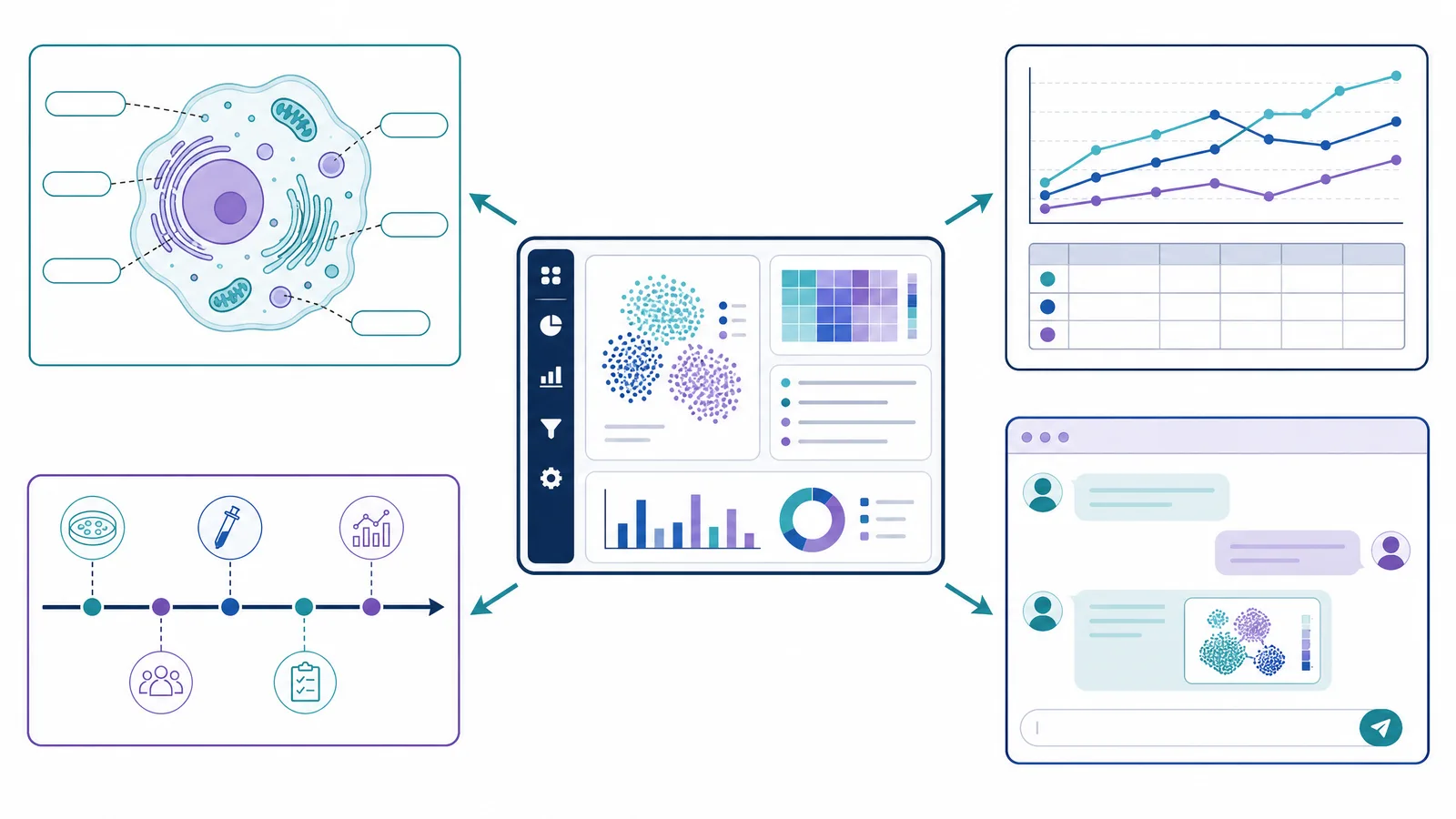
BioRender AI adds tools to an icon library, and charges for them separately. SciFig is an AI figure platform, so one account takes a figure from your material to an editable, publishable file:
- From your own material. SciFig AI Illustration (AI scientific illustration) turns a text description, a paper PDF, a sketch, a photo or a reference image into a finished scientific figure, in a style you choose.
- Corrections without a redraw. Edit Text, Region Redraw and Quick Edit change one label or area and leave the rest of the figure as it is.
- Protocols, timelines and flowcharts. SciFig FlowChart (flowcharts) draws 148 templates of workflows, timelines, cycles and model architectures as native SVG.
- Charts from real data. SciFig DataChart (charts and graphs from your data) builds 50 chart types from CSV or Excel files, with no separate graphing add-on.
- Inside your AI assistant. The SciFig MCP server creates and edits figures, charts and flowcharts from Claude, ChatGPT, Codex or Cursor.
- Free start, full rights. 3 figures on day one, up to about 44 in your first month, and a free license PDF for publication and commercial use.
FigPad
FigPad offers six image models at a low price per generation and a free in-browser SVG editor. Its sign-up allowance is 2 credits, and vector conversion is charged per figure version.
See AI Scientific Figure Generation in Action
Watch how researchers create publication-ready scientific figures from text descriptions.
Explore the Tool