FigPad is a low-cost AI figure tool, but new accounts get only 2 free credits.
This FigPad review covers FigPad pricing, how FigPad credits are spent, how much the free allowance really gives you, what you can edit and export, and whether FigPad is safe to pay for.
To help you choose, we also compare three FigPad alternatives side by side: SciFig, FigureLabs and BioRender, on how figures are made, the free start, price, paid credits and export.

What is FigPad?
FigPad turns a text description, a sketch, a reference image or a paper into a scientific figure, then lets you refine it in the same workspace. It covers illustrations, graphical abstracts, flowcharts with starter templates, and posters built from a paper PDF.
- Six image models. You can switch between GPT Image 2, GPT Image 2.5 Flare and Sunburst, Nano Banana 2, Nano Banana Pro and Seedream 5.0 Lite.
- Edits without starting over. FigPad detects the labels in a figure so you can fix a term, and you can lasso a region and describe a change while the rest stays put.
- Exports. PNG and JPG, plus editable SVG and an editable PPTX built from that SVG.
- Free side tools. An in-browser SVG editor that needs no sign-in, and a multi-panel layout tool with journal column-width presets.
FigPad is a new product: its domain was registered in April 2026, so there are still few independent reviews of it.
FigPad pricing and credits in 2026
FigPad pricing is credit-based: FigPad sells one-time credit packs, monthly plans and yearly plans. Every paid option includes all figure tools and models, layered SVG and editable PPTX export, and a publication certificate.
| Option | Price | Credits | Credits expire |
|---|---|---|---|
| Starter Pack | $12 one-time | 95 | Never |
| Standard Pack | $39 one-time | 350 | Never |
| Heavy Pack | $99 one-time | 1,050 | Never |
| Lab Pack | $249 one-time | 3,000 | Never |
| Plus, monthly | $29/month | 450 a month | End of each month |
| Pro, monthly | $49/month | 900 a month | End of each month |
| Starter, yearly | $144/year ($12/month) | 2,400 | After 365 days |
| Plus, yearly | $240/year ($20/month) | 5,400 | After 365 days |
| Pro, yearly | $348/year ($29/month) | 10,800 | After 365 days |
Is FigPad free?
FigPad is free to try, not free to use: the FigPad free allowance is 2 credits after email verification, valid for 30 days, which is one standard generation. Inviting a colleague adds 4 credits for each of you, up to 15 invites, and those credits also expire after 30 days. Converting a figure to editable SVG costs 4 credits, so the sign-up credits alone do not cover an SVG export.
FigPad's in-browser SVG editor and multi-panel layout tool are free, and figures made on any plan come with publication and commercial-use authorization.
Refine Figures in the Vector Canvas
Open any AI-generated figure in the editable canvas — layered SVG, 8K PNG, or editable PPTX.
Try FreeIs FigPad good? Our FigPad review of strengths and limits

FigPad is a capable drafting tool with low per-generation prices, but its output still needs a careful check before it goes into a paper. Here is what the product offers and what published evaluations found.
- Low cost per attempt. At 2 credits per generation, trying several versions of a figure costs cents.
- Model choice. Six image models let you pick a style or switch when one model struggles with a subject.
- Targeted fixes. Label editing and lasso region edits change part of a figure without regenerating all of it.
- Generous rights. Publication and commercial-use authorization applies on the free plan too, with a verifiable certificate.
- Accuracy still needs an expert. In Editage's comparison of AI tools for graphical abstracts, the FigPad figure looked publication-ready but used minimal text, arrows that did not clearly show the flow of information and generic visuals for the method, and it needed further editing in FigPad or another design tool.
- A tiny free trial. Two credits cover one generation, so you have to pay or invite colleagues to judge the tool properly.
- No refunds on purchases. FigPad's terms make purchases non-refundable unless the law requires otherwise; a refund or credit for service outages or billing errors is at FigPad's discretion.
- Subscription credits expire. Monthly plan credits end with each billing month and yearly credits after 365 days.
Can you edit FigPad figures? SVG and PPTX export
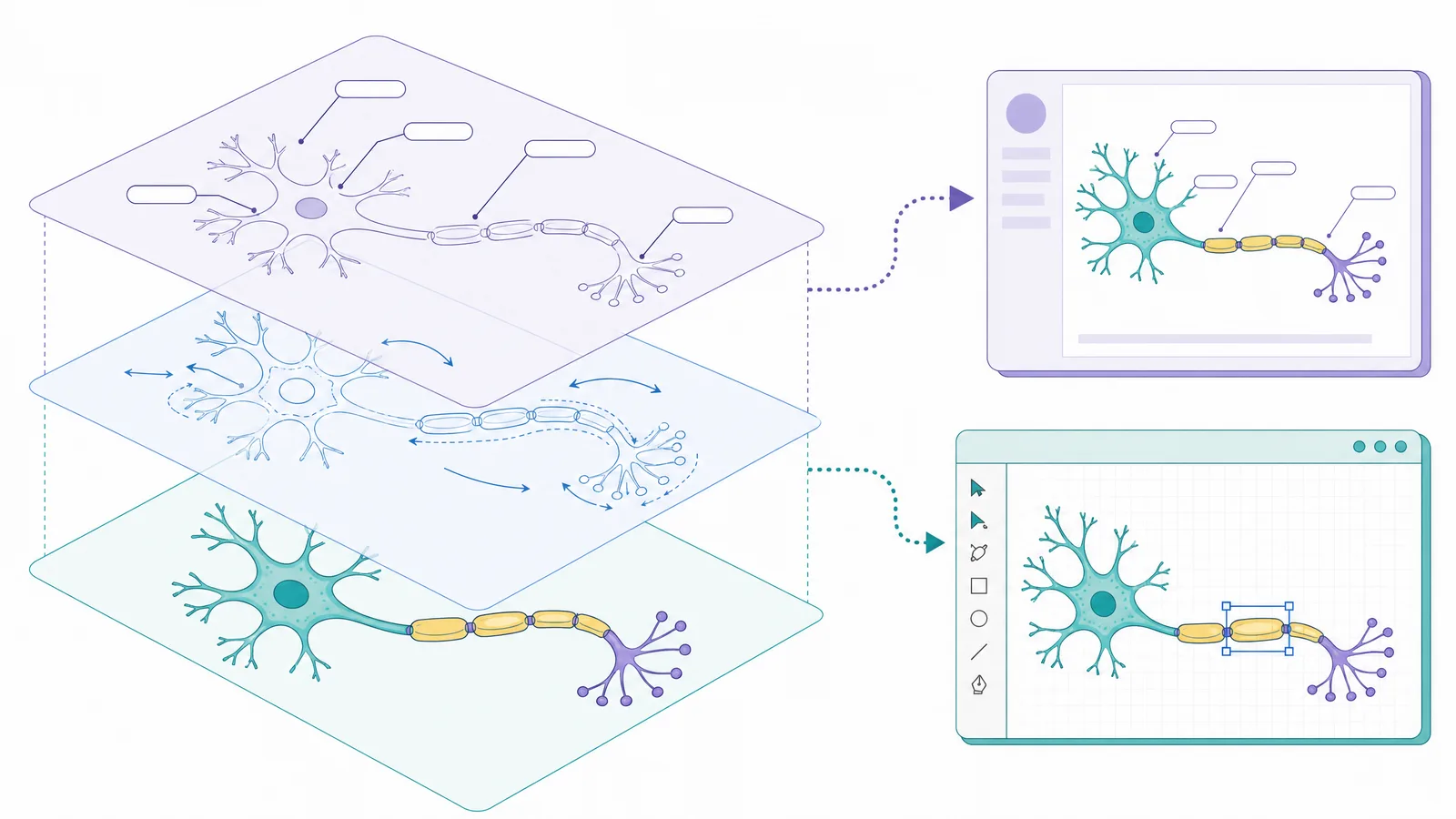
Yes. FigPad converts a generated figure into SVG for 4 credits per figure version, and that conversion also unlocks an editable PPTX and its canvas. You can then change fills, strokes and text in Illustrator, Inkscape, PowerPoint or FigPad's own SVG editor.
Two points are worth knowing before you rely on it:
- The SVG is a conversion of an image. FigPad vectorizes the generated picture, so check that labels arrive as editable text and that small details survive before you submit.
- Each version is charged. Editing a figure and converting it again costs another 4 credits.
Is FigPad legit and safe to pay for?
FigPad is a real, working product, but it is young, so pay with care: its domain is about six months old. Payments go through standard card processing with invoices, including Apple Pay and Google Pay.
- Data. FigPad says it does not use your prompts, uploads or figures to train its own models. It sends them to third-party model providers to generate results, so avoid uploading sensitive or patient data.
- Rights. Figures come with a non-exclusive, perpetual authorization for academic and commercial use. FigPad's certificate is not a copyright registration and does not guarantee journal acceptance.
- Refunds. Purchases are non-refundable, so start with the smallest pack.
FigPad alternatives: SciFig, FigureLabs and BioRender
If the FigPad pricing model or its small free allowance does not fit, these FigPad alternatives cover the same jobs. Each one is compared on how figures are made, the free start, price, paid credits and export.
| Tool | How figures are made | Free start | Paid plans from | Paid credits | Export |
|---|---|---|---|---|---|
| SciFig | SciFig AI Illustration from text, PDFs, sketches, photos or existing figures; SciFig DataChart from your data; SciFig FlowChart for native SVG diagrams | 3 figures on day one, up to ~44 in the first month; publication and commercial use | $8.33/month billed yearly | Never expire, on any plan | Editable PPTX, layered SVG, 8K PNG, JPG; SciFig DataChart adds PDF, EPS, TIFF |
| FigPad | AI generation from text, sketches, reference images or papers, with six image models | 2 credits (one generation), valid 30 days | $12 credit pack; $12/month billed yearly | Packs never expire; plan credits expire | PNG, JPG; SVG and editable PPTX after conversion |
| FigureLabs | AI generation for illustrations, flowcharts and data plots | 150 one-time credits + 50 a day; non-commercial use only | $9/month billed yearly | Reset each billing cycle | PNG, JPG; SVG and PPTX on paid plans |
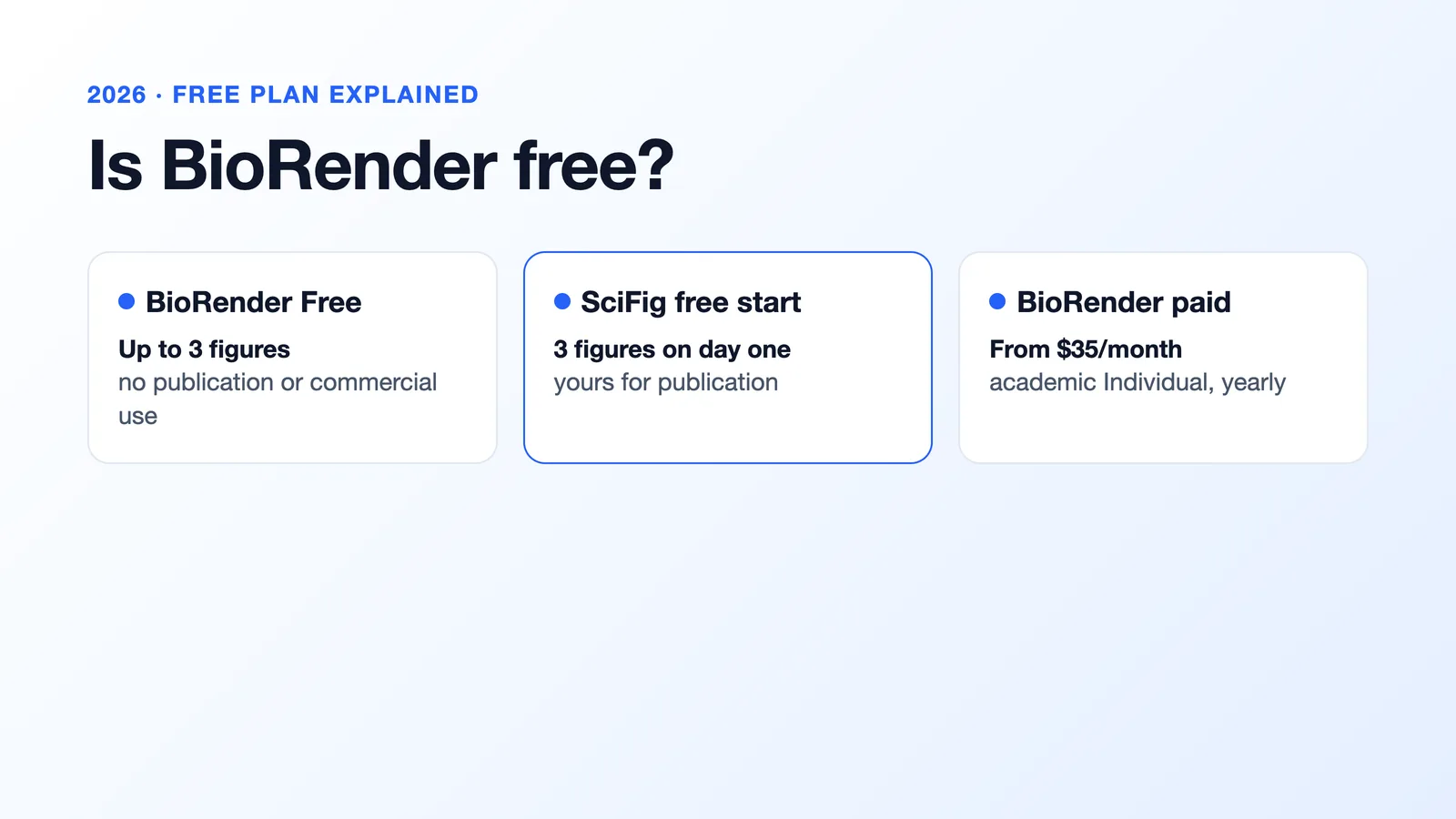
| BioRender | Manual assembly from 50,000+ icons and templates, plus an AI drafting tool | Up to 3 figures, watermark, no publication use | $35/month billed yearly (academic) | — | PNG, JPG, PPTX, PDF |
FigureLabs
FigureLabs generates illustrations, research flowcharts and data plots in one product and lets paid users switch image models. Its free plan is more generous than FigPad's, but free figures are for non-commercial use only, and each vector export uses 150 credits.
SciFig: the FigPad alternative you can test for free
A figure tool is hard to judge on one free generation, and an AI draft is only useful if you can fix it and publish it. SciFig gives you enough free credits to test it on a real figure, then covers the whole figure workflow:
- Test it properly for free. Make 3 figures on day one and up to about 44 in your first month, with publication and commercial use and a free license PDF.
- Fix labels in place. Edit Text corrects any word without redrawing the figure, and Vector Canvas edits every label, shape and color.
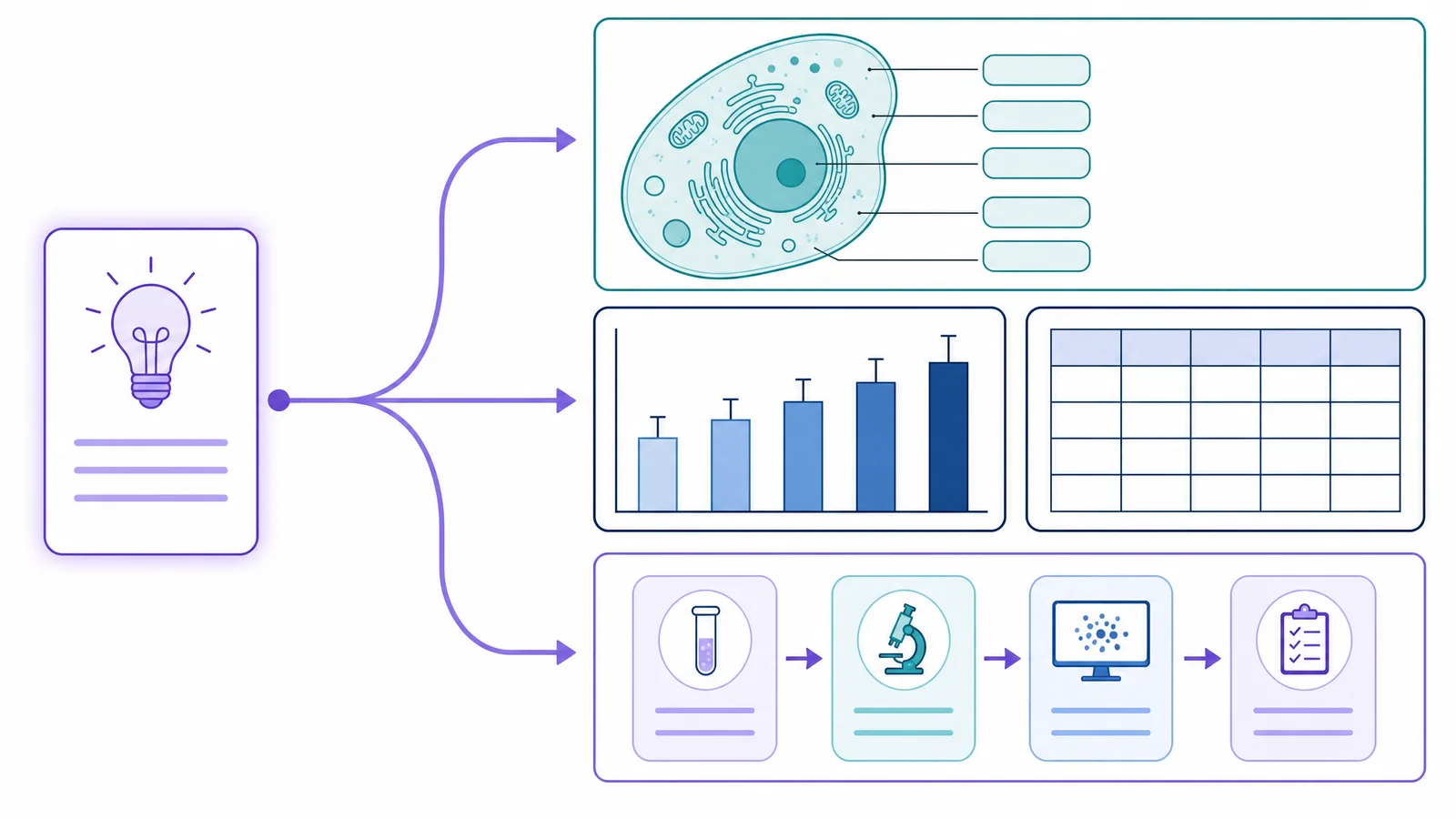
- More than illustrations. Start from text, a PDF, a sketch or a photo in the SciFig scientific figure generator; build charts from your own data with SciFig DataChart (charts and graphs from your data); and draw study workflows as native SVG with SciFig FlowChart (flowcharts).
- Credits you keep. Paid credits never expire on any plan, even after you cancel.
BioRender
BioRender is the established life-science editor, with a library of more than 50,000 icons and templates and shared team folders. Labels are typed by hand, so spelling is exact, but figures take longer to build. Publication use starts with a paid plan, and AI generation is an add-on.
See AI Scientific Figure Generation in Action
Watch how researchers create publication-ready scientific figures from text descriptions.
Explore the Tool