FigureLabs pricing starts at $9 a month billed yearly, and its free plan is for non-commercial use only.
FigureLabs is a fast AI tool for scientific figures: illustrations, flowcharts and data plots. This review covers what each FigureLabs plan costs, what the free plan allows, how FigureLabs performed when we used it on a real manuscript, and which FigureLabs alternatives fit better, starting with SciFig, which lets you publish what you make from a free start.

FigureLabs pricing in 2026
FigureLabs sells three individual plans and a team plan. Each paid plan includes a monthly credit allowance plus 100 daily credits that must be used the same day.
| Plan | Month to month | Billed yearly | Credits per month | Image resolution | Vector SVG and editable PPTX | Publication certificate |
|---|---|---|---|---|---|---|
| Free | $0 | — | 150 one-time + 50 a day | 1K | Flowchart SVG only | — |
| Starter | $10 | $9/month ($108/year) | 1,000 | 4K | ✓ | ✓ |
| Plus | $35 | $26/month ($312/year) | 5,000 | 8K | ✓ | ✓ |
| Pro | $99 | $74/month ($888/year) | 20,000 | 8K | ✓ | ✓ |
| Team | $35 per seat | $26 per seat/month | 5,000 per seat | 8K | ✓ | ✓ |
Credits are spent per action: a 1K image, a local redraw, a regeneration or a white background uses 50 credits, a text edit 60, upscaling to 2K, 4K or 8K uses 10, 20 or 40, and each SVG or PPTX vector export uses 150. Individual plan credits reset at the end of each billing cycle; team plans carry over up to 20%.
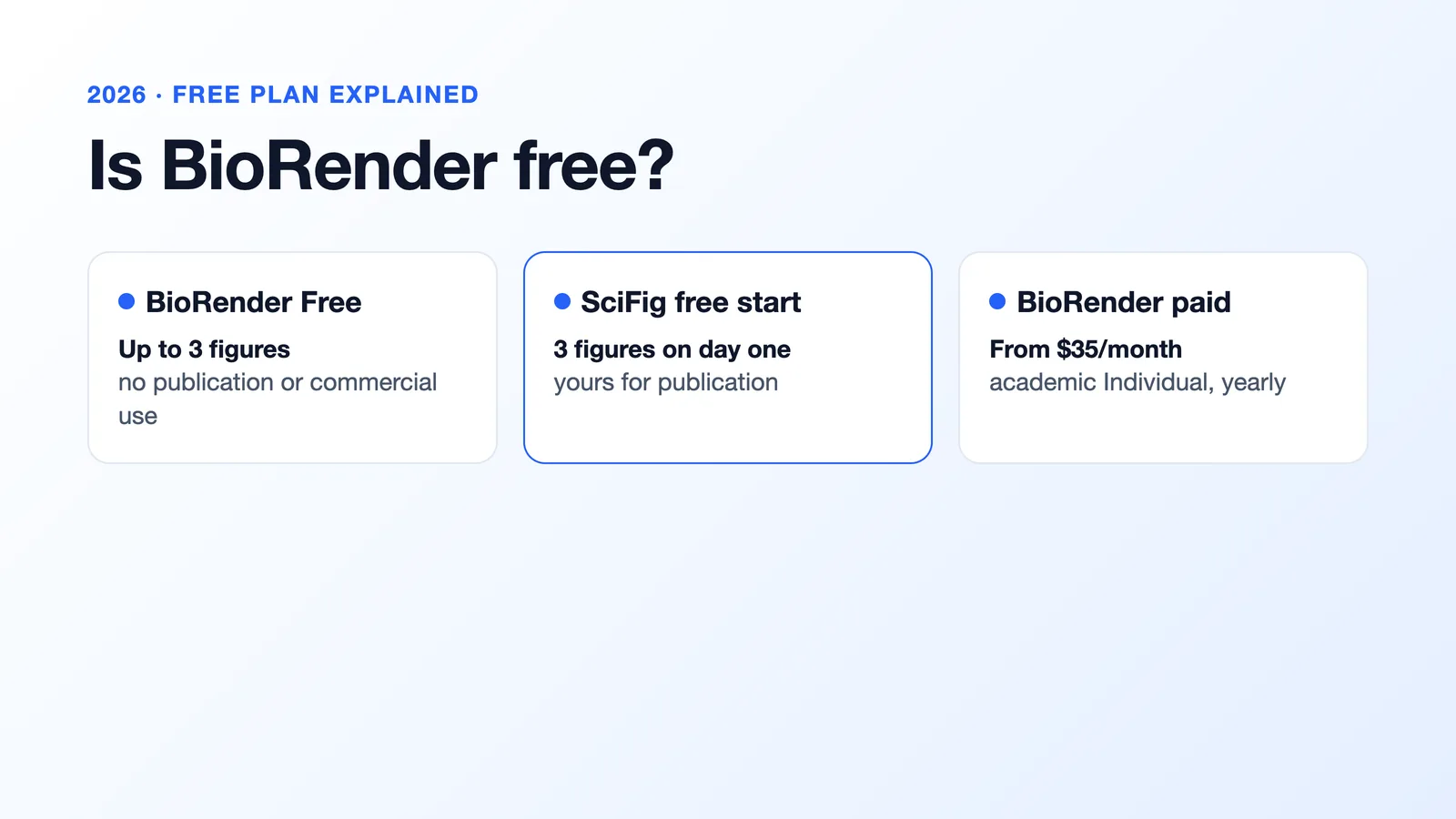
Is FigureLabs free?
Yes, FigureLabs has a free plan: 150 one-time credits at sign-up, 50 credits a day, 1K image export, flowchart SVG and data plots, with access to two image models. Inviting a friend adds 300 credits for each of you. Free-plan figures are for non-commercial use only, so they cannot go into a journal article, a poster you sell or client work, and vector SVG, editable PPTX, the canvas and the publication certificate start at the paid Starter plan.
Refine Figures in the Vector Canvas
Open any AI-generated figure in the editable canvas — layered SVG, 8K PNG, or editable PPTX.
Try FreeIs FigureLabs good? Our review

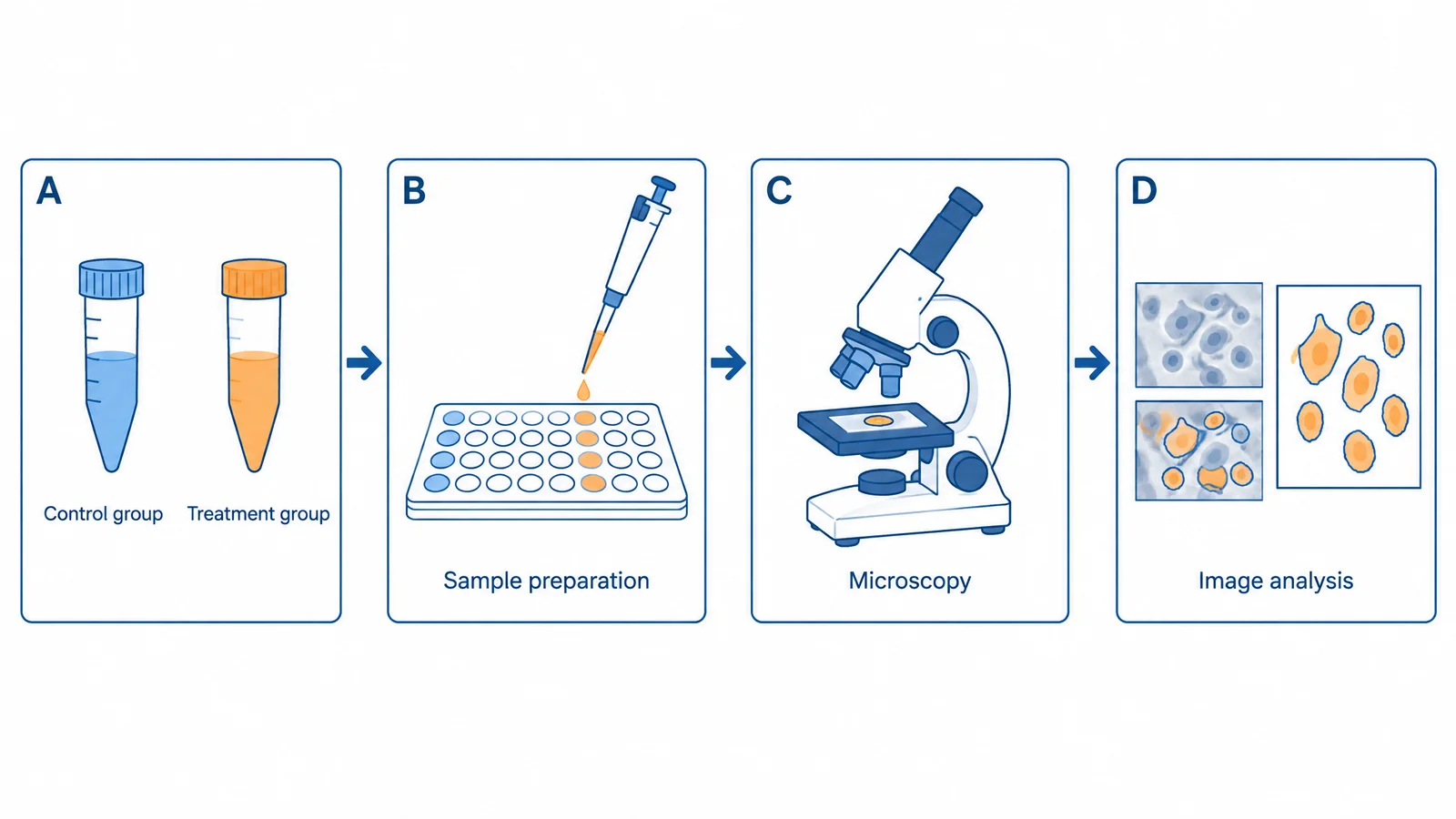
We used FigureLabs, BioRender and SciFig to make the same four scientific figures for one manuscript: a nanoparticle-uptake mechanism, a study workflow, a cell-viability bar chart and a graphical abstract. Here is how FigureLabs did.
- Speed. A first draft took about 32 seconds, and a figure with two rounds of edits about 74 seconds.
- Breadth. Illustrations, research flowcharts and data plots sit in one product, and paid plans let you switch between several image models.
- Privacy. Private uploads, text and prompts are excluded from model training.
- Long labels. Terms of 13 or more characters were spelled correctly 75% of the time, against 90% in SciFig.
- Exports after review. Two of the four figures had to be redrawn after review because the exported images pixelated when enlarged.
- Costs that add up. Each vector export uses 150 credits, three times a standard generation, and unused monthly credits are lost at the end of each billing cycle.
- Free figures cannot be published. Publication and commercial use start with a paid plan.
FigureLabs alternatives
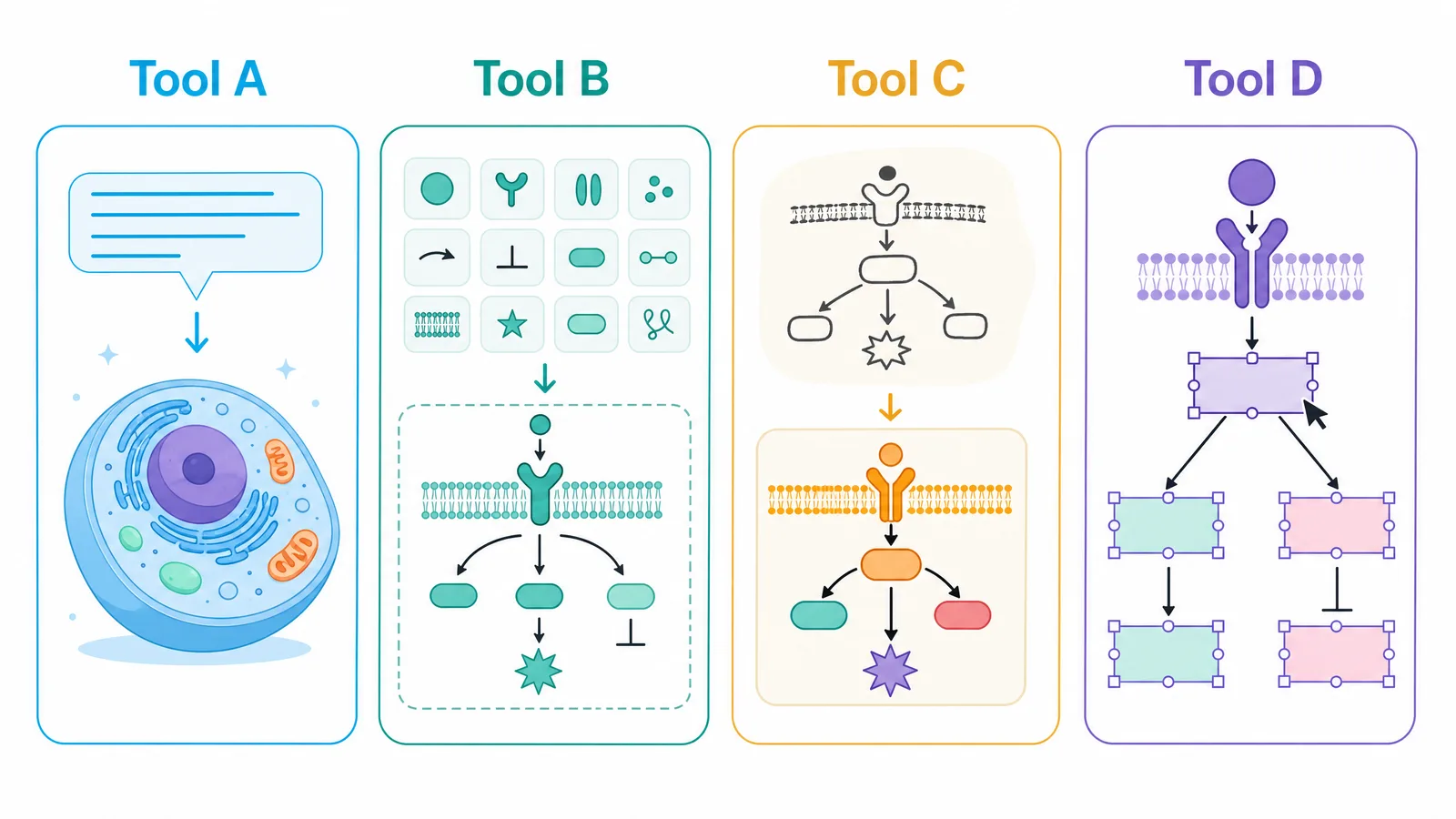
| Tool | How figures are made | Free plan | Paid plans from | Export |
|---|---|---|---|---|
| SciFig | SciFig AI Illustration from text, PDFs, sketches, photos or existing figures; SciFig DataChart from your data; SciFig FlowChart for native SVG diagrams | 3 figures on day one, up to ~44 in the first month; publication and commercial use | $8.33/month billed yearly | Editable PPTX, layered SVG, 8K PNG, JPG; SciFig DataChart adds PDF, EPS, TIFF |
| BioRender | Manual assembly from 50,000+ icons and templates, plus an AI drafting tool | Up to 3 figures, watermark, no publication use | $35/month billed yearly (academic) | PNG, JPG, PPTX, PDF |
| Illustrae | AI generation on an infinite canvas from text, sketches or photos | No free plan; 15-day refund | $4.92/month billed yearly ($59/year) | High-resolution PNG; SVG for simple elements and text |
| Mind the Graph | 75,000+ illustrations and about 300 templates, plus AI image generation | Up to 4 illustrations, watermark, no vector downloads | $99/year (Researcher) | Vector downloads on paid plans |
BioRender
SciFig: the FigureLabs alternative for figures you can fix and publish
SciFig keeps the speed of AI scientific figure generation and solves the problems that sent FigureLabs figures back in our test. It covers the whole figure workflow: SciFig AI Illustration (AI scientific illustration) for mechanisms, pathways and graphical abstracts, SciFig DataChart (charts and graphs from your data) for plots built from your numbers, and SciFig FlowChart (flowcharts) for native SVG diagrams.
- Labels you can fix in seconds. Long technical terms were spelled correctly 90% of the time, and Edit Text corrects any word in place without redrawing the figure.
- Files that survive review. No SciFig figure needed redrawing after review. Export editable PPTX, layered SVG and 8K PNG, and convert any image into an editable SVG to change every label, shape and color in Vector Canvas.
- Start from your own material. Use Text-to-Figure, PDF-to-Figure, Sketch-to-Figure or Photo-to-Figure; turn a data table into a chart with SciFig DataChart; and draw a study workflow with SciFig FlowChart.
- Publish from a free start. You own your figures and can use them for publication and commercial purposes, and paid credits never expire.
Moving your FigureLabs figures into SciFig
Illustrae
Illustrae generates scientific figures, posters and graphical abstracts on an infinite canvas, in styles from vintage to photo-realistic, and edits images with natural-language instructions. It has no free plan, though new subscribers get a 15-day refund. Exports are high-resolution PNG, with SVG limited to simple elements and text rather than generated images.
Mind the Graph
Mind the Graph offers more than 75,000 expert-drawn scientific illustrations and about 300 templates for graphical abstracts, posters and infographics, plus AI image generation. The free plan allows up to four illustrations with a watermark; vector downloads and full publication rights come with the Researcher plan, about $15 a month or $99 a year.
See AI Scientific Figure Generation in Action
Watch how researchers create publication-ready scientific figures from text descriptions.
Explore the Tool