FigureLabs may cover part of your workflow, yet important input, editing, or export needs may remain unresolved.

Which part of the workflow still needs improvement?
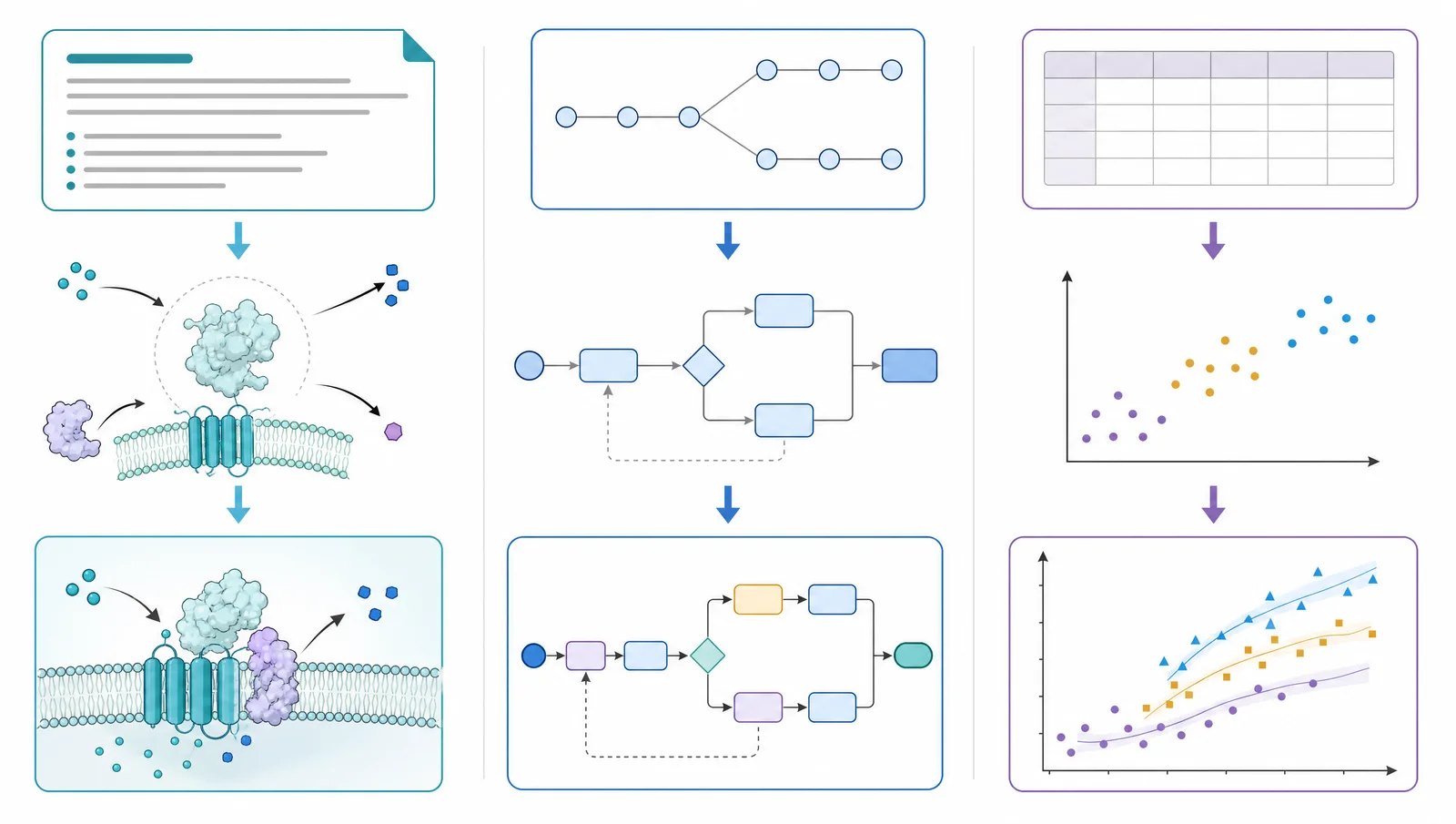
The useful comparison starts with whichever requirement is still unresolved for your project. Four decisions matter most:
- Starting material: Can you begin with the paper, prompt, sketch, photo, reference image, or existing figure already on your desk?
- Revision path: When a co-author spots one wrong label or misplaced element, can you change that part without losing the rest of the composition?
- Handoff: Can you deliver a file that remains useful in slides, peer review, and final production?
- Cost structure: Are you paying for occasional projects, recurring individual work, or a shared lab workflow?
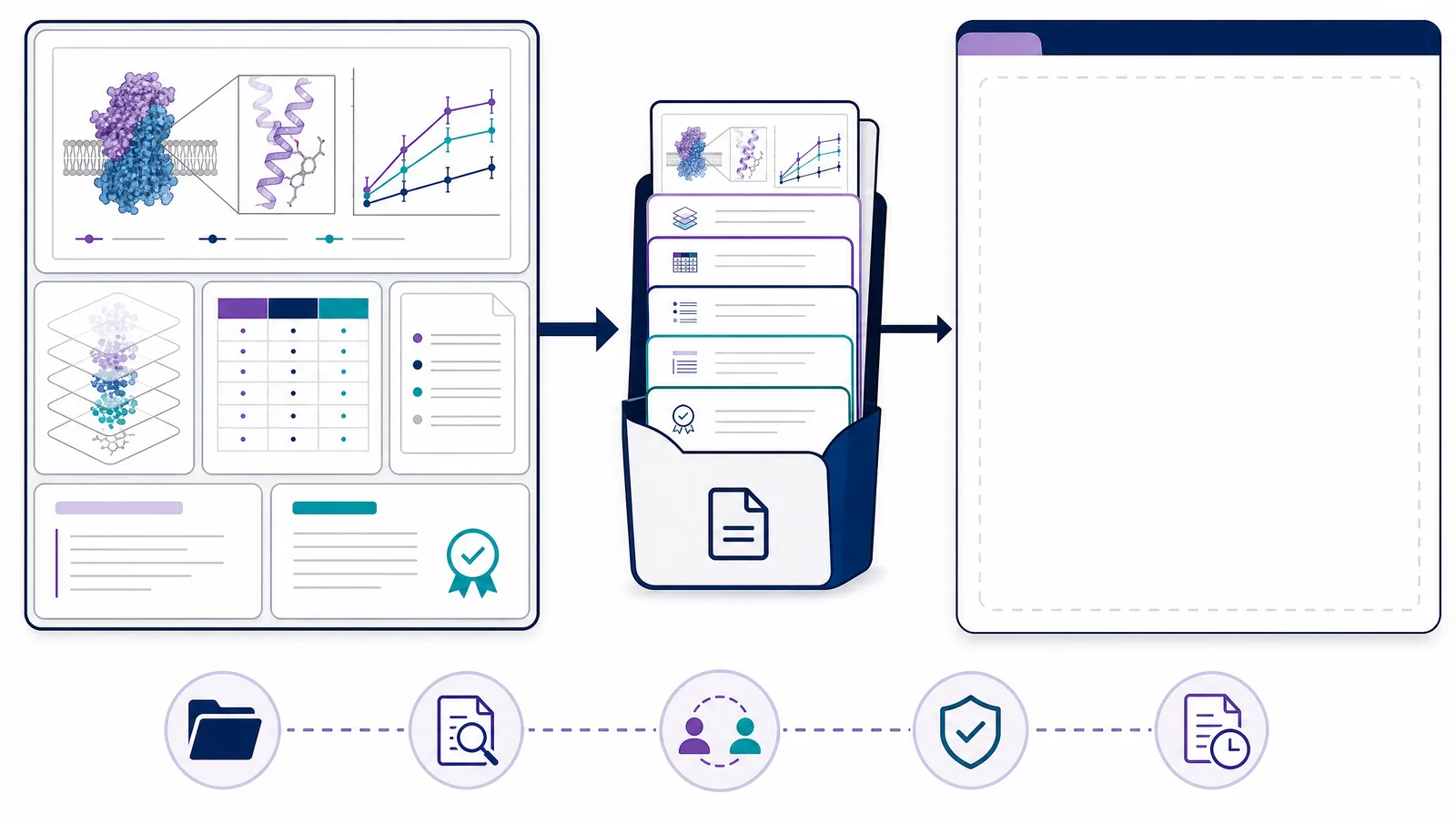
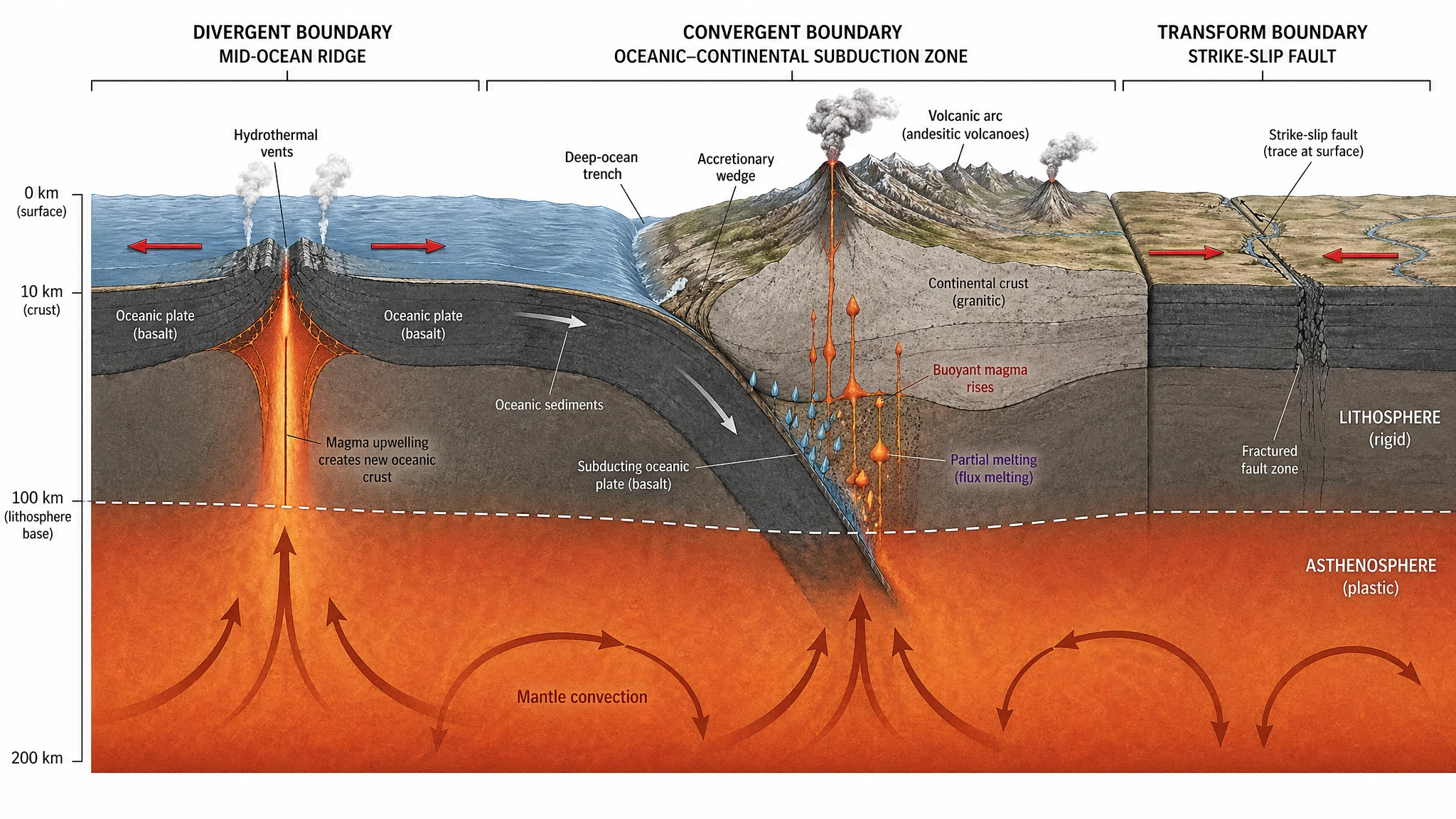
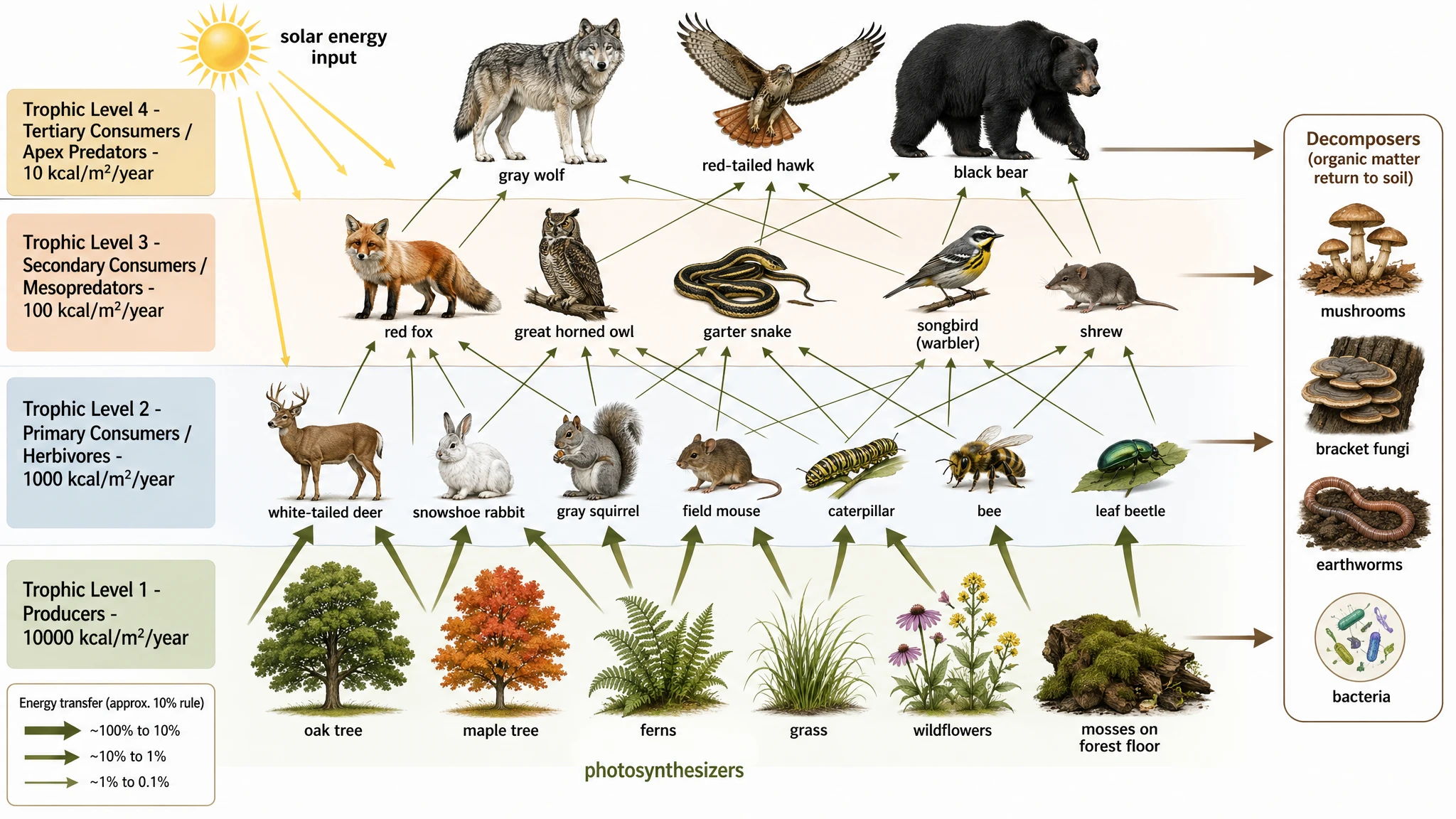
FigureLabs covers AI illustration, editable flowcharts, and real-data plotting, with several input types and paid SVG or PPTX exports. That is the baseline; the question is whether BioRender or SciFig resolves your remaining requirement more directly.
FigureLabs vs BioRender vs SciFig at a glance
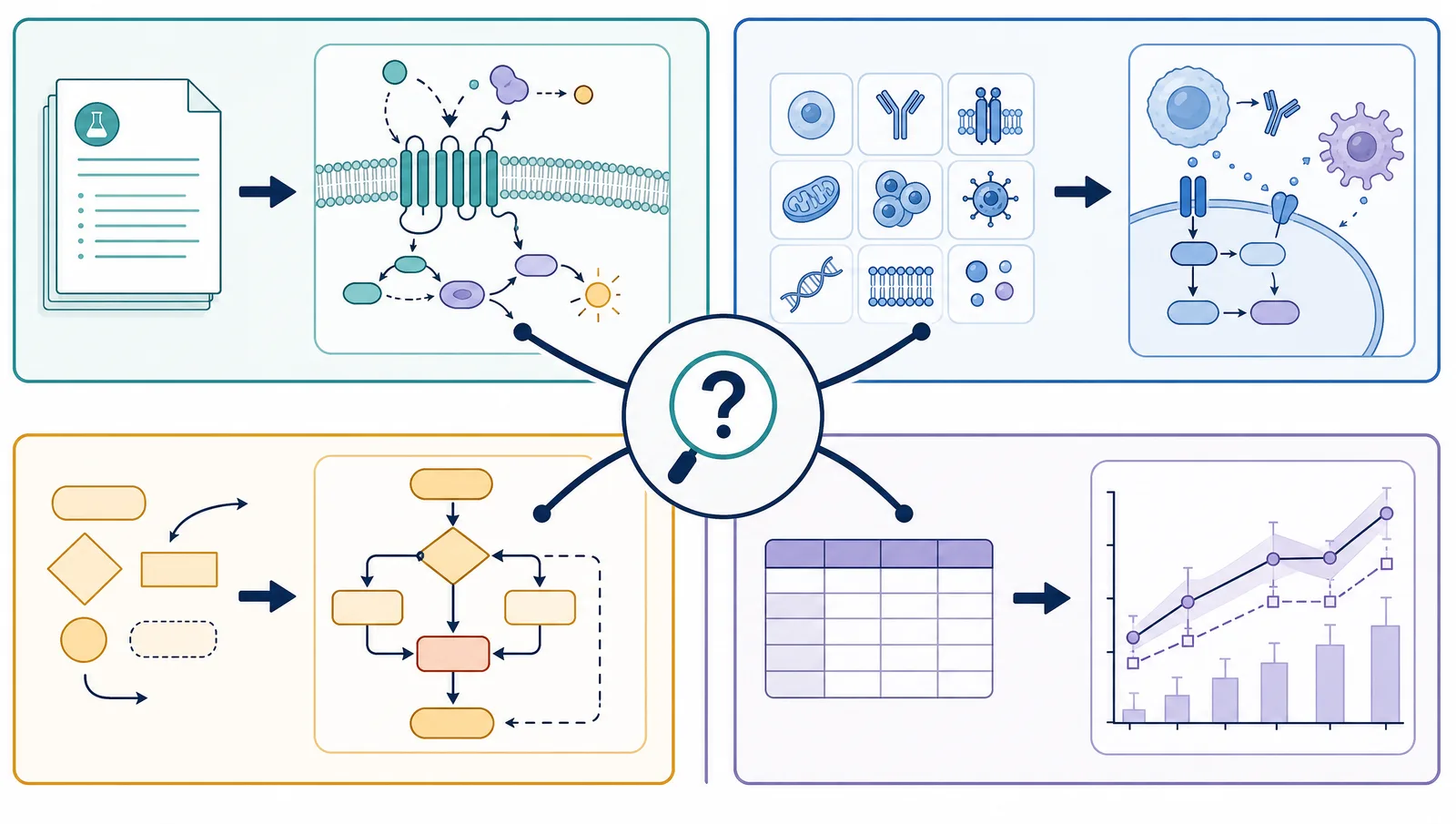
The clearest comparison uses the work you need to finish, not an overall score.
| Tool | Best starting point | Main editing path | Useful handoff | Best fit |
|---|---|---|---|---|
| FigureLabs | Text, documents, sketches, photos, reference images, or tabular data | AI refinement plus canvas editing; dedicated flowchart and plot workflows | PNG, JPG, SVG, PPTX, and Python code for plots, depending on the workflow and plan | Researchers who want illustration, editable flowcharts, and real-data plotting in one product |
| SciFig | SciFig AI Illustration: dedicated tools for text, PDFs, sketches, photos, reference images, and existing figures; SciFig DataChart: CSV, Excel, and other supported tabular files; SciFig FlowChart: text and reference materials | Raster-to-SVG vectorization and direct editing of existing SVGs in Vector Canvas; Edit Text for wording and Figure Enhancer for raster cleanup; chart parameters, statistics, and styling; native SVG diagram editing | Editable PPTX, layered SVG, 8K PNG, and JPG; SciFig DataChart: PNG, PDF, EPS, TIFF, Python code; SciFig FlowChart: SVG, PNG, JPG, PPTX | Researchers who want a direct source-to-figure workflow, editable SVG control, and flexible subscription or one-time access |
| BioRender | Curated icons and templates, a blank canvas, or an AI-generated editable starting figure | Drag-and-drop composition, scientific drawing tools, AI-assisted edits, and team collaboration | High-resolution JPEG, PNG, and PDF with publication permission on paid plans | Life-science teams that value a large, consistent visual library and shared design system |
See AI Scientific Figure Generation in Action
Watch how researchers create publication-ready scientific figures from text descriptions.
Explore the ToolWhich FigureLabs alternative fits the missing part of your workflow?
BioRender: a curated visual system for life-science teams
BioRender can also generate an editable starting figure and support AI-assisted changes. Its main advantage remains the combination of curated assets, canvas control, shared folders, and team administration. Academic publication access starts with the Individual plan, while AI generation is an add-on, so the value is strongest when a team uses the wider library and collaboration system regularly.
SciFig: a direct path from source material to editable delivery
Start from the material you already have
Correct the part that is wrong, not the whole figure
Export an editable working asset
SciFig exports editable PPTX, layered SVG, 8K PNG, and JPG. Co-authors can continue in a slide deck, a designer can receive layered vectors, and the author can still deliver a high-resolution raster file. Every element stays editable, so you can adjust anything on demand instead of ending with a flattened image.
Refine Figures in the Vector Canvas
Open any AI-generated figure in the editable canvas — layered SVG, 8K PNG, or editable PPTX.
Try FreeMatch the alternative to the missing step
Choose BioRender when the missing step is a curated team asset system. Choose SciFig when it is a direct path from your own source material through targeted revision to editable delivery. The next decision is whether each product's payment structure fits how often you make figures.
FigureLabs, BioRender, and SciFig pricing compared
SciFig has a lower base generation cost at the matching annual Starter tier, while FigureLabs' first-year Plus and Pro promotions are cheaper per base generation. A standard SciFig generation costs 50 credits, so its annual Starter, Plus, and Pro plans provide 24, 80, and 160 generations in each monthly credit slice.
| Tool | Individual subscription range | Base monthly generation allowance | Base cost per generated figure |
|---|---|---|---|
| SciFig | $8.33–$30/month equivalent on annual plans | 24–160 standard generations | About $0.19–$0.35 |
| FigureLabs | $9–$45/month equivalent in the first year; $10–$99 on renewal | 20–400 standard 1K generations | About $0.11–$0.45 in the first year; $0.25–$0.50 on renewal |
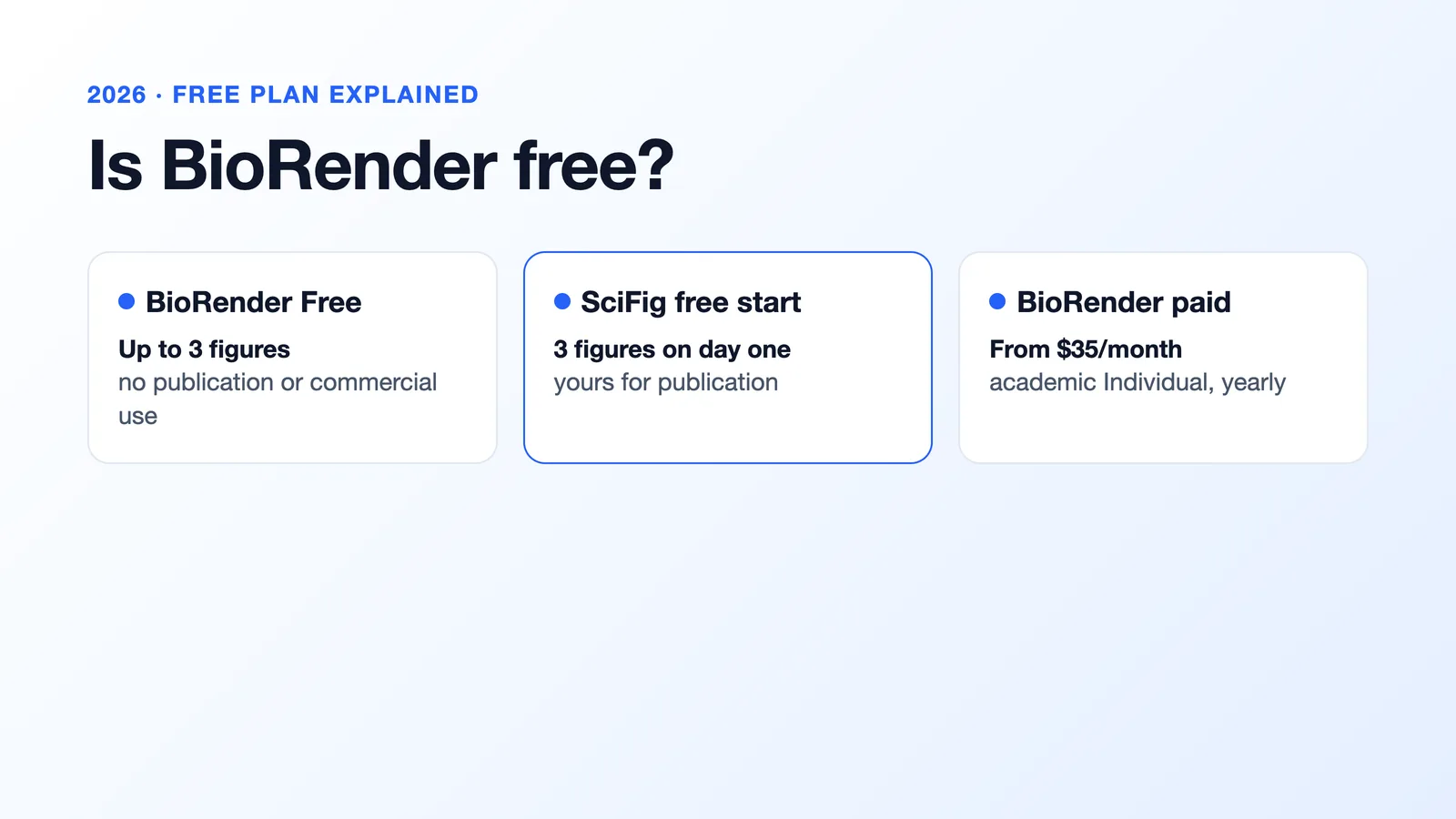
| BioRender | $35/month equivalent billed annually ($420/year), or $39 billed monthly for Academic Individual; AI add-on from $4/month equivalent billed annually | Entry add-on: about 5 custom figures a month (~60/year) | About $0.80–$1.00 per AI figure on the add-on alone, plus the base subscription; different output type |
Using fixed monthly plan credits, SciFig costs about $0.35 versus $0.45 on Starter. FigureLabs' first-year rates are lower on Plus, about $0.16 versus SciFig's $0.30, and on Pro, about $0.11 versus $0.19. At FigureLabs' renewal prices, SciFig is lower at all three matching annual tiers.
FigureLabs paid plans can add 100 same-day credits, enough for two more base generations, on days the reward is claimed. SciFig's 7-day streak gives every account 50–150 same-day credits a day, about 2,100 credits over 30 consecutive days. If every daily reward is used for 30 days, FigureLabs' first-year rates are lower on all three tiers; at renewal, SciFig is lower on Plus and Pro, while Starter is roughly tied at about $0.13 per base generation. BioRender uses a different model: Academic Individual covers manually assembled figures, while its entry AI add-on costs $5 a month or $48 a year for about 5 custom figures a month. The add-on rate alone excludes the main subscription and is not a like-for-like illustration price.
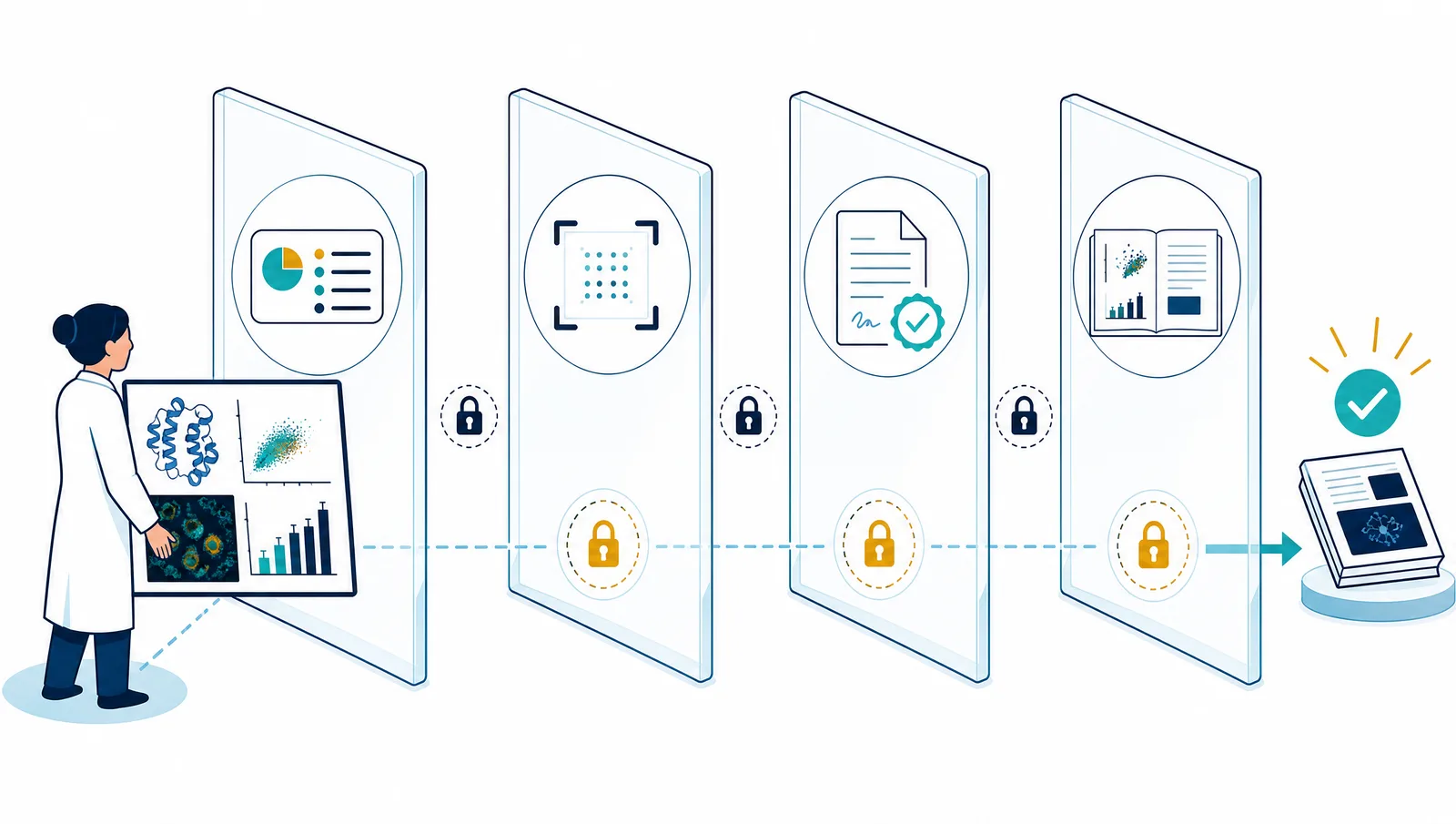
SciFig also offers one-time credit packs without a subscription. Paid credits never expire. Unused paid subscription credits roll over, and you keep them even after you cancel.
Publication rights and editable files
Which FigureLabs alternative should you try first?
Choose SciFig when you want to turn research material directly into a scientific figure, convert a raster image into an editable SVG, continue editing an SVG you already have, or correct specific text and visual elements without rebuilding the figure. Choose BioRender when a large curated life-science icon library, reusable templates, and team collaboration are the priority.
If your main requirement is plotting real data from CSV or Excel and exporting Python code, SciFig DataChart also supports this workflow. For generated scientific illustrations and editable SVG workflows, start with SciFig.
Start in SciFig from text, a raster image, or an existing SVG