eLife requires figures at 300 dpi minimum and at least 10 cm wide, with no limit on how many you include.
The most useful thing to know about eLife's figure requirements is how few of them constrain you. There is no cap on the number of figures, no cap on figure supplements, and no penalty for colour. What eLife does enforce is a resolution floor, a minimum physical width, and a set of rules about what has to be visible inside the figure itself.
If you are coming from a journal that allows ten display items and charges for colour, the adjustment is mostly mental. Here is what actually applies.
eLife publishes its scientific figure requirements in full, and they are unusually permissive on quantity while being specific about legibility.
eLife figure specifications at a glance
| Parameter | Requirement |
|---|---|
| Minimum resolution | 300 dpi |
| Minimum physical width | 10 cm |
| Accepted formats | TIFF, JPG, EPS, AI, PDF — TIFF must be 8-bit |
| Multi-page figures | Not supported |
| Number of colour figures | No limit |
| Number of figure supplements | No limit per primary figure |
| Upload method | Each figure uploaded individually |
| Tables as images | Not accepted |
| Colour scheme guidance | Colour Universal Design (Okabe & Ito) |
| Animations | Supported as GIF via "Rich Media" |
| Source data files | One per figure or table, under 100 MB each |
How many figures can an eLife paper have?
eLife sets no figure cap — use it
No limit on figures or figure supplements. Produce the extra panels your evidence needs instead of cutting them to fit.
Explore the ToolWhat resolution and size do eLife figures need?
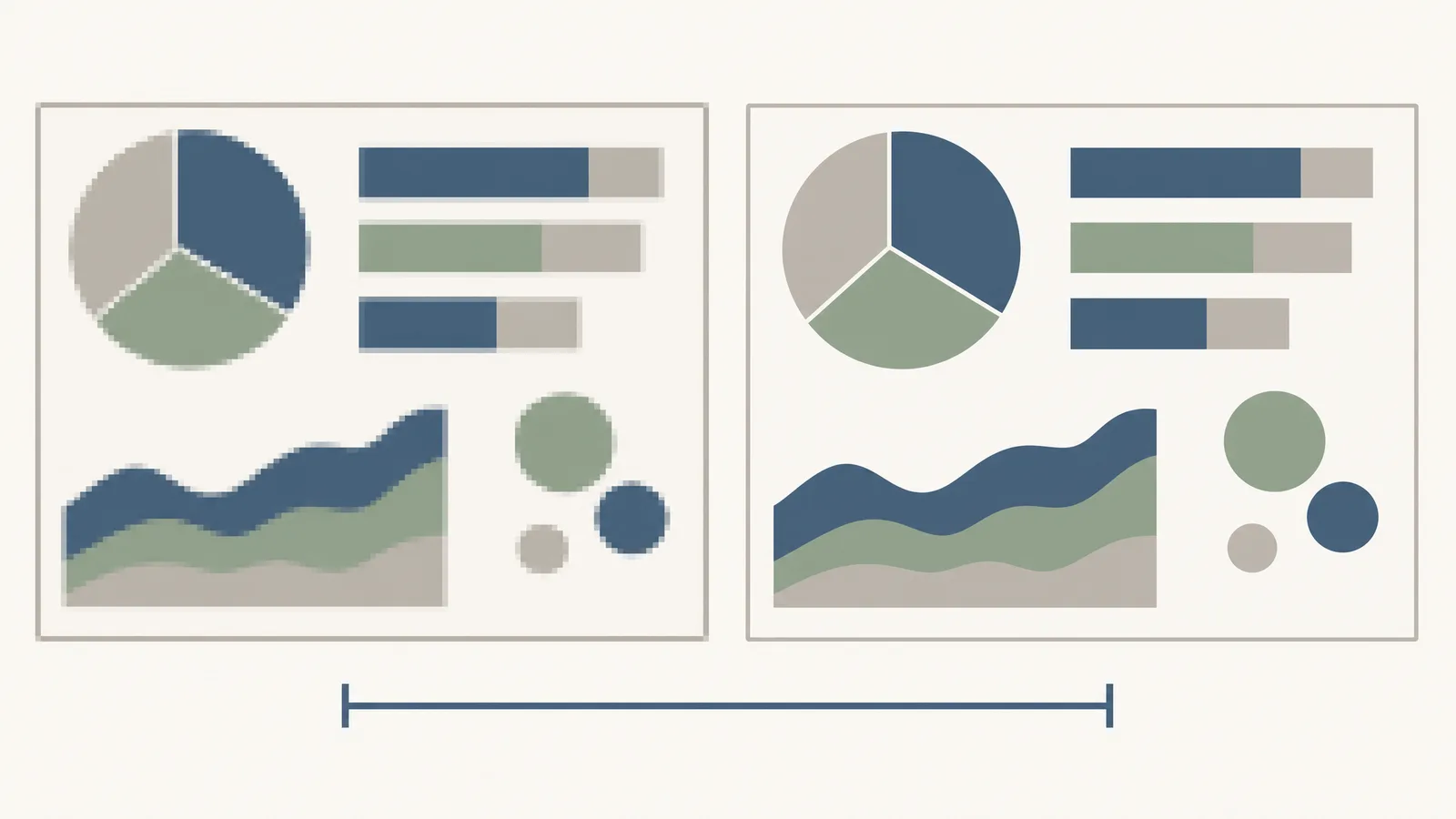
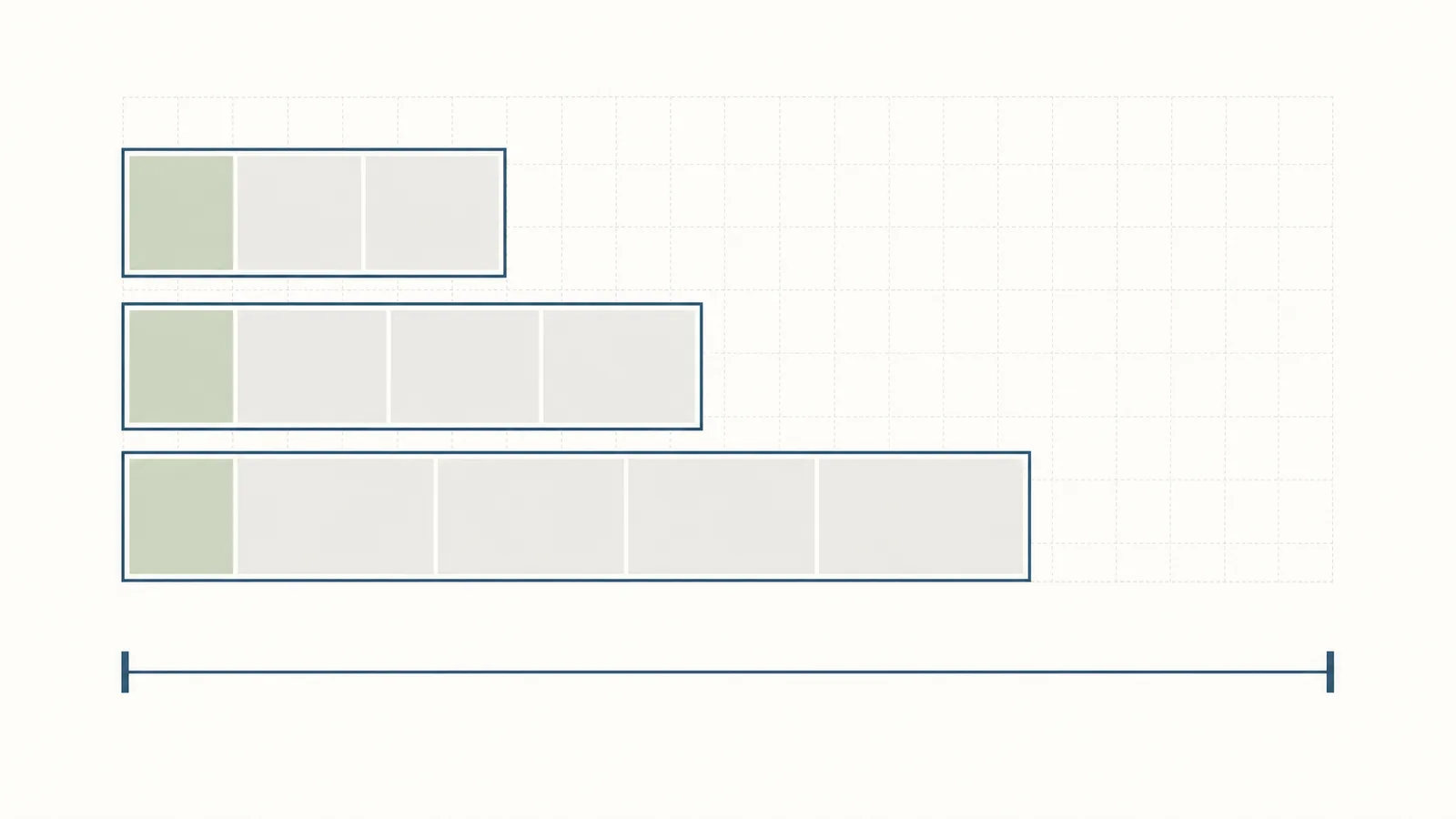
For composite figures, eLife asks authors not to make the figure and its legend so large that they extend beyond a reasonable display area — the constraint on very large composites is legibility, not a stated pixel maximum.
What has to be visible inside an eLife figure
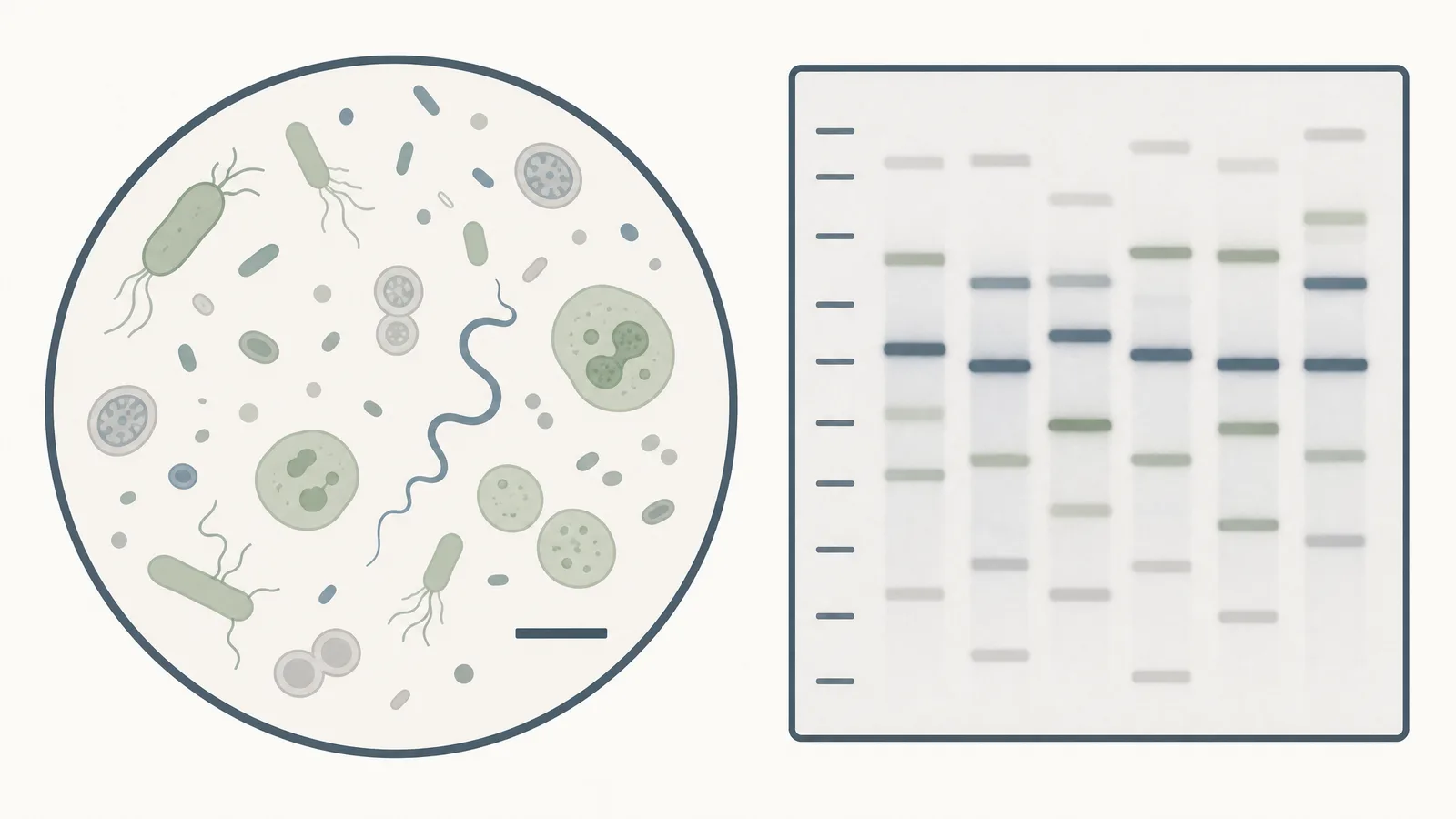
This is where eLife is more prescriptive than most journals, and these requirements are about scientific readability rather than production:
- Scale bars are required on figures and videos of micrographs
- Molecular weight markers are required on figures of gels and blots
- Error bars must be explained — the figure or legend has to state clearly what they represent
- Figure legends must carry the statistics: which tests were applied, exact sample number, p values, and the criteria for including or excluding data
Colour and accessibility
The same thinking extends to tables. Coloured text and cells "are discouraged in tables because they are less accessible and machine readable" — bold and italics are the preferred way to highlight cells or data.
Because colour is free and unlimited at eLife, the accessibility question replaces the cost question. The constraint on your palette is whether a reader with deuteranopia can distinguish your conditions, not whether the journal will bill you for the page.
Can tables be submitted as images?
No. eLife states it is "unable to accommodate tables as figures or figure supplements." Tables must be supplied as tables, which also means they stay machine-readable and accessible.
Tables presented in an Appendix follow the same formatting as main tables and are labelled Appendix 1—table 1, Appendix 1—table 2, and so on.
Animations, videos and source data
What eLife's review model means for your figures
The corollary is that reviewer comments about your figures are published. A figure that draws a "the axis labels are unreadable" comment carries that comment permanently alongside the paper.
Figure problems worth avoiding at eLife
- Missing scale bars on micrographs. Explicitly required, and a common revision request.
- Gels or blots without unedited originals. Required at submission, not on request.
- Legends without exact sample numbers or p values. The legend is where eLife expects the statistics to live.
- Tables built as images. Not accepted at all.
- Figures below 10 cm wide. The width floor is separate from the dpi floor, and easy to miss.
Fix these problems before you submit to eLife
Rebuild to 300 dpi and 10 cm, add the scale bars and labelled bands, and keep every element editable afterwards.
Try FreeHow eLife compares to Nature Communications
| eLife | Nature Communications | |
|---|---|---|
| Display item limit | None | 10 maximum |
| Line art | TIFF/JPG/EPS/AI/PDF at 300 dpi | Vector required, or 1,200 DPI |
| Width specification | Minimum 10 cm | 88 mm single / 180 mm double column |
| Colour cost | Free, unlimited | Included |
| APC | $3,750 | $7,350 |
Where to go next
The specification above is only one of the things that decides whether an eLife submission goes smoothly.
- "Will my figures be allowed if I made them with AI?" — yes, with a disclosure in Materials and Methods, and one category that is banned outright. eLife AI policy.
- "What is the submission sequence?" — preprint first, $3,750 charged when review starts rather than on acceptance. eLife submission guide.
- "What are the odds it gets reviewed at all?" — 35% in 2025, with declines at a median of eight days. eLife acceptance rate.
- "Does eLife have an impact factor?" — no, and the reason is partial indexing rather than anything about the journal's standing. eLife impact factor.
Frequently asked questions
Sources
Every specification here was read from eLife's own author instructions, and applies to the Version of Record. Reviewed 2026.
- eLife author instructions — figure formats, resolution, width, supplements, source data, article types and publication fee
- About eLife — organisation and publish-review-curate model