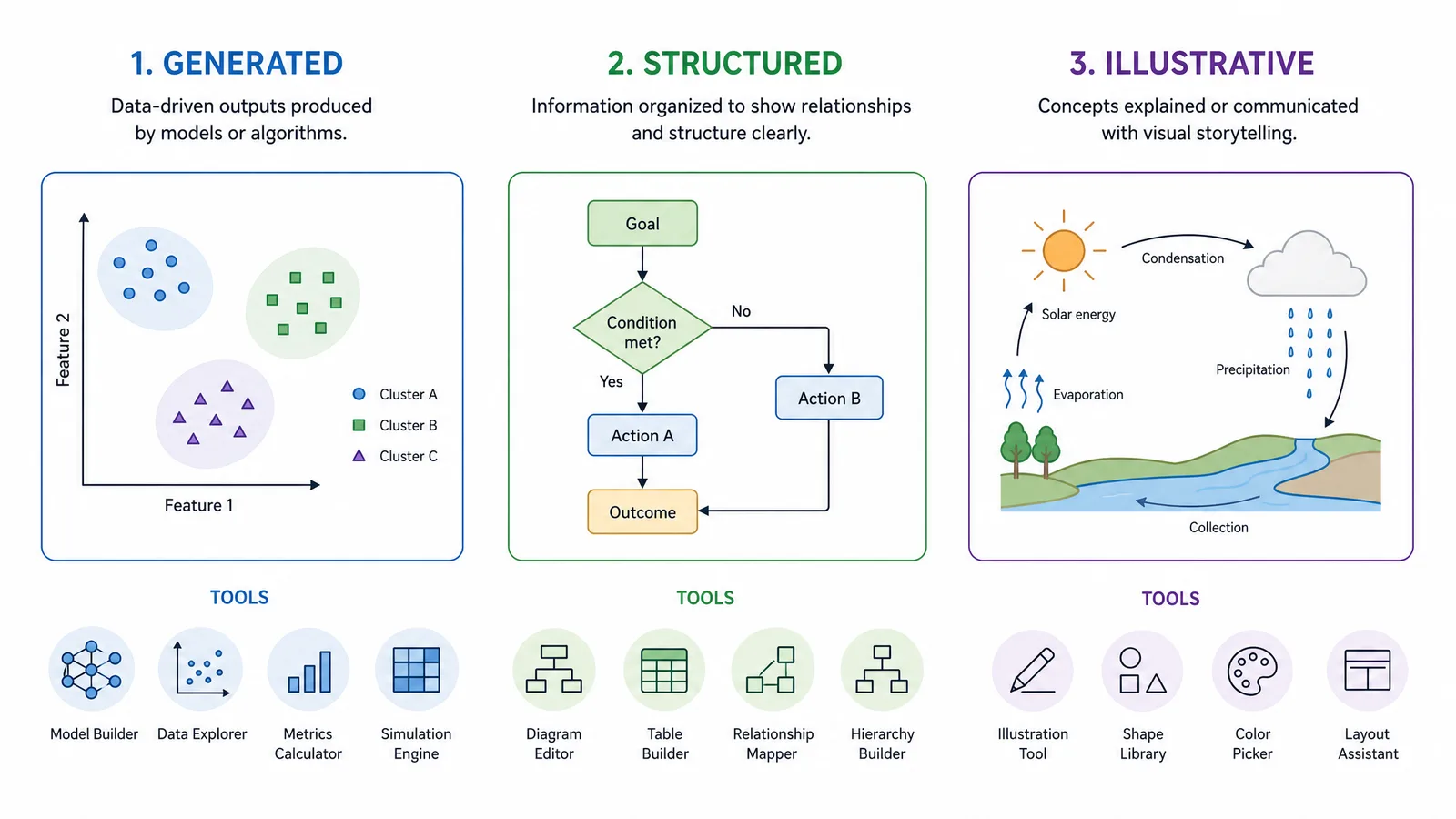
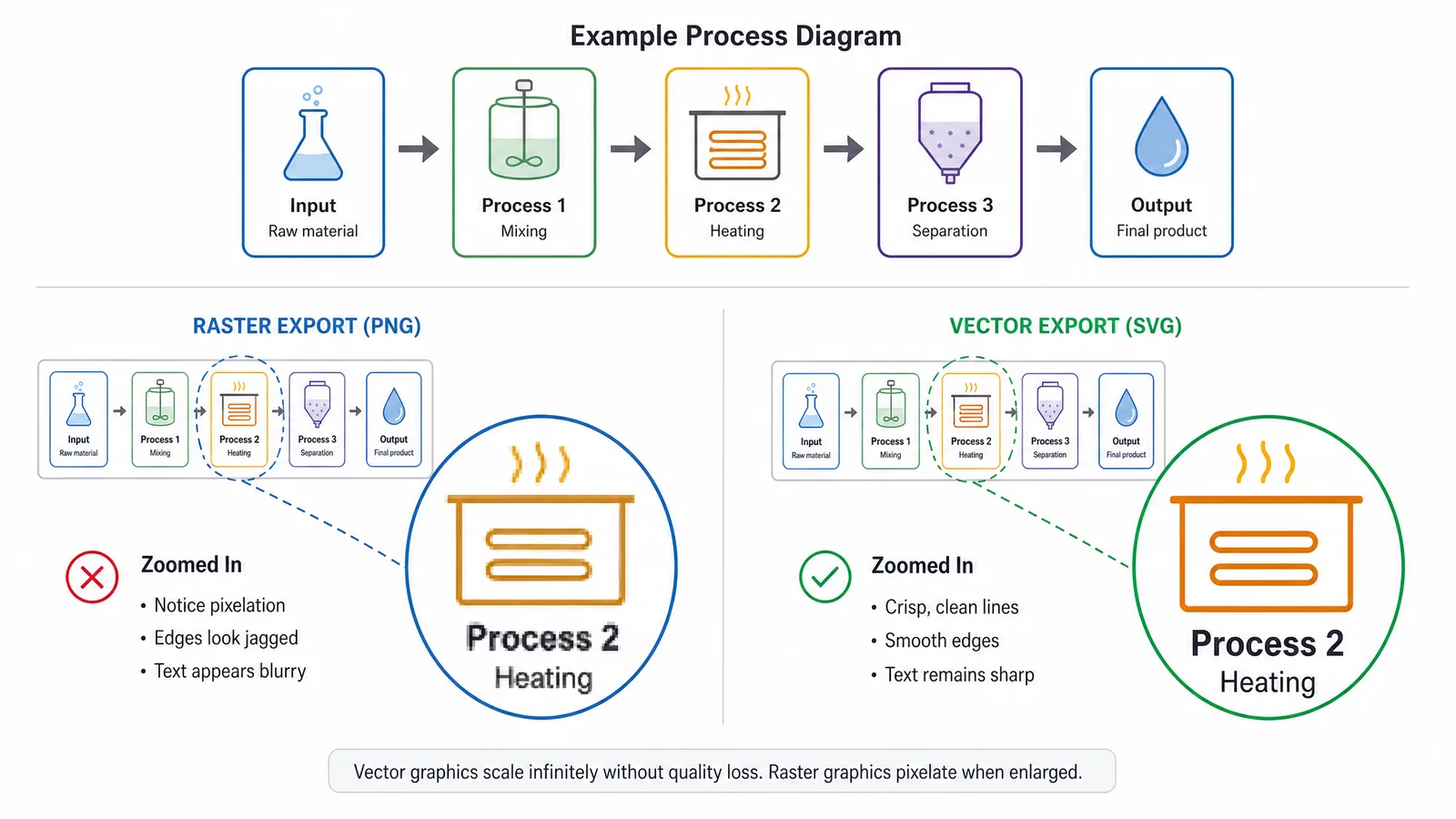
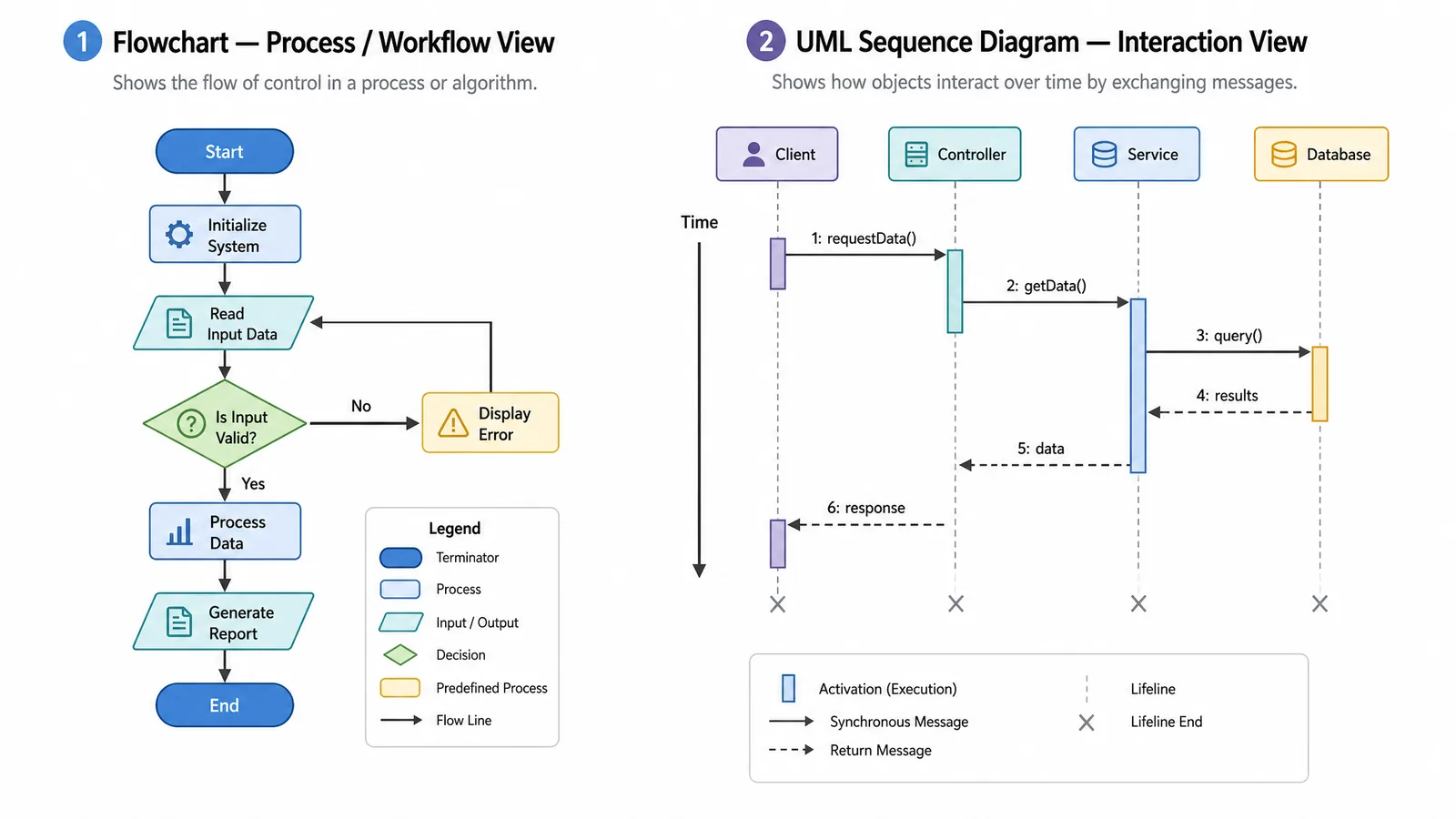
Canva makes attractive diagrams quickly; journals ask for different properties.
Speed and visual polish are real advantages, and for a lab website or a teaching handout Canva is often the right answer. The friction appears at submission, where the questions become which export formats are available on your tier, whether embedded template assets are licensed for publication, and whether a reviewer can be given an editable source.
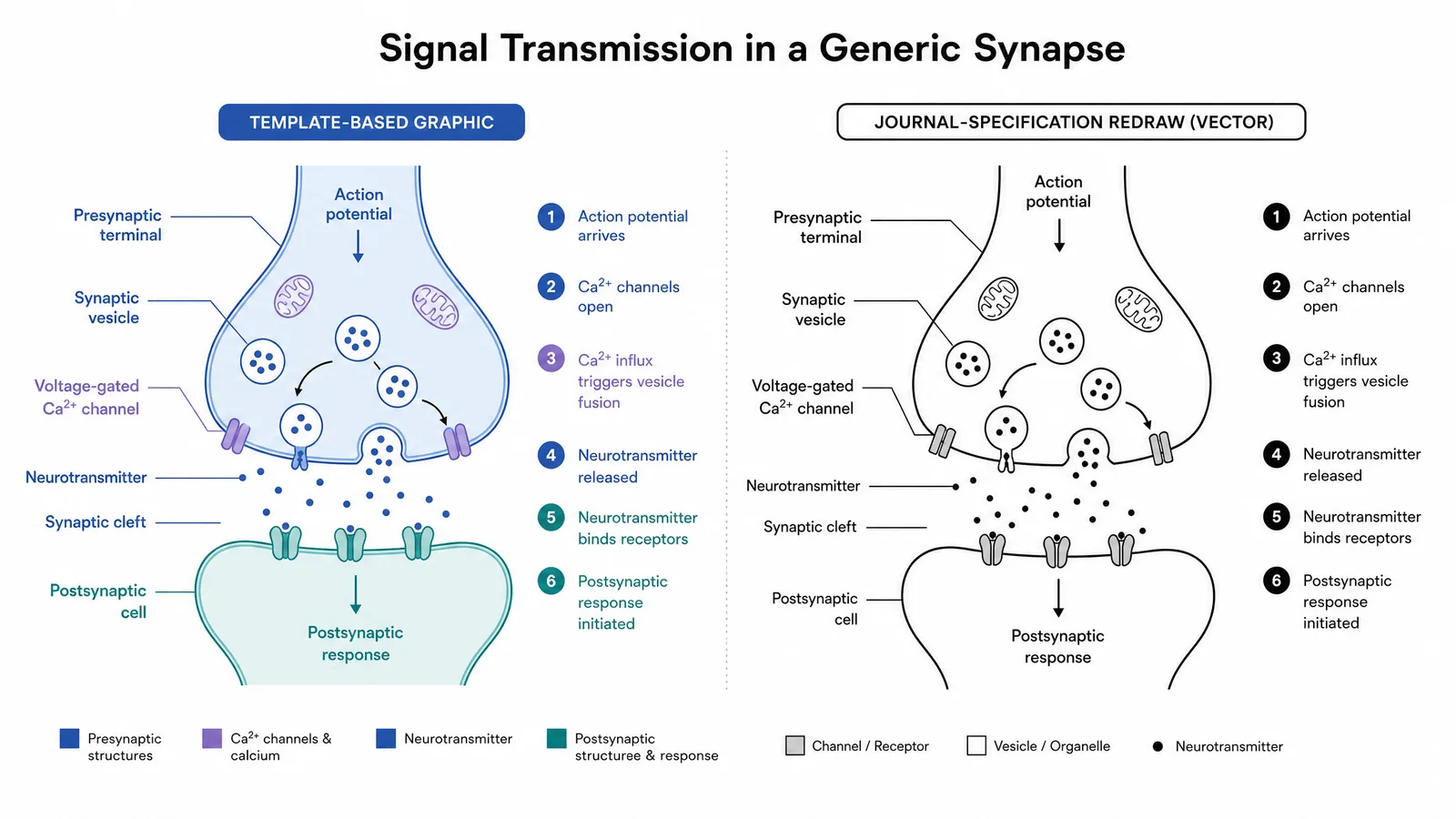
Can You Use Canva for Scientific Figures?
Yes, for some jobs. Canva for scientific figures and Canva scientific illustration work well when the output is a poster, a slide or an outreach graphic. It works less well when the output is a journal figure that has to pass production checks and be revised by co-authors.
| Canva does well | Canva does less well |
|---|---|
| Conference posters and lab website graphics | Vector export for line art: the formats available depend on your plan |
| Outreach and social media graphics, such as a Canva graphical abstract for a post | Template and stock assets carry their own licence terms for publication |
| Lecture slides and presentation visuals | Multi-panel figures with aligned panel letters and consistent scale |
| Teaching handouts and classroom diagrams | Equations, chemical notation and dense scientific labels |
| Fast layout mock-ups to agree a structure with co-authors | Handing an editable source file to a co-author or reviewer outside Canva |
In short, outreach diagrams Canva handles well; submission figures usually need a tool with clear vector export and asset terms.
When to Keep Using Canva
- The figure is for a poster, slide deck, lab website or social post, not for a journal's production system.
- Your team already shares a Canva workspace, and the asset licence on your plan covers the intended use.
- Speed matters more than long-term editability, as with a one-off outreach graphic.
- You use Canva only to agree the layout and will rebuild the final figure in a vector tool.
Switching makes sense once the diagram has to meet scientific figure requirements for a journal or be edited by someone who does not have access to your account.
Three Questions Before You Commit
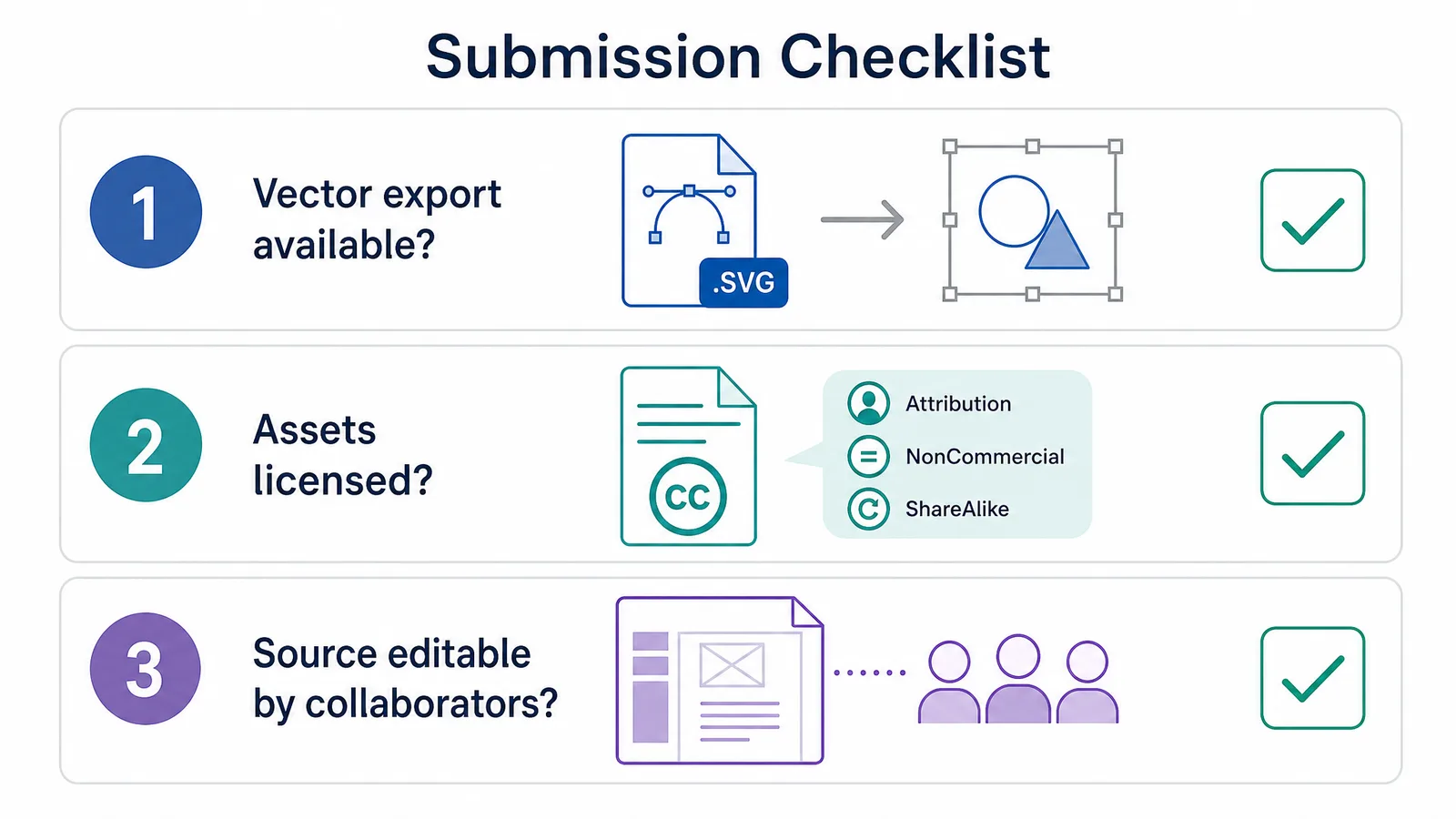
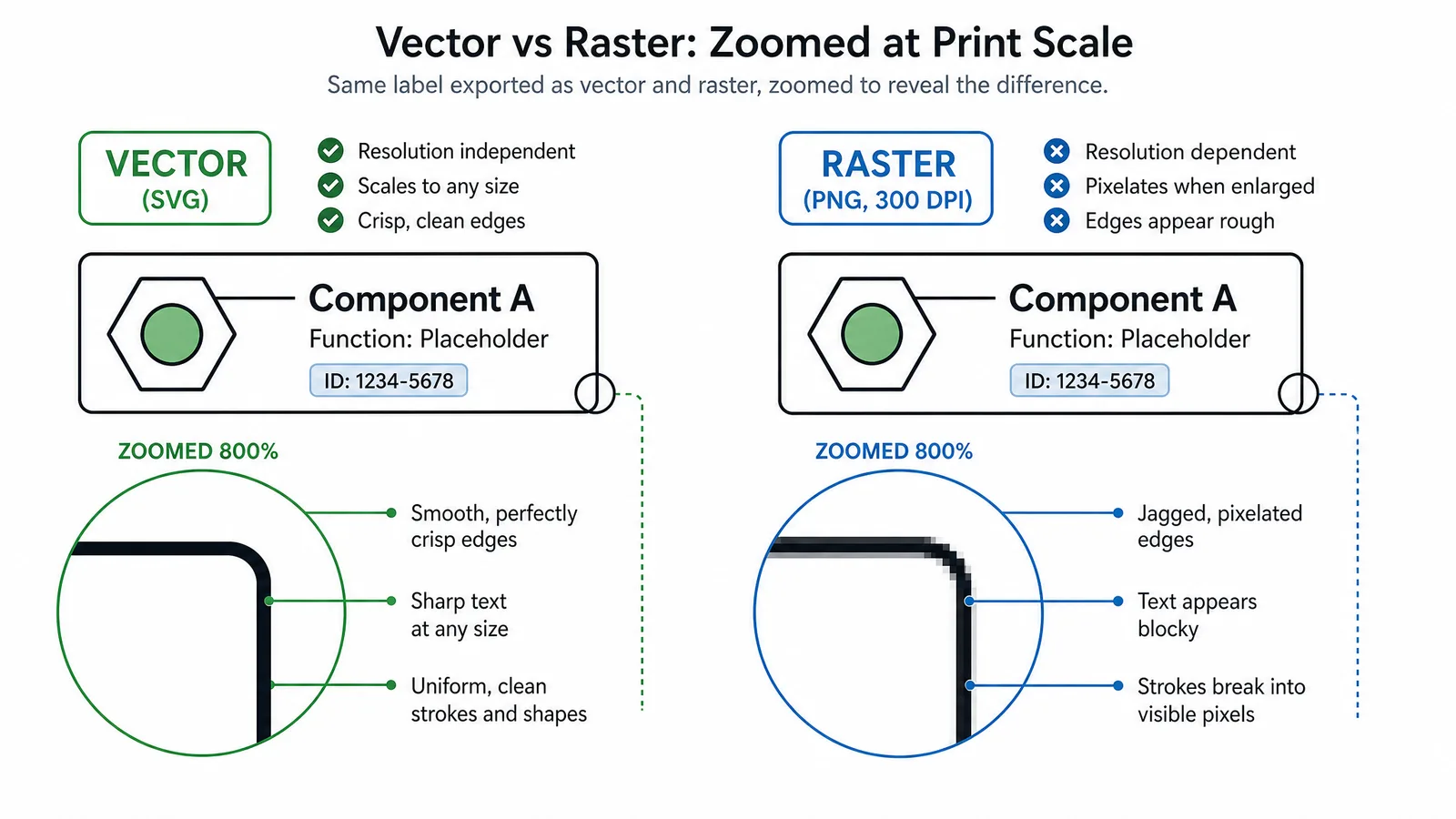
- Can you export vector? Journals generally require SVG, PDF, or EPS for line art. Raster export is often the failure point.
- Are the assets licensed for your use? Stock elements inside templates carry their own terms, and academic publication is not always covered by a free tier.
- Can a collaborator edit it? If the source only opens in one account, handover during revision becomes painful.
The Alternatives Compared
Seven Canva alternatives plus SciFig, compared on the properties submission depends on. Every tool here has a free way to start.
| Tool | Vector export | Asset licensing clarity | Free option | Best for |
|---|---|---|---|---|
| SciFig | SVG, PPTX, PDF, EPS | Free publication license PDF; you own your figures | No card; 3 figures on day one, up to ~44 in your first month; editing and export free | All-in-one scientific figures: diagrams (SciFig FlowChart, native editable SVG), AI scientific illustration (SciFig AI Illustration), charts built from your data (SciFig DataChart) and raster-to-SVG vectorization |
| draw.io / diagrams.net | SVG, PDF | Own shapes, clear | Free | Structured diagrams drawn by hand |
| Inkscape | SVG, PDF, EPS | You supply assets | Free, open source | Final figure artwork |
| Excalidraw | SVG | Own shapes, clear | Free | Sketch-stage diagrams |
| Figma | SVG, PDF | Community assets vary | Free plan | Collaborative design |
| Affinity Designer | SVG, PDF, EPS | You supply assets | Free with a Canva account (current app) | Illustration-grade work |
| Mermaid | SVG | Text only, clear | Free, open source | Version-controlled diagrams |
| Google Drawings | SVG, PDF | Own shapes, clear | Free with a Google account | Quick shared diagrams |
SciFig sits in a different group from the seven drawing tools: it generates diagrams, illustrations and charts from a description or your data, then hands you editable vector files, so you start from a finished layout rather than a blank canvas.
See AI Scientific Figure Generation in Action
Watch how researchers create publication-ready scientific figures from text descriptions.
Explore the Tooldraw.io / diagrams.net
The most direct replacement for hand-drawn diagram work. Free, exports SVG and PDF, and its shape libraries are unambiguous to use in publication. Less visually opinionated than Canva, which for a scientific figure is usually the correct trade.
SciFig
What is free:
- Start free, no card required: 150 credits on day one (3 figures), daily check-in credits that grow with your streak (up to 150 a day), up to about 44 figures in your first month. Invite a friend and you both get 100 more credits.
- Editing, saving and exporting are free, and failed jobs are refunded automatically.
- A free publication license PDF for figures created or edited in SciFig: a one-page document granting non-exclusive, worldwide, perpetual rights for publication and commercial use. You own the figures you generate.
SciFig runs in any browser with nothing to install. If you prefer to draw every path by hand from a blank page, Inkscape or Affinity is the closer fit.
Excalidraw
Fastest path from idea to shareable diagram, with a deliberately provisional look. Best at the sketch stage rather than as a finishing tool.
Inkscape and Affinity Designer
Both offer vector control for figure artwork, but their print workflows differ. Inkscape exports PDF and EPS, and since 1.4 can write CMYK PDF directly (check rasters and filters). The current Affinity desktop app is free with a Canva account and supports CMYK workflows, while Canva Free includes a small number of AI uses and using Canva AI inside Affinity requires a paid plan. EPS is supported by legacy Designer, so check the edition for EPS-only submissions. Imported images and fonts keep their own licences in either editor.
Mermaid and Google Drawings
Which Tool for Which Need
| Need | Start with | Why |
|---|---|---|
| Structured diagram (workflow, pathway boxes, study design) from a text description | SciFig Text to Diagram Generator | Native editable SVG, free editing and export |
| Graphical abstract for a journal | SciFig graphical abstract maker | Editable figure, exports SVG, PNG or PPTX |
| Structured diagram drawn by hand | draw.io / diagrams.net | Free, SVG and PDF export |
| Final publication artwork, CMYK or EPS | Inkscape or Affinity Designer | Full manual vector control |
| Idea at the sketch stage | Excalidraw | Fast, deliberately rough |
| Diagram stored in a code repository | Mermaid | Text source, version control |
| Quick diagram several people edit | Google Drawings or Figma | Shared editing in the browser |
| Scientific illustration from text, a sketch or a reference image | SciFig AI Illustration with text to figure | Editable figure: vectorize to SVG, change any element, export |
| Chart from your data | SciFig DataChart | Chart built accurately from your CSV or Excel data, editable and exportable |
| Poster, slide or outreach graphic | Canva | Templates and speed |
From Canva to a Journal Figure
- Export the best format your plan offers. PDF or SVG keeps text and shapes as vectors where available. Otherwise export PNG at the highest resolution and treat it as a reference for rebuilding, not as the final file.
- List and replace template assets. Note every stock icon, photo or illustration in the design, then replace each with shapes you draw or icons under explicit open licences, such as those in our free scientific icon libraries roundup.
- Rebuild the structure in a vector tool. Recreate boxes and connectors in draw.io, regenerate the diagram from a description in SciFig FlowChart, or import the SVG export into Vector Canvas.
- Add vector labels, equations and panel letters last. Set labels as live text at the journal's minimum font size in Inkscape, Affinity or Vector Canvas, place equations as vector objects, and add panel letters once the layout is fixed.
- Check the journal specification and export. Use SVG, PDF or EPS for line art, or high-resolution TIFF where the journal asks for it, and confirm the colour mode the journal expects for each scientific figure.
The Template Licensing Point
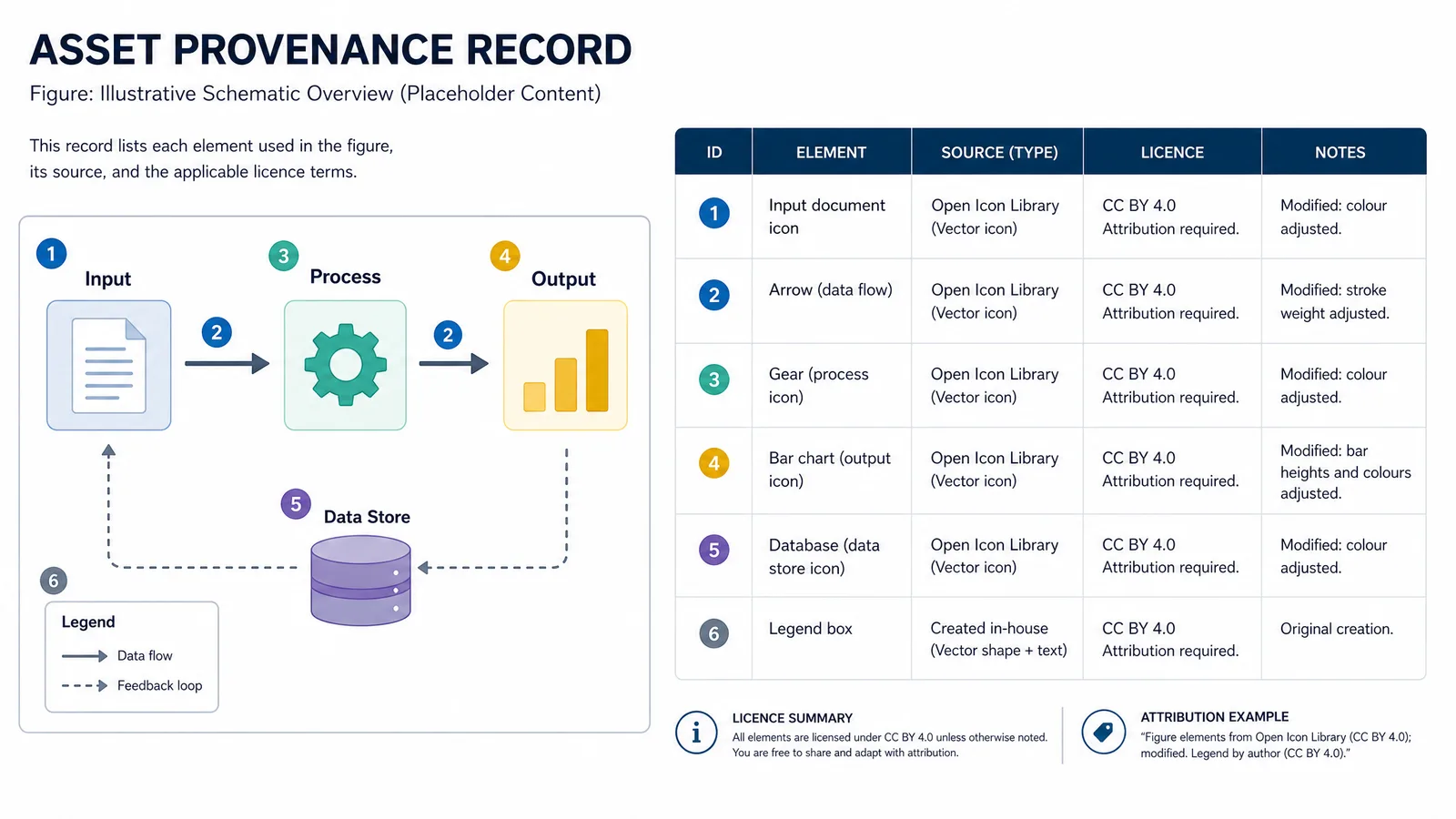
This is the part most easily overlooked. Design platforms bundle stock photography, icons, and illustrations, and those assets are licensed by the platform under terms that differ from the terms covering your own work. Free tiers commonly restrict certain assets, and "free for personal use" does not reliably cover a figure in a commercially published journal.
For a scientific figure the safest position is to use assets whose licensing you control: shapes drawn yourself, icon sets with explicit open licences, or figure elements generated for you with clear terms. If you do use platform assets, record which ones and under what tier, because reconstructing that six months later is unpleasant.
Tip
Check the target journal's figure specification before you start, not after the diagram looks right. Resolution, format, and colour mode requirements are trivial to satisfy at the design stage and expensive to retrofit.
Create Scientific Figures Now
Describe your scientific figure in natural language — get publication-ready illustrations in minutes.
Try FreeConclusion
Related Reading
Related reading: Best Free BioRender Alternatives (2026): 7 Tools Compared, Free Scientific Icon Libraries 2026 Guide, Mermaid to Image: Export Diagrams (2026).