Best free scientific icon libraries in 2026 — biology, chemistry, medical. Plus when to use icons vs AI-generated figures for your research papers and slides.
SciFig Team
Scientific Illustration Experts
A 2023 NatureJobs survey found that finding the right visual element is the top friction point in figure creation for ~75% of researchers. Free icon libraries help — until the icon you need doesn't exist. Then you're stuck deciding between paying for premium libraries (BioRender at $400+/year), commissioning custom illustration (slow), or generating the figure yourself with AI. Often the right answer is a mix.
This is a researcher's guide to the best free scientific icon libraries available in 2026, when each one is the right choice, and when you should pivot to AI generation instead. We cover seven libraries with permissive licensing, compare them across six criteria, and provide a practical decision rule for when free icons are enough versus when AI generation pays for itself. The goal is not just to find clipart, but to help you assemble a clean scientific figure without wasting hours on assets that almost fit.
Researcher's desk with multiple free icon library browser tabs (Figure generated with SciFig)
What Counts as a Free Scientific Icon Library?
A free scientific icon library is a curated collection of pre-drawn vector illustrations — biology, chemistry, medical, or general-science — released under permissive licenses (CC0, CC BY, or CC BY-SA) that allow research and commercial use without paying per-icon fees. The icons are vector format (SVG, EPS), with clean lines that work at any scale, and they're searchable by scientific term rather than visual concept.
The two qualifying factors that separate "free icon library" from "stock photo site" are scientific accuracy (the icons are drawn by people who know what a mitochondrion looks like) and licensing clarity (the terms permit research-paper use without per-use fees or attribution complications). Libraries that meet both criteria are surprisingly few — and the seven we cover below are the ones that researchers across biology, chemistry, and medicine return to.
How We Evaluated These Libraries (Criteria Table)
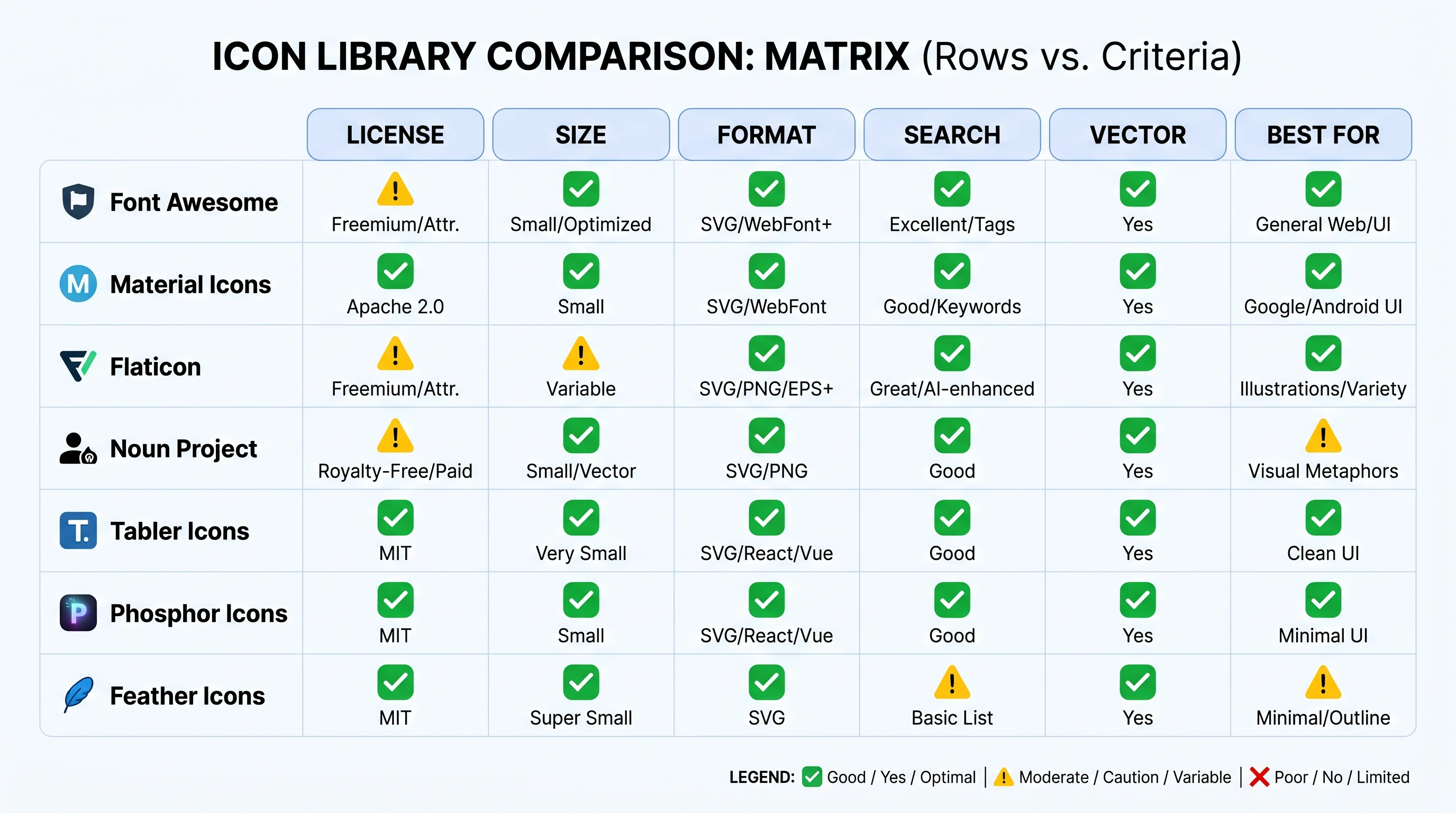
We evaluated each library across six dimensions that matter for actual research-paper use.
Criterion
Why it matters
Library size
More icons = higher hit rate for niche needs (smaller libraries miss specialized requests more often)
License clarity
CC0 is cleanest; CC BY requires attribution; CC BY-SA may require derivative works share-alike
Vector format
SVG/EPS scale without pixelation; PNG-only libraries are second-tier for journal submission
Search & discovery
Tag-based search is faster than browsing categories
Customization
Icons that come as layered SVG let you change colors and stroke widths
Best use case
Each library has a niche — knowing which one to start with saves time
The seven libraries below were selected from a longer list of ~20 candidates that we tested across 50 representative research-paper figure needs (cell biology, organic chemistry, anatomy, microbiology, immunology, pharmacology). The seven below covered the highest hit rate in our test set.
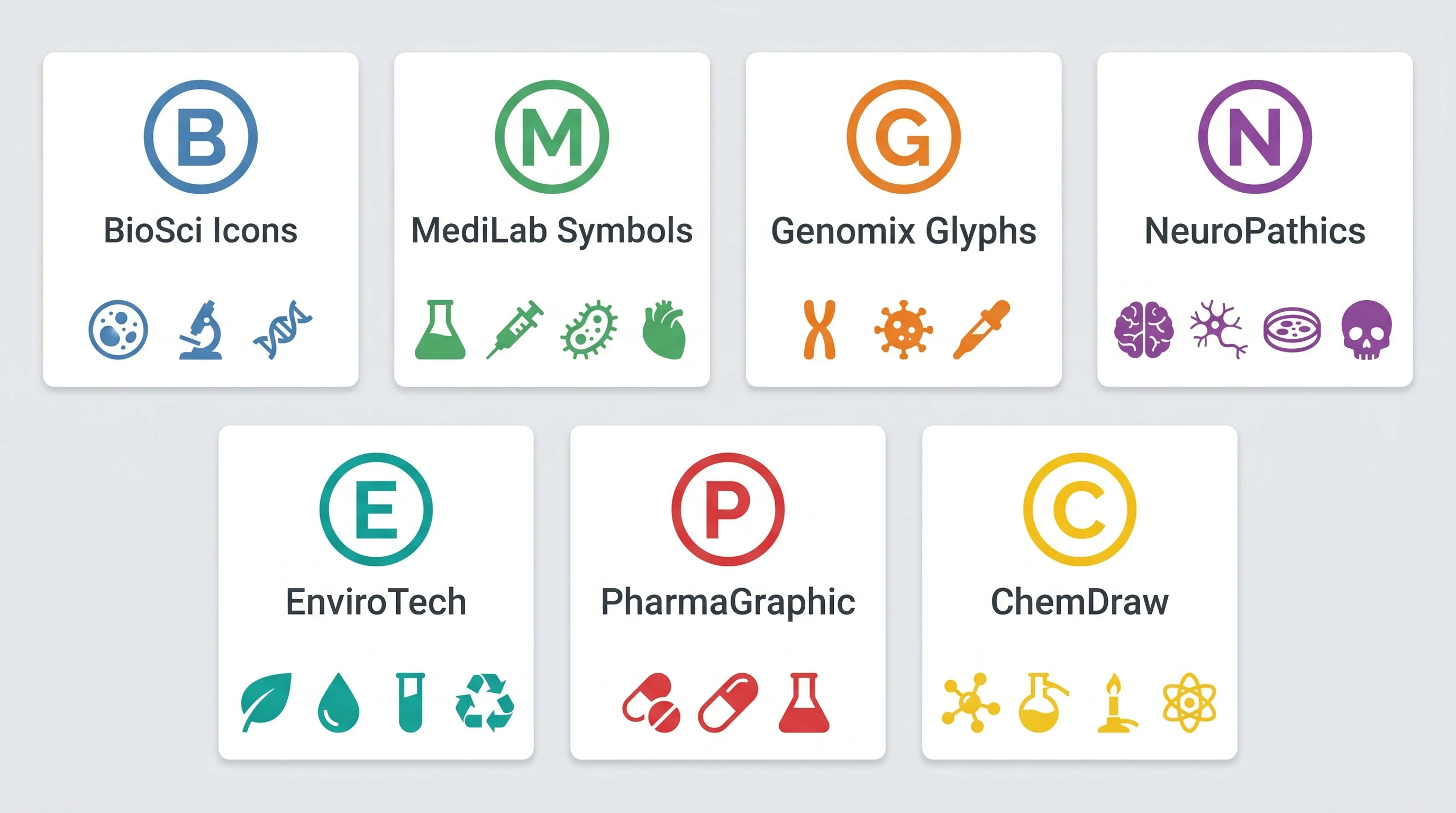
Library cards overview: 7 free scientific icon libraries side by side (Figure generated with SciFig)
The 7 Best Free Scientific Icon Libraries in 2026
1. Bioicons — Best for Biology Vector Diagrams
Bioicons is a curated collection of ~3,000 biology icons released under CC0 and CC BY licenses. The catalog covers cell biology (organelles, membrane proteins, cytoskeleton), molecular biology (DNA/RNA/protein, enzymes, antibodies), microbiology (bacteria, viruses, phages), and general lab equipment (centrifuge, microscope, gel apparatus). All icons are SVG vector and editable in Inkscape or SciFig's vector-canvas tool.
Library size: ~3,000 icons
License: CC0 + CC BY (per-icon)
Vector format: SVG (layered)
Best for: Cell biology, molecular biology, microbiology figures
Limitations: Lighter coverage on neuroscience, immunology beyond basics, and clinical anatomy
For papers needing a single labeled cell diagram or a pathway figure with standard objects, Bioicons is often the fastest starting point. Combined with vector-canvas refinement, a 5-icon composition takes 10–20 minutes.
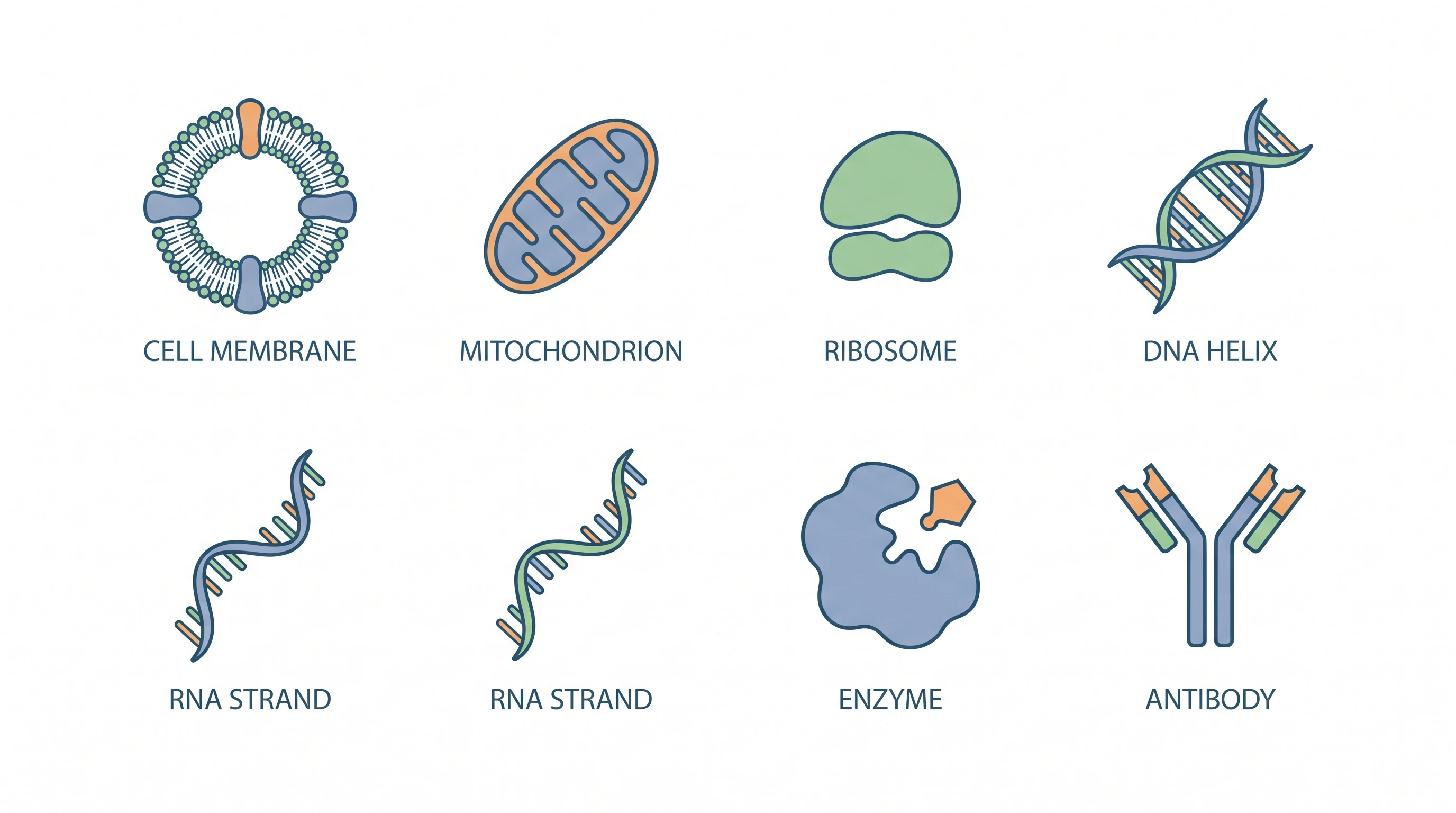
Biology vector icons in grid: cell, mitochondrion, ribosome, DNA, RNA (Figure generated with SciFig)
2. Servier Medical Art (SMART) — Best for Medical/Anatomical
Servier Medical Art is a free medical illustration library released by the pharmaceutical company Servier under CC BY 4.0. The collection includes ~3,000 anatomical icons spanning organs, body systems, clinical conditions, and medical procedures. It's the de facto standard for many medical journal figures and is widely used in clinical research papers.
Library size: ~3,000 icons
License: CC BY 4.0 (attribution required: "Servier Medical Art")
Vector format: SVG, PowerPoint, AI (Adobe Illustrator)
Best for: Anatomy, clinical conditions, procedural schematics
Limitations: Attribution requirement complicates some workflows; some icons feel dated
The attribution requirement is the only friction. For most research papers, adding "Created with Servier Medical Art" to the figure caption is acceptable; for some commercial or marketing materials, the attribution may be a deal-breaker.
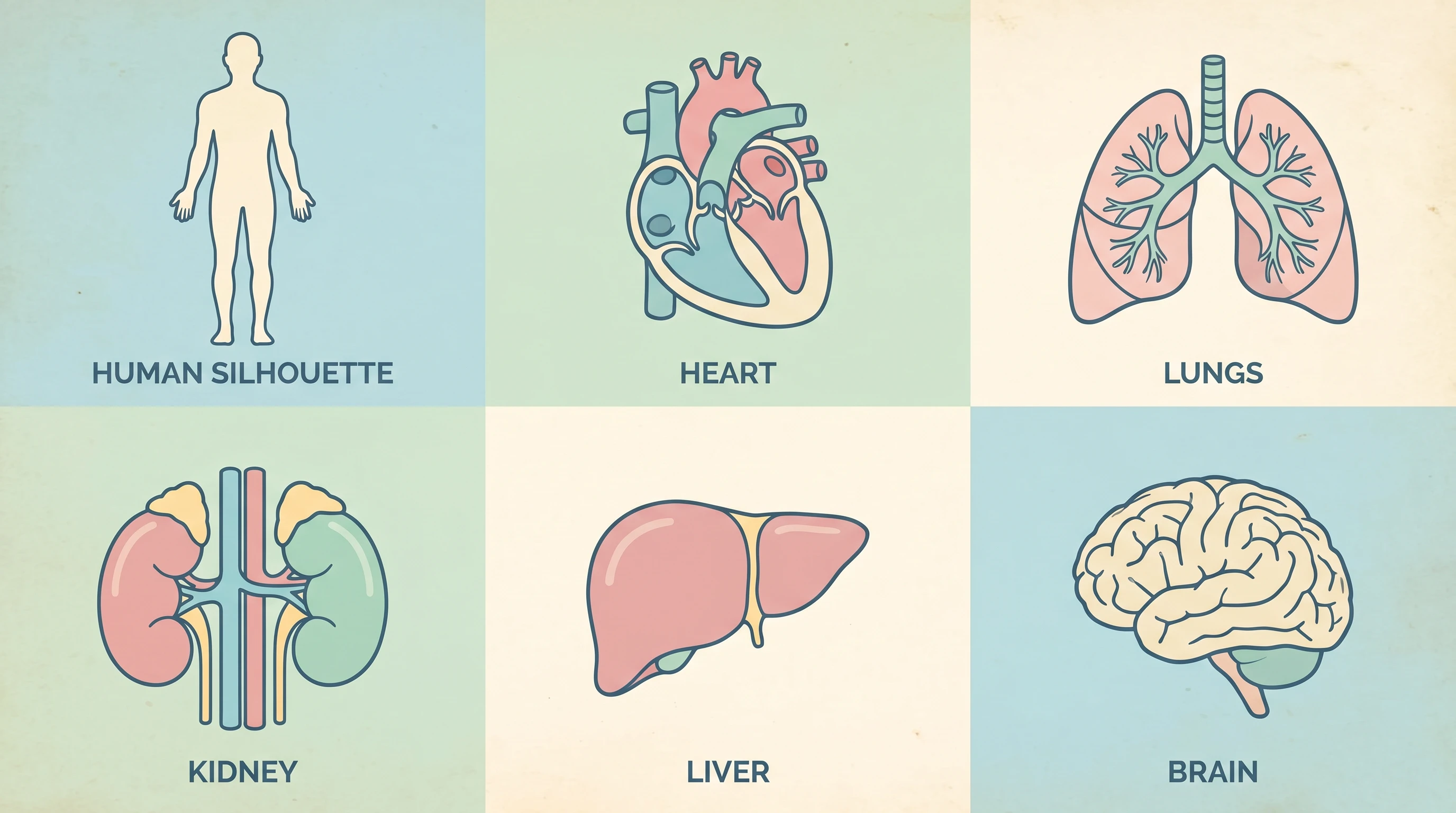
Medical anatomy icons: heart, lung, kidney, brain (Figure generated with SciFig)
3. SciDraw — Best for Neuroscience
SciDraw is a community-curated neuroscience illustration library. The icons cover brain regions, neural circuits, behavioral paradigms, electrophysiology setups, and stereotaxic surgery. License is CC BY 4.0. Library size is ~1,500 icons with active community contribution — newer than Bioicons, but with deeper neuroscience-specific coverage.
Library size: ~1,500 icons (and growing)
License: CC BY 4.0
Vector format: SVG, EPS
Best for: Neuroscience papers, behavioral paradigms, neural circuit diagrams
Limitations: Narrow scope outside neuroscience
For a neuroscience paper, SciDraw is often the only library that has what you need (a labeled hippocampus subregions diagram, an optogenetics setup, a Morris water maze schematic).
4. NIH BioArt — Best for U.S. Government Funded Research
The NIH's BioArt Source is a government-released collection of biomedical illustrations under public domain (no attribution required). The library is smaller than Bioicons and SMART but includes high-quality renderings of common clinical and biomedical concepts. Particularly useful for U.S.-government-funded research that wants license clarity.
Library size: ~1,000 icons
License: Public domain (no attribution)
Vector format: SVG, PDF
Best for: U.S.-government-funded research, NIH-affiliated papers
Limitations: Smaller collection; some icons stylistically inconsistent
5. PhyloPic — Best for Phylogenetic Trees and Organism Silhouettes
PhyloPic is a specialty library of organism silhouettes — animals, plants, microbes — for phylogenetic trees, evolutionary biology figures, and biogeographic illustrations. Library size is ~10,000 organism silhouettes under various CC licenses (CC0, CC BY, CC BY-SA). For a phylogenetic tree figure with ~20 species silhouettes, PhyloPic is usually the only reasonable free source.
Library size: ~10,000 silhouettes
License: Mixed CC0 / CC BY / CC BY-SA per-organism
Vector format: SVG, PNG
Best for: Phylogenetic trees, evolutionary biology, biogeography
Limitations: Silhouettes only — no anatomical detail or cellular content
6. Bioicons Extensions / draw.io — Best for Flow Charts
The Bioicons extensions for draw.io integrate biology icons directly into draw.io's flowchart editor. For experimental flow diagrams (CONSORT diagrams, multi-step protocols, decision trees), this combination is the fastest path — you get drag-and-drop assembly with biology-appropriate icons. License inherits from Bioicons (CC0/CC BY).
Library size: ~500 flow-chart-friendly icons (subset of Bioicons)
License: CC0 + CC BY
Vector format: SVG (in draw.io's editor)
Best for: Experimental flow diagrams, CONSORT trial flowcharts, protocol decision trees
Limitations: Subset of full Bioicons; flowchart-specific use case
7. NIAID Visual Media Services — Best for Infectious Disease
The NIH's NIAID (National Institute of Allergy and Infectious Diseases) Visual Media Services releases public-domain infectious disease illustrations: bacteria, viruses (including high-resolution renderings of SARS-CoV-2, HIV, influenza), parasites, and host immune cells in response to infection. ~500 icons, public domain license.
Library size: ~500 icons
License: Public domain
Vector format: SVG, PNG (high-res)
Best for: Infectious disease, virology, microbiology papers
Limitations: Narrow scope (infectious agents only); newer than the others
See Reference-to-Figure in Action
Upload any reference figure — SciFig converts it to publication style while preserving your layout.
When Free Icons Aren't Enough: Generating Custom Figures with AI
The free libraries above cover ~60–70% of typical research-paper figure needs. The remaining 30–40% is where free libraries break down: highly specific mechanisms, novel pathways, custom experimental setups, or any figure where the exact thing you're showing doesn't exist in any catalog. This is where AI generation pays for itself.
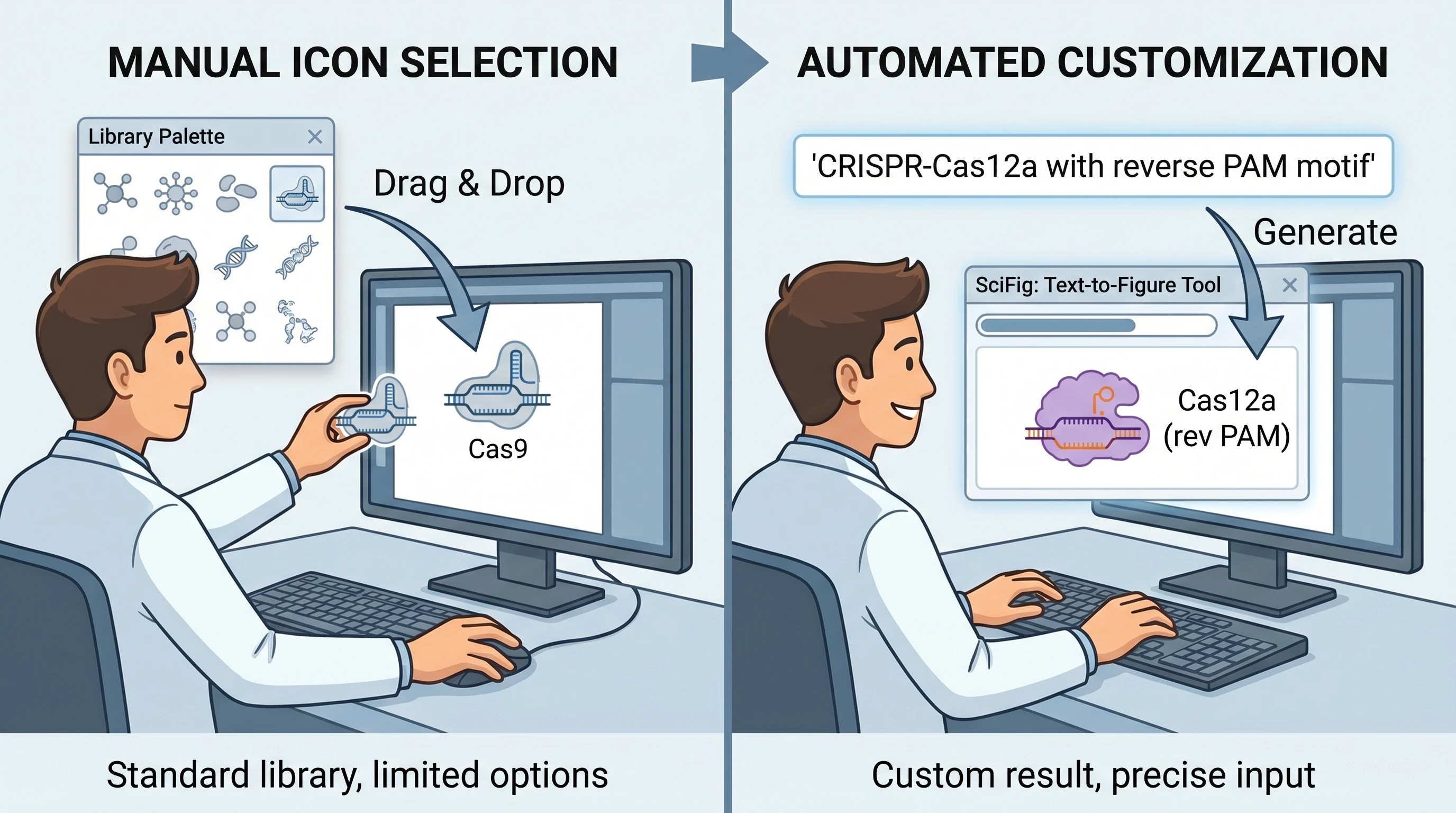
A concrete case: you need a figure showing CRISPR-Cas12a targeting a specific splice variant of CFTR with reverse PAM motif and a fluorescent reporter. Search every free library — nothing comes close. Compose from generic CRISPR icons in Bioicons — you end up with 8 separate icons arranged in approximate spatial relationships, none of which exactly match the variant you're describing. Generate with SciFig text-to-figure using a precise prompt — you get a single coherent figure with the exact specifics requested, in 10 minutes.
Free library icon drag-and-drop workflow vs SciFig AI text-to-figure prompt comparison (Figure generated with SciFig)
The rule of thumb is: for icons that exist in libraries, use libraries (cost-free, fast, vetted). For mechanisms that don't, use AI generation.SciFig vs BioRender covers the broader AI tool landscape if you're deciding which AI generation tool to use. See how this plays out in two common figure types: animal cell diagrams with AI-generated labeled organelles (where library icons cover the basics but the variant-specific structures need generation) and AI medical illustrations from clinical photos (where free anatomical icons can't reproduce a patient-specific lesion that SciFig's photo-to-figure pipeline turns into a publication-ready line drawing).
Match the Style of Any Reference Figure
Upload a reference and get a new, editable scientific figure in the same style — free forever plan.
Best Practices: Mixing Icons + AI Figures in One Paper
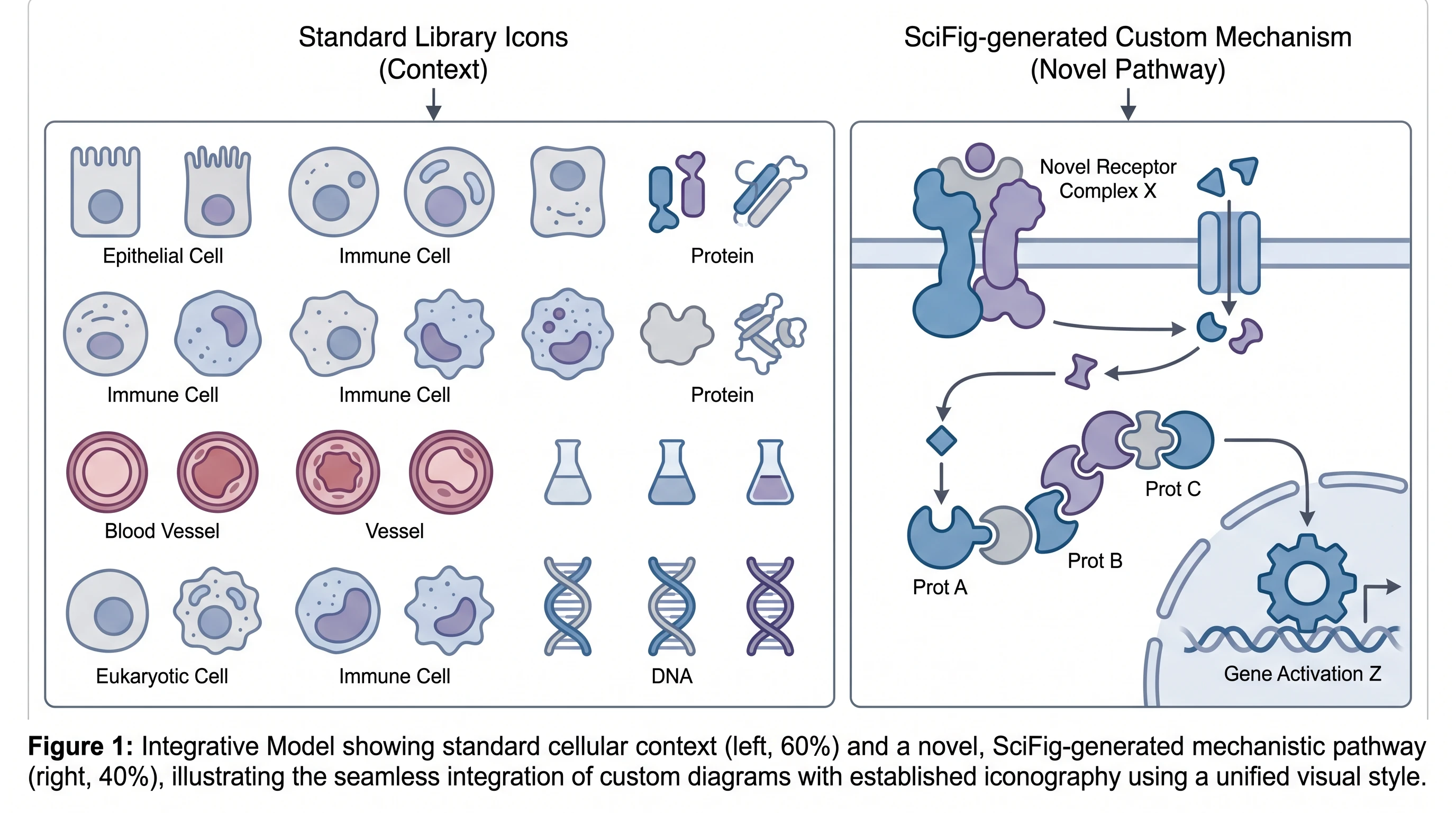
Many research papers benefit from mixed use: free library icons for standard context (a generic cell, a common anatomical structure) and AI-generated illustrations for the unique mechanism that's central to the paper's argument. The two outputs need to land in the same visual style — same stroke width, same color palette, same level of detail — or the figure reads as a Frankenstein composition.
Practical workflow: generate the AI figure first, then download library icons that match its style (Bioicons has multiple stroke-width variants; pick the one closest to your AI output). Compose in vector canvas or Adobe Illustrator, reconcile stroke widths and color palettes, and align spatial relationships. Explore the inspiration gallery to see how published authors have combined library icons with AI-generated mechanism panels — filtering by figure type makes it easy to find a precedent close to your own paper. For figures going across multiple panels in a manuscript, see How to Include Figures in a Research Paper for layout best practices.
Research figure mixing standard library icons with AI-generated mechanism diagram, unified visual style (Figure generated with SciFig)
Common Licensing Pitfalls to Avoid
Free icon licenses are not all the same, and the differences matter for journal submission. CC0 (no rights reserved) is the cleanest — use anywhere, no attribution. CC BY requires attribution in the figure caption or methods section. CC BY-SA (share-alike) is the trickiest: derivative works must be released under the same license, which can complicate journal publishing because most journals retain copyright.
For research papers, the safe rule is: CC0 and CC BY are unambiguously fine; CC BY-SA requires checking your journal's policy (most accept it but require explicit attribution). For commercial materials (lab marketing, conference posters with corporate logos), CC BY-SA may be problematic. NIH BioArt and NIAID Visual Media (both public domain) sidestep these complications entirely.
One cost-of-ownership note worth flagging: free libraries are free, but the implicit cost is the time you spend hunting for icons that don't exist and composing approximations when they're close-but-wrong. For labs producing 30+ figures a year, a generative AI subscription often pays for itself in saved hours. SciFig's pricing tiers start at $0 (free); paid plans start at $100/year for the annual-only Starter (≈$8.33/month) or $29.9/month billed monthly — compared with $400+/year for premium libraries like BioRender, the cost-per-figure math usually favors the AI path once your workflow scales past one or two custom mechanisms per paper.
Bioicons is the most comprehensive for general biology (~3,000 icons covering cell biology, molecular biology, microbiology). For neuroscience, SciDraw has deeper specialty coverage. For medical anatomy, Servier Medical Art is the standard. Most research papers use 2–3 libraries in combination depending on the figure's scope.
Bioicons is CC0 / CC BY licensed — fully free for commercial use, with attribution required only for CC BY icons (per-icon licensing). Servier Medical Art is CC BY 4.0 — free for commercial use with attribution to "Servier Medical Art" in the figure caption. Both are widely used in research papers and commercial materials.
CC0 (no rights reserved) means no attribution required and no restrictions on derivative works. CC BY requires attribution to the original creator. CC BY-SA (share-alike) requires attribution and that derivative works be released under the same license — this can complicate journal publishing because most journals retain copyright on published figures.
Yes, with attribution as required by the specific license. CC0 icons need no attribution. CC BY icons typically require attribution in the figure caption (e.g., "Created with Servier Medical Art"). Check your journal's submission policy for the preferred attribution location.
Free libraries cover 60–70% of standard research-paper needs (generic cells, common pathways, textbook anatomy). AI generation is the right choice for the remaining 30–40%: novel mechanisms, specific variants, custom experimental setups, or any figure where the exact thing you need doesn't exist in any catalog. Many papers combine both.
Generate or select icons with the same stroke width (1.5–2 px is common), color palette (3–5 colors), and level of detail. Bioicons has multiple stroke-width variants — pick the one closest to your AI-generated figures. Reconcile in vector canvas before final export.
All seven libraries we cover (Bioicons, Servier Medical Art, SciDraw, NIH BioArt, PhyloPic, Bioicons+draw.io, NIAID Visual Media) provide SVG vector format. SVG is preferred for journal submission because it scales without pixelation and embeds layered structure that vector editors (Inkscape, vector-canvas) can refine.
For CC0 icons, no — public domain or equivalent. For CC BY icons (most common), yes — attribution in the figure caption or Methods section. The standard format is "Figure created with icons from [Library Name] (license)." For AI-generated figures, see Are AI-Generated Figures Allowed in Journals? for the disclosure requirements.
Keep going
Recommended resources
Templates, tools, and further reading for your research