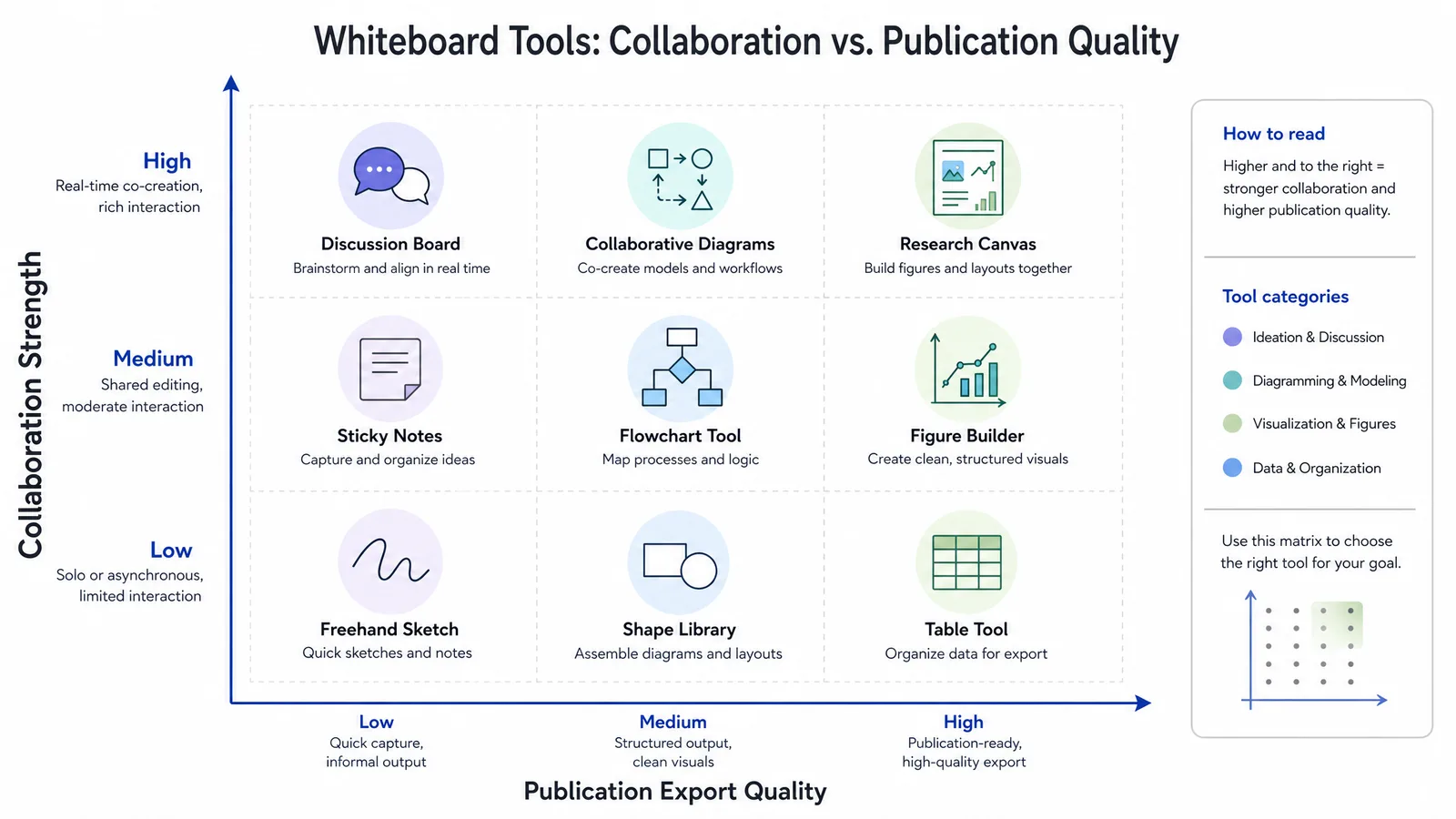
Miro is a thinking surface, not a tool for making publication-ready scientific figures.
That distinction explains most of the frustration researchers have with it. A whiteboard is excellent for a lab meeting where six people rearrange ideas at once. It is the wrong instrument for producing a figure that has to survive a journal's resolution requirements, and the export is usually where people discover this.
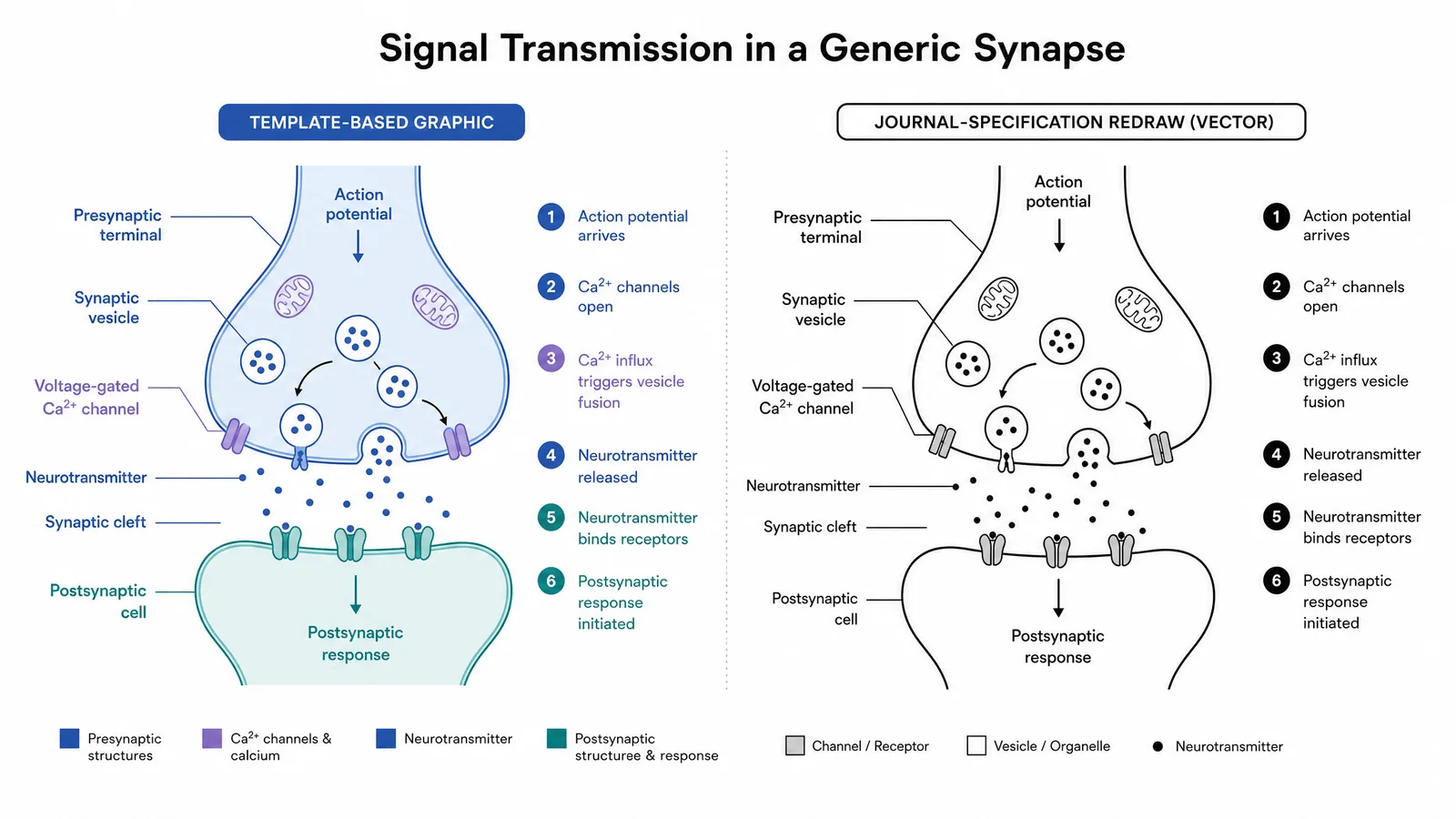
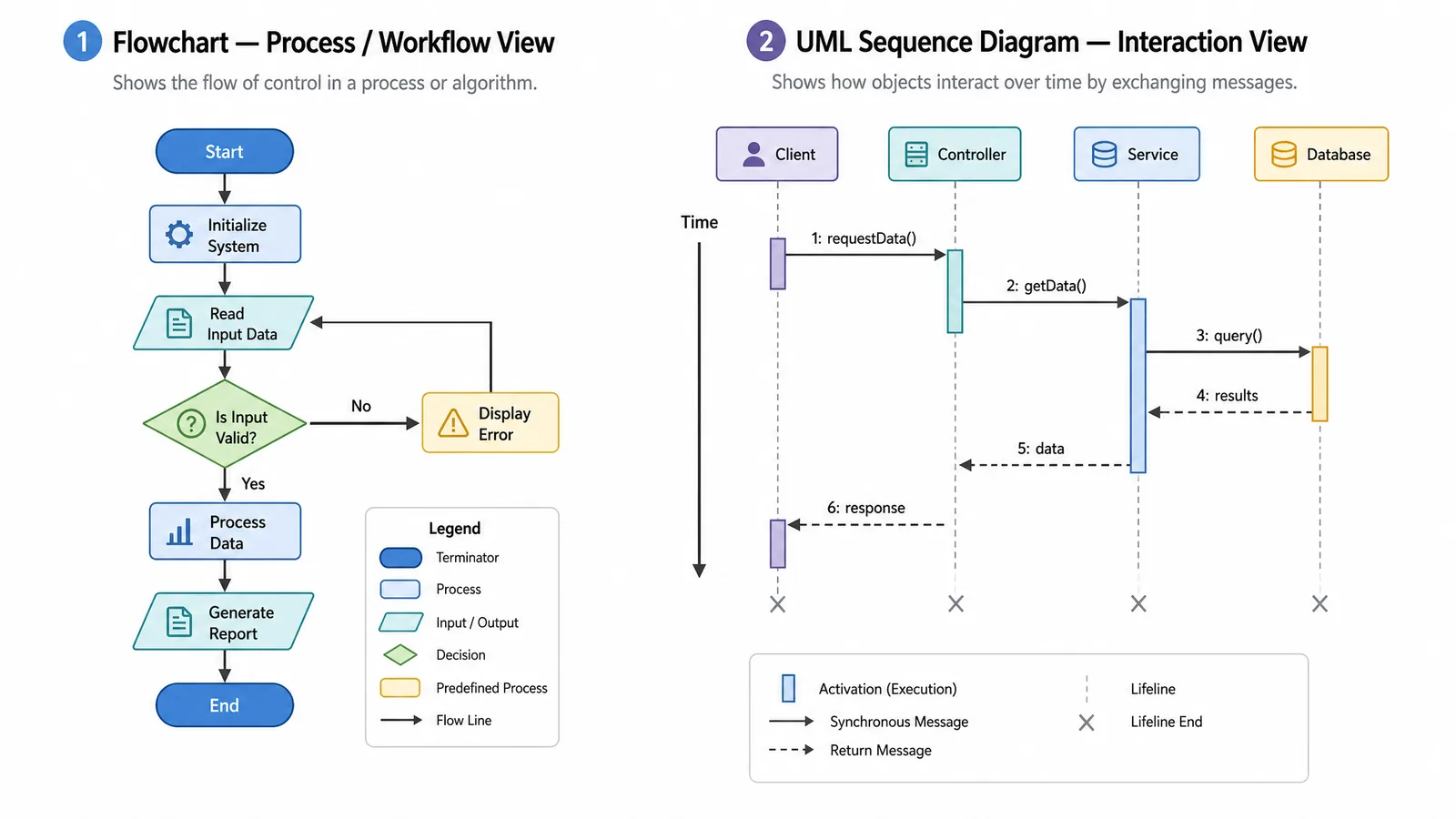
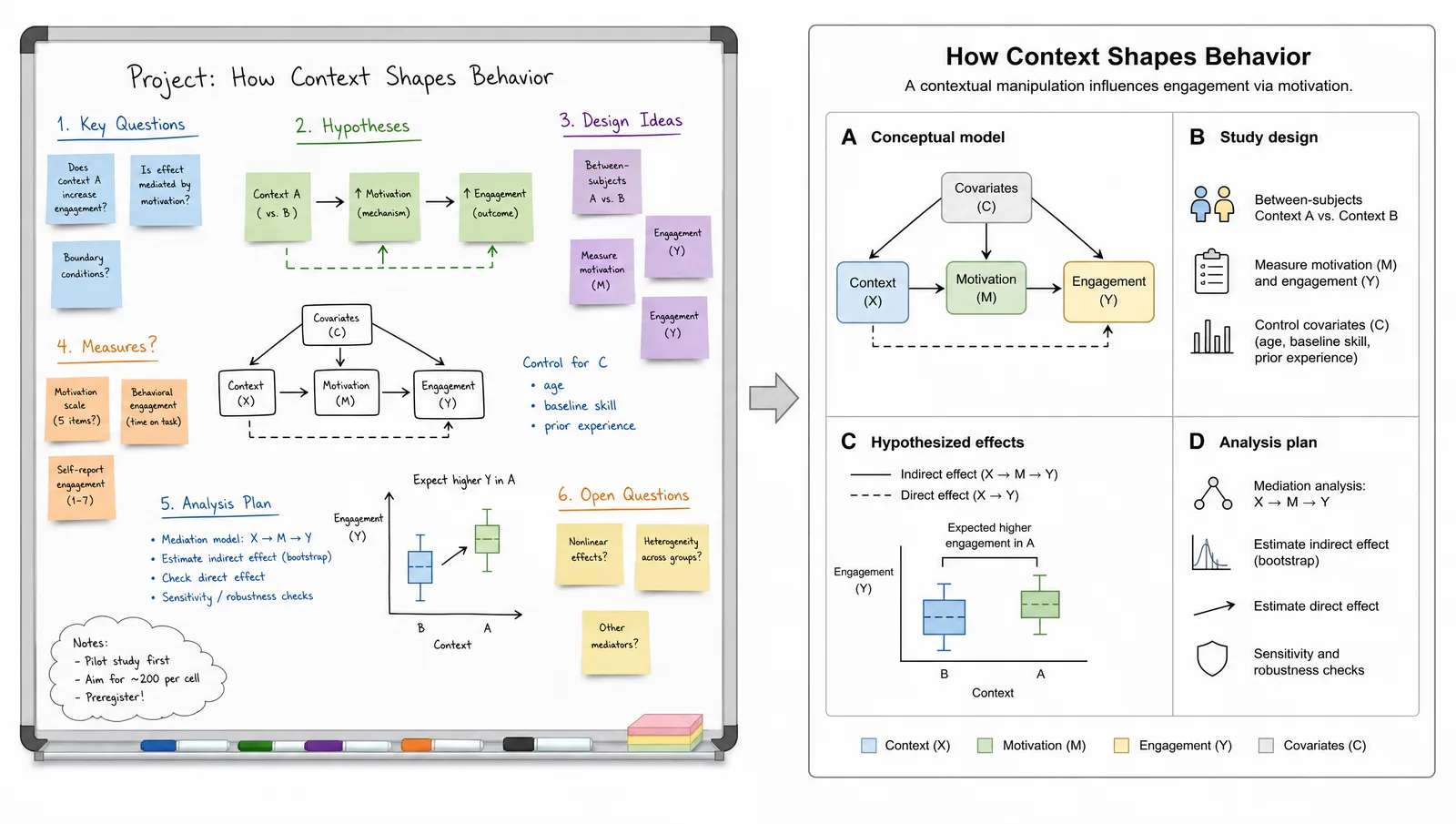
What's a good alternative to Miro for drawing diagrams? For technical diagrams and paper figures, SciFig: SciFig FlowChart (flowcharts and diagrams) turns a written structure or a photo of the whiteboard into a native SVG diagram with every box, label and arrow editable. For the workshop itself, Excalidraw and FigJam are the closest free collaborative whiteboards, and draw.io is the free route for structured diagrams drawn by hand.
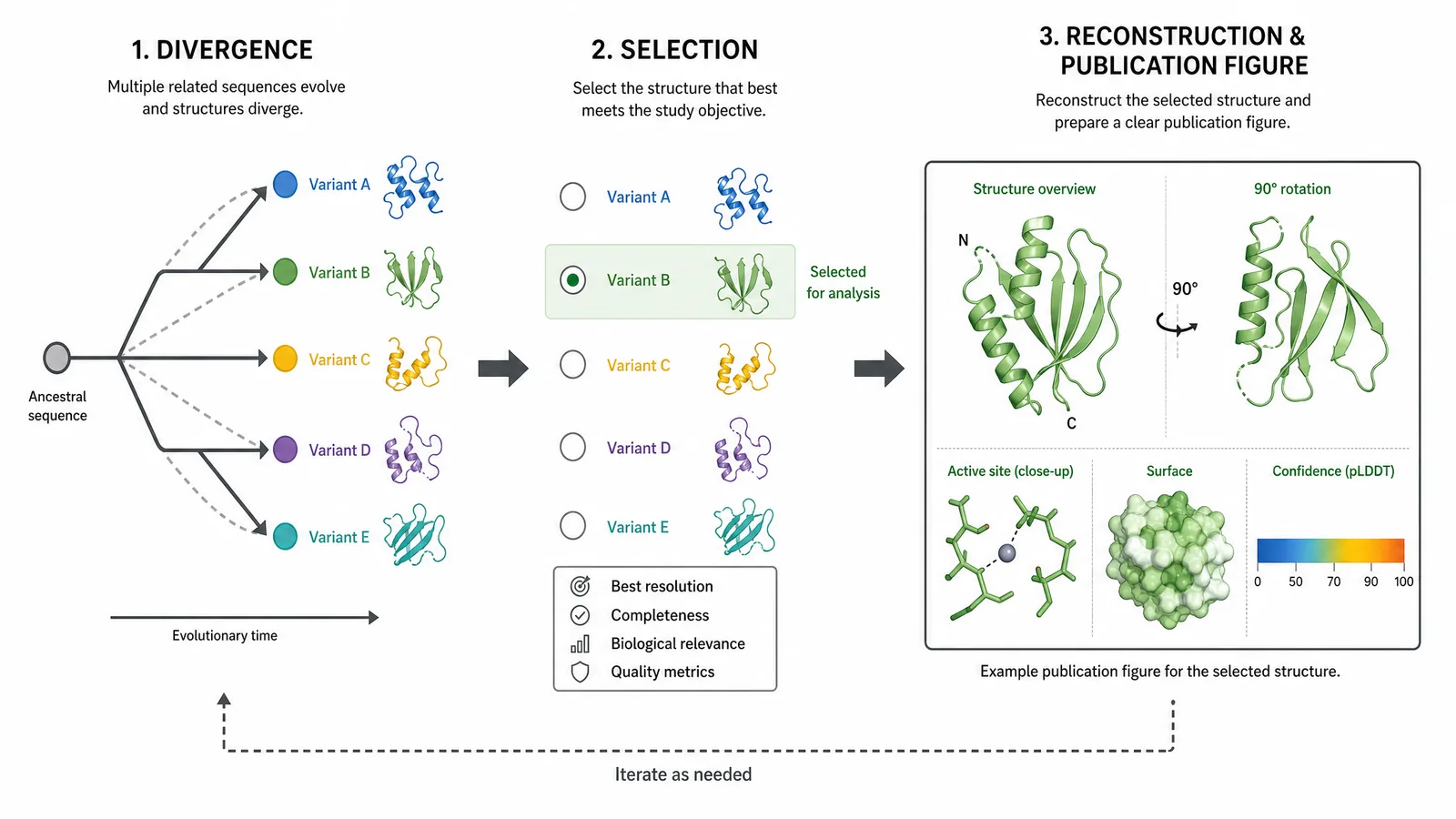
Two Different Jobs
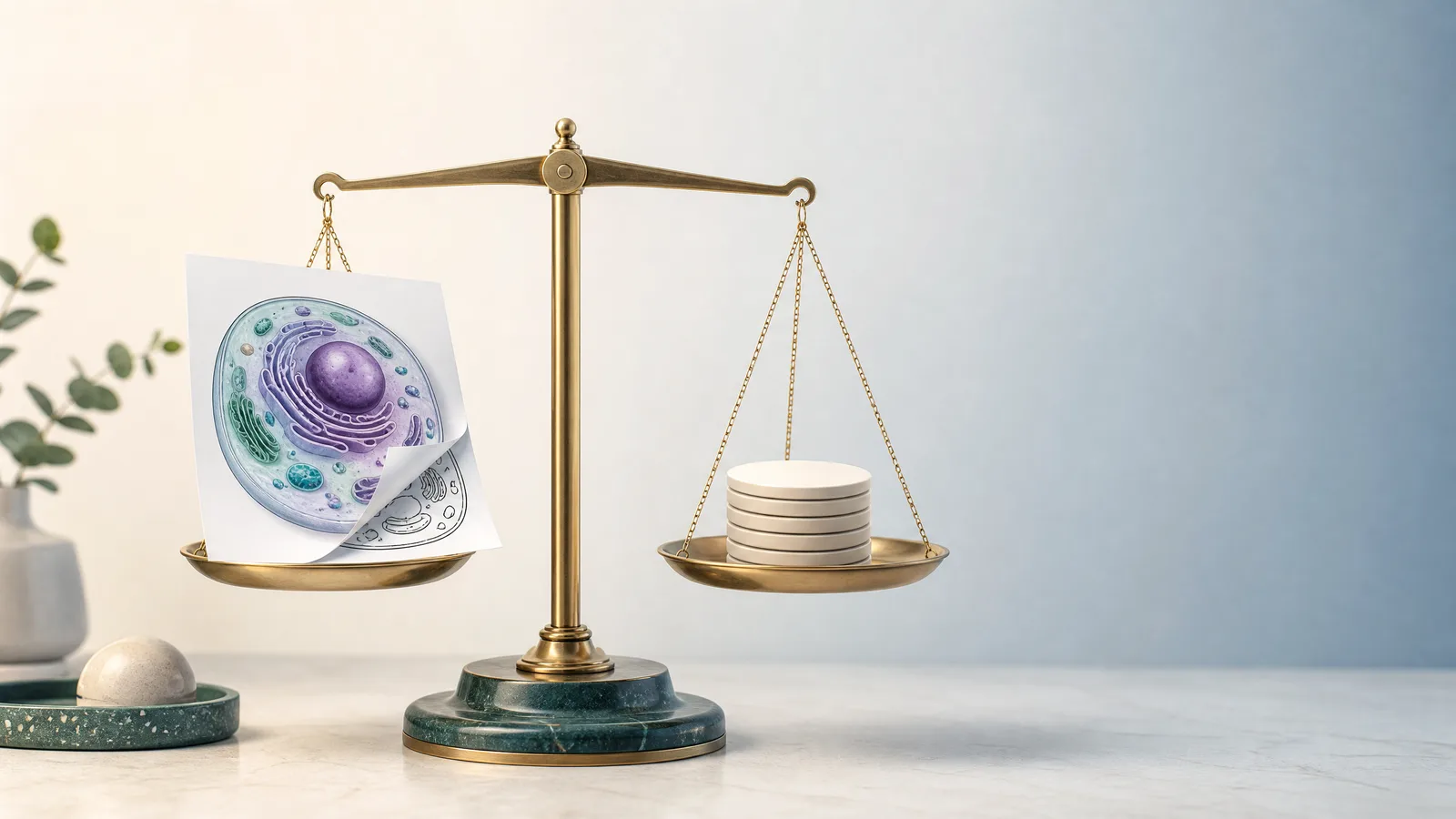
Be explicit about which job you are hiring a tool for:
- Diverge. Brainstorming, affinity mapping, study design workshops, retrospectives. Many participants, low precision, high speed.
- Converge. Producing the figure that goes into the manuscript. One author, high precision, strict output requirements.
Most teams need both, and the mistake is expecting one tool to do both well. Whiteboards make bad figure editors; figure editors make frustrating whiteboards.
The Alternatives Compared
Seven Miro alternatives for technical diagrams and workshops, plus SciFig, split by the job each one does best.
| Tool | Primary job | Real-time multi-user | Free option | Publication-quality export |
|---|---|---|---|---|
| SciFig | Converge: text or whiteboard photo to paper figure; also AI scientific illustration and charts from your data | Single-author figure editing | Free to start, no card | Native editable SVG, plus PNG, JPG, PPTX |
| Excalidraw | Diverge, light diagrams | Yes | Free | SVG |
| FigJam | Diverge | Yes | Free plan | PNG, JPG, PDF; no SVG |
| tldraw | Diverge, quick sketches | Yes | Free | SVG |
| Mural | Diverge, facilitation | Yes | Free plan | PDF, PNG |
| Whimsical | Diverge, flowcharts | Yes | Free plan | Moderate |
| draw.io / diagrams.net | Converge, structured diagrams | Limited | Free | SVG, PDF |
| Inkscape | Converge, final artwork | No | Free, open source | Excellent |
See AI Scientific Figure Generation in Action
Watch how researchers create publication-ready scientific figures from text descriptions.
Explore the ToolExcalidraw
The strongest general replacement for lightweight use. The hand-drawn aesthetic reads as provisional, which is genuinely useful in a working session because it signals that nothing is settled. It exports SVG.
SciFig
draw.io / diagrams.net
Free in the browser or as a desktop app, and exports clean SVG and PDF. Better suited to structured, technical diagrams — flowcharts, system schematics, study designs — than to freeform ideation. In a draw.io vs Miro comparison, draw.io wins on precise structure and Miro on many-person ideation, so a common pattern is diverging in Miro or Excalidraw and rebuilding the final diagram here. To export a draw.io diagram to Miro for a workshop, save it as PNG and upload the image to the board.
FigJam, Mural, Whimsical
All three are close functional substitutes for Miro's collaboration features and differ mainly in ecosystem and facilitation extras. If your objection to Miro is price or a specific integration rather than capability, these are lateral moves.
Inkscape
Not a whiteboard at all, but worth naming because it is where many figures should finish. Full vector control, native SVG, exports PDF and EPS at journal requirements. Steep learning curve.
The Data Sensitivity Question
Whiteboard tools are cloud-first by default. Before a workshop involving unpublished results, patient-derived data, or anything under a data use agreement, check three things: where data is stored geographically, whether the provider's terms permit your data class, and whether your institution has an existing agreement.
Tip
Never let the whiteboard version become the manuscript figure. Rebuild it deliberately. Whiteboard artifacts — sticky-note colors that meant nothing, arrows drawn to reach rather than to claim causation — carry accidental meaning into a figure where every element is read as intentional.
Create Scientific Figures Now
Describe your scientific figure in natural language — get publication-ready illustrations in minutes.
Try Free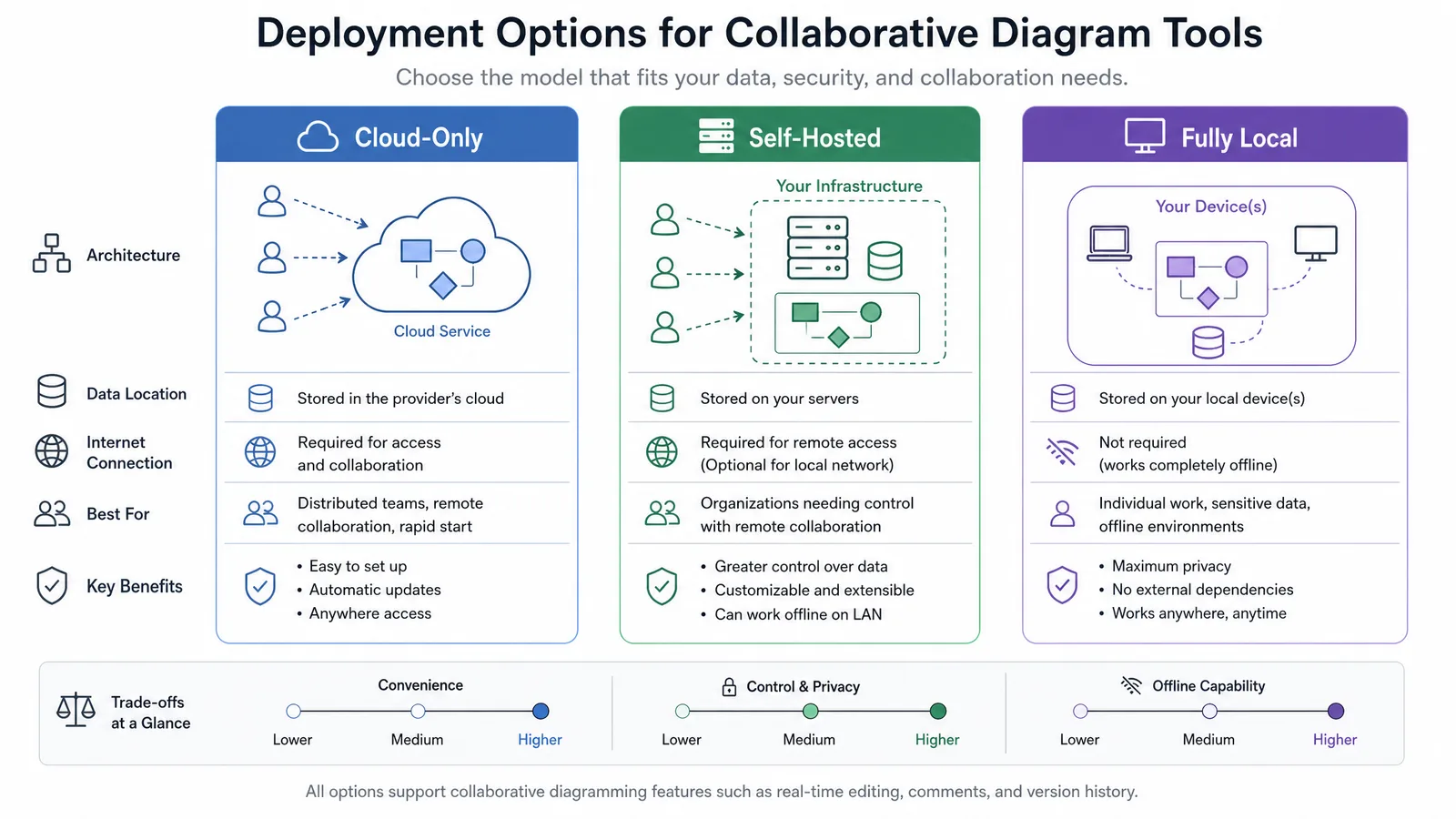
Related Reading
Related reading: Best Free BioRender Alternatives (2026): 7 Tools Compared, Sketch to Publication-Ready Scientific Figures, 7 Best Lucidchart Alternatives in 2026.