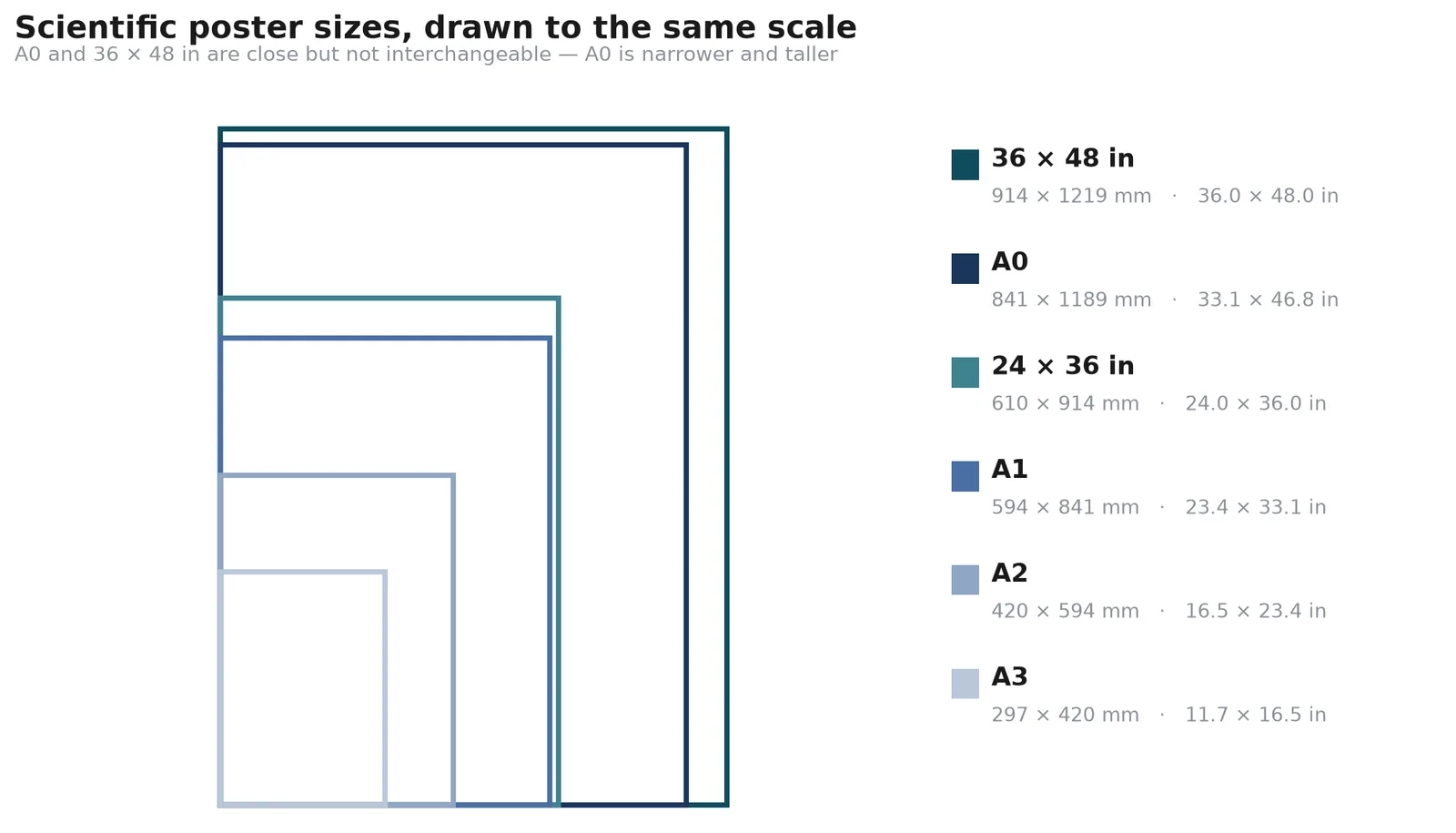
Most scientific posters are A0 (841 × 1189 mm) or 36 × 48 inches — check your acceptance email to confirm.
That one line answers the question most people arrive with — and the board, not the convention, has the final say. The harder question is what to do with the size once you have it: a poster is not a document you scale, it is a fixed canvas you divide.
This guide gives the numbers first, then the part that actually decides whether your poster reads well — how many columns each size holds, and how much space is left for figures.
Standard scientific poster dimensions
Two systems are in use: ISO A-series (most of Europe, Asia, Australia) and US customary inches (North America). They do not convert cleanly, which is why conferences state one or the other rather than both.
| Size | Millimetres | Centimetres | Inches | Where it is used |
|---|---|---|---|---|
| A0 | 841 × 1189 | 84.1 × 118.9 | 33.1 × 46.8 | The default outside North America |
| A1 | 594 × 841 | 59.4 × 84.1 | 23.4 × 33.1 | Smaller symposia, departmental days |
| A2 | 420 × 594 | 42.0 × 59.4 | 16.5 × 23.4 | Student sessions, corridor displays |
| A3 | 297 × 420 | 29.7 × 42.0 | 11.7 × 16.5 | Handouts and mini-posters, rarely boards |
| 36 × 48 in | 914 × 1219 | 91.4 × 121.9 | 36 × 48 | The North American standard, portrait |
| 48 × 36 in | 1219 × 914 | 121.9 × 91.4 | 48 × 36 | The same board, landscape |
| 24 × 36 in | 610 × 914 | 61.0 × 91.4 | 24 × 36 | Smaller North American boards |
| e-poster 16:9 | — | — | 40 × 22.5 | Screen only, exported at 7680 × 4320 px |
Warning
How many columns each poster size holds
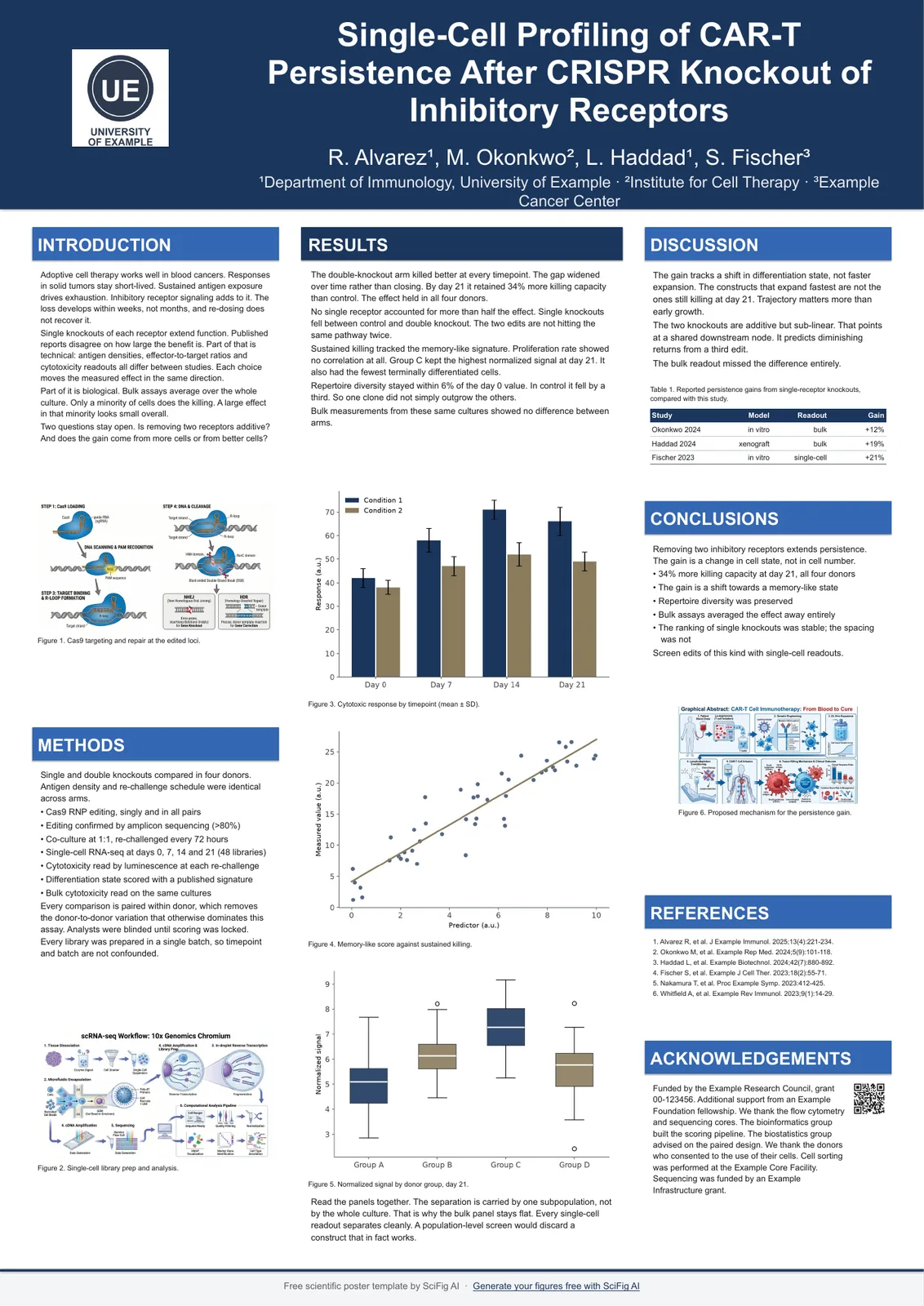
Column count follows width, not area. A0 portrait holds three columns comfortably; 48 × 36 landscape holds four; A2 holds two before the text column drops below a readable measure.
| Size | Columns that work | Approx. column width | Notes |
|---|---|---|---|
| A0 portrait | 3 | 25–27 cm | Or 1 : 2 : 1 with a double-width results column |
| A0 landscape | 4 | 27–29 cm | The extra width buys a column, not wider text |
| A1 portrait | 3 | 17–18 cm | Tight; 2 columns reads better at 24 pt body |
| A2 portrait | 2 | 18–19 cm | 3 columns drops below a comfortable measure |
| 36 × 48 in portrait | 3 | 10–11 in | The North American equivalent of A0 portrait |
| 48 × 36 in landscape | 4 | 10–11 in | Same column width, one more of them |
See AI Scientific Figure Generation in Action
Watch how researchers create publication-ready scientific figures from text descriptions.
Explore the ToolFont size and viewing distance
| Element | A0 / 36 × 48 | A1 | A2 |
|---|---|---|---|
| Title | 85 pt | 60 pt | 42 pt |
| Authors and affiliation | 56 pt | 40 pt | 28 pt |
| Section heading | 45 pt | 32 pt | 26 pt |
| Body text | 26 pt | 26 pt | 22 pt |
| Figure caption | 24 pt | 18 pt | 16 pt |
Note what stays fixed: body text holds at 26 pt from A0 down to A1 even though the canvas halves. Scaling the type with the paper would put A1 body text at 18 pt, which is below what a reader standing a metre away can follow comfortably.
A2 is the exception in the other direction — it drops to 22 pt because an A2 poster is usually read from closer, pinned in a corridor or on a departmental board rather than across an aisle.
How much space is left for figures
On a three-column A0, roughly 40–50% of the area ends up as figures once headings, captions and margins are accounted for. That is the number worth planning against, because figures are what people stop to look at.
A useful check before you start: count your panels. Six figures on A0 gives each one about a quarter of a column — enough to be read from a metre away. Twelve figures on the same board gives each one half of that, and at that point the poster becomes an archive rather than an argument.
Two constraints decide how large each figure can be:
- Column width caps the figure width. A figure cannot be wider than its column unless you span the full board.
- Aspect ratio caps the height. Scientific figures run between about 3:4 (tall) and 16:9 (wide). A figure forced outside that range is either cropped or padded with white space.
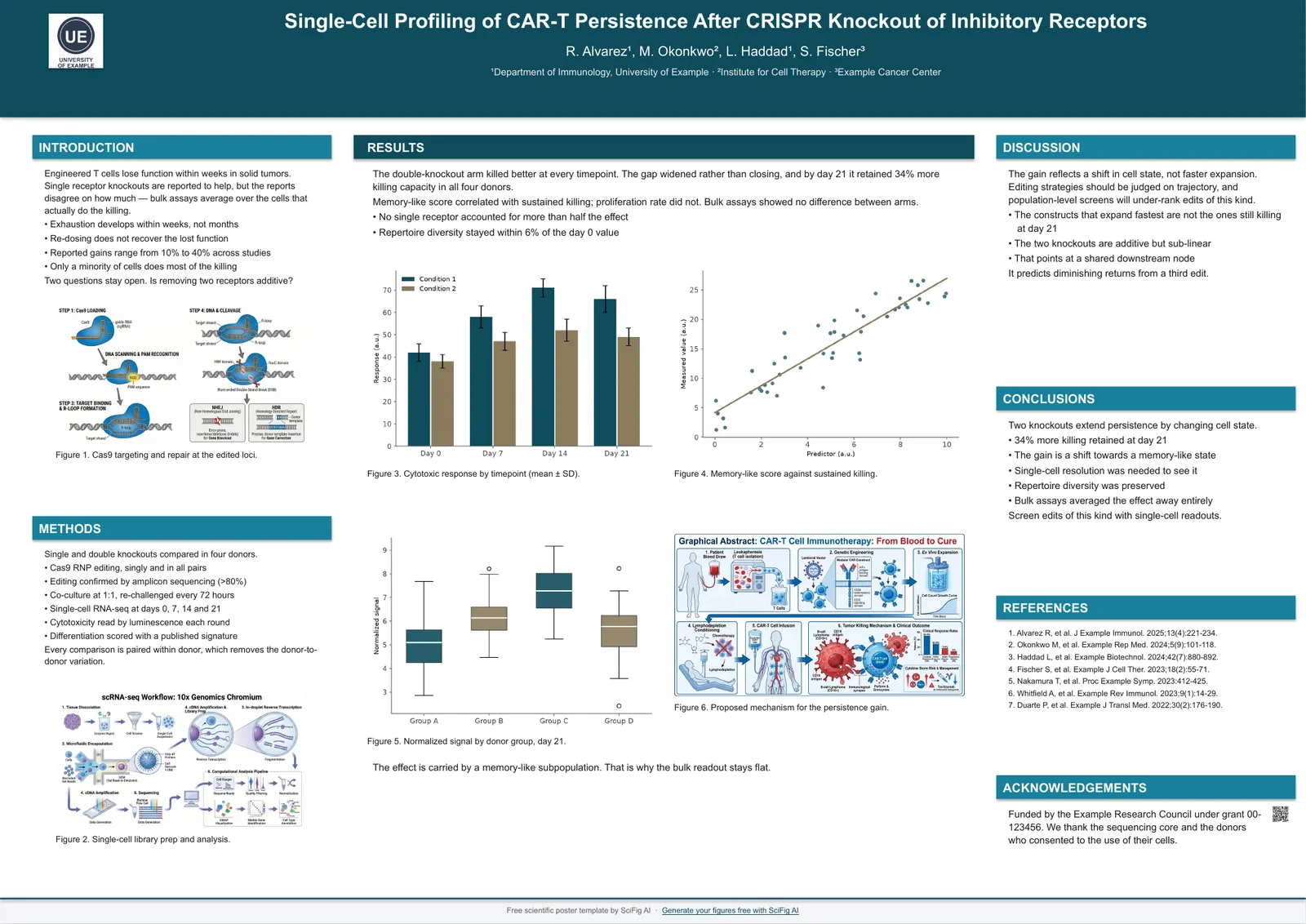
If a panel needs to be wider than a column, give it a full-width row rather than shrinking it into the column. A half-height full-width figure reads better than a full-height quarter-width one.
Choosing the right size for your conference
Use the size in your acceptance email. If it does not state one, the board dimensions on the venue page override any convention, and A0 portrait is the safest default when nothing is published at all.
Conference requirements vary more than most people expect. Across 37 conferences we track for our poster guidelines articles:
| Requirement | Conferences |
|---|---|
| A0 portrait (mandatory or recommended) | 8 |
| A0 landscape | 4 |
| Square boards (46 × 46 in, 110 × 110 cm, 1 × 1 m) | 4 |
| North American wide boards (8 × 4 ft, 6 × 4 ft) | 5 |
| 16:9 slides required for the talk | 10 |
| Size not published at time of writing | 10 |
Create Scientific Figures Now
Describe your scientific figure in natural language — get publication-ready illustrations in minutes.
Try FreePrinting and file setup
Export to PDF at 100% scale and tell the print shop not to rescale it. Images should be at least 300 dpi at the size they appear on the board, not at their original size.
- Set the canvas to the final size before you start. Designing at half scale and enlarging doubles every line weight and font size error.
- Check the file size limit for e-posters before you upload; many congresses cap at 500 MB.
- Print a single A4 test page and read it at arm's length. Text that fails that test will fail at two metres.
Templates at each size
Every size in the first table above has a template already set to those dimensions, with the column structure and type scale from this guide built in.
Related reading: template:poster-conference, 18 Scientific Poster Examples to Learn From in 2026, Text-to-Figure.