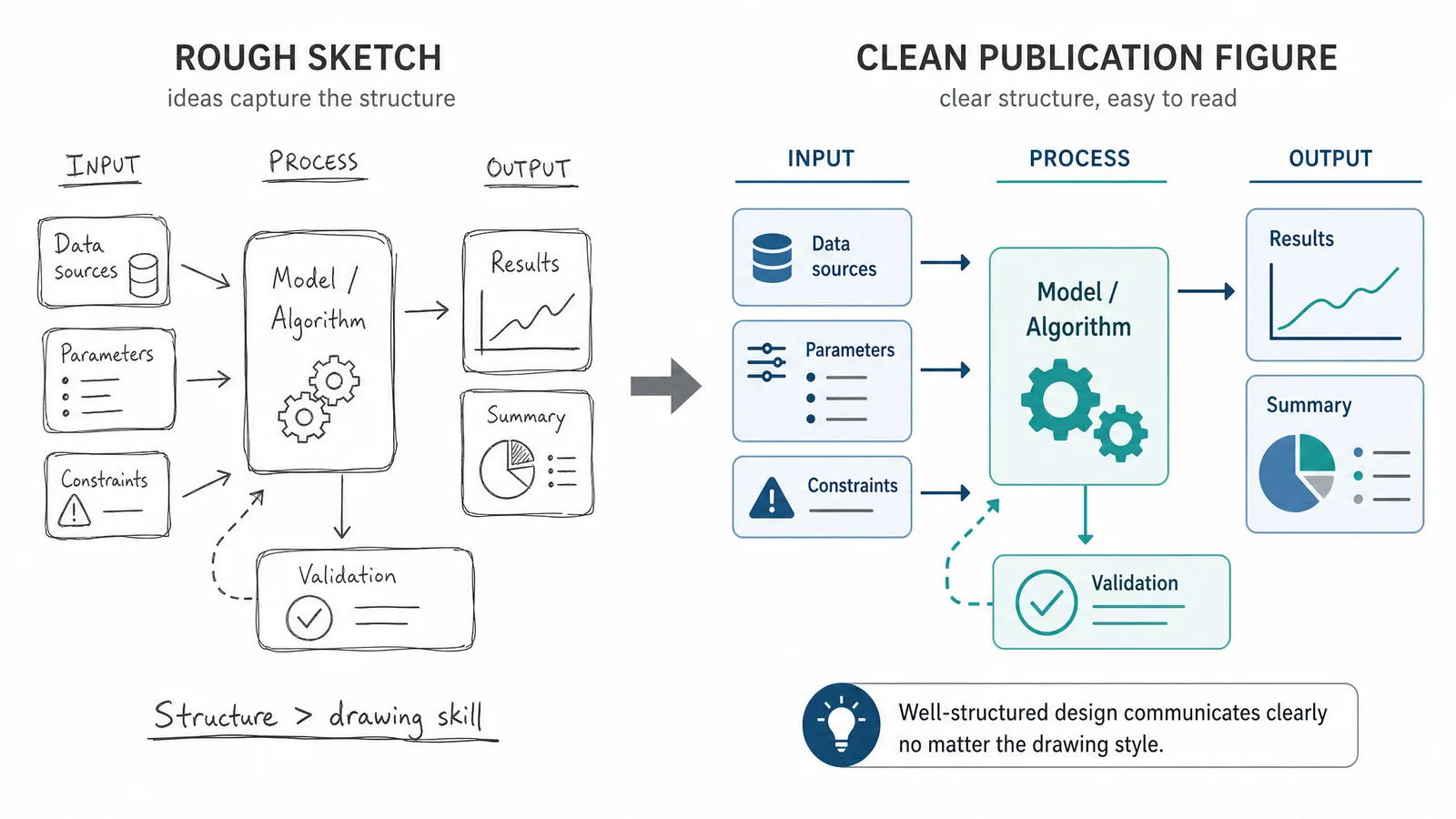
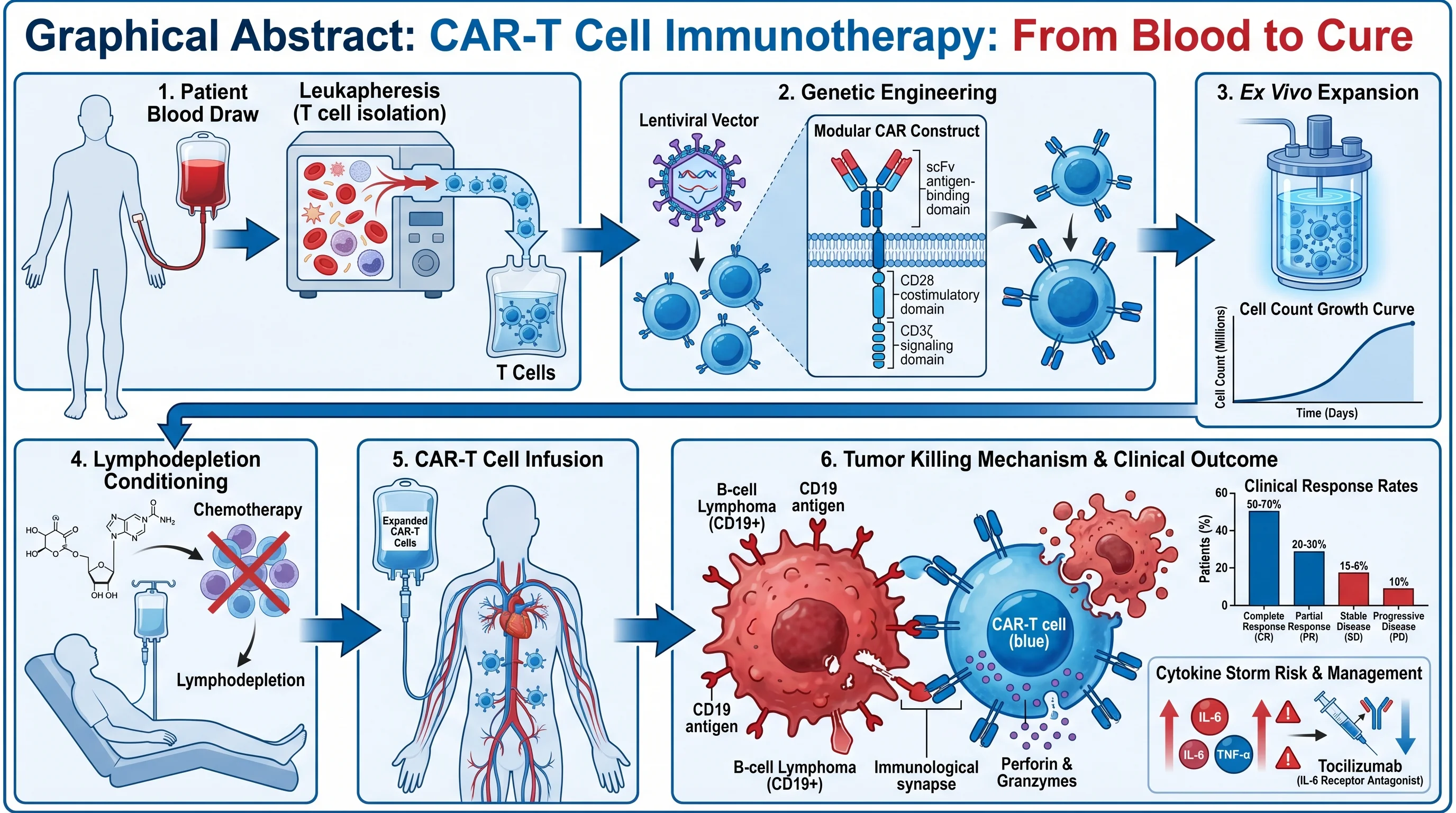
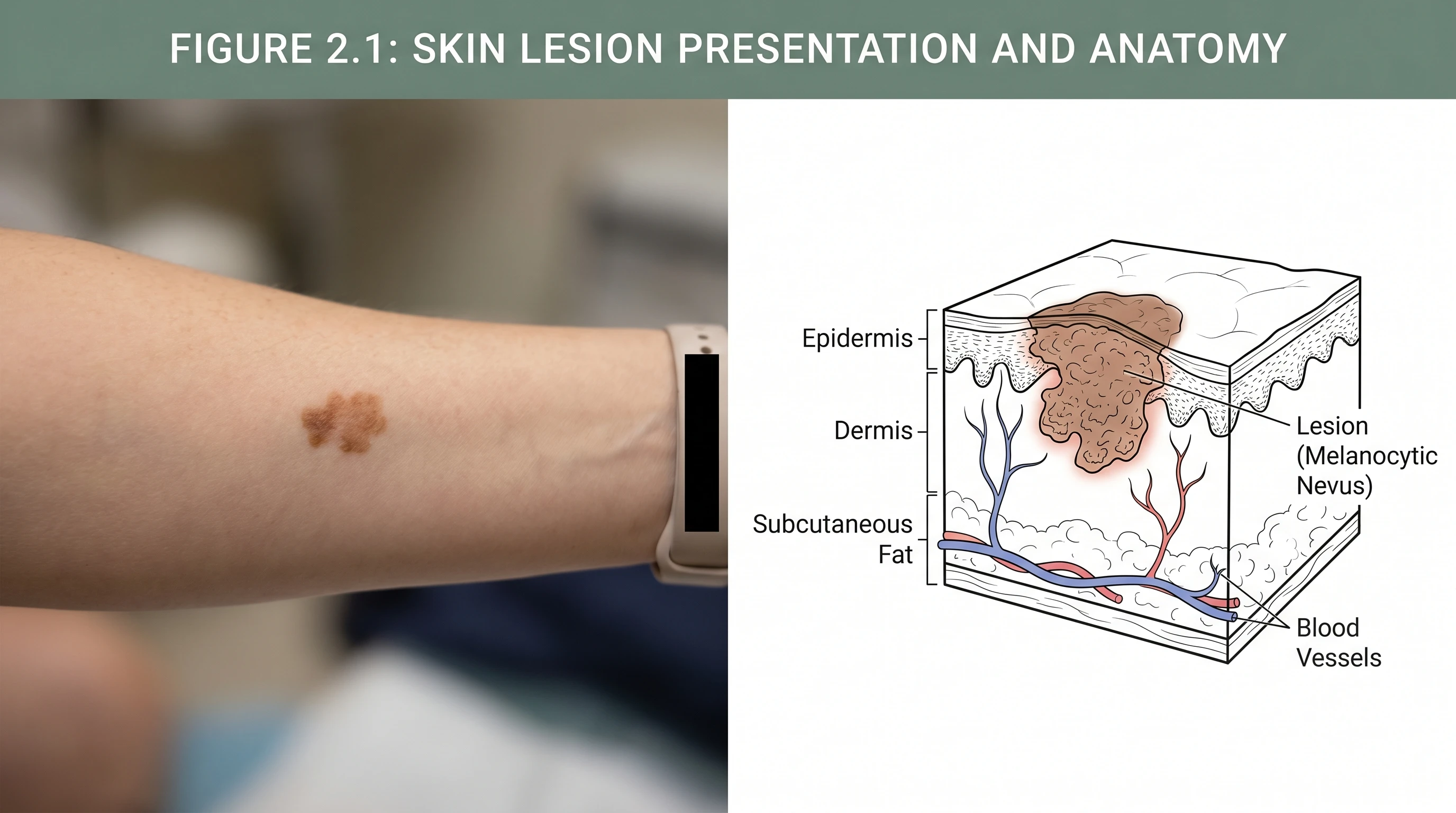
意圖與產出之間的落差,並不是 AI 的限制,而是提示詞的問題,而且完全可以解決。
每週產出數十張可供發表插圖的資深研究人員,並沒有使用什麼特殊技巧。他們遵循一套簡單的思考框架:告訴模型要畫什麼、如何排列、看起來應該如何,以及要包含多少細節。一旦內化這個四部分結構,你的產出就能從堪用提升到出色。
把這套框架用在最新模型上
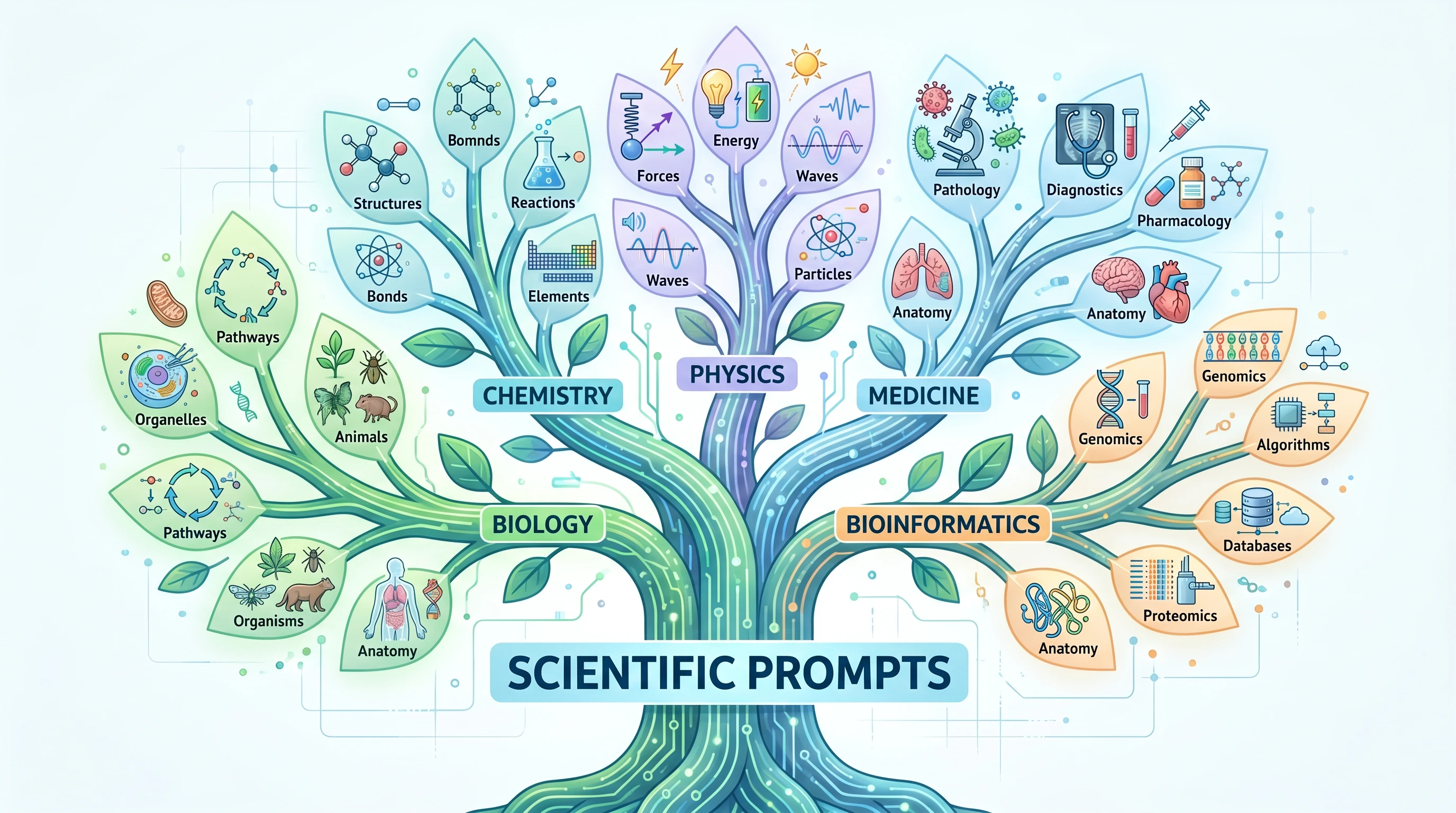
比較 Nano Banana 2.1 與 GPT Image 2.5 在科研插圖上的表現,從標註、版面到局部修改。這篇比較指南提供精簡的提示詞結構與精選的科學影像範例;Flare/Sunburst 比較則協助你選擇版本。
完美科學提示詞的組成
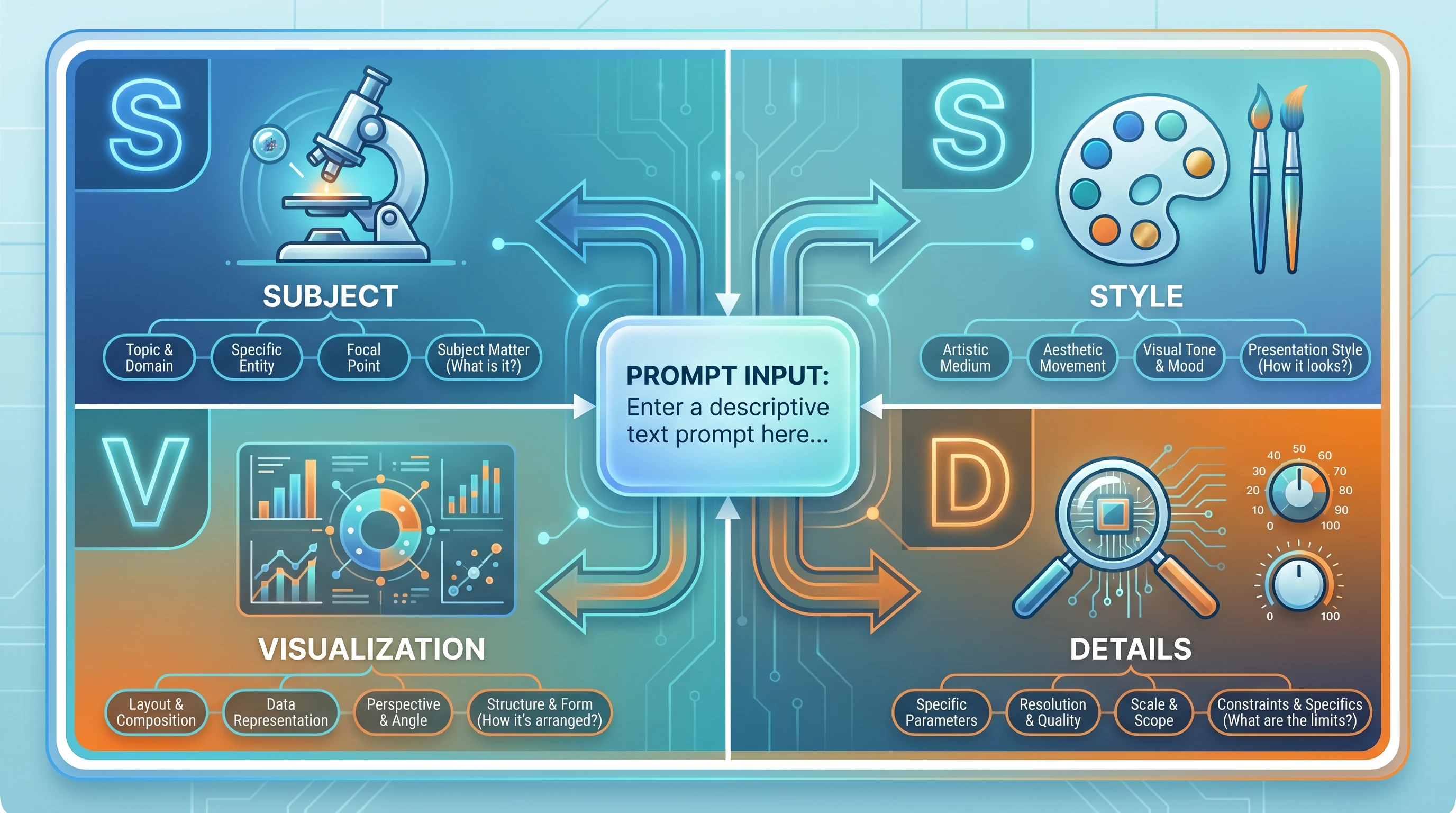
- S — Subject(主題):你要描繪哪一個生物、化學或物理系統?用標準命名(HGNC 基因符號、IUPAC 名稱、解剖學術語)寫出具體的分子、結構或實體。
- S — Structure(結構):各元素在空間上應如何排列?哪些元件位於上游或下游?需要傳達哪些關係:階層、先後順序,還是分支?
- V — Visual Style(視覺風格):要採用什麼配色、線條粗細、標籤樣式與美學慣例?應該像 Nature 的方法圖,還是教學用插圖?(避開這些常見的風格錯誤。)
- D — Detail Level(細節程度):模型應該納入什麼、省略什麼?細節不是越多越好,過於繁雜的圖會模糊重點。
| 面向 | 要回答的問題 | 範例 |
|---|---|---|
| S — Subject(主題) | 什麼系統或概念? | NF-κB 訊息傳遞路徑 |
| S — Structure(結構) | 元素如何排列? | 線性串聯,由左至右 |
| V — Visual Style(視覺風格) | 什麼美學風格? | 簡潔向量、Nature 風格 |
| D — Detail Level(細節程度) | 納入/排除什麼? | 只放關鍵蛋白質,不含輔因子 |
把 S.S.V.D. 當成送出任何提示詞前的檢查清單。涵蓋全部四個面向的提示詞,表現穩定優於只處理一兩個面向的提示詞。所需時間極少,補上這些細節很少超過三十秒,修改輪數卻能大幅減少。
以下提示詞範例示範同一個需求的兩種寫法:
第二條提示詞大約只多了四十個單字,卻能省下兩到三輪修改。
10 個可直接使用的 AI 繪圖提示詞範本
以下範本可以直接複製、修改後當作 AI 繪圖指令送出。請把方括號中的預留位置換成你的分子、生物體或實驗細節。
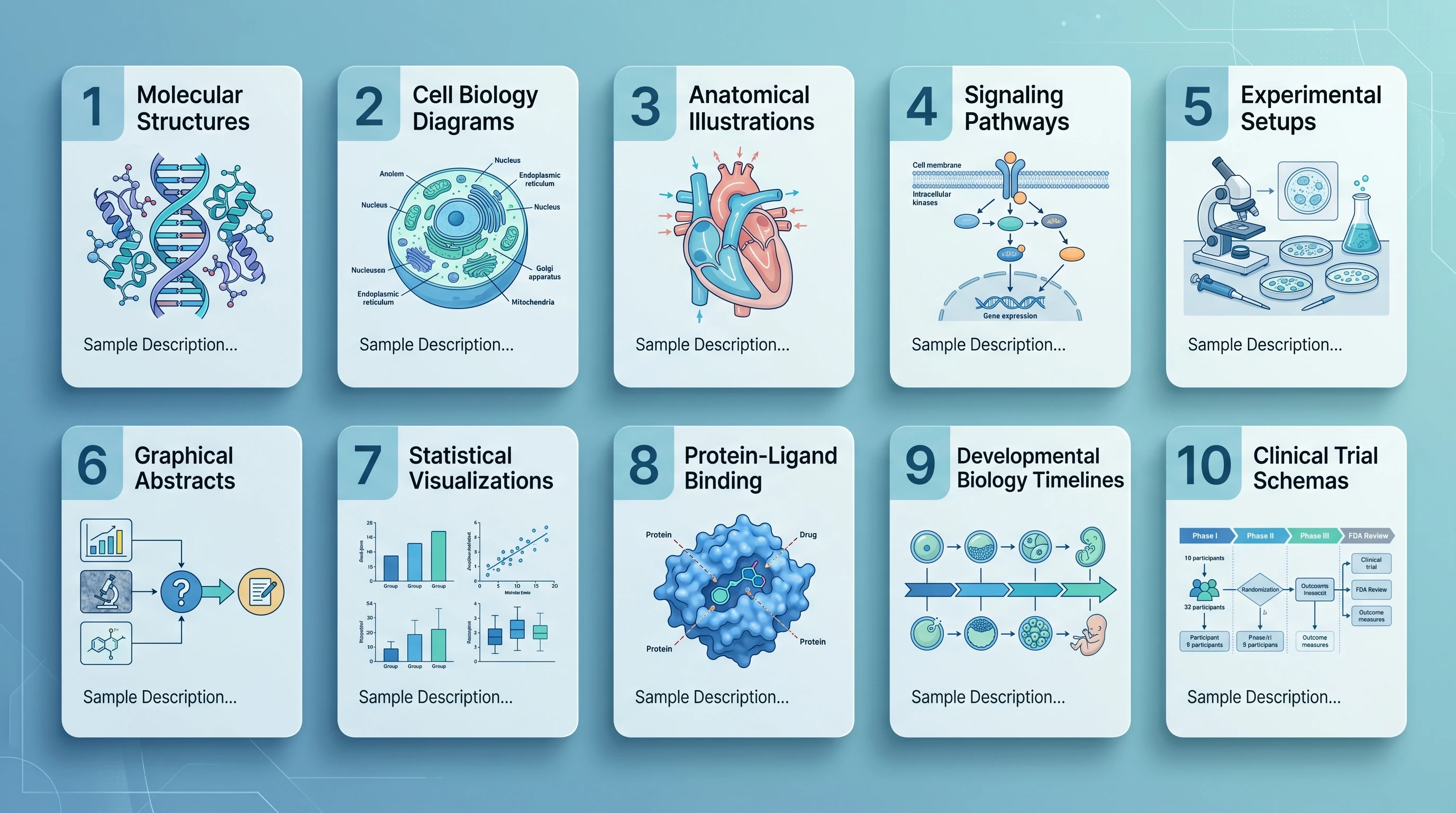
1. 細胞訊息傳遞路徑
"Create a publication-ready cell signaling pathway diagram illustrating [pathway name, e.g., PI3K/AKT/mTOR]. Begin at the receptor ([receptor name]) at the plasma membrane and trace signal propagation through [key intermediates] to downstream effectors [transcription factors or functional outputs]. Use distinct arrow styles for phosphorylation (circled P), ubiquitination (circled Ub), and translocation events. Apply a white background with a two-color scheme ([primary color] for active components, grey for inactive). Label all proteins with their standard HGNC symbols. Include subcellular compartment labels (plasma membrane, cytoplasm, nucleus)."
2. 蛋白質結構示意圖
"Generate a schematic diagram of [protein name] domain architecture. Show the following domains from N-terminus to C-terminus: [list domains with approximate residue ranges, e.g., PH domain (aa 1–100), kinase domain (aa 150–400), regulatory C-tail (aa 401–480)]. Indicate known post-translational modification sites: phosphorylation at [residue numbers], ubiquitination at [residue numbers]. Use color-coded blocks for each domain with a consistent legend. Include a linear scale bar. Style: clean academic illustration suitable for a review article figure panel."
3. 實驗流程/操作步驟
"Create a step-by-step experimental workflow diagram for [protocol name, e.g., chromatin immunoprecipitation followed by sequencing (ChIP-seq)]. Depict the following sequential steps: [list steps in order]. Use rectangular boxes connected by downward arrows for each step. Inside each box, include the step name in bold and a one-line procedural note. Use [color] to highlight critical quality-control checkpoints at steps [numbers]. Apply a clean white background with light grey box fills and black text. Add estimated time annotations on the right margin."
4. 器官/組織剖面
"Illustrate a labeled cross-sectional diagram of [organ or tissue, e.g., human kidney cortex at the cellular level]. Show the following cellular layers and structures: [list layers/structures]. Use a naturalistic color palette ([skin/tissue tones]). Include leader lines with anatomical labels in a clean sans-serif font positioned outside the illustration boundary. Add a scale bar indicating [dimension]. Style should be suitable for a medical journal or textbook — scientifically accurate, not stylized."
5. 化學反應機構
"Draw a step-by-step organic reaction mechanism for [reaction name, e.g., serine protease-catalyzed peptide bond hydrolysis]. Show all intermediates: [list intermediates]. Use standard curved-arrow notation for electron movement. Label nucleophilic, electrophilic, and leaving-group species. Display partial charges (δ+ and δ−) at transition states. Arrange steps left-to-right in a single horizontal sequence. Use black structures on a white background. Include compound labels below each structure and reaction condition labels (pH, temperature) above each arrow."
6. 奈米粒子藥物遞送系統
"Create a scientific illustration of a [type of nanoparticle, e.g., lipid nanoparticle] drug delivery system for [therapeutic application, e.g., siRNA delivery to hepatocytes]. Depict the nanoparticle cross-section showing: outer PEG corona, lipid bilayer shell, aqueous core containing [cargo]. Show the delivery sequence in four panels: (1) systemic circulation, (2) receptor-mediated endocytosis at the target cell, (3) endosomal escape, (4) intracellular cargo release. Use a consistent color scheme: [color] for the particle, [color] for the biological membranes. Label all components. Include a particle size scale (~[diameter] nm) in the first panel."
7. 基因表現串聯反應
"Illustrate the gene expression cascade from extracellular signal to protein output for [signaling context, e.g., interferon-γ stimulation of macrophages]. Show the sequential steps: ligand binding → receptor activation → JAK kinase phosphorylation → STAT transcription factor dimerization → nuclear import → promoter binding at [target gene loci] → mRNA transcription → cytoplasmic translation → functional protein. Arrange vertically from extracellular space (top) to cytoplasm (bottom). Use dashed boxes to delineate nuclear events. Apply a blue-to-orange gradient to indicate signal progression. Label all molecular players."
8. 搭配原始影像的顯微圖版面
"Create a schematic layout with [N] empty placeholders for original microscopy images from [experimental conditions]. Label the placeholders A, B, C, and D, and provide space for the channel labels and factual captions. Do not generate or simulate microscopy observations, phenotypes, or measured results. Add scale-bar placeholders only; the author will supply the original images and bars based on actual acquisition calibration in a layout editor."
9. 臨床試驗設計流程圖
"Design a CONSORT-style clinical trial flowchart for a [trial type, e.g., phase III randomized controlled trial] studying [intervention] in [patient population]. Show: enrollment and eligibility screening (n = [number]); randomization with allocation ratios; [number] intervention arms with arm labels and dosing; follow-up time points at [weeks/months]; primary and secondary endpoint assessment; dropout/loss-to-follow-up at each stage. Use standard flowchart boxes (rectangles for processes, diamonds for decisions). Apply a clean white background with [color] shading for the intervention arms. Include placeholder n-values at each node."
10. 生態系交互作用圖
"Create a scientific ecosystem interaction diagram for [ecosystem or community, e.g., coral reef trophic network]. Show [N] key species or functional groups: [list species]. Represent trophic interactions with directed arrows (arrow points to consumer). Distinguish interaction types: predation (solid lines), mutualism (dashed lines), competition (double-headed lines). Size nodes proportional to biomass [or trophic level]. Use a consistent species color scheme from primary producers (green) to apex predators (red). Position nodes to reflect trophic levels vertically. Include a legend. Style: clean academic illustration with white background."
常見的提示詞錯誤(與修正方式)
即使是熟悉 SciFig 等 AI 工具的研究人員,也常落入幾個可預期的陷阱。認得這些模式,就能在送出前自行修正。
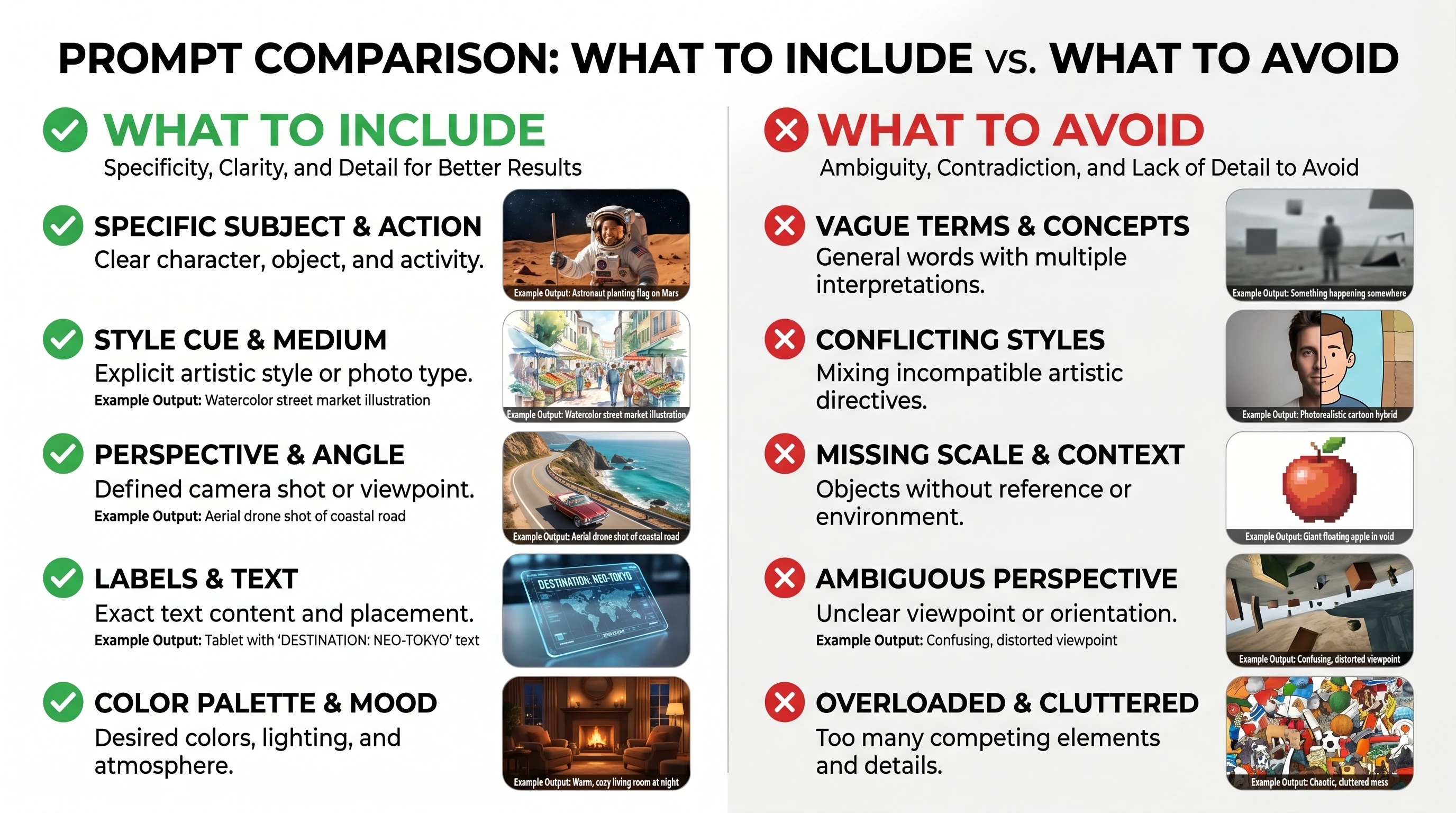
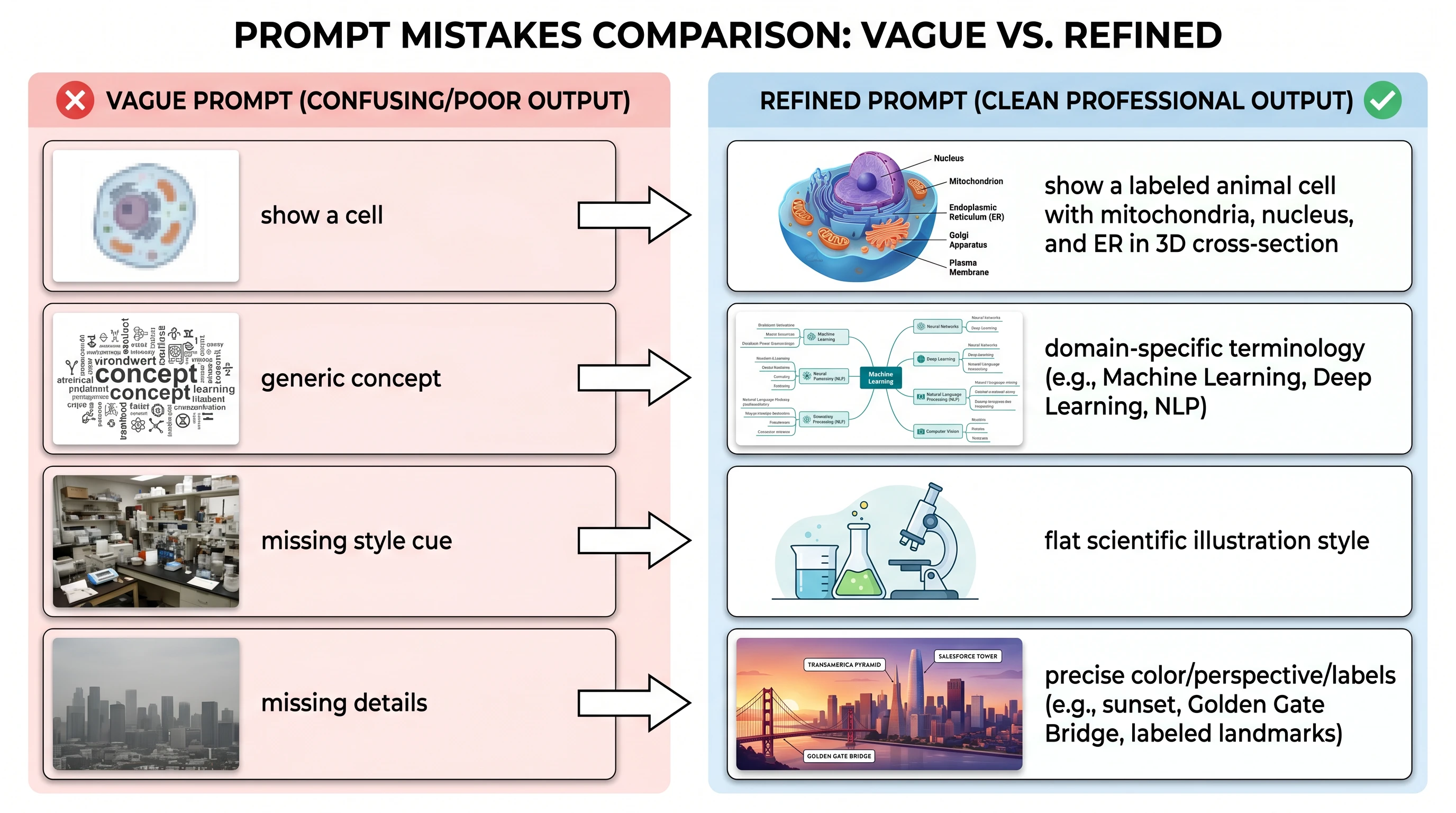
錯誤 1:用籠統的類別名稱,而不是具體的識別名稱
錯誤 2:忽略空間與關係脈絡
錯誤 3:沒有定義視覺風格
錯誤 4:在一條提示詞中要求太多
接著再迭代:"Add the ERK-mediated negative feedback phosphorylation of SOS at Ser1132."
錯誤 5:省略輸出限制
進階技巧:反覆修正
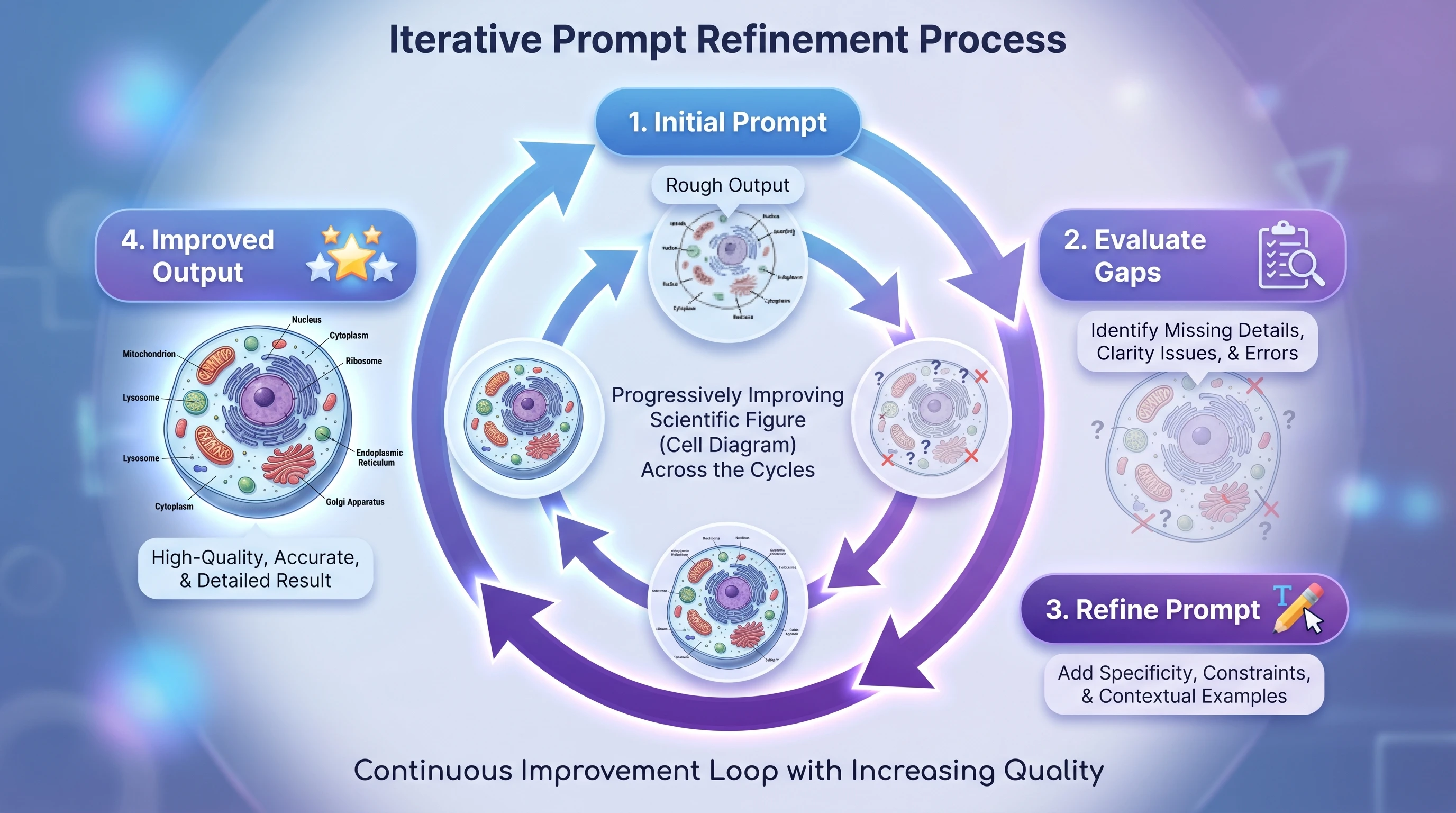
這個流程分為四個階段:
分階段進行,可以把核心結構的檢查與視覺修飾分開。先確認元件與關係,再處理外觀。每次修訂仍需對照來源核實,所需的迭代次數取決於圖本身與實際產出。
由表格計算而來的圖,例如散布圖、盒鬚圖與熱圖,請使用 DataChart,並可下載繪圖用的 Python 程式碼檢查流程。概念圖請使用 Illustration,可編輯的 SVG 流程圖則使用 FlowChart。
提示
影響最大的單一提示詞改進,是把籠統的類別詞換成具體的分子識別名稱。從 "a receptor tyrosine kinase" 改成 "EGFR (HER1)"(四個單字),對產出準確度的提升通常比把提示詞總長度加倍還多。拿不準時,先把分子寫具體,再考慮風格。